> ## Documentation Index
> Fetch the complete documentation index at: https://docs.partnero.com/llms.txt
> Use this file to discover all available pages before exploring further.
# Integrate Gumroad
This guide explains how to integrate Partnero affiliate tracking into your Gumroad digital product sales.
These instructions can also be found on your Partnero account, under **Integration** > **Guides** tab > **Gumroad**: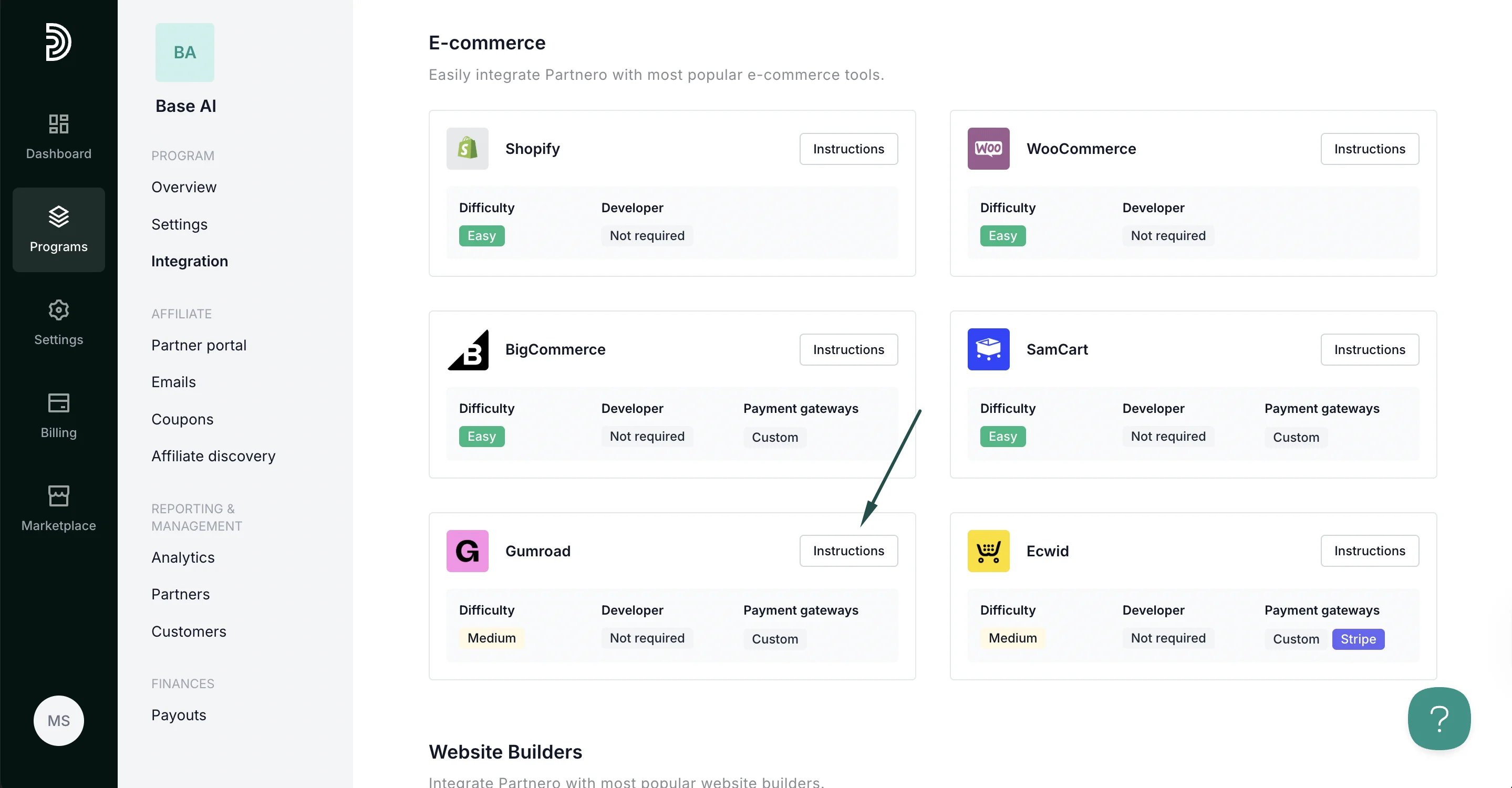 ***
### Step 1: Start tracking website visitors
To track visitors on your website, you need to install the PartneroJS snippet as custom code.
#### Install the PartneroJS Snippet
1. Go to **Integration** > **Guides** tab > **Gumroad**. Click **Instructions**.
2. Copy the PartneroJS snippet:
***
### Step 1: Start tracking website visitors
To track visitors on your website, you need to install the PartneroJS snippet as custom code.
#### Install the PartneroJS Snippet
1. Go to **Integration** > **Guides** tab > **Gumroad**. Click **Instructions**.
2. Copy the PartneroJS snippet: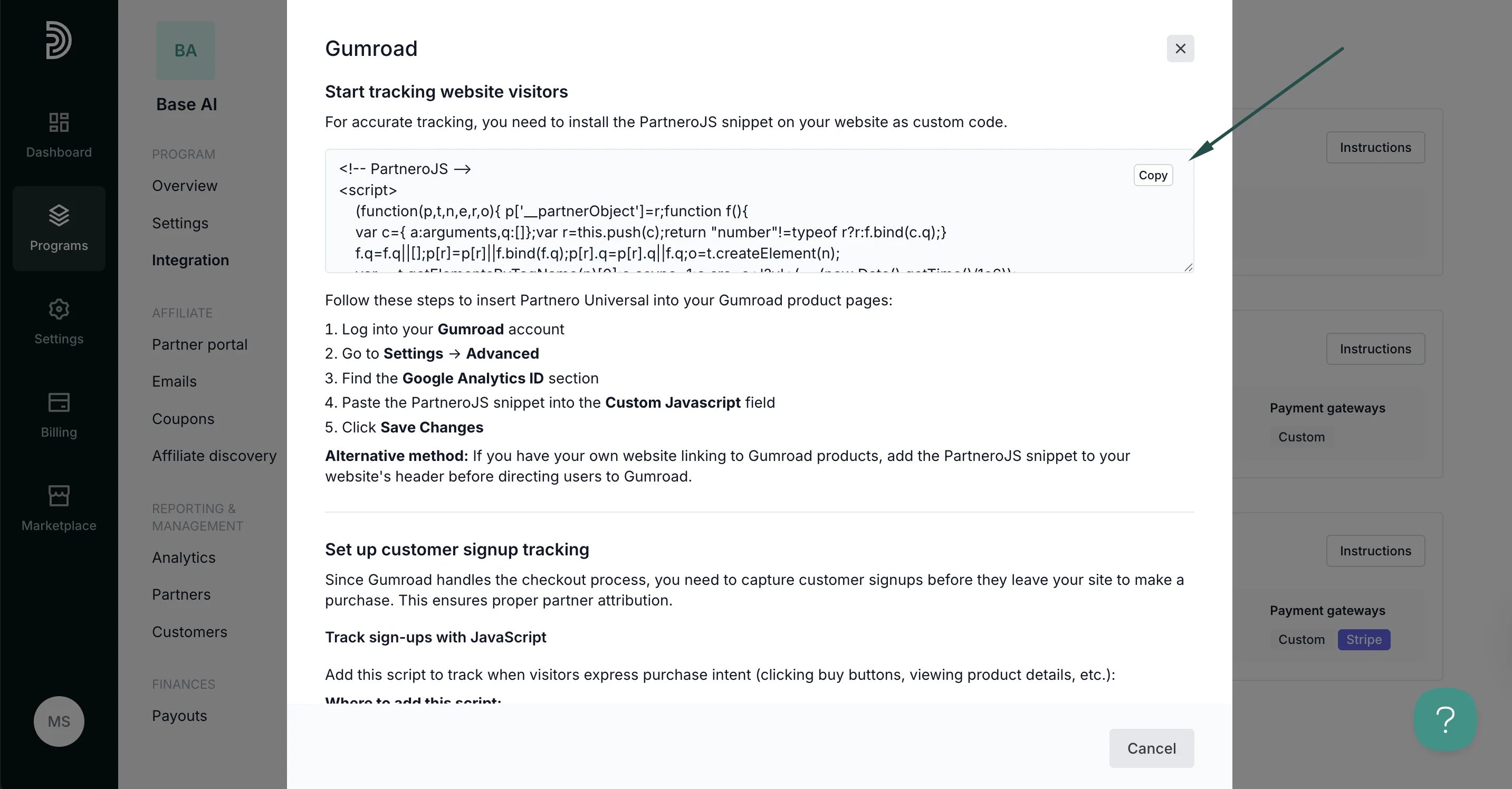 3. On Gumroad, go to **Settings** → **Advanced**
4. Find the **Google Analytics ID** section
5. Paste the PartneroJS snippet into the **Custom Javascript** field
6. Click **Save Changes**.
Alternative method: If you have your own website linking to Gumroad products, add the PartneroJS snippet to your website's header before directing users to Gumroad.
***
### Step 2: Customer sign-up tracking
Since Gumroad handles the checkout process, you need to capture customer signups before they leave your site to make a purchase. This ensures proper partner attribution.
Copy the customer sign-up tracking from Partnero integration guide:
3. On Gumroad, go to **Settings** → **Advanced**
4. Find the **Google Analytics ID** section
5. Paste the PartneroJS snippet into the **Custom Javascript** field
6. Click **Save Changes**.
Alternative method: If you have your own website linking to Gumroad products, add the PartneroJS snippet to your website's header before directing users to Gumroad.
***
### Step 2: Customer sign-up tracking
Since Gumroad handles the checkout process, you need to capture customer signups before they leave your site to make a purchase. This ensures proper partner attribution.
Copy the customer sign-up tracking from Partnero integration guide: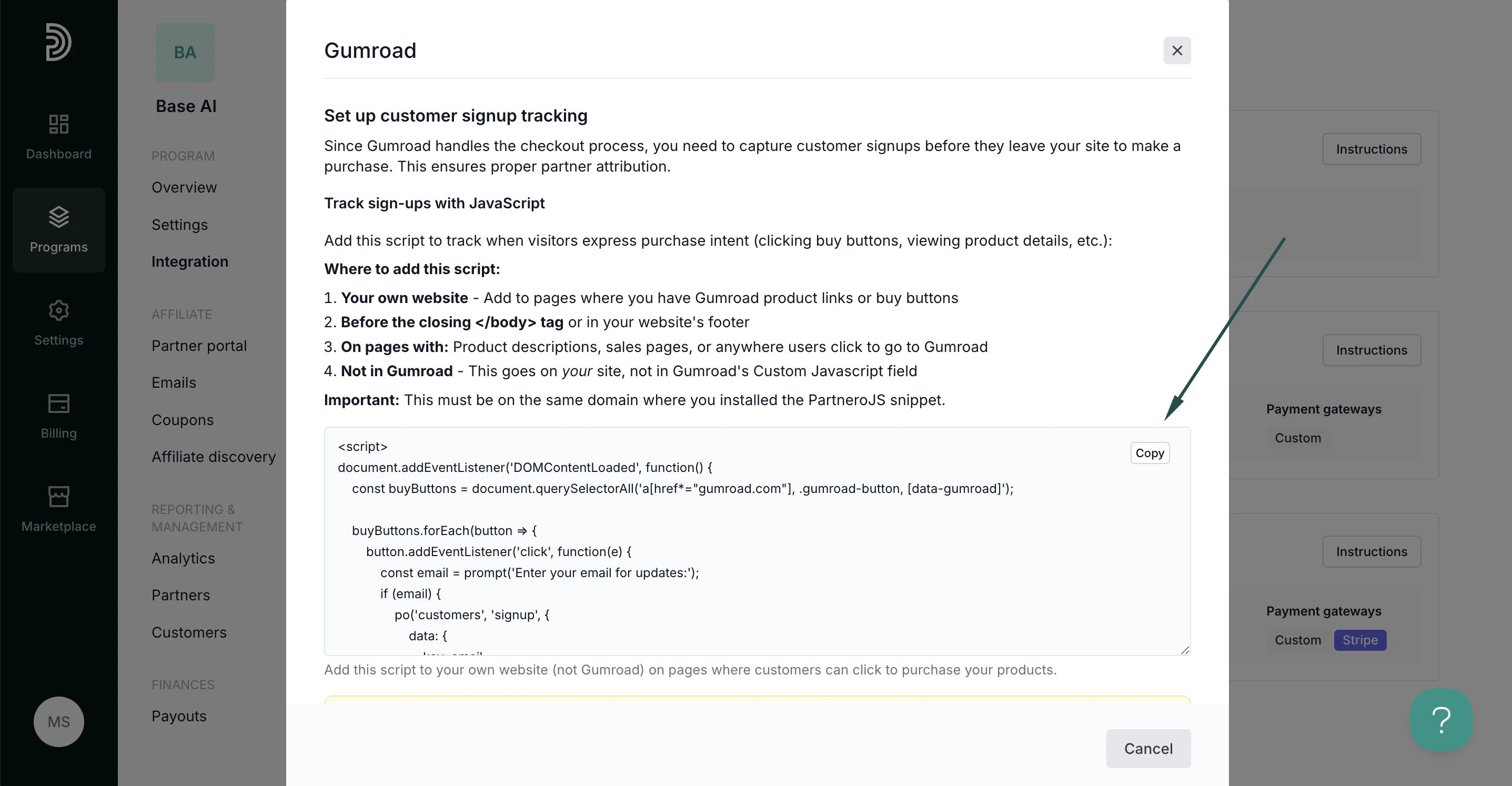 Where to add this script:
1. **Your own website** - Add to pages where you have Gumroad product links or buy buttons
2. Before the closing \ tag or in your website's footer
3. On pages with: Product descriptions, sales pages, or anywhere users click to go to Gumroad
4. Not in Gumroad - This goes on *your* site, not in Gumroad's Custom Javascript field
⚠️ Important: This must be on the same domain where you installed the PartneroJS snippet.
***
### Step 3: Sales tracking
Partnero offers three sales tracking methods, each with unique instructions. Select one that works best for your setup and follow the instructions provided in the Gumroad integration guide under **Integration** > **Guides** tab > **Gumroad**.
#### Method 1: Webhooks
Use Gumroad webhooks to automatically send purchase data to Partnero for reliable transaction tracking.
Where to add this script:
1. **Your own website** - Add to pages where you have Gumroad product links or buy buttons
2. Before the closing \ tag or in your website's footer
3. On pages with: Product descriptions, sales pages, or anywhere users click to go to Gumroad
4. Not in Gumroad - This goes on *your* site, not in Gumroad's Custom Javascript field
⚠️ Important: This must be on the same domain where you installed the PartneroJS snippet.
***
### Step 3: Sales tracking
Partnero offers three sales tracking methods, each with unique instructions. Select one that works best for your setup and follow the instructions provided in the Gumroad integration guide under **Integration** > **Guides** tab > **Gumroad**.
#### Method 1: Webhooks
Use Gumroad webhooks to automatically send purchase data to Partnero for reliable transaction tracking.