Dashboard
When you access your Partnero account, you will land on your Dashboard. If your account is new, you will be greeted with a dashboard that prompts you to create your first program.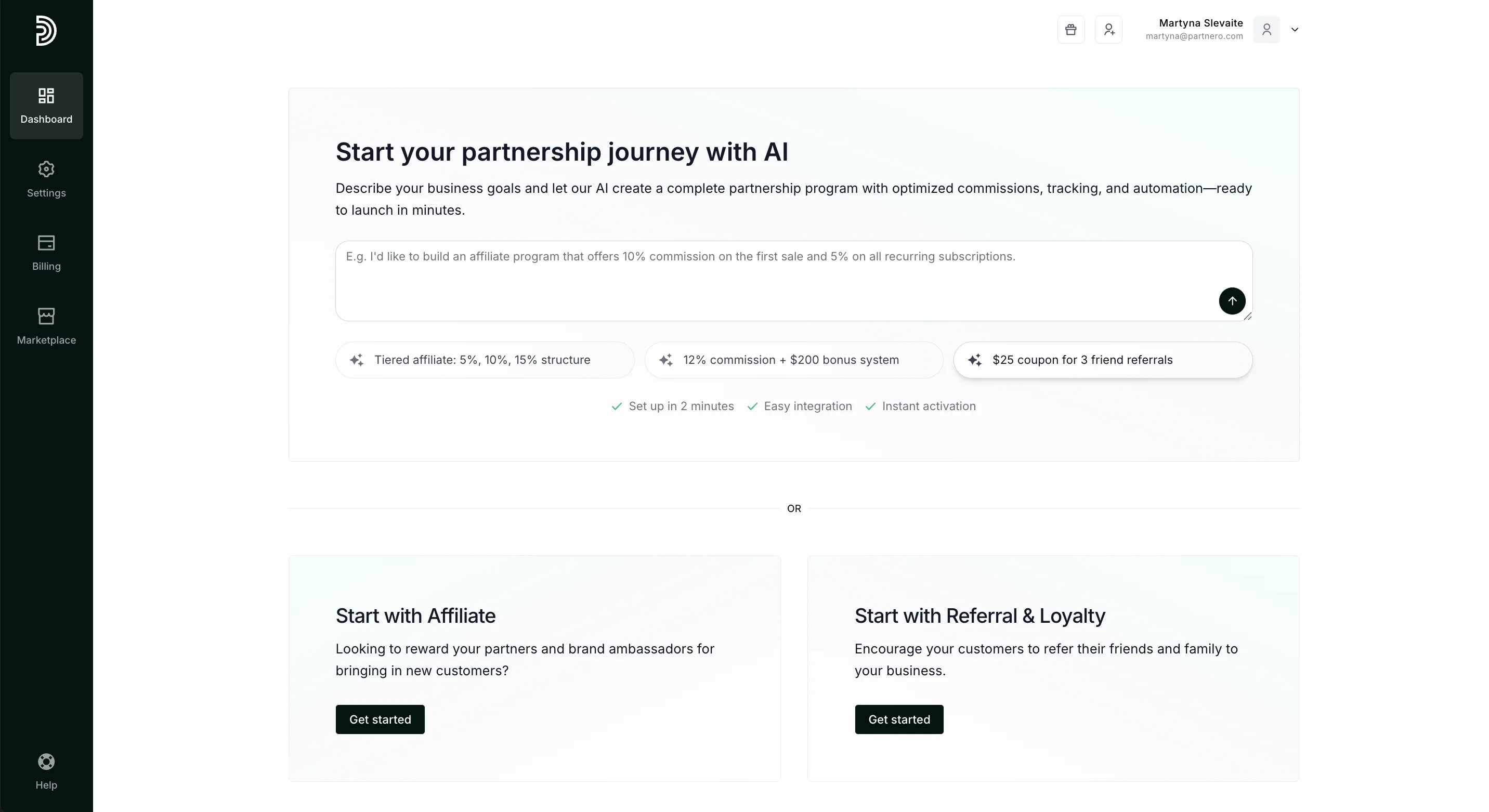
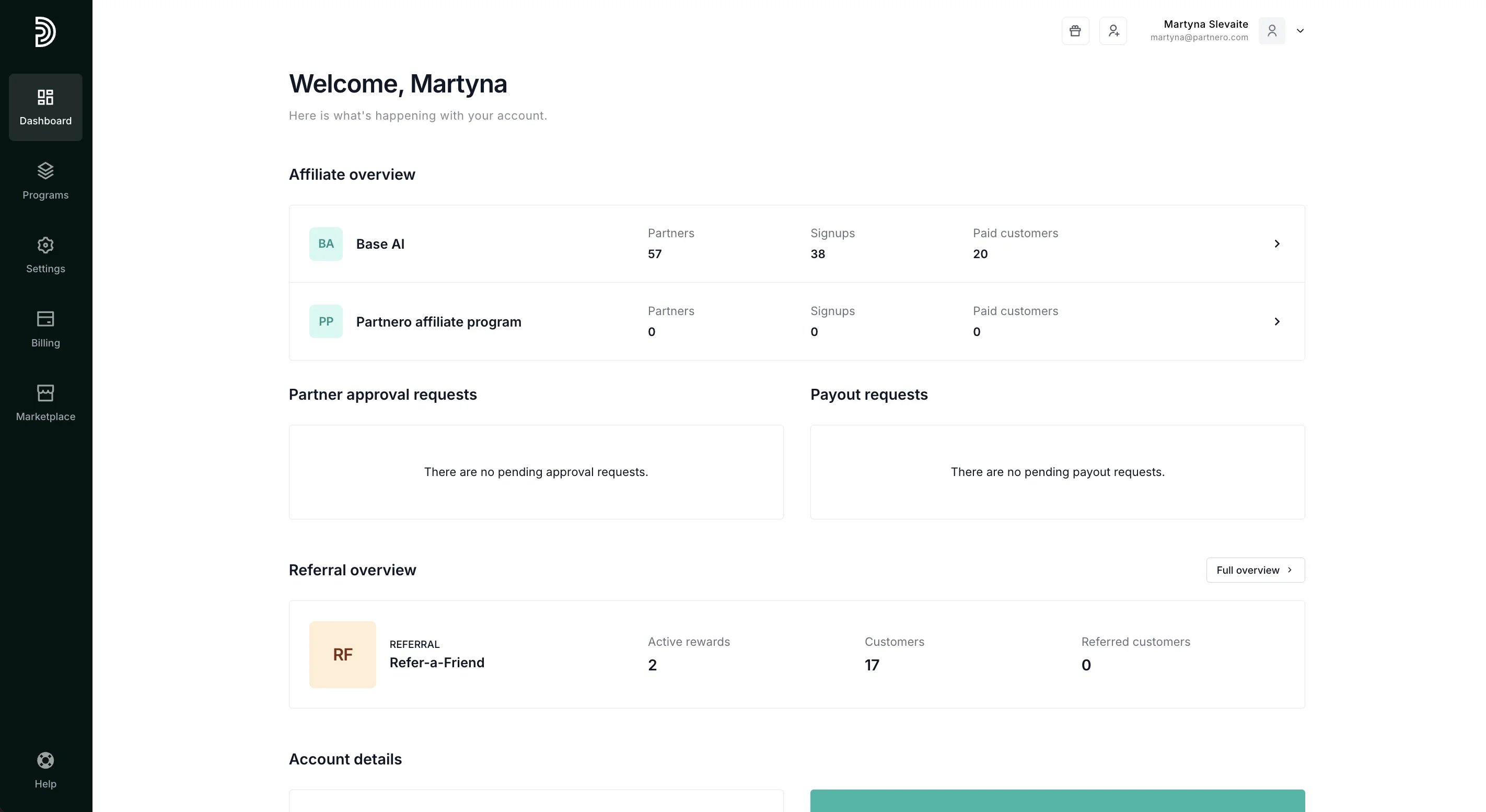
- An overview of the affiliate, referral, and newsletter referral programs created in your account. Each program will display key metrics, including the number of partners, sign-ups, and paid customers.
- Actionable items, such as pending approval or payout requests.
- Main account details, including user seats, the number of programs created, and billing information.
Programs
The Programs section is where you’ll find a list of all your existing programs. Here you can open any of the programs to update or manage, as well as create new ones.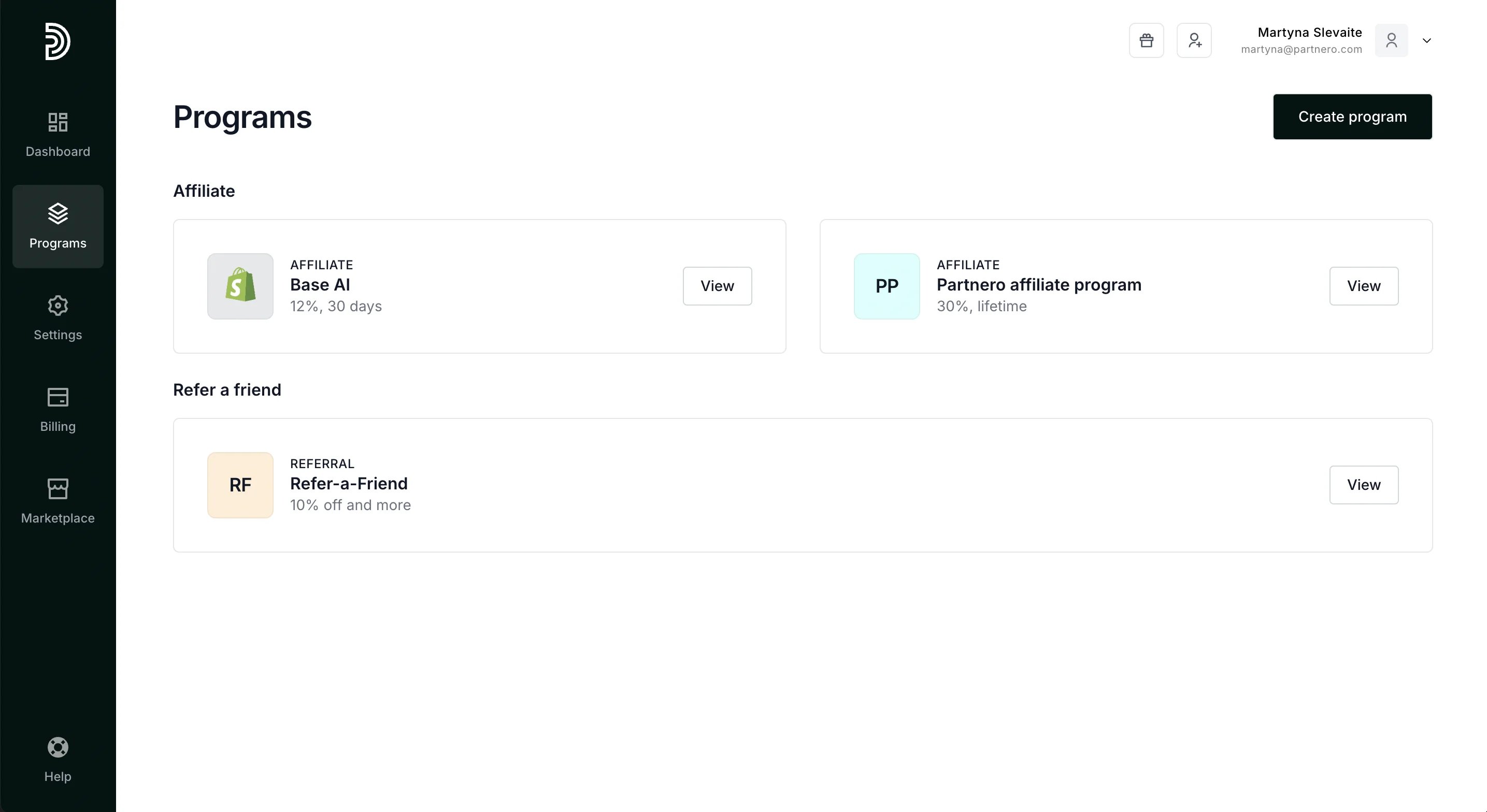
Settings
The Settings page contains the general settings and information for your Partnero account: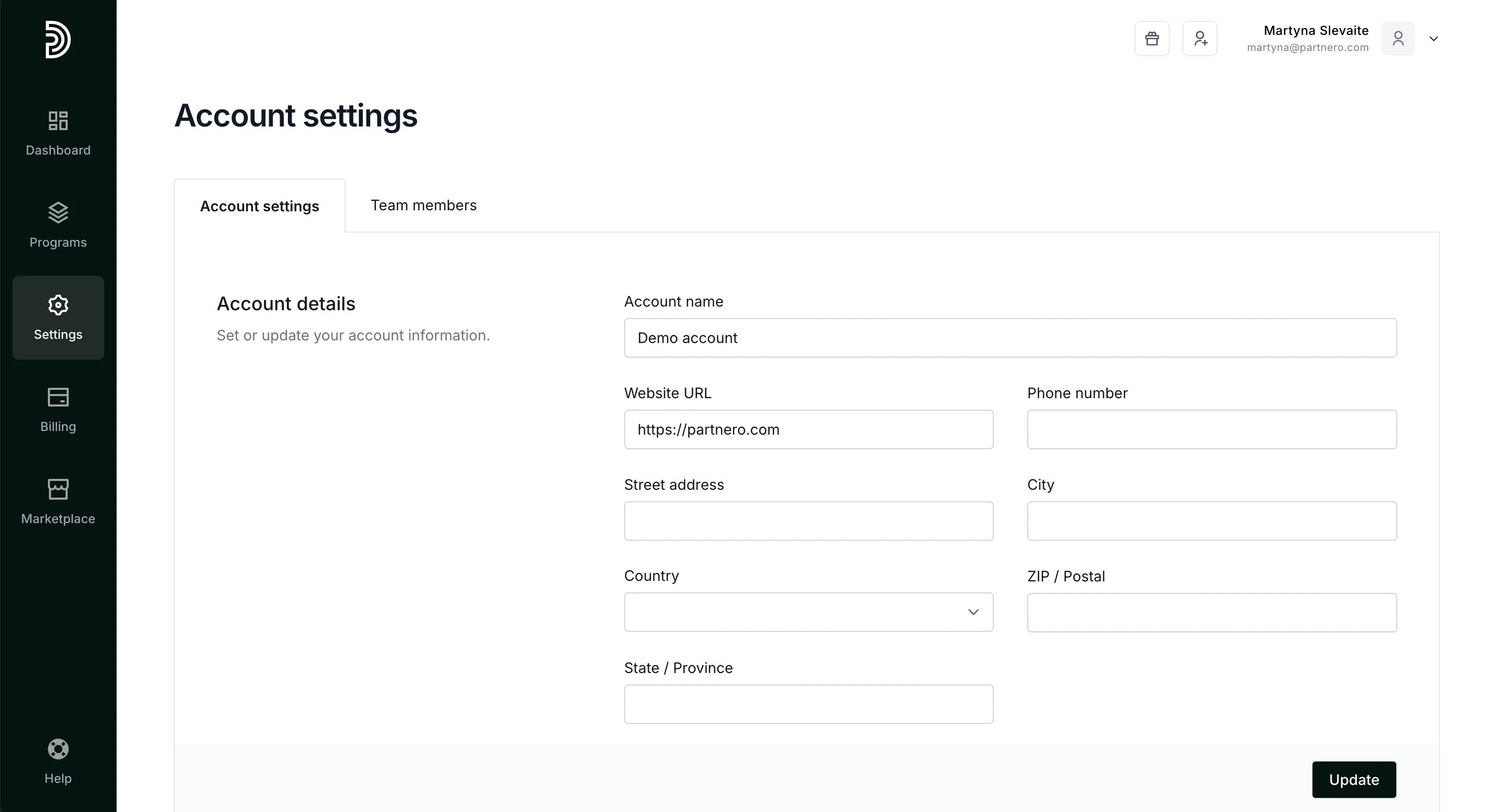
- Account information, such as company name and address;
- Regional settings;
- Team members.
Billing
The billing section contains your plan information and lets you add or edit your billing details. You can read more about your plan and billing here.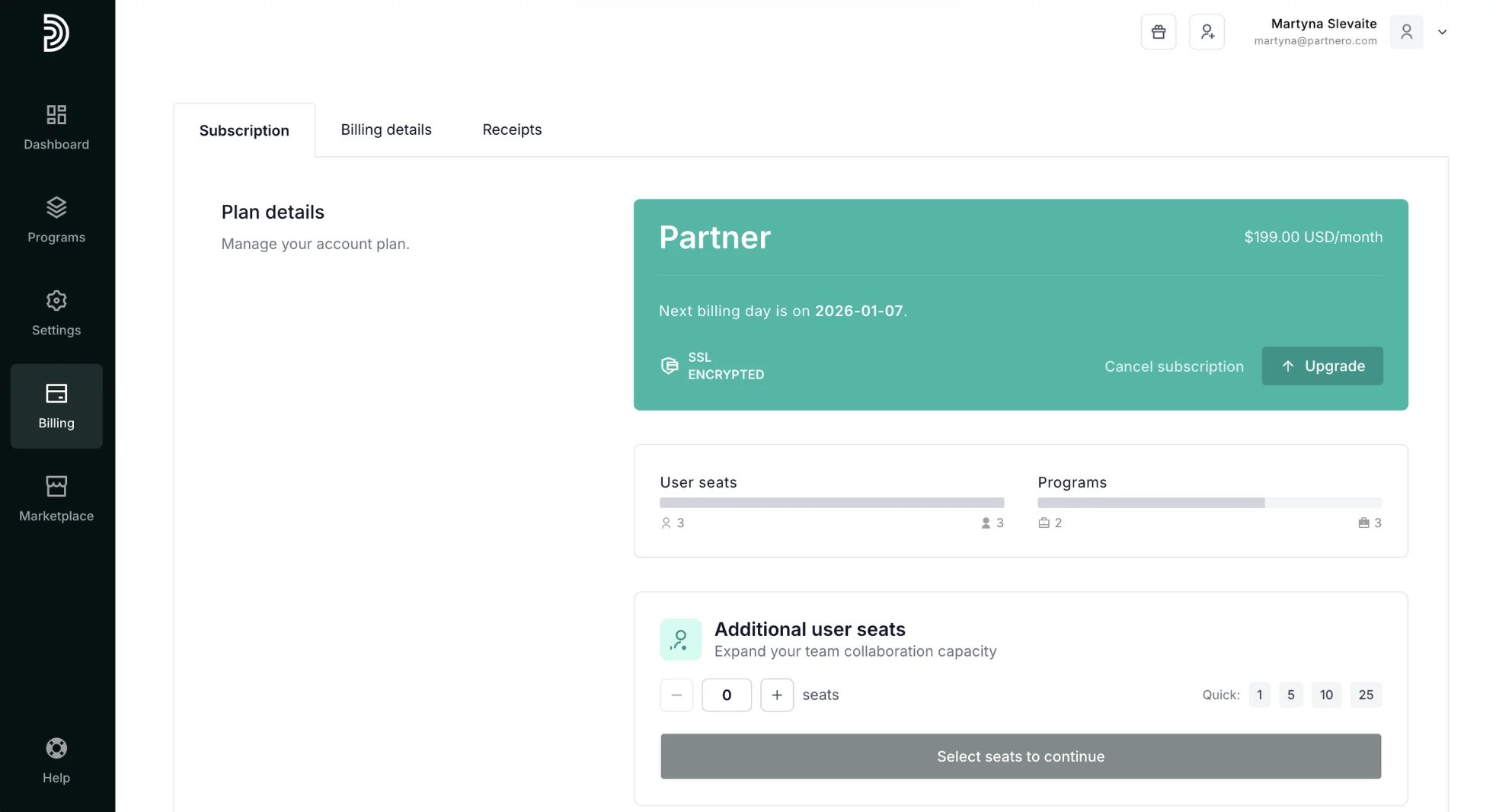
My profile and additional accounts
My Profile section can be found at the top right-hand corner: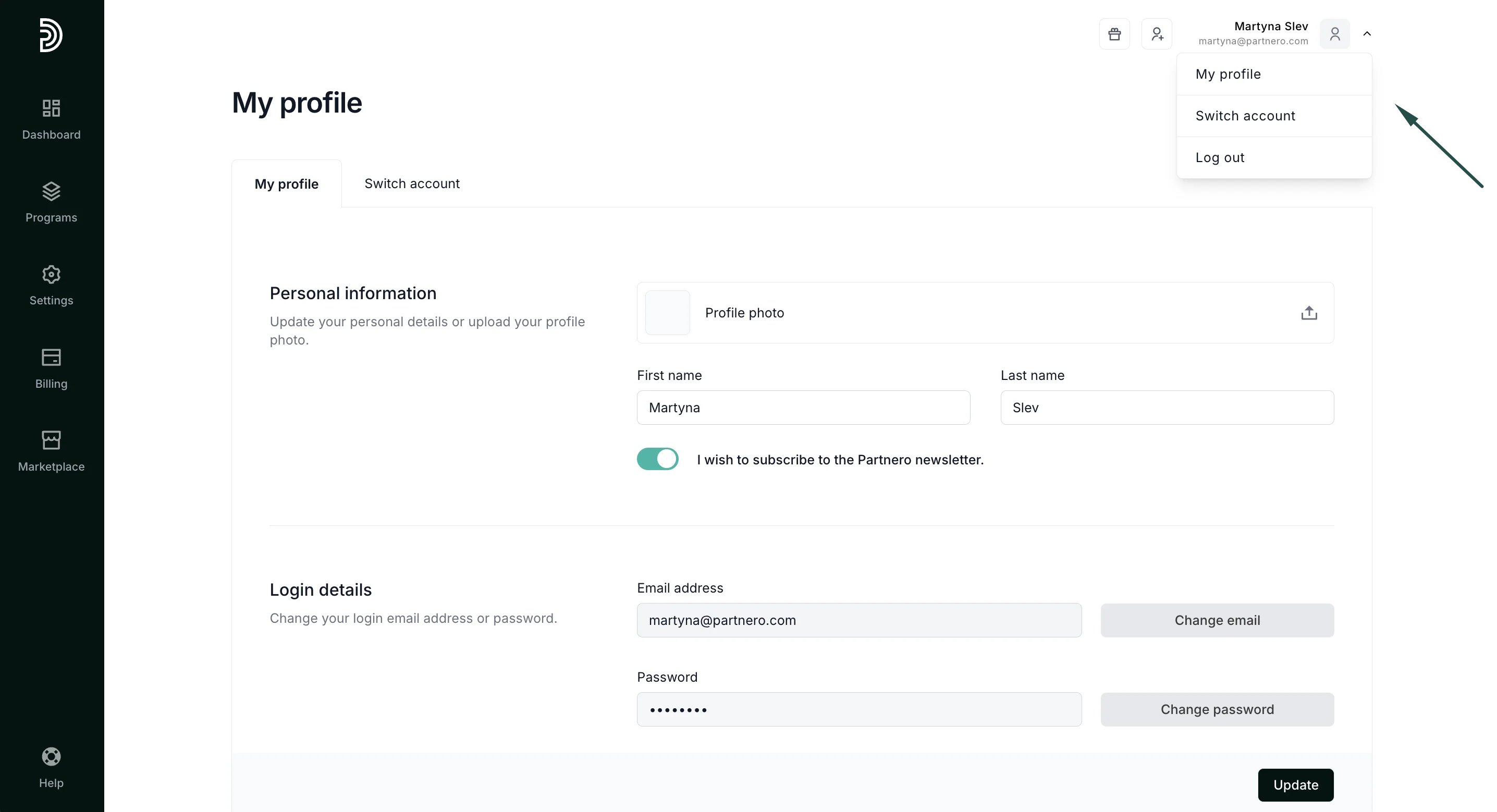
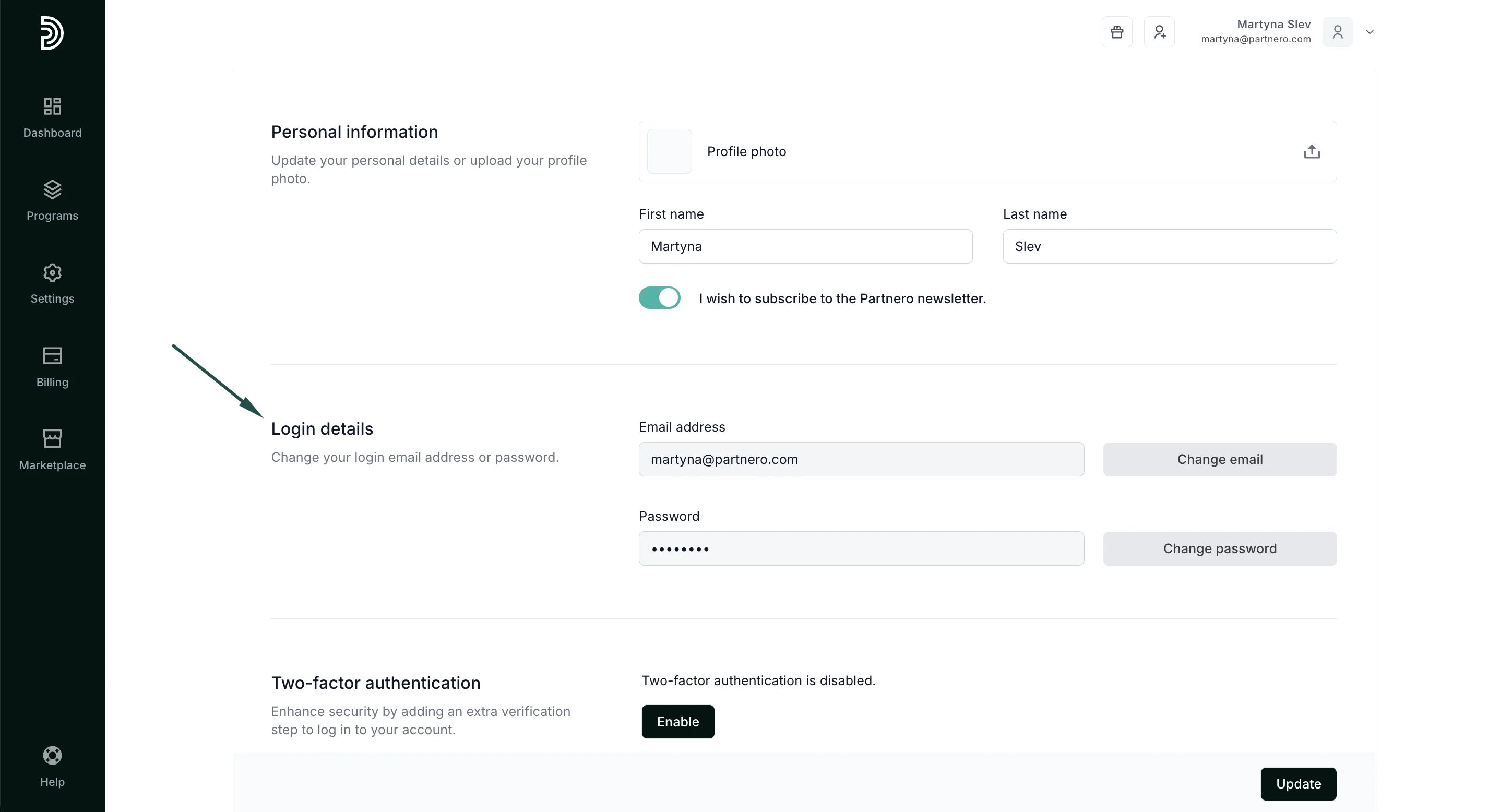
- Update your information such as name, last name, profile photo, and newsletter subscription
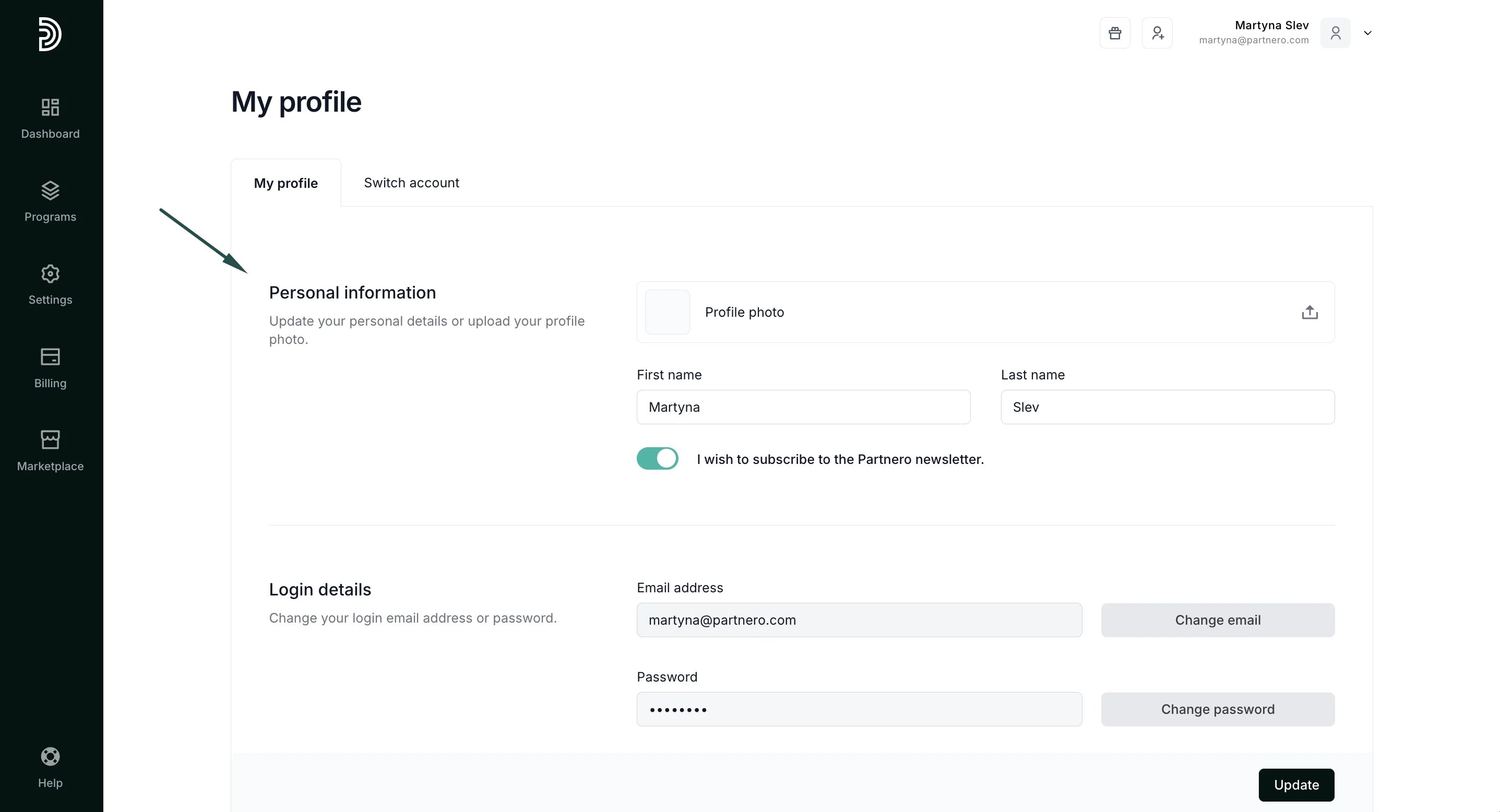
- Change your account login email address and password
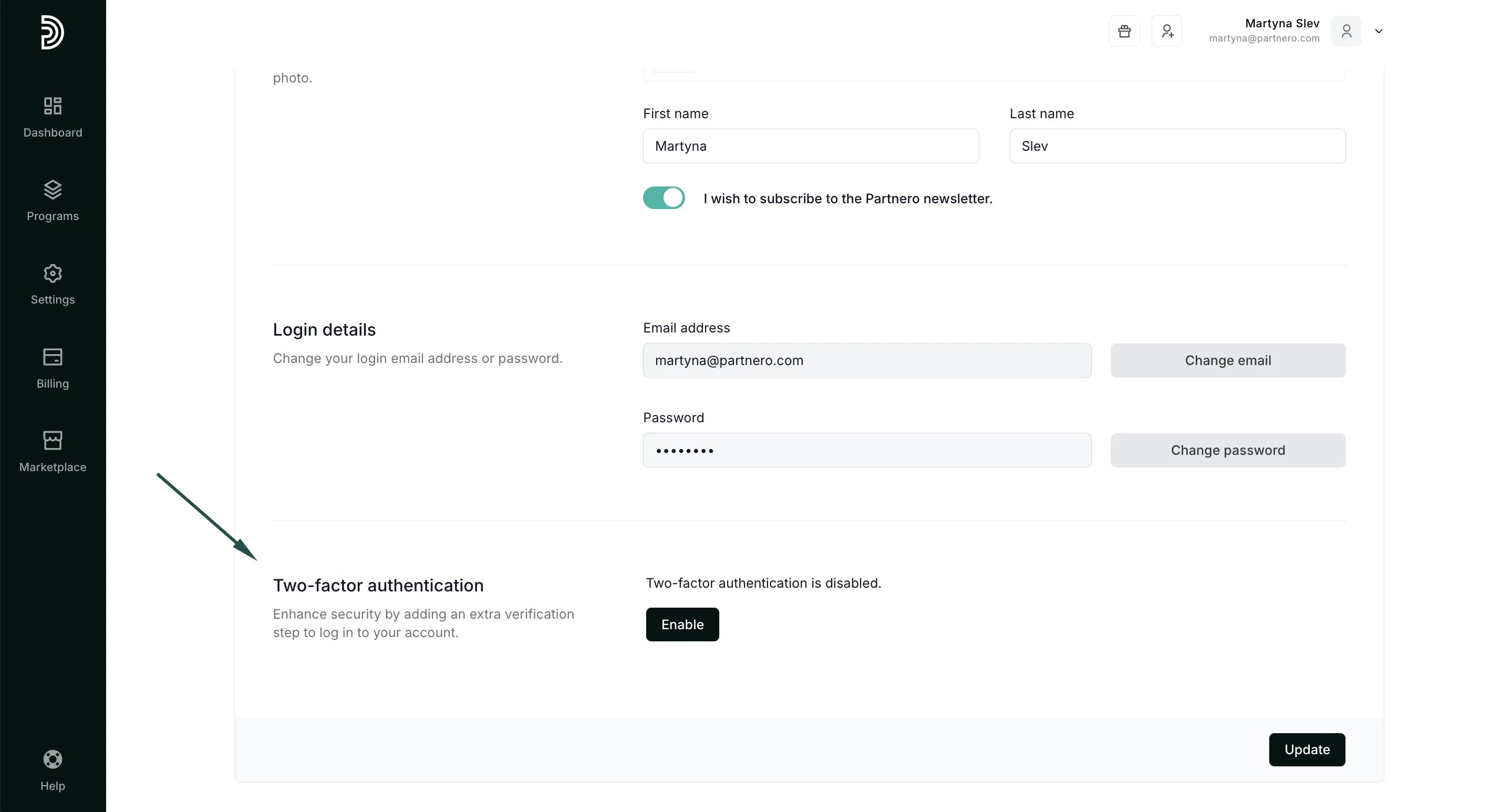
- Enable Two-factor authentication
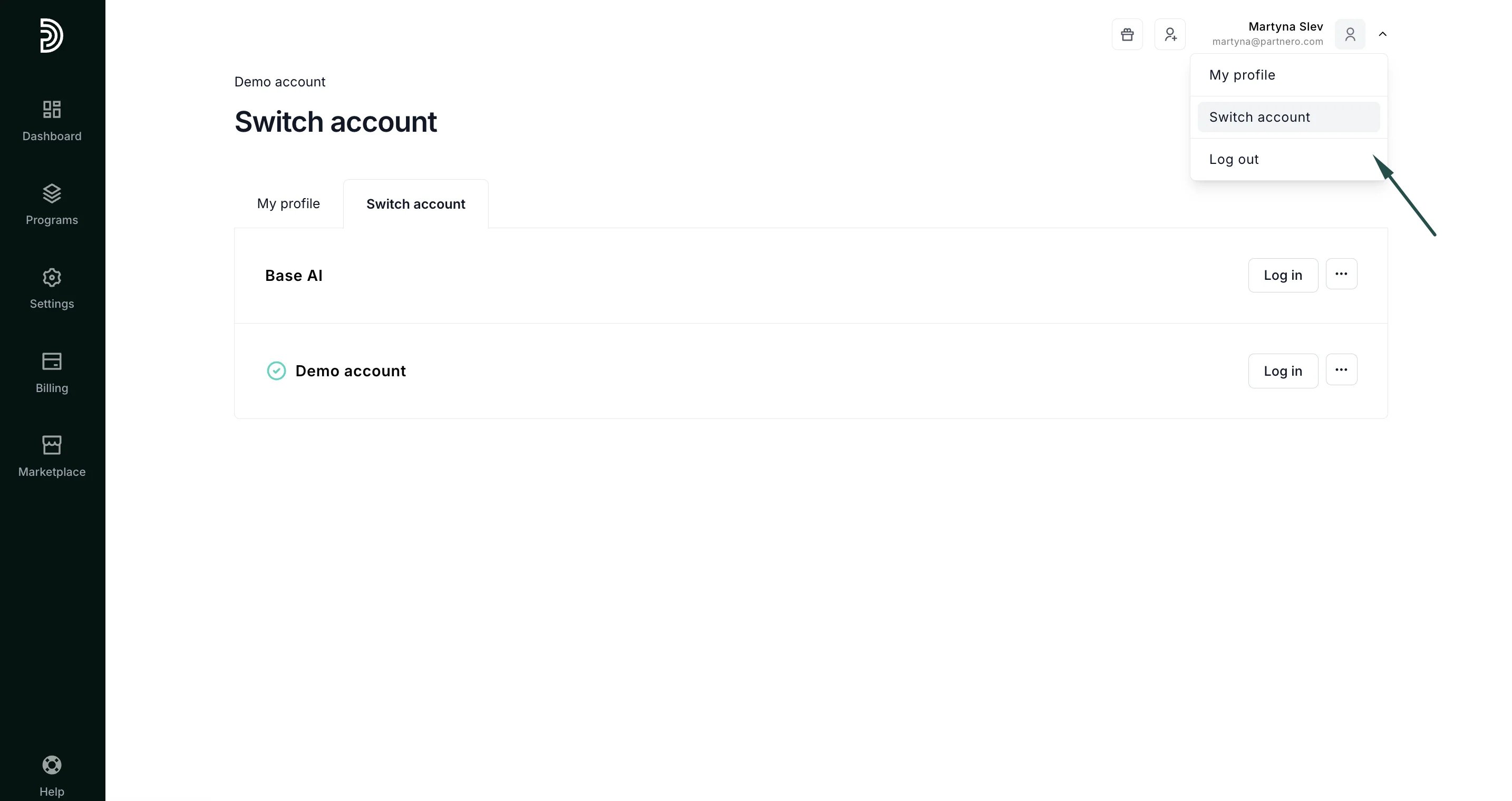
- Switch between accounts if you have more than one, and log out.
Partnero refer-a-friend program
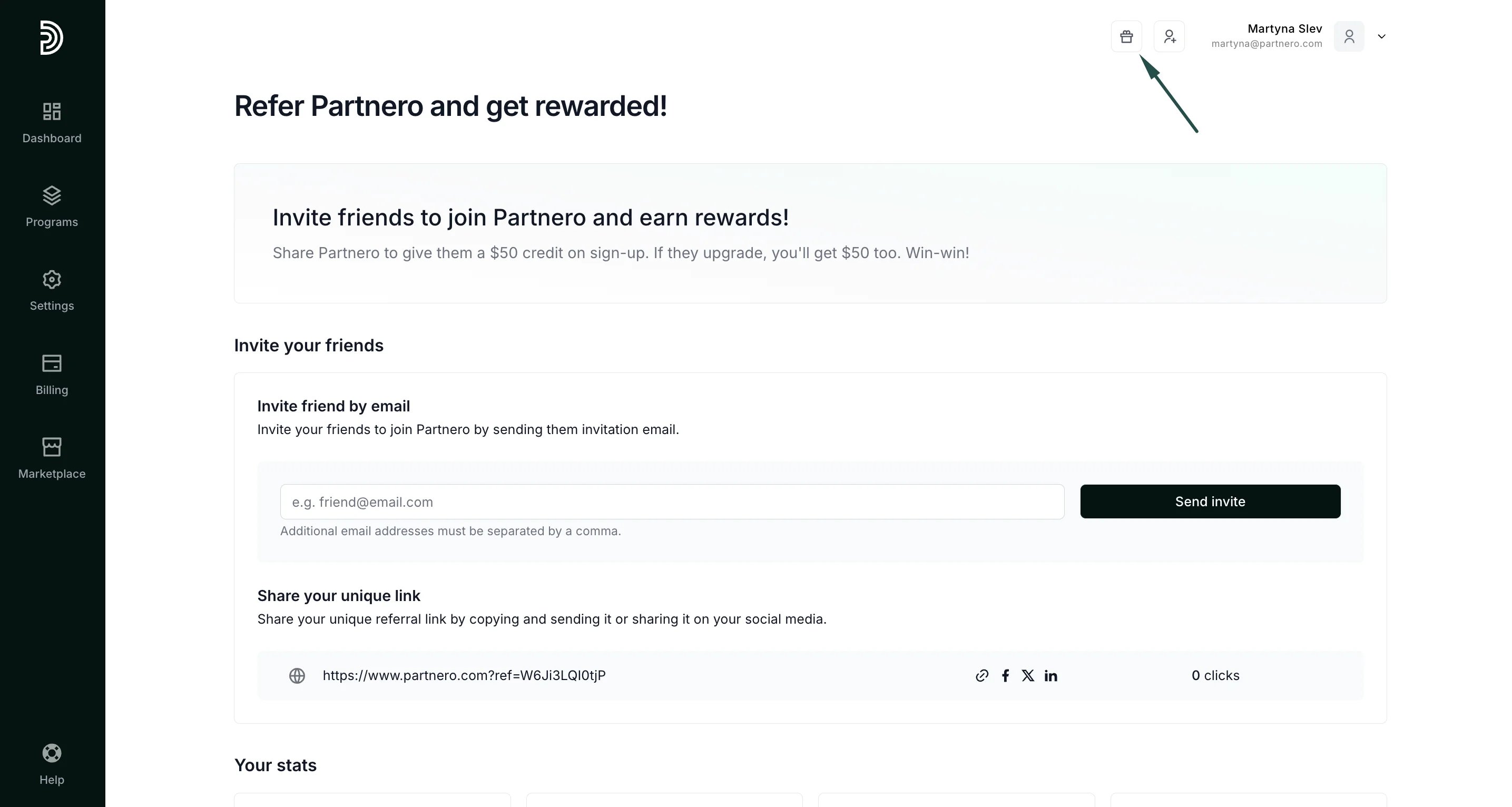
Know other teams who’d benefit from Partnero? Invite them, and you’ll both get rewarded. When someone signs up using your link, they get $50 credit on sign-up. If they upgrade, you’ll get $50 too. Click the gift icon in the top right corner of your dashboard to get your invite link or invite by email.