> ## Documentation Index
> Fetch the complete documentation index at: https://docs.partnero.com/llms.txt
> Use this file to discover all available pages before exploring further.
# Purchase additional user seats for your account
Depending on which Partnero plan you have, your account will have a set number of available user seats. If you'd like to invite more people to your team than your plan allows, you can purchase additional user seats.
To purchase additional user seats:
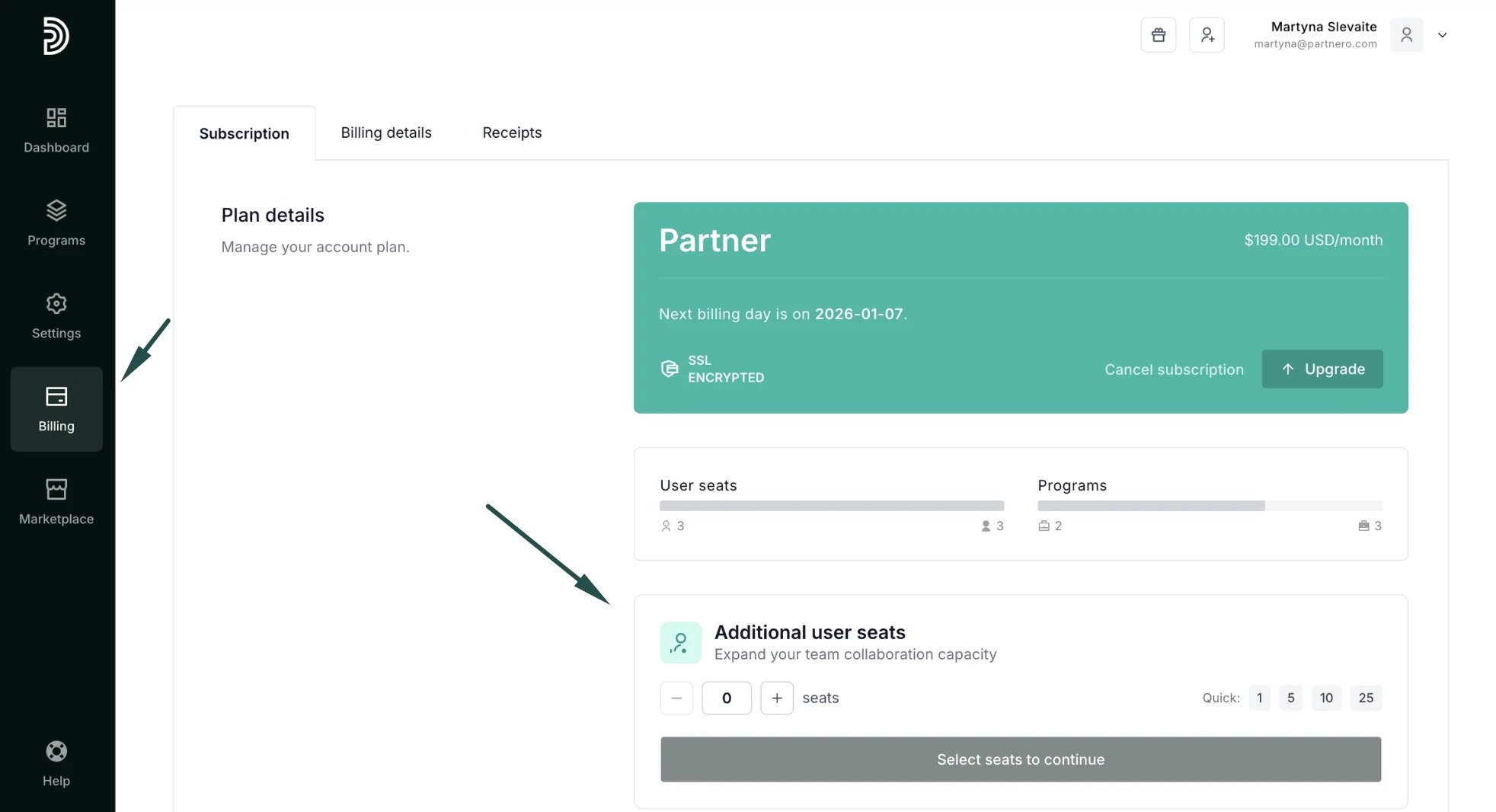
1. On your account, go to **Billing** in the left-side menu, where you'll find the option to add more user seats:
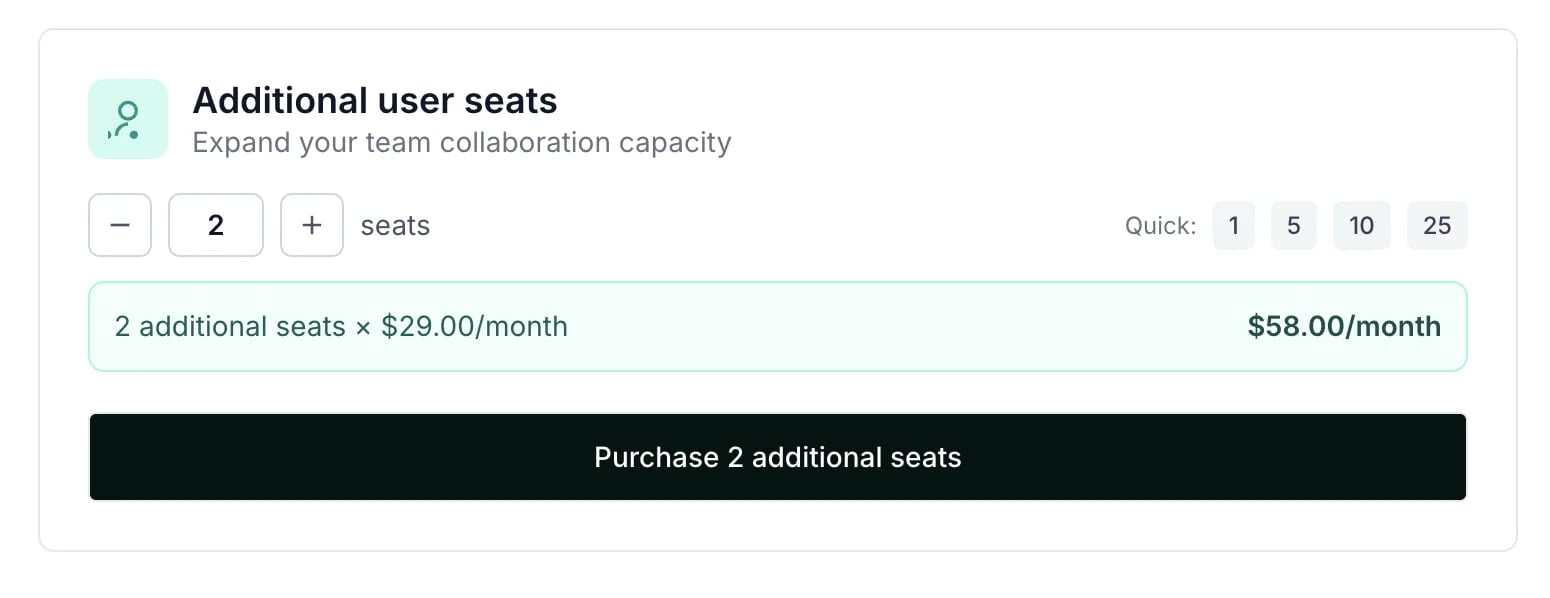
 2. Select the number of seats you'd like to add and click **Purchase**:
 [Click here](/knowledge-base/getting-started/how-to-invite-team-members) to learn how to invite team members to your Partnero account.
This documentation is built and hosted on [Mintlify](https://mintlify.com), a developer documentation platform.
[Click here](/knowledge-base/getting-started/how-to-invite-team-members) to learn how to invite team members to your Partnero account.
This documentation is built and hosted on [Mintlify](https://mintlify.com), a developer documentation platform.