> ## Documentation Index
> Fetch the complete documentation index at: https://docs.partnero.com/llms.txt
> Use this file to discover all available pages before exploring further.
# How to setup a newsletter referral program
A newsletter referral program is an email marketing strategy that incentivizes your existing subscribers to refer your newsletter to others. You can read more about this program type, its benefits, examples, and best practices in [our blog post.](https://www.partnero.com/articles/newsletter-referral-programs-what-why-how)
***
### Create a newsletter referral program
1. Sign up or [log in to Partnero](https://app.partnero.com/login).
2. Go to **Programs** and click **Create program**. Select **Newsletter referral** program type: 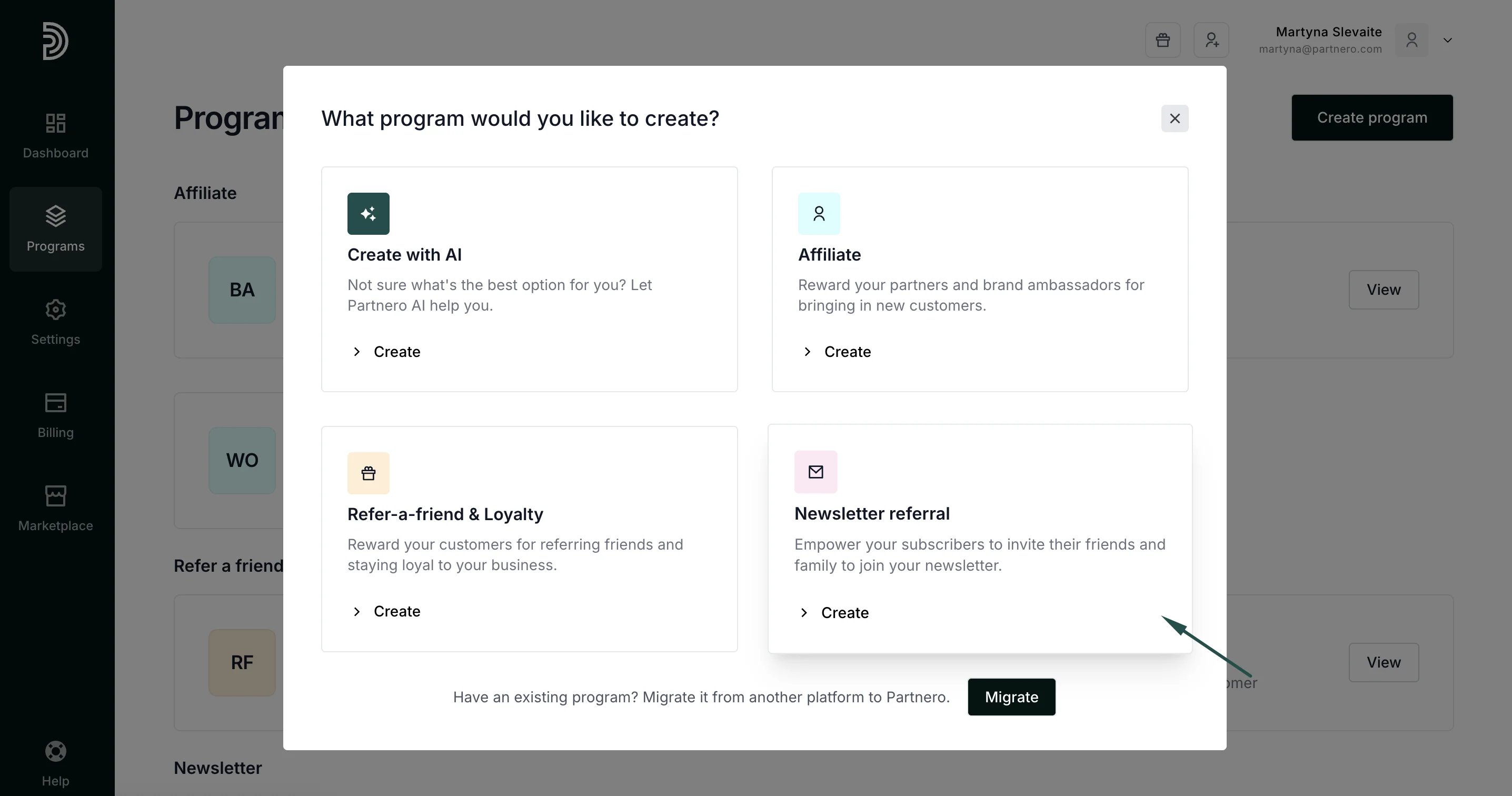 3. Enter the program name and choose what email service provider you're using:
 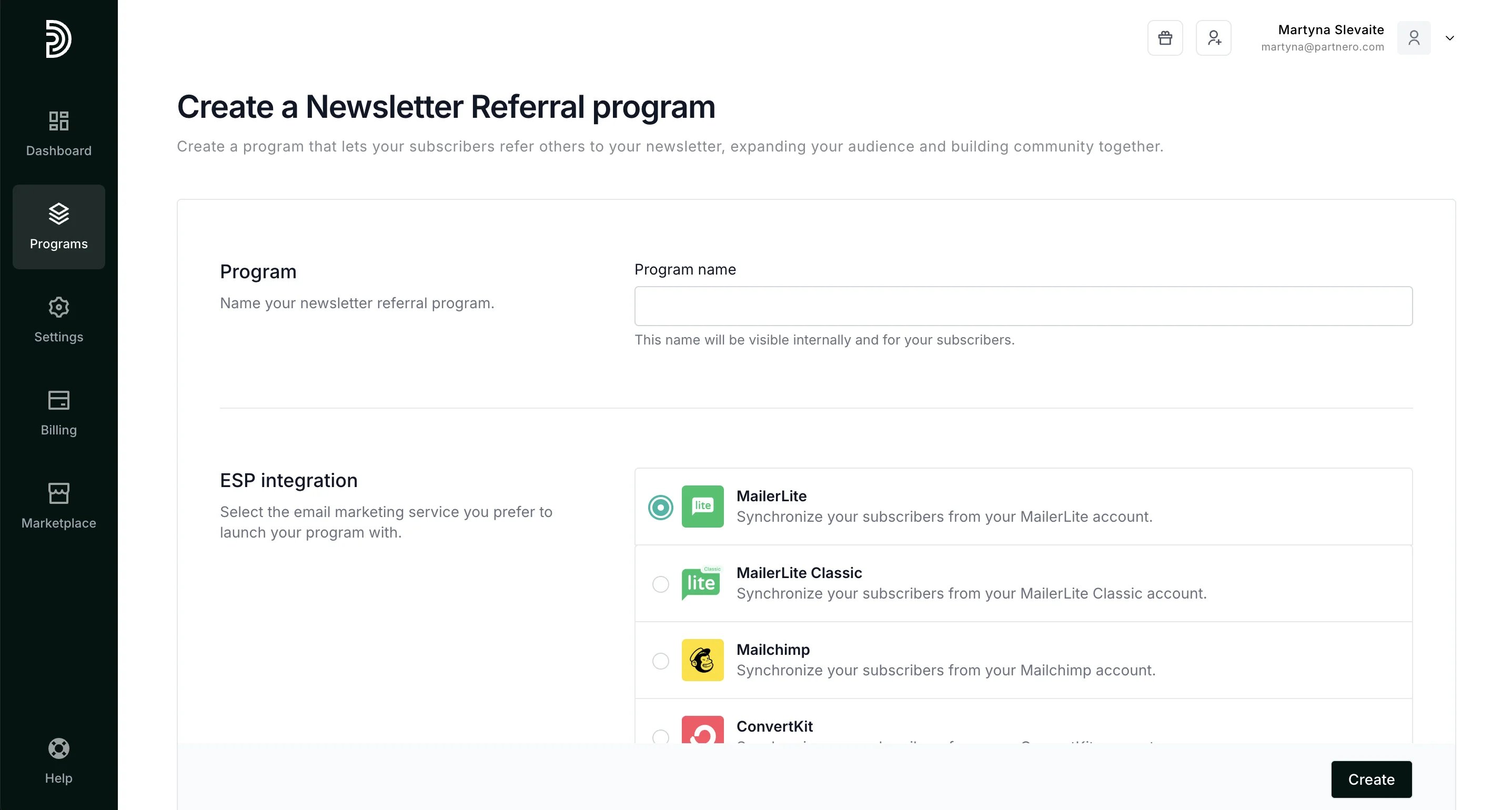 Currently, you can choose from MailerLite, Mailchimp, ConvertKit, ActiveCampaign, Klaviyo, and Custom.
4. Click **Create**.
***
### Program settings
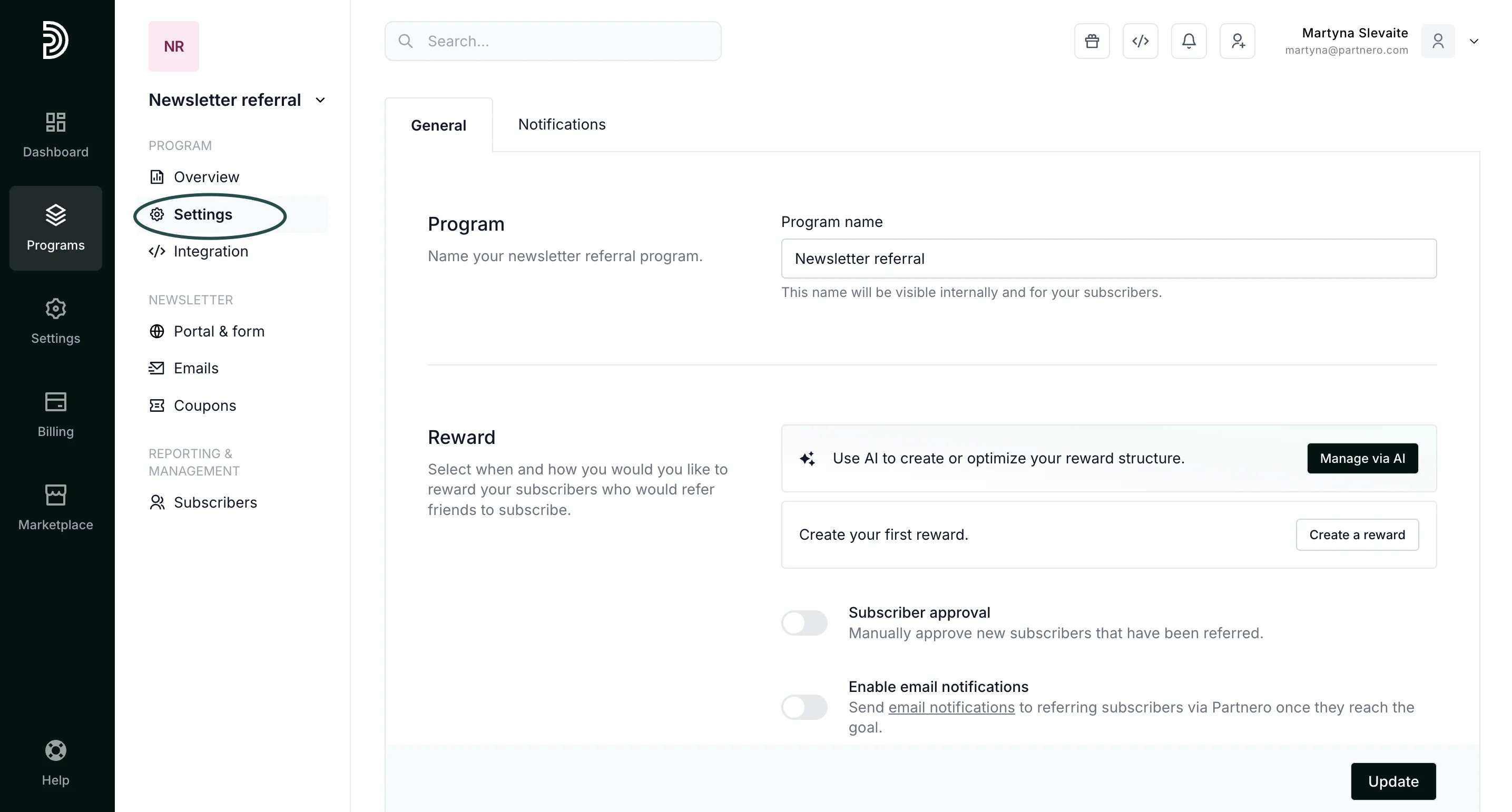
The Program Settings page contains the following:
* **Program name** - this name will be visible internally as well as for your subscribers.
* **Reward** - set up the rewards to be issued to your subscribers.
* **Subscriber approval** - option to manually approve each referred subscriber.
* **Email notifications** - option to send email notifications for referring subscribers when they reach the goal.
* **ESP integration** - option to connect your ESP with Partnero.
Currently, you can choose from MailerLite, Mailchimp, ConvertKit, ActiveCampaign, Klaviyo, and Custom.
4. Click **Create**.
***
### Program settings
The Program Settings page contains the following:
* **Program name** - this name will be visible internally as well as for your subscribers.
* **Reward** - set up the rewards to be issued to your subscribers.
* **Subscriber approval** - option to manually approve each referred subscriber.
* **Email notifications** - option to send email notifications for referring subscribers when they reach the goal.
* **ESP integration** - option to connect your ESP with Partnero.
 ***
### Set up rewards
To set up program rewards:
1. Go to **Settings** under **Program**.
2. Click **Create a reward** under the Reward section:
***
### Set up rewards
To set up program rewards:
1. Go to **Settings** under **Program**.
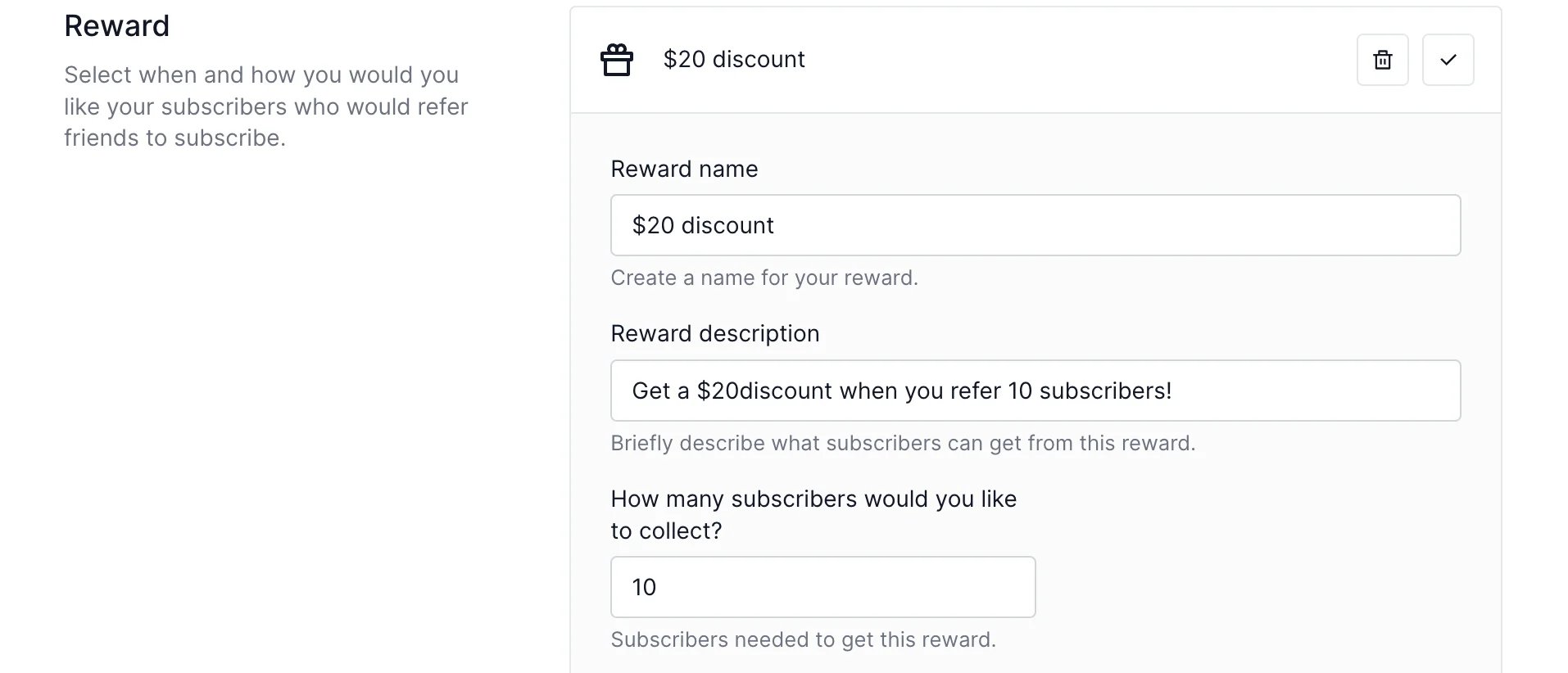
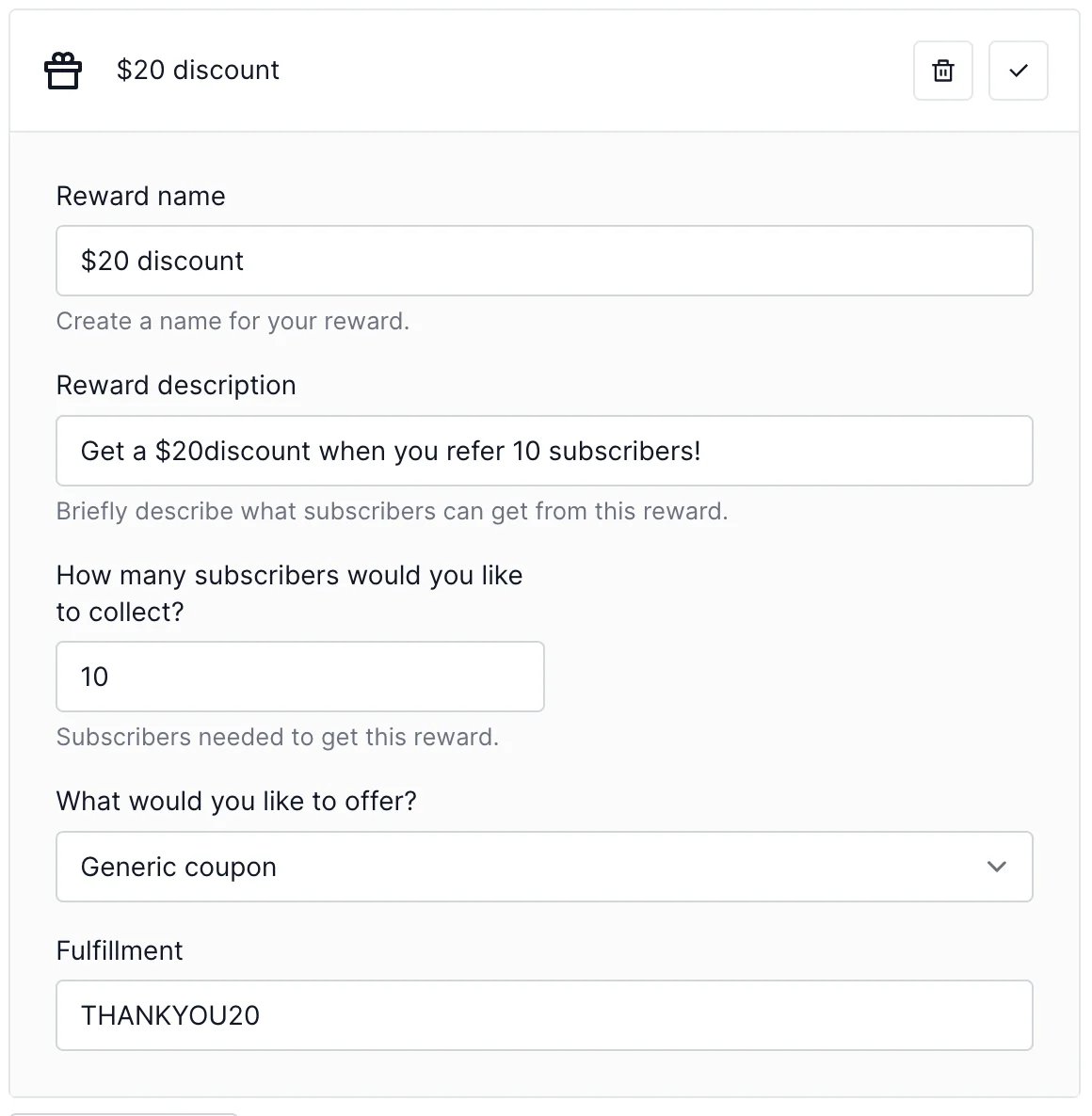
2. Click **Create a reward** under the Reward section: 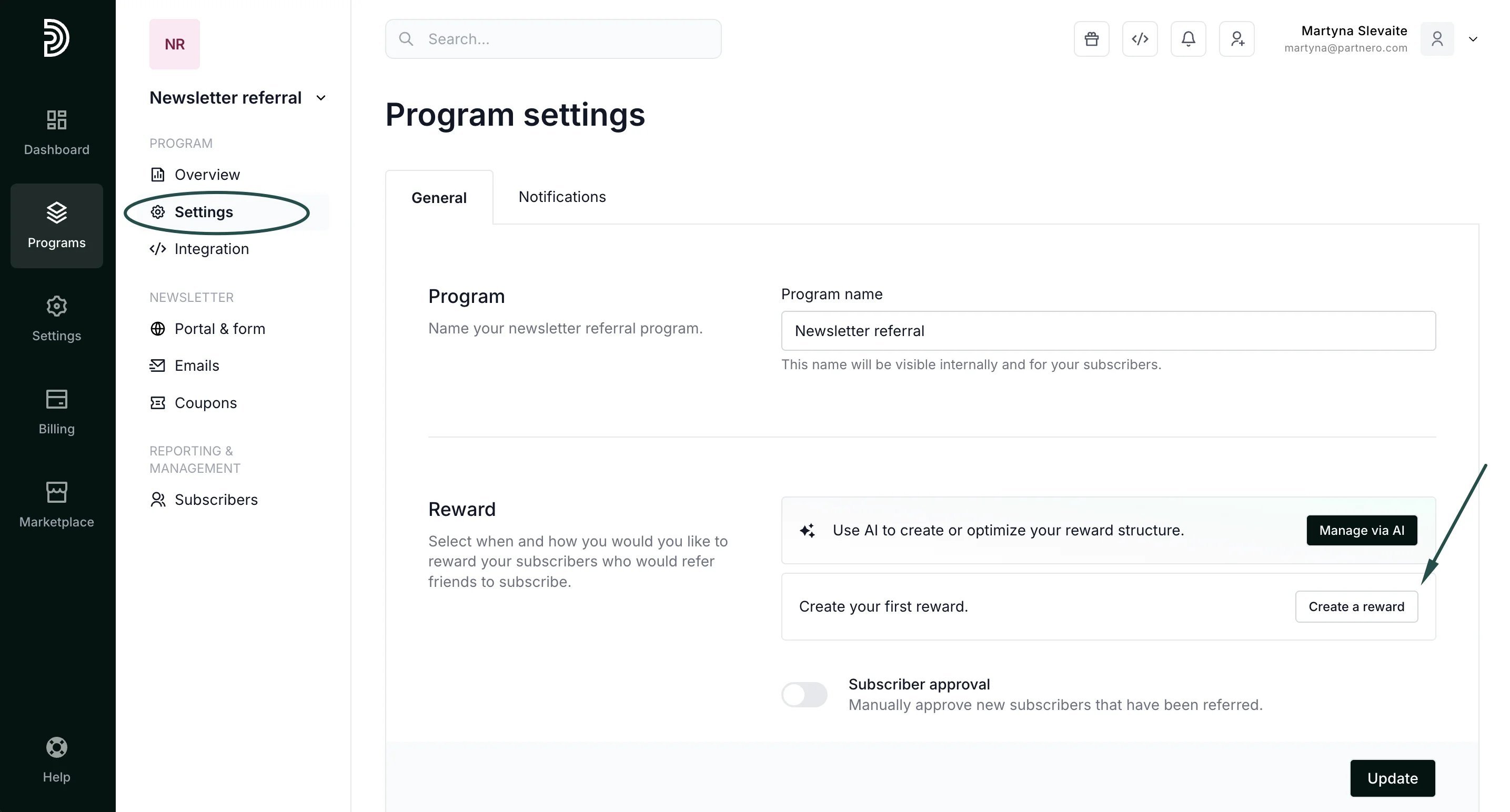 3. Add the reward name and description. Then add how many new subscribers should be referred in order to get this reward, e.g.:
 4. Set the reward Fulfillment based on the reward type:
* **Link/PDF download** - enter the URL where the file can be downloaded;
4. Set the reward Fulfillment based on the reward type:
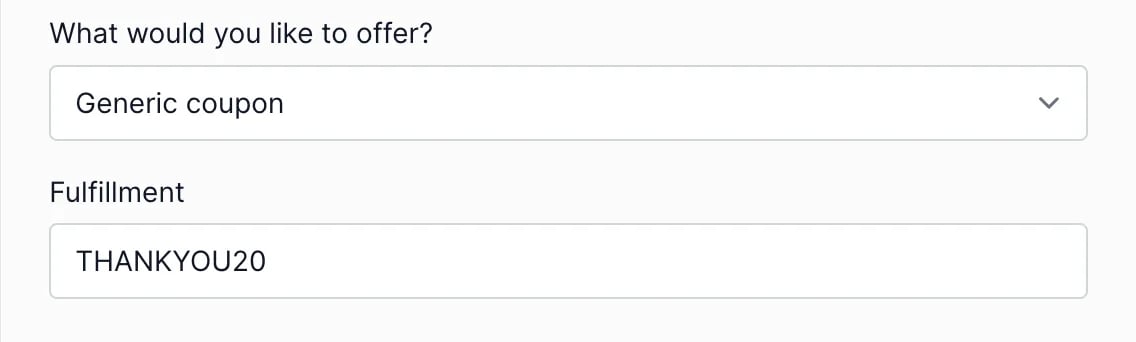
* **Link/PDF download** - enter the URL where the file can be downloaded;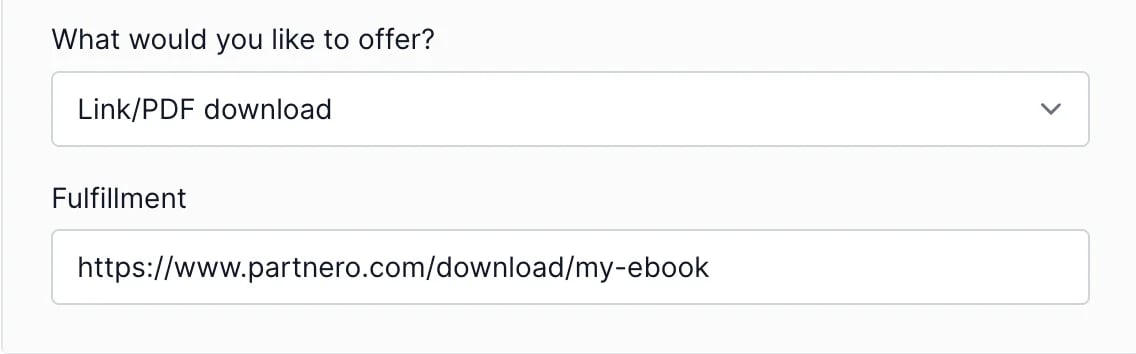 - **Generic coupon** - enter any generic coupon that you've set up within your app that can be used to claim the reward;
 - **Amazon Gift card** - your Amazon account needs to be connected to use this option; [read more](/knowledge-base/newsletter-referral-programs/send-amazon-gift-cards-to-you-subscribers).
*-* **Stripe Coupon** - your Stripe account needs to be connected to use this option; [read more](/knowledge-base/newsletter-referral-programs/authorize-stripe-for-newsletter-referral-programs). Once connected, you can select from existing Stripe coupons or create new ones.
- **Amazon Gift card** - your Amazon account needs to be connected to use this option; [read more](/knowledge-base/newsletter-referral-programs/send-amazon-gift-cards-to-you-subscribers).
*-* **Stripe Coupon** - your Stripe account needs to be connected to use this option; [read more](/knowledge-base/newsletter-referral-programs/authorize-stripe-for-newsletter-referral-programs). Once connected, you can select from existing Stripe coupons or create new ones.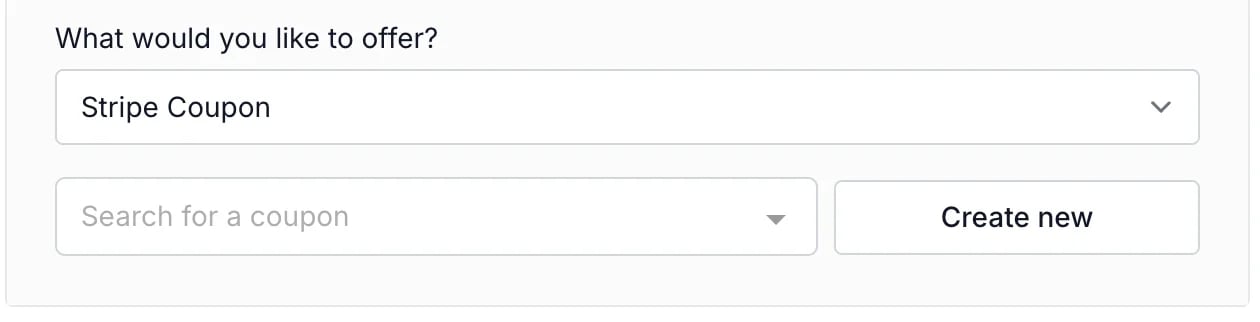 5. At this step, you can set up additional (tiered) rewards. For example, you might want to offer another reward when someone refers 20 or 50 subscribers. Here's an example of a reward setup:
 6. Click **Update**.
***
### Connect your email service provider
You can connect using existing integrations or manually synchronize your subscriber list.
[Read how to connect MailerLite](/knowledge-base/newsletter-referral-programs/connect-mailerlite-to-your-newsletter-referral-program).
[Read how to connect Mailchimp](/knowledge-base/newsletter-referral-programs/connect-mailchimp-to-your-newsletter-referral-program).
This documentation is built and hosted on [Mintlify](https://mintlify.com), a developer documentation platform.
6. Click **Update**.
***
### Connect your email service provider
You can connect using existing integrations or manually synchronize your subscriber list.
[Read how to connect MailerLite](/knowledge-base/newsletter-referral-programs/connect-mailerlite-to-your-newsletter-referral-program).
[Read how to connect Mailchimp](/knowledge-base/newsletter-referral-programs/connect-mailchimp-to-your-newsletter-referral-program).
This documentation is built and hosted on [Mintlify](https://mintlify.com), a developer documentation platform.