> ## Documentation Index
> Fetch the complete documentation index at: https://docs.partnero.com/llms.txt
> Use this file to discover all available pages before exploring further.
# Shopify Refer-a-Friend program
Our [Shopify app](https://apps.shopify.com/partnero-affiliate-management) allows you to connect affiliate and refer-a-friend programs. In this article, we'll go through connecting a refer-a-friend program and it's features.
***
### Install the Shopify app
The first step is to connect your Shopify and Partnero accounts. To do that, you need to install our [Shopify app](https://apps.shopify.com/partnero-affiliate-management). You can find detailed instructions [here](/integrations/shopify).
When connecting a program, choose the referral program type. Once your program is connected successfully, you'll see a "Connected" banner next to Shopify under **Program** > **Integration** > **Apps & Integrations**: 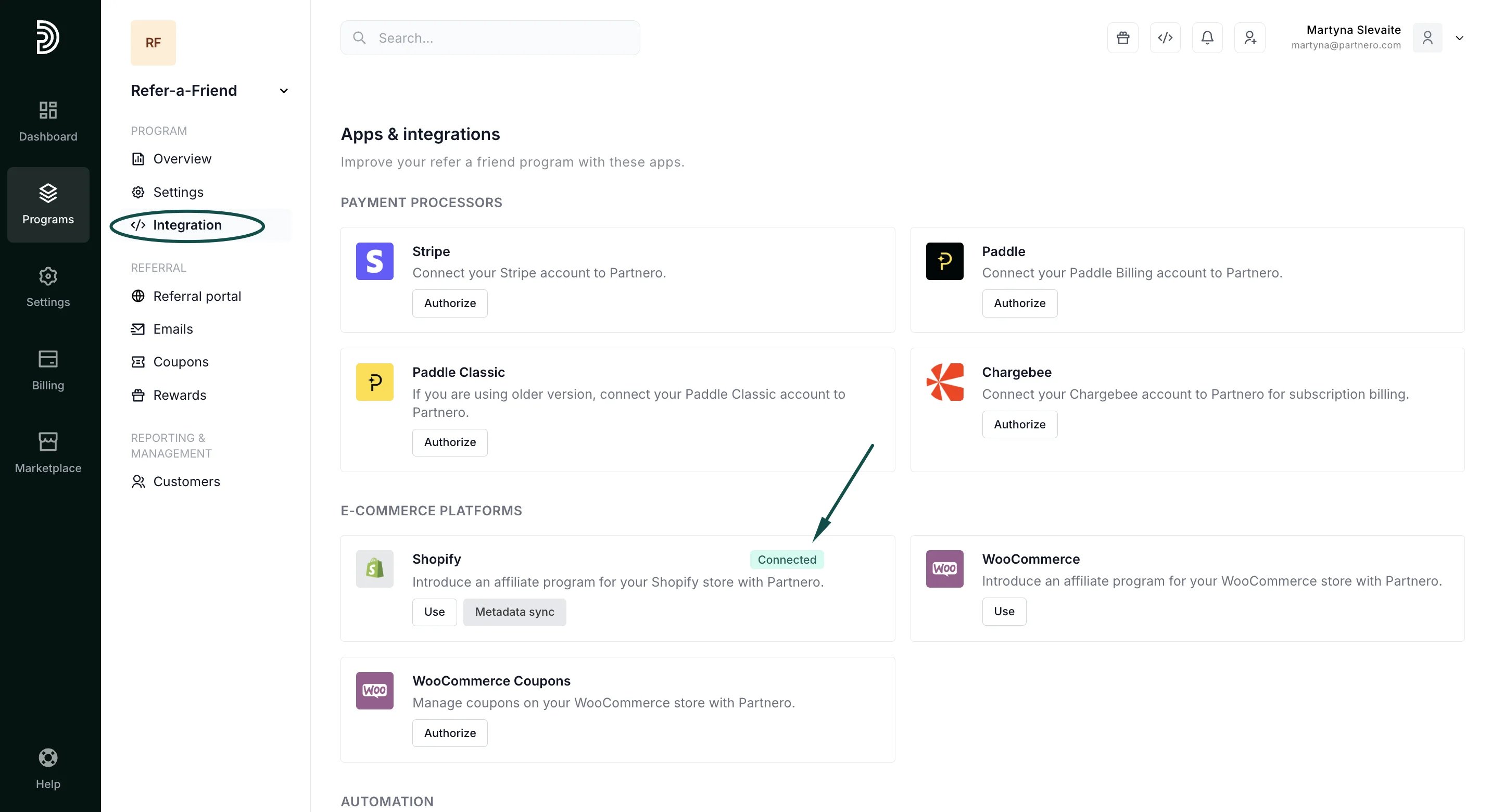 ***
### Set up rewards
You can set many different reward types, including dynamic coupons for store discounts and general rewards like gift cards or e-books.
[Click here for an in-depth guide to all reward settings](/knowledge-base/referral-programs/how-to-create-a-reward).
Once the rewards are set up, you'll see them as "Active" under the **Rewards** section:
***
### Set up rewards
You can set many different reward types, including dynamic coupons for store discounts and general rewards like gift cards or e-books.
[Click here for an in-depth guide to all reward settings](/knowledge-base/referral-programs/how-to-create-a-reward).
Once the rewards are set up, you'll see them as "Active" under the **Rewards** section: 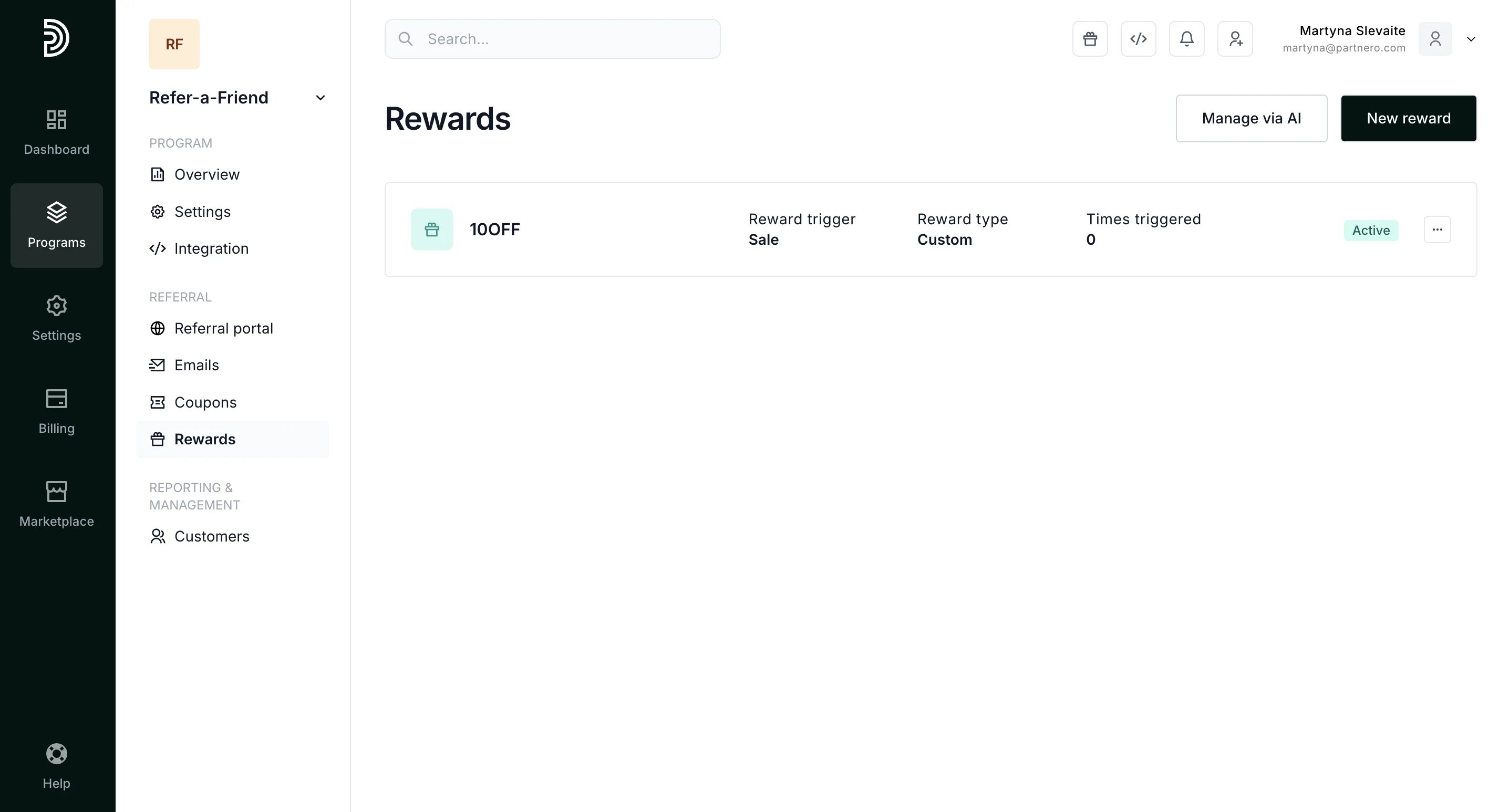 ***
### Referral portal
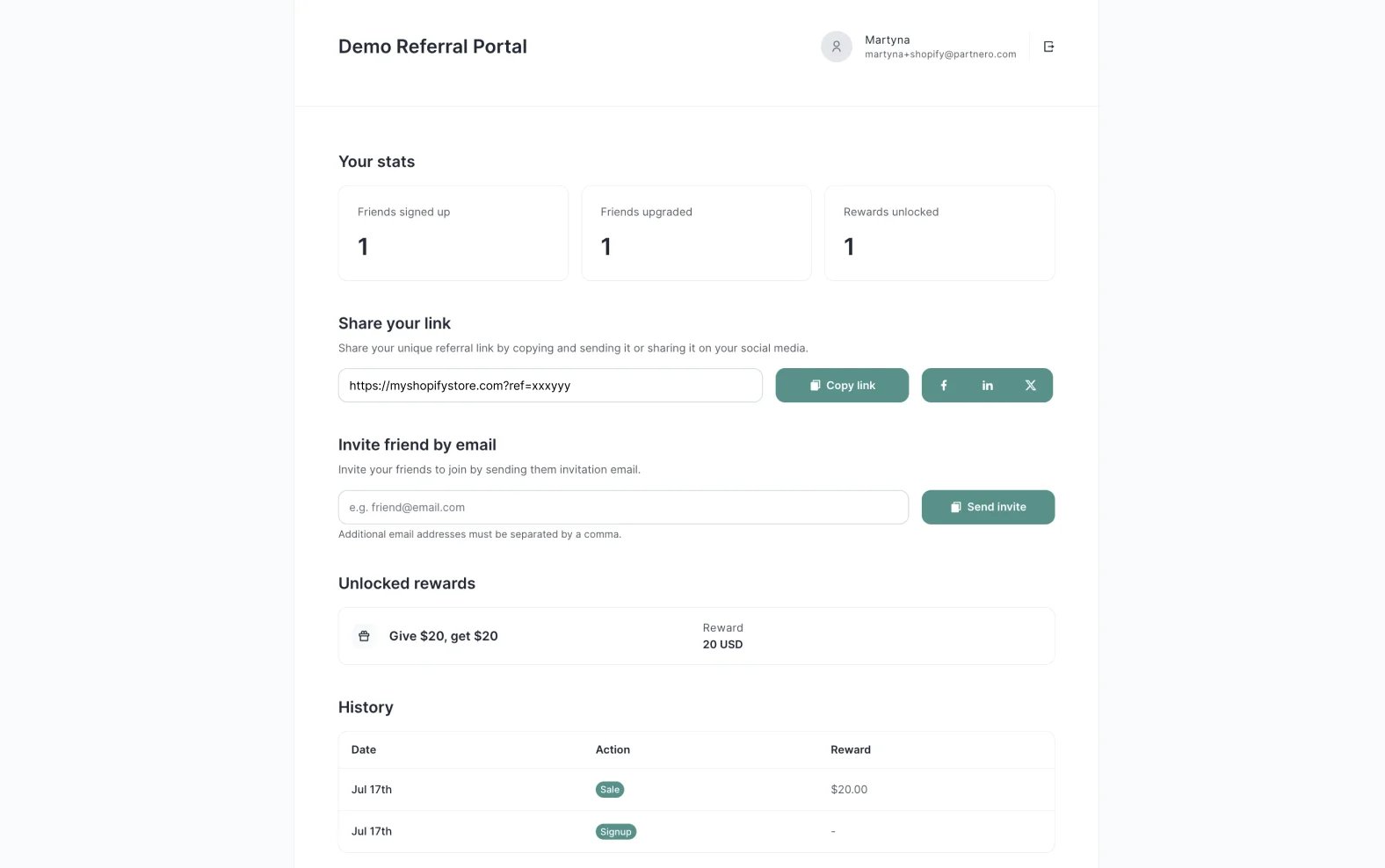
Next, ensure your customers have access to their referral link and to other stats related to the referral program.
Two options are available:
1. Referral portal - a portal where your customers can log in to access their data;
2. In-site widget - a widget hosted on your Shopify store where customers can log in and access their data.
[Read this article](/knowledge-base/referral-programs/referral-portal-explained) for an in-depth guide on enabling and customizing the referral portal and using the in-site widget.
***
### Referral portal
Next, ensure your customers have access to their referral link and to other stats related to the referral program.
Two options are available:
1. Referral portal - a portal where your customers can log in to access their data;
2. In-site widget - a widget hosted on your Shopify store where customers can log in and access their data.
[Read this article](/knowledge-base/referral-programs/referral-portal-explained) for an in-depth guide on enabling and customizing the referral portal and using the in-site widget.
 ***
### Referring friends
Now that your customers can access their referral links, they can share them with their friends. When someone makes a purchase via a referral link, the purchase is tracked and associated with the referring customer. The rewards will be generated based on the reward structure and settings.
Each new customer will automatically receive a unique referral link to invite their friends. The link can be accessed through the referral portal or the in-site widget.
***
### Reward fulfillment
The reward will trigger automatically once the set reward trigger criteria are met.
When rewards are unlocked, customers and referrals will receive an email notification. [Click here to read about customizing program emails.](/knowledge-base/referral-programs/refer-a-friend-program-emails)
We recommend including a sentence explaining how the reward can be used—for example, whether it's a store credit, a discount, or a downloadable file.
This documentation is built and hosted on [Mintlify](https://mintlify.com), a developer documentation platform.
***
### Referring friends
Now that your customers can access their referral links, they can share them with their friends. When someone makes a purchase via a referral link, the purchase is tracked and associated with the referring customer. The rewards will be generated based on the reward structure and settings.
Each new customer will automatically receive a unique referral link to invite their friends. The link can be accessed through the referral portal or the in-site widget.
***
### Reward fulfillment
The reward will trigger automatically once the set reward trigger criteria are met.
When rewards are unlocked, customers and referrals will receive an email notification. [Click here to read about customizing program emails.](/knowledge-base/referral-programs/refer-a-friend-program-emails)
We recommend including a sentence explaining how the reward can be used—for example, whether it's a store credit, a discount, or a downloadable file.
This documentation is built and hosted on [Mintlify](https://mintlify.com), a developer documentation platform.