

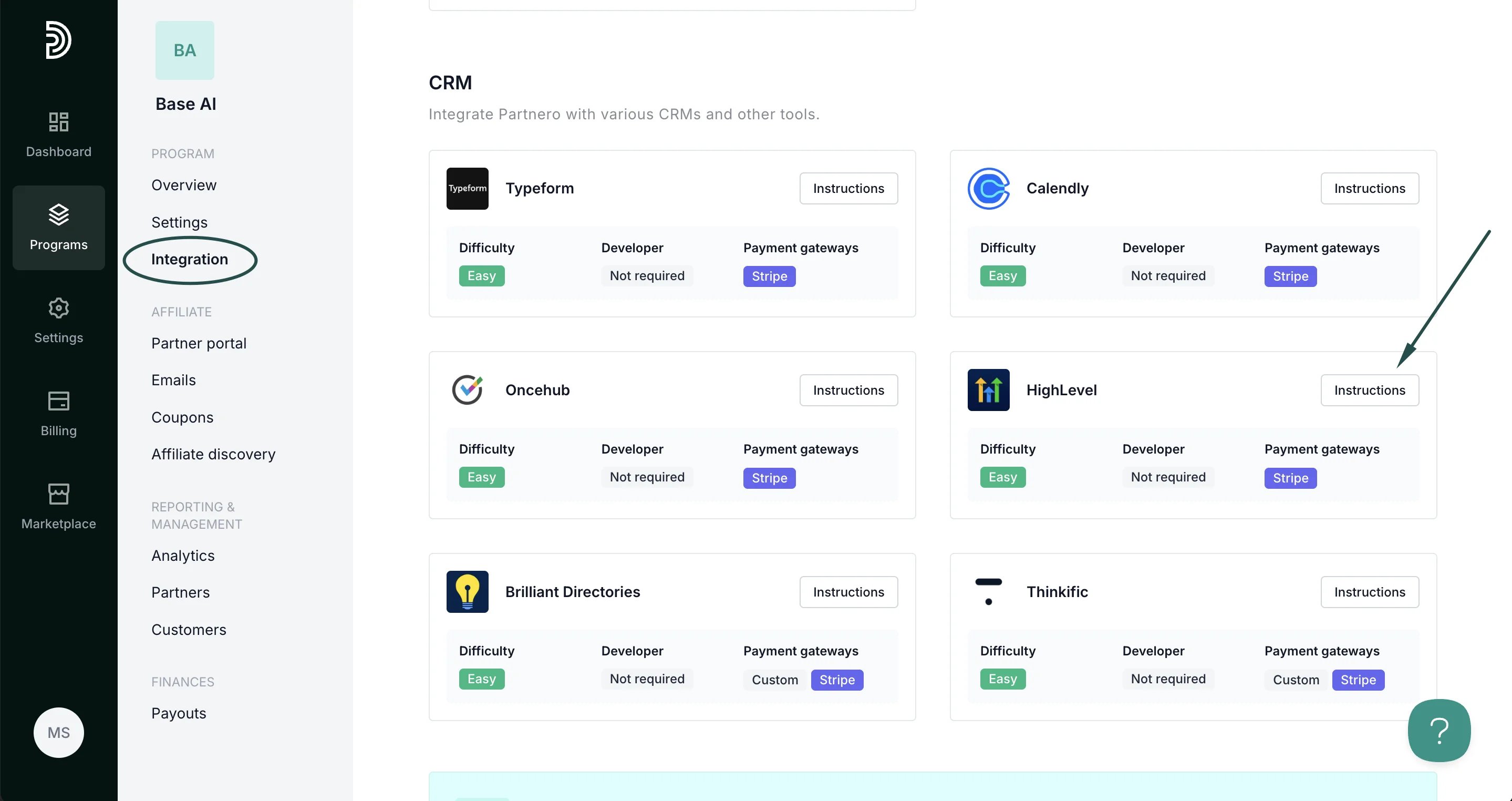
Step 1: Start tracking website visitors
To track visitors on your website, you need to install the PartneroJS snippet as custom code.Install the PartneroJS Snippet
- On Partnero, go to Integration > Guides tab > HighLevel. Click Instructions.
- Copy the PartneroJS snippet:
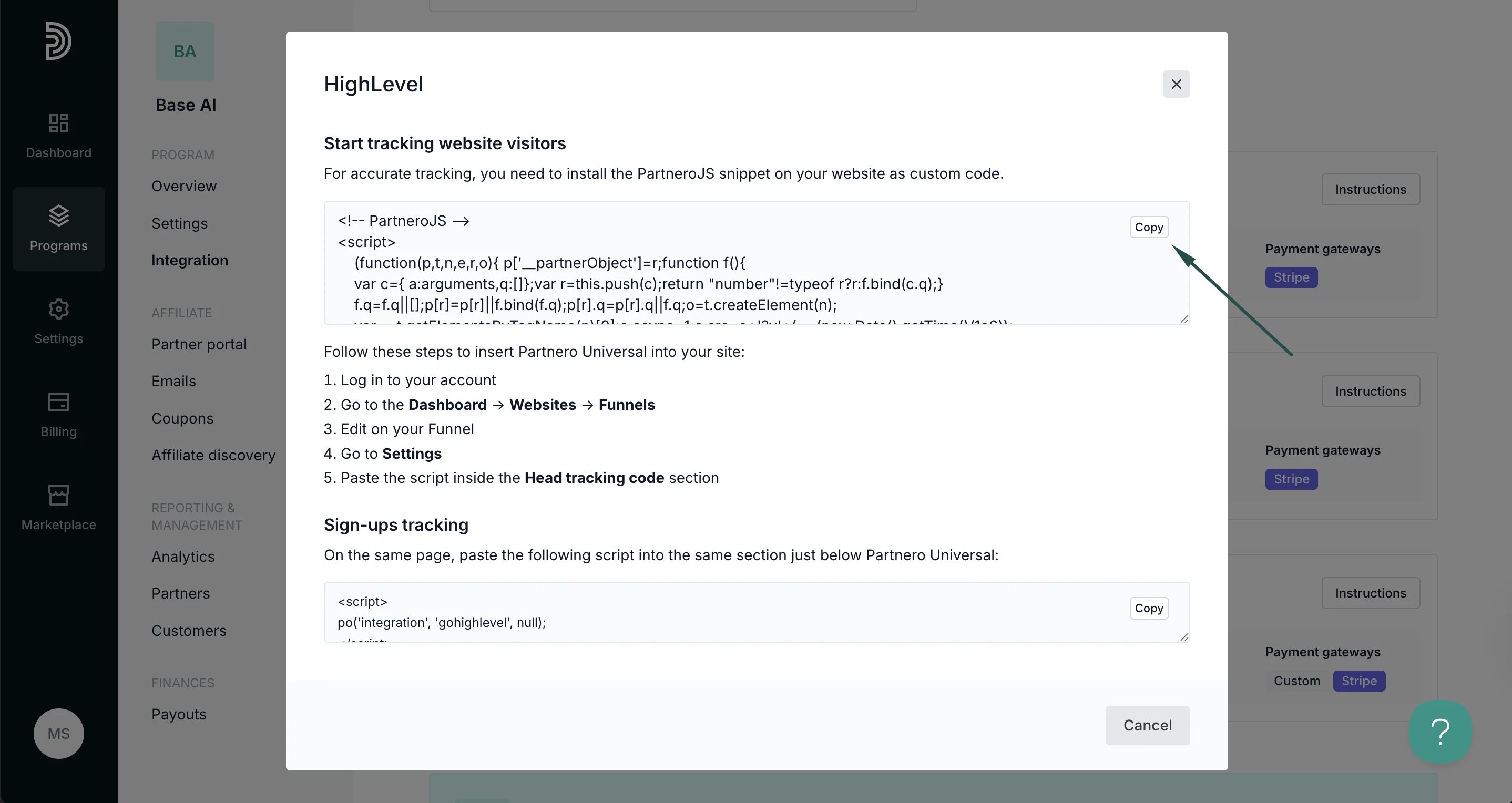
- Next, go to your HighLevel account. Navigate to the Dashboard > S****ites > Funnels (or Websites).
- Select your funnel/website and click Edit.
- Go to Settings > Tracking Code.
- Paste the script inside the Head tracking code section.
- Click Save to apply the changes.
Step 2: Sign-up tracking
Track when referred visitors become leads or contacts in your HighLevel CRM. On the Partnero integration guide, copy the sign-up tracking script: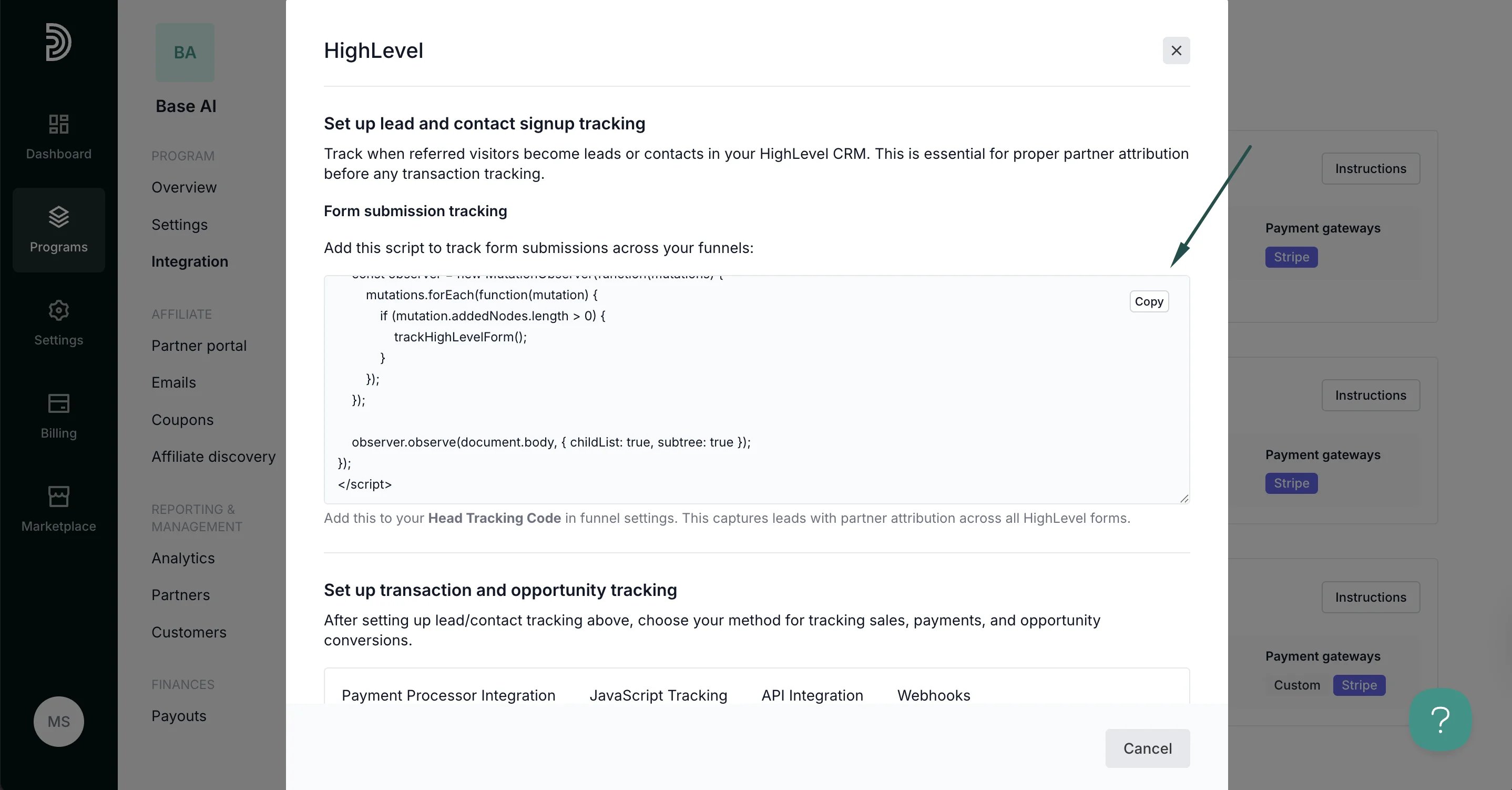
Step 3: Sales tracking
Partnero offers four integration methods to track transactions; choose one that suits your setup best. Each method has unique instructions available on the HighLevel integration guide.Method 1: Payment processor integration
Recommended: If your HighLevel account processes payments through Stripe or other supported payment processors, connect your payment processor directly to Partnero for automatic transaction tracking.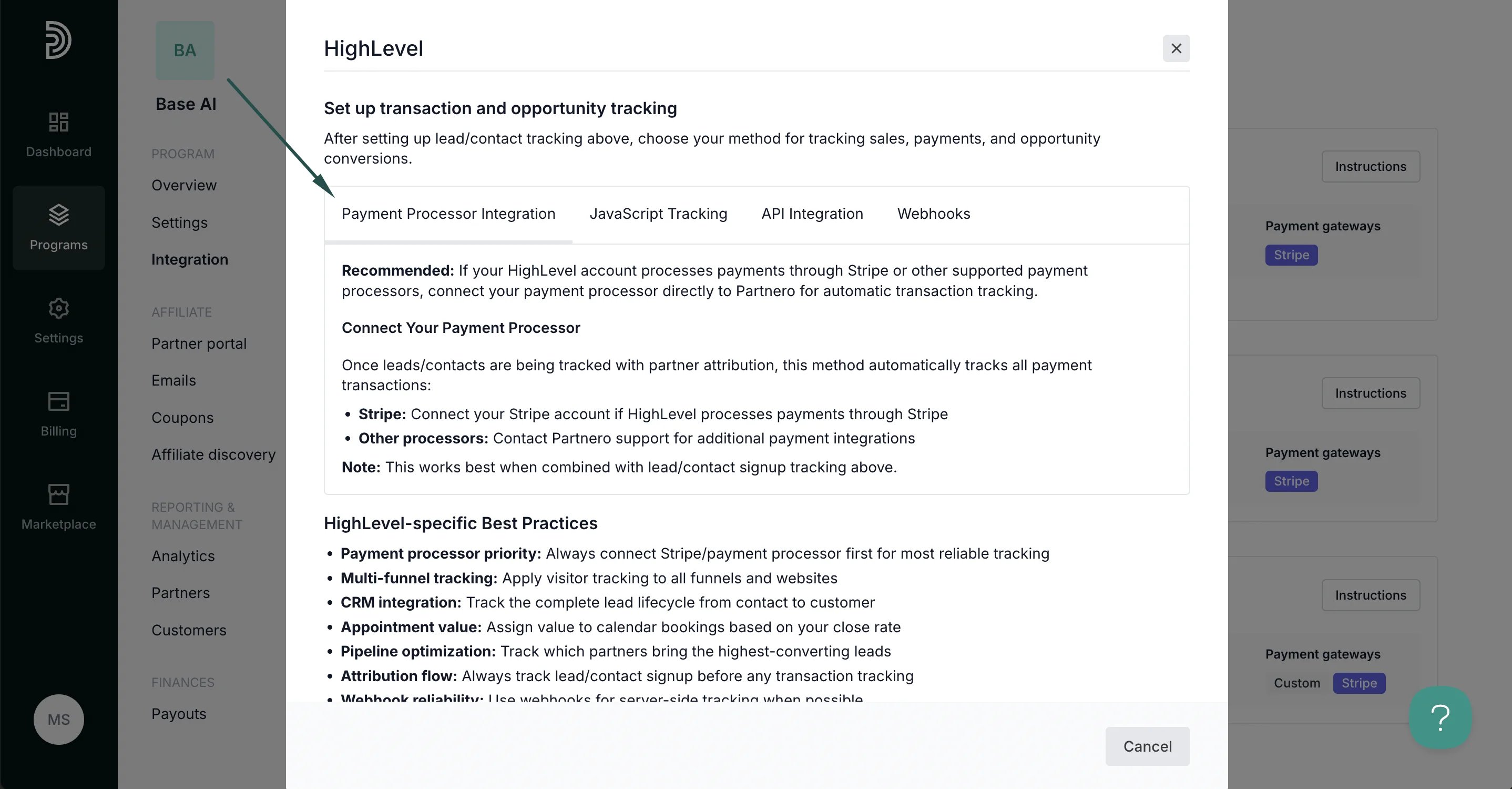
Method 2: JavaScript tracking
Track successful transactions using HighLevel’s JavaScript capabilities on order confirmation pages and success steps in your funnels.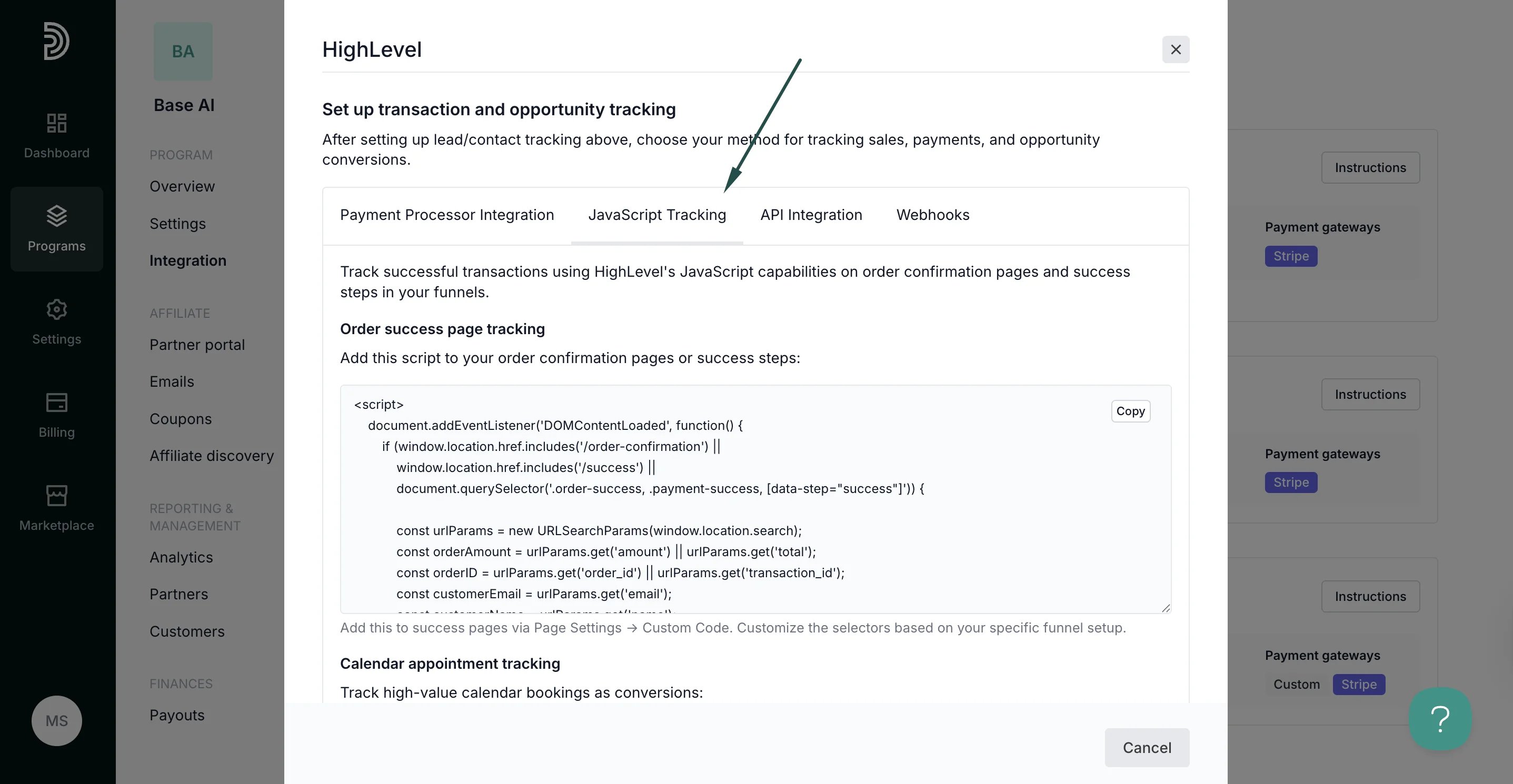
Method 3: API integration
Use HighLevel’s REST API v2.0 to create custom server-side integrations for advanced tracking and automation.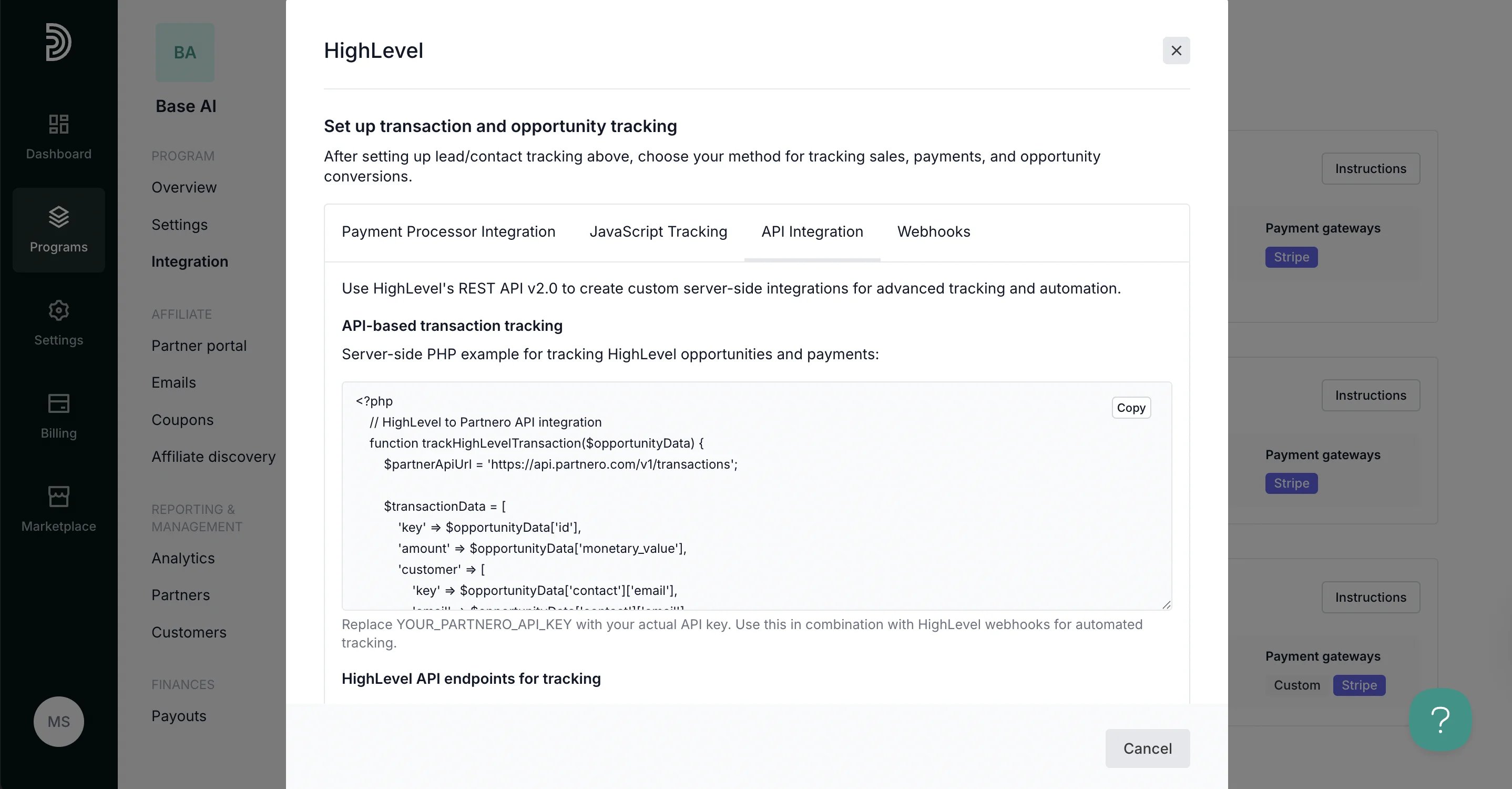
Method 4: Webhooks
Use HighLevel’s webhook system to automatically send real-time data to Partnero when specific events occur in your account.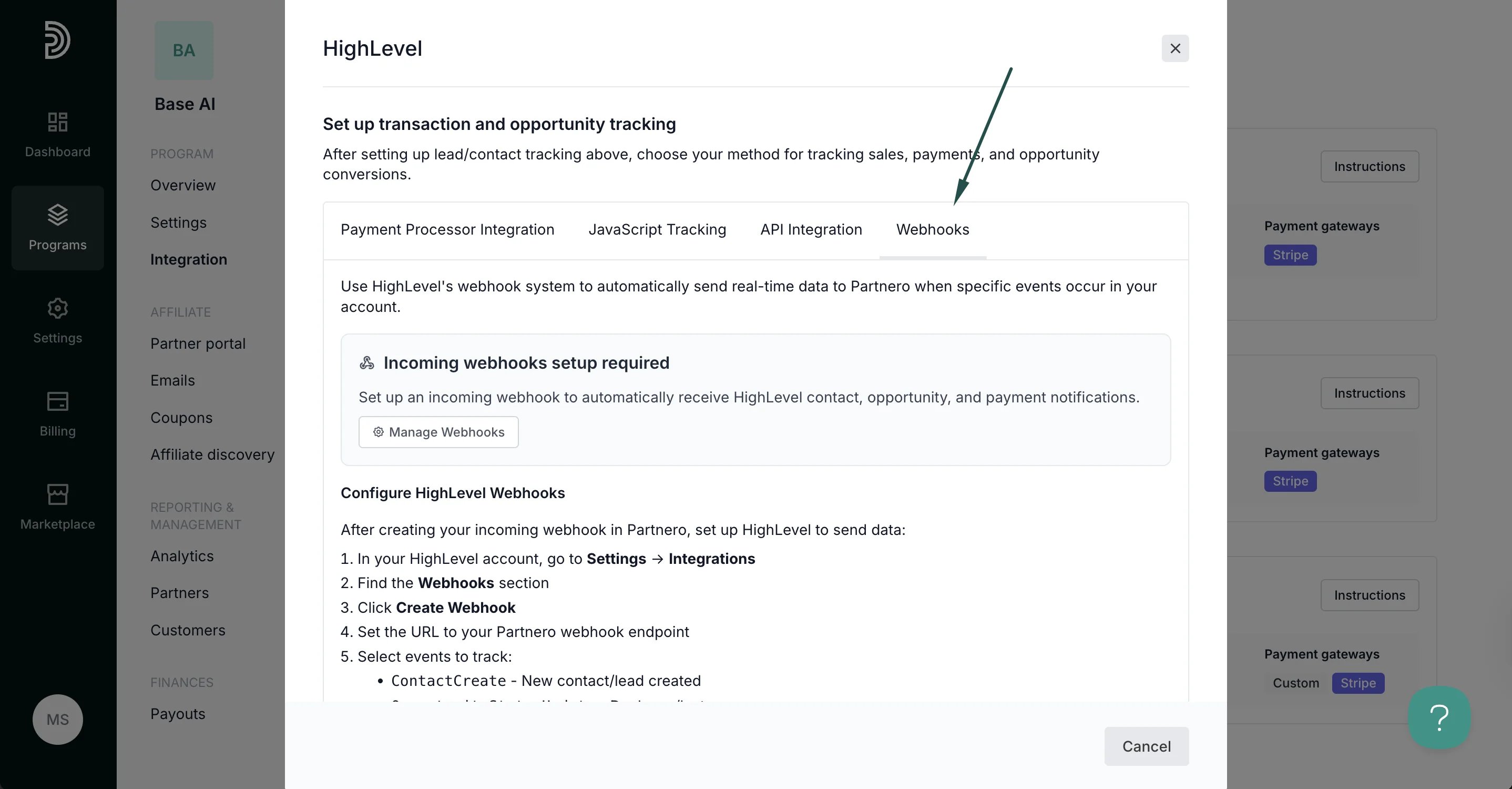
Your integration with HighLevel is now complete! We strongly recommend testing the integration by purchasing through an affiliate link.