

How to connect your Amazon Incentives account
- Open your newsletter referral program on Partnero.
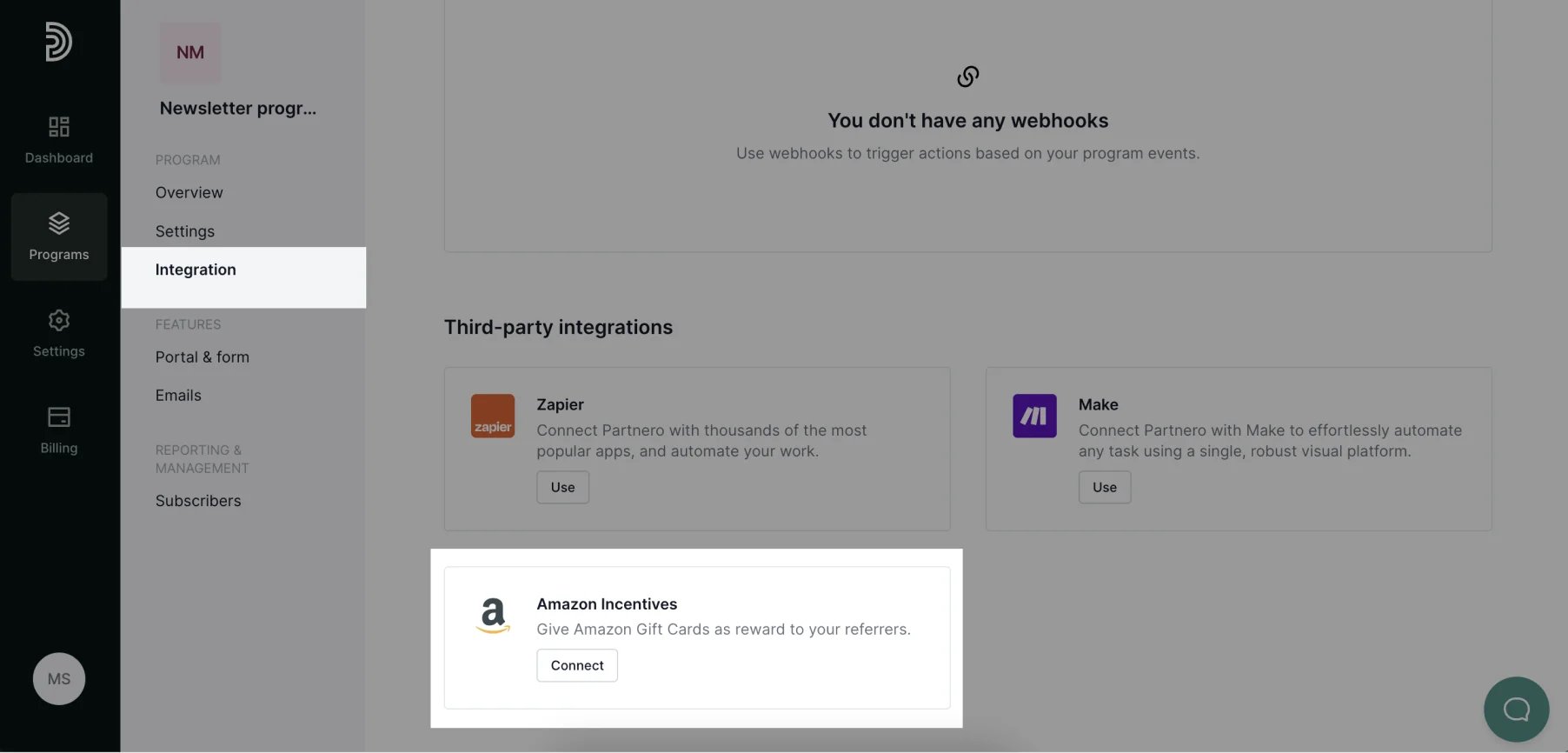
- Go to Integrations and click Connect next to Amazon incentives:
- You’ll be presented with the modal that you’ll need to fill out. You can follow the instructions there or review them below.
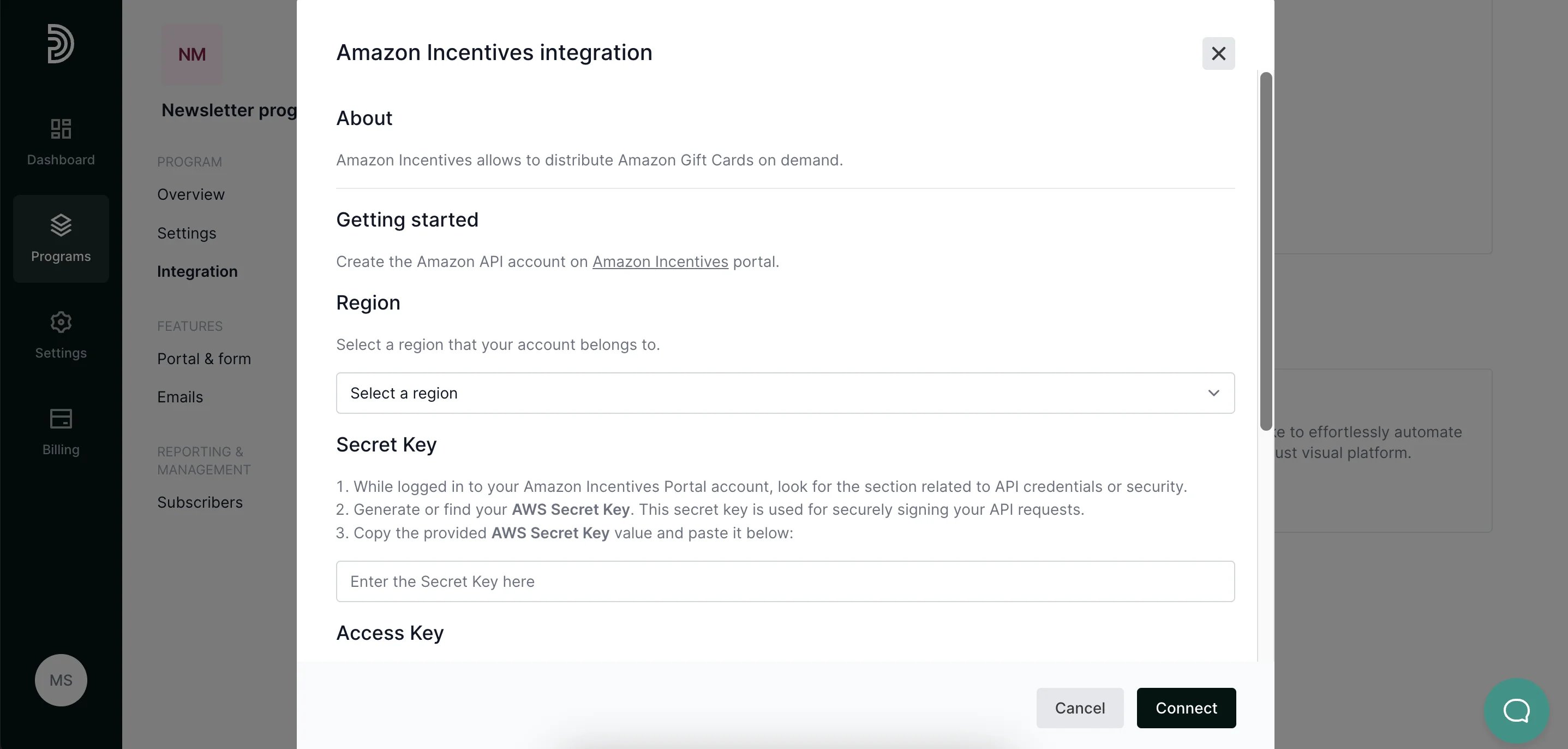
Region
On Partnero, select a region that your account belongs to.Secret key
- While logged in to your Amazon Incentives Portal account, look for the section related to API credentials or security.
- Generate or find your AWS Secret Key. This secret key is used for securely signing your API requests.
- Copy the provided AWS Secret Key value and paste it into the relevant field on the Partnero integration modal.
Access key
- While logged in to your Amazon Incentives Portal account, look for the section related to API credentials or security.
- Generate or locate your AWS Access Key. This key is essential for API authentication.
- Copy the provided AWS Access Key value and paste it into the relevant field on the Partnero integration modal.
Partner ID
- In the Amazon Incentives Portal account, look for the top of the page header, where your name and company information is displayed.
- Look for information labeled Partner ID.
- Copy the provided account Partner ID and paste it into the relevant field on the Partnero integration modal.