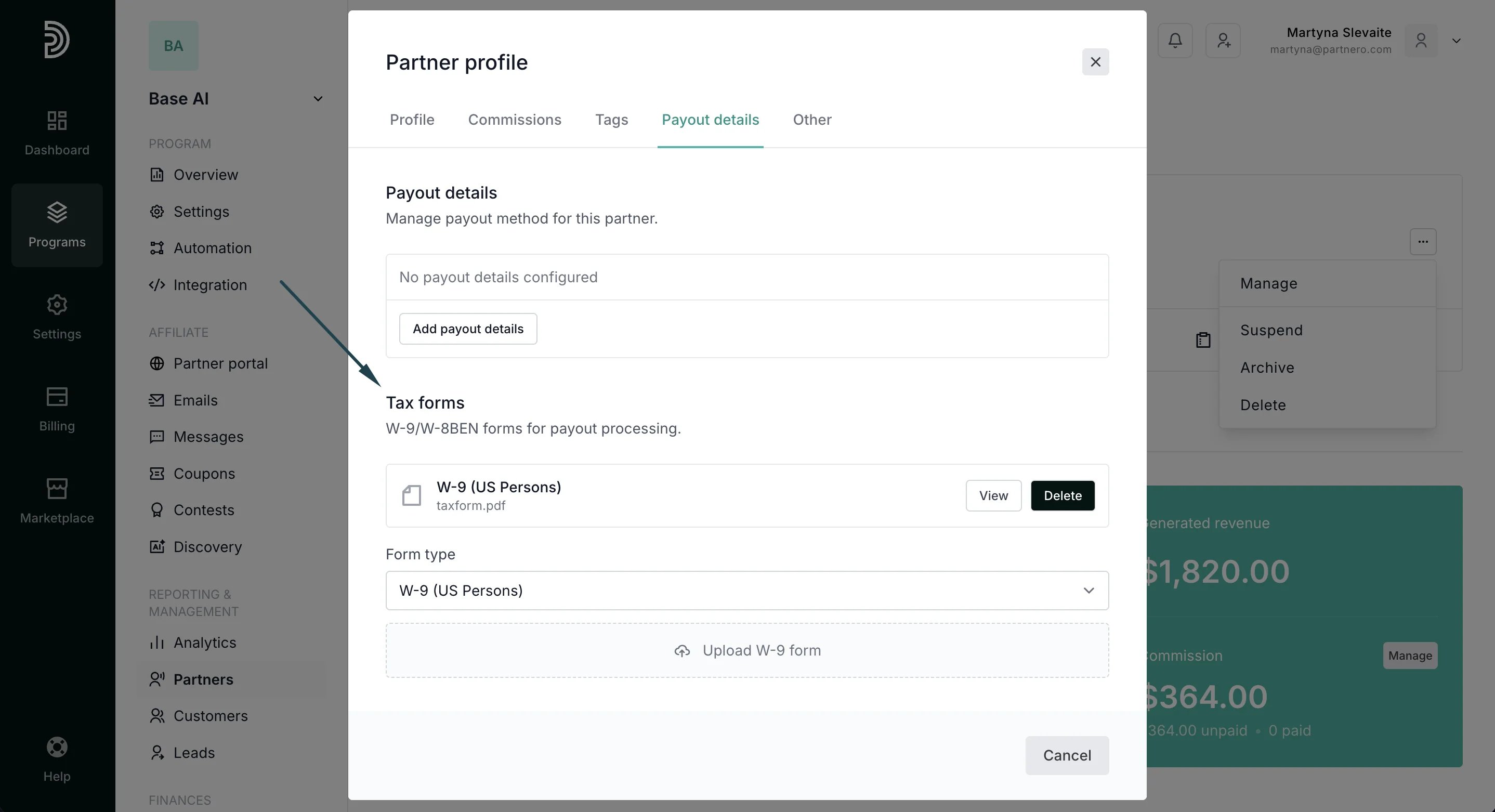
- Open your affiliate program and navigate to Settings.
- Scroll down to the Payout settings section:
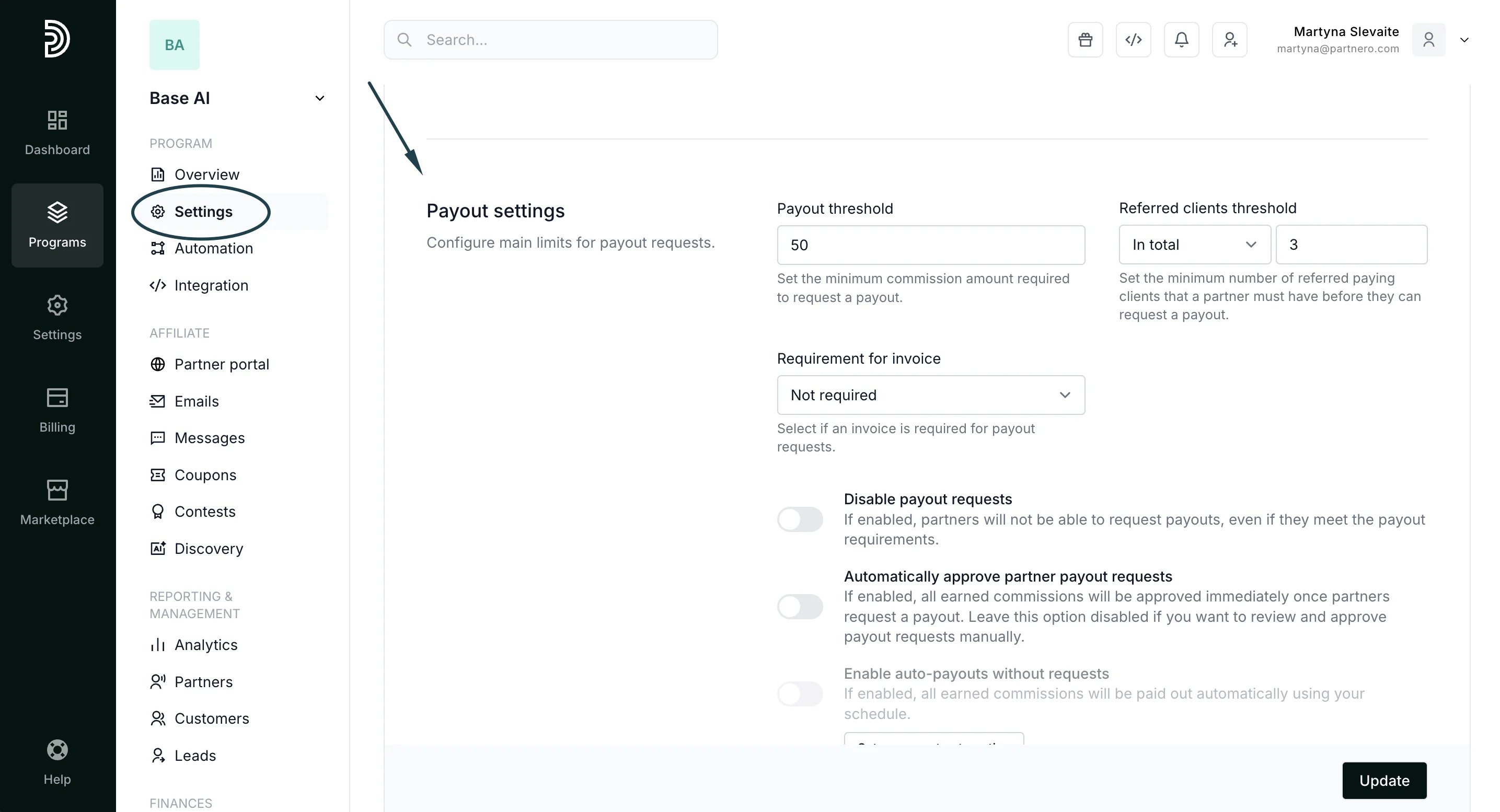
- Toggle to Enable tax form collection (W-9/W-8BEN) and click Update:
Partner view
When enabled, affiliate partners will have the option to upload tax forms in My profile section → Tax forms section: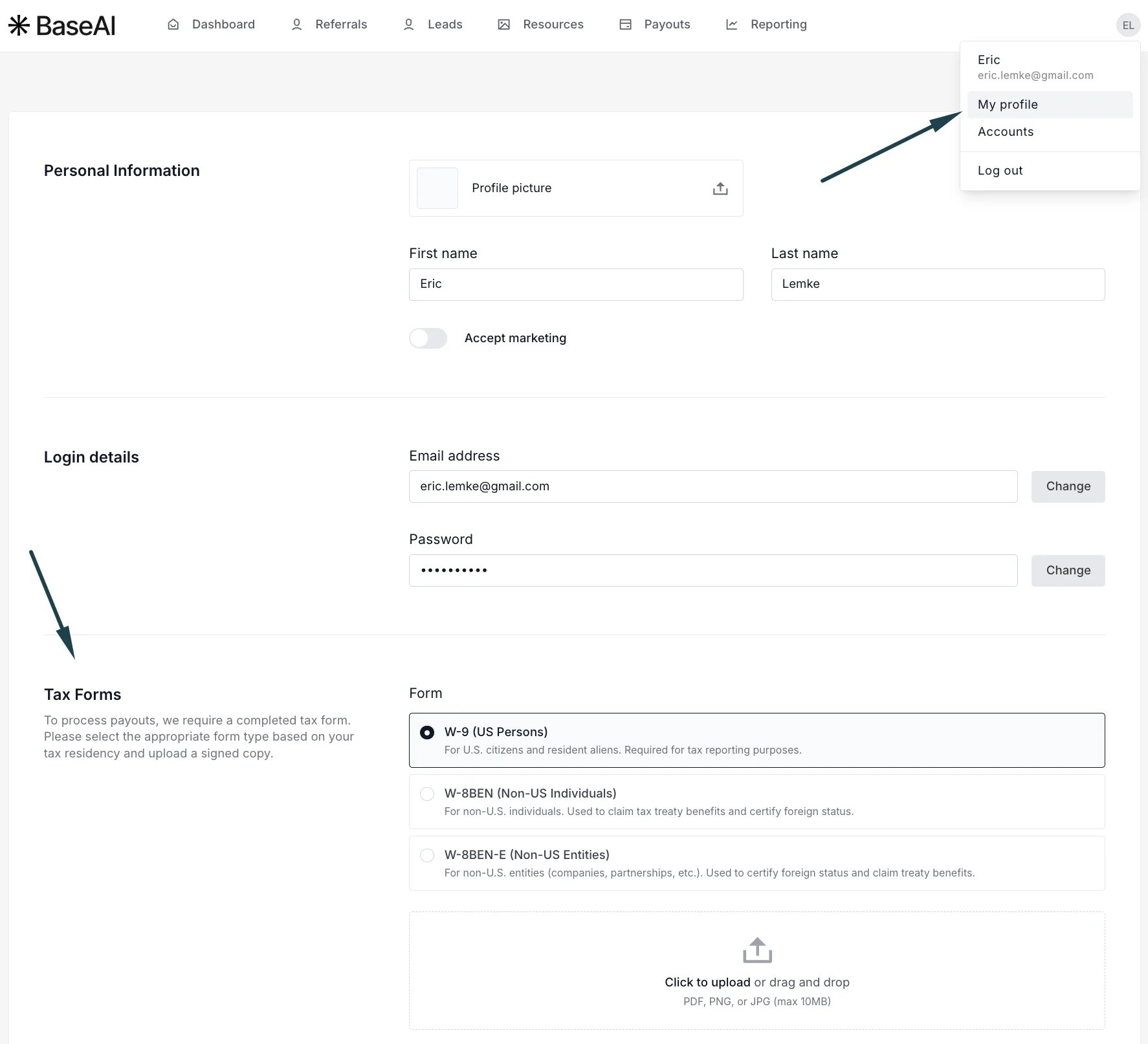
Where to access uploaded tax forms
There are two ways to access and view tax forms:- When reviewing a payout request, or
- Through the partner profile.
1. Review forms in payout requests
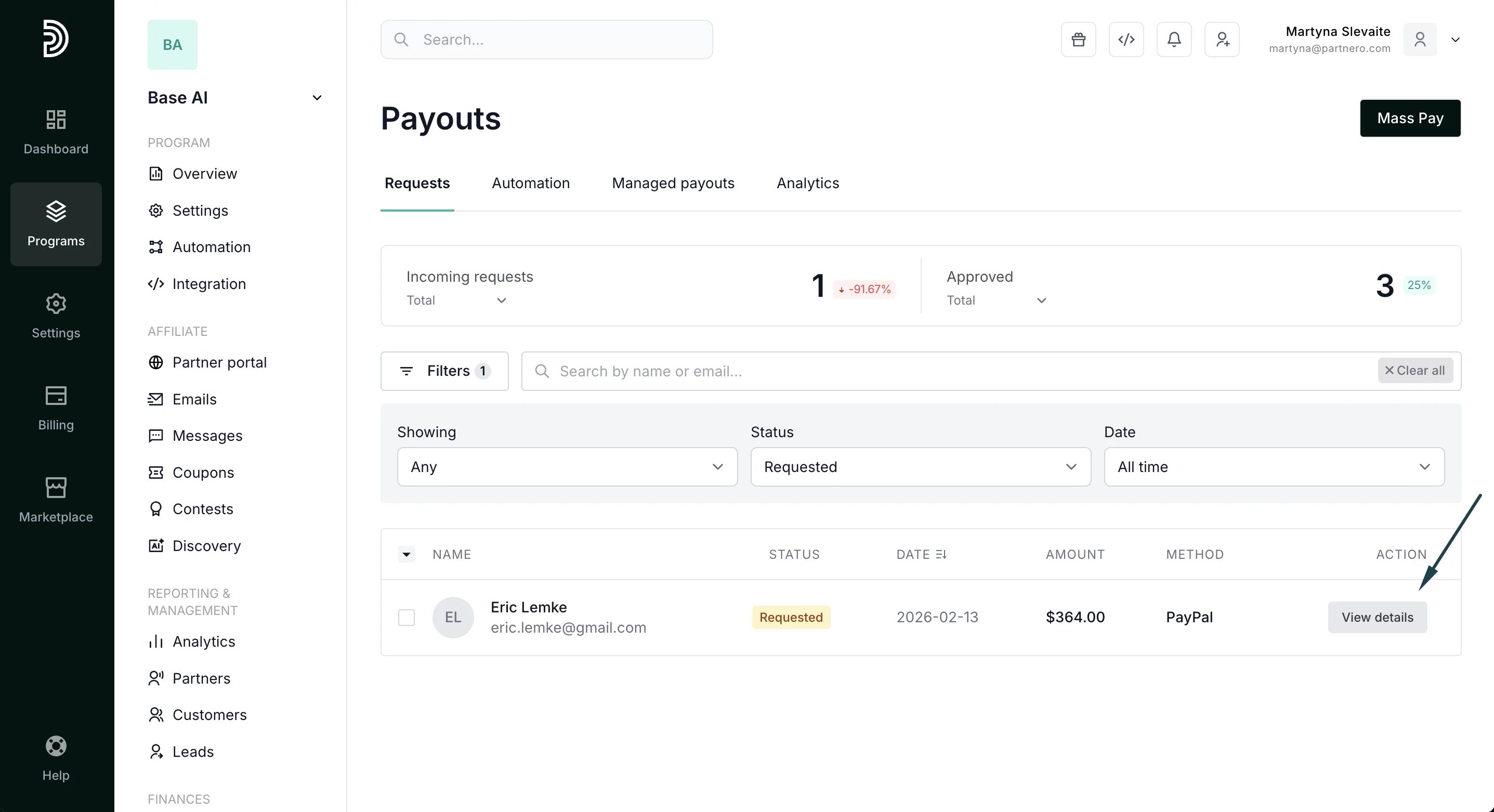
Once a partner requests a payout, the form will be available for review:- Navigate to Payouts → Requests to view the list of requested payouts.
- Click View details next to the payout request:
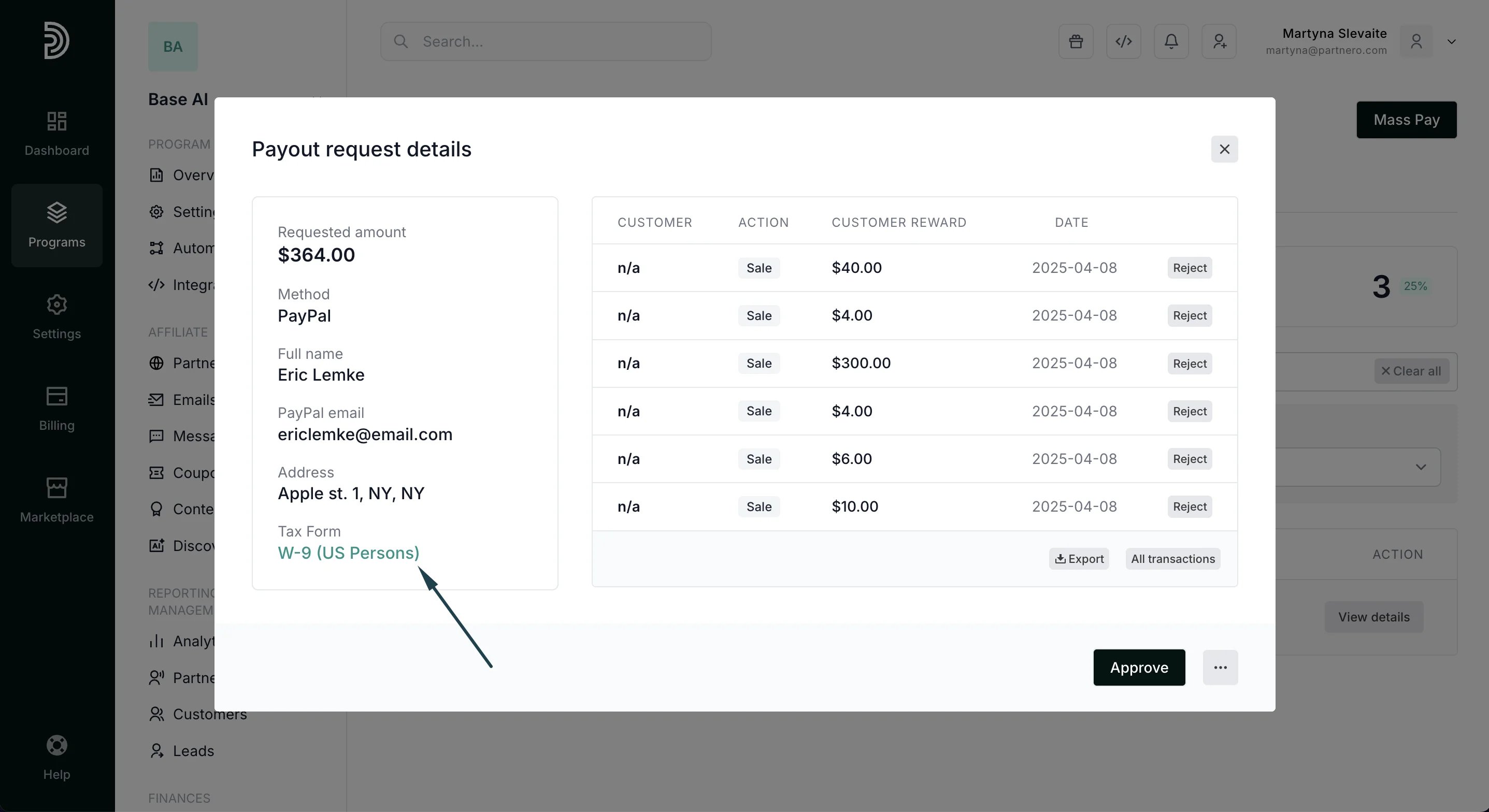
- Click on the tax form to view it:
2. Access forms in the partner profile
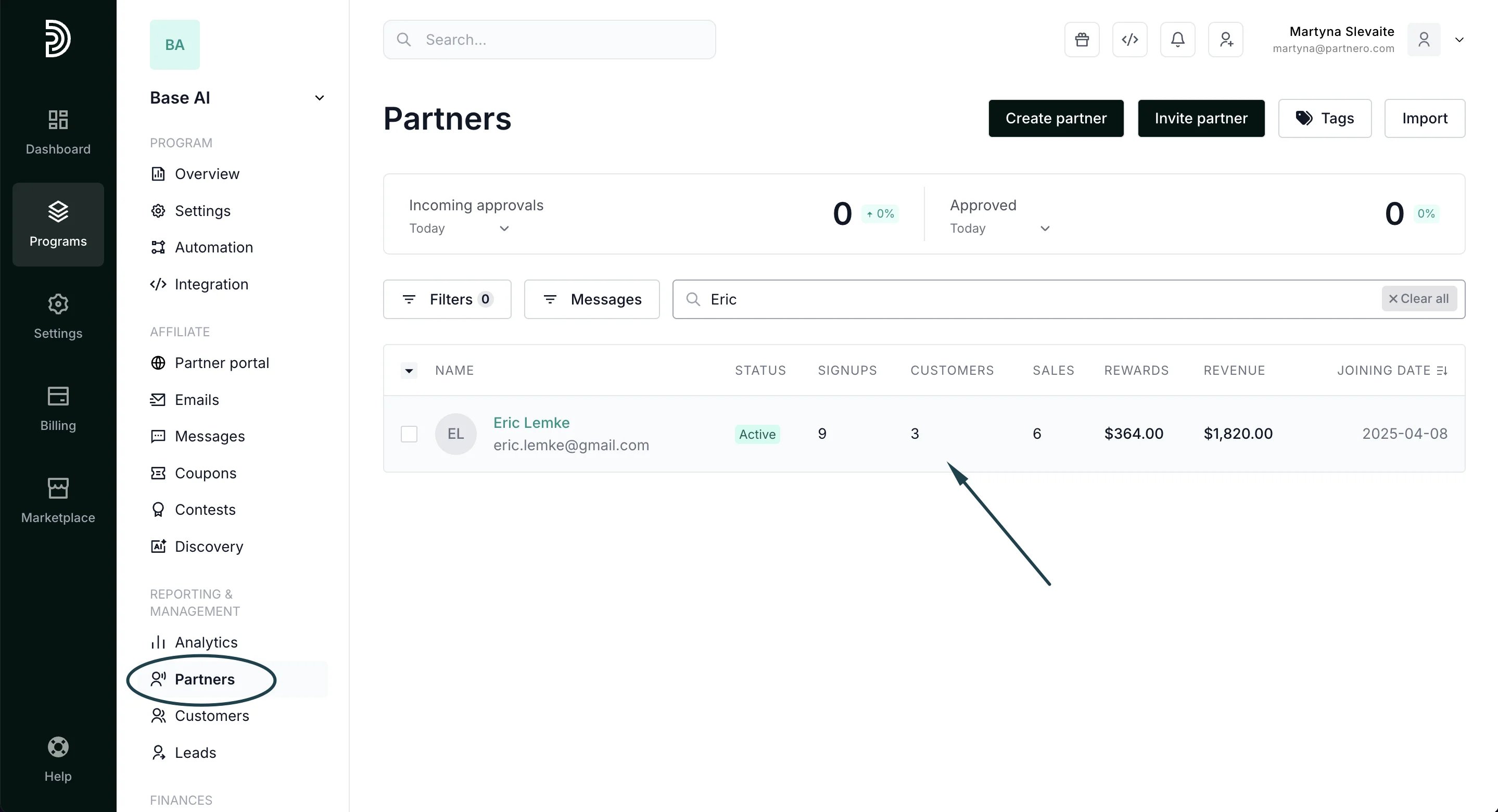
Alternatively, you can find forms uploaded by a partner in their profile:- Find the partner using their name or email and open their profile:
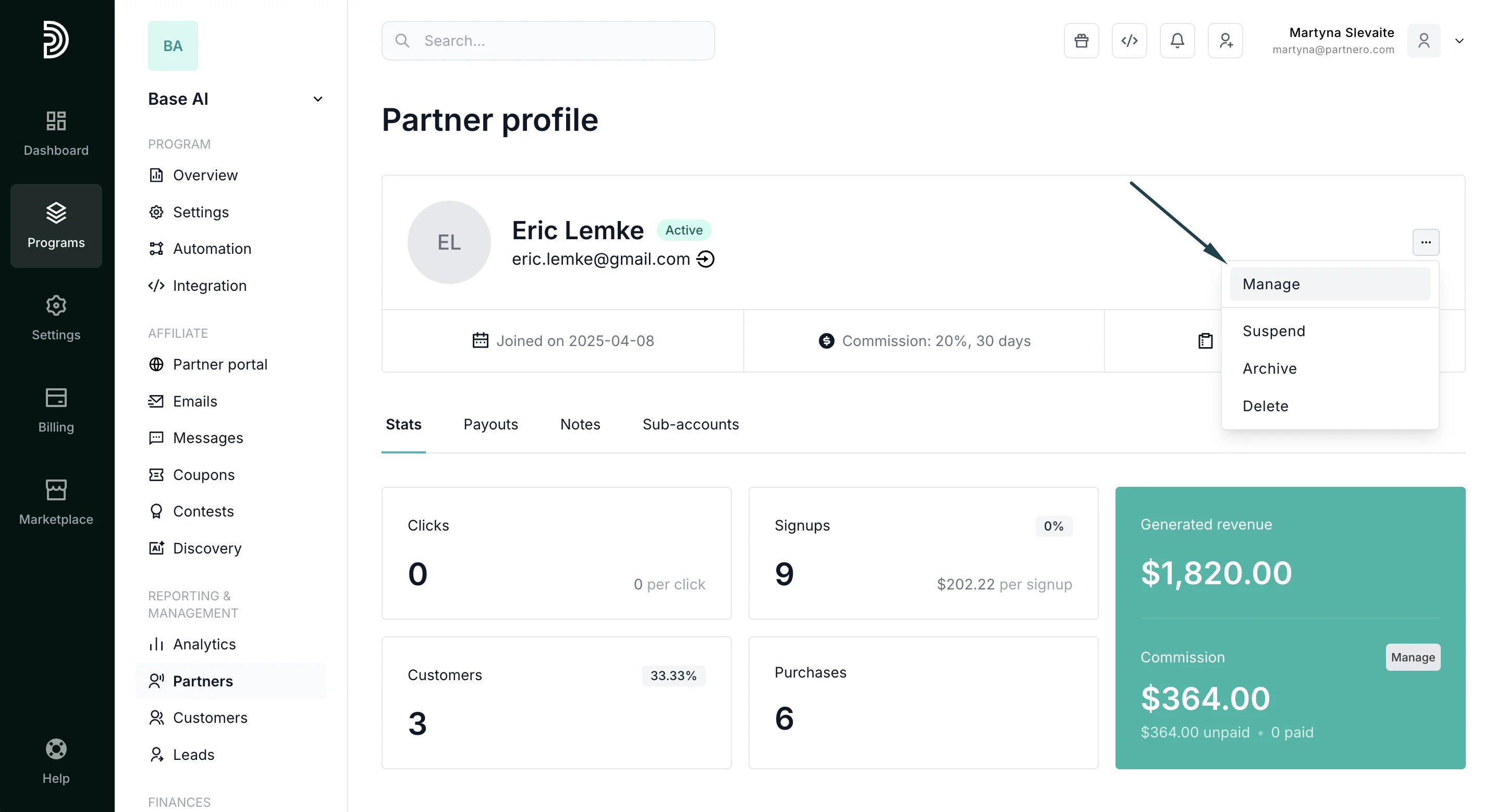
- Click the three dots in the top right corner and click Manage:
- Switch to the Payout details tab. Here you’ll find the Tax forms section, where you can view and manage the uploaded documents: