

How to set up Shopify store credit rewards
Now that your Shopify store is connected:-
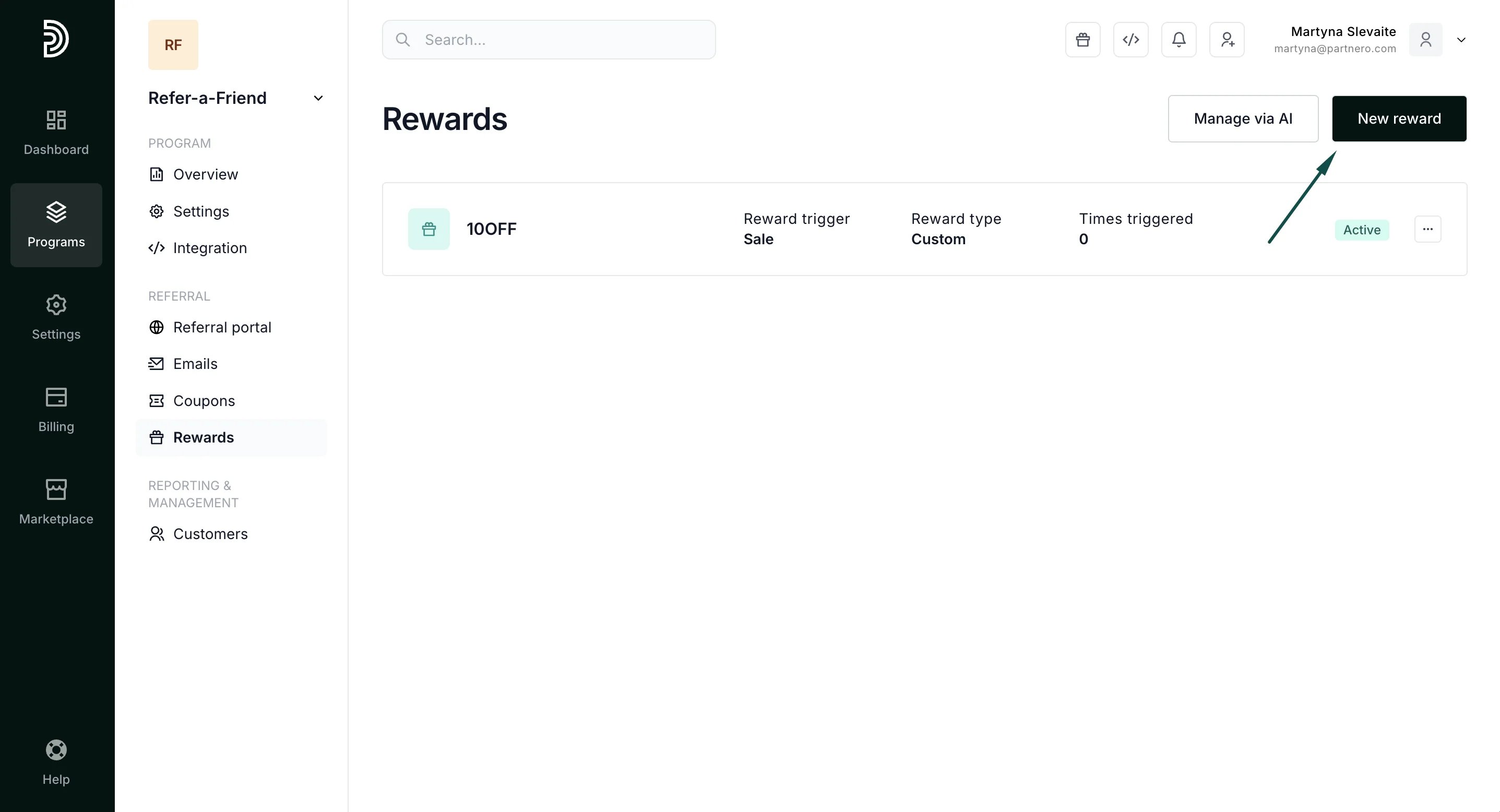
Open your refer-a-friend program and navigate to Rewards under Referral. Click New Reward.
-
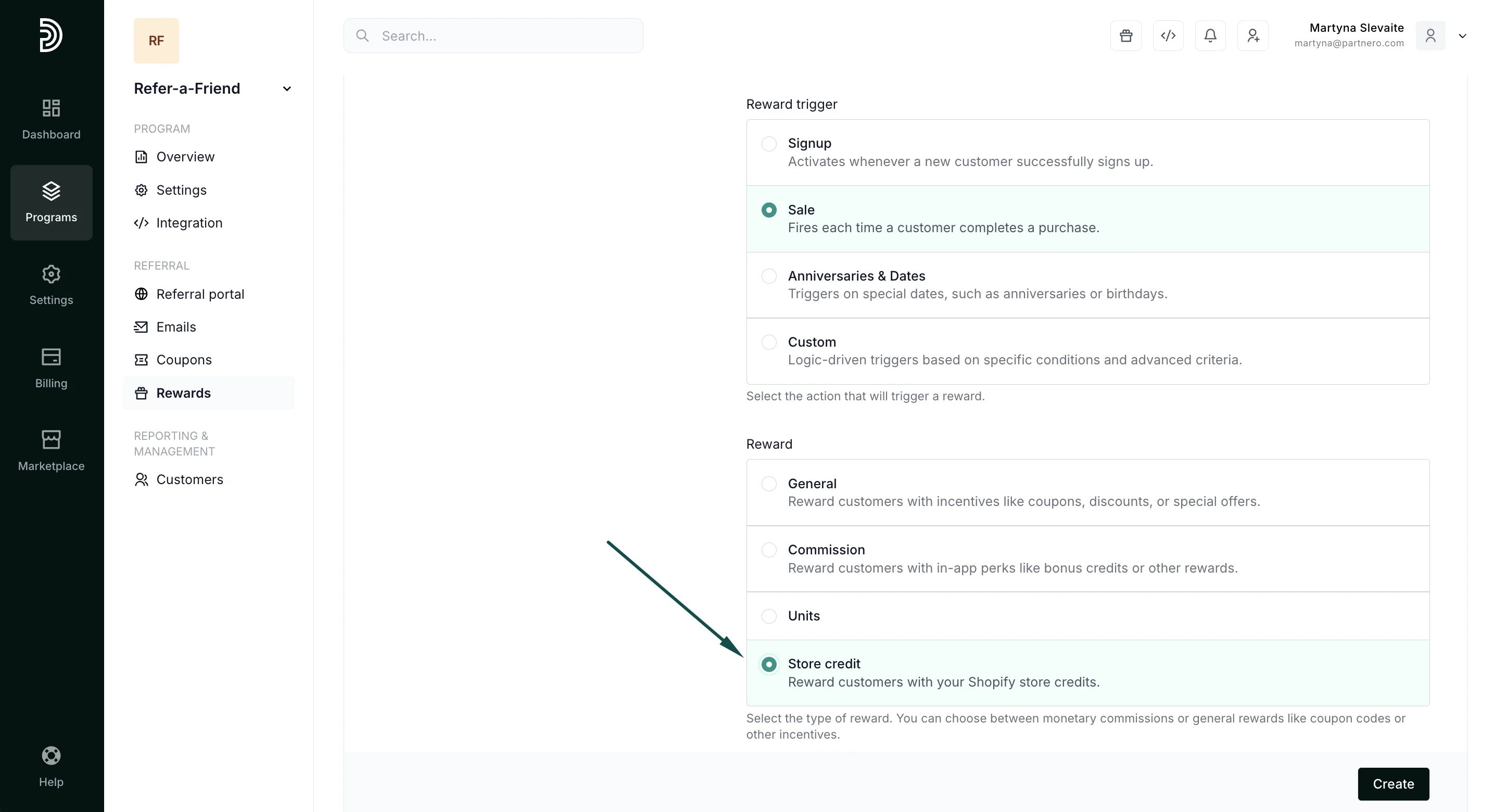
Under main reward settings, select Store Credit:
-
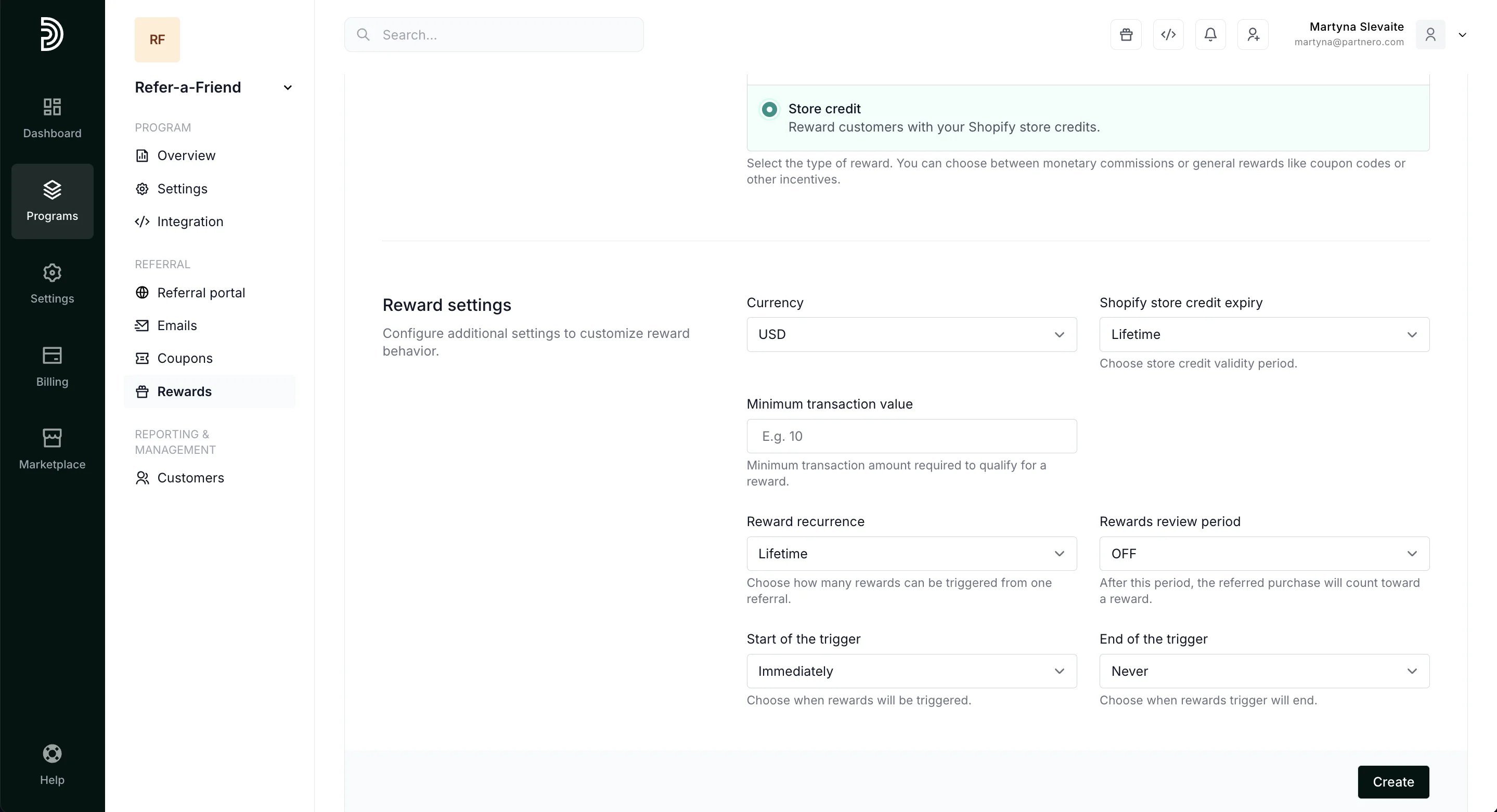
Proceed to configure the reward settings:
-
Next, define referring customers and referral rewards. This determines how much store credit will be. You can choose from a percentage or a static amount. A percentage reward offers store credit equal to a set percentage of the referral’s purchase, for example, 15%. The static reward will offer a fixed store credit amount, for example, $10. You can also select to skip the reward for the referring customer or the referral.
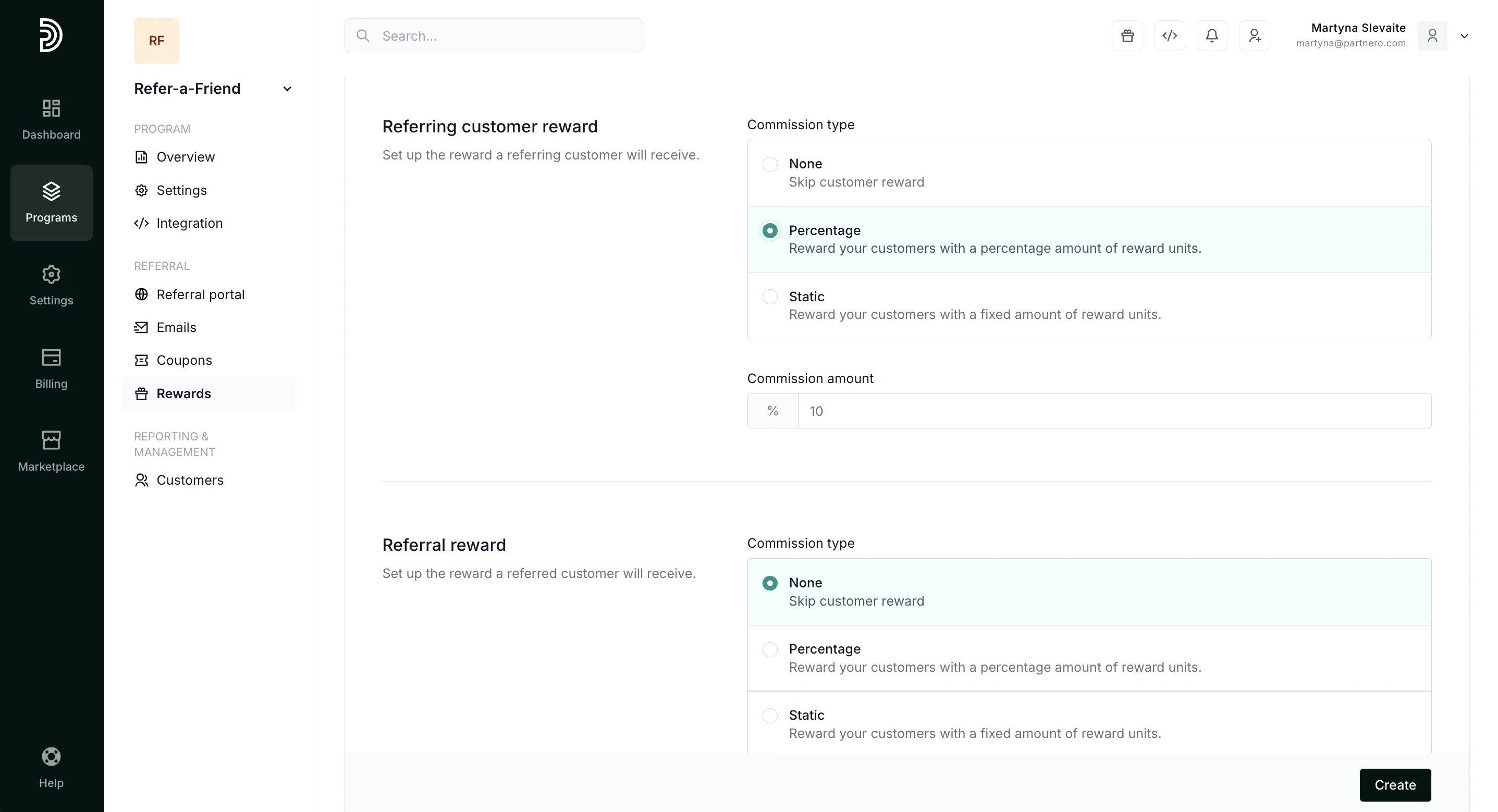
- Click Create.