

-
Click to create a newsletter referral program and select ActiveCampaign as the ESP in the 1st step:
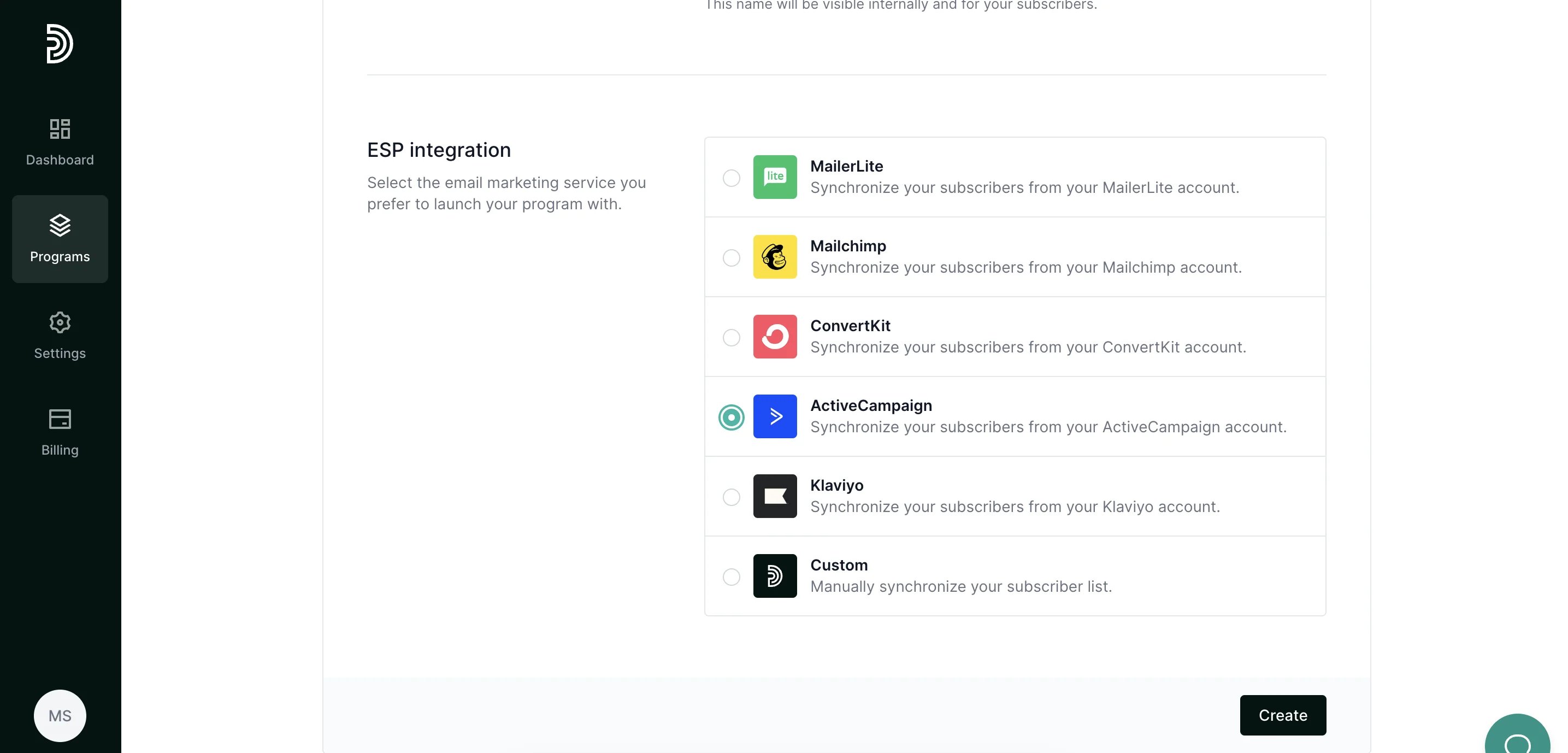
- Click Create.
-
Under Program Settings, click Authorize next to ActiveCampaign integration:
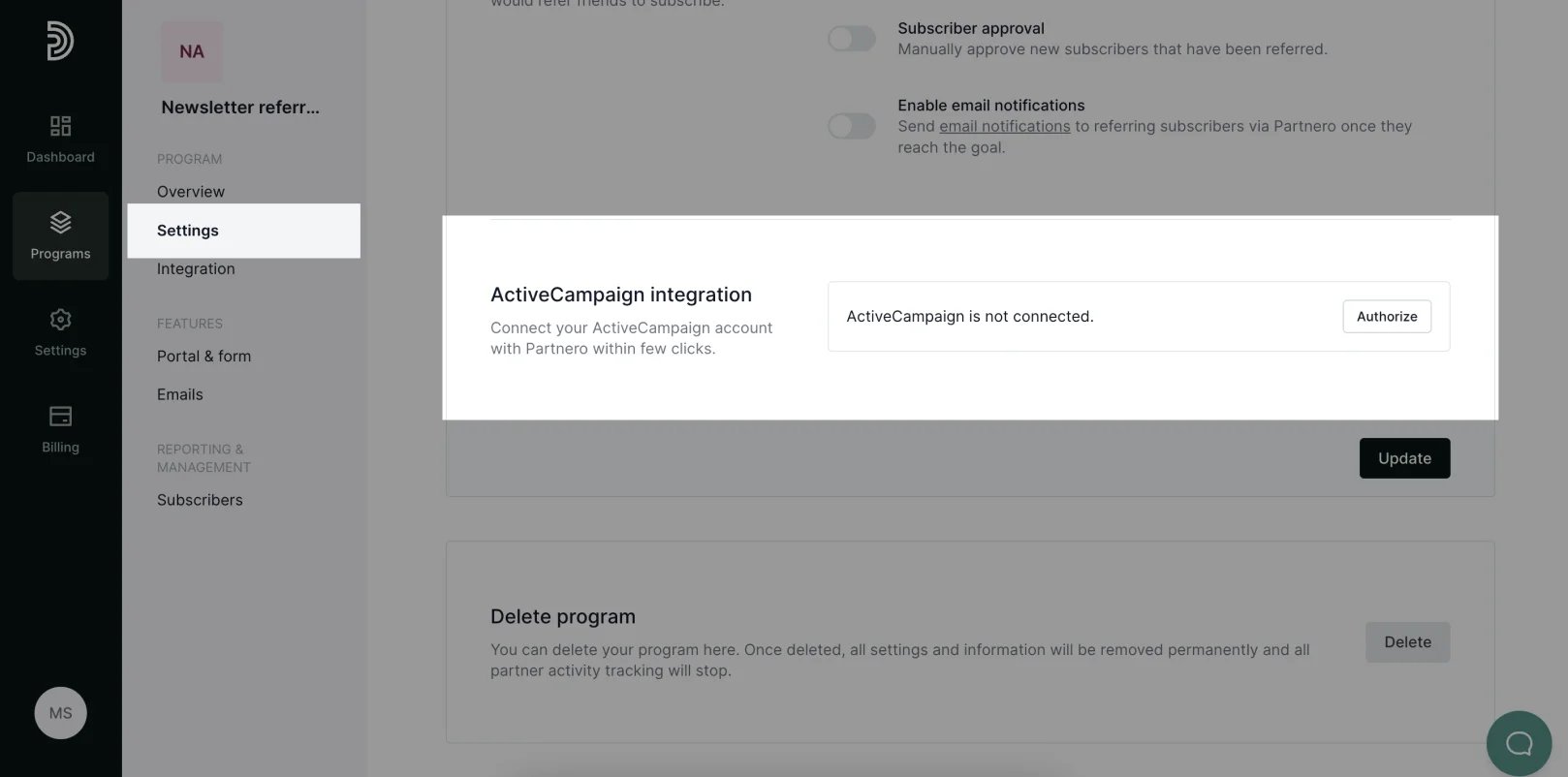
-
Enter your ActiveCampaign API URL and API key:
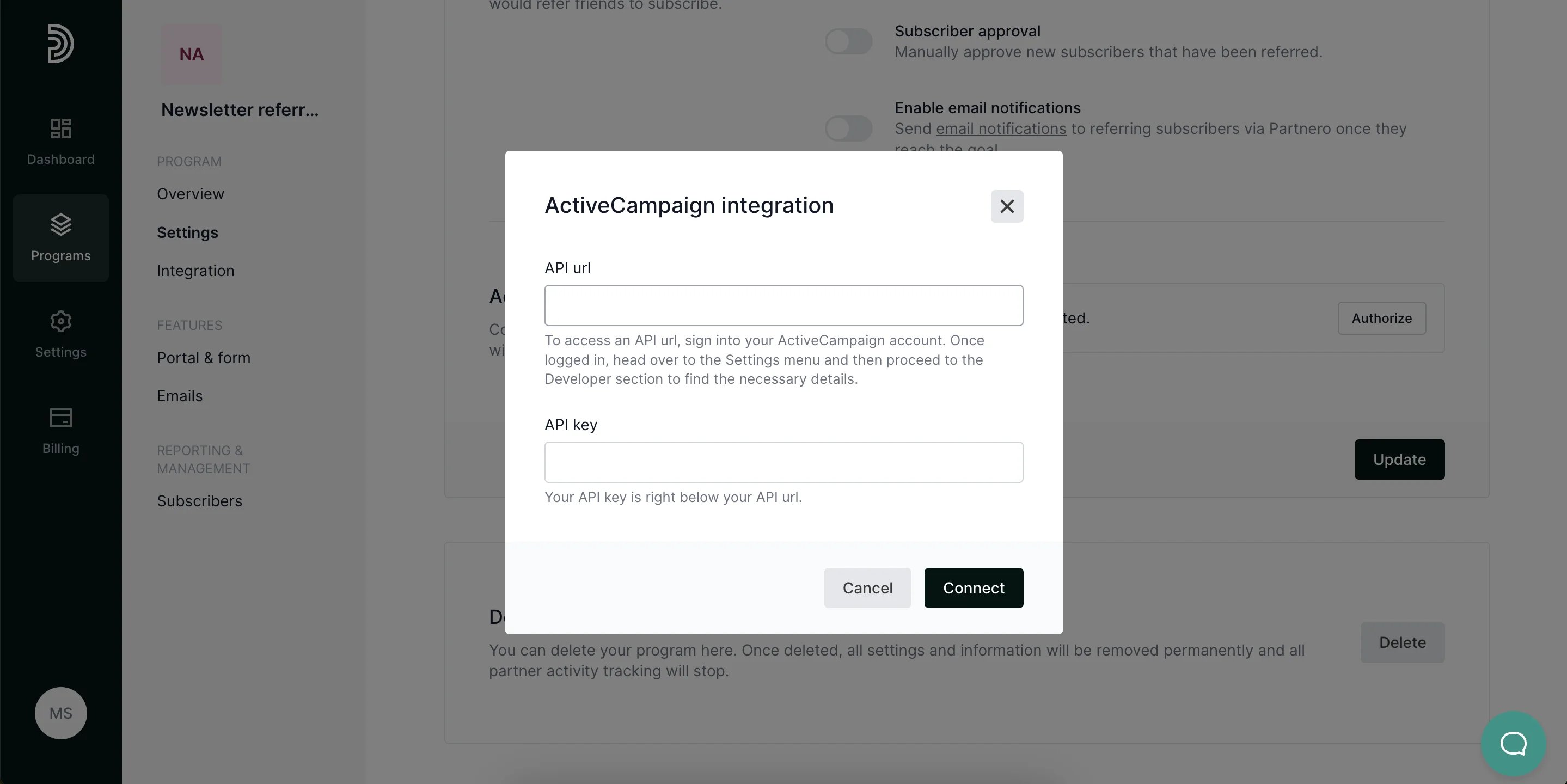
- Click “Settings” (gear icon) on the left menu.
- The Account Settings menu will appear. Click the “Developer” option.
- Copy your API URL and Key and paste it on Partnero.
- Click Connect.
-
Once connected, select the subscriber group that will participate in the referral program, as well as the destination group, where new subscribers will be added.
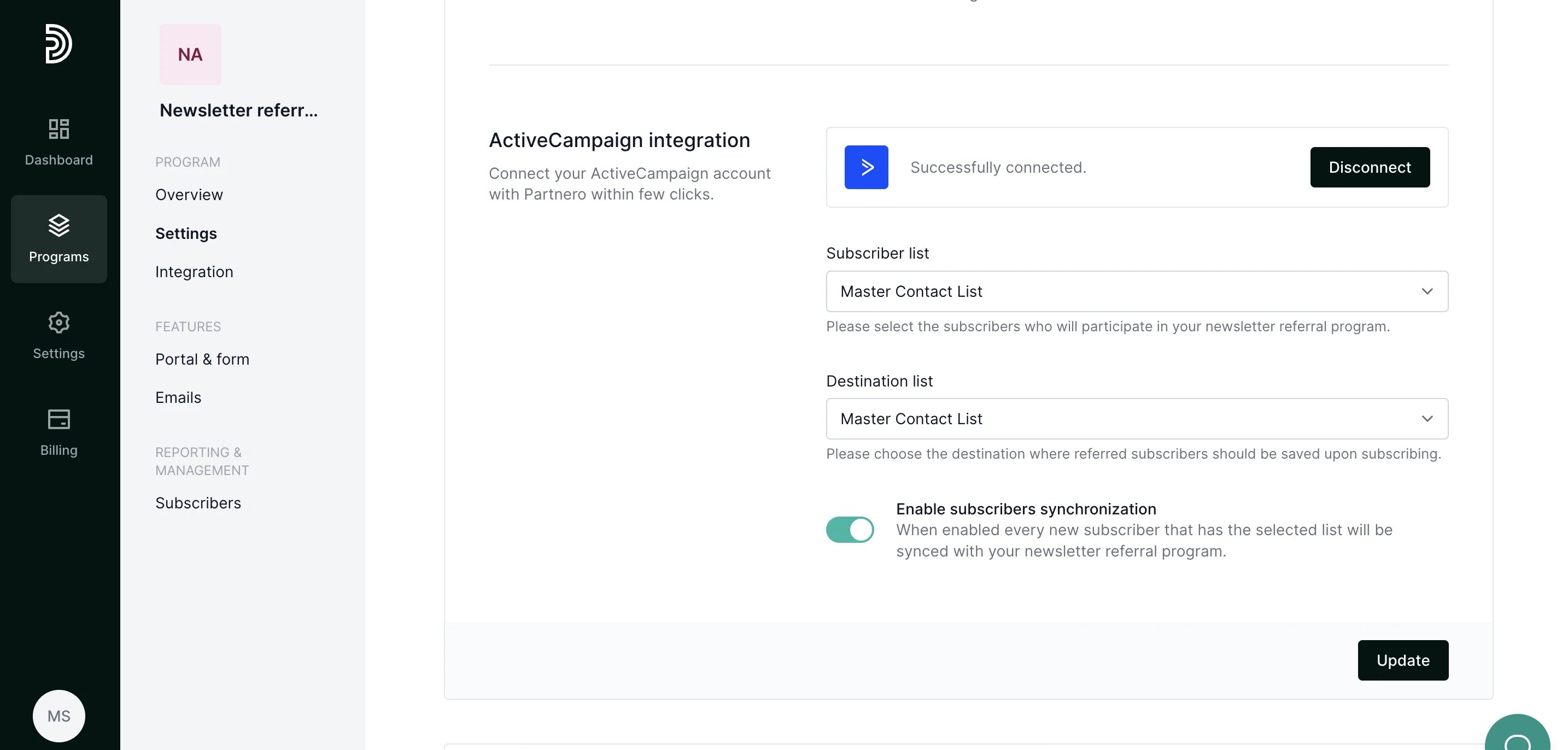
- Click Update. Your subscriber list will be synchronized, and every subscriber will receive a unique referral link.
Newsletter referral
Connect ActiveCampaign to your newsletter referral program
When creating a newsletter referral program, you will be prompted to select your email service provider.
To connect ActiveCampaign:
Was this page helpful?