How to connect your Brevo account To connect your Brevo account:
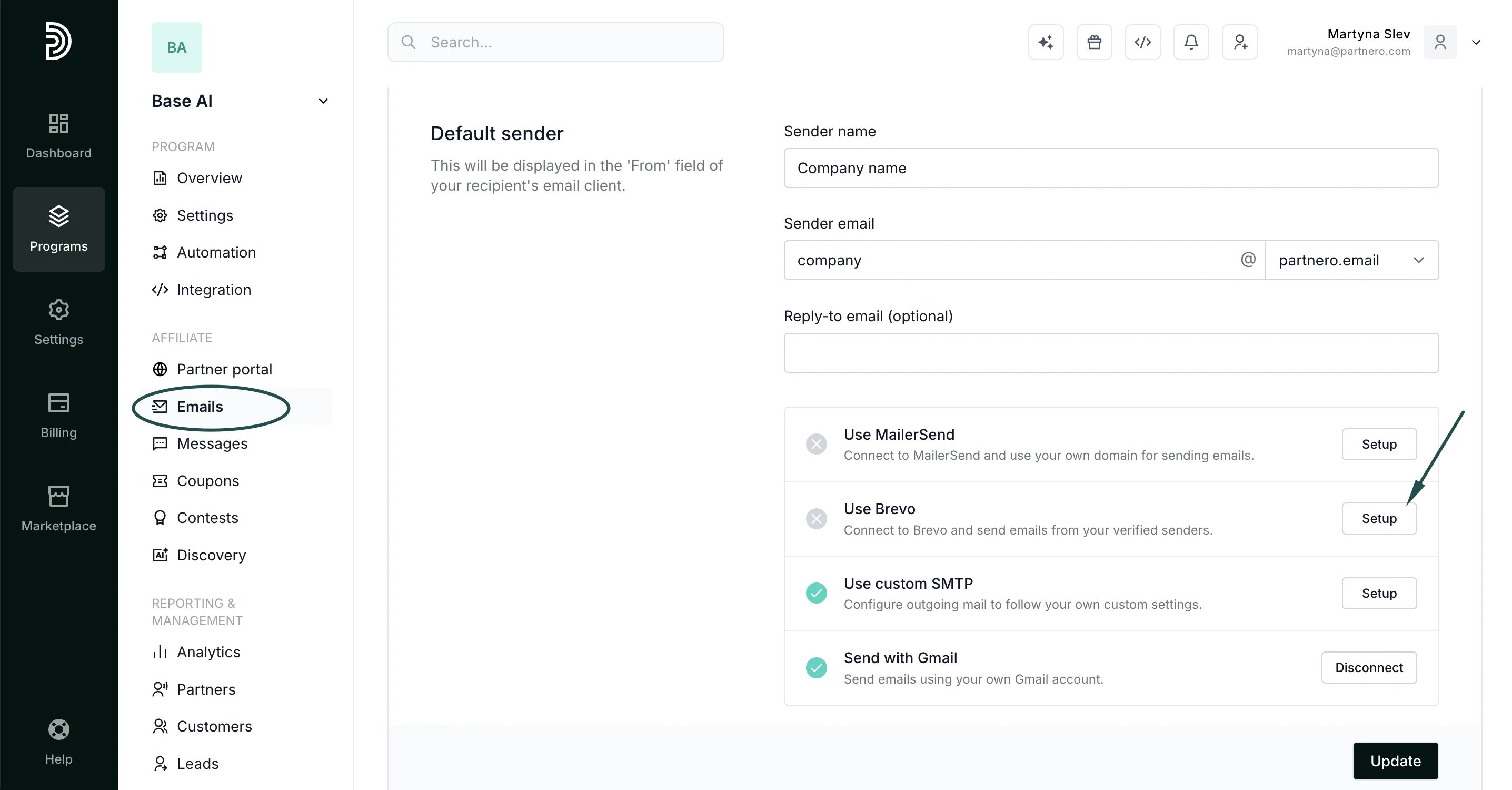
- In your program, go to Emails under Affiliate.
- In the Settings tab, click Setup next to Use Brevo:
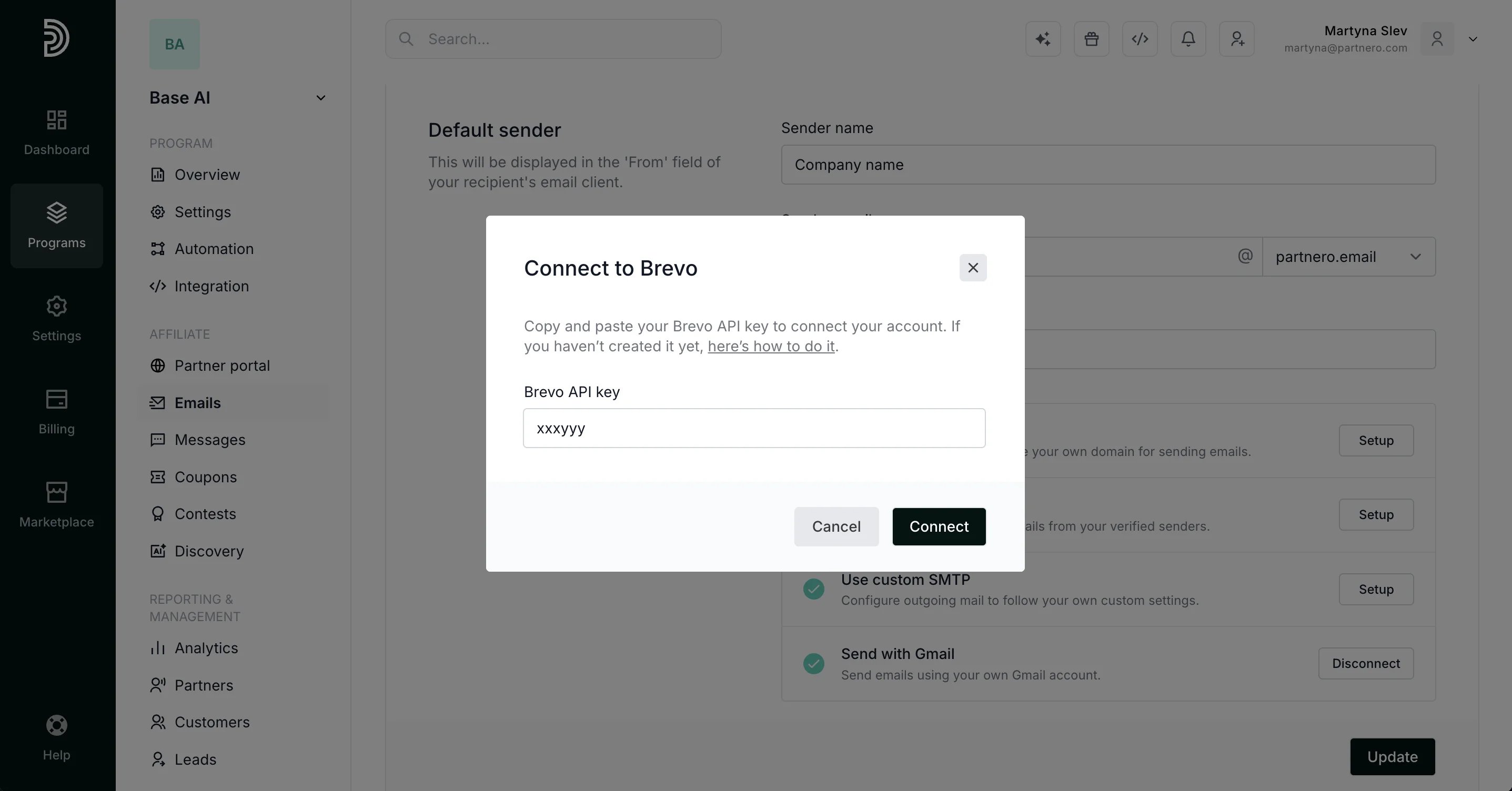
- Enter your Brevo API Key (here’s how to create one) and click Connect.
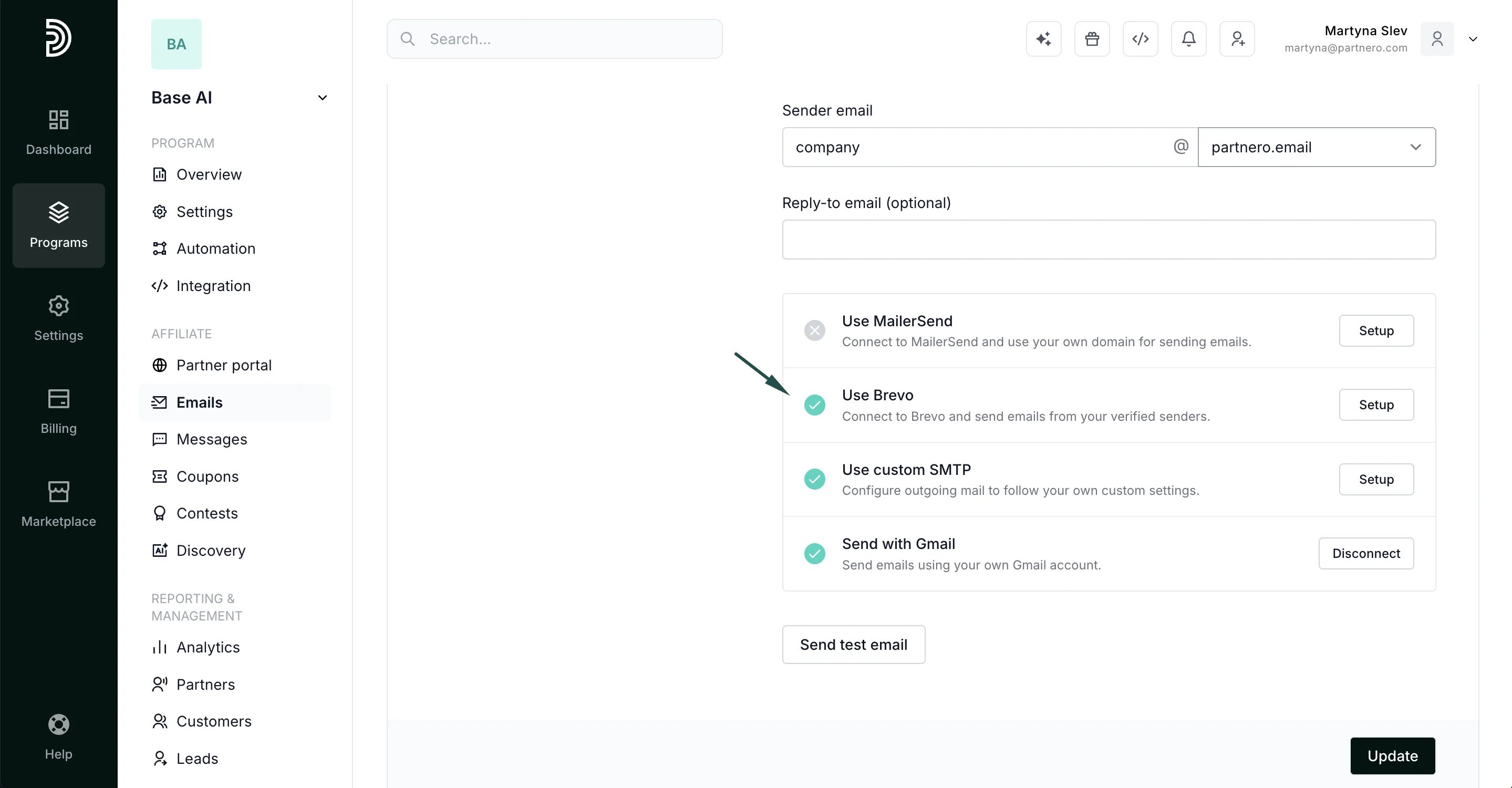
- Once connected, Brevo will have a green checkmark - this means it’s now available for use.
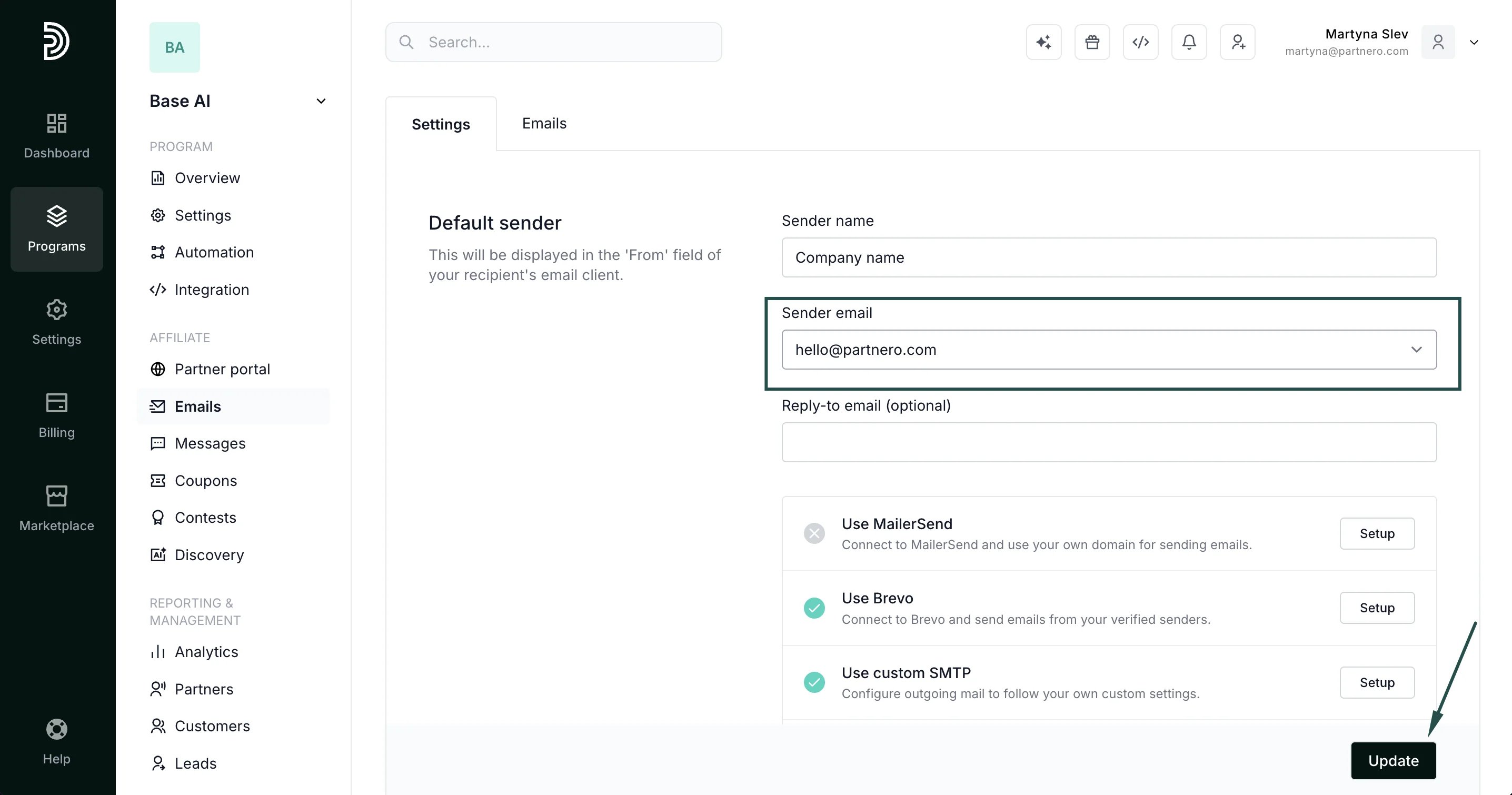
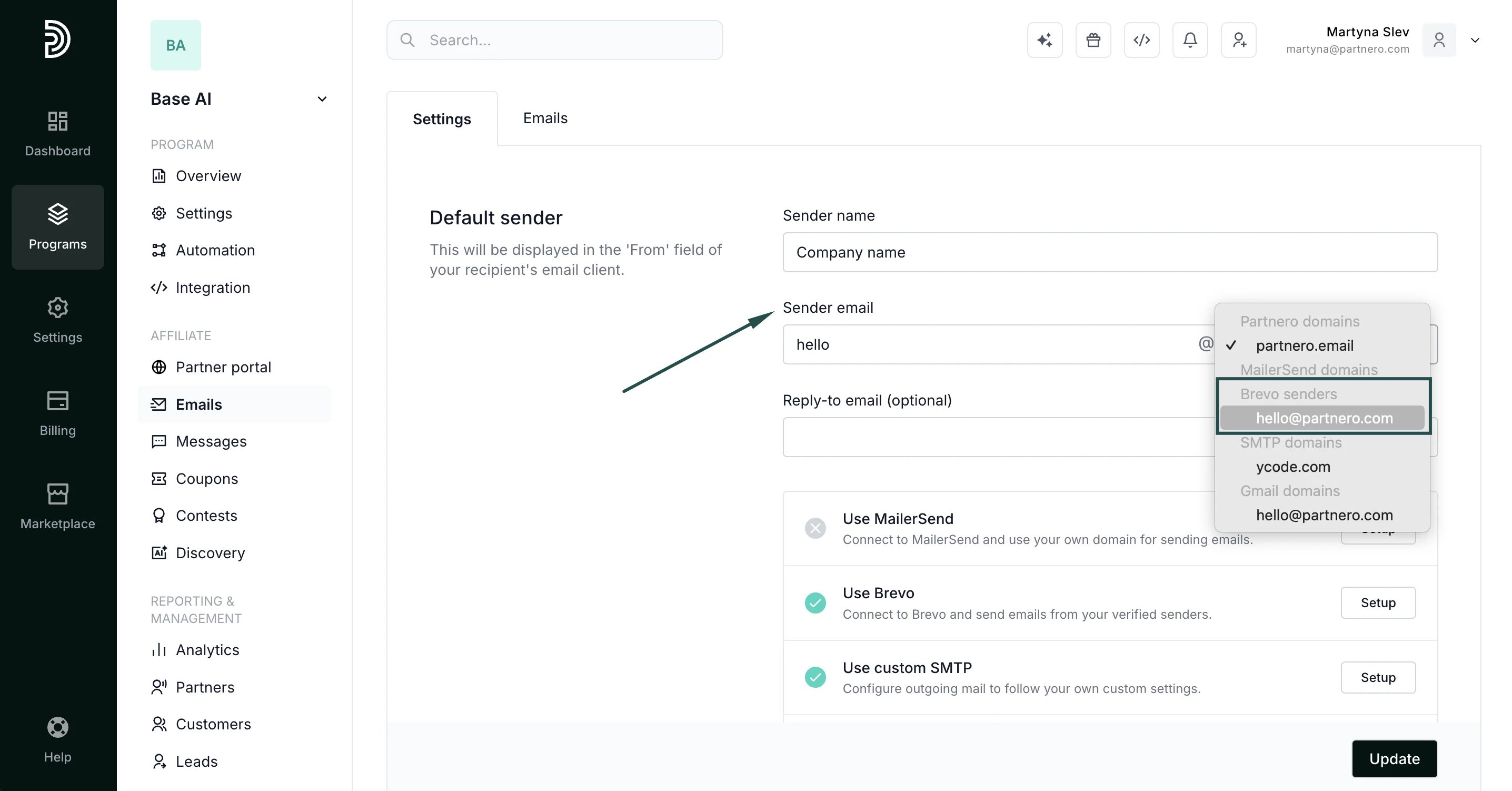
- The last step is to select the newly connected domain under Sender email > Brevo senders:
- Click Update to save your changes.