

What is a partner portal?
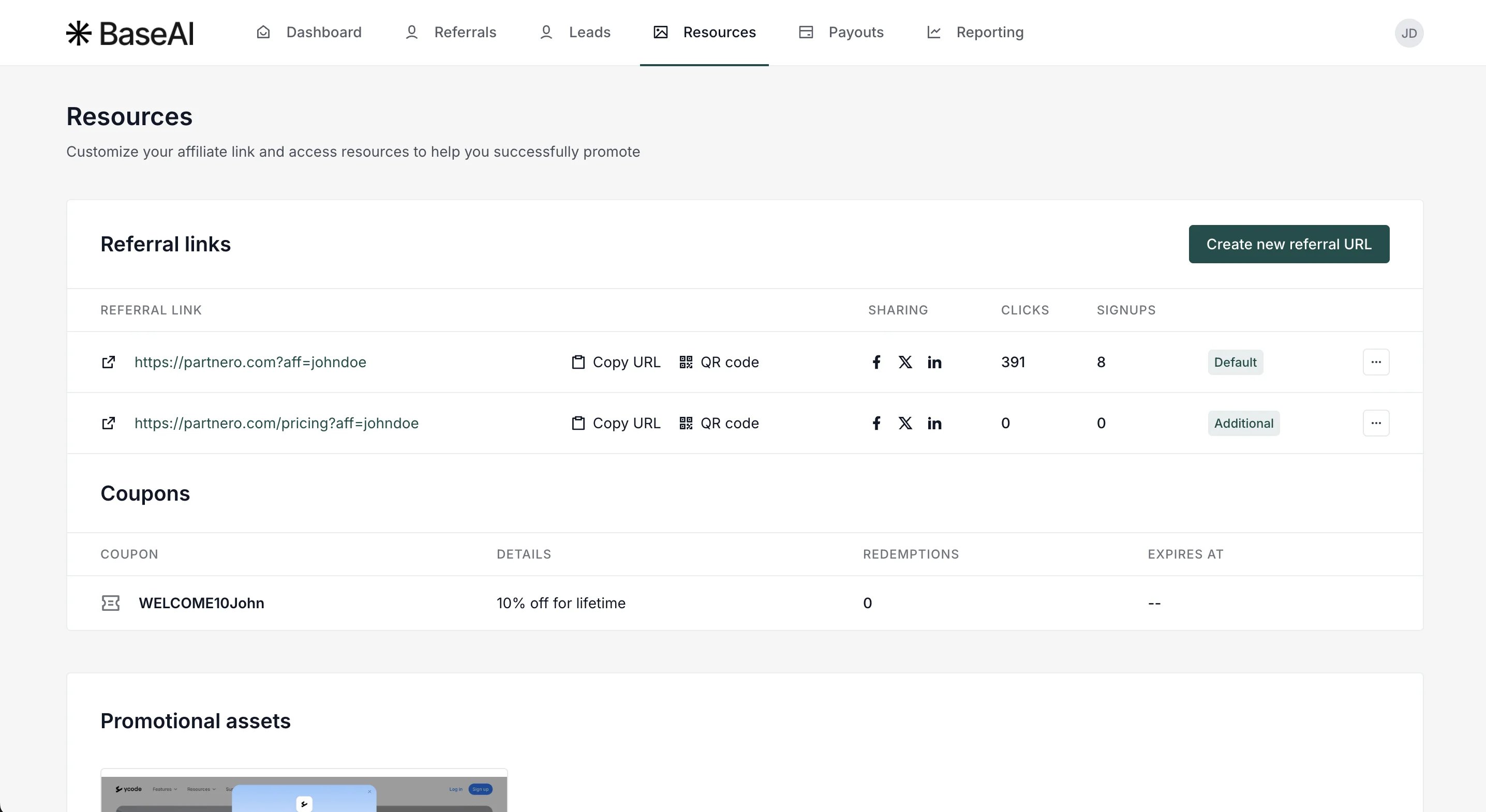
As an affiliate partner, you will have access to a partner portal, where you can access your affiliate link and promotional materials, track your progress, and create additional referral links.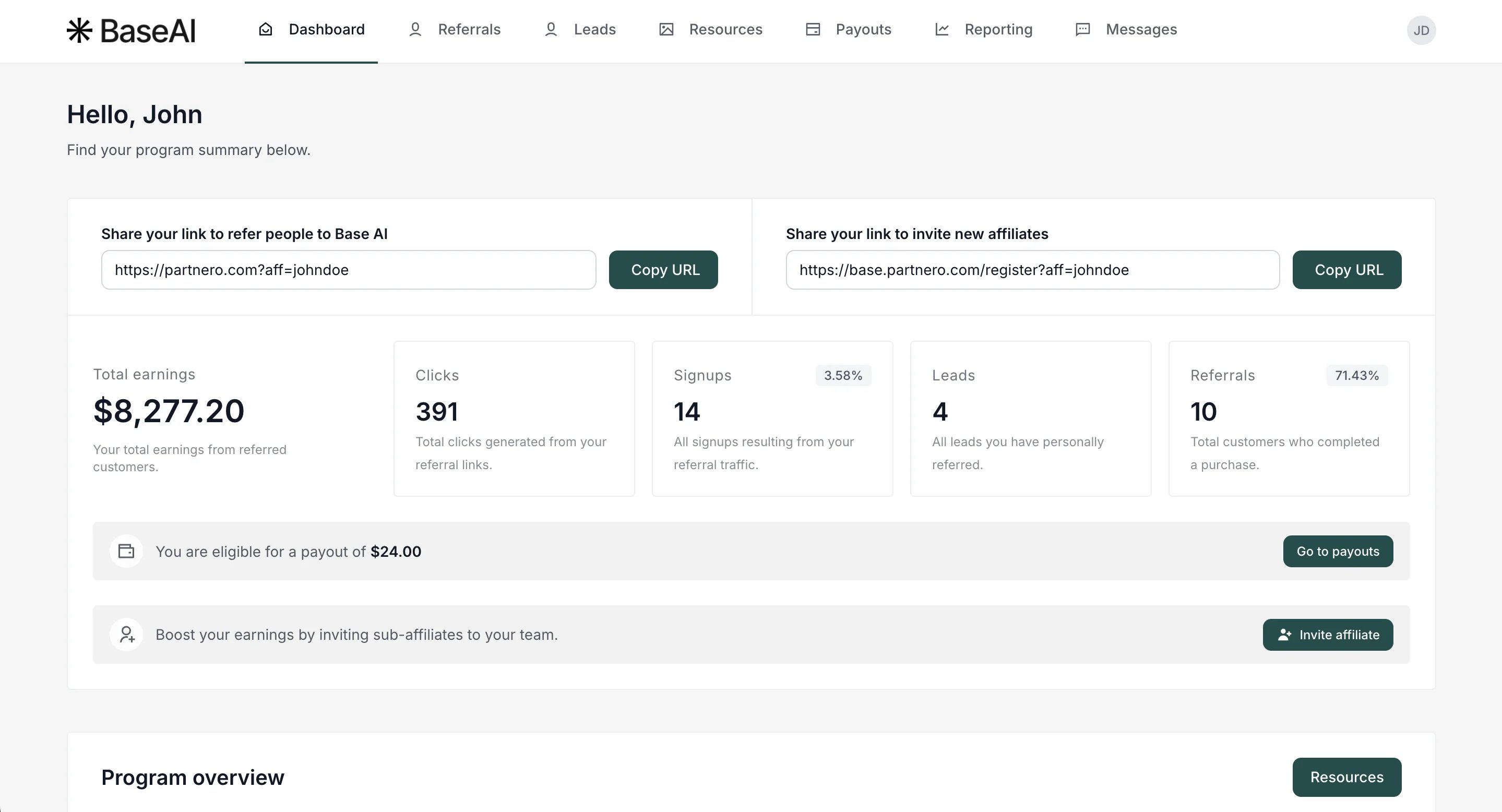
Portal overview
When you log in to your partner portal, you will land on your Dashboard. Here, you’ll find the most relevant information you may need:- Affiliate link - your unique affiliate link to refer people to the program.
- Affiliate invite link for multi-tier commissions (optional) - a unique link to invite other affiliates to join the program.
- Total earnings - your total earnings form referred customers.
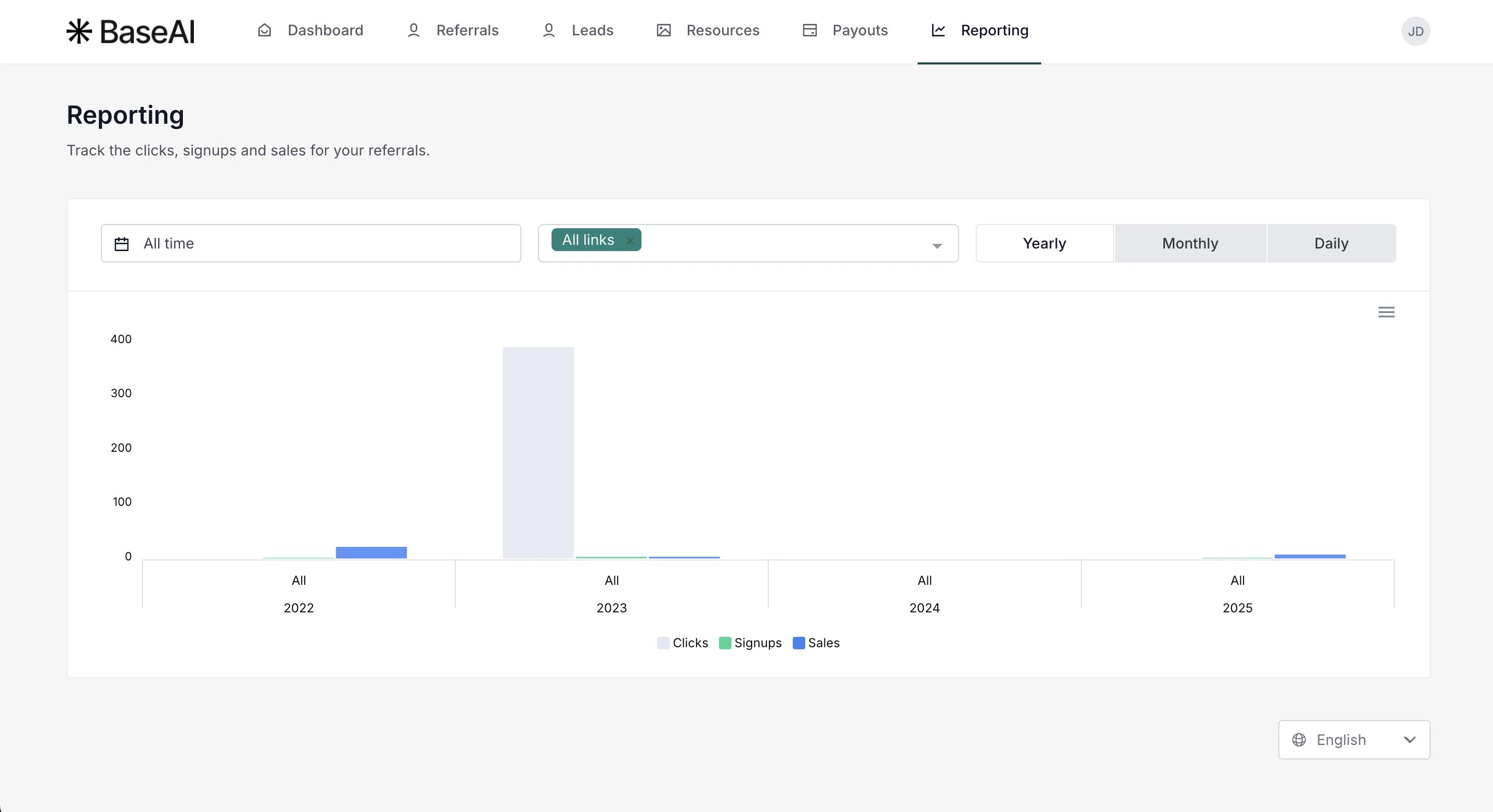
- Clicks - the number of times your unique link has been clicked.
- Signups - the number of people who signed up through your affiliate link.
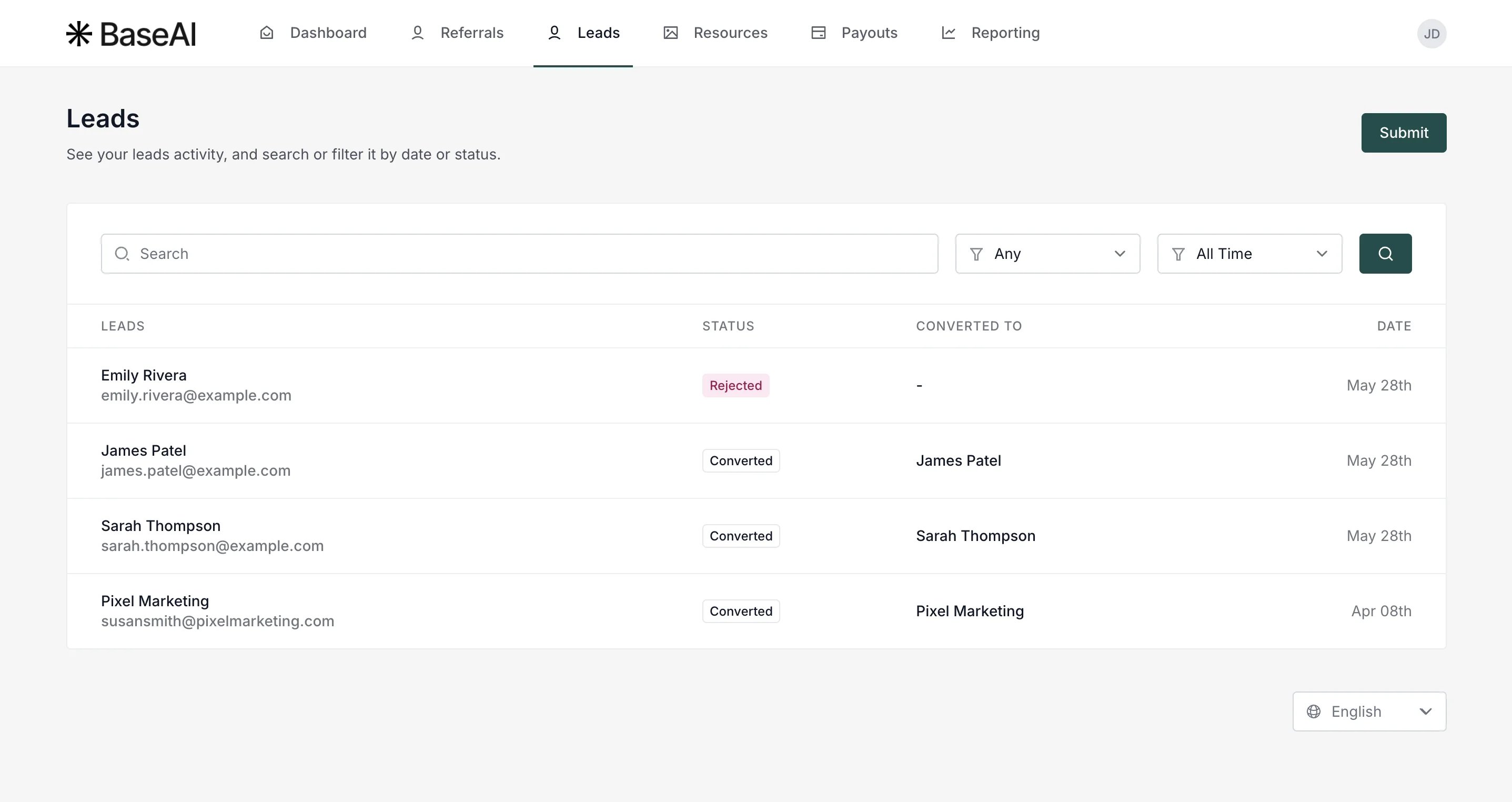
- Leads (optional) - all leads you have preferred.
- Referrals - the number of customers who made a purchase.
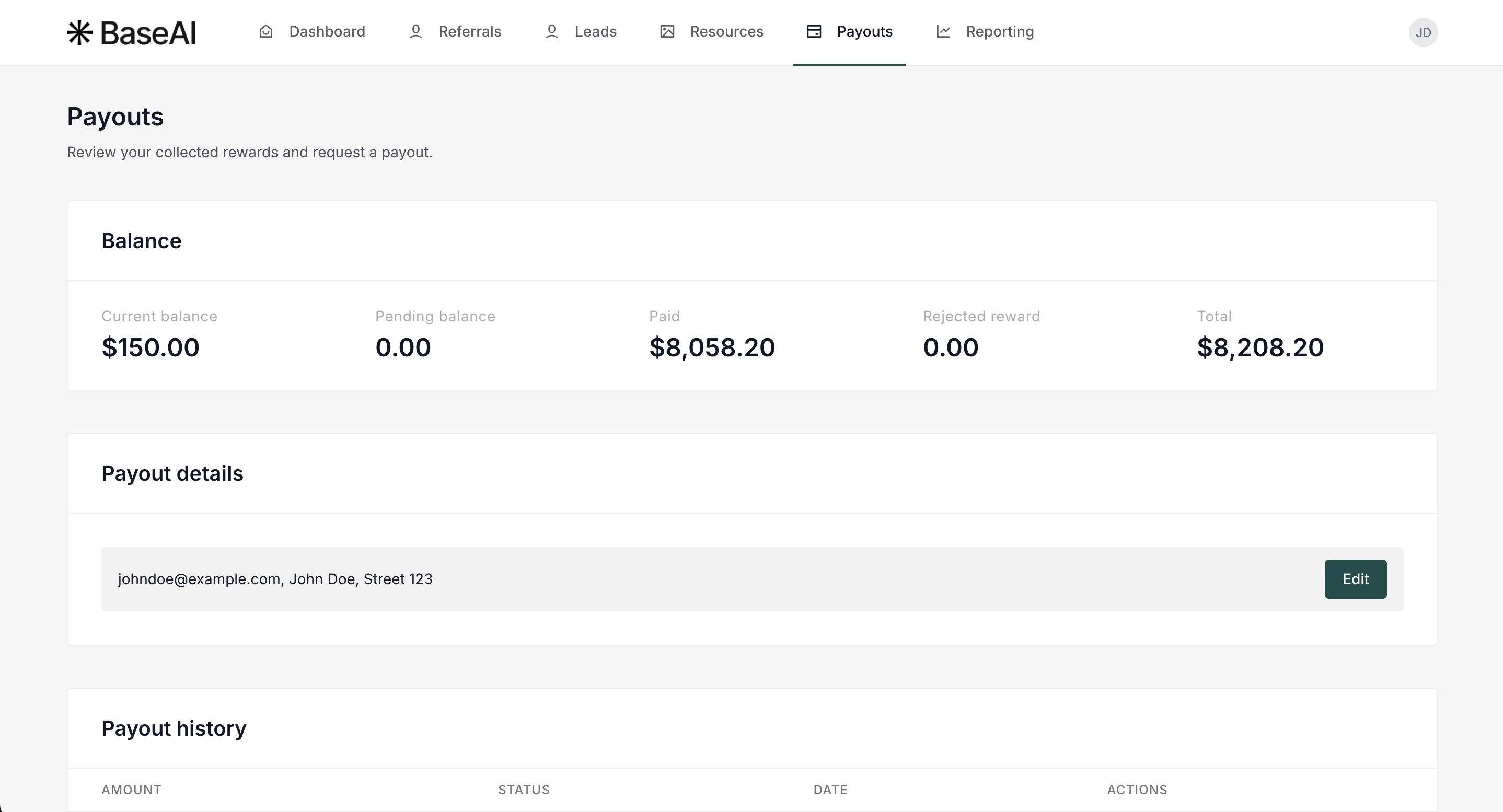
- Available payout - pending rewards that haven’t been paid out yet.
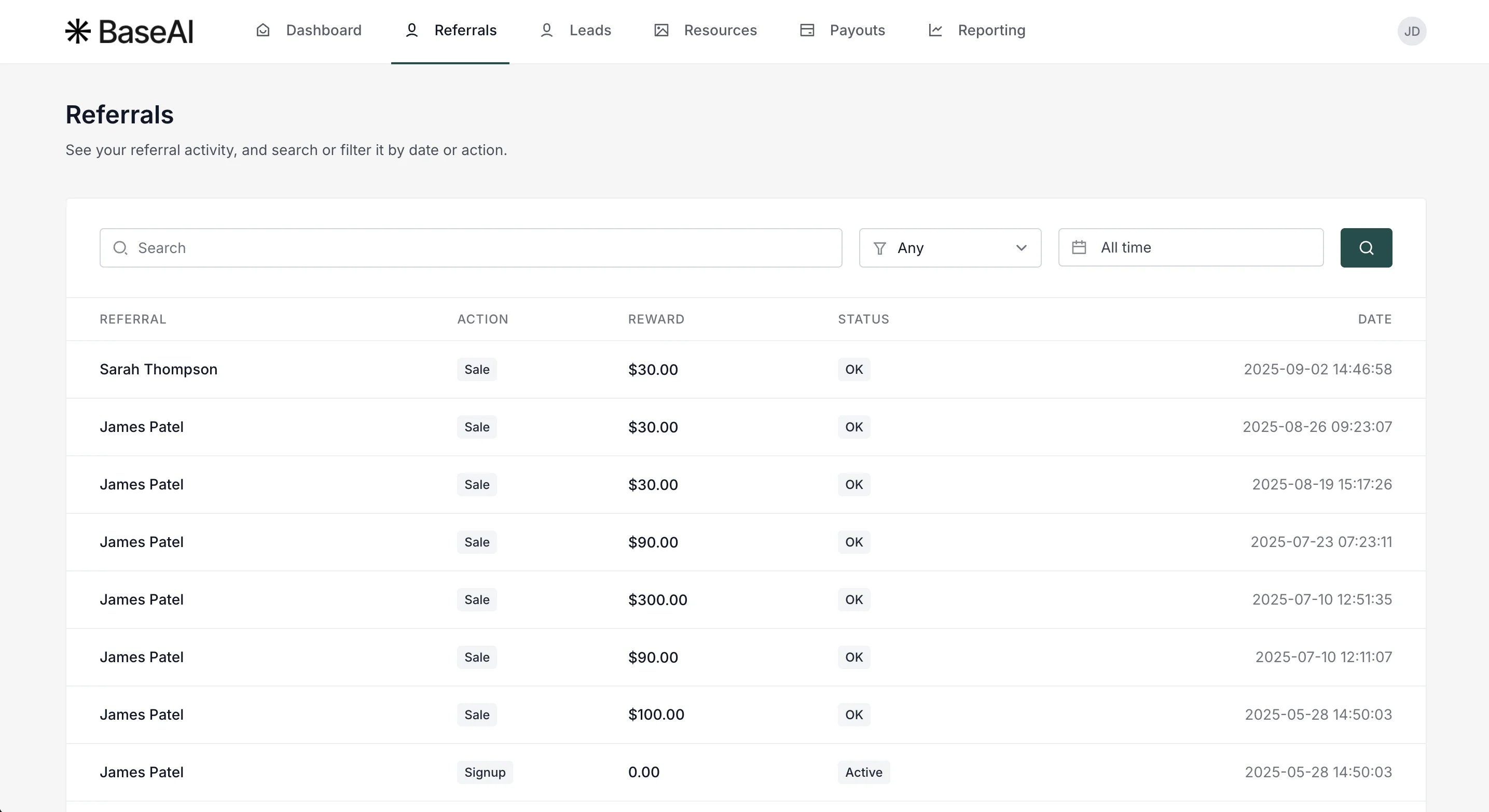
- Recent activity - the most recent signups and sales from your referrals.
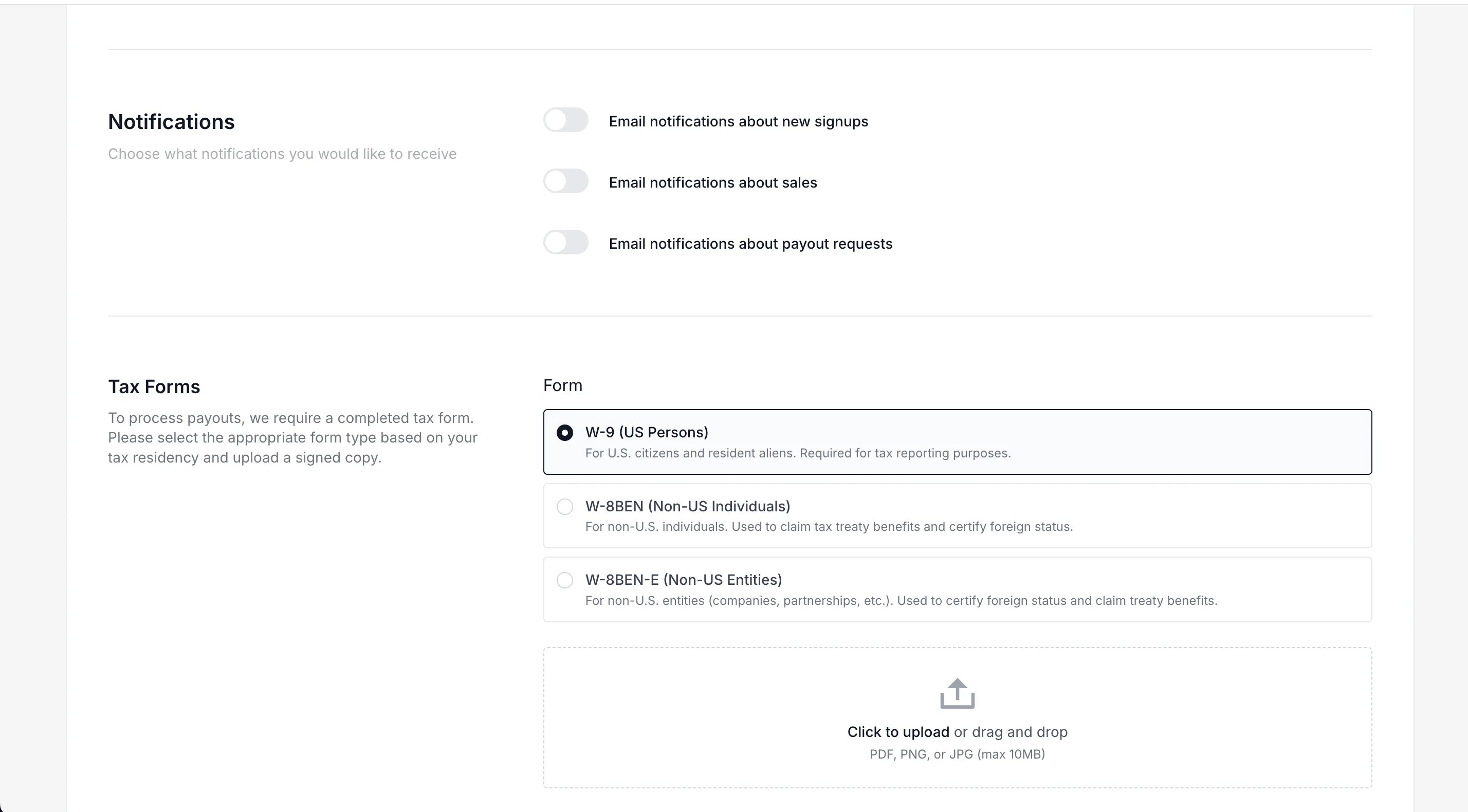
My profile
Click on your initials in the upper right corner and select My profile: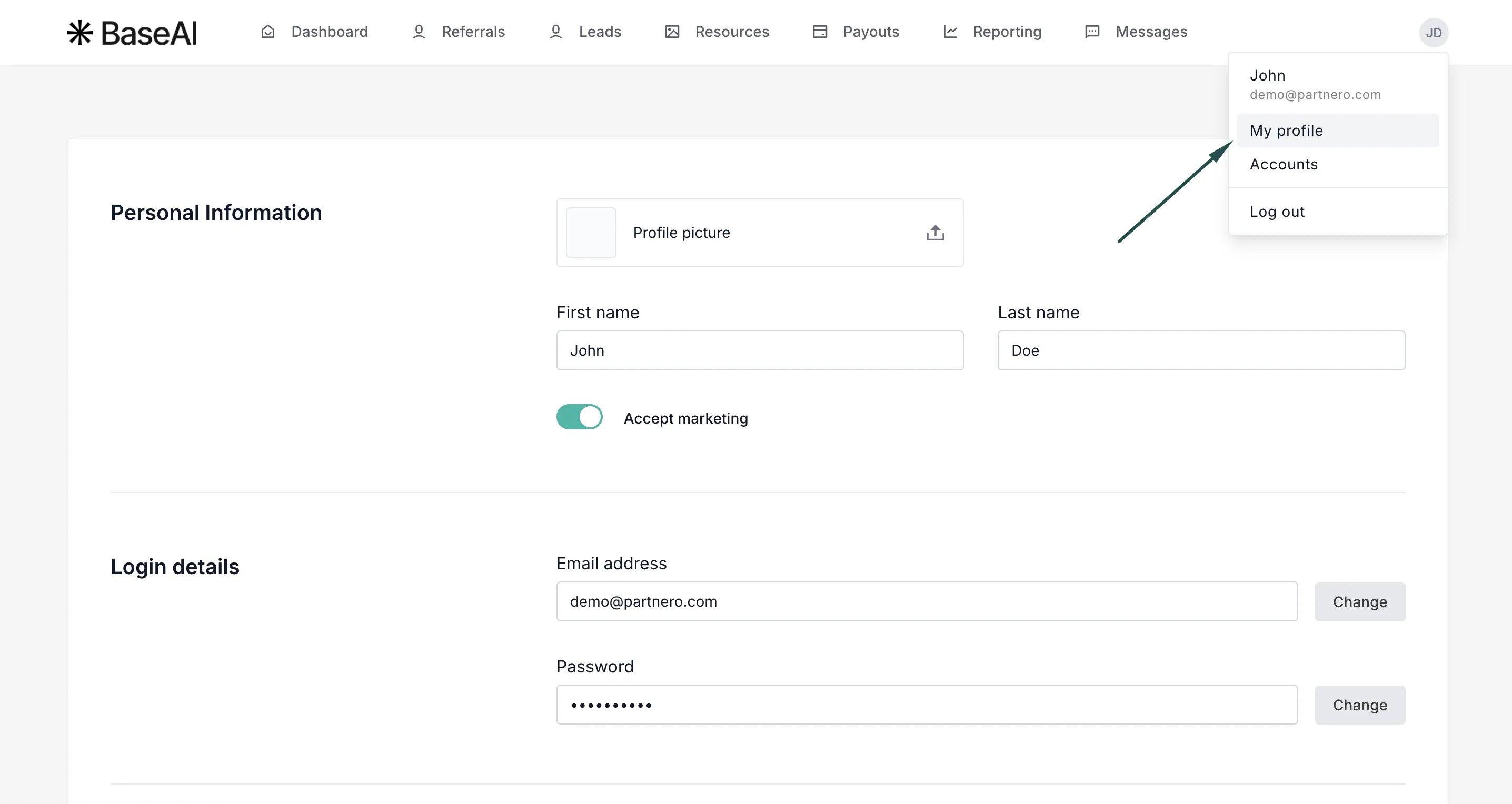
Creating sub-accounts Depending on the program’s permissions, you may be able to create and use sub‑accounts within the Partner Portal to grant colleagues access. Click here to read more.