

How to process payouts with Wise integration
- Log in to Partnero and open the program you want to work with.
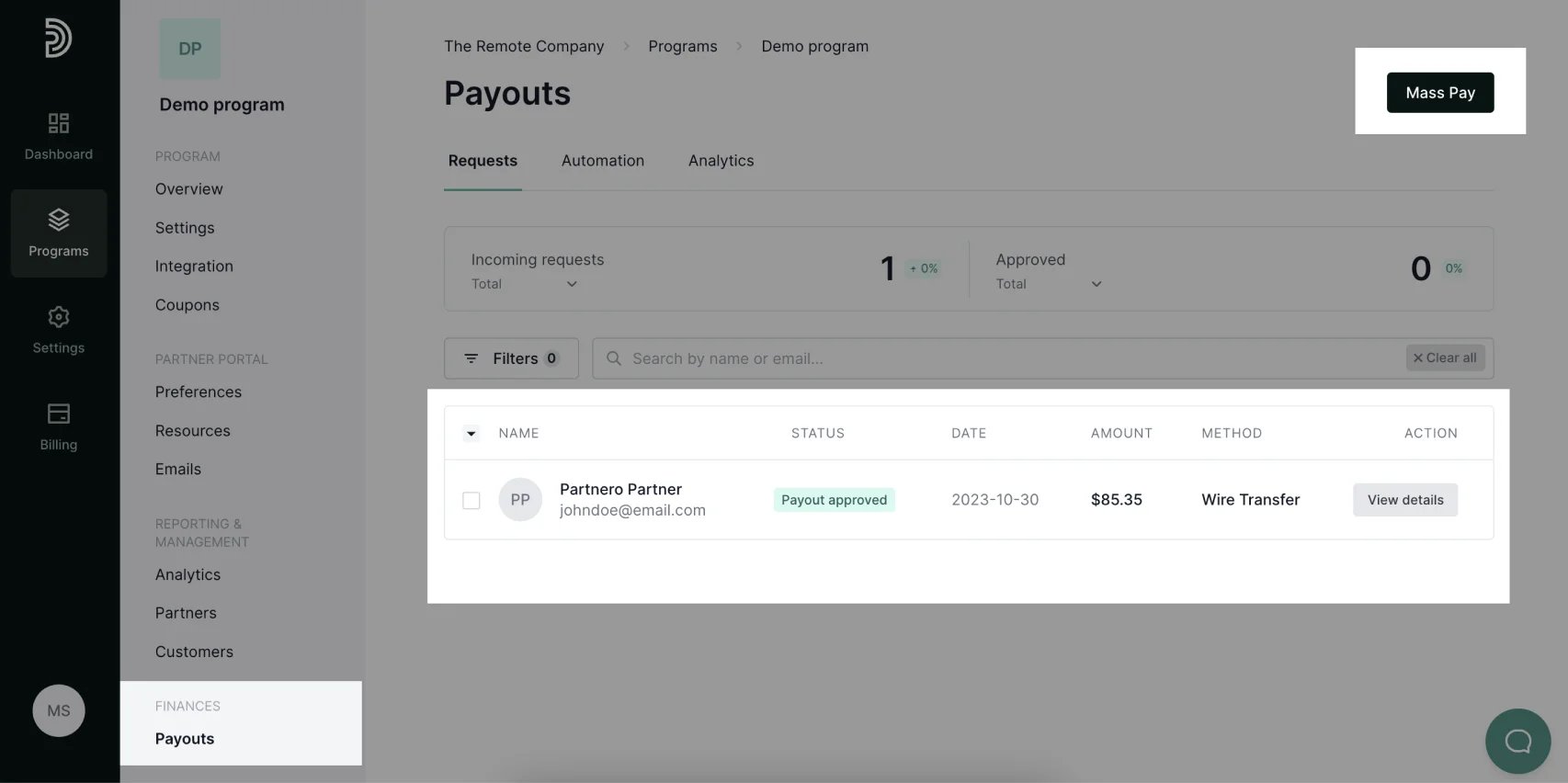
- Go to Payouts under Finances.
- Approve the payout requests you’d like to process. This step will not be necessary if your program is set to approve all payout requests automatically
-
Click Mass Pay in the upper right corner:
-
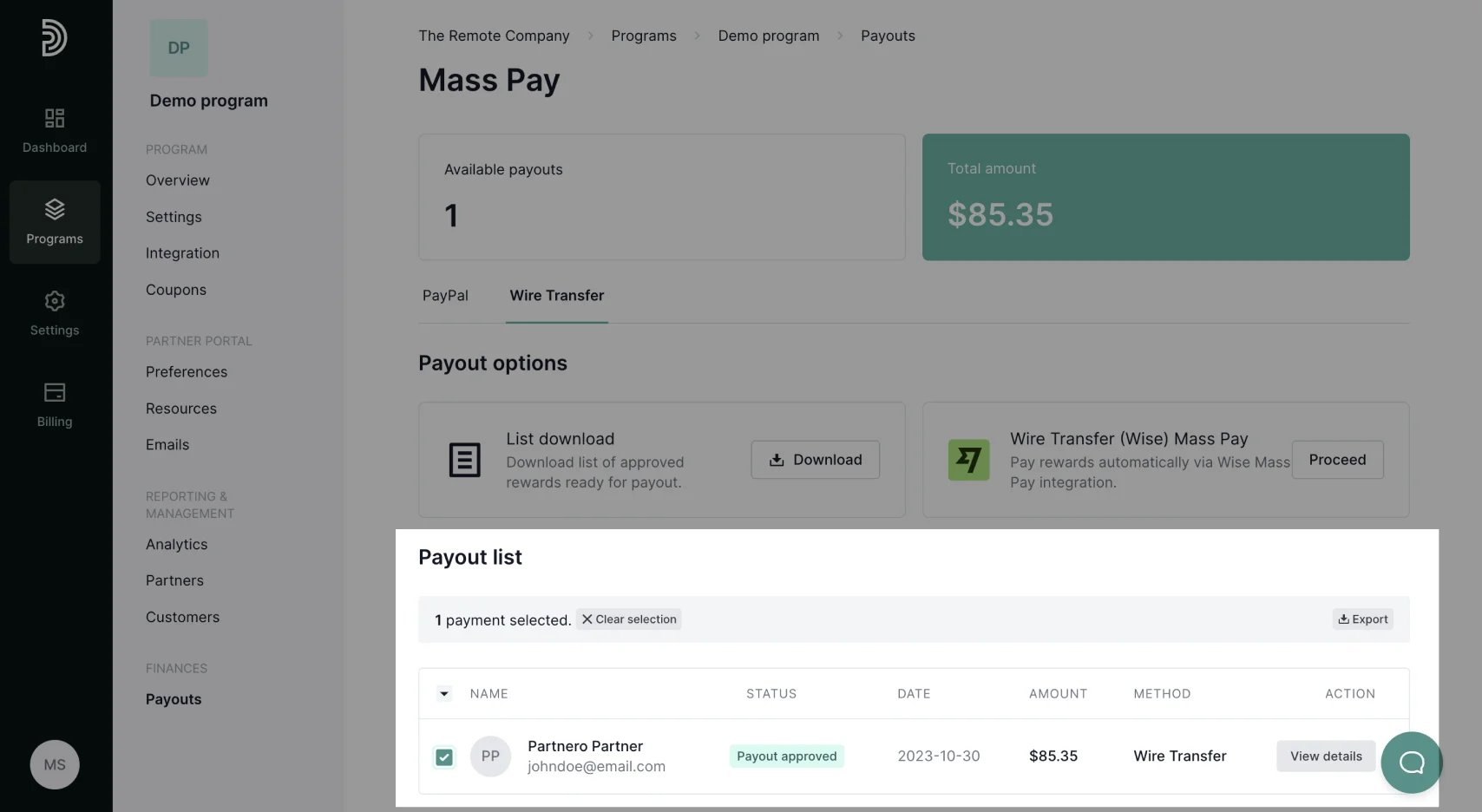
Select the payments you’d like to process (you can also select all):
-
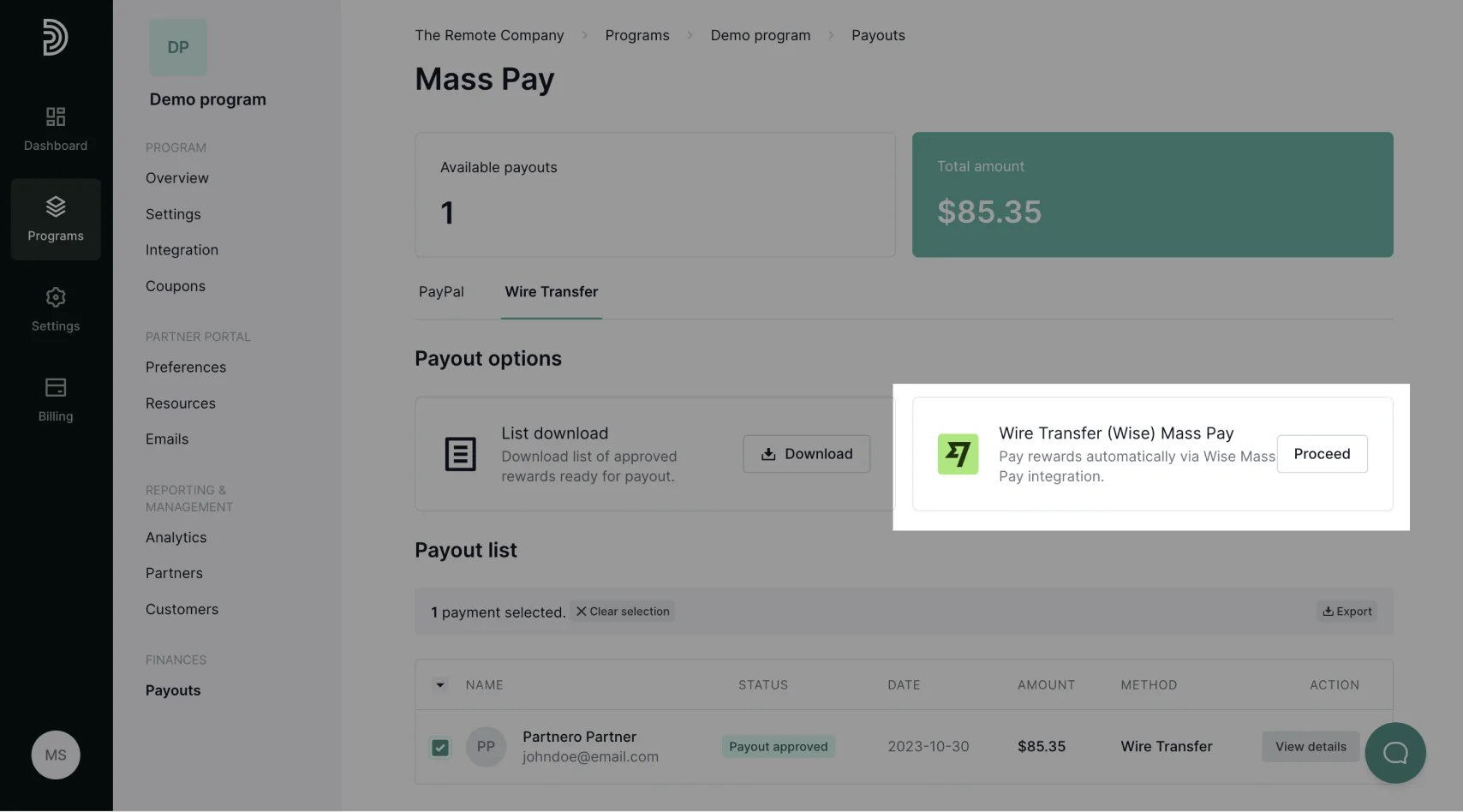
Click Proceed next to Wise Mass Pay:
- Click Process in the confirmation window.