Install the Shopify app
The first step is to connect your Shopify and Partnero accounts. To do that, you need to install our Shopify app. You can find detailed instructions here. When connecting a program, choose the referral program type. Once your program is connected successfully, you’ll see a “Connected” banner next to Shopify under Program > Integration > Apps & Integrations: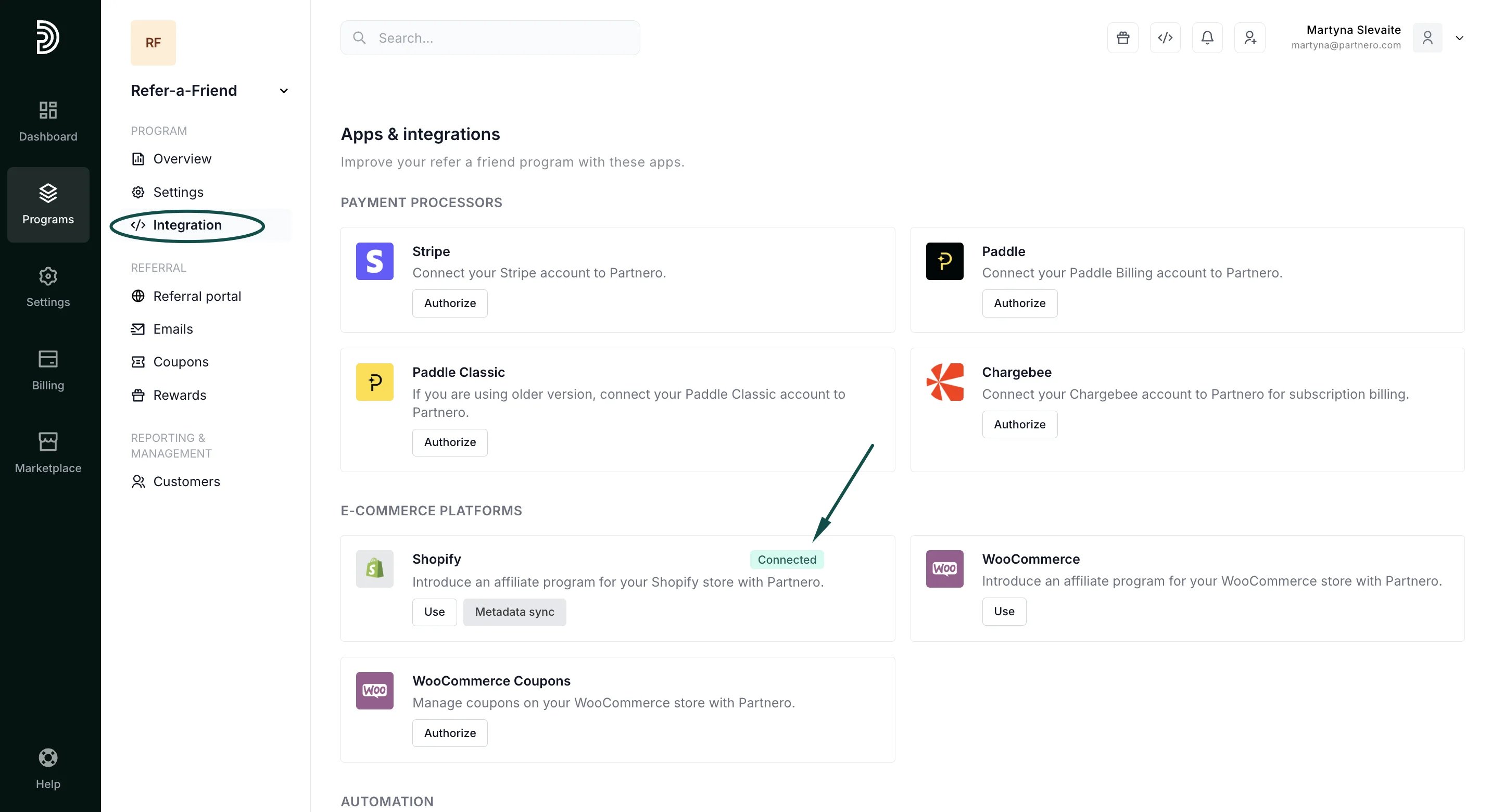
Set up rewards
You can set many different reward types, including dynamic coupons for store discounts and general rewards like gift cards or e-books. Click here for an in-depth guide to all reward settings. Once the rewards are set up, you’ll see them as “Active” under the Rewards section: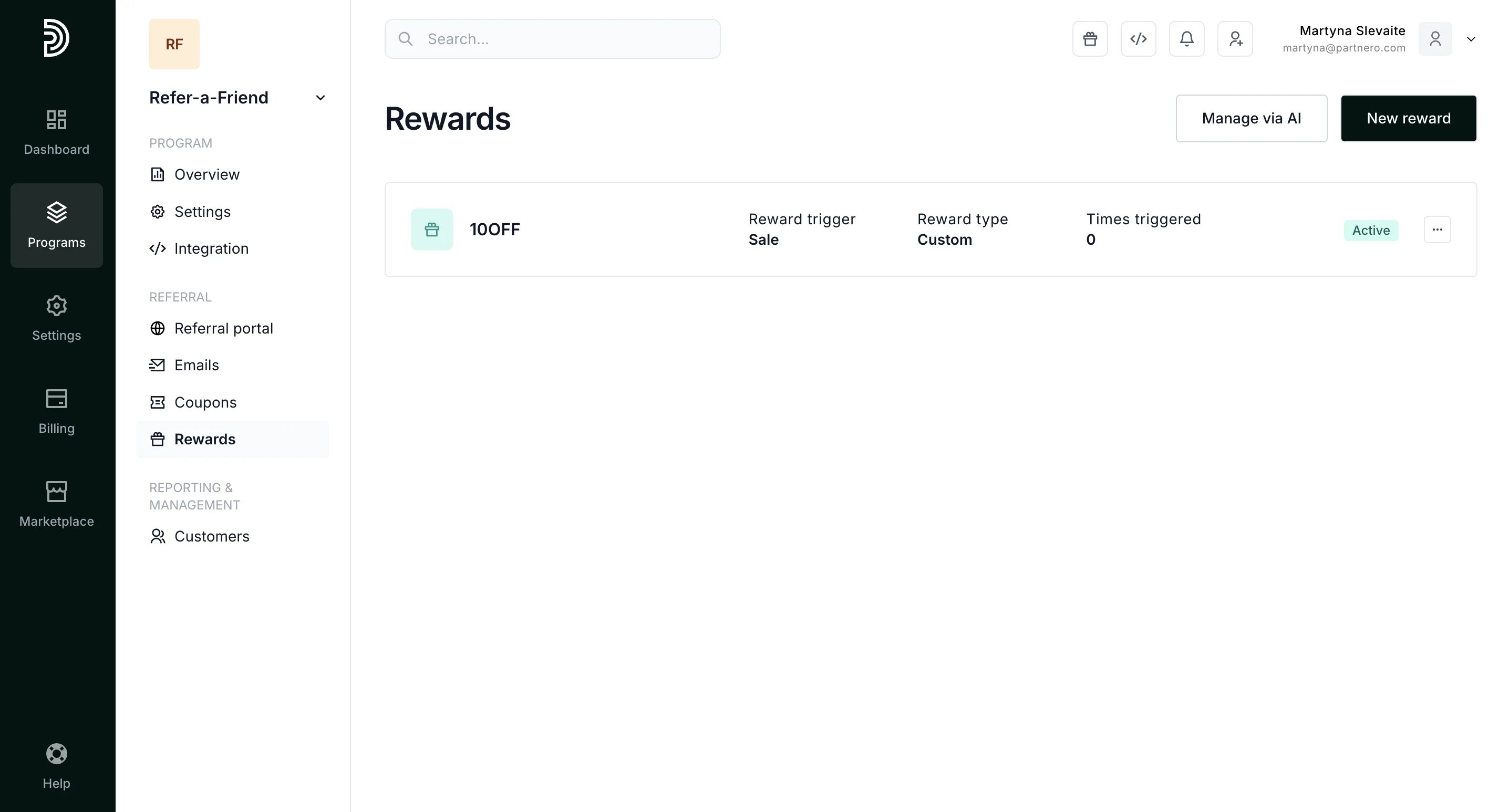
Referral portal
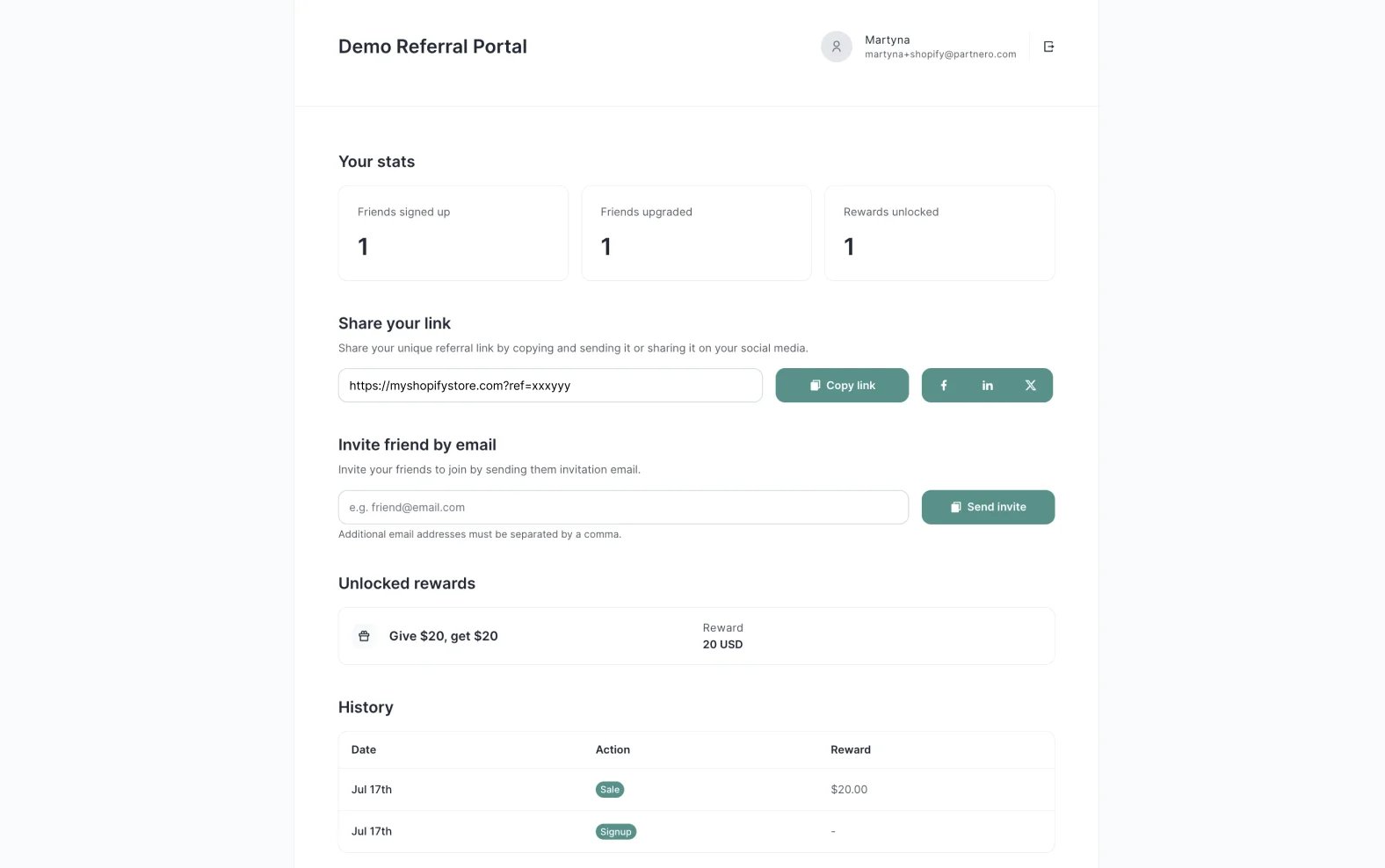
Next, ensure your customers have access to their referral link and to other stats related to the referral program. Two options are available:- Referral portal - a portal where your customers can log in to access their data;
- In-site widget - a widget hosted on your Shopify store where customers can log in and access their data.