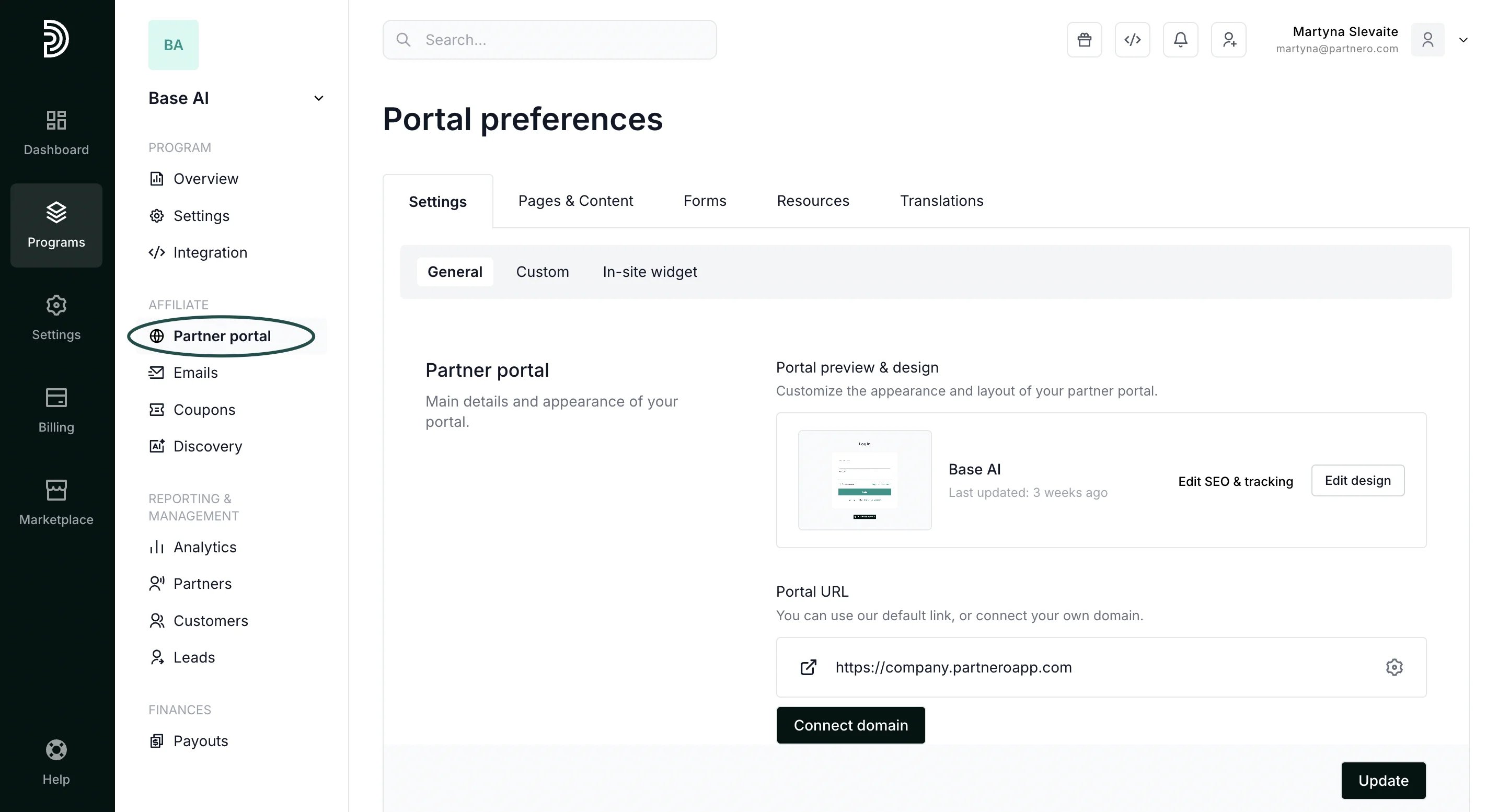
- In your affiliate program, go to Partner portal under Affiliate:
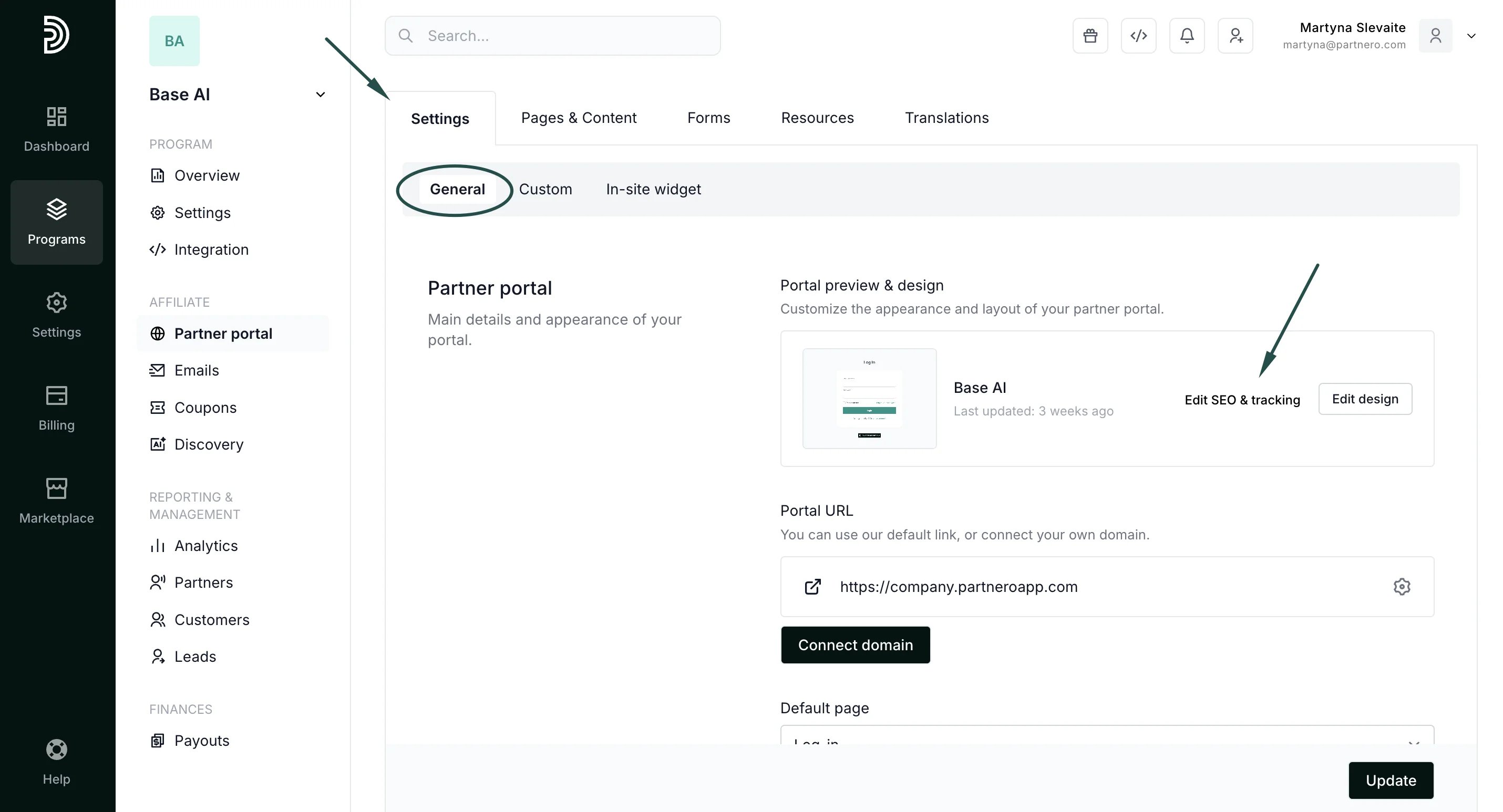
- In the Settings tab, General section, click Edit SEO & tracking:
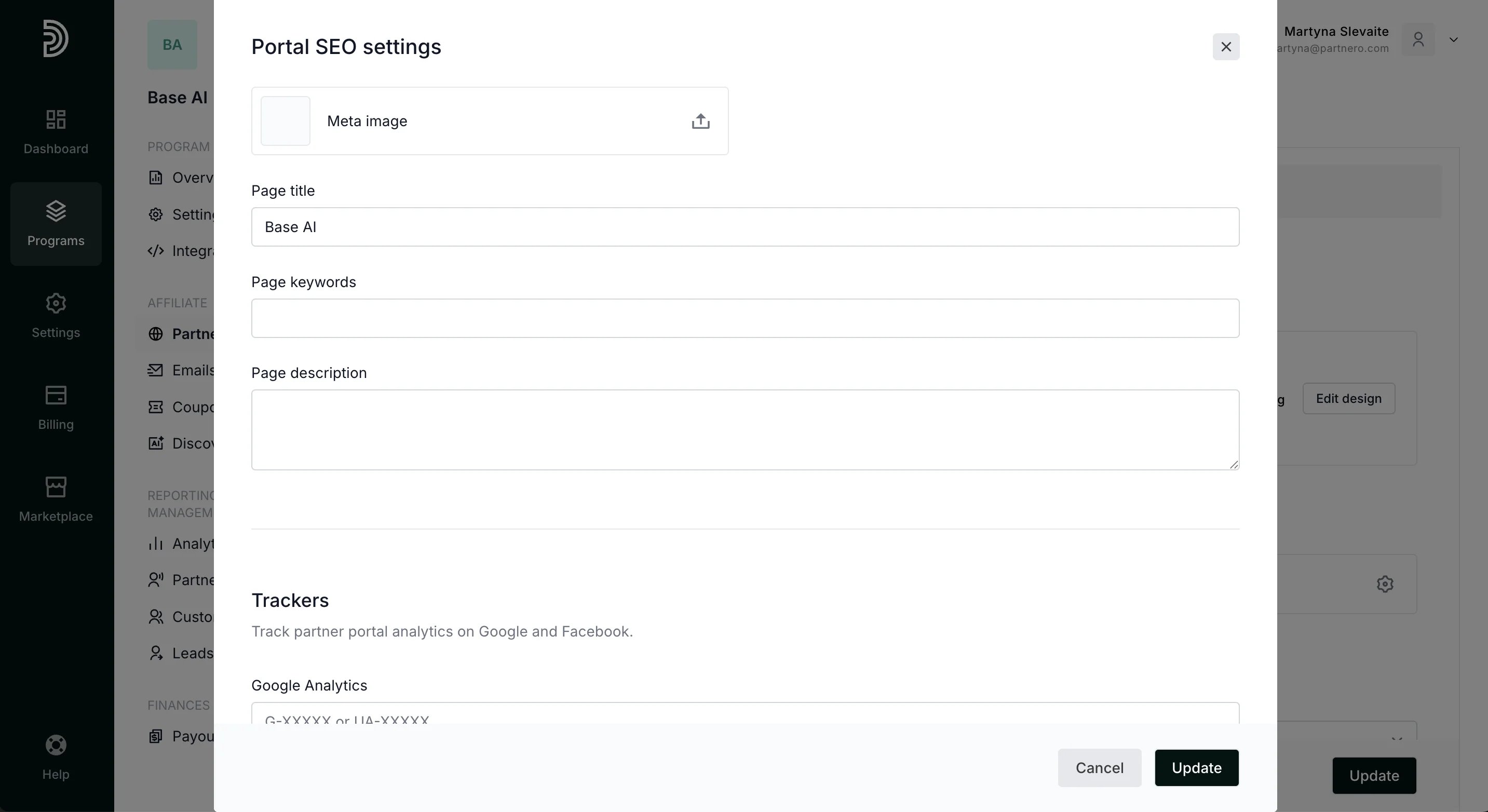
- upload meta image;
- enter the page title, keyword, and page description.
- enter your Google Analytics code to track partner activity;
- enter a Facebook Pixel ID.