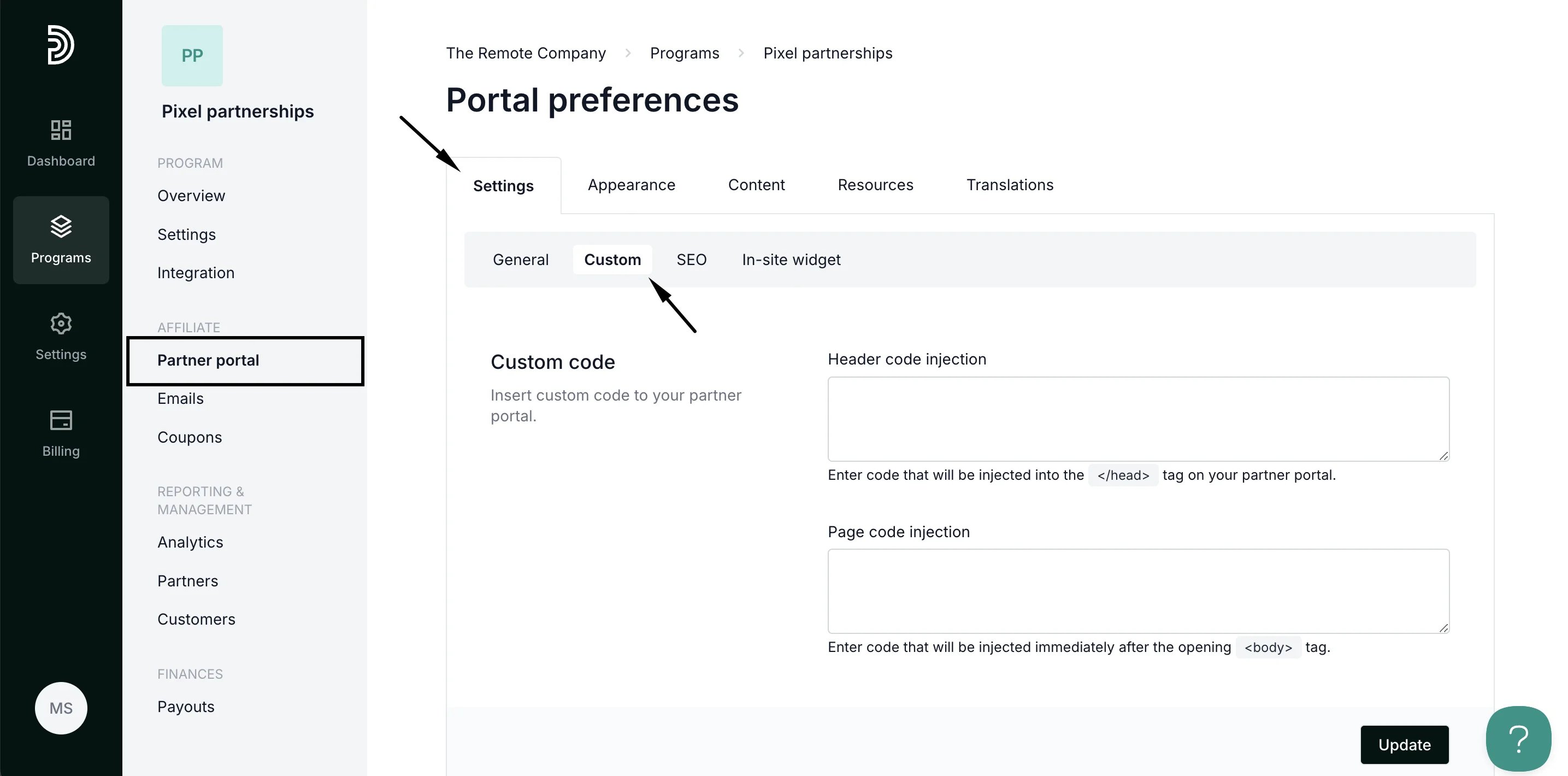
- Open your affiliate program and go to Partner portal under Affiliate.
- On the Settings tab, switch to Custom:
- Scroll down to Social media sharing:
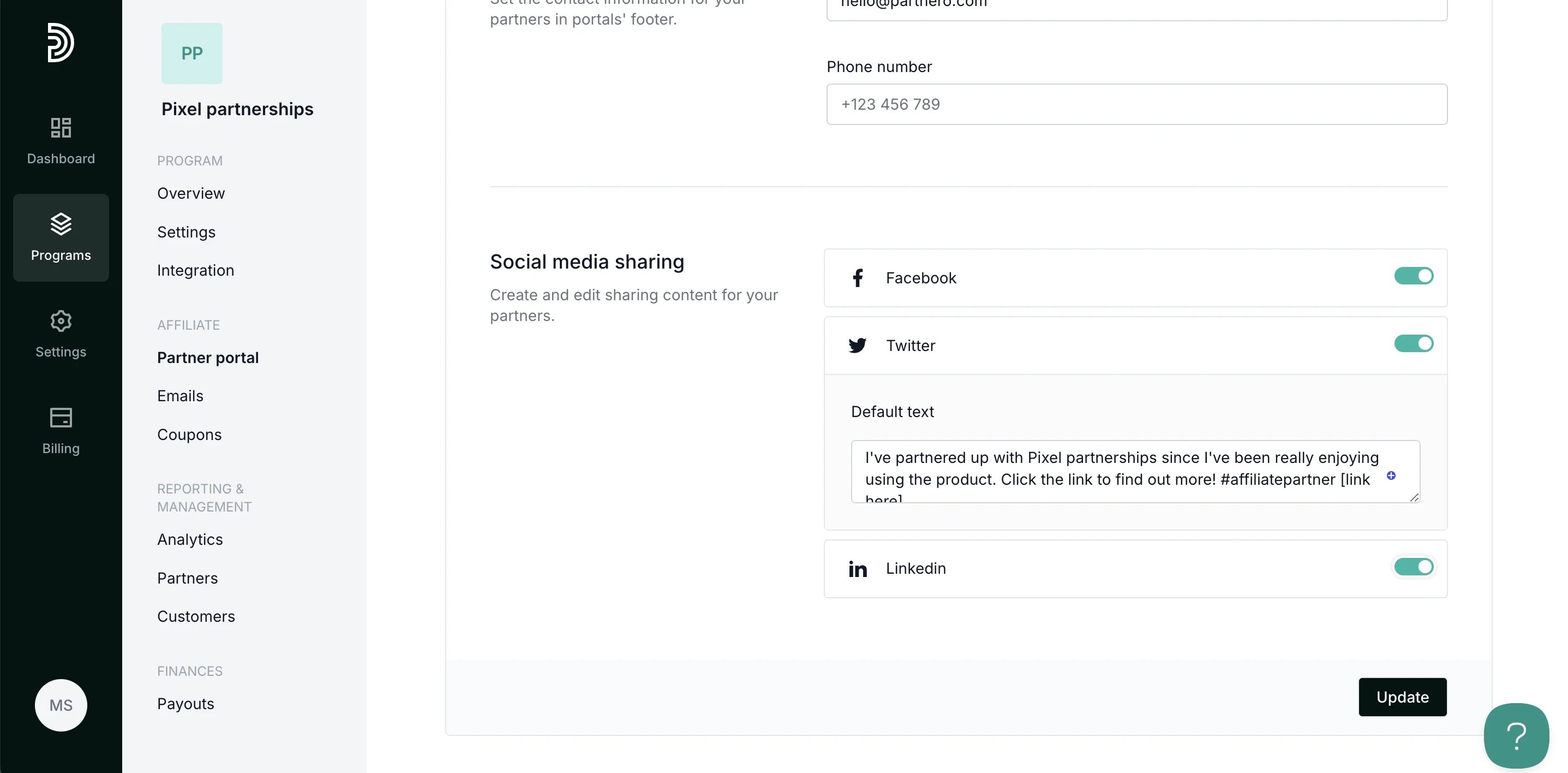
- Toggle which platforms you’d like to be available to your partners and edit the message in the Default text field.
- Click Update to save your changes.
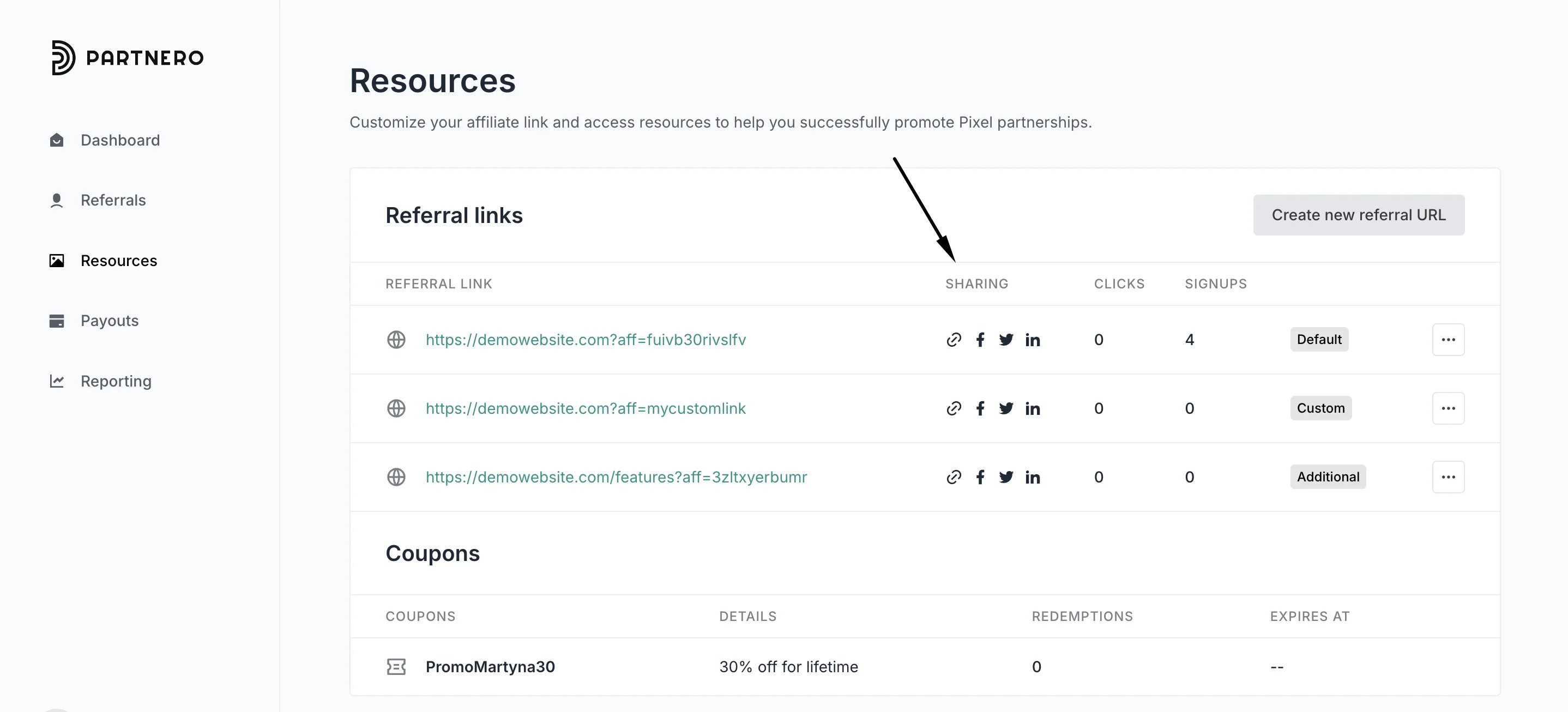
Where can partners access the quick share feature
The quick-share buttons are available to your partners in the Resources section of the partner portal: