

Partner status and approval requests
Approval statuses only apply if you’ve enabled the approval process for your program. Read more about approvals here.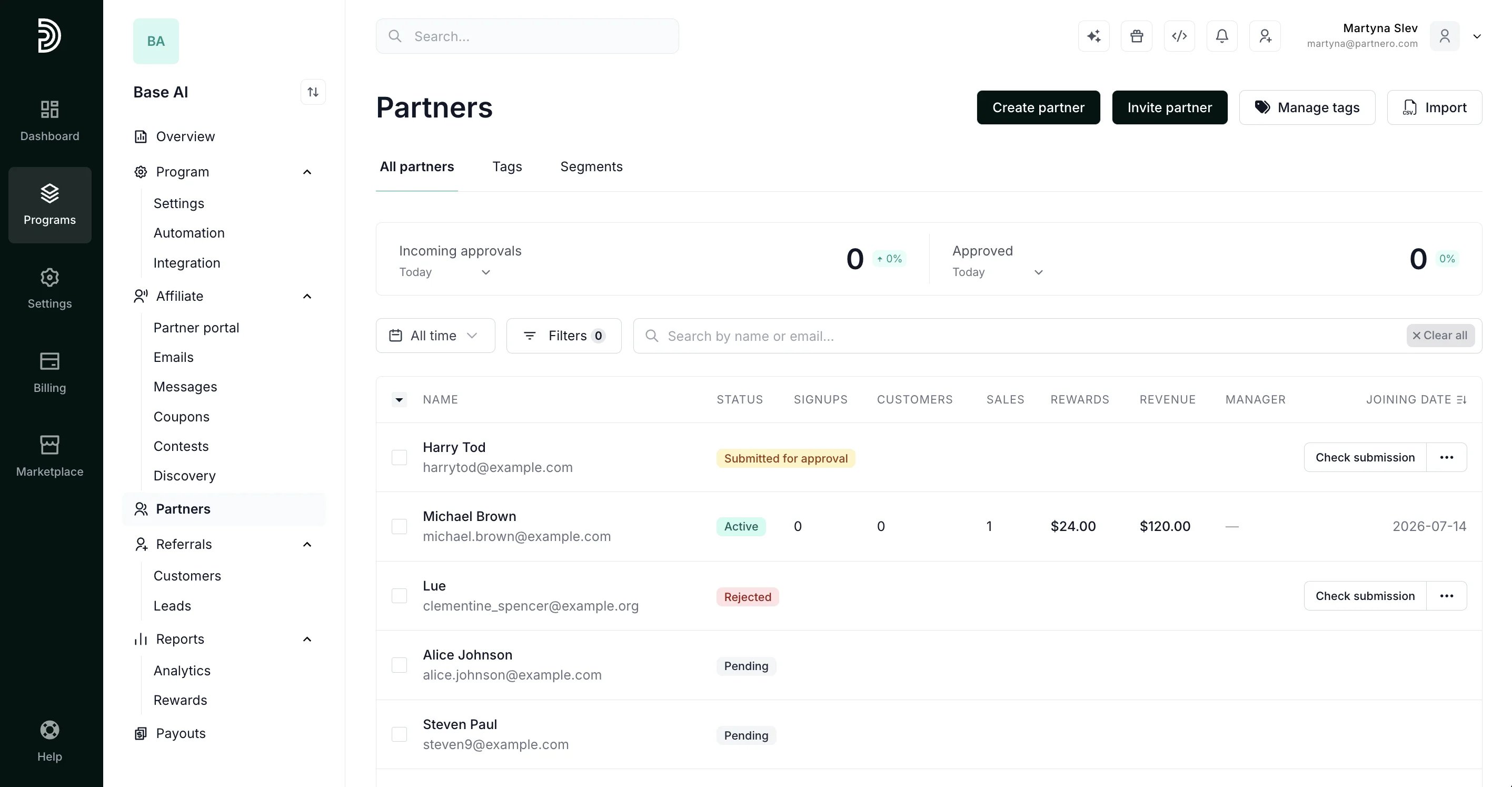
- Active: the affiliate is approved and active in the program.
- Pending: the affiliate signed up but hasn’t submitted an approval request yet.
- Pending approval: the affiliate submitted an approval request, ready for review.
- Rejected: the affiliate’s request to join the program was rejected.
- Suspended: the affiliate’s account is suspended.
- Invited: the affiliate has been sent an invitation but hasn’t joined yet.
- Archived: the partner has been removed from the program.
Payout request status
Read more about managing payout requests here.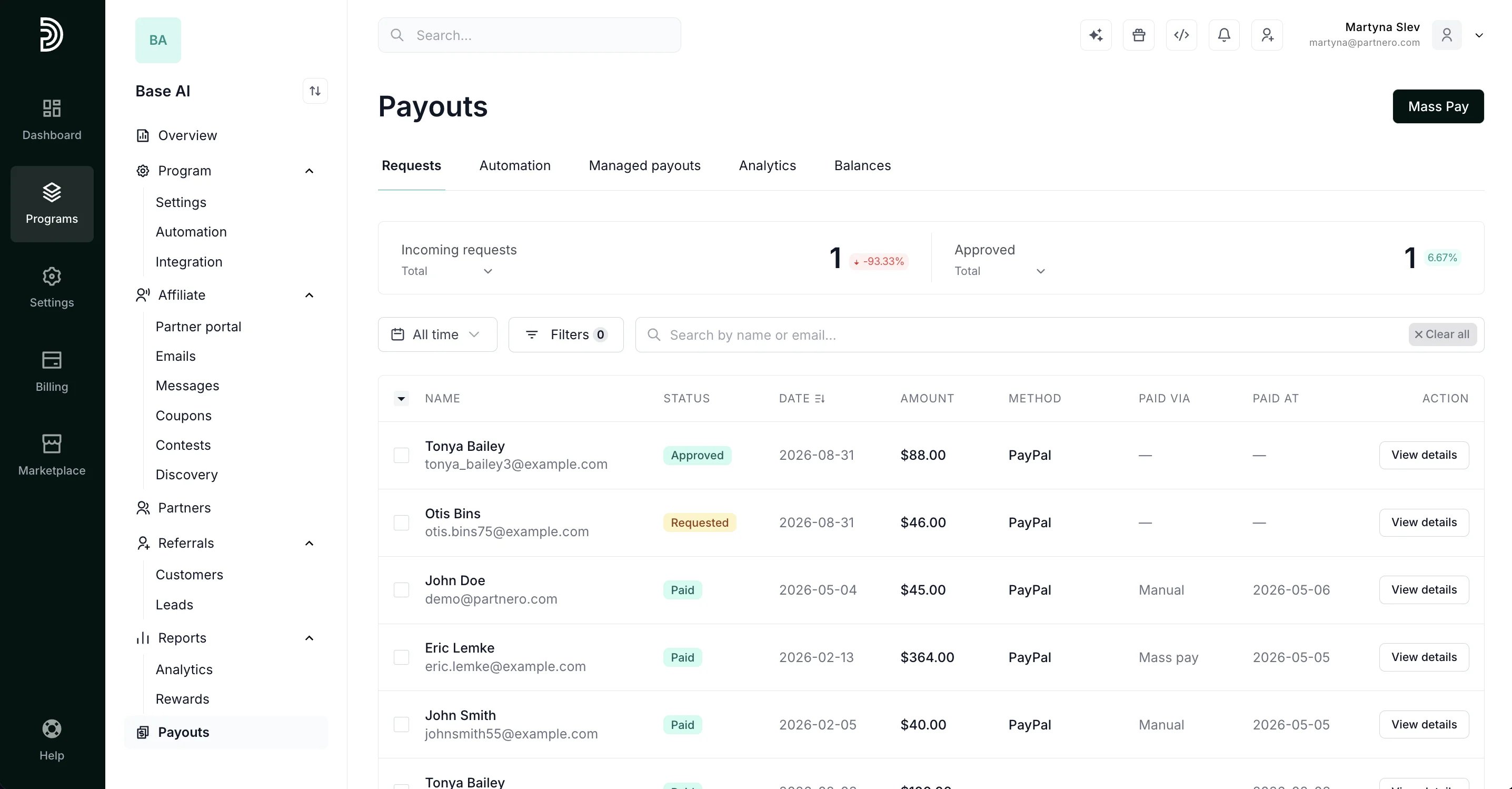
- Requested: the affiliate submitted a payout request, ready for review. Approve, deny, or return it for resubmission.
- Resubmit required: the request was returned to the affiliate due to missing details.
- Resubmitted: the affiliate resubmitted the request after it was returned.
- Approved: the request is approved and ready for payout.
- Scheduled: the request is approved and queued for automatic payout.
- Failed: an automatic payout attempt failed. It can be retried or completed manually.
- Paid: the request was paid out.
- Rejected: the request was rejected.
- In progress: the transfer has started and hasn’t finished yet.
- Completed: the payment provider confirmed the transfer.
- Waiting: the payout hasn’t been sent to the payment provider yet.
- Failed: the payment provider rejected the transfer.
Reward status
This is what shows in the Status column on the Rewards list (Reports → Rewards), alongside each reward’s linked transaction.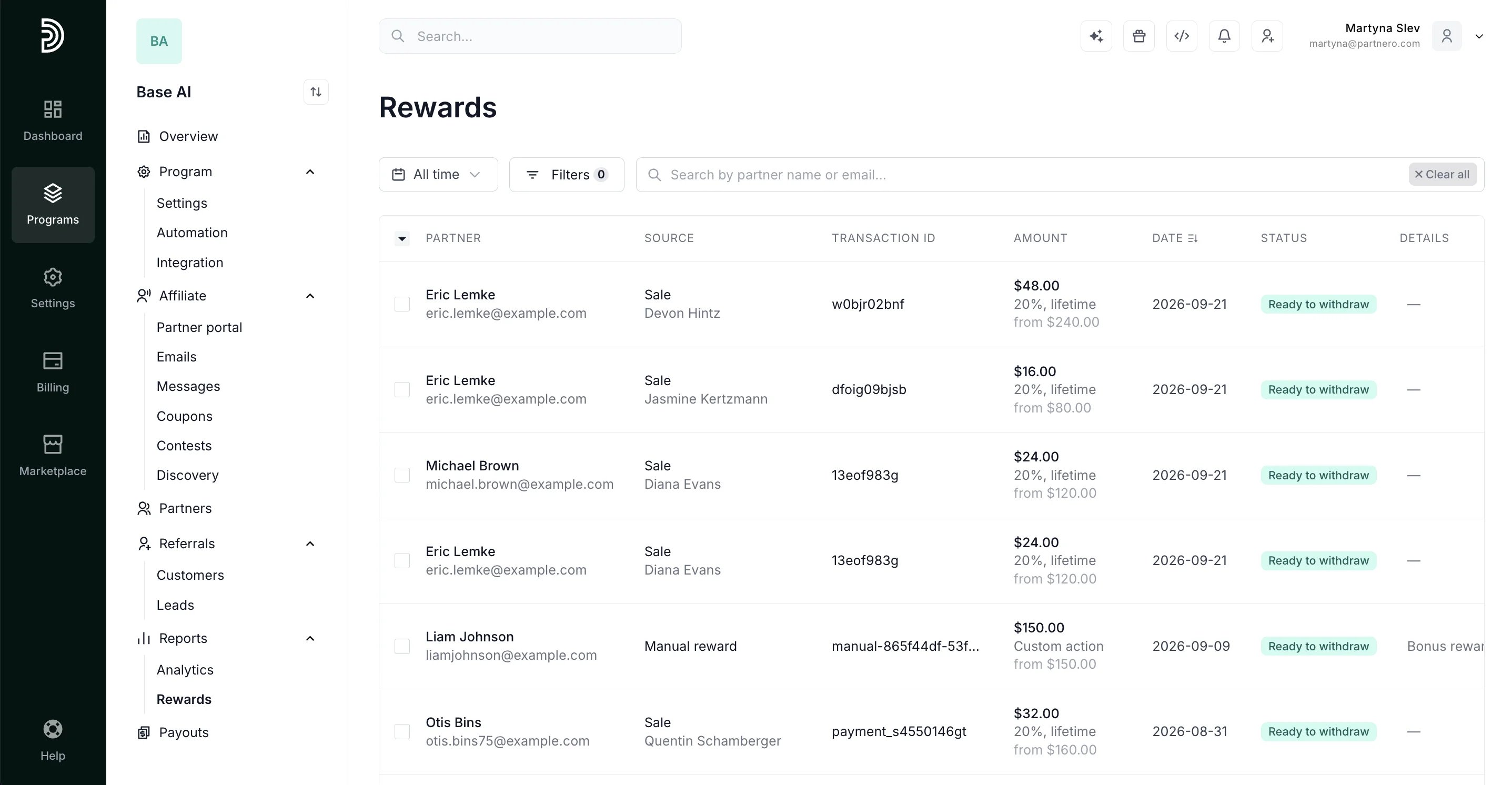
- Paid / Rewarded: the reward has been paid or fulfilled.
- Ready to withdraw / Available: the reward is available for the affiliate to withdraw (refer-a-friend rewards show as Available).
- In review: the reward is within the review period. Read more.
- Declined: the reward was in review and was not approved.
- Rejected: the reward has been rejected.
- Fraudulent: marked fraudulent because the affiliate’s and customer’s email addresses match. Read more.
- Expired: the commission period ended, or the affiliate didn’t claim the reward before the claim window closed. Read more.
- Not started: the commission period hasn’t begun yet (for programs that start commissions after a set number of occurrences).
- Paused: the reward was created while the related commission rule was paused.
- Refunded: the reward was archived because the related transaction was refunded.
- Not eligible: catch-all for rewards that aren’t payable and don’t fit the buckets above — for example, incomplete commission settings or a failed fulfillment.
Transaction status
Under Customers → Transactions, the Reward status column shows the status of the reward linked to each transaction.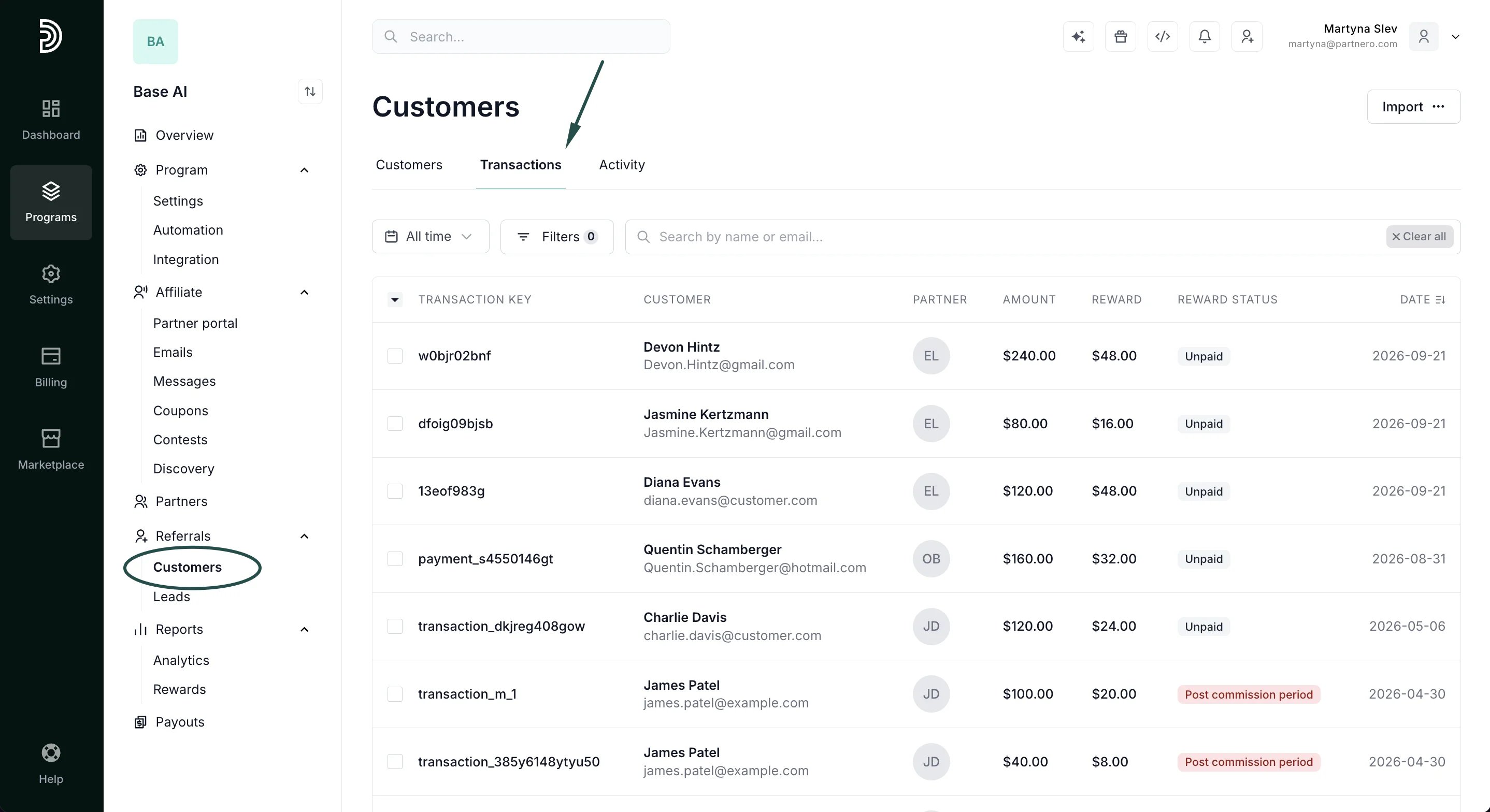
- Paid: the linked reward has been paid.
- Unpaid: the reward is ready to be paid, or no reward has been generated yet.
- Archived: the transaction has been archived.
- Otherwise, the column shows the reward’s underlying status as-is — In review, Rejected, Fraudulent, Post commission period, Refunded, and so on.