

Create new sub-accounts
To create a new sub-account:- Log in to the partner portal.
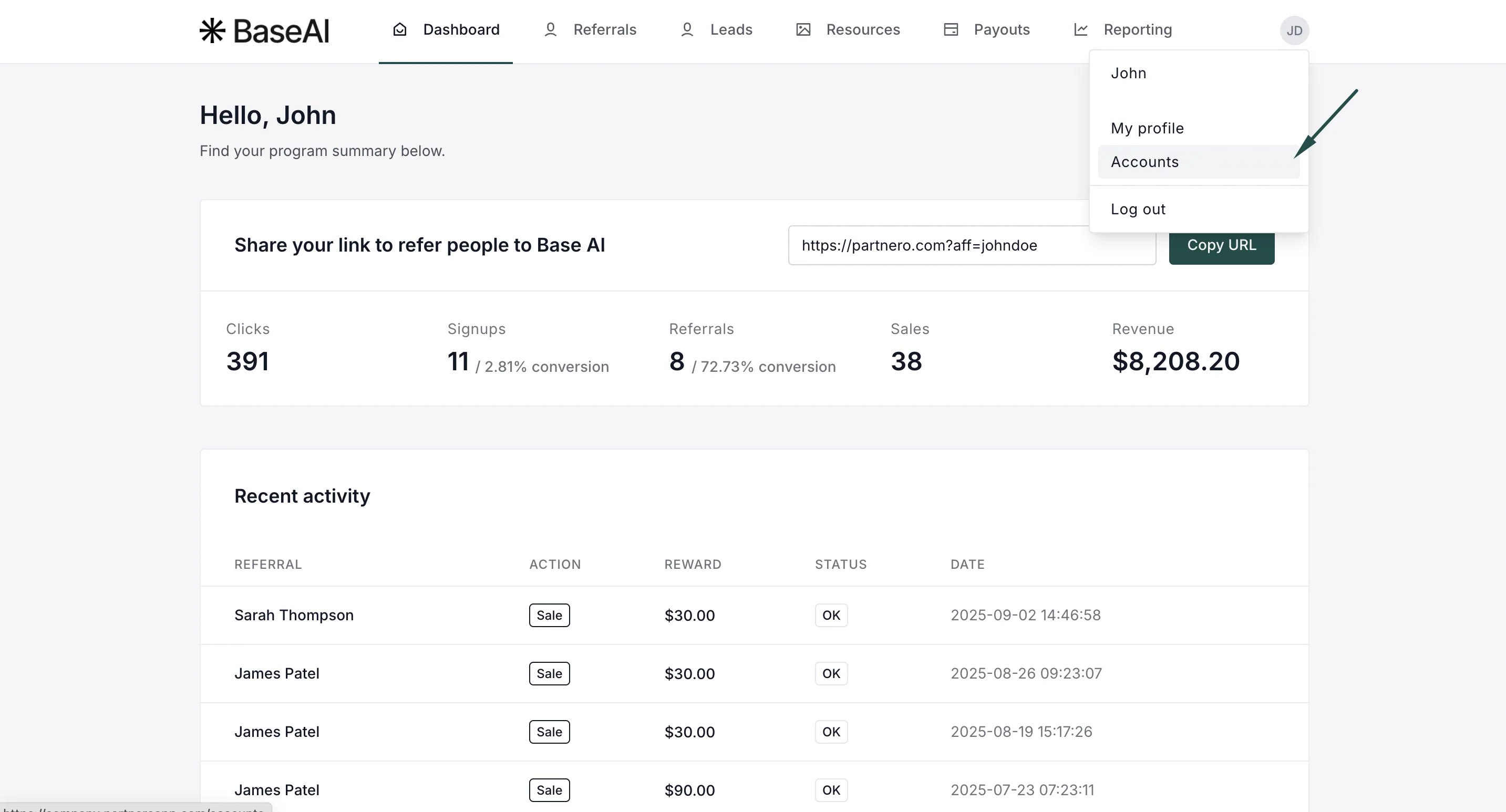
- Click on your profile, then select Accounts.
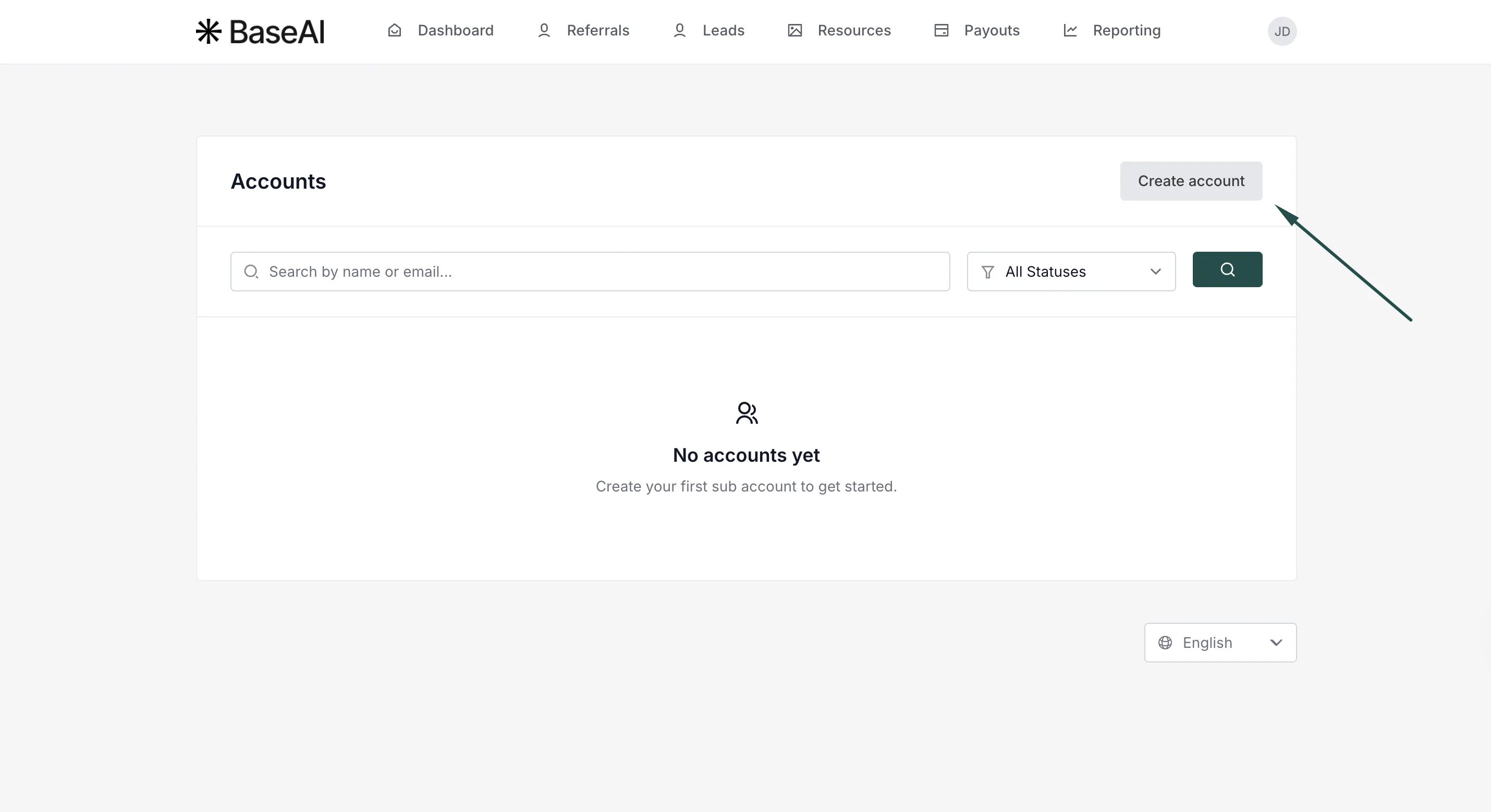
- Click Create Account.
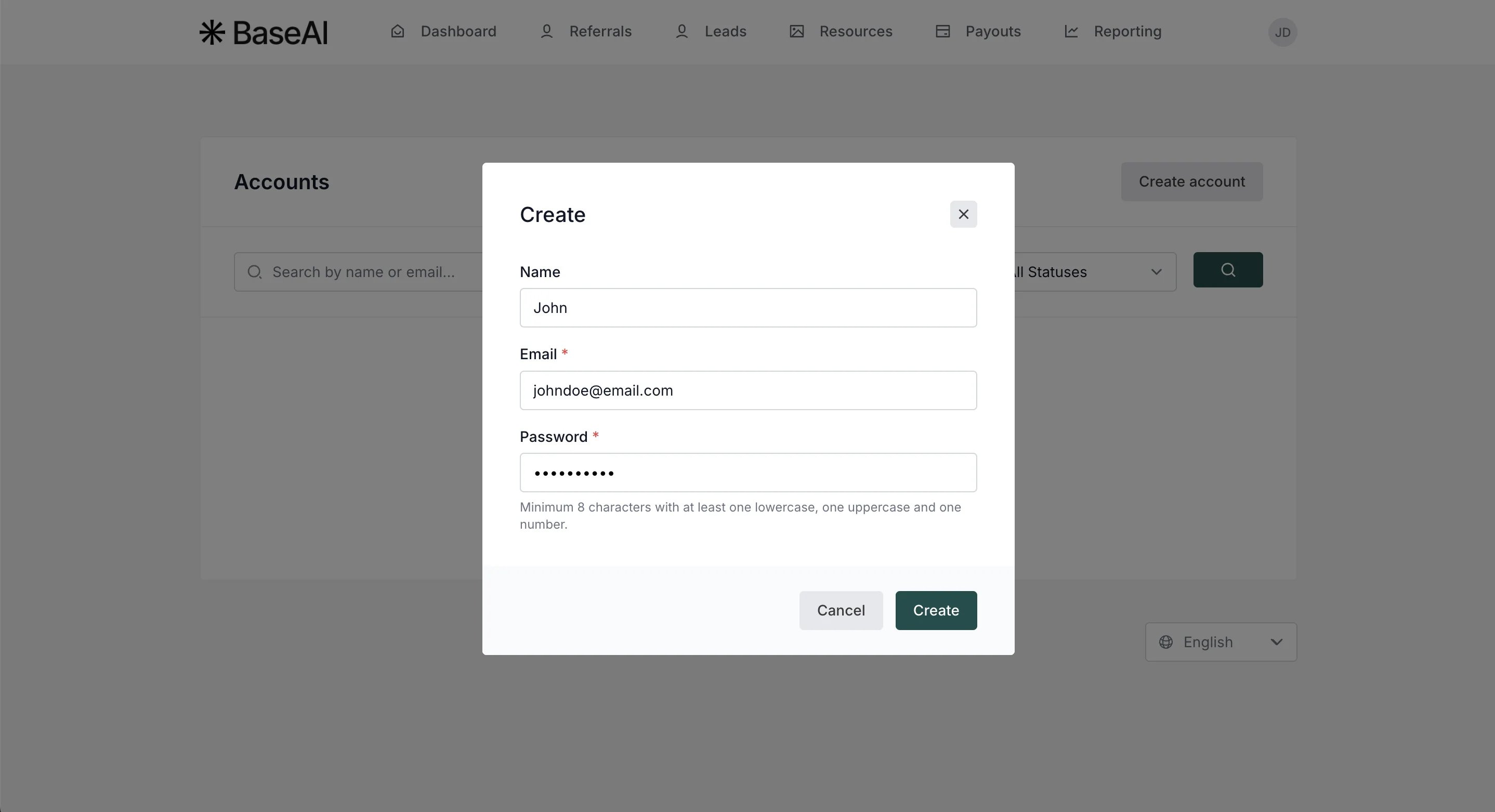
- Enter the name (optional), email address, and password. Click Create.
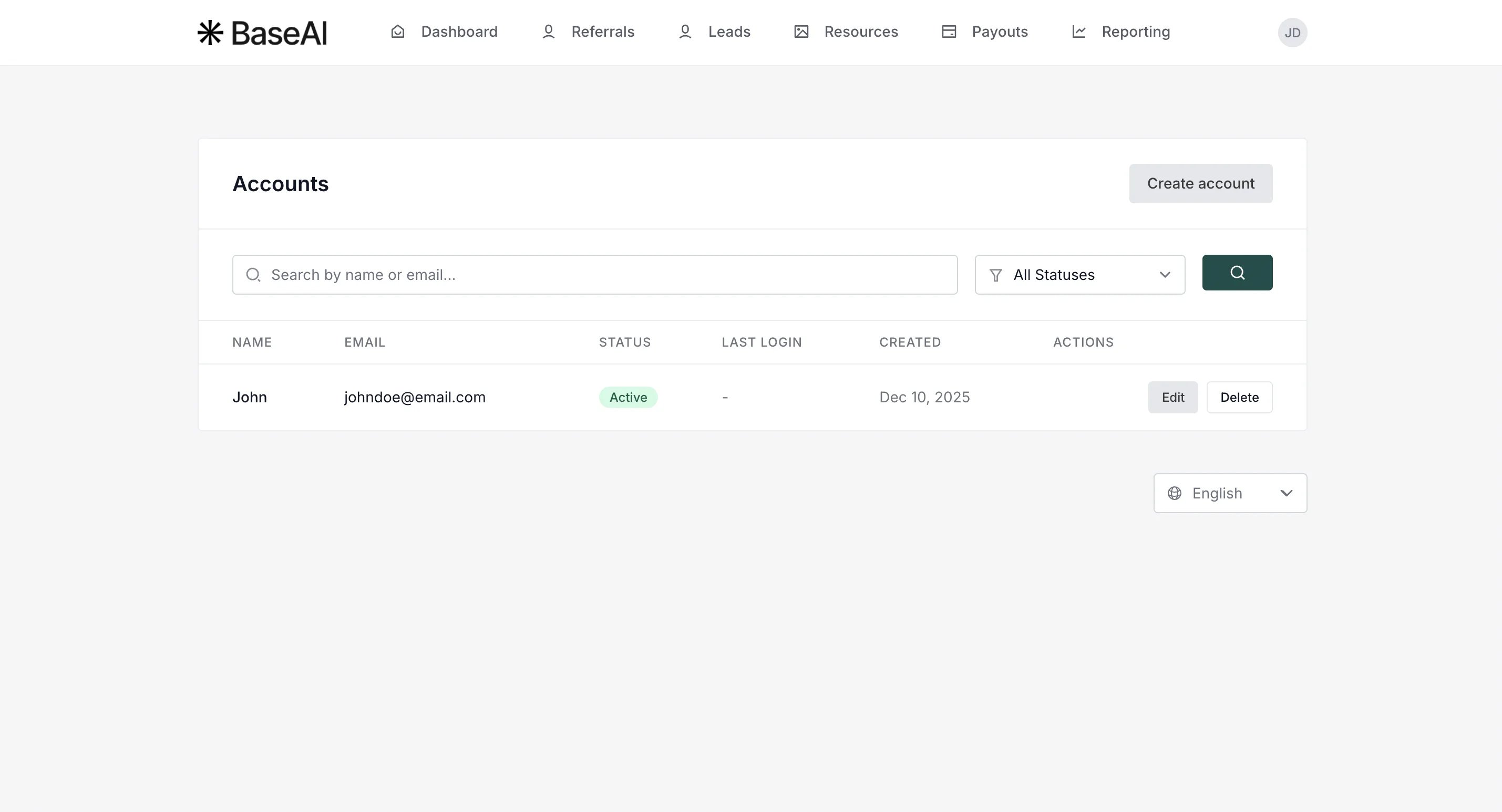
- You’ll see the newly created sub-account. You can edit the details, suspend, or delete the sub-account here.
Sub-account user login
Sub-account users will have a separate login page that is accessible through the main partner portal login: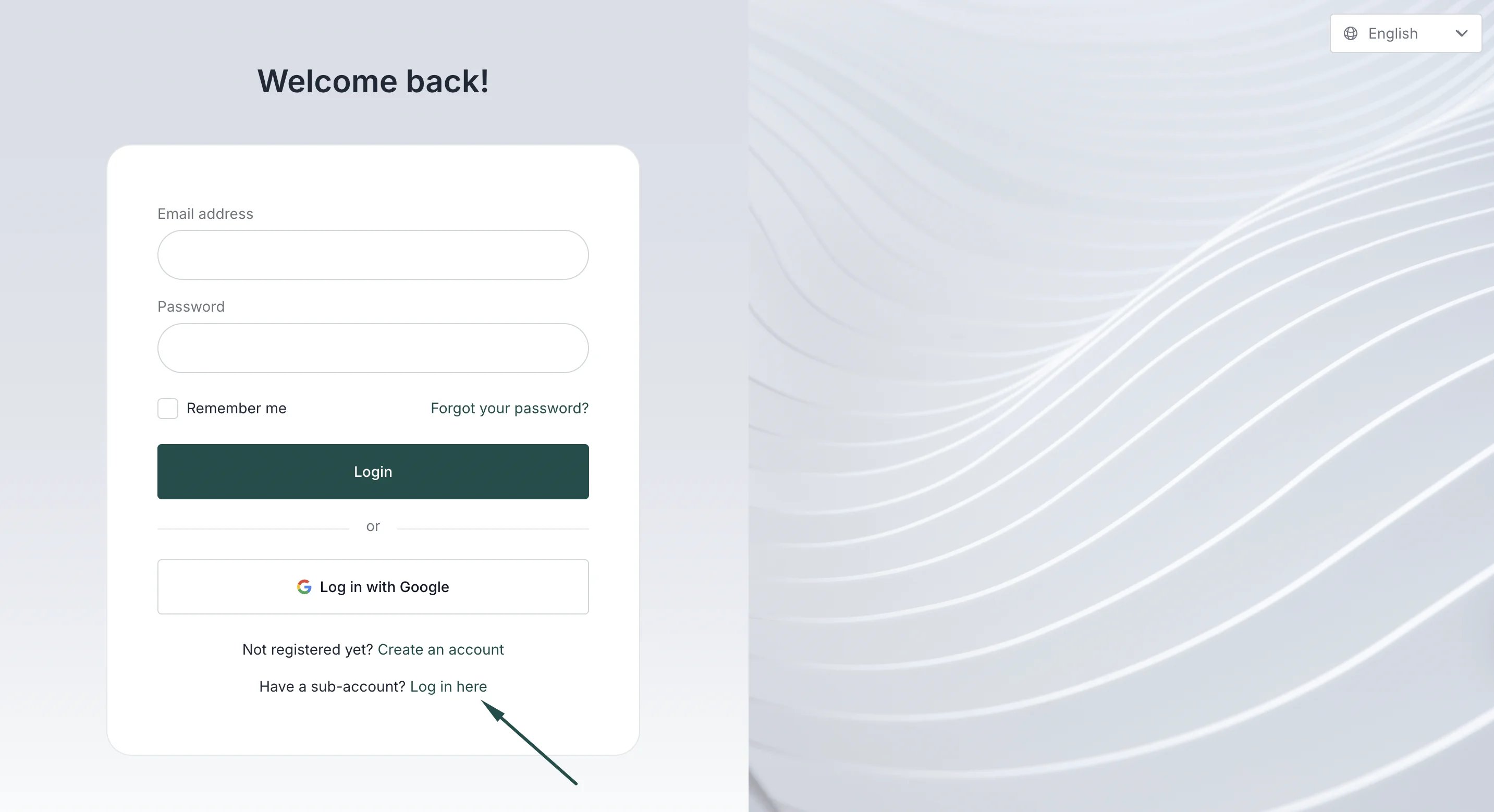
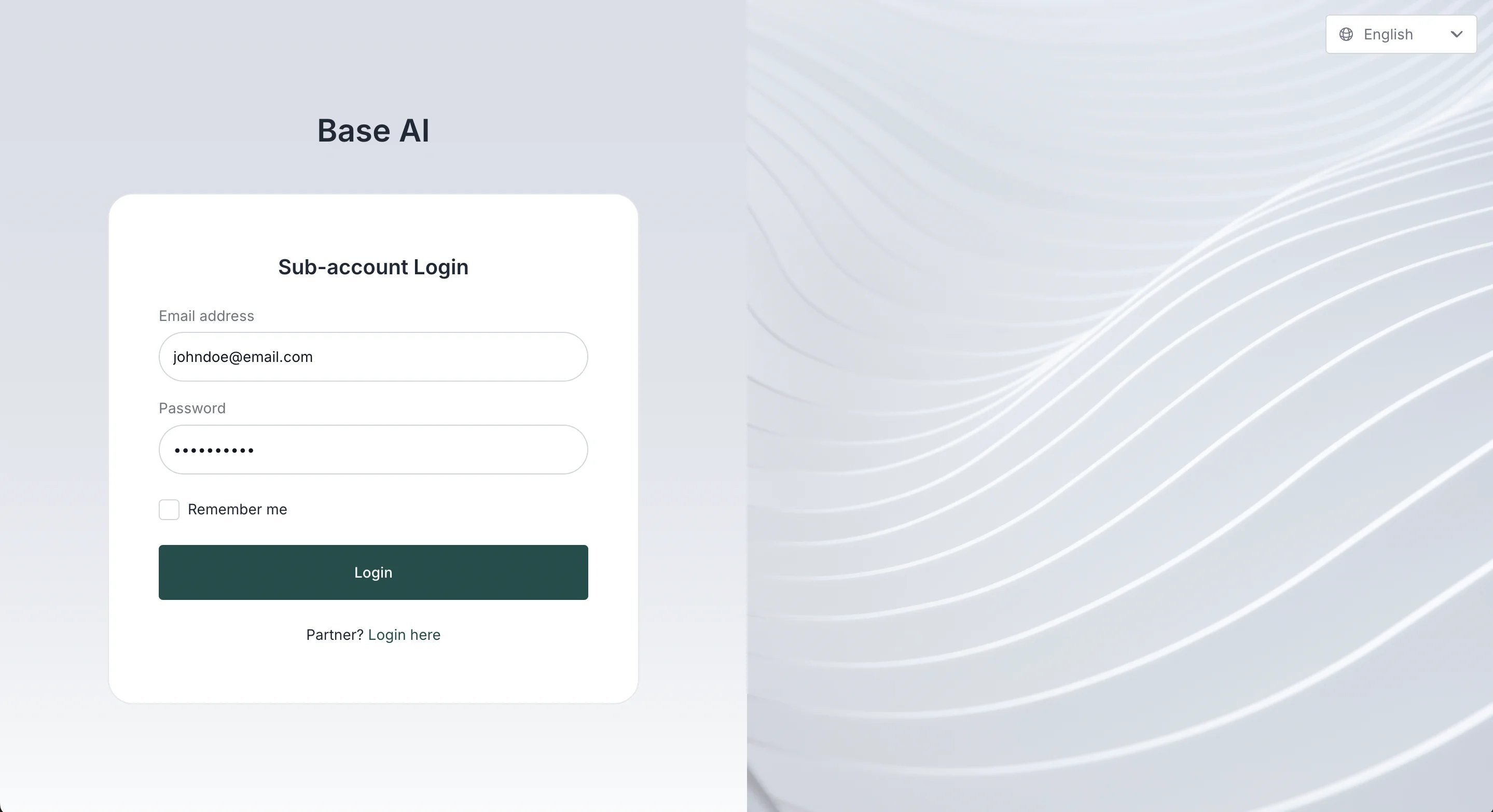
Sub-account users will not be able to:
- Add new sub-accounts to the partner portal
- Delete the partner account.