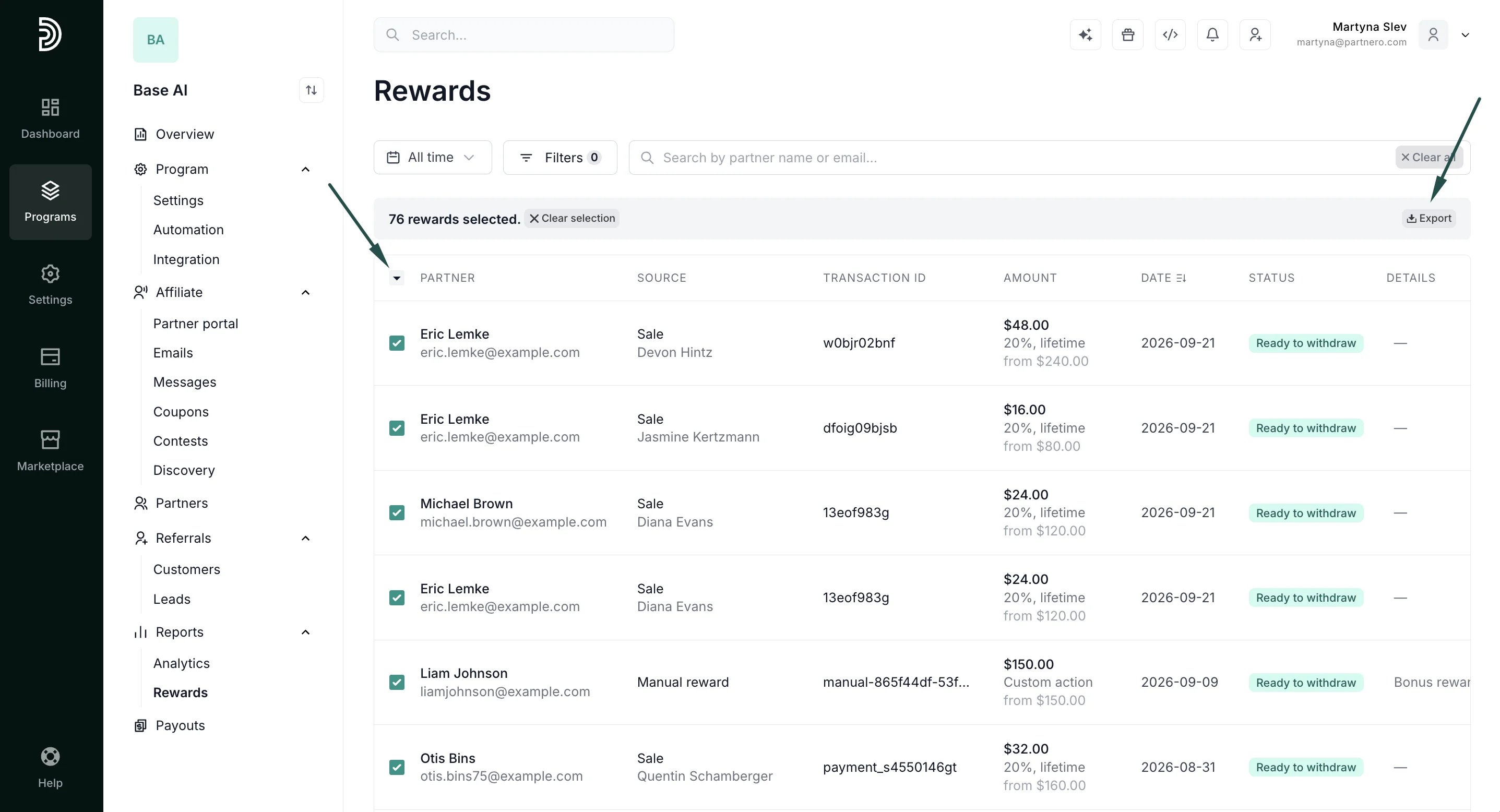
What the table shows
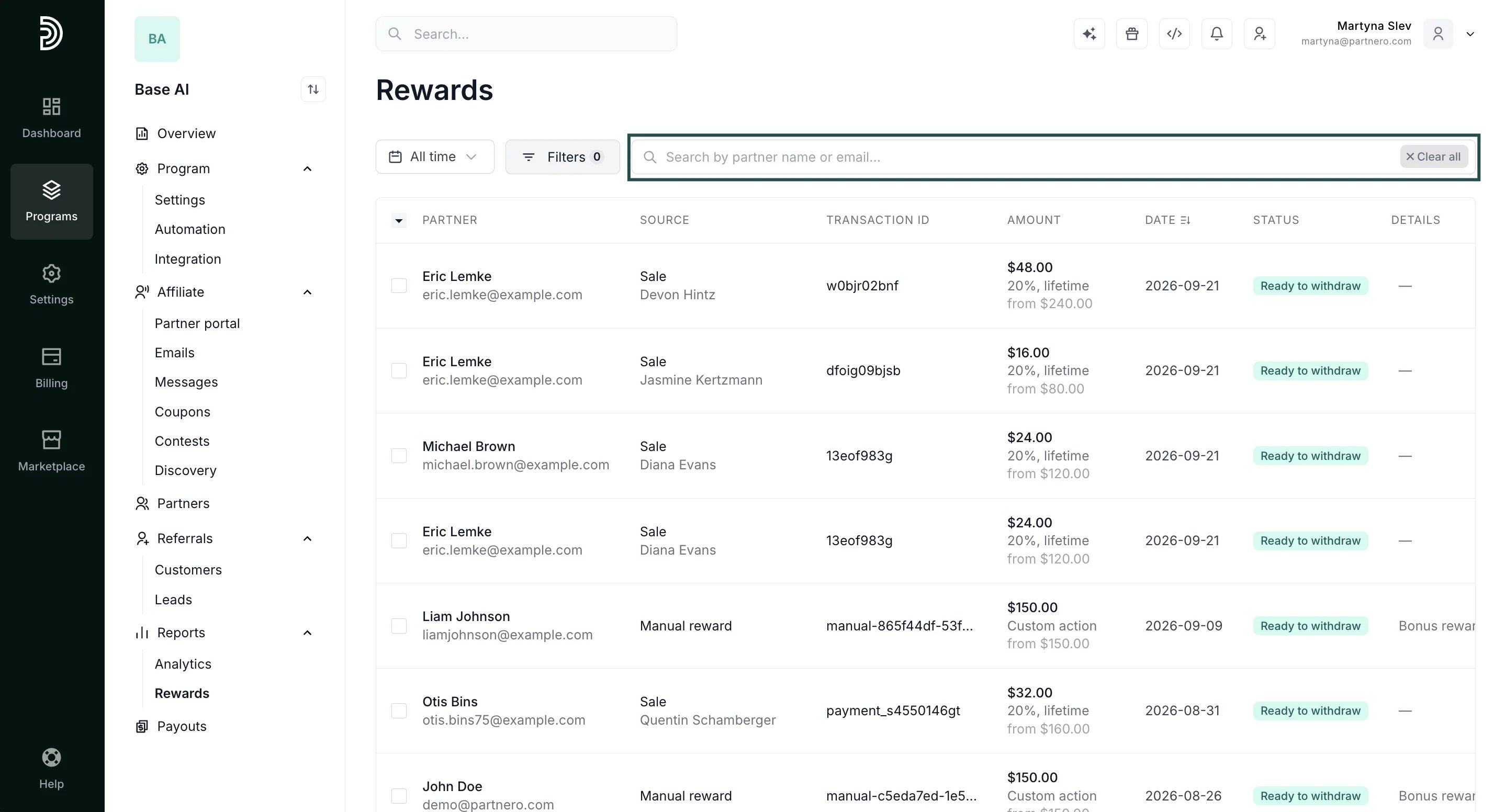
Each row represents a single reward and includes:- Partner: the partner who received or is owed the reward
- Source: the commission or event that triggered the reward and the partner
- Transaction ID: the unique transaction ID
- Amount: the reward value, with the reward rule shown as subtext
- Date: date when the reward was triggered
- Status: the current state of the reward (see below)
- Details: shown for rewards that are rejected, fraudulent, or otherwise not payable, explaining why
Reward statuses
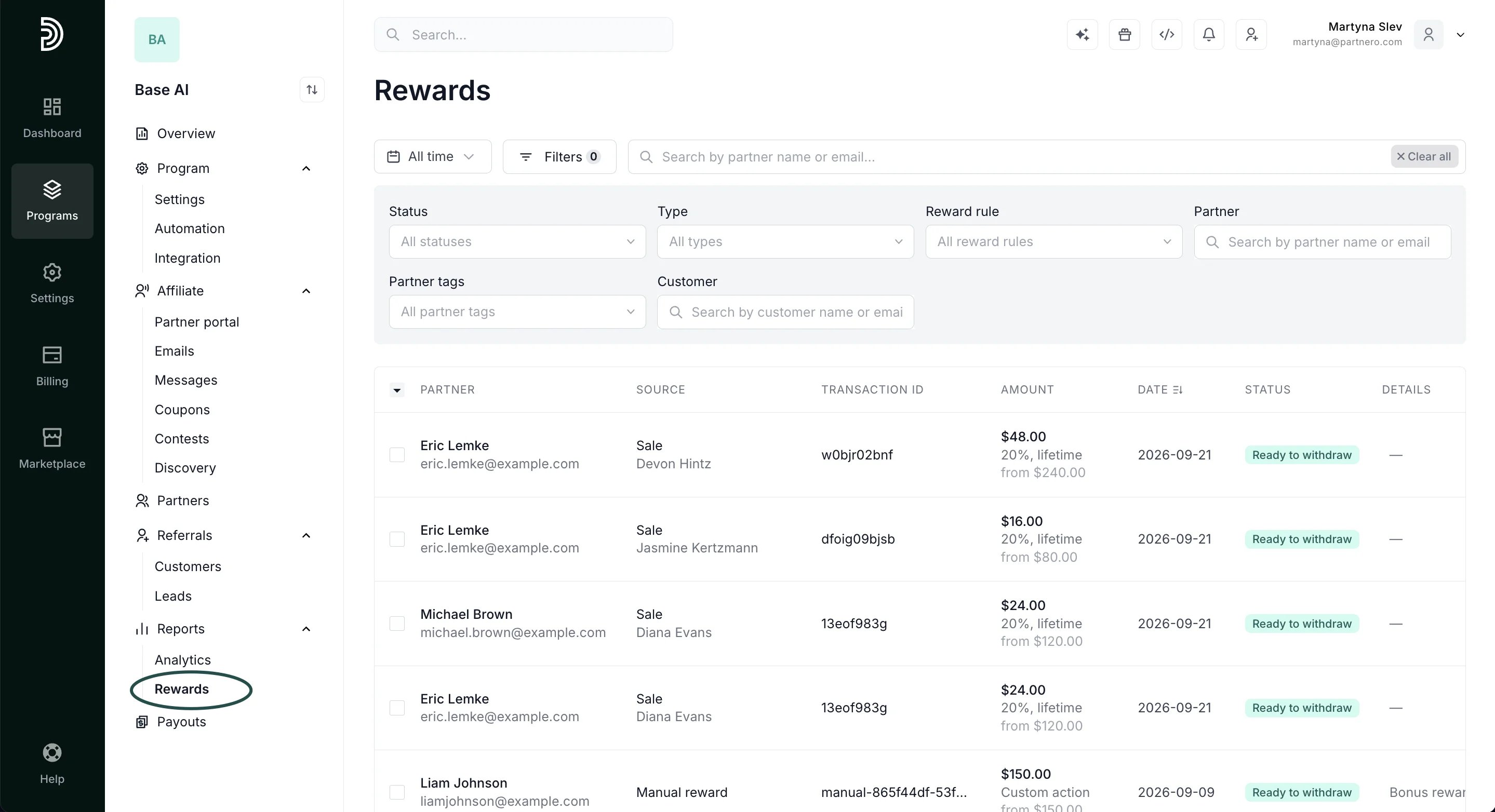
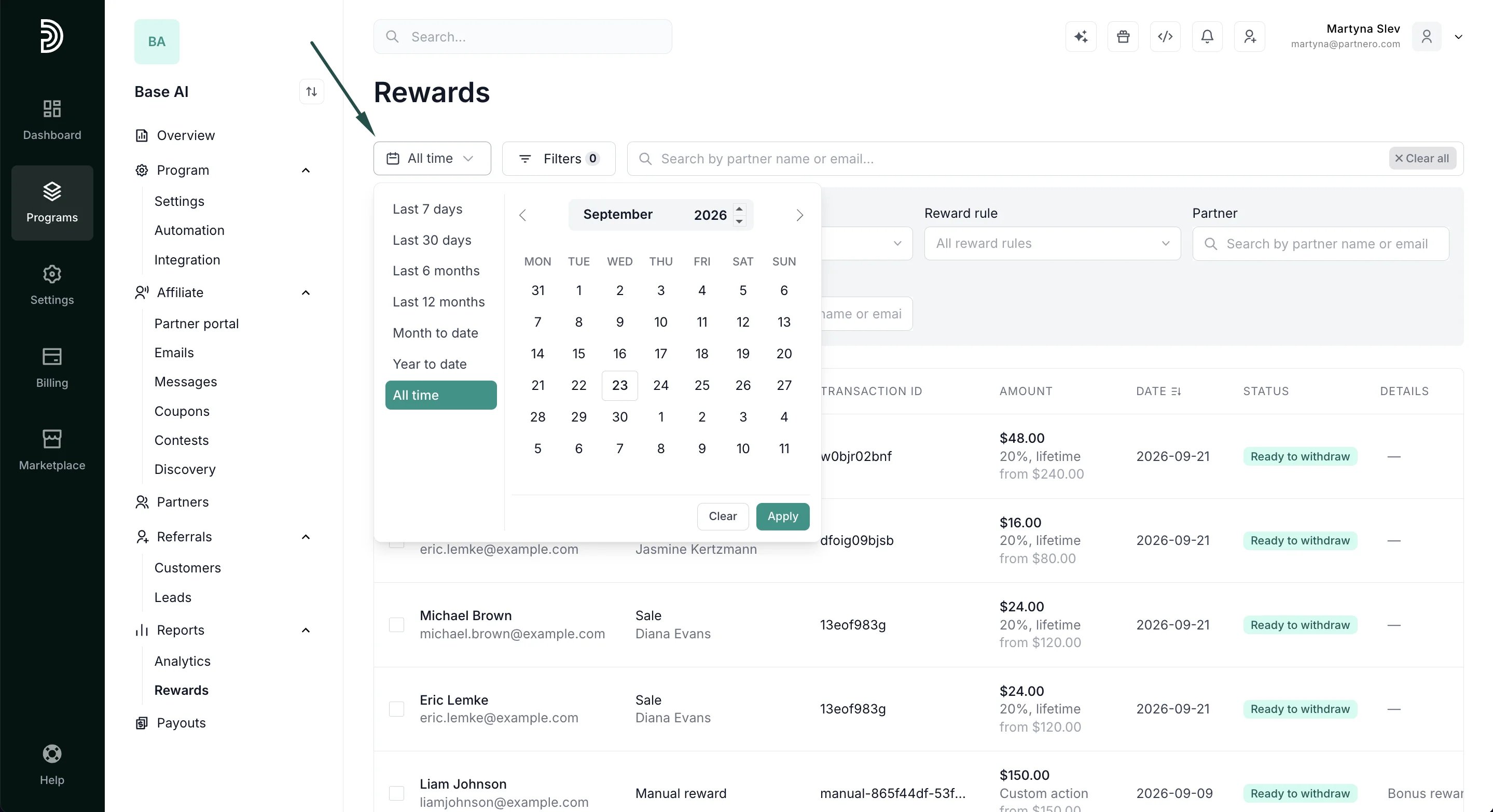
Filter and search
You can filter the rewards list by:- Status: Paid, Ready to withdraw, In review, Rejected, Fraudulent, Declined, Expired, Not eligible
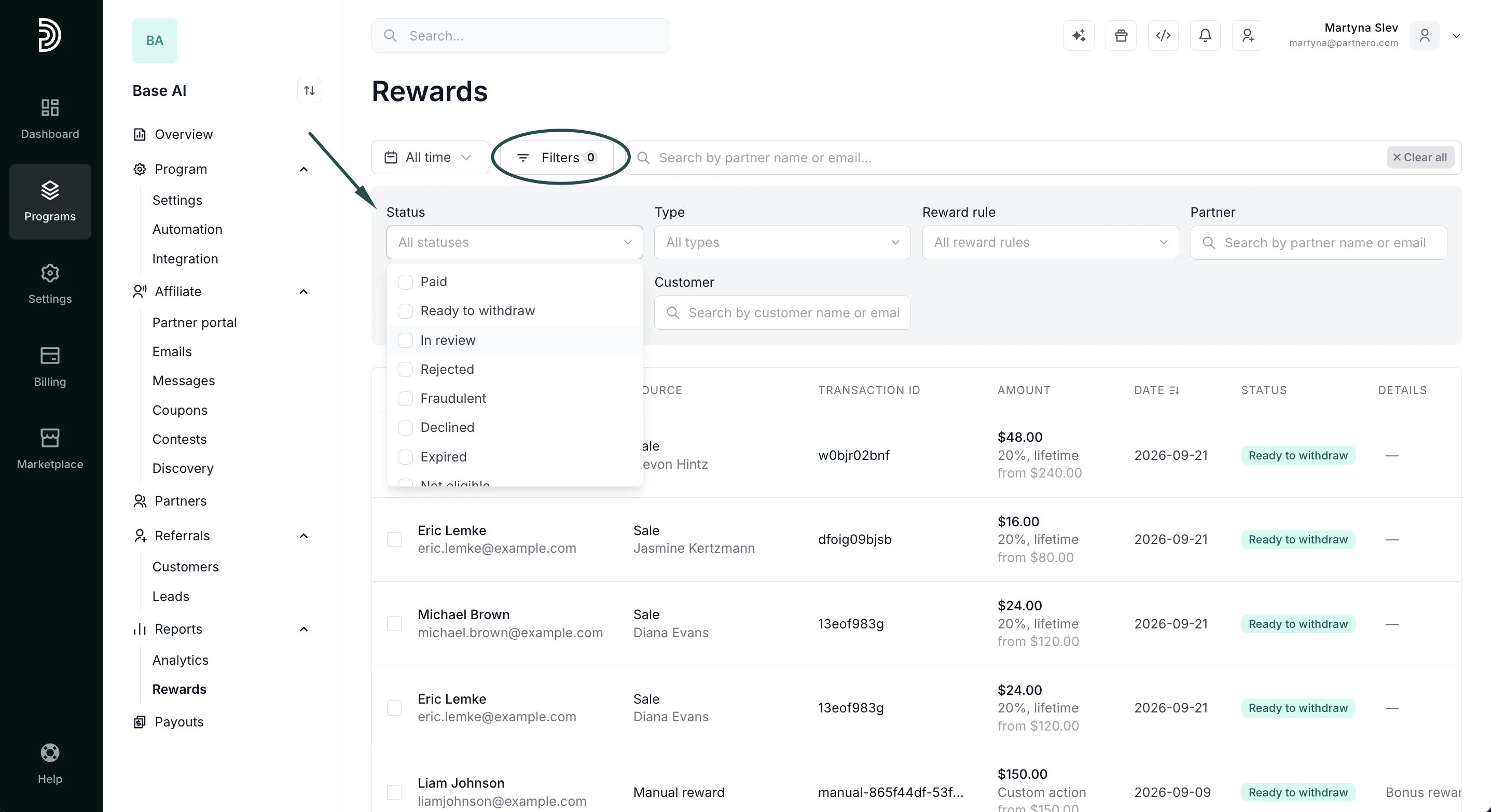
- Type: Standard, Dynamic commission, Dynamic period commission, Product commission. Multiple products commission, Multi-level affiliate commission, Goal commission.
- Reward rules: any of the reward rules set up for your program
- Partner: filter rewards from specific partner
- Customer: filter rewards from specific partner
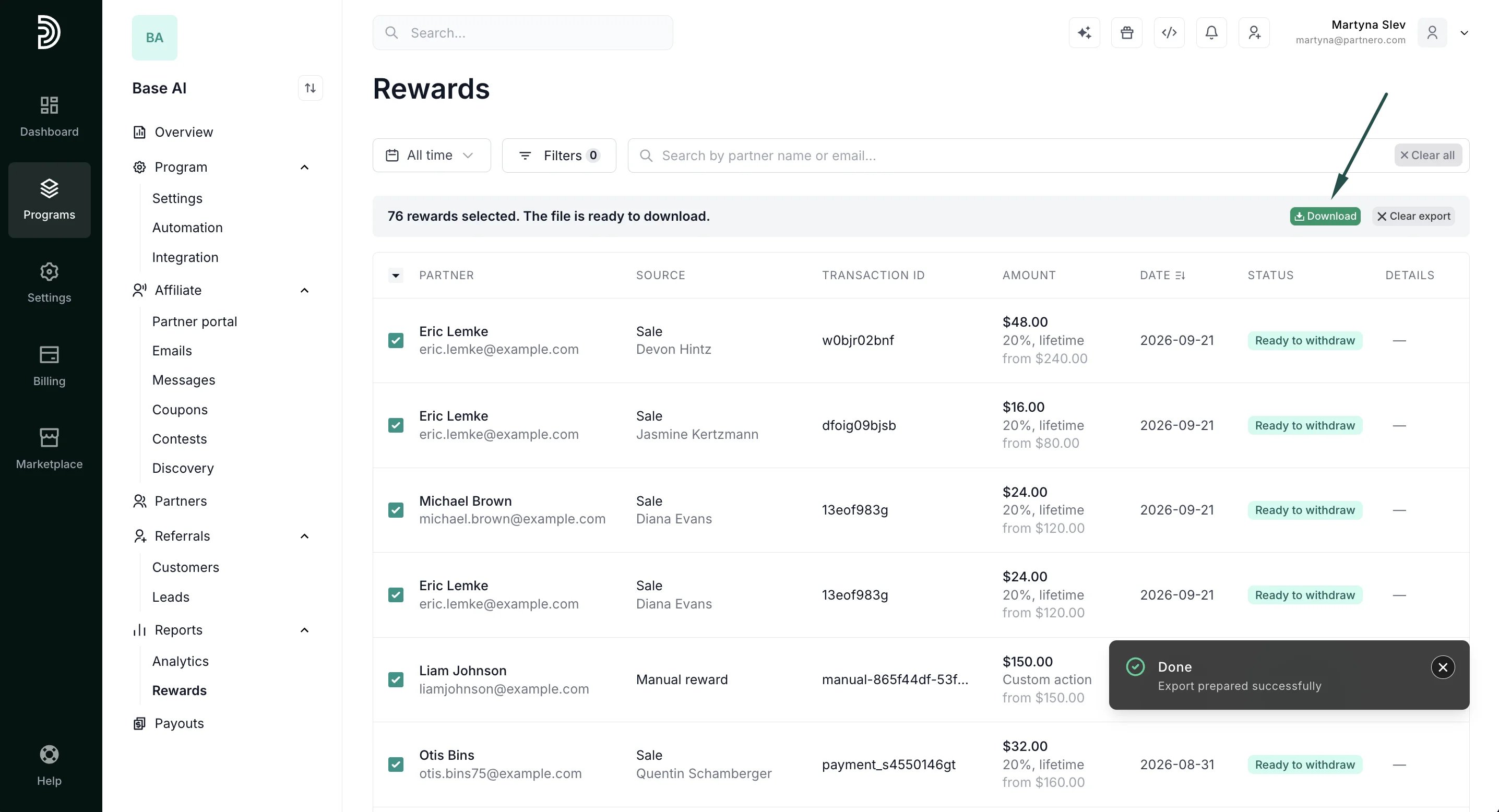
Export
Use the Select all / Select visible options or select partners manually. Once selected, click Export to download as a CSV file. The export includes a dedicated column for the reward model (e.g.Sale 10%), which appears as subtext in the table view.