How to request an invoice
- Open the program you’d like to work with.
-
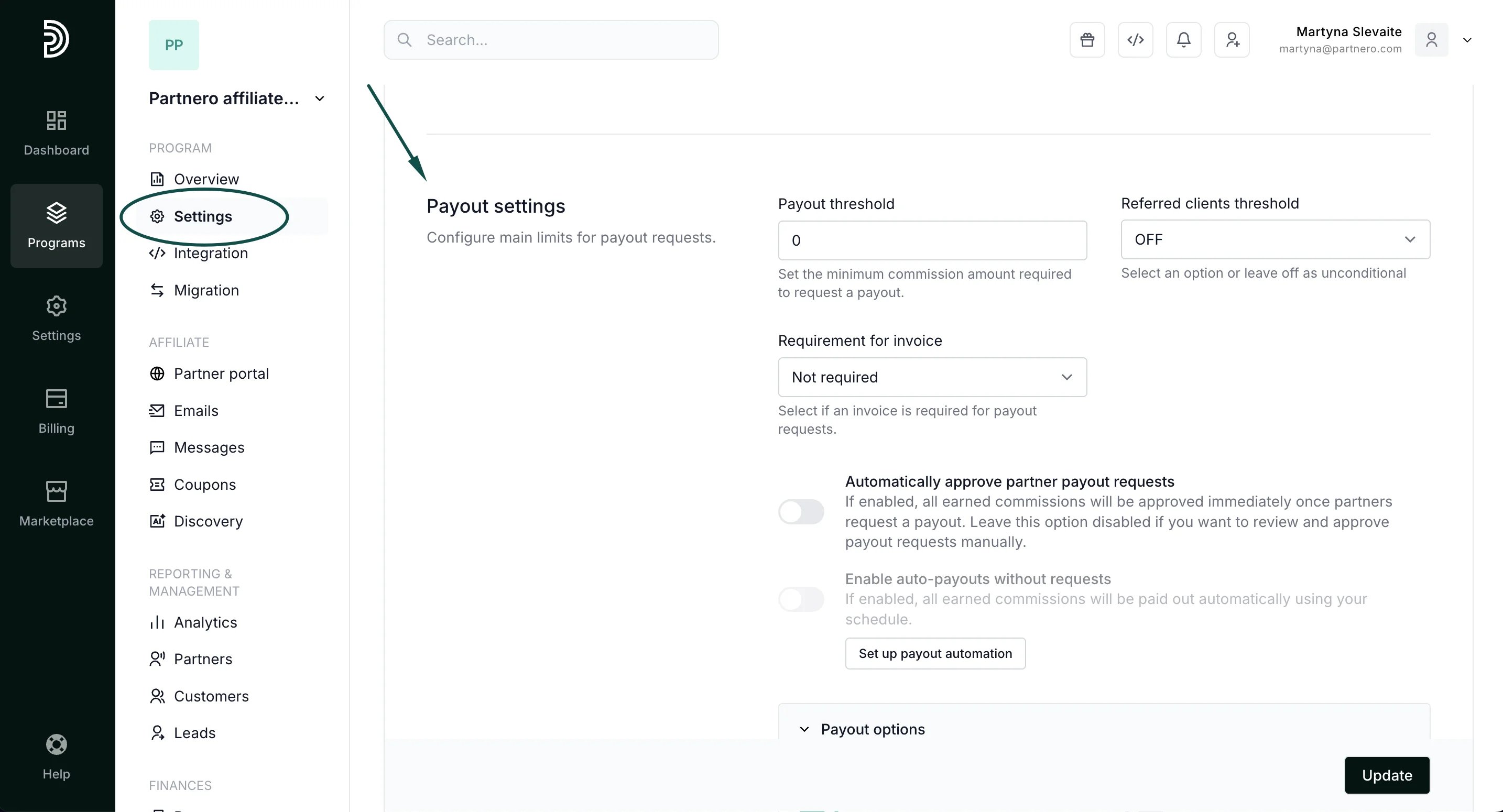
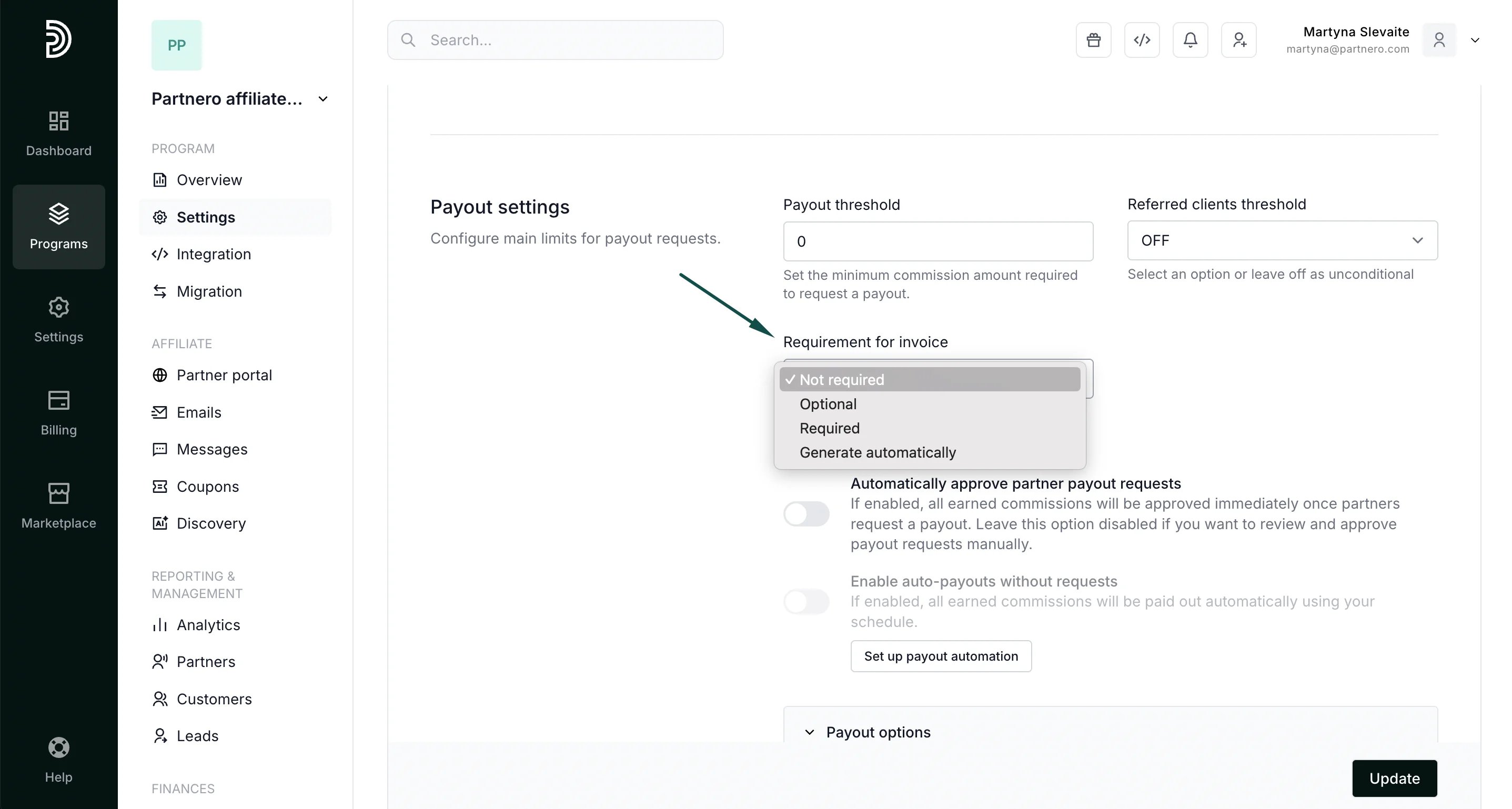
Go to Settings under Program and scroll down to Payout settings:
-
Under Requirement for invoice, you can choose from:
- Required if the invoice is mandatory,
- Optional if the invoice is optional or
- Generate automatically to auto-generate invoices.
Auto-generate invoices
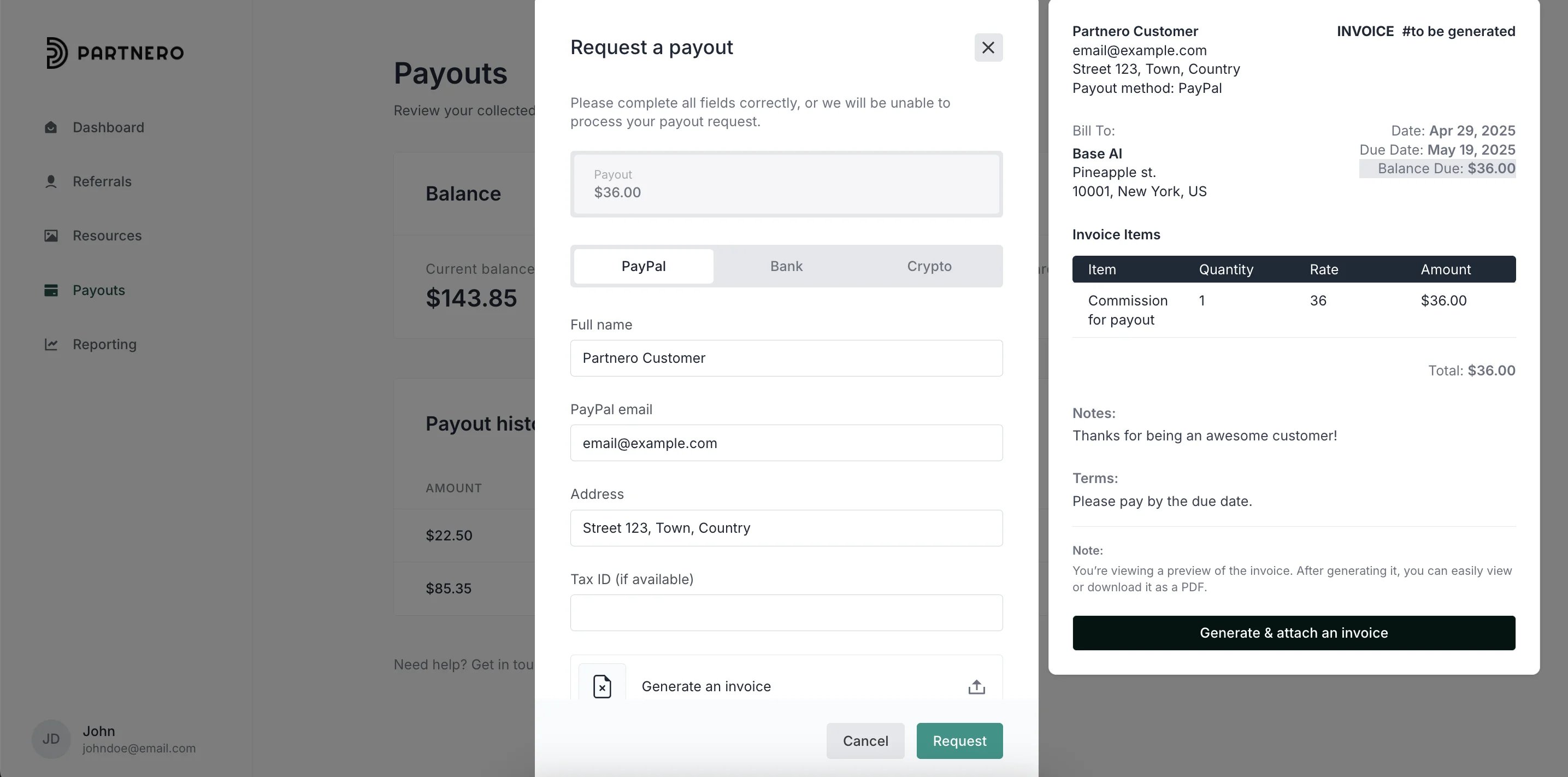
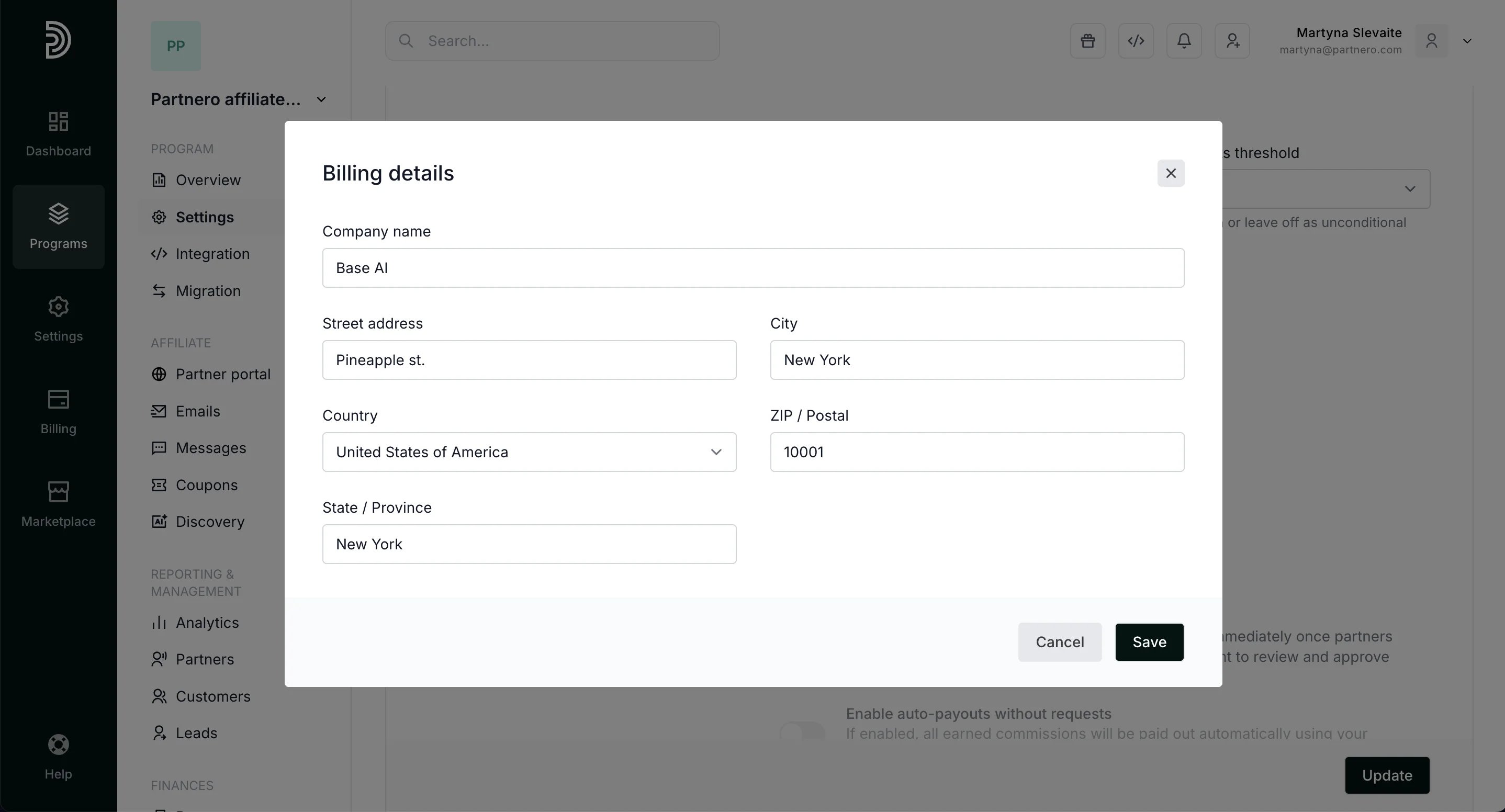
Under the Requirement for invoice, you can opt to Generate** automatically**. If you select that option, you will be prompted to enter your Billing information: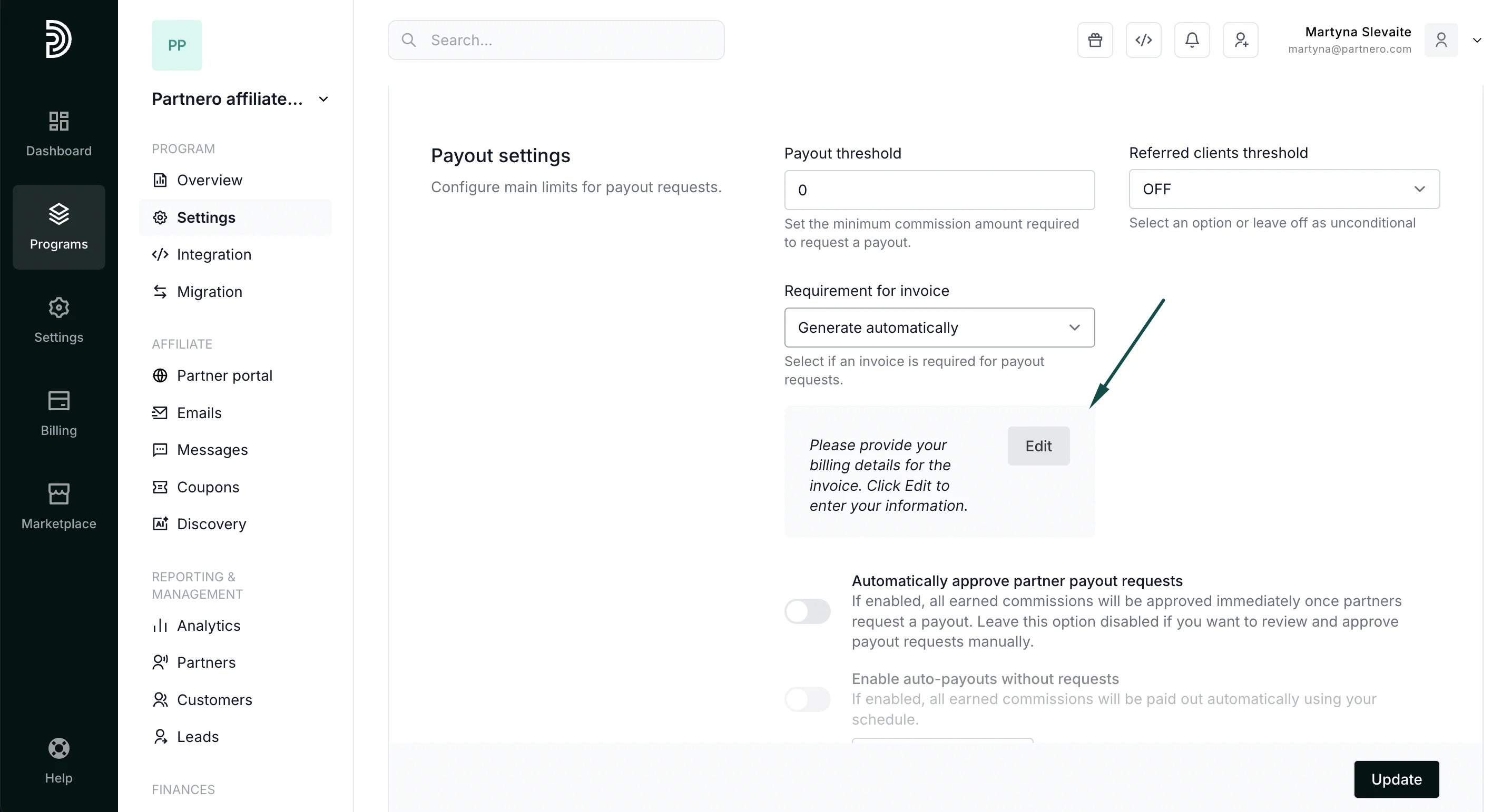
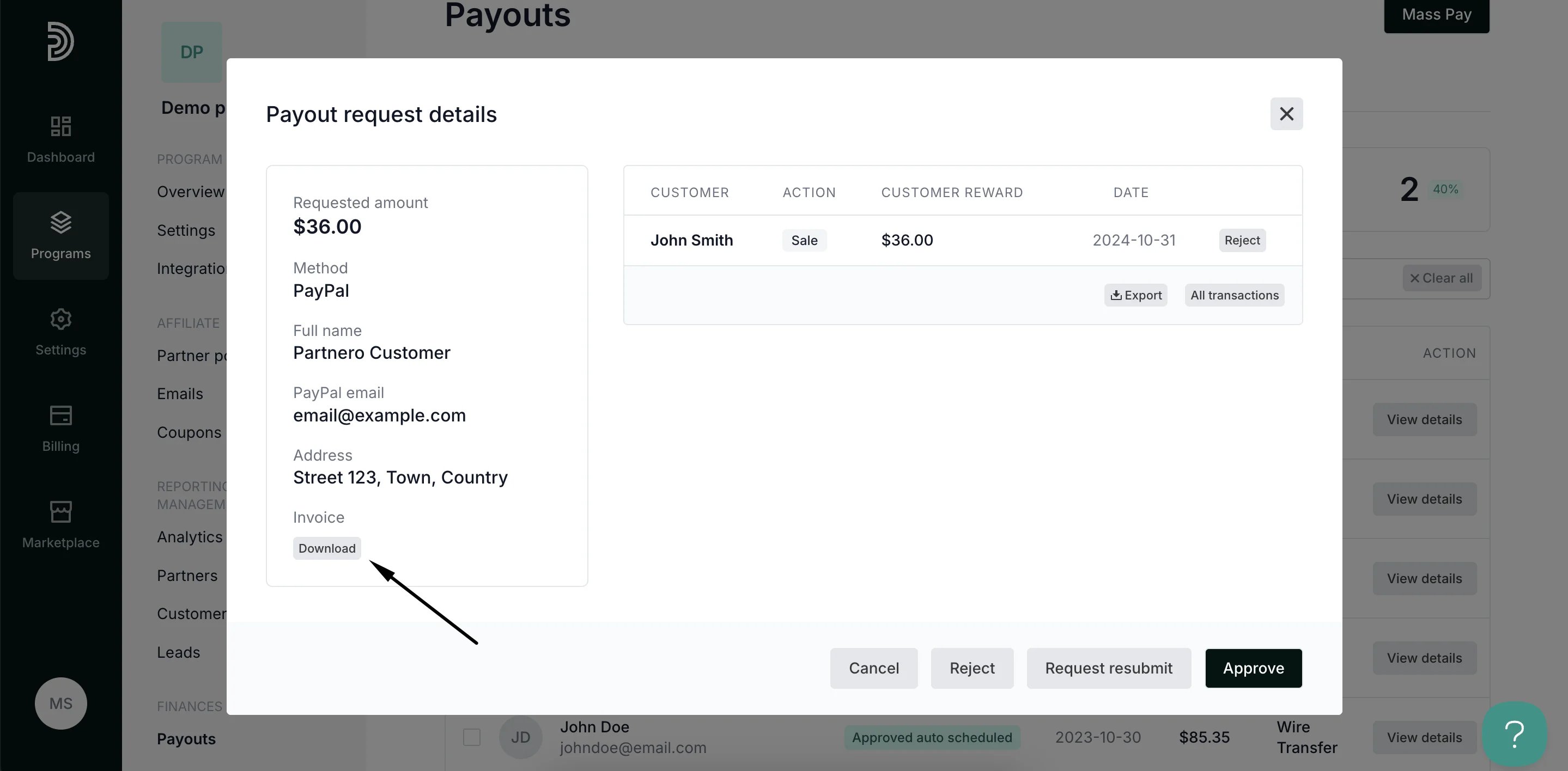
Payout request process and invoice review
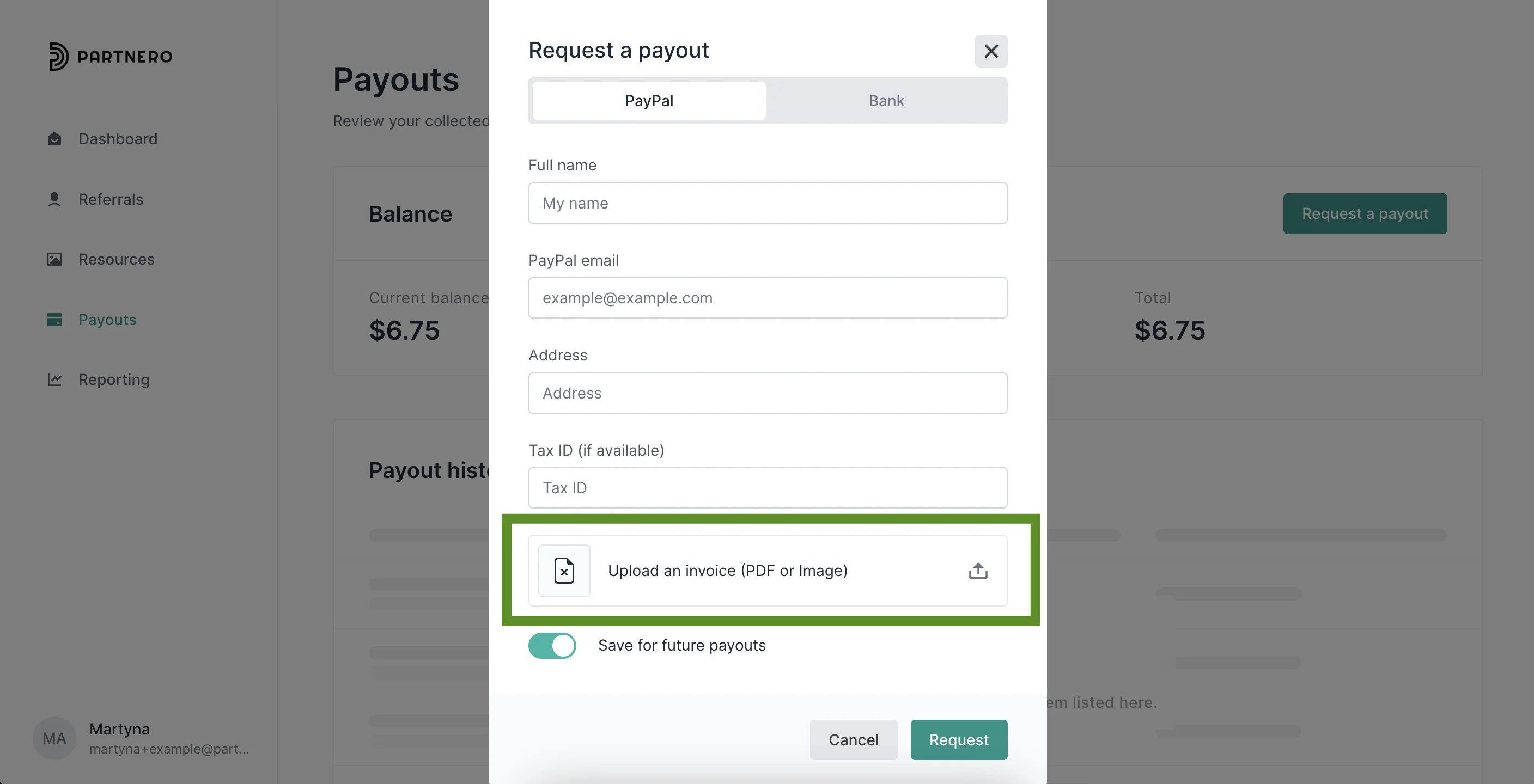
If the invoice setting is updated to Mandatory or Optional, your partners will be presented with an upload field when requesting a payout: