- Access their unique affiliate links
- View performance data such as clicks, signups, and conversions
- Download shared resources (for example, links, banners, or documentation)
- Review program details and updates related to their account
Customizing the Partner Portal
This article provides an overview of the customization options available in Partnero. Each topic links to a dedicated article that explains the related features and settings in more detail.What can be customized?
Partnero allows you to customize three main areas of the Partner Portal:- Partner dashboard The interface partners see after logging in. This is where they access links, performance data, and program resources.
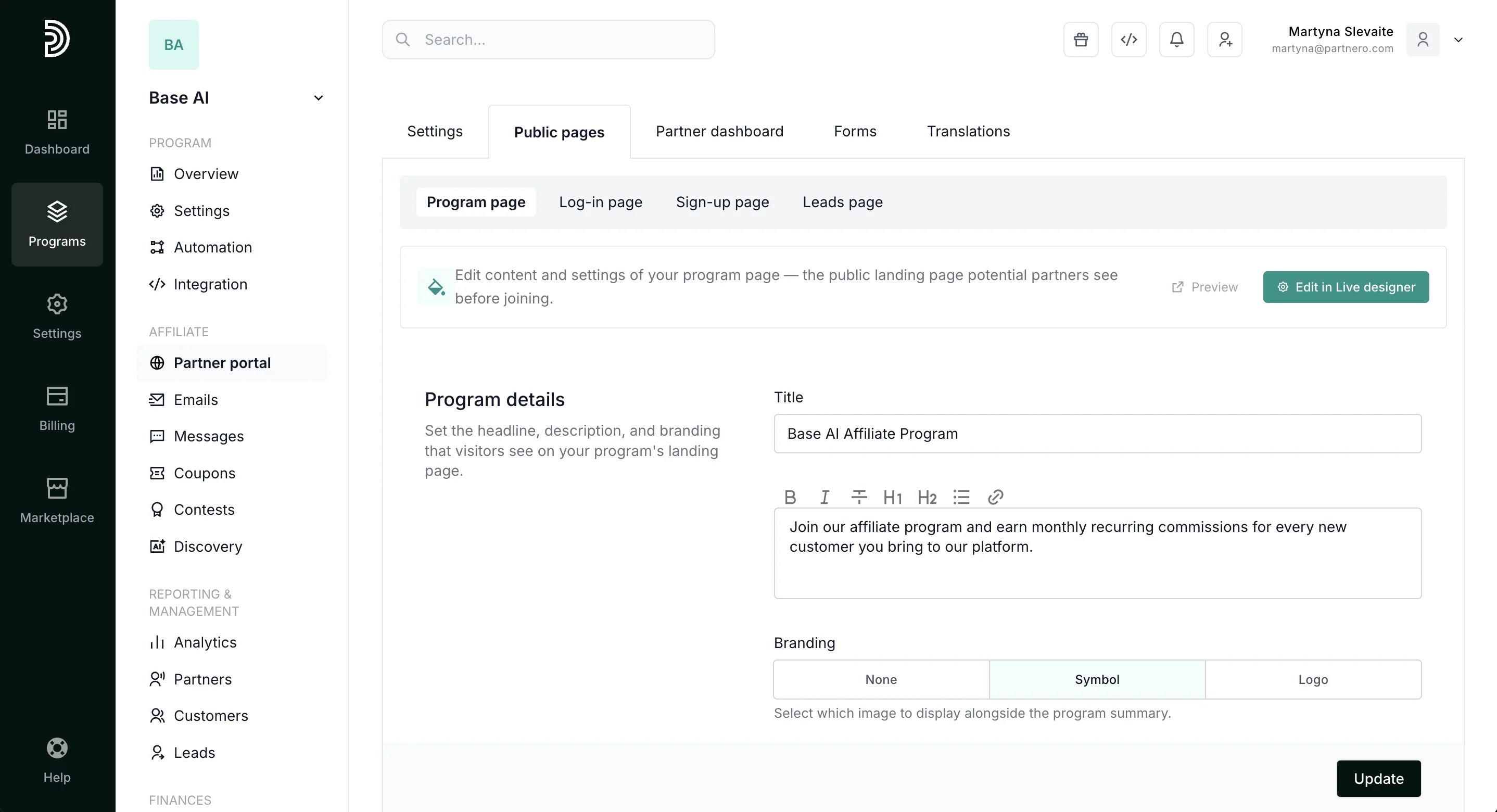
- Public pages Pages that are accessible without logging in, including the partner signup and login pages.
- Program & Lead pages The public program introduction page can be used to present basic information about your program and provide access to the signup and login pages. The lead page allows partners to submit potential customers and earn rewards if they convert.
Settings
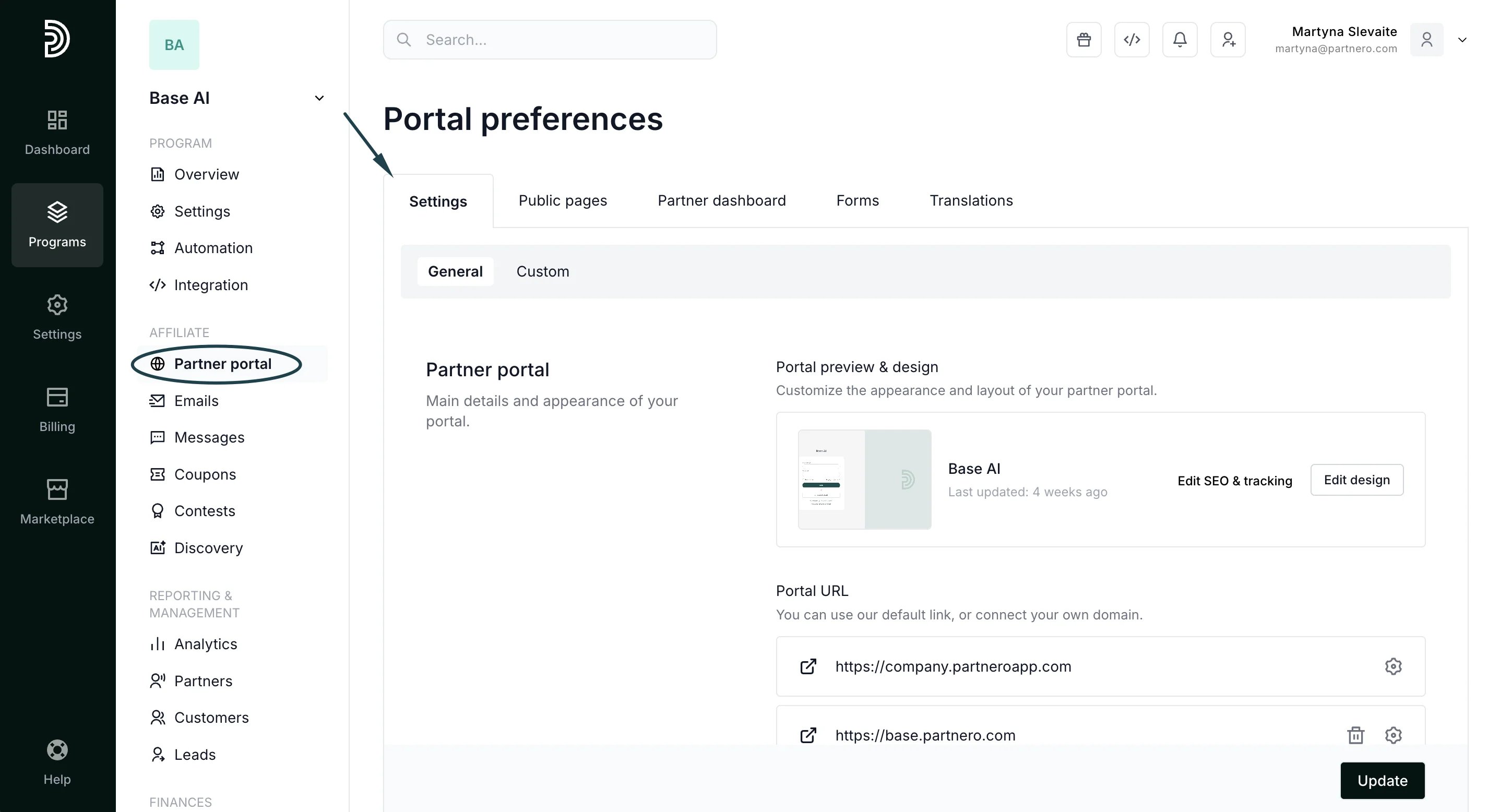
- Connect partner portal URL.
- Design the partner portal appearance.
- Customize access & authentication.
- Enable or disable features like partner signup, Google login, and passwordless login.
- Customize partner permissions.
- Add custom code.
- Set up an in-site widget.
Public pages
Partner dashboard
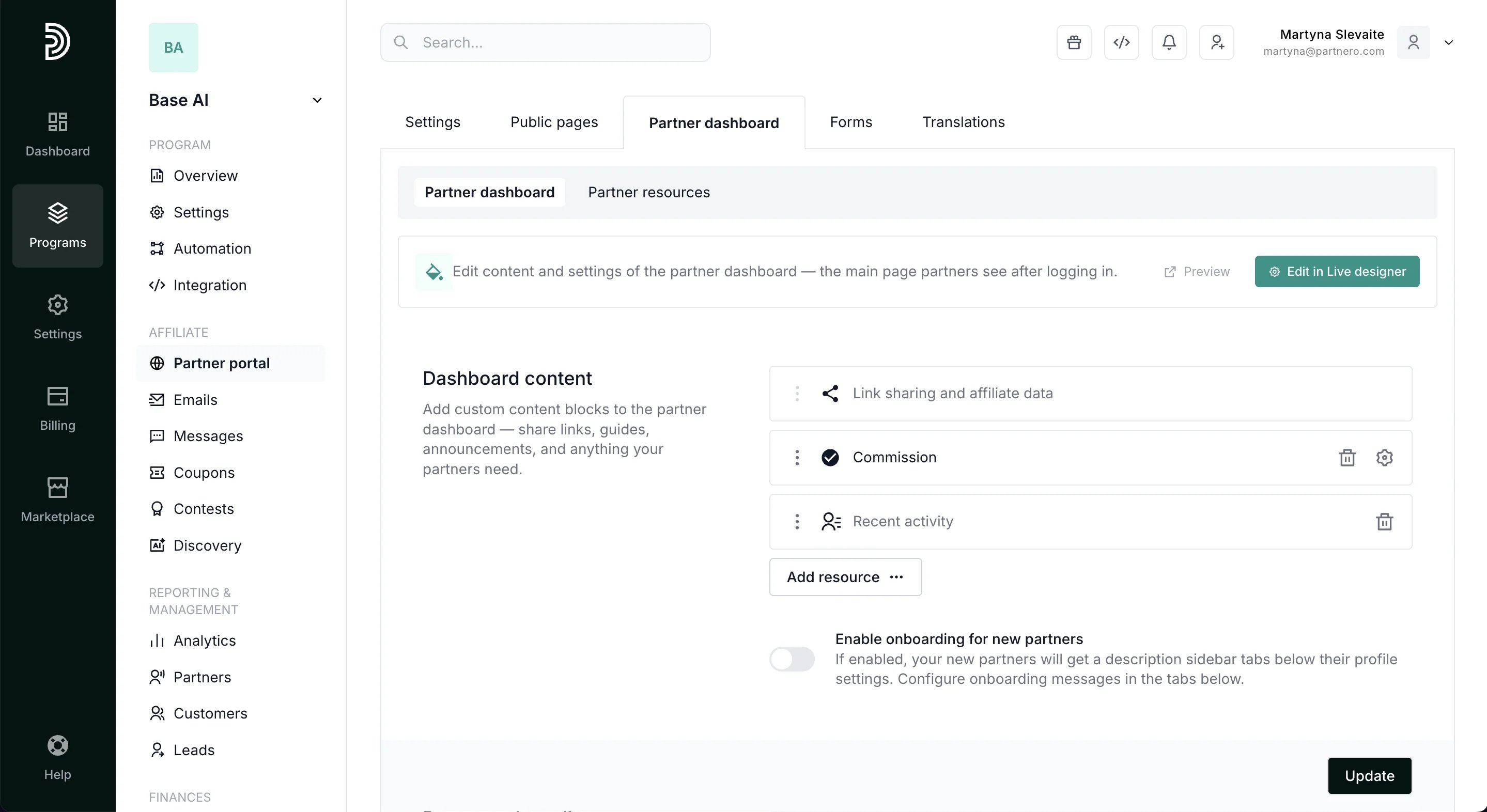
- Customize the main partner portal dashboard
- Create an approval form
- Set up new partner onboarding
- Build a resources page.
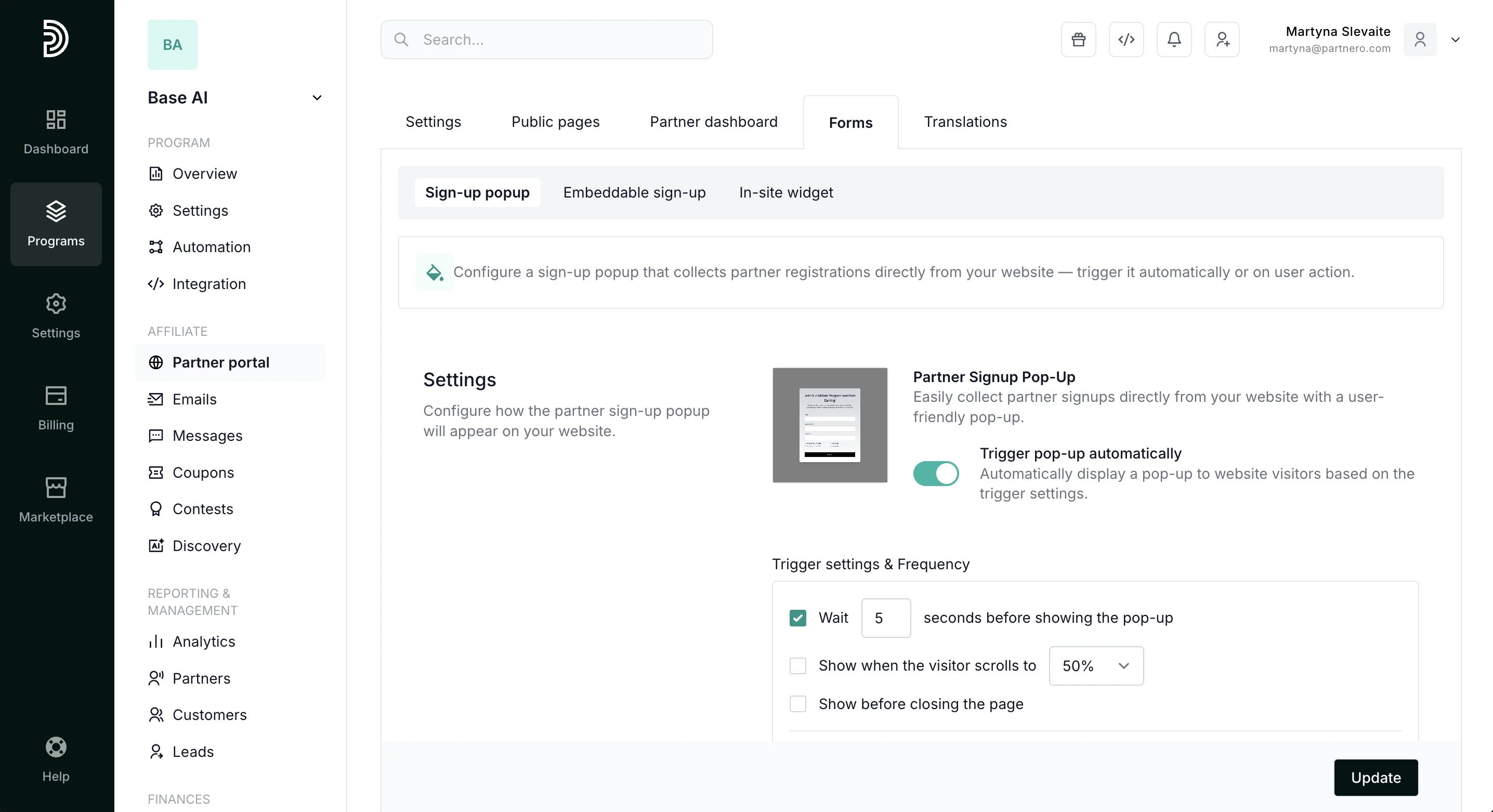
Forms
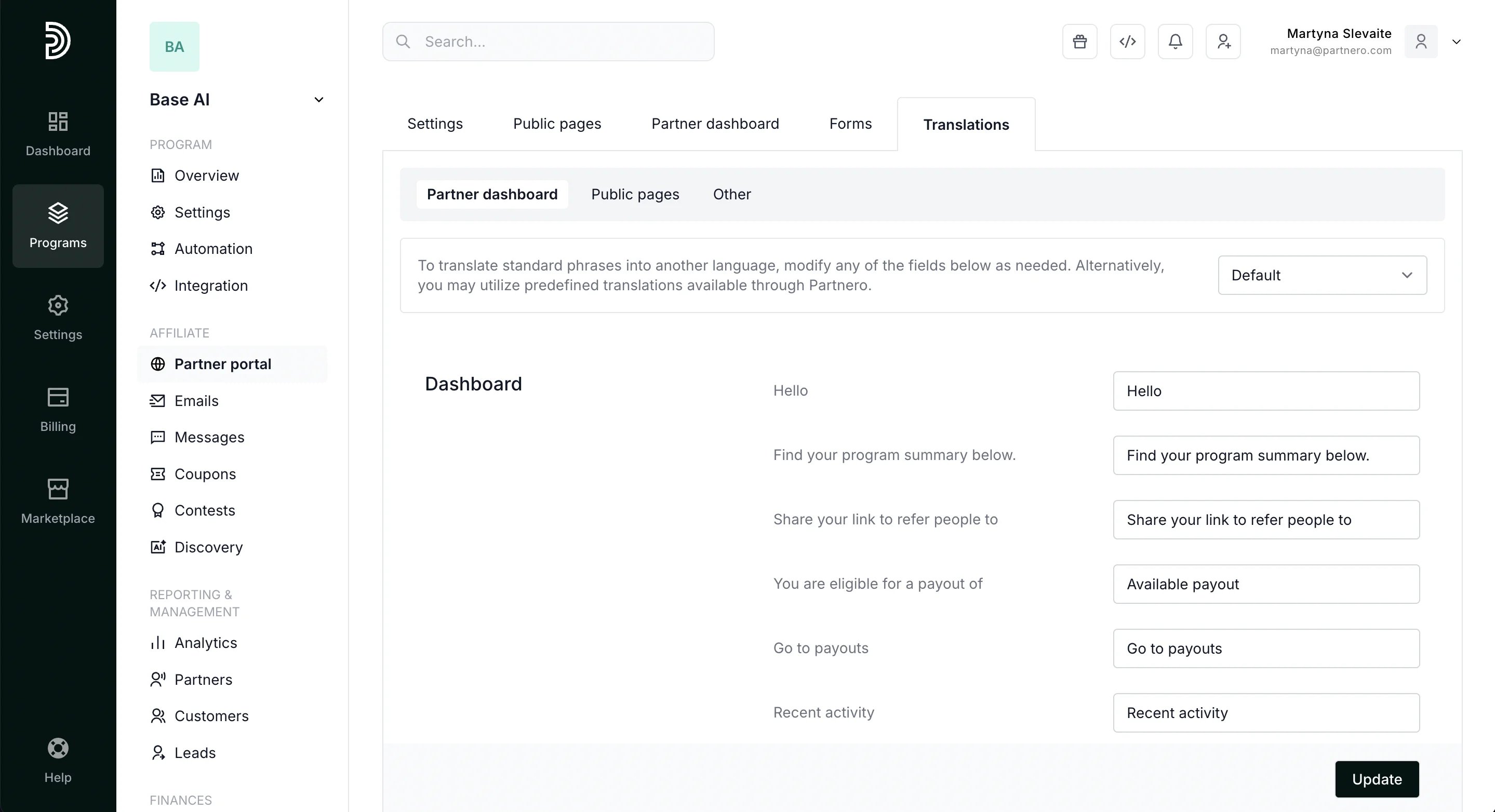
Translations
By default, portal content appears in English. In the Translations tab, you can:- Replace portal text with another language or custom wording
- Use predefined translations