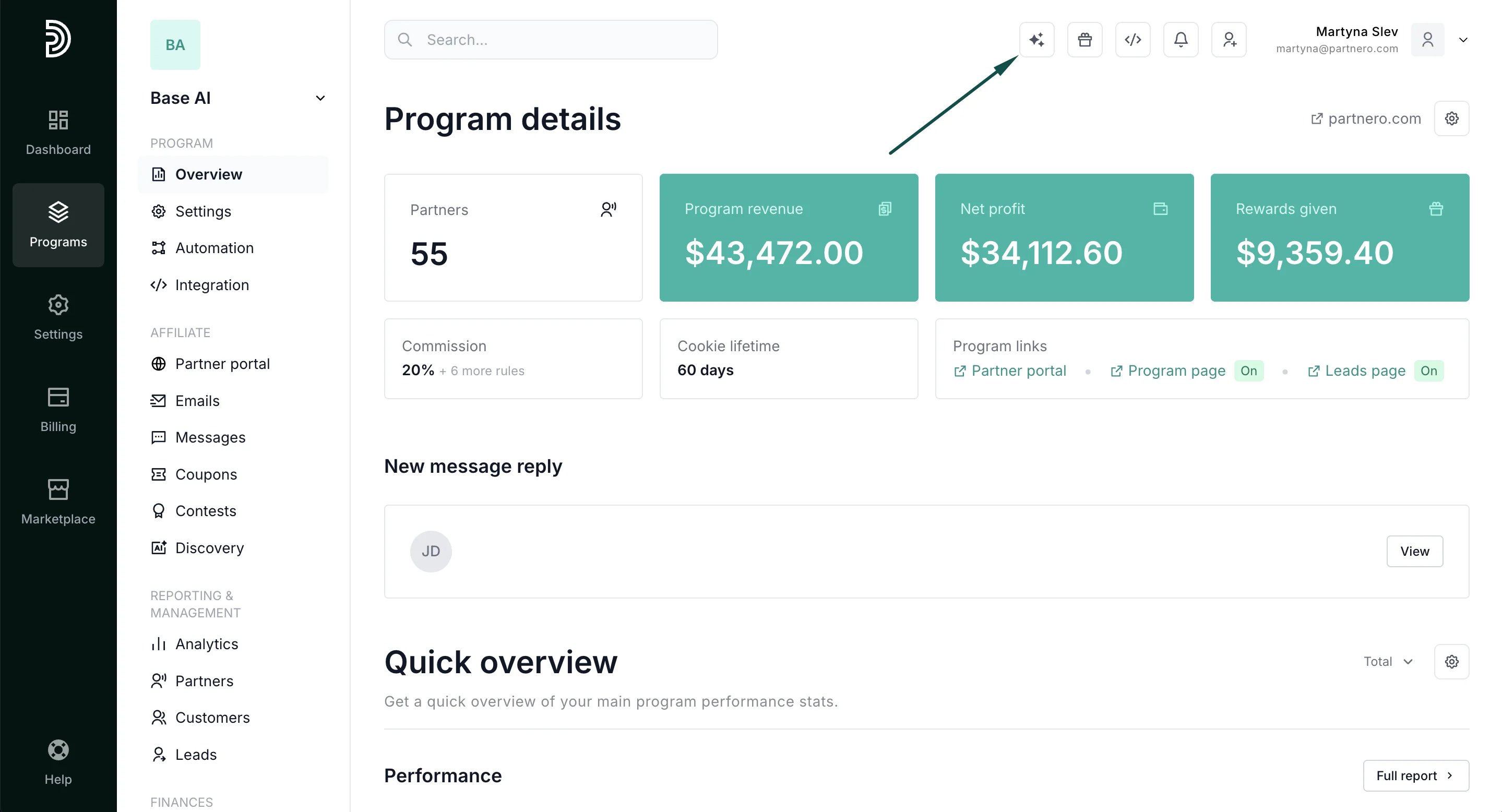
- In your Partnero dashboard, click on the icon in the top left:
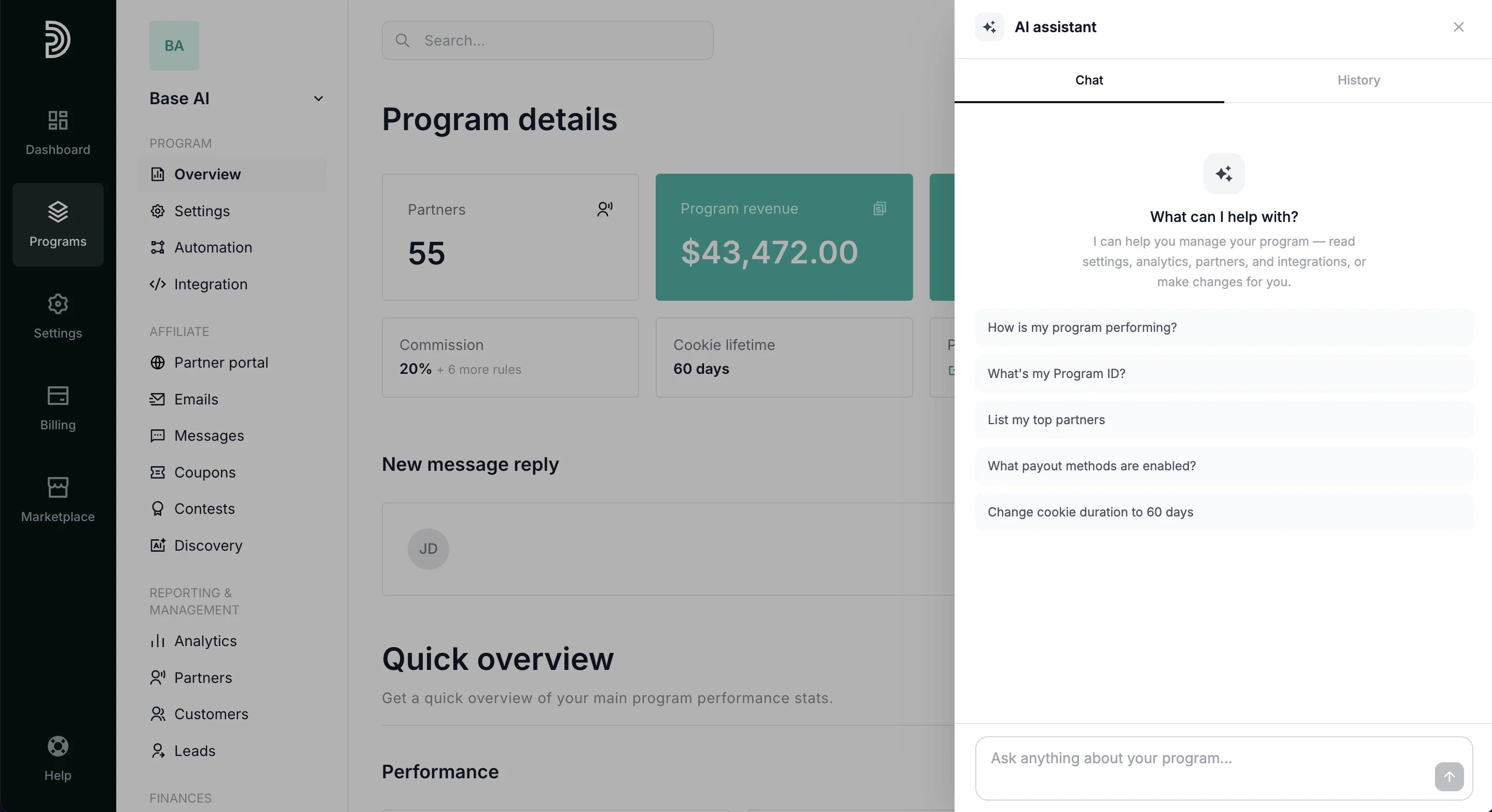
- This will open the conversation window:
What the assistant can access
The assistant can read data across your program, including:- Settings: program settings, portal settings, commission structure, fraud protection, and notifications
- Analytics: overview, conversion metrics, revenue insights, top partners, and recent transactions
- Program data: partners, customers, payouts, leads, coupons, messages, contests, and automations
- Emails & integrations: email settings and integration status with diagnostics
What the assistant can do
In addition to answering questions and surfacing insights, the assistant can take actions:- Propose changes to program settings
- Create partners, customers, and transactions
- Approve pending partners
Conversation history
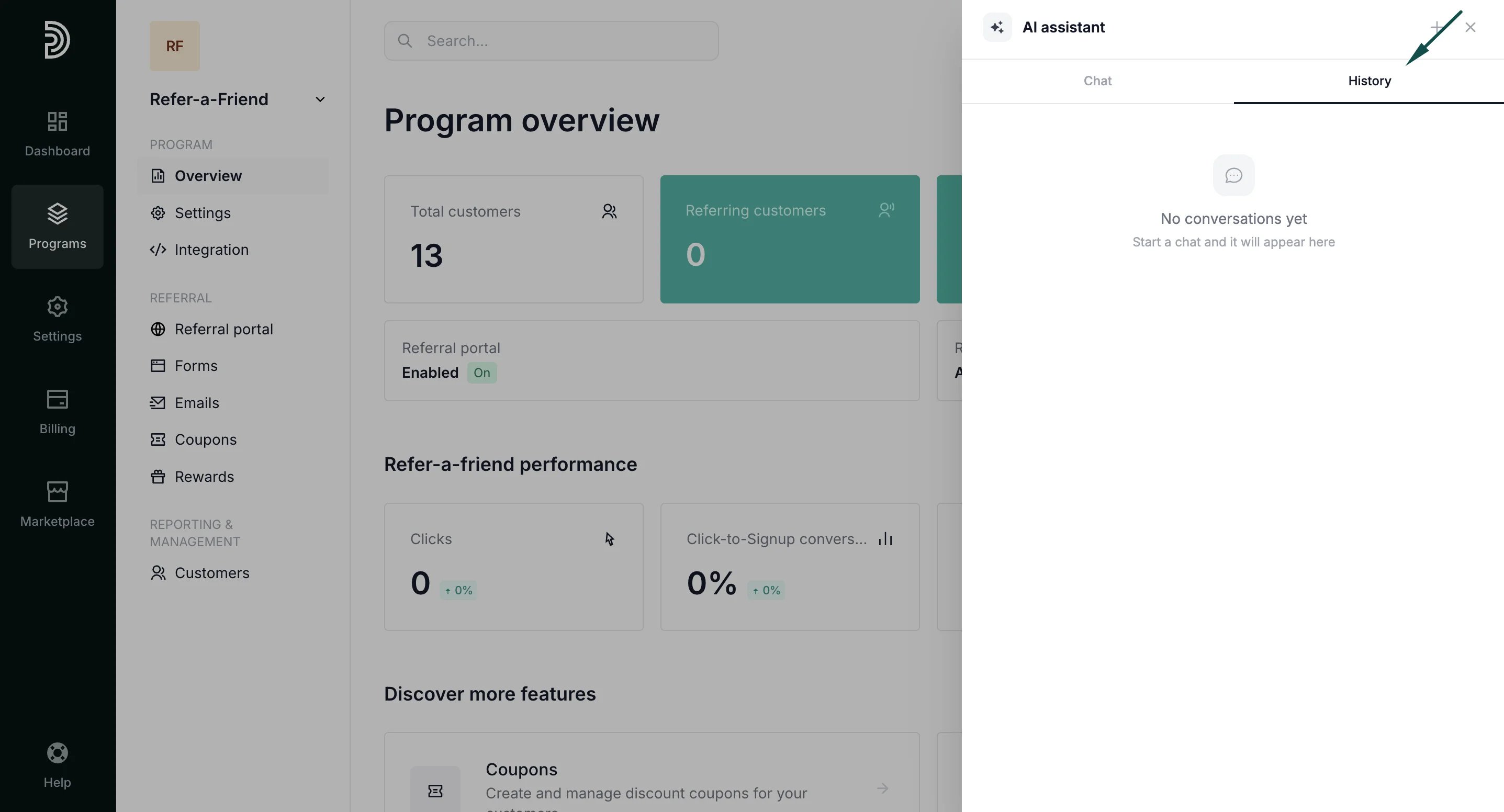
Previous conversations are saved and accessible from the History tab in the conversation window: