

How to apply Stripe coupons to existing customer subscriptions
- First, set up a dynamic coupon reward, as outlined here.
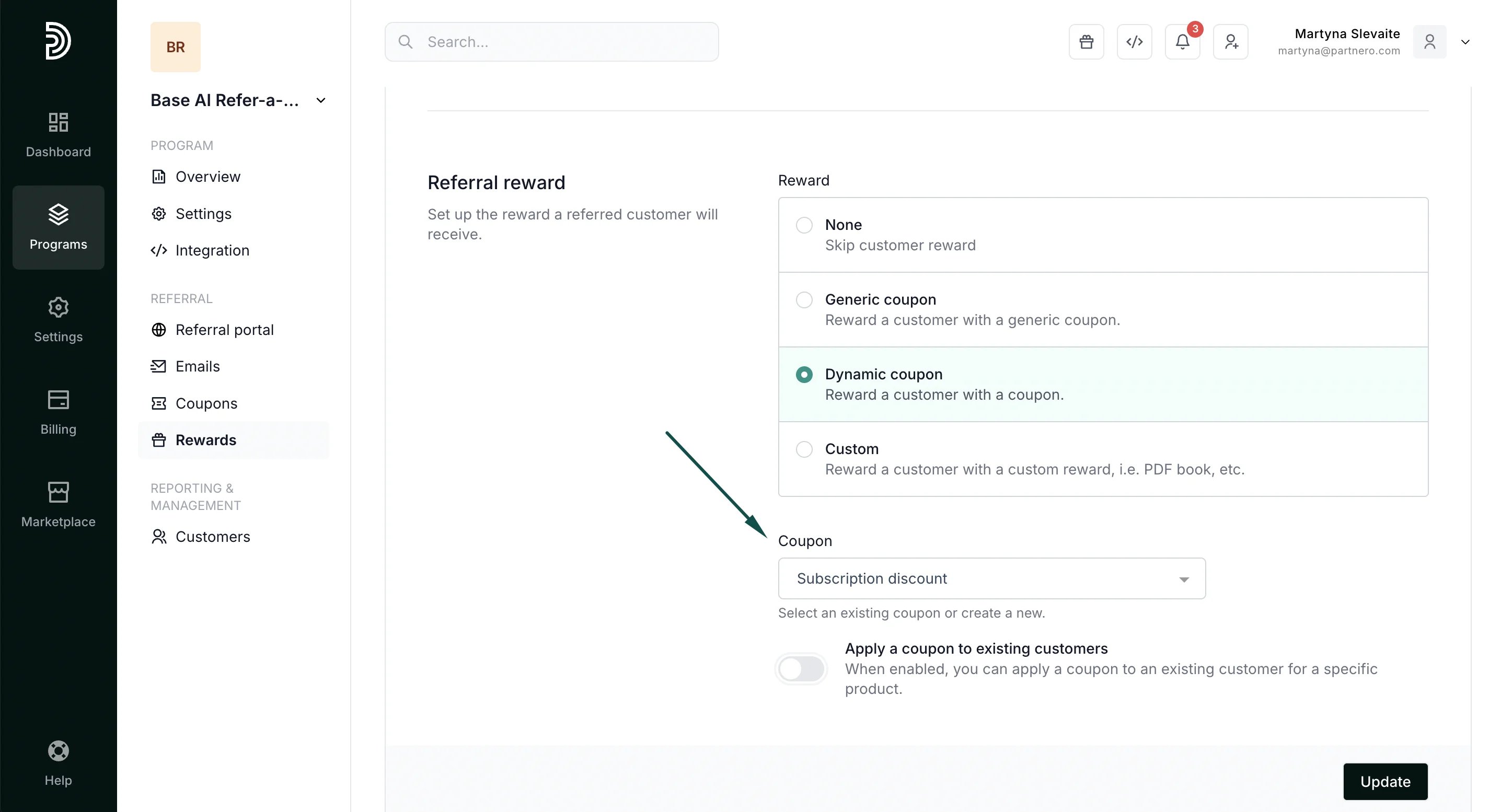
- In the reward section, select a Stripe coupon from the list or create a new one:
- Once a Stripe coupon is selected, an additional toggle will appear to Apply the coupon to existing customers:
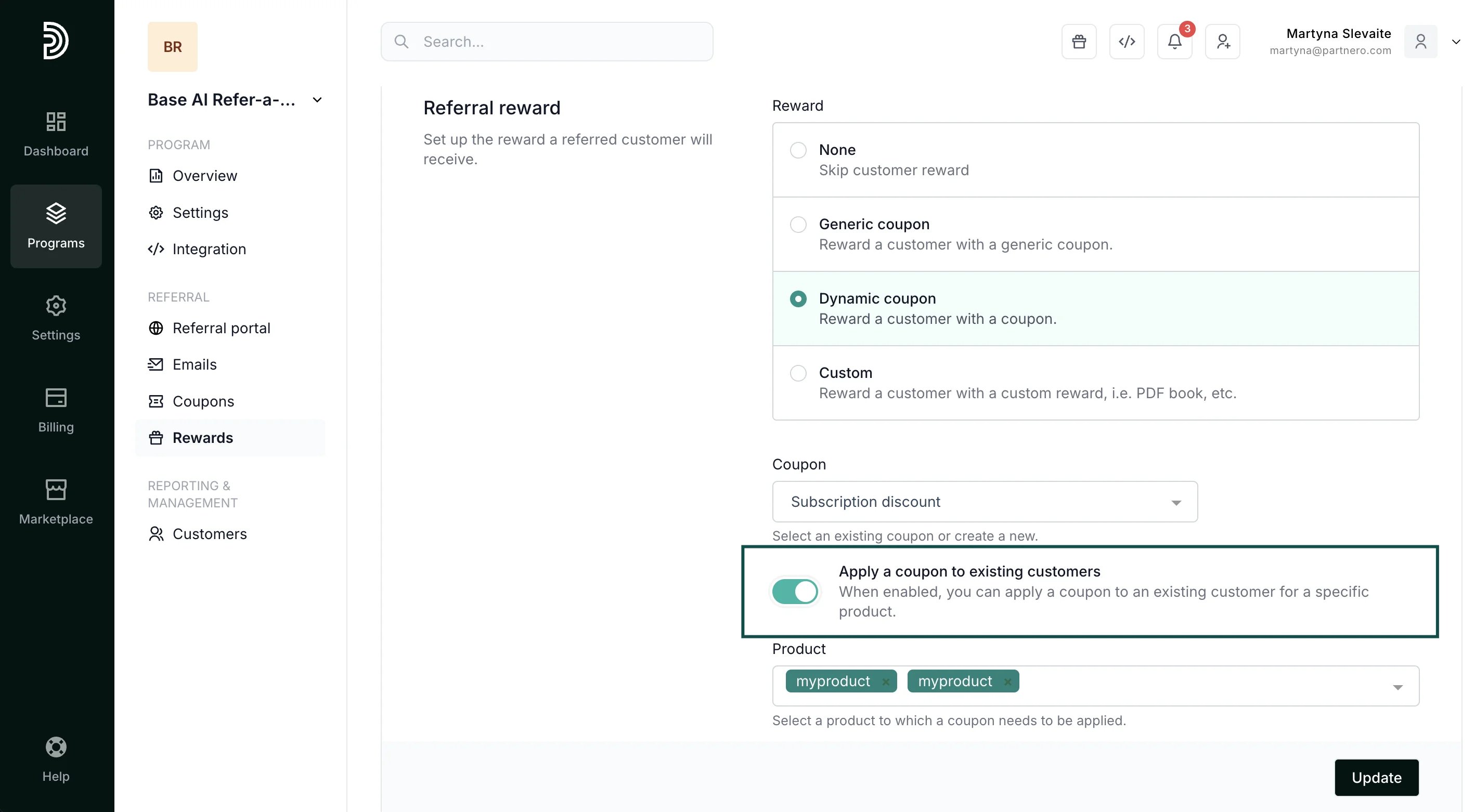
- Once you enable this option, you will be prompted to select the product to which the coupon can be applied. Select one or more subscription products to which the discount should be applied:
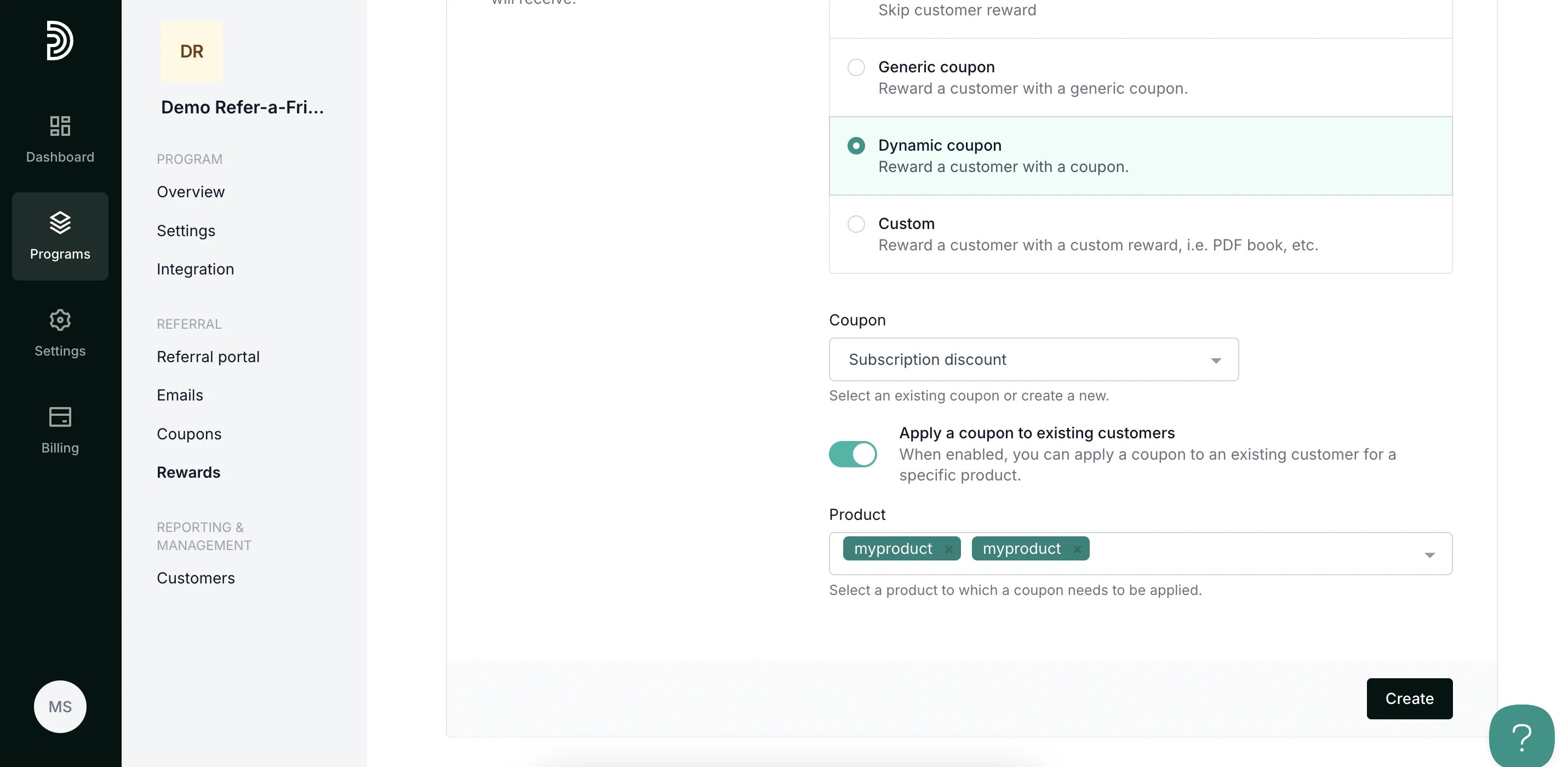
- Click Create.