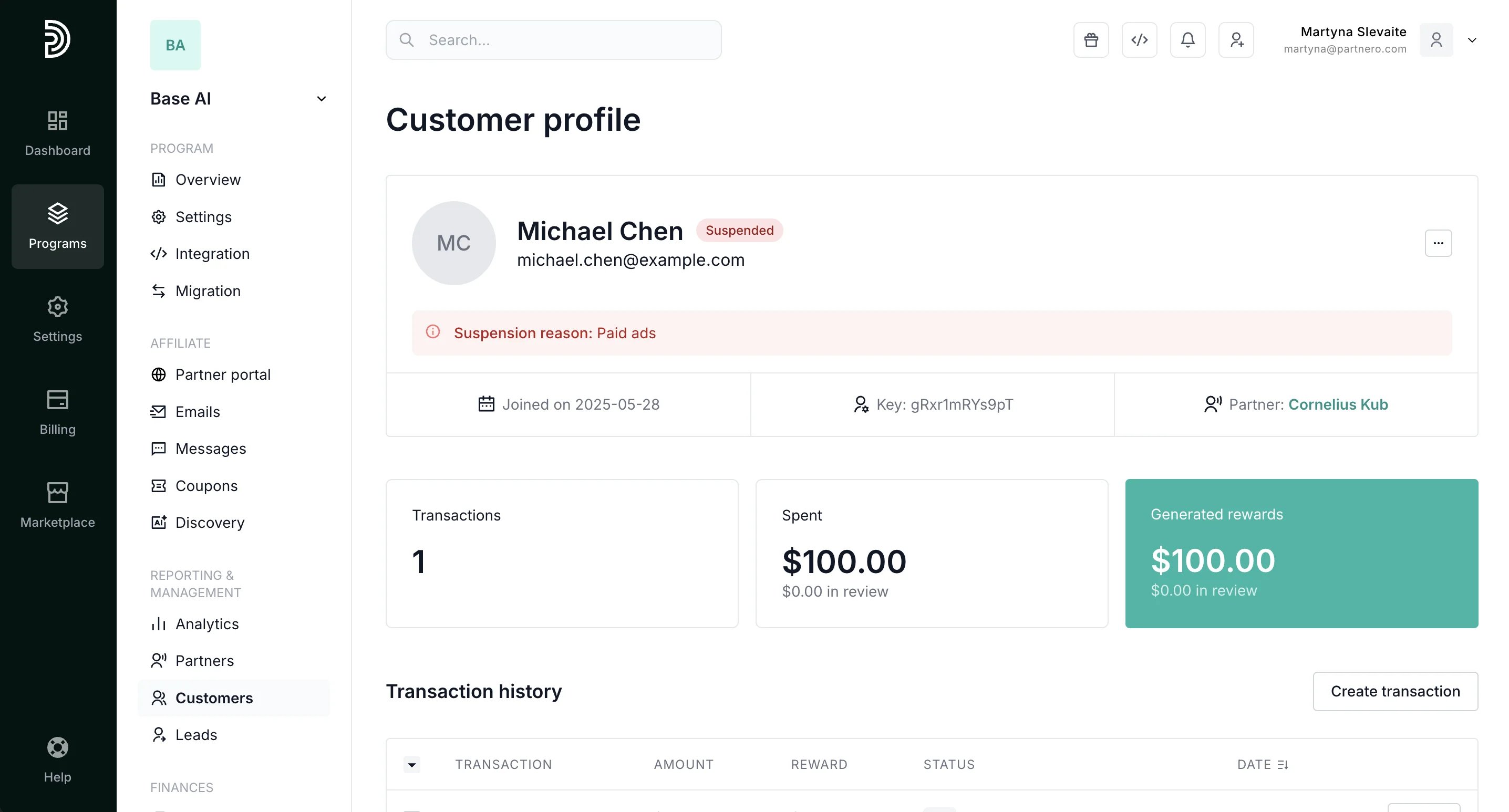
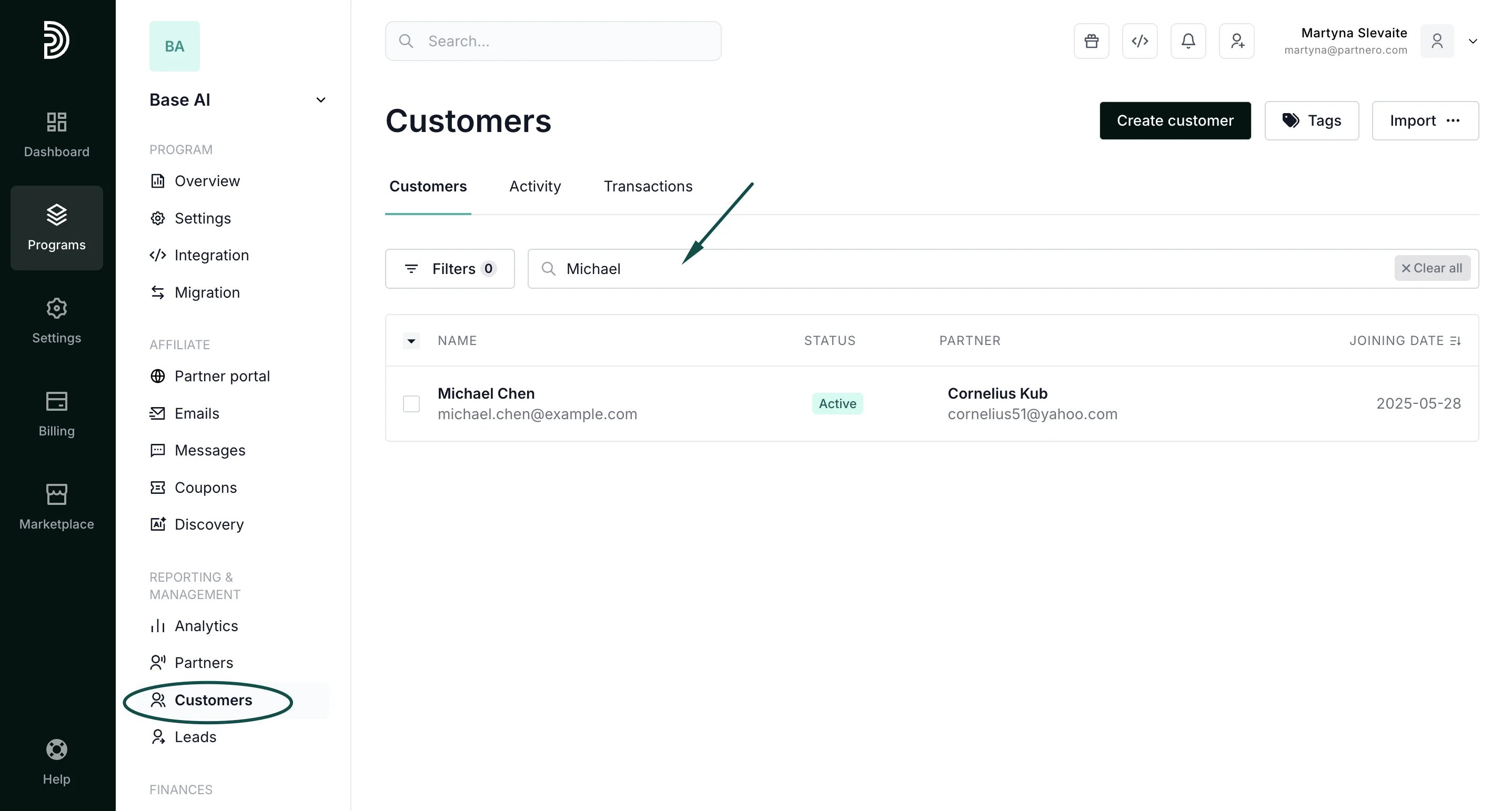
- In your program, go to Customers and find the customer using their name or email address:
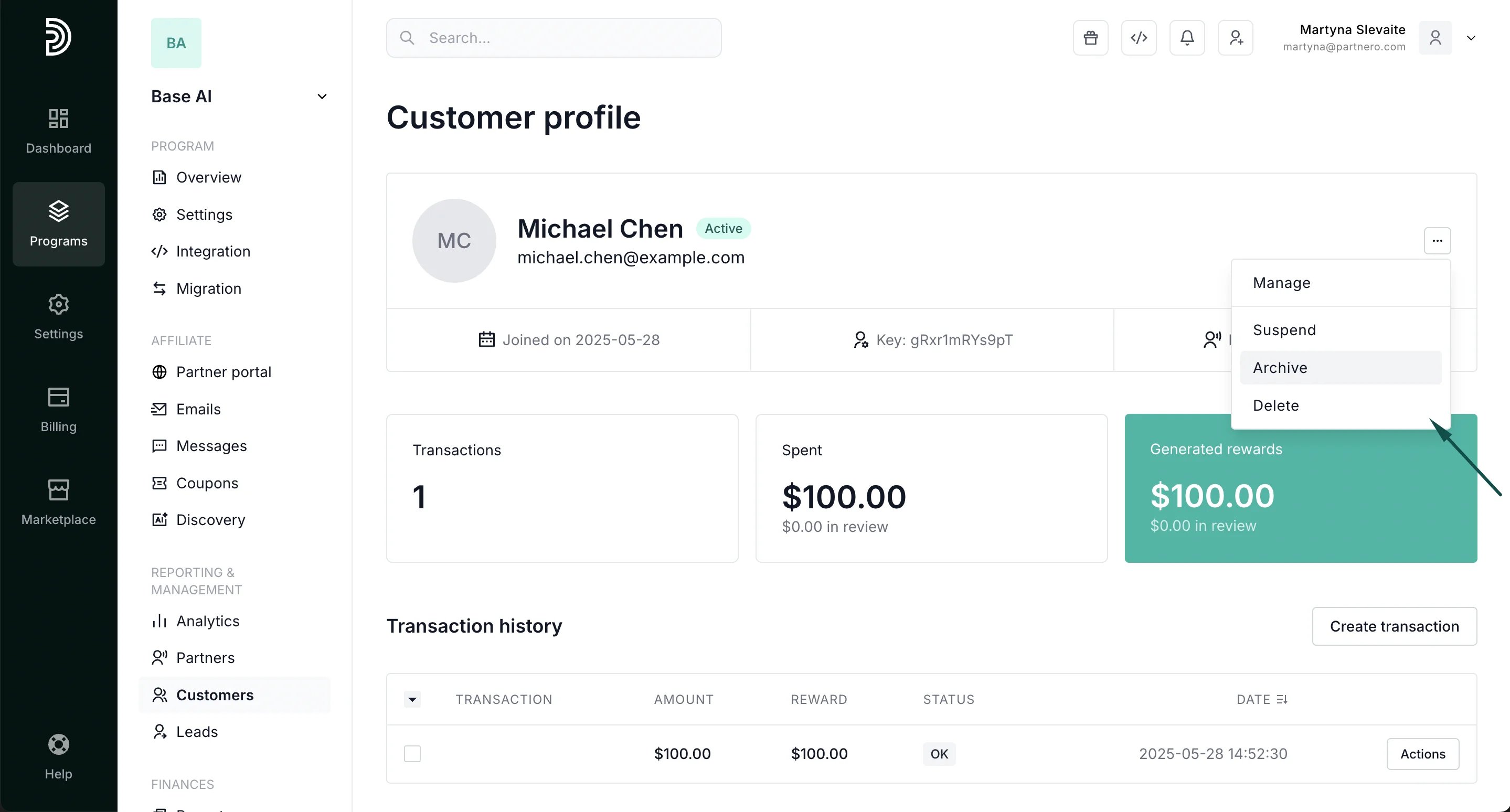
- Open the customer profile and click on the three dots in the top right-hand corner:
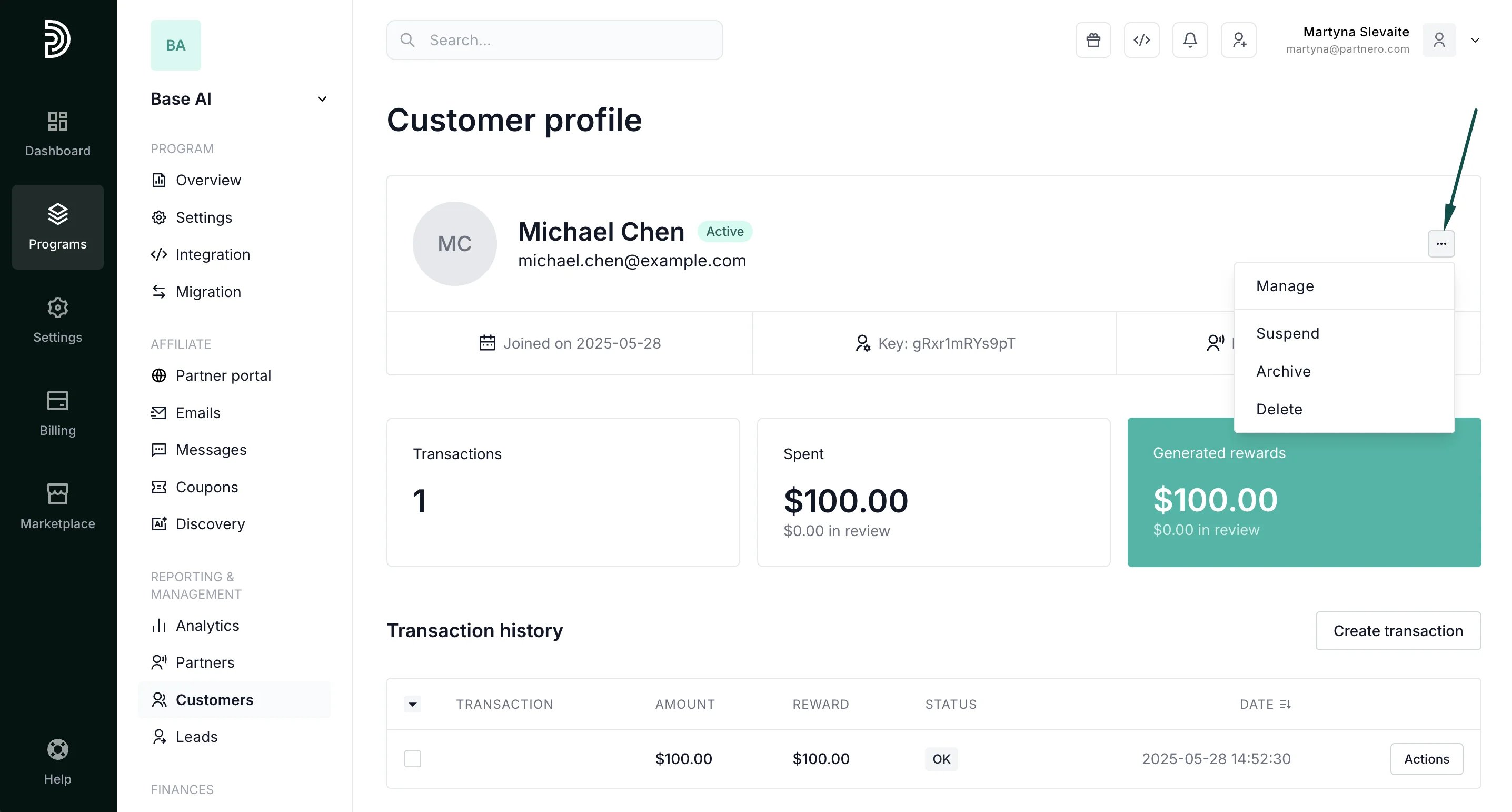
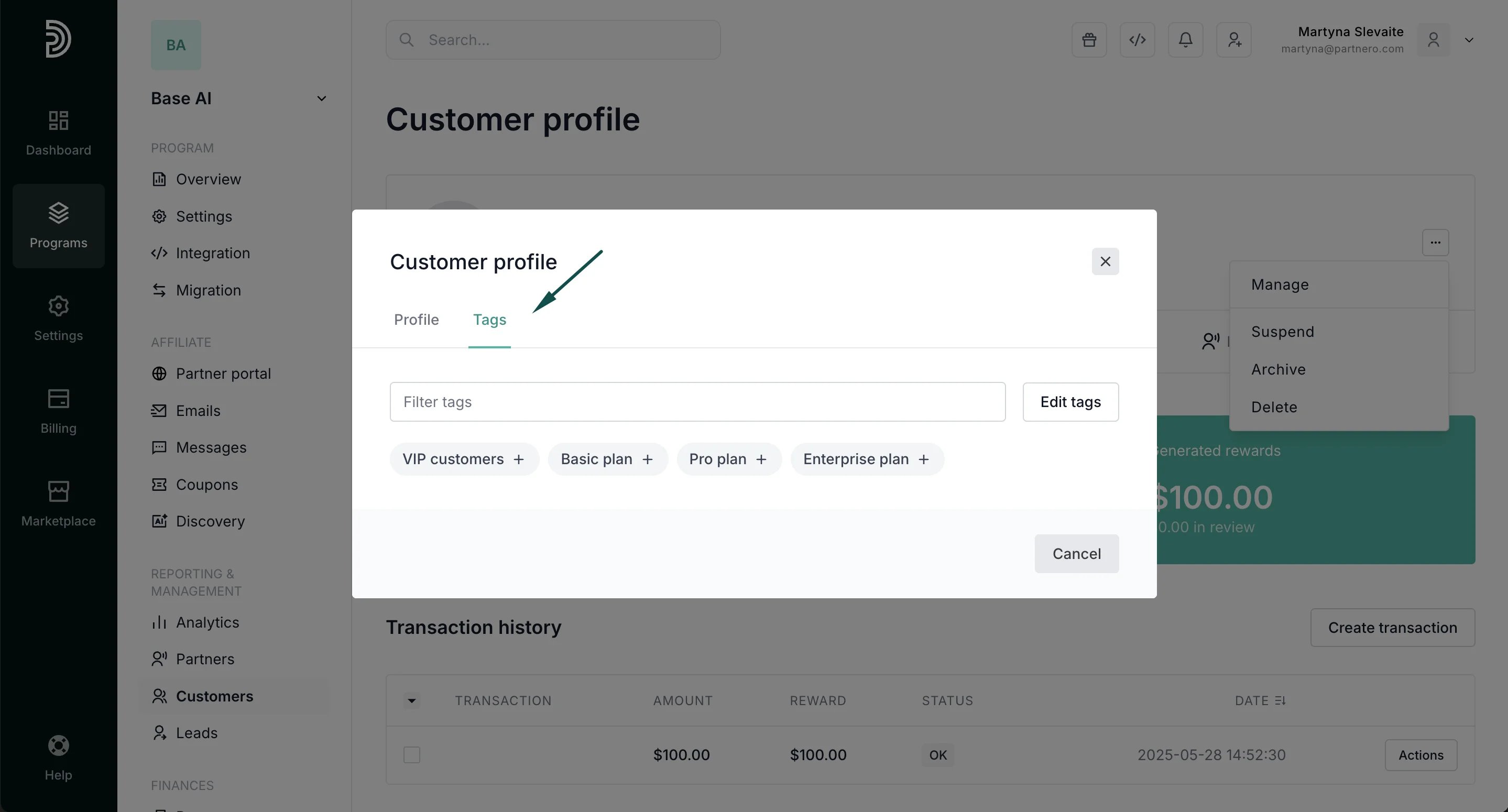
- Here, you’ll find the options to manage, suspend, archive, or delete the customer.
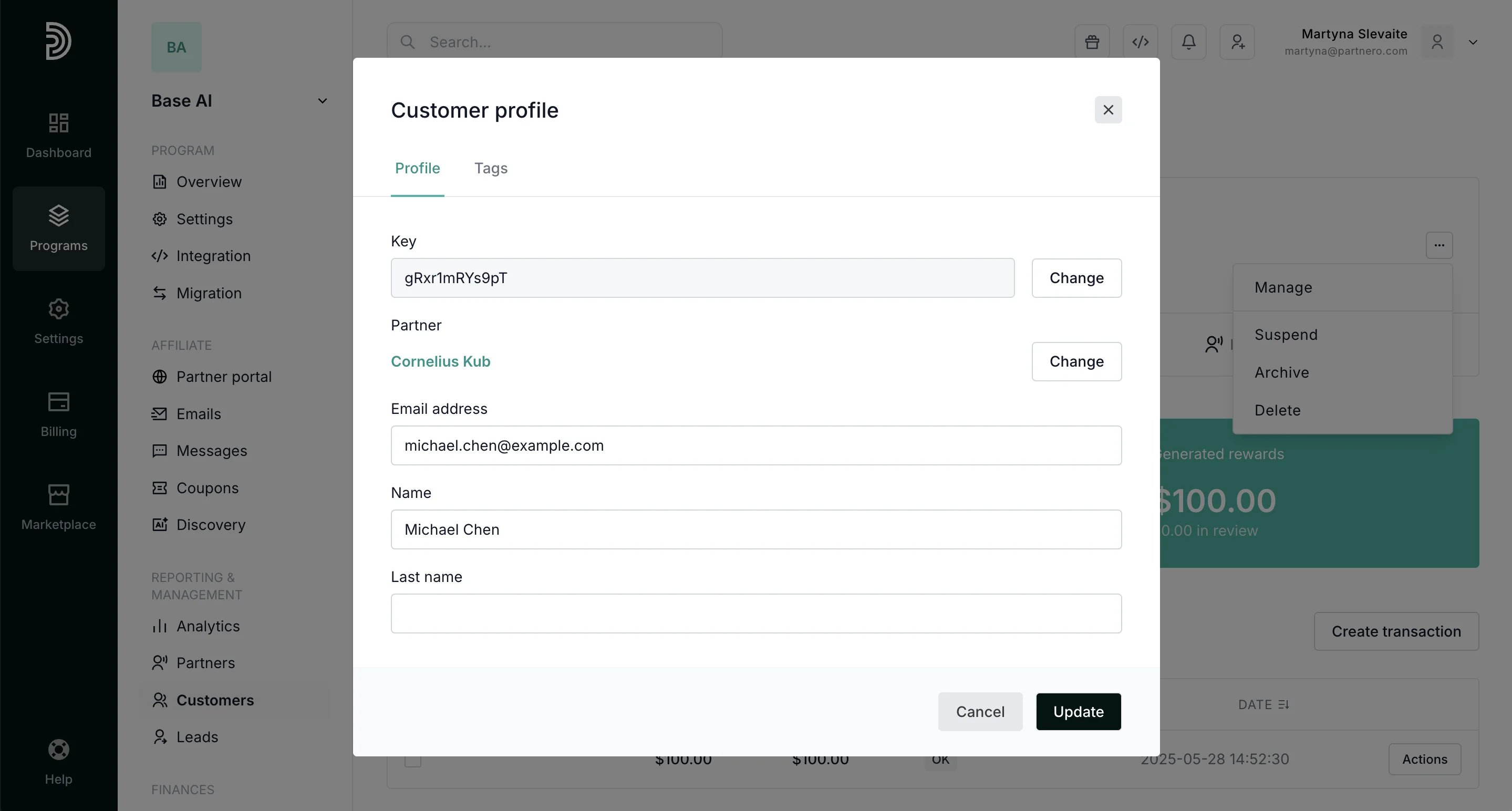
- edit customer key,
- change which partner the customer is assigned to,
- edit the customer email,
- edit the customer name.