

How to import subscribers
- When creating a newsletter referral program, select the Custom option under ESP integration:
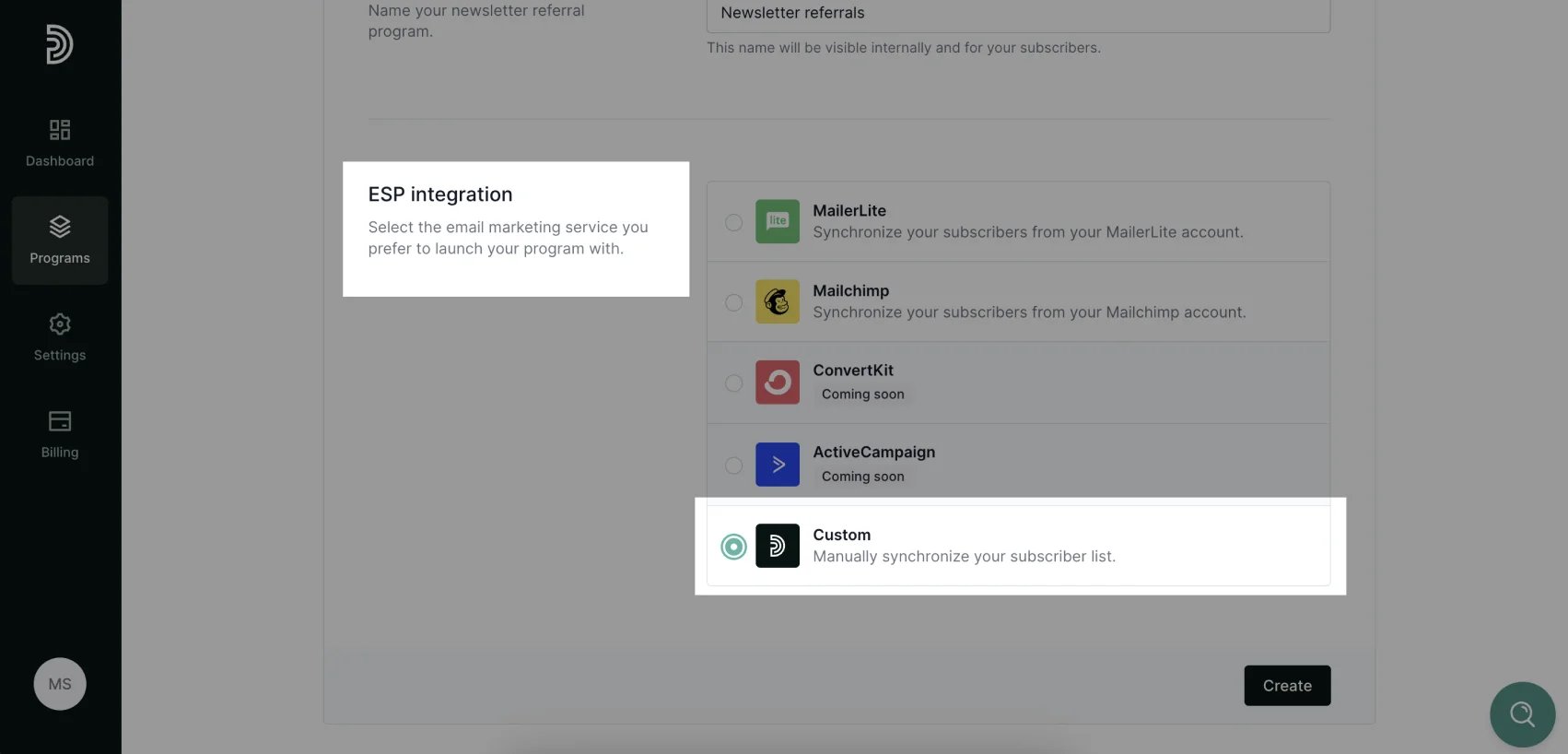
- Click Create.
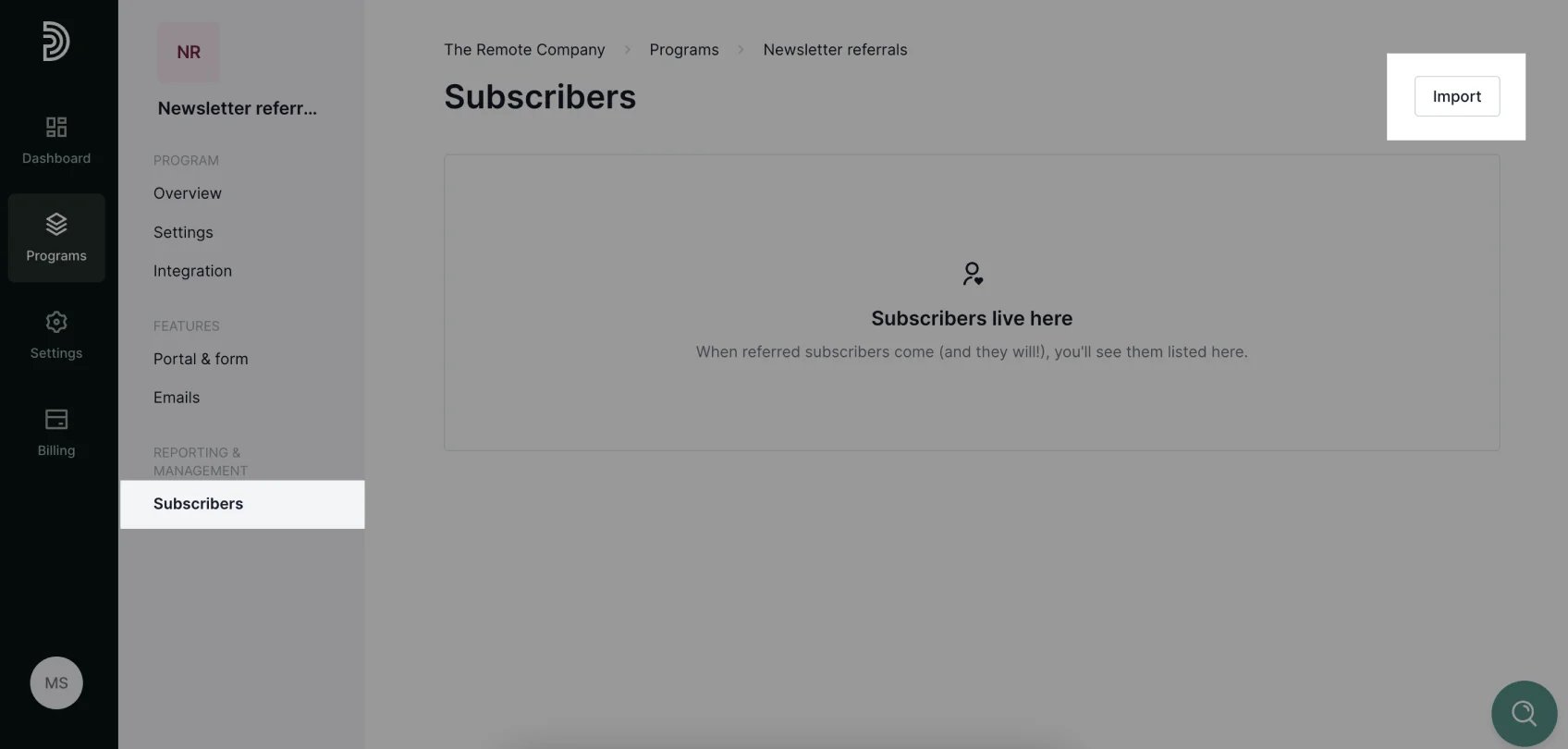
- Next, go to Subscribers and click Import at the top right corner:
- Select and upload a CSV file with your subscriber list. The list has to contain email addresses. Names are optional. Once the file is uploaded, you can match the file columns with the corresponding fields:
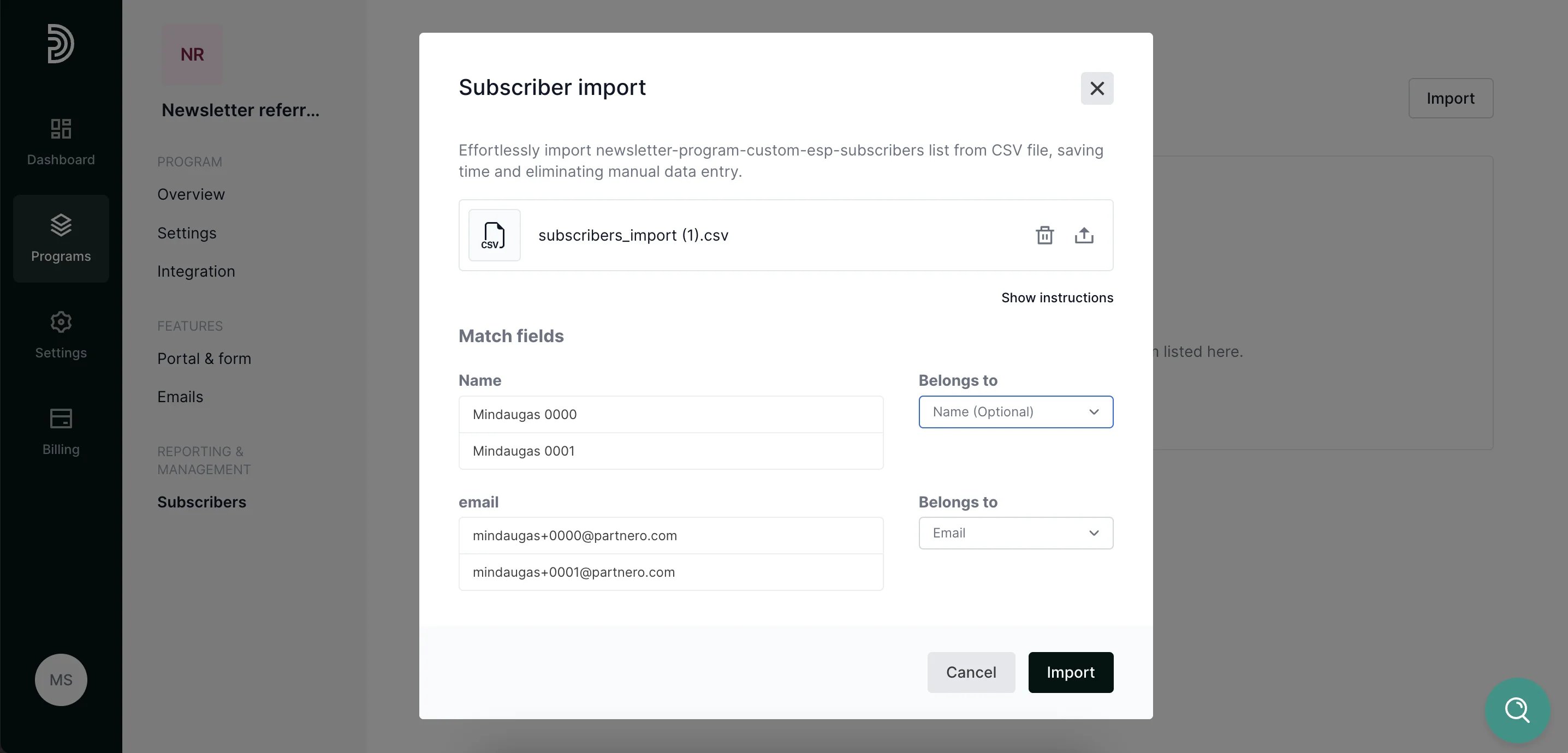
- Click Import.
- Once imported, each subscriber will be automatically assigned a unique referral link for sharing the newsletter as well as subscribe portal link to track their progress.
How to export subscribers
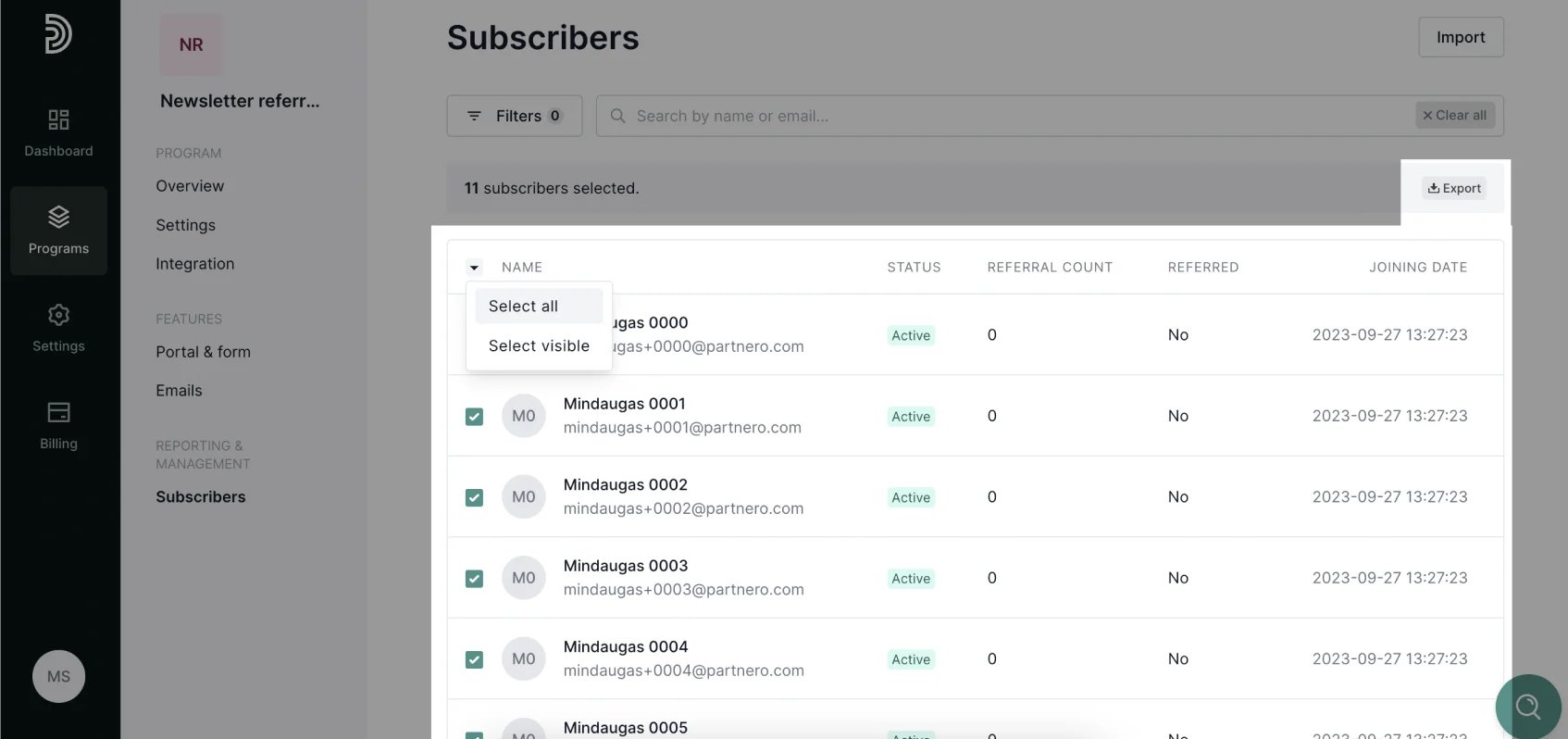
Once the import process has been complete and each subscriber was assigned the required information, the data can be exported and re-uploaded to ESP.- Go to the Subscribers section, select all subscribers click Export at the top right corner:
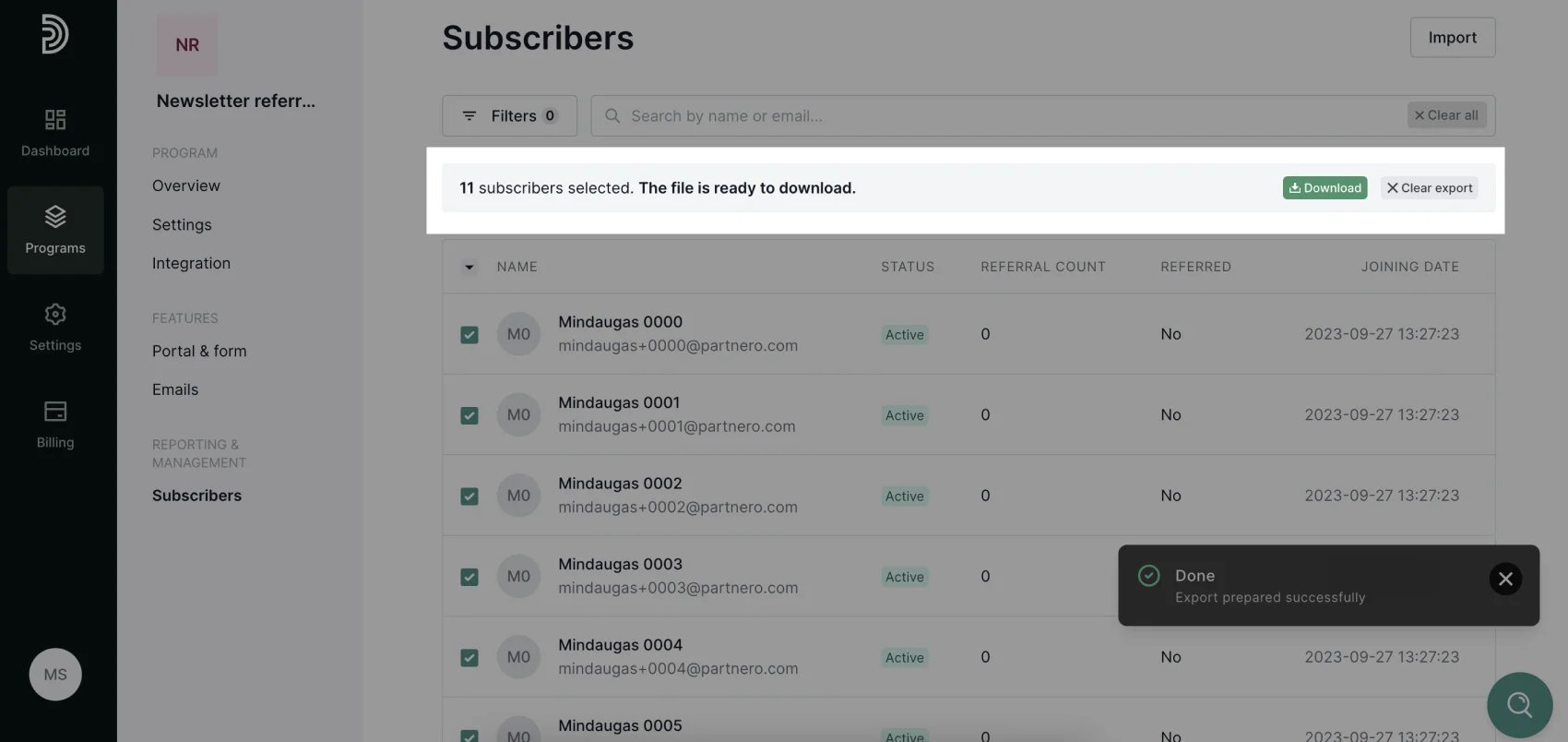
- Once the export is ready, click Download:
- unique sharing portal referral link;
- unique subscribe portal link;
- referral count.