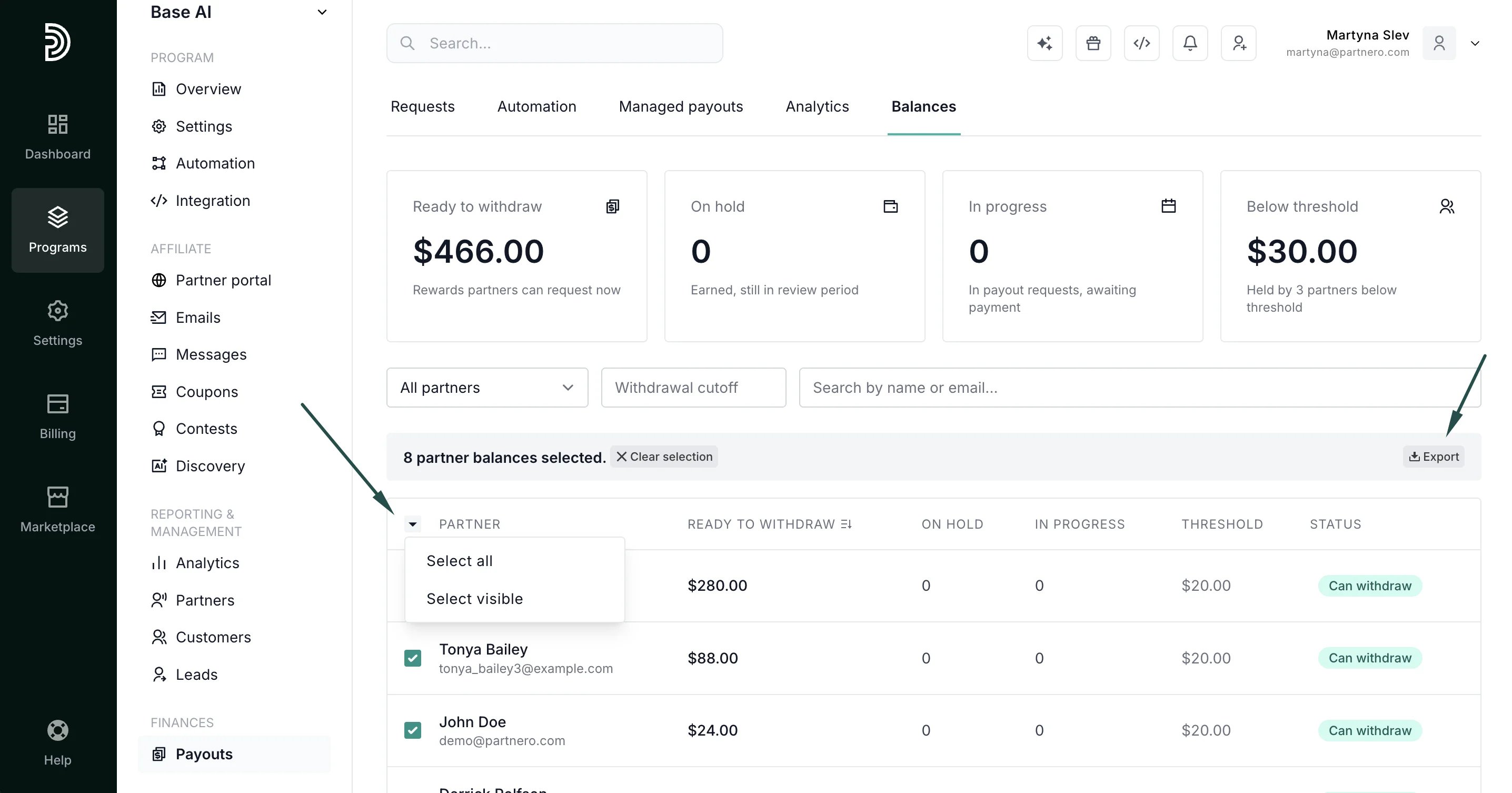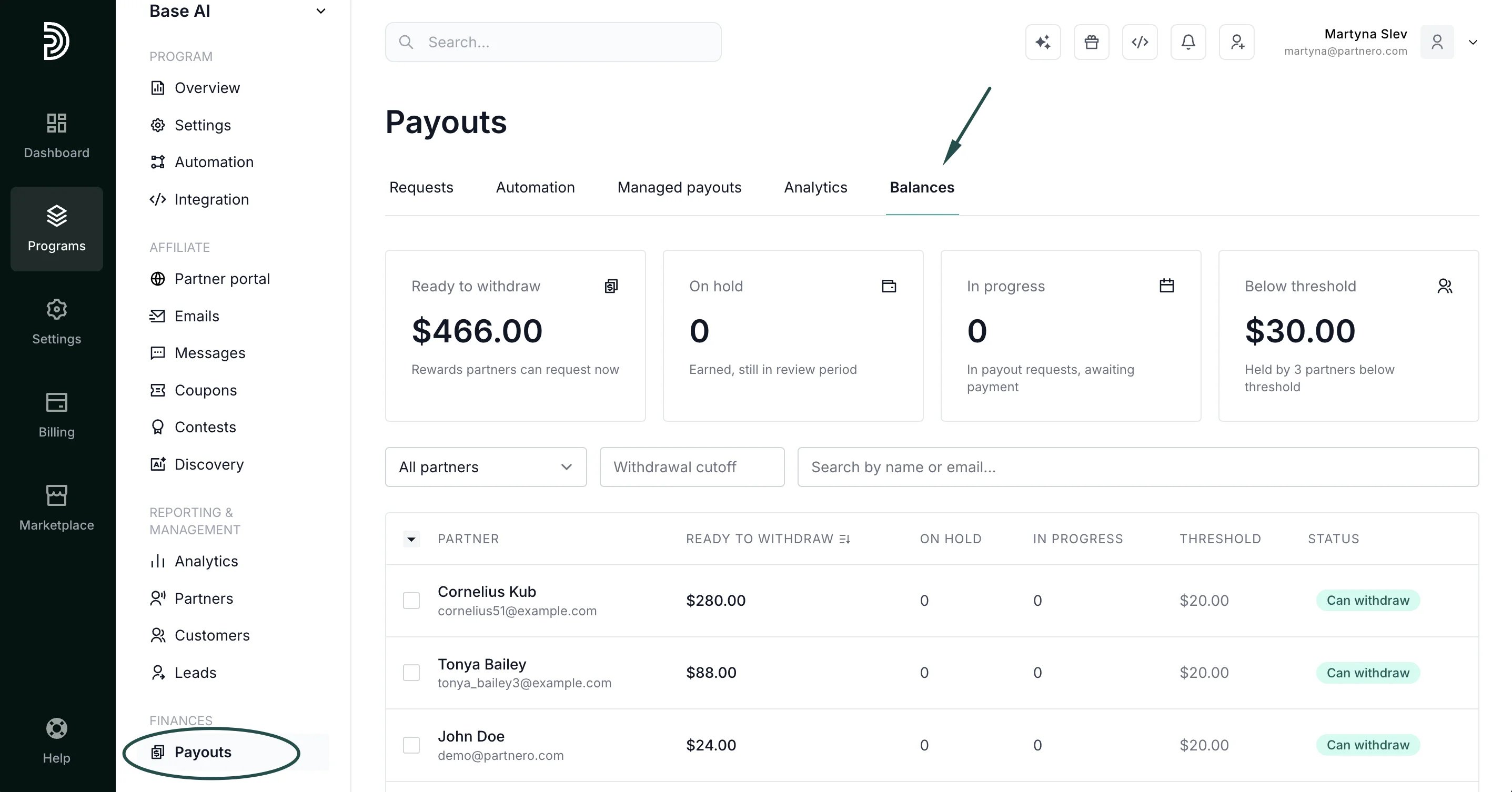
What the Balances tab shows
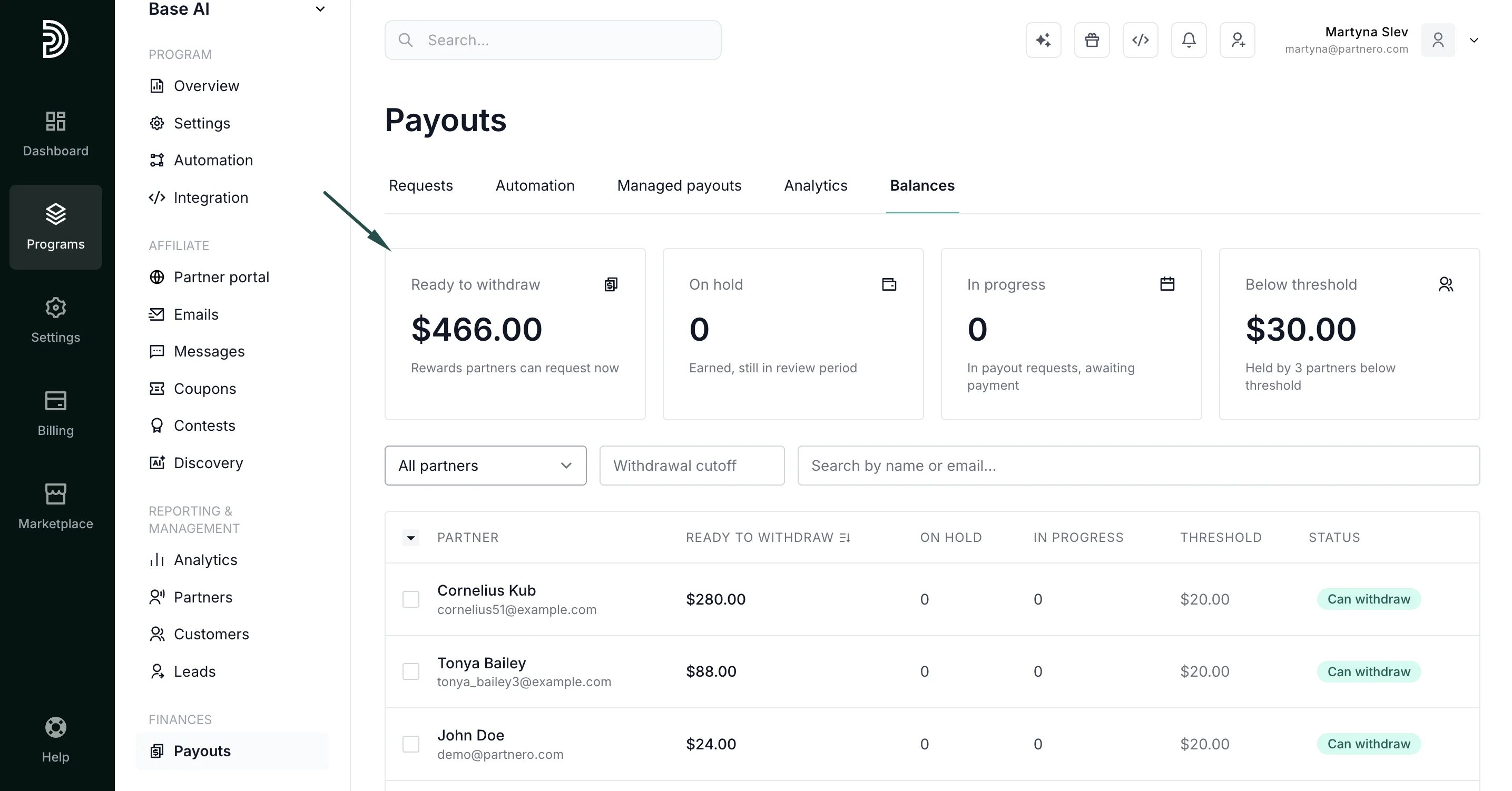
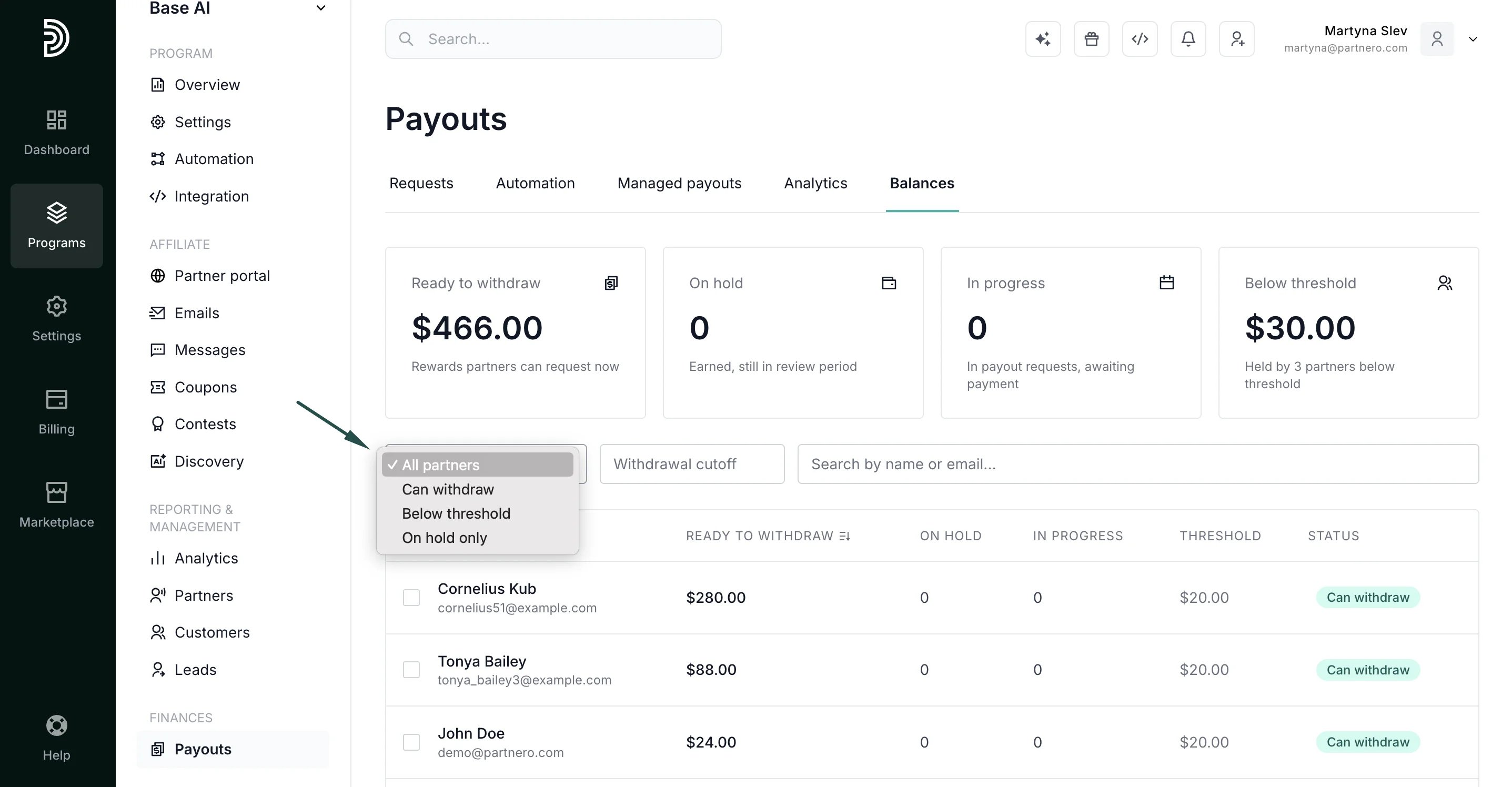
The headline cards at the top reconcile with your Payout Analytics totals and also show the total amount held by partners who are below the withdrawal threshold.- Ready to withdraw: total balance available for payout
- On hold: total balance not yet cleared
- In progress: total amount of payouts already requested and being processed
- Below threshold: total amount below the withdrawal threshold
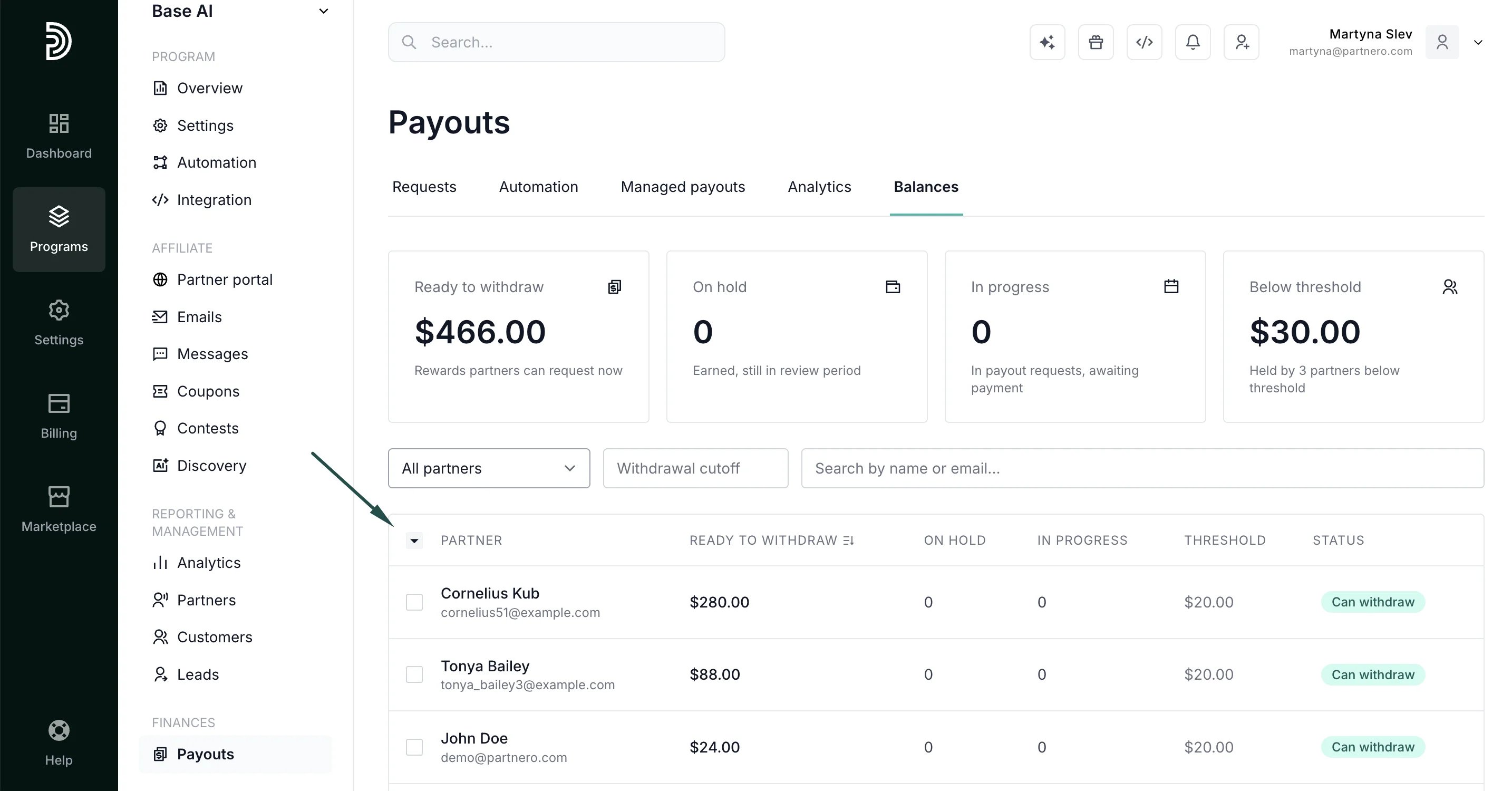
- Ready to withdraw: balance available for payout
- On hold: balance not yet cleared
- In progress: payout already requested and being processed
- Threshold: the partner’s effective withdrawal threshold
- Status will show one of the following:
- Can withdraw: balance meets or exceeds the threshold
- Below threshold: balance exists but is too low to request a payout
- On hold only: all balance is currently on hold
How to filter and search
You can filter the table by:- Status: Can withdraw, Below threshold, or On hold only
- Currency: available for multi-currency programs
- Search: find a specific partner by name
- Custom withdrawal cutoff: enter any amount to instantly list all partners below that balance (e.g. enter
100to see everyone with less than $100 ready to withdraw)
How to export
To export the data, manually select the partners, or use the Select All / Select visible options. Click Export to download as a CSV file: