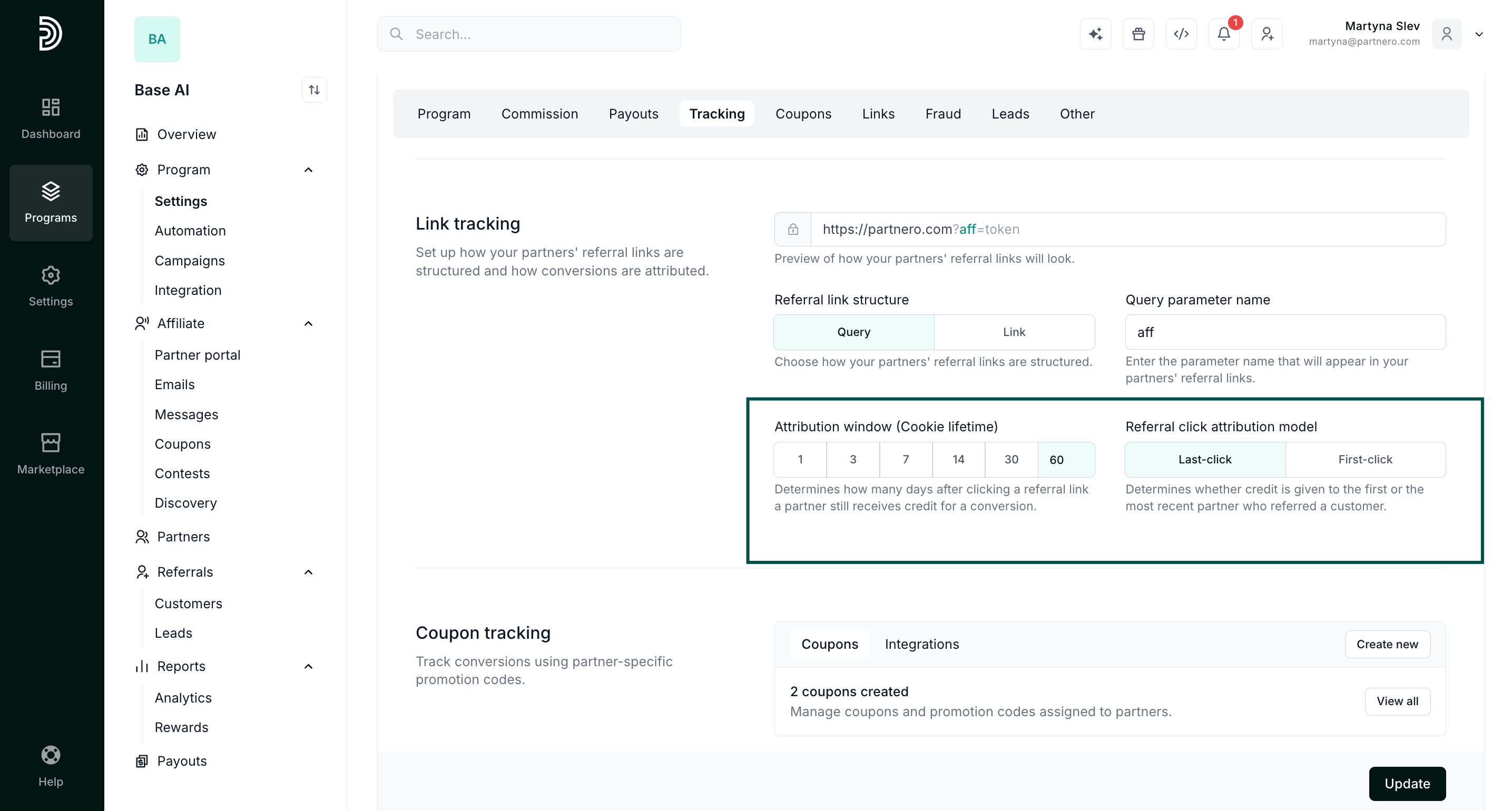
Access link tracking settings
In your program, go to Program > Settings and find the Link tracking section.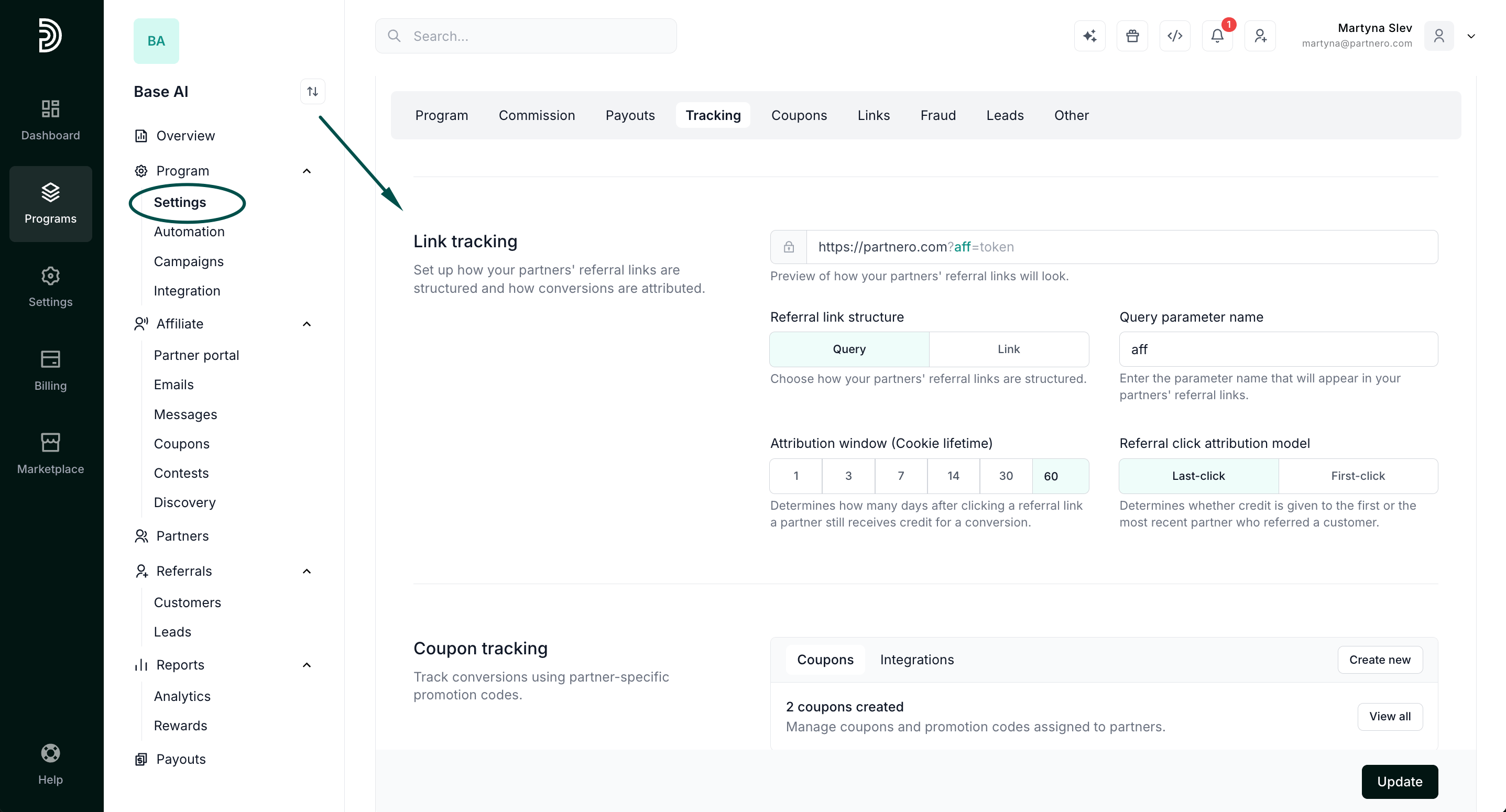
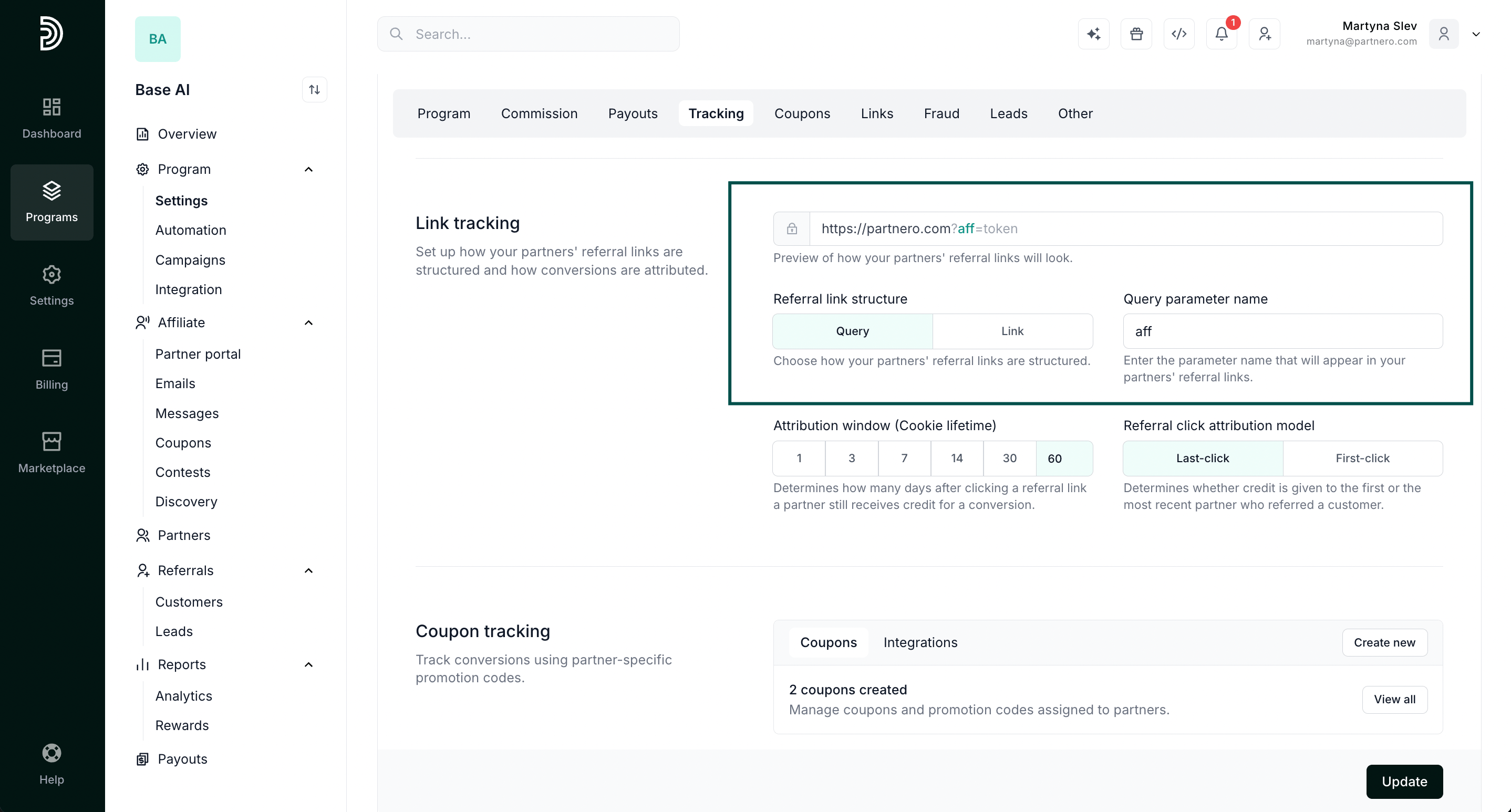
Referral link structure
Choose one of two structures:- Query:
https://yourwebsite.com?aff=token - Link:
https://yourwebsite.com/aff/token
aff. For example, if you enter partner, links look like https://yourwebsite.com?partner=token.
Attribution window
The attribution window, also called cookie lifetime, sets how many days after clicking a referral link a partner still receives credit for a conversion. Choose from available options (1, 3, 7, 14, or 30 days) or enter a custom number.Referral click attribution model
The attribution model decides which partner gets credit when a customer clicks referral links from more than one partner.- Last-click: Credit goes to the partner whose link was clicked most recently before the conversion.
- First-click: Credit goes to the partner whose link was clicked first, even if the customer clicked other partners’ links later.