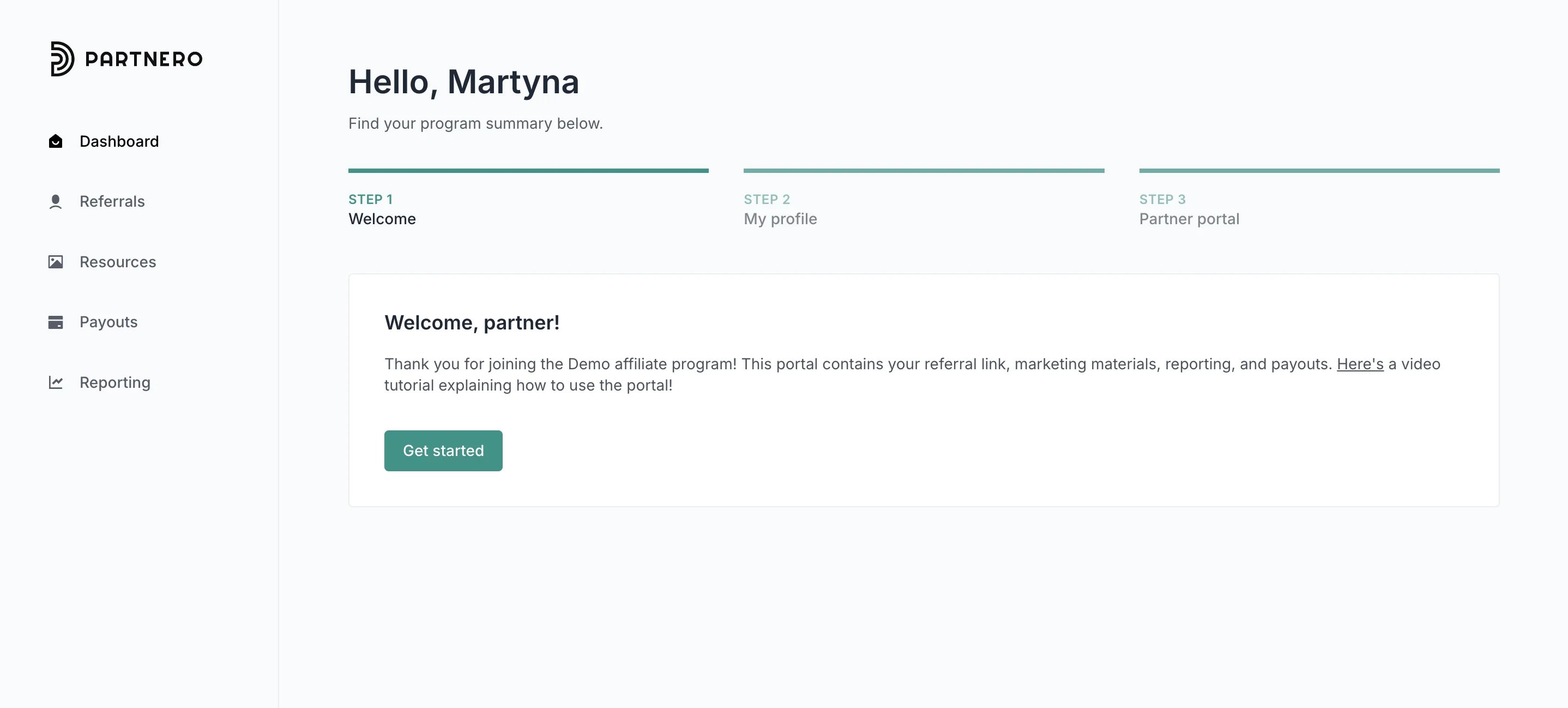
- Welcome message.
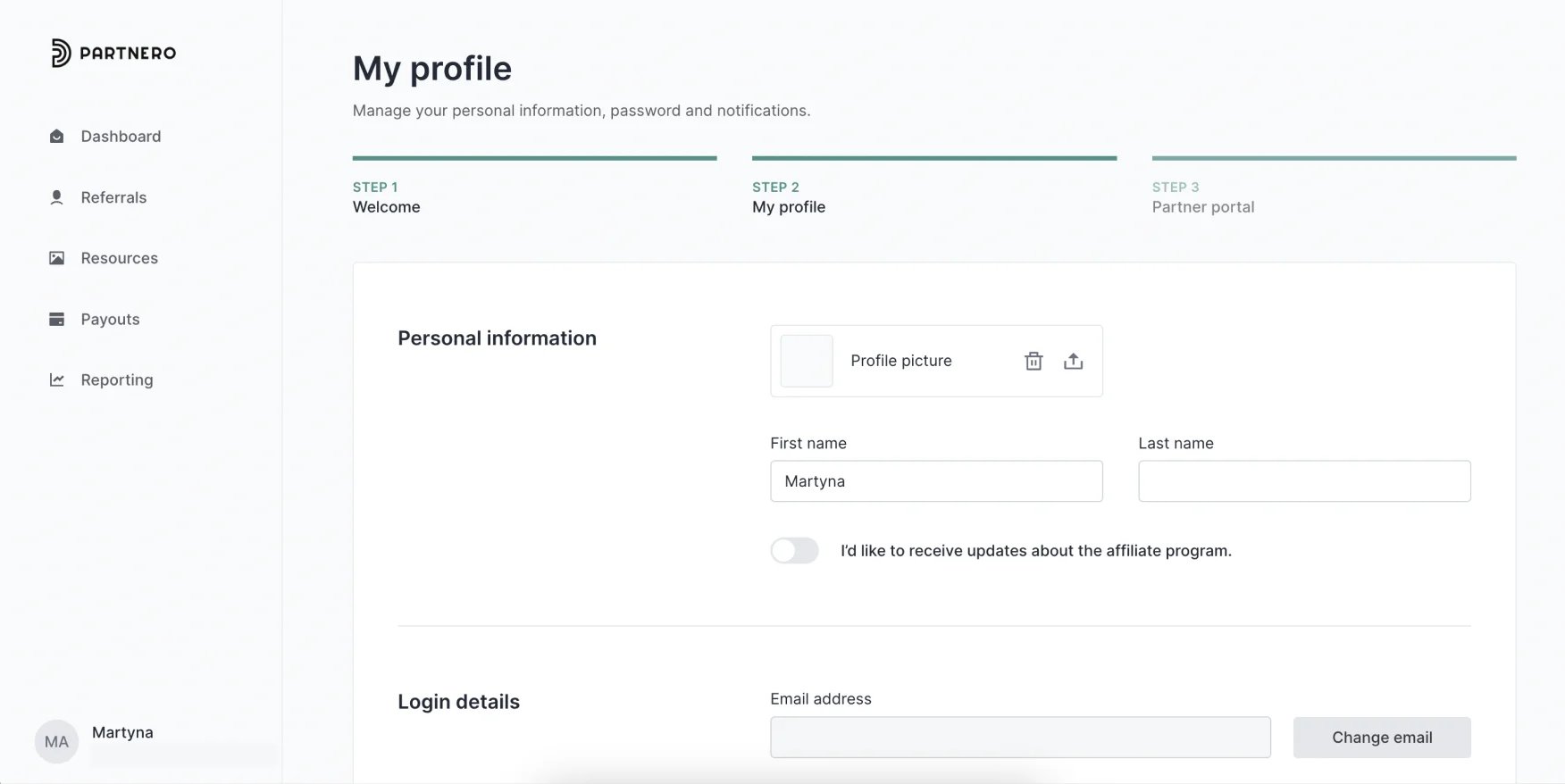
- My profile review (default).
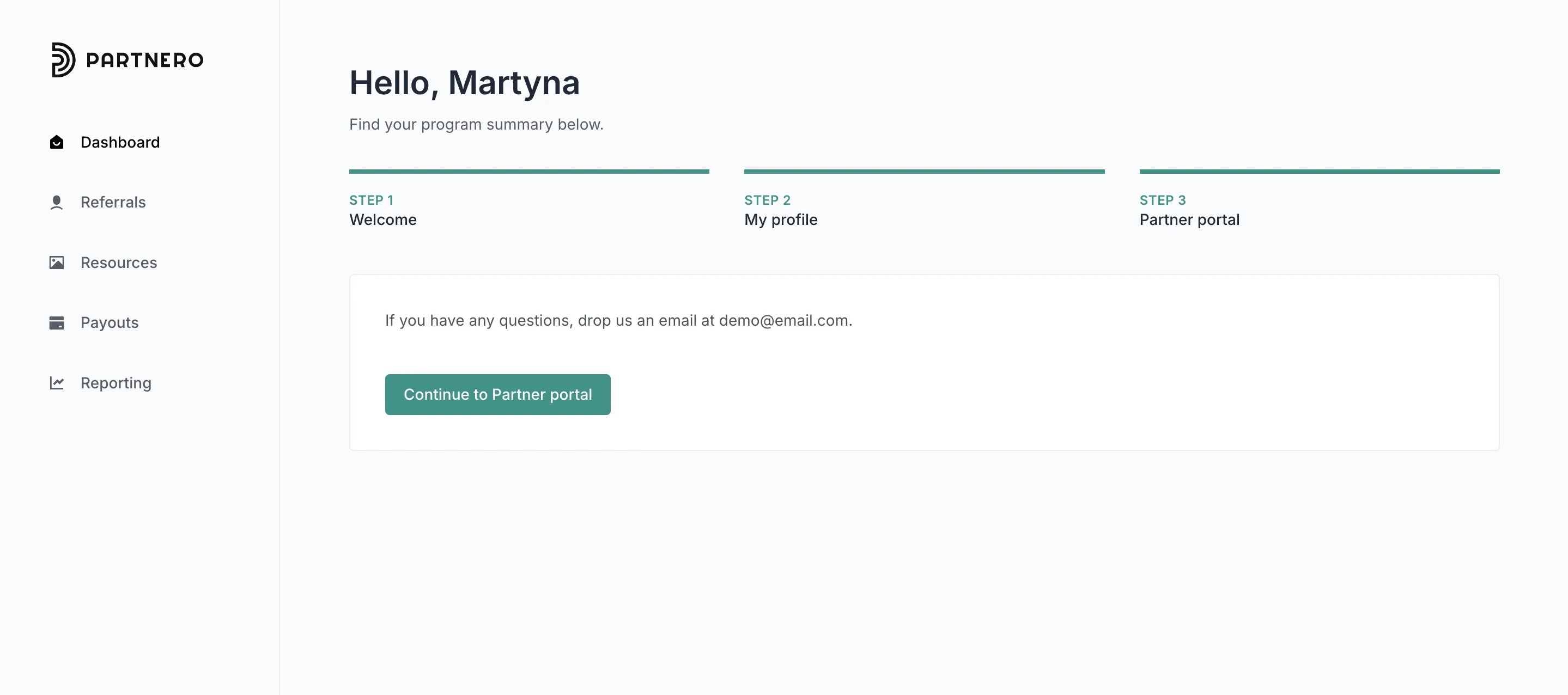
- Closing message.
Set up welcome and closing messages
- Open the program you’d like to work with.
- Navigate to Partner portal under Affiliate.
- Go to Pages & Content tab, Partner dashboard section:
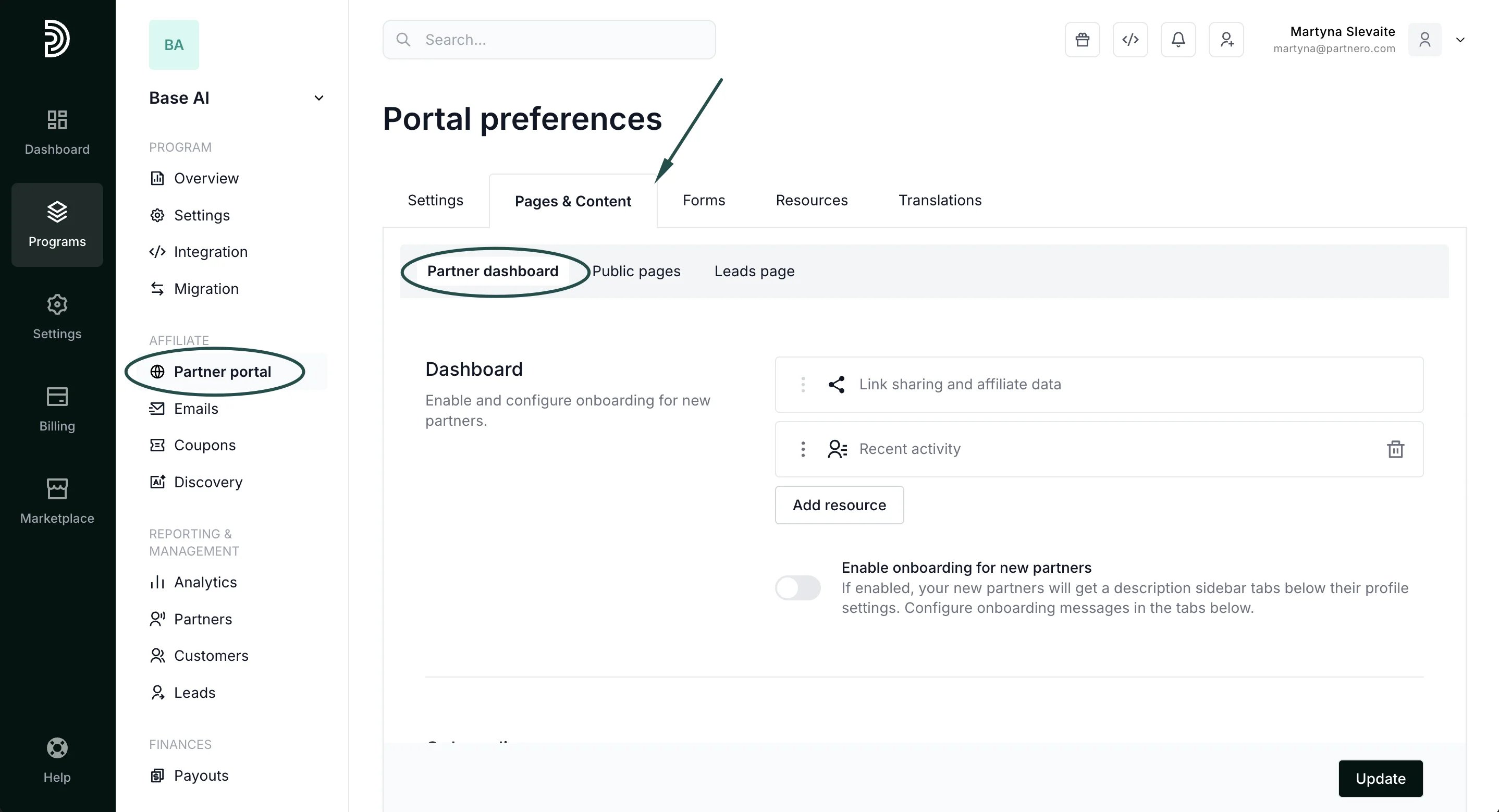
- Scroll down to find the Onboarding section:
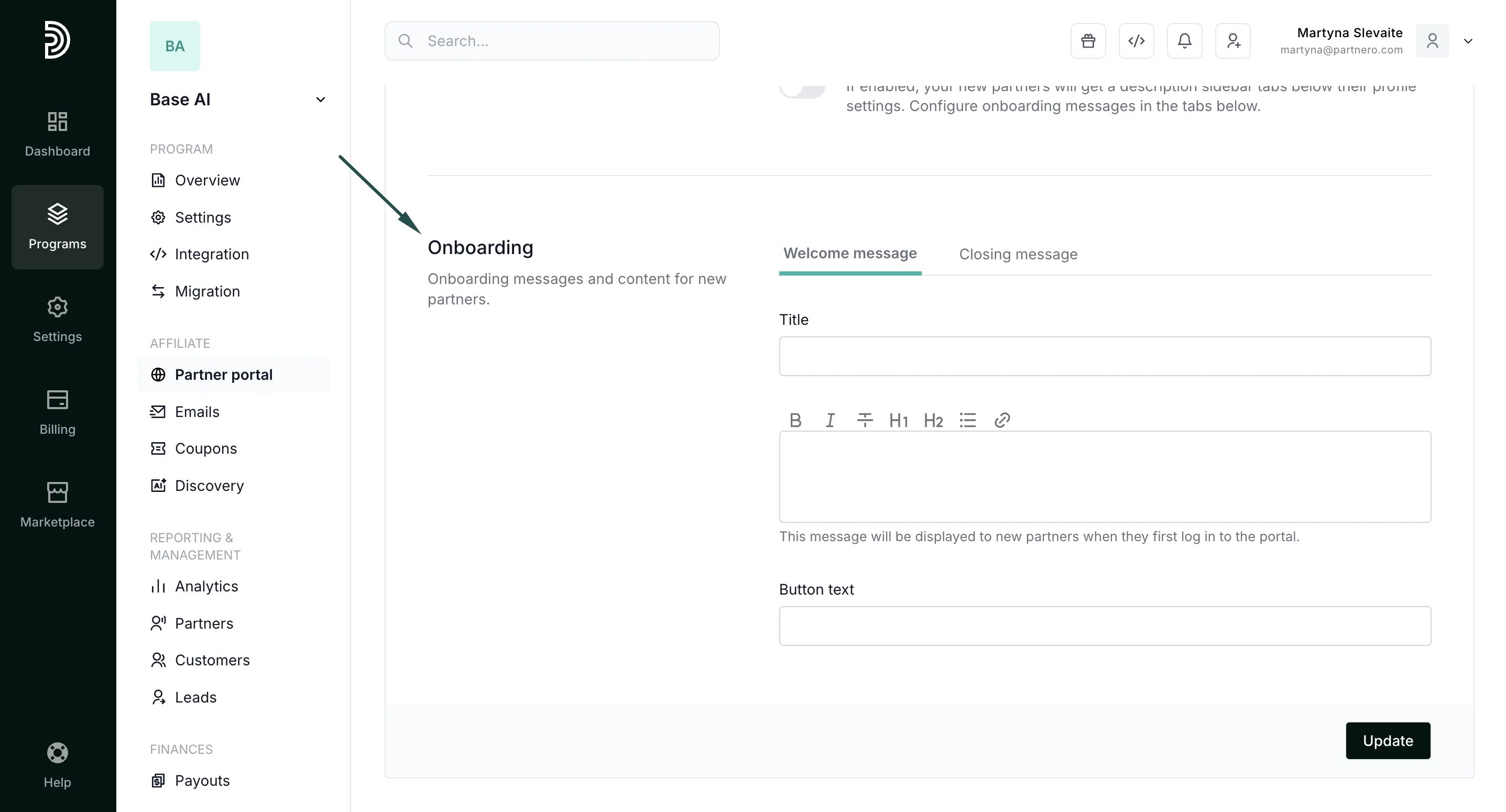
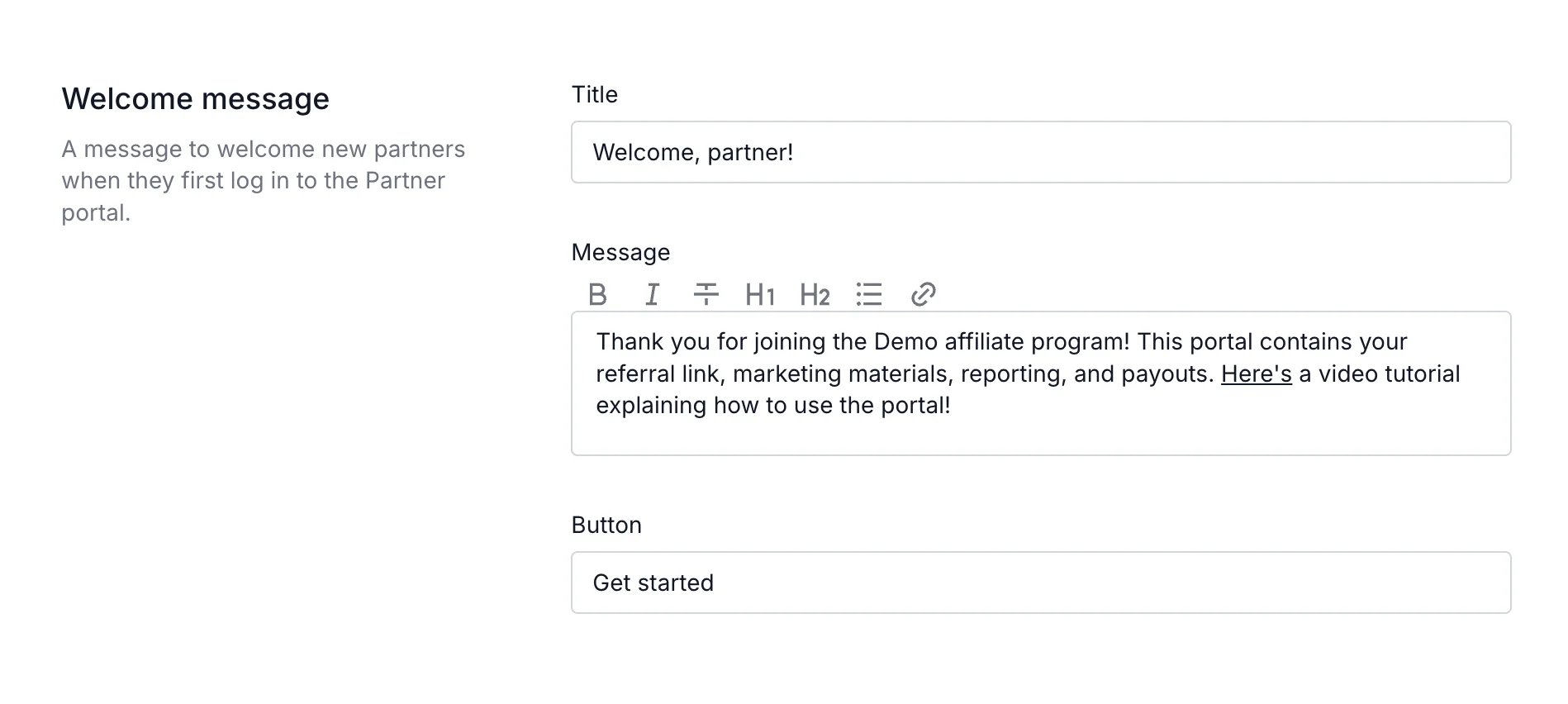
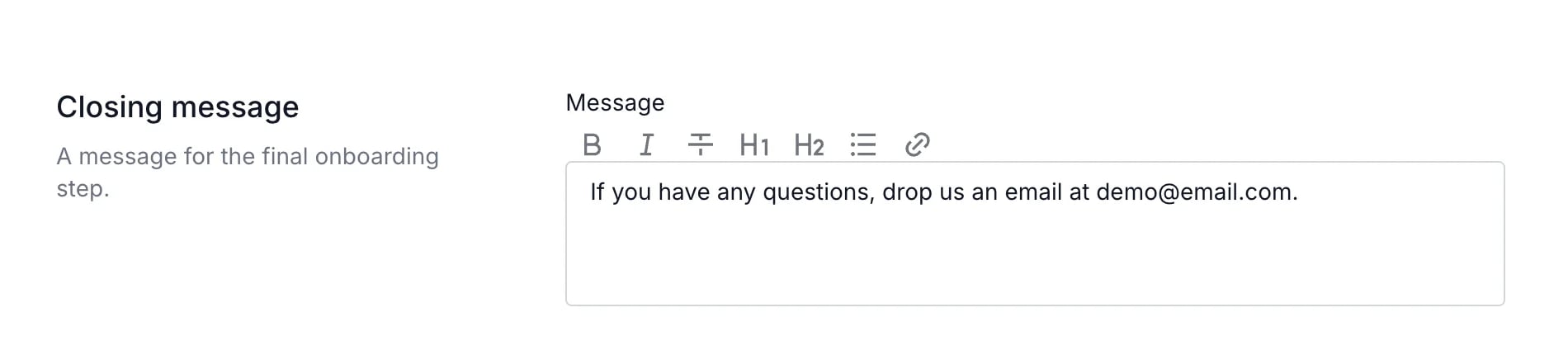
Make sure to click Update after you make any changes!
Enable onboarding
Now that your onboarding is ready, make sure to enable it:- Go to Partner portal under Affiliate:
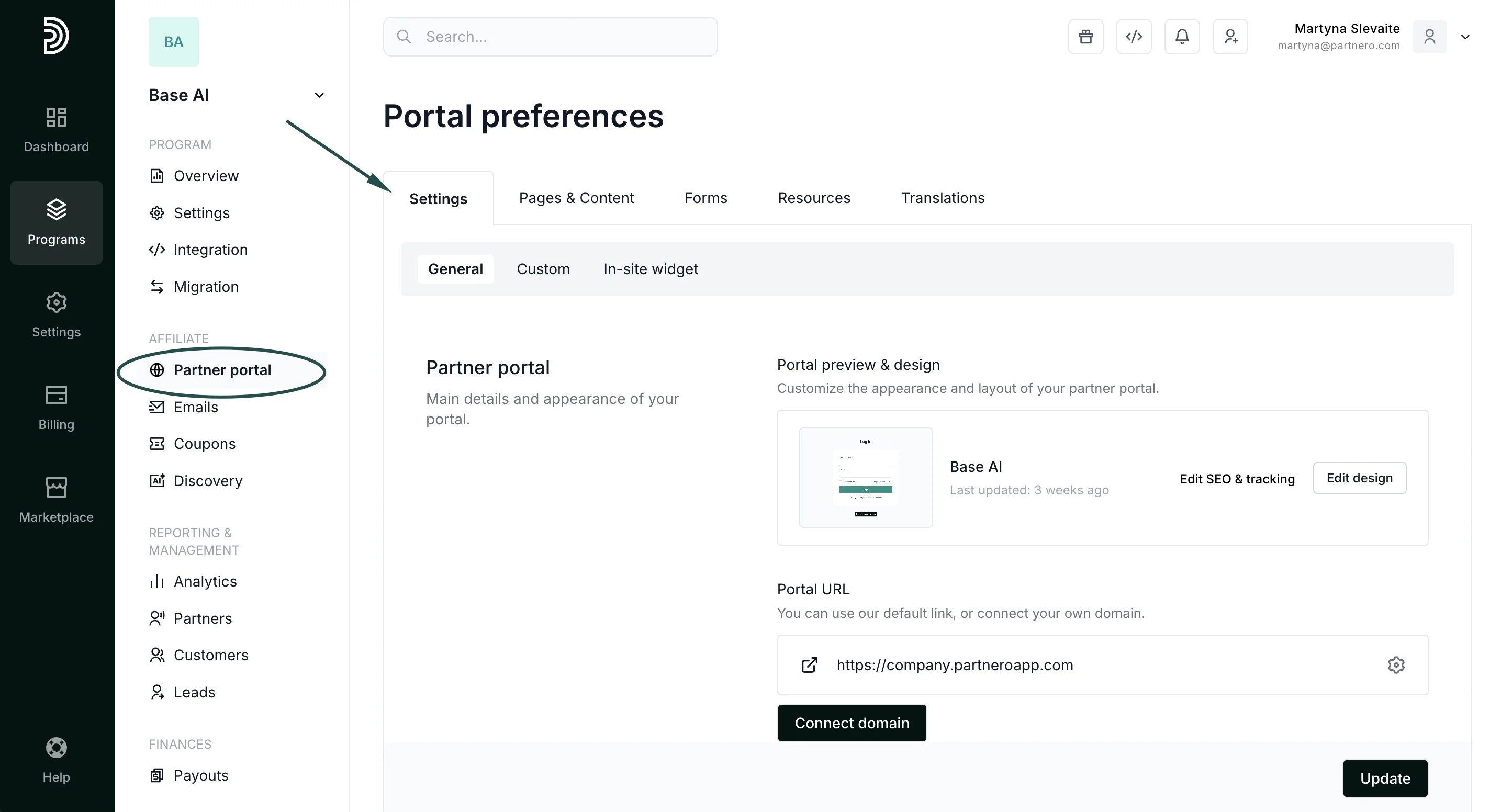
- In the General tab, scroll down to the Portal features section. Toggle “Enable onboarding for new partners”:
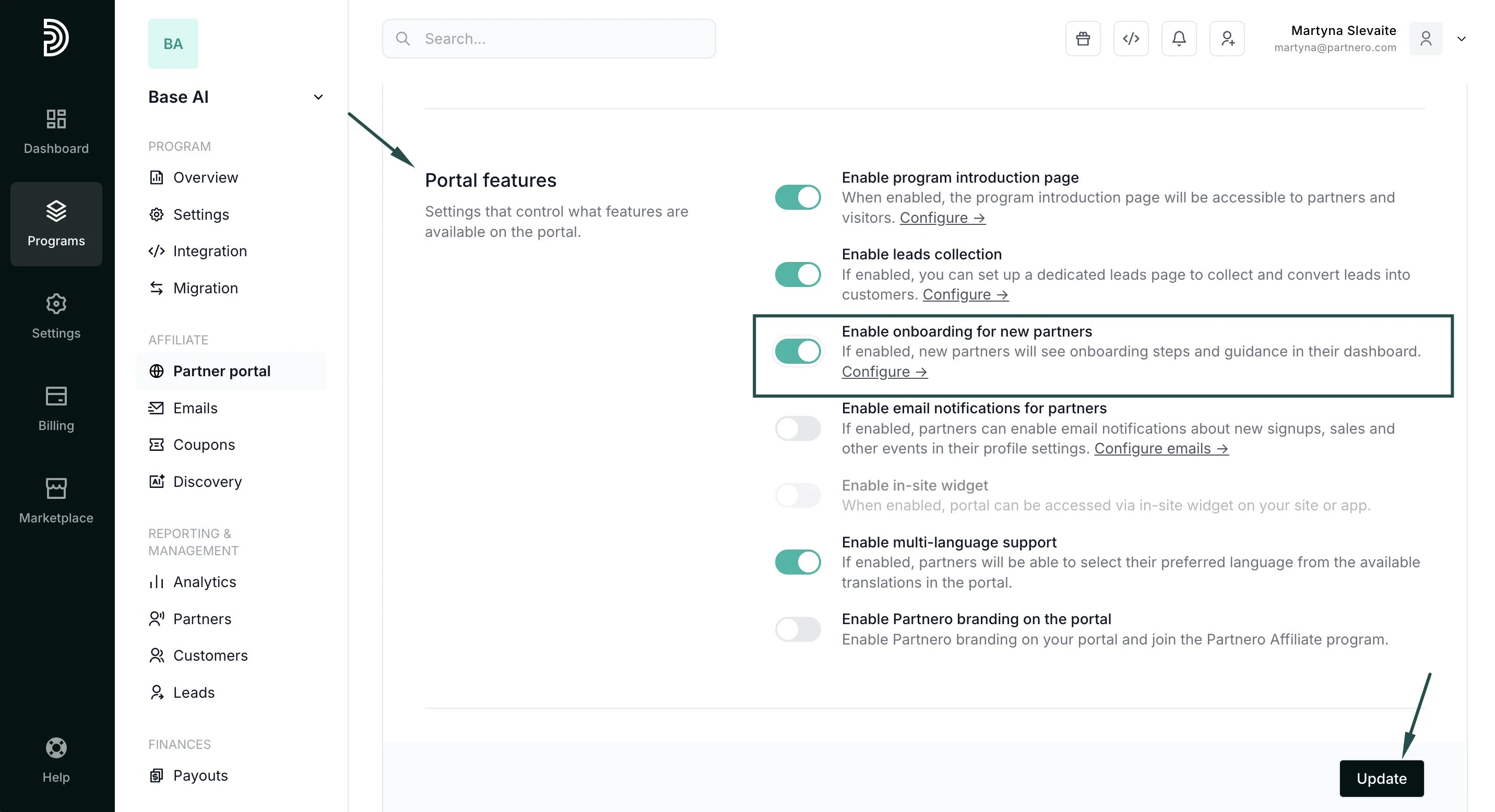
- Click Update.
Examples
Here’s an example of how the onboarding cards look on the partner portal: Step 1: Welcome message