- Analyze your goals
- Recommend the best program type (affiliate or referral)
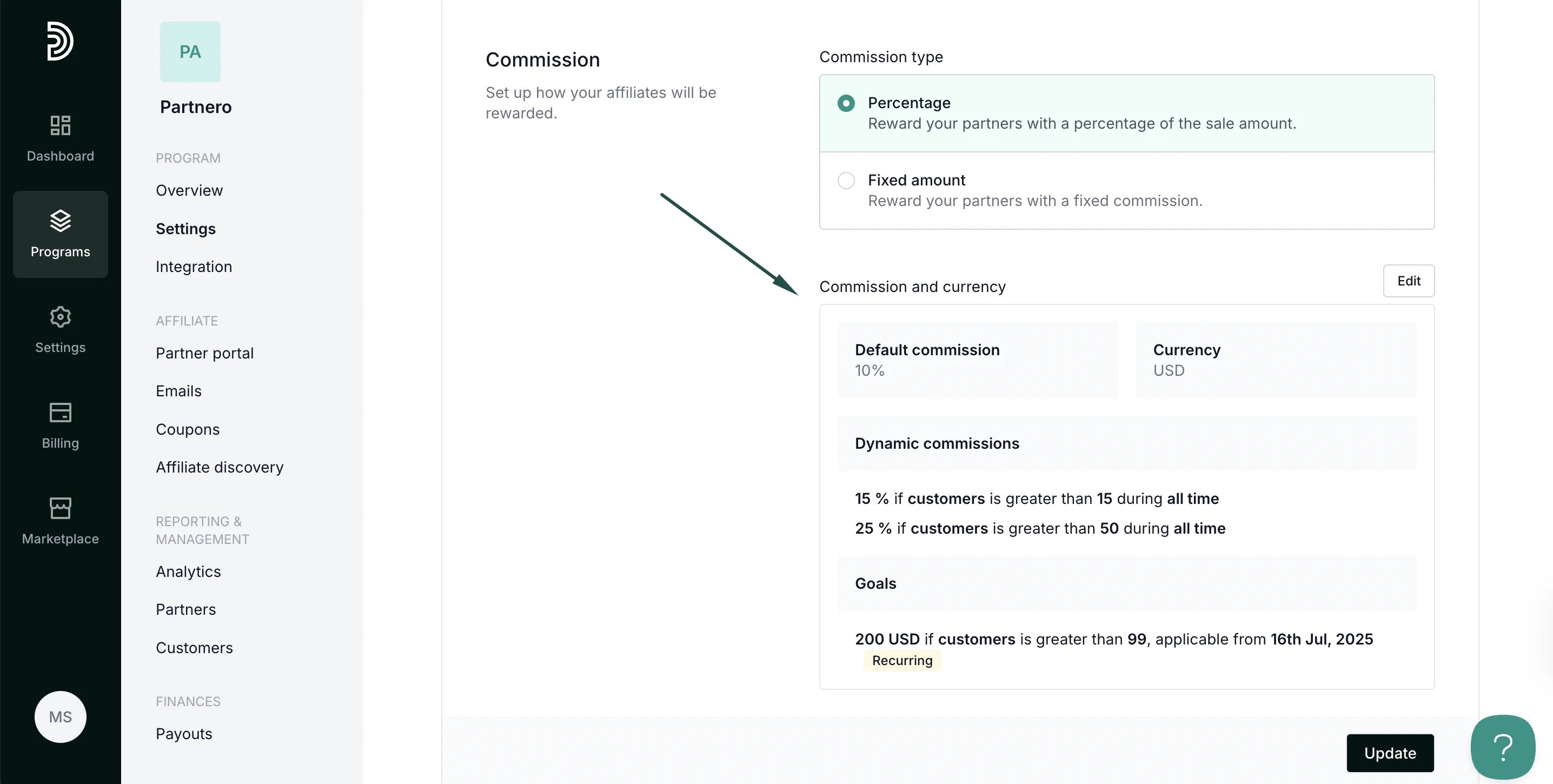
- Automatically configure commission settings and create the program for you
How to create a program with AI
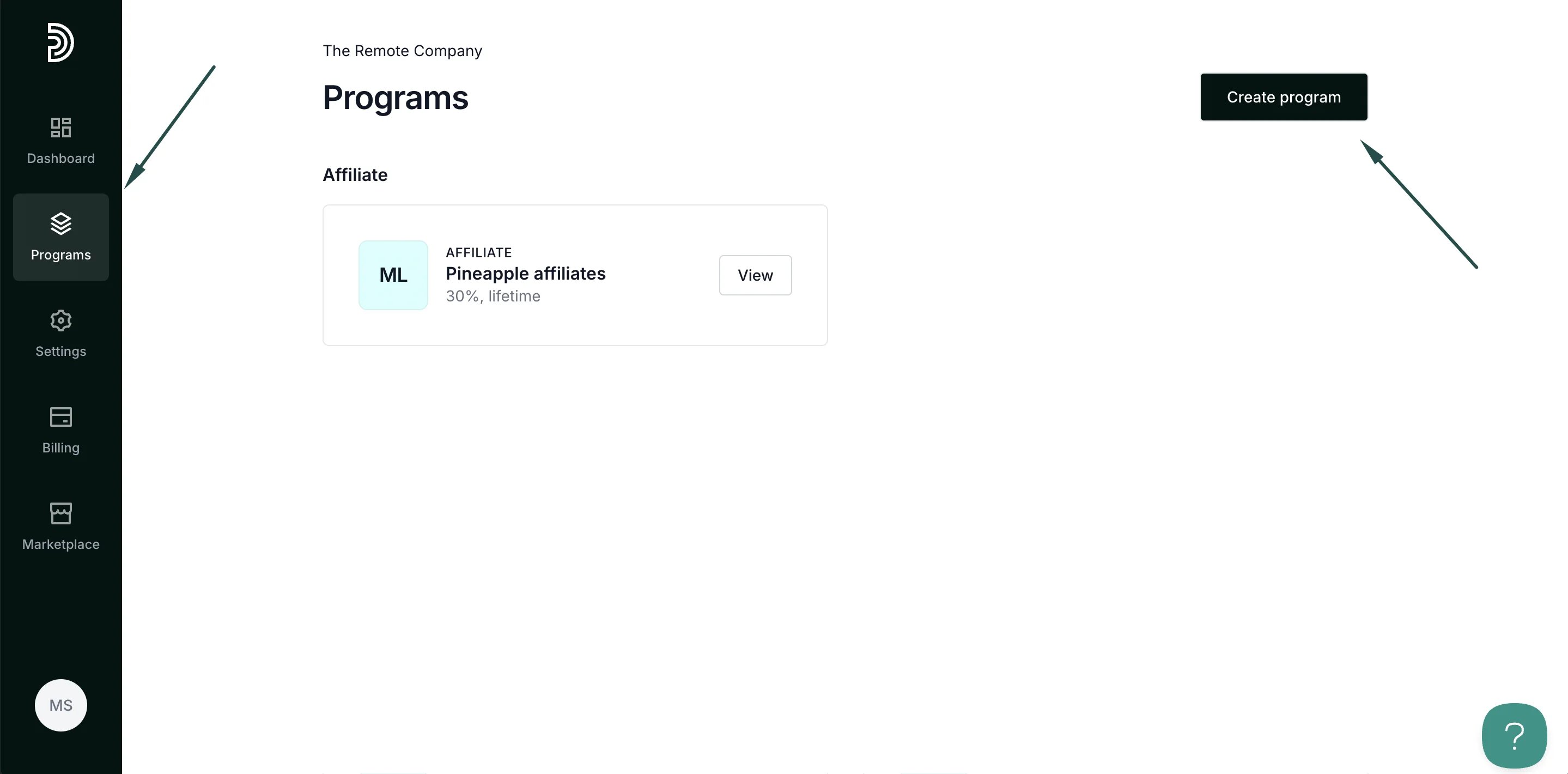
To use the AI assistant:- On your Partnero account, click Programs in the left-hand side menu. Click Create program in the top right:
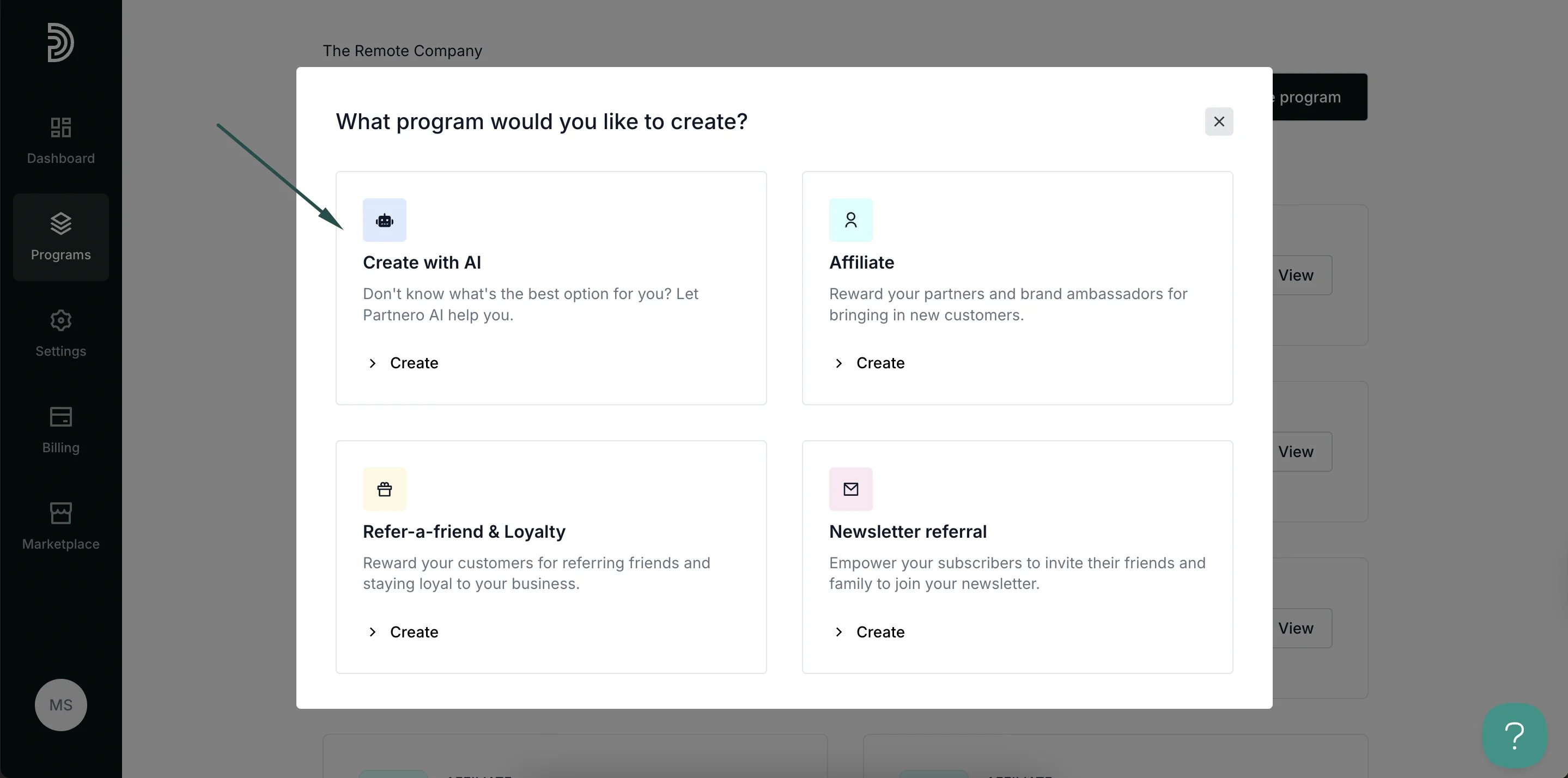
- Select Create with AI:
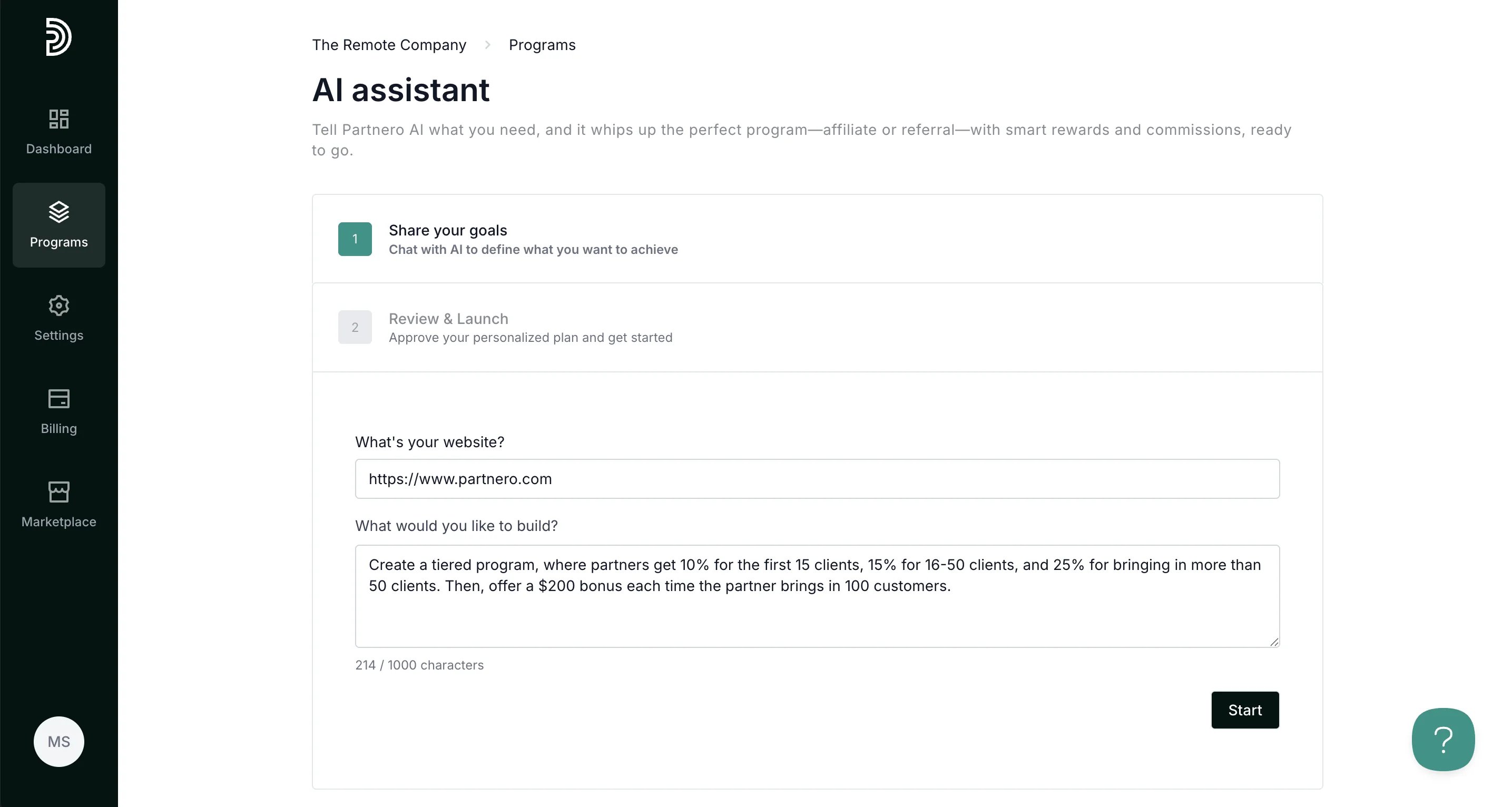
- In the first step, describe what program you’d like to have. Provide as many details as you can - what rewards you want to offer, what triggers the reward, etc. Once done, click Start.
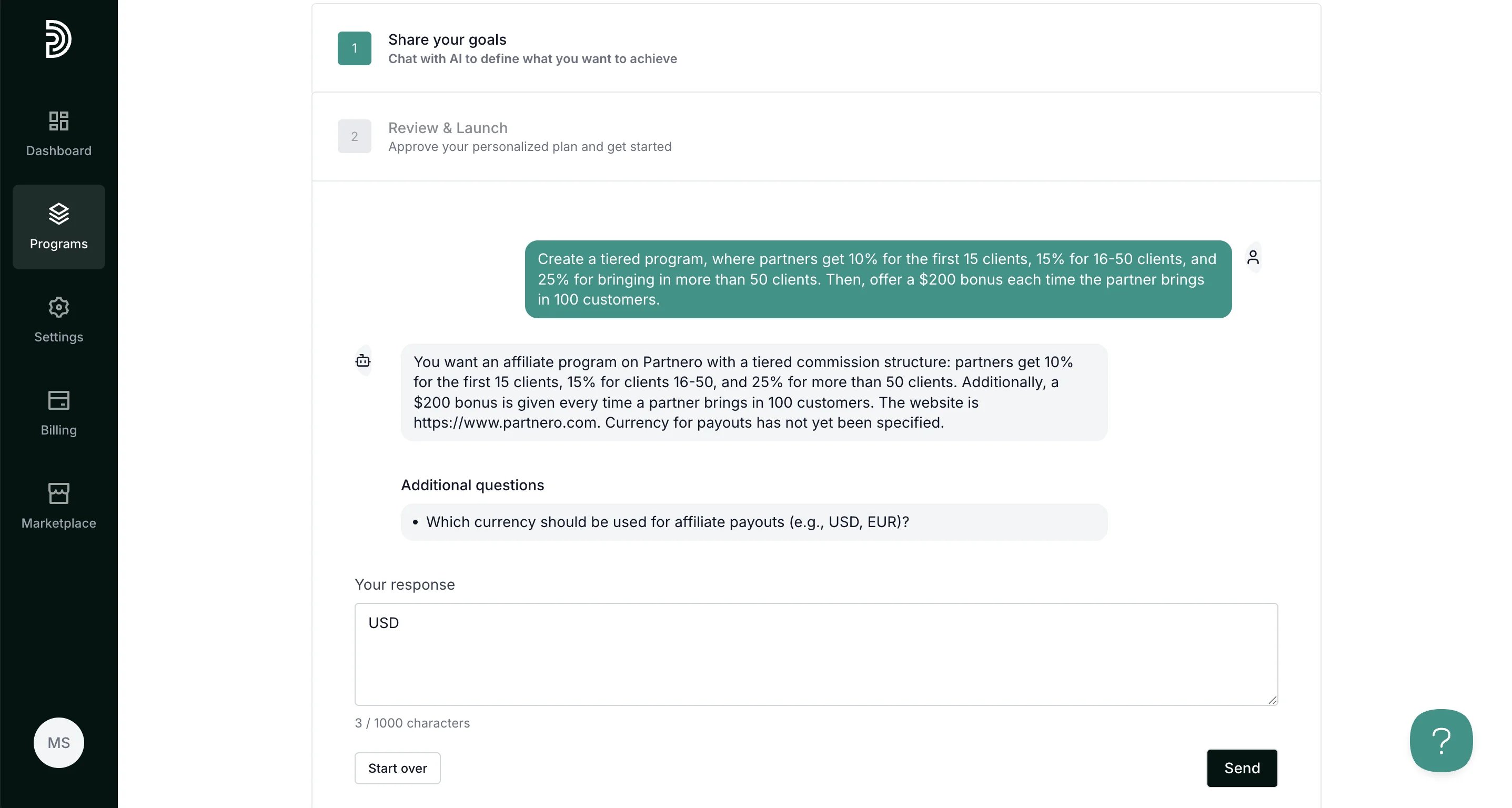
- Provide additional details, if asked:
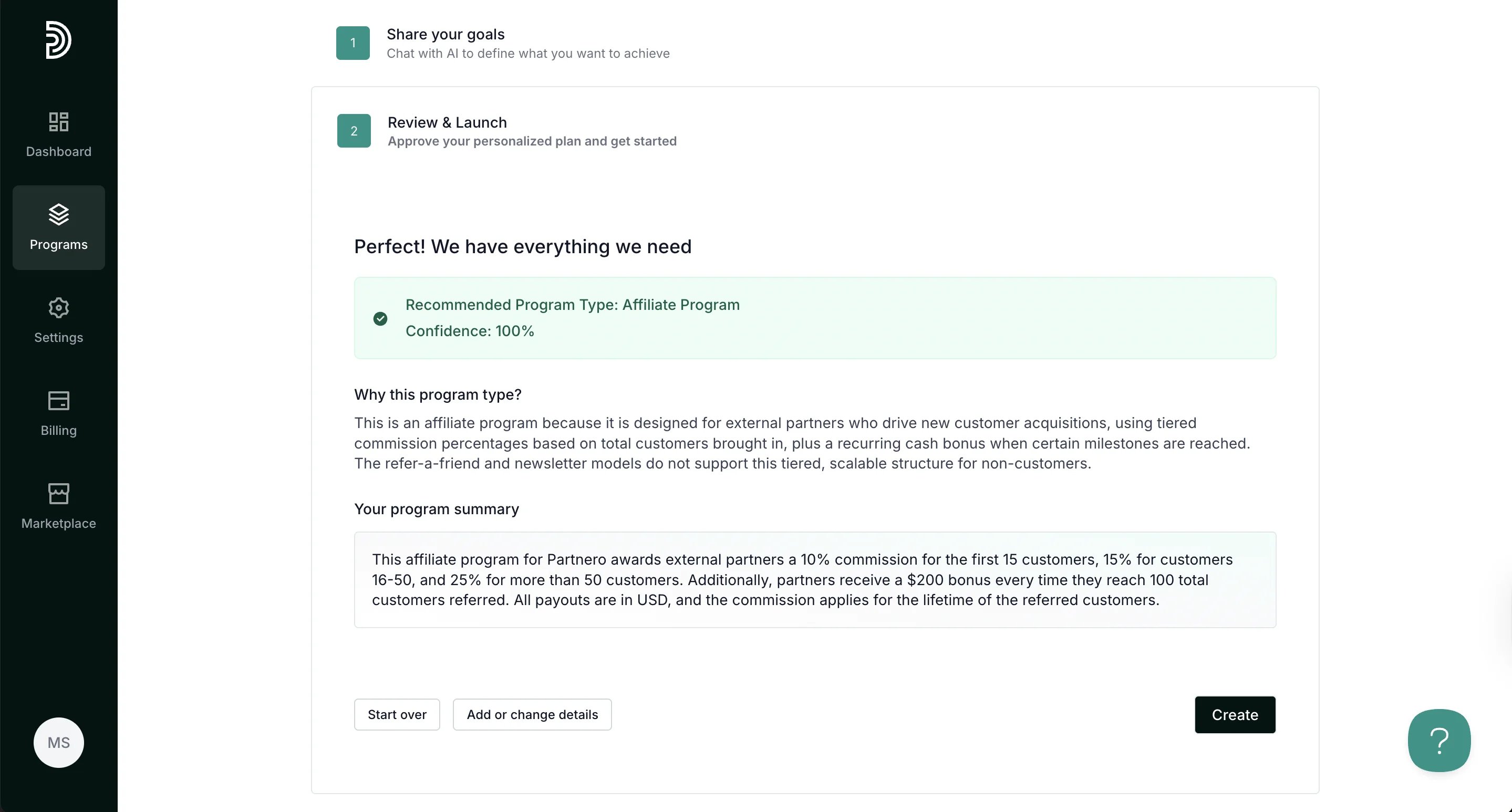
- Once all required details are available, you’ll be suggested a program type and provided with a final program description:
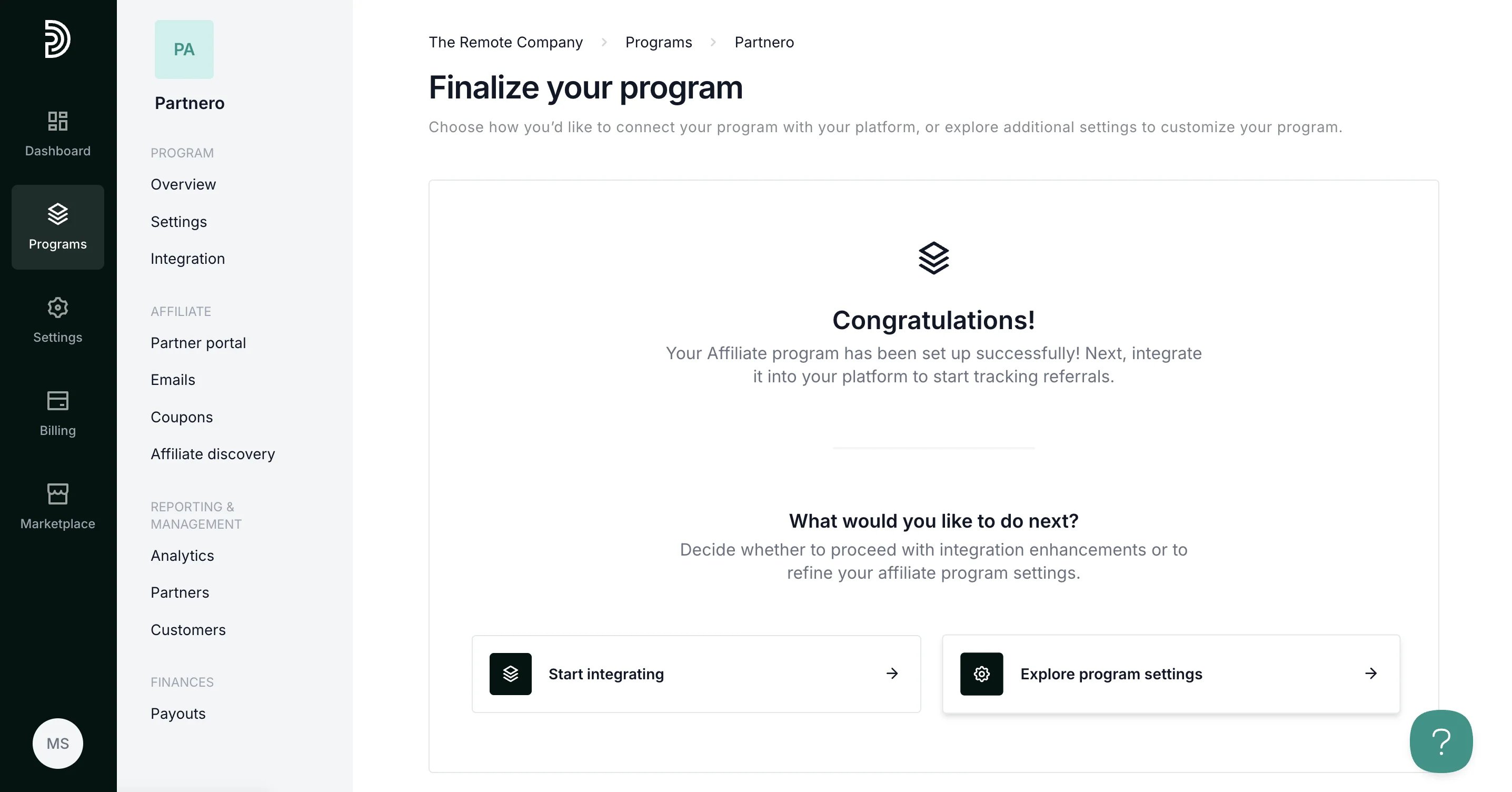
- Once the program is created, you can proceed with integration or finalize program settings: