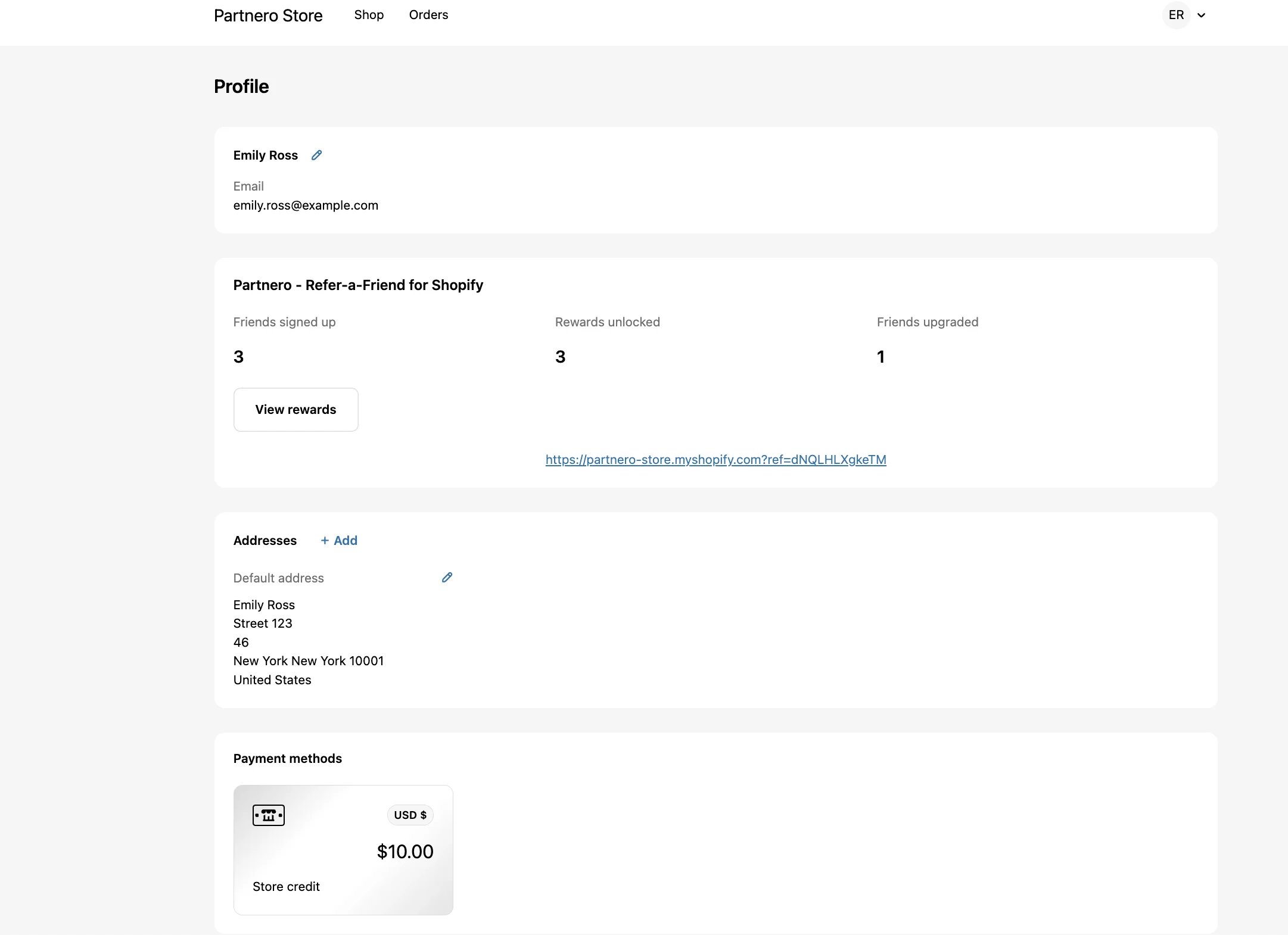
Show Refer-a-Friend stats in customer profiles
To insert the program data to customers’ profiles:- Go to your Shopify store admin.
-
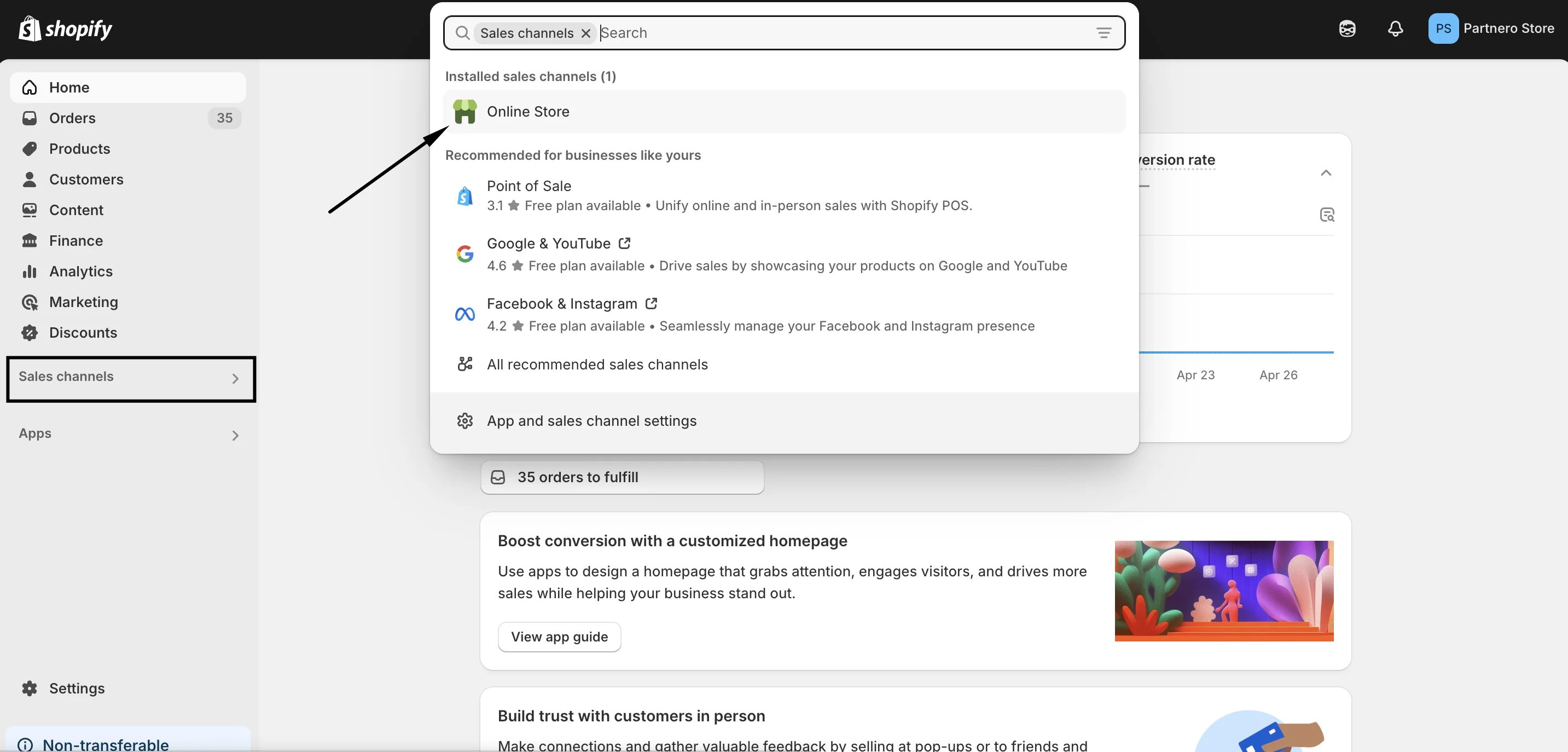
Click on Sales channels and then Online store:
-
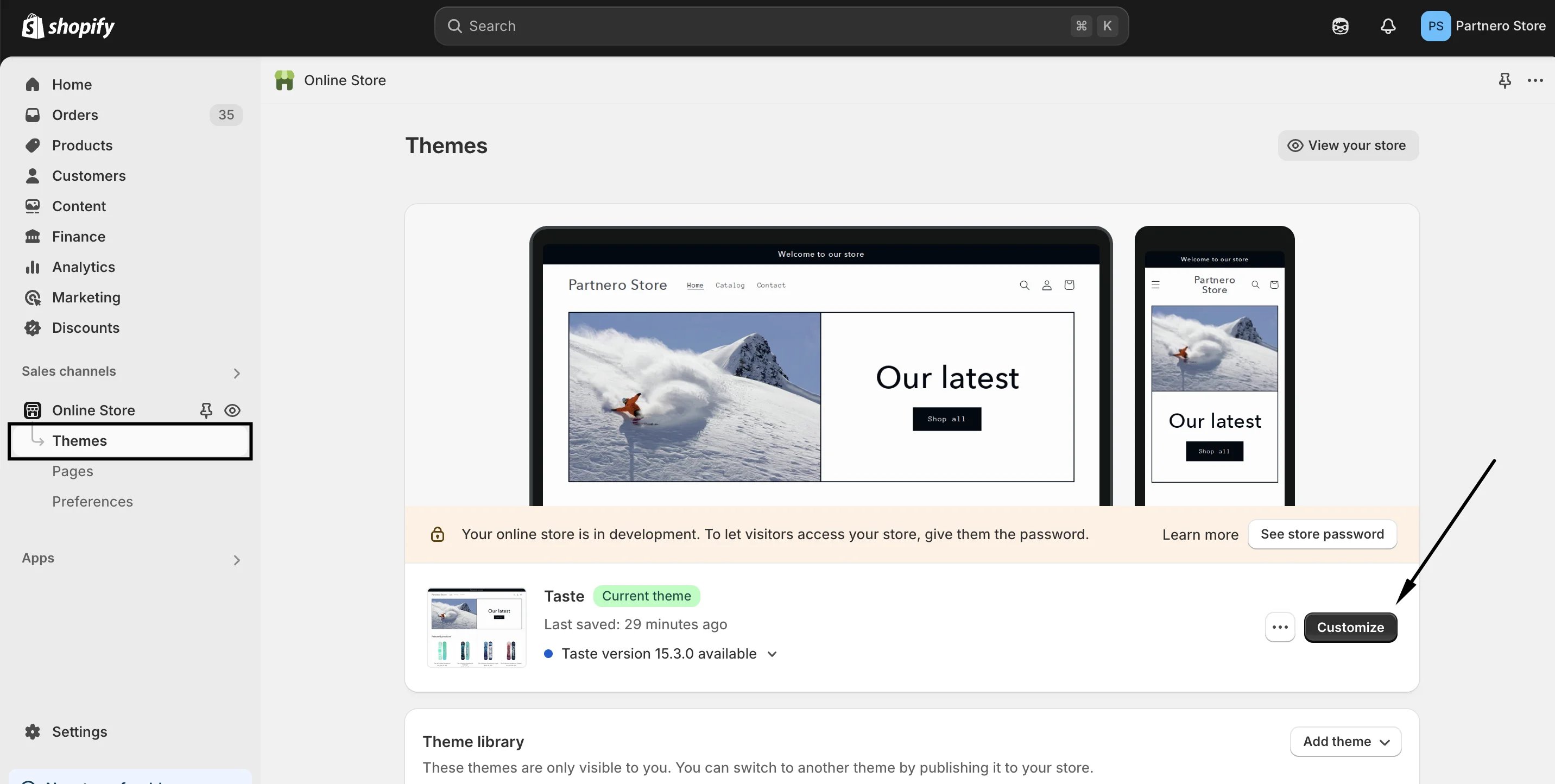
Go to Themes and click Customize:
-
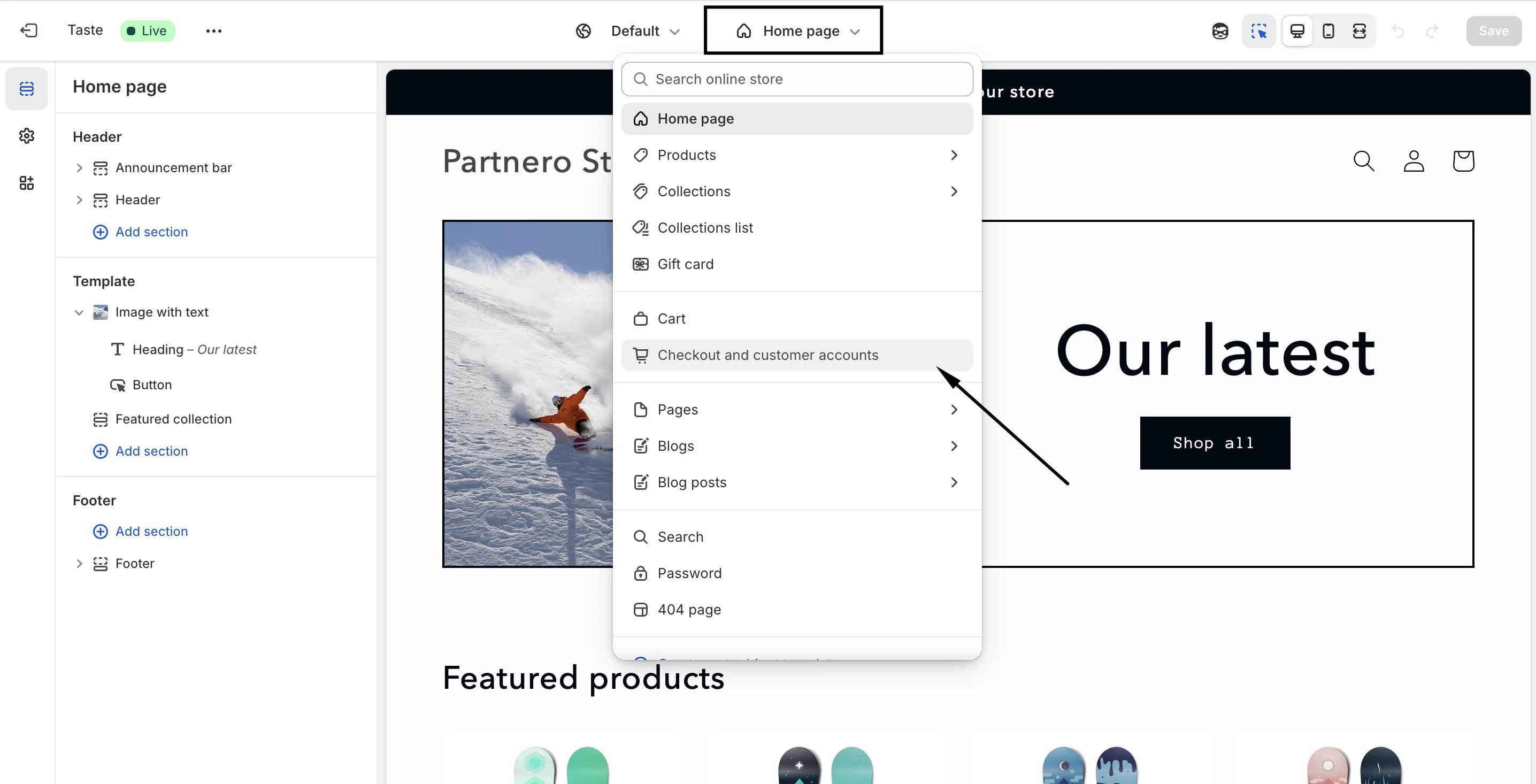
In the editor, click on the dropdown at the top center and select to edit Checkout and customer accounts:
-
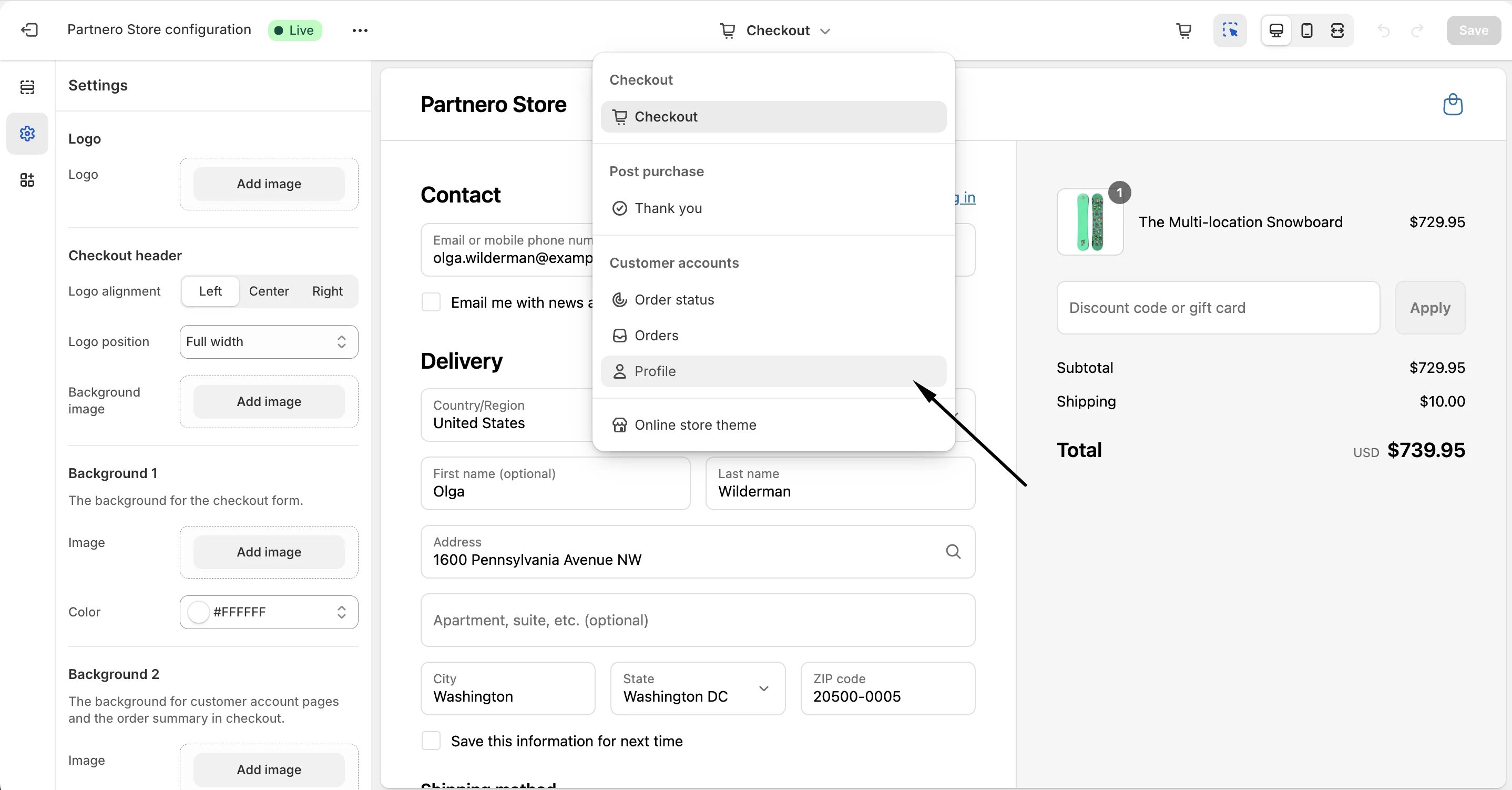
Then, switch to editing the Profile:
-
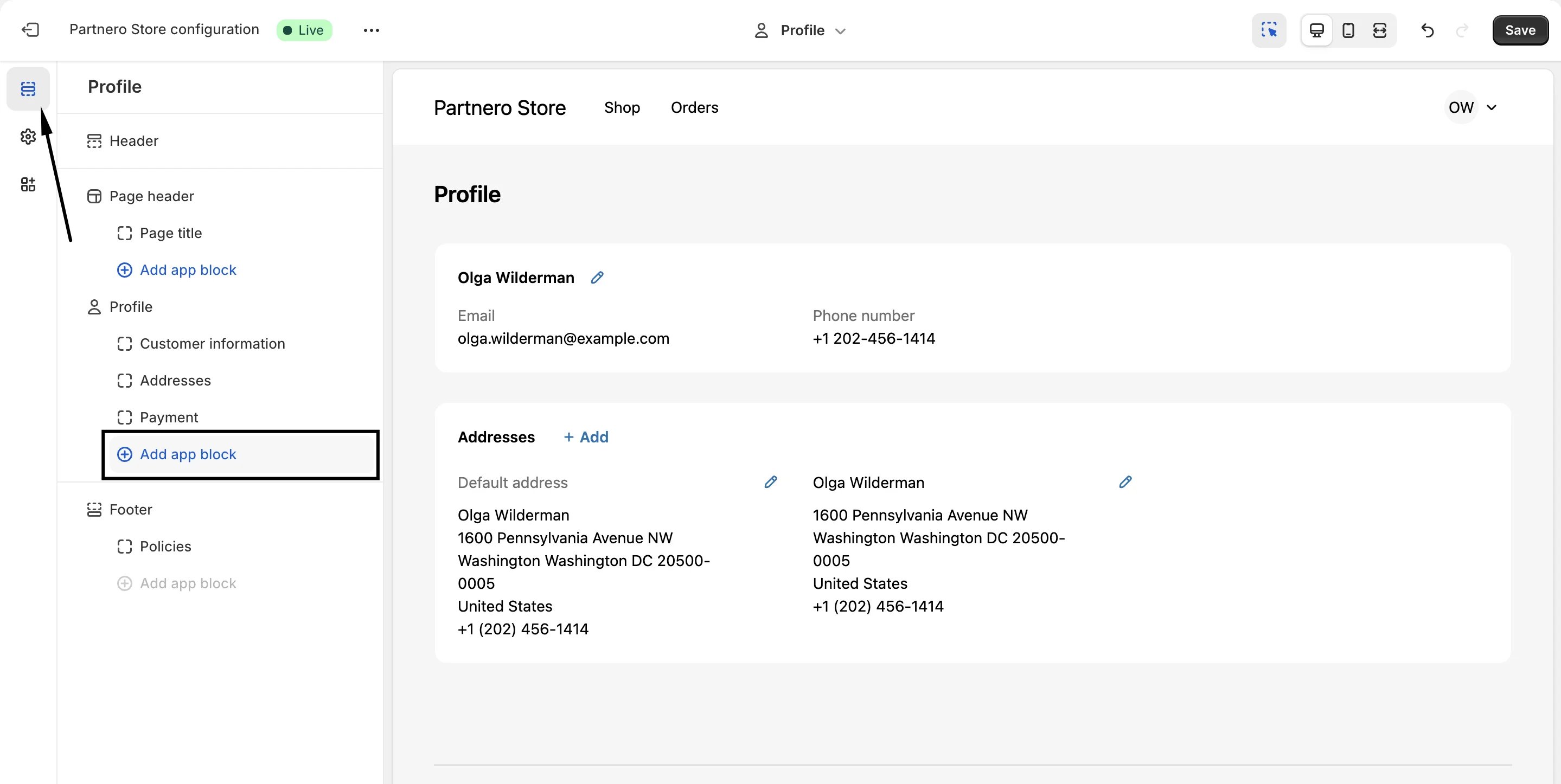
In the left-hand side menu, switch to Sections and click Add app block under Profile:
-
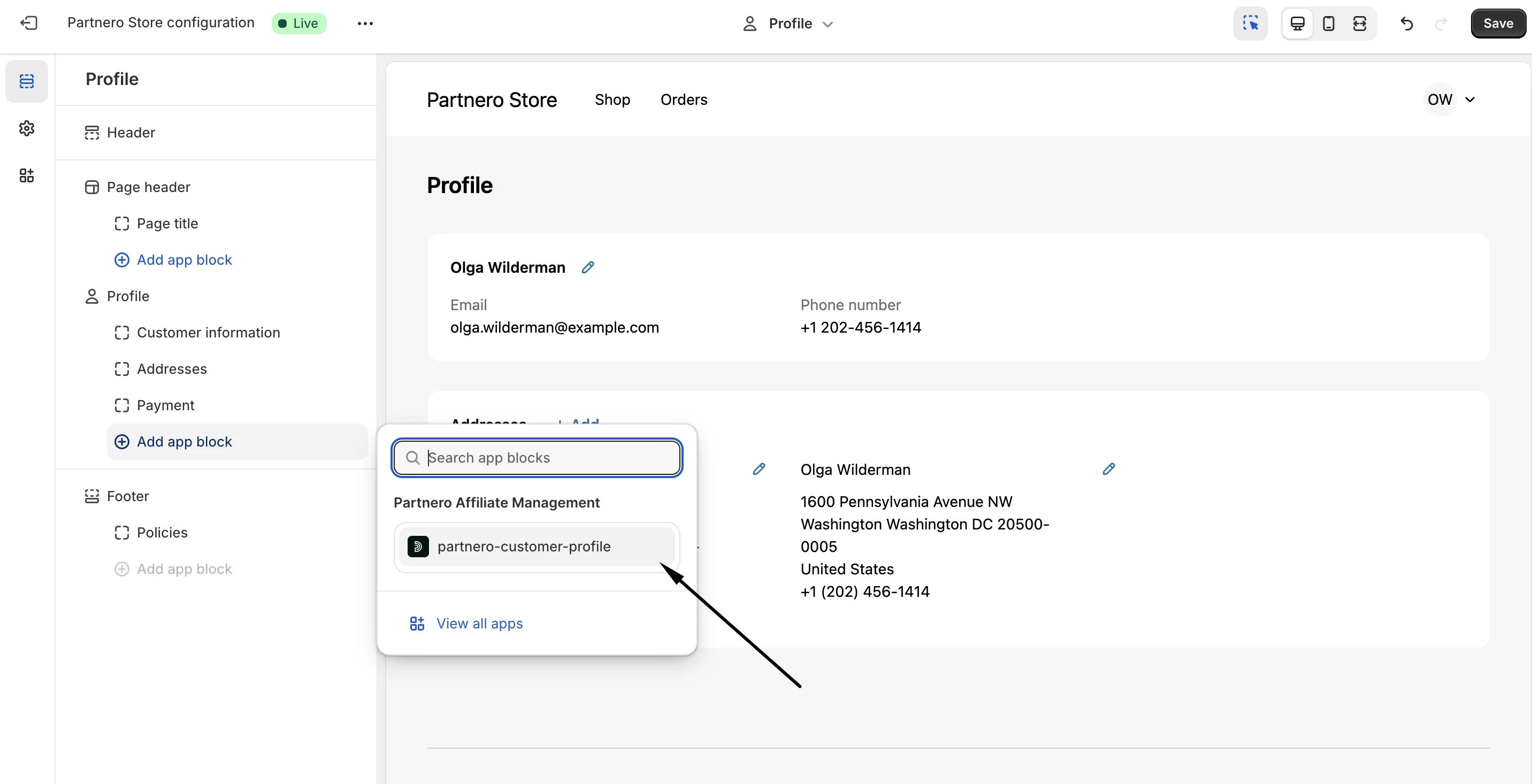
If your Shopify store is successfully connected to a refer-a-friend program on Partnero, you’ll have the option to insert Partnero customer profile:
-
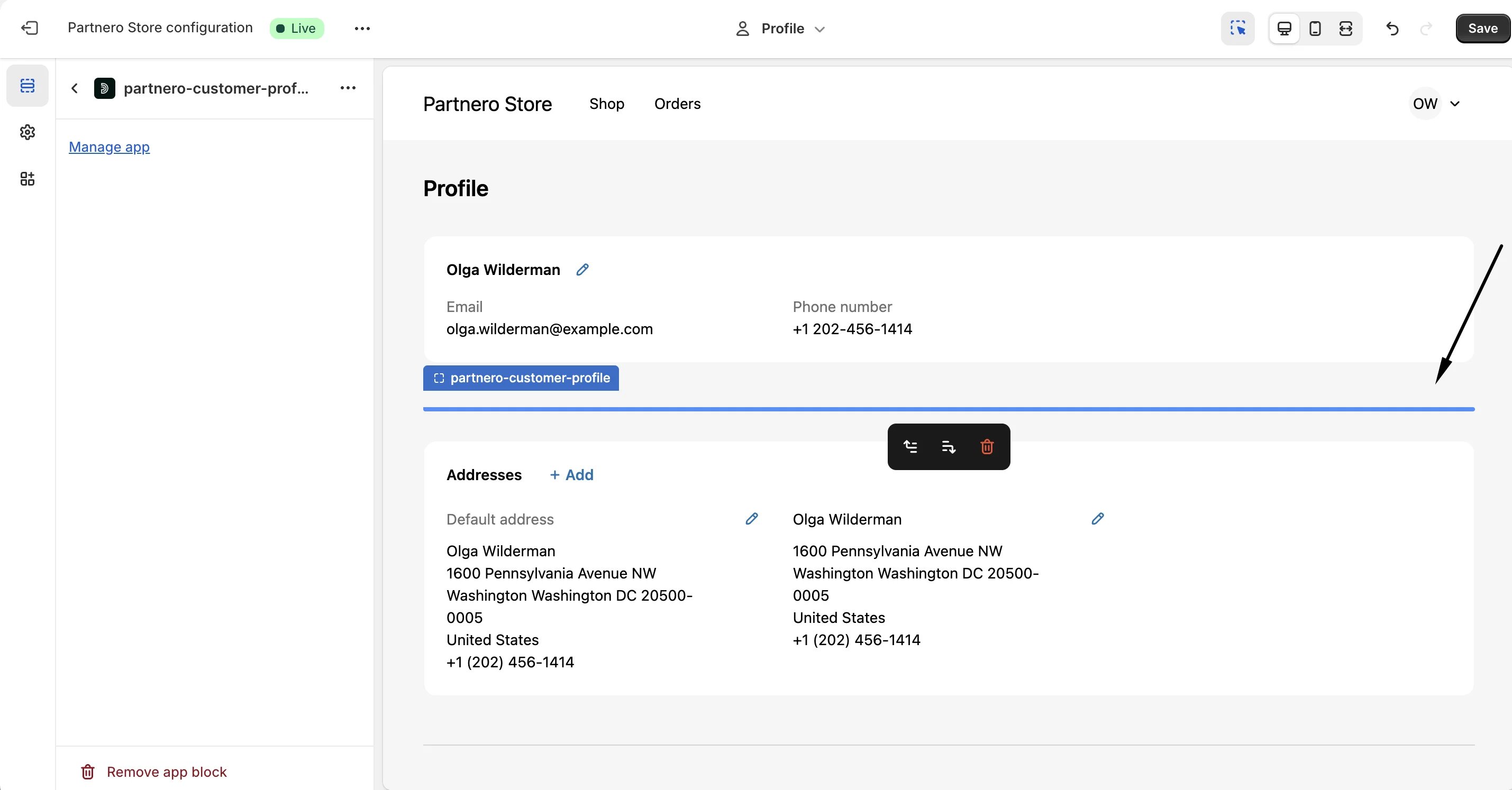
Click to insert and decide on the placement:
- Click Save. Important: the customer data will not be visible in the editor. To view the section, log in to a customer account on your store.