Managing leads
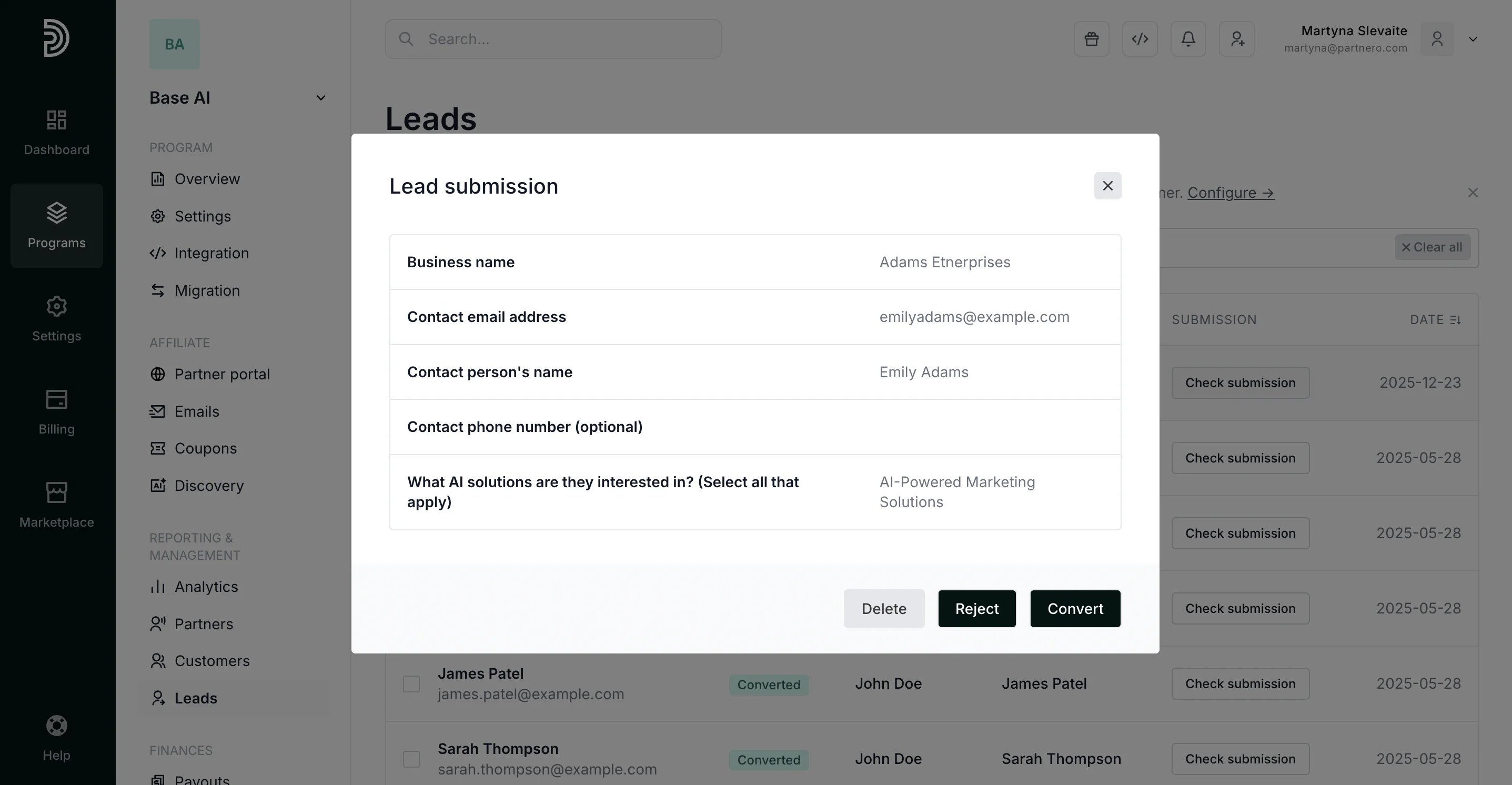
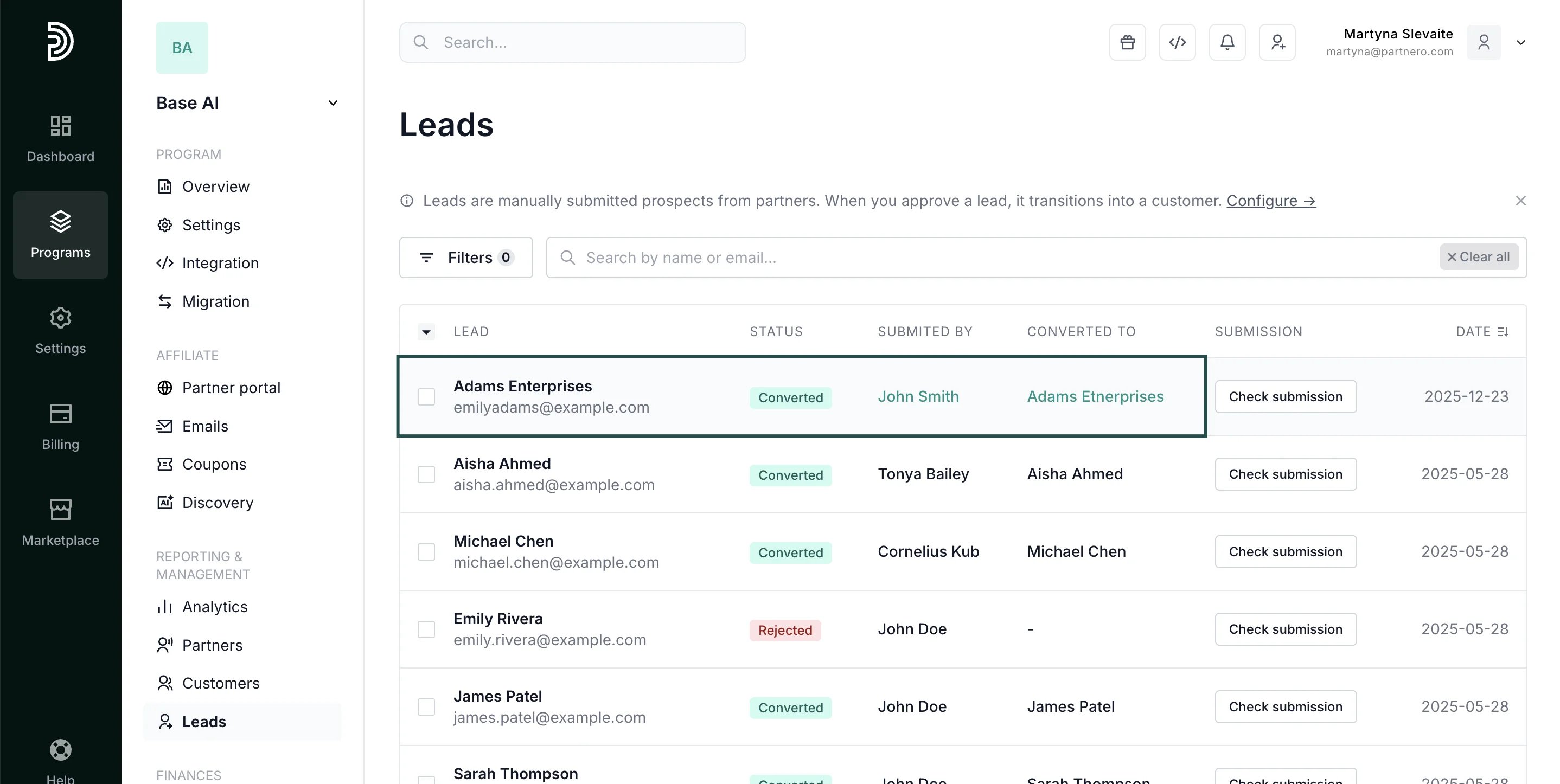
Once you enable the lead submission page, a new Leads option will appear on the left-hand side menu under Reporting & Management. Here, you can view and manage submitted leads. To check lead details, click Check submission: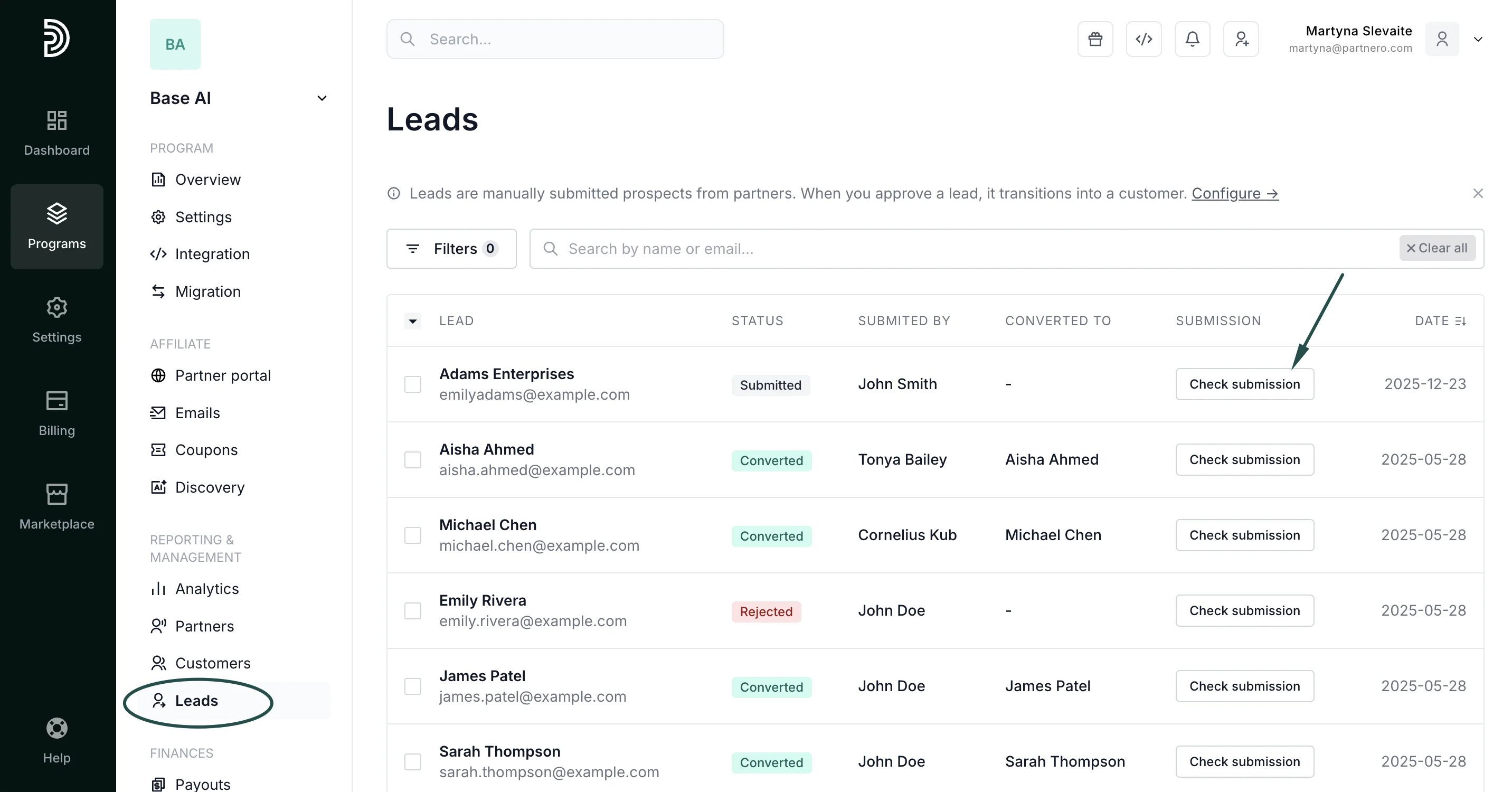
Converting leads
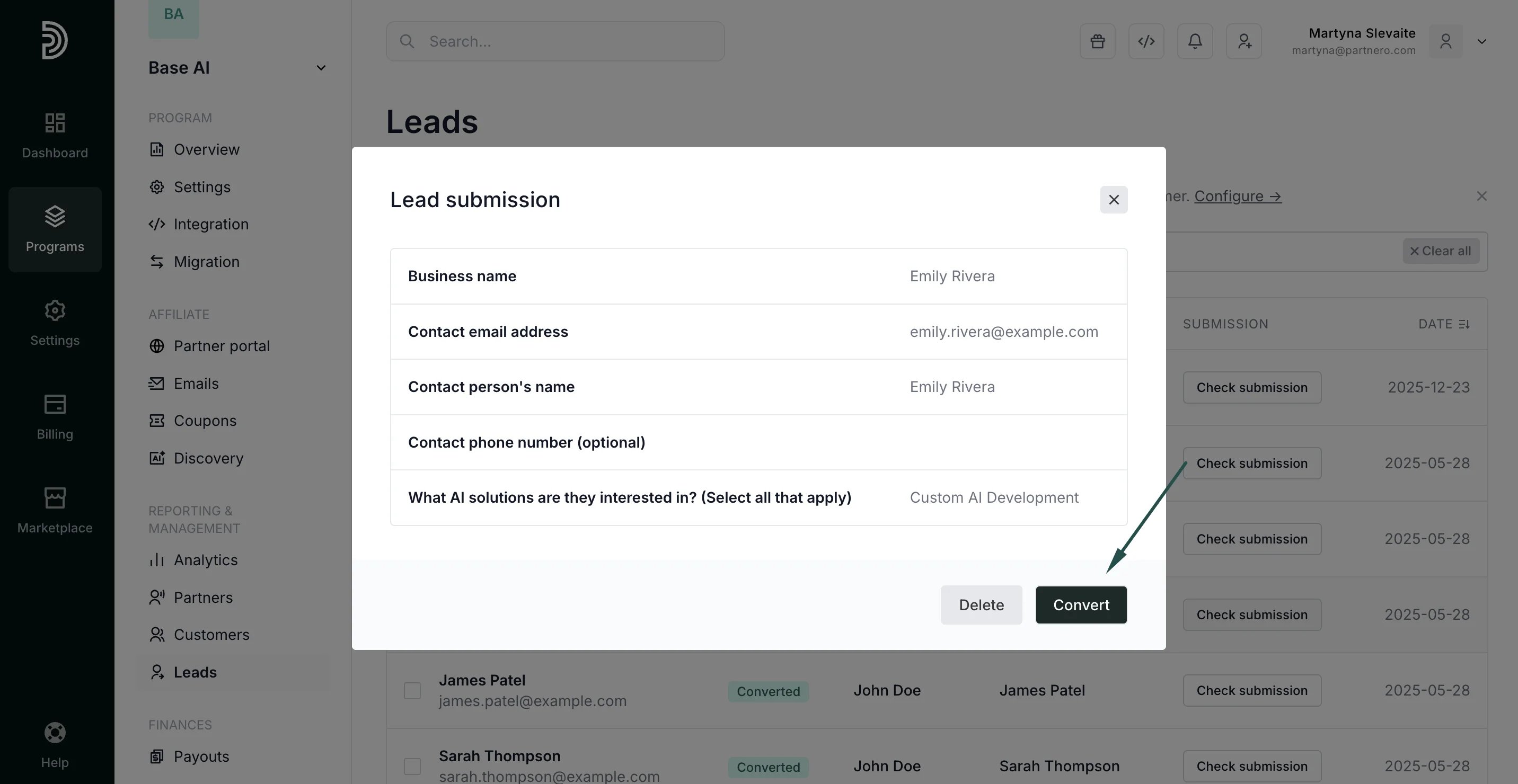
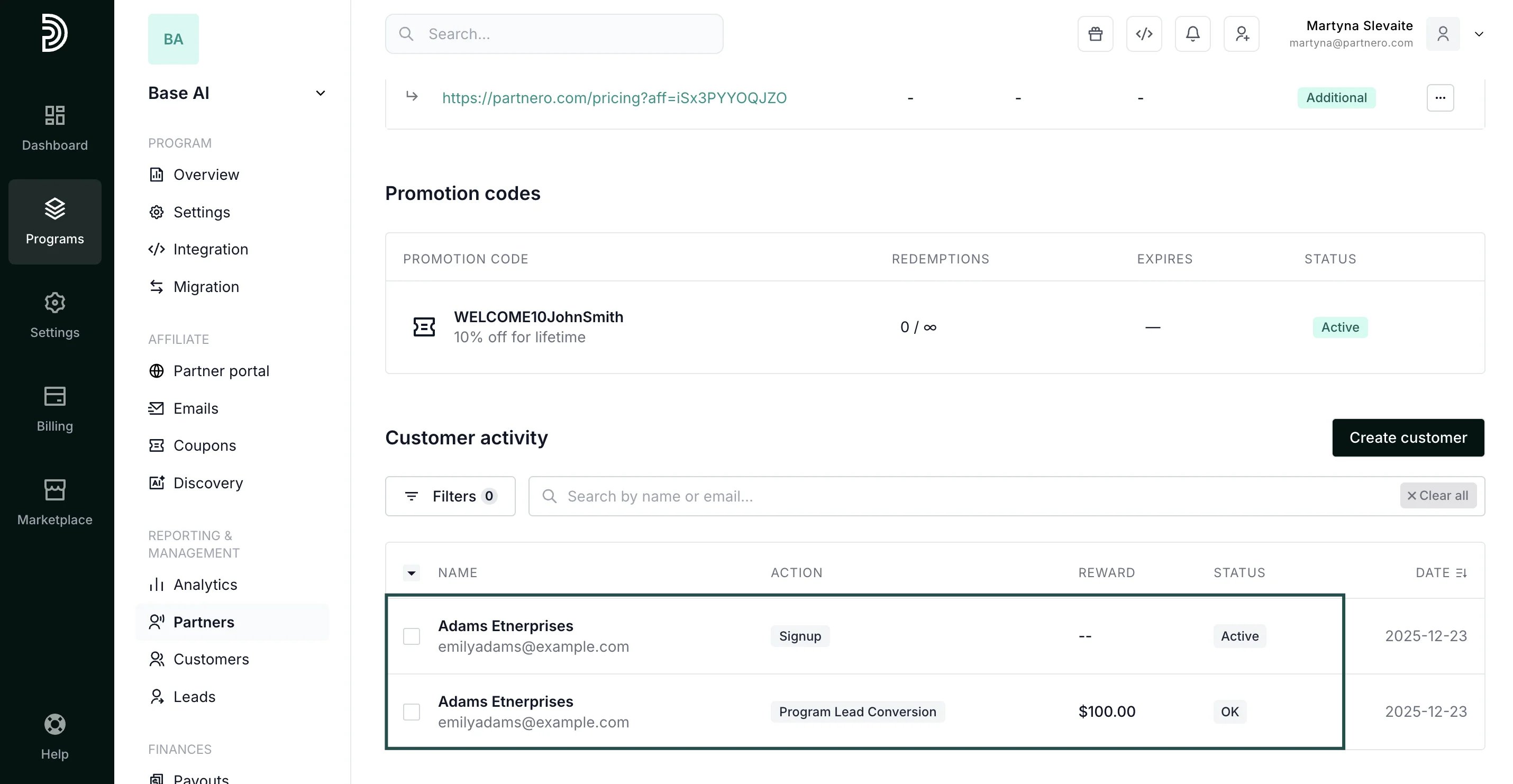
When you click Convert, a lead is turned into a customer, and a reward is generated based on the set commission structure. After you click Convert, you will be asked to enter the transaction amount, which will be used to generate a reward for the affiliate who submitted the lead: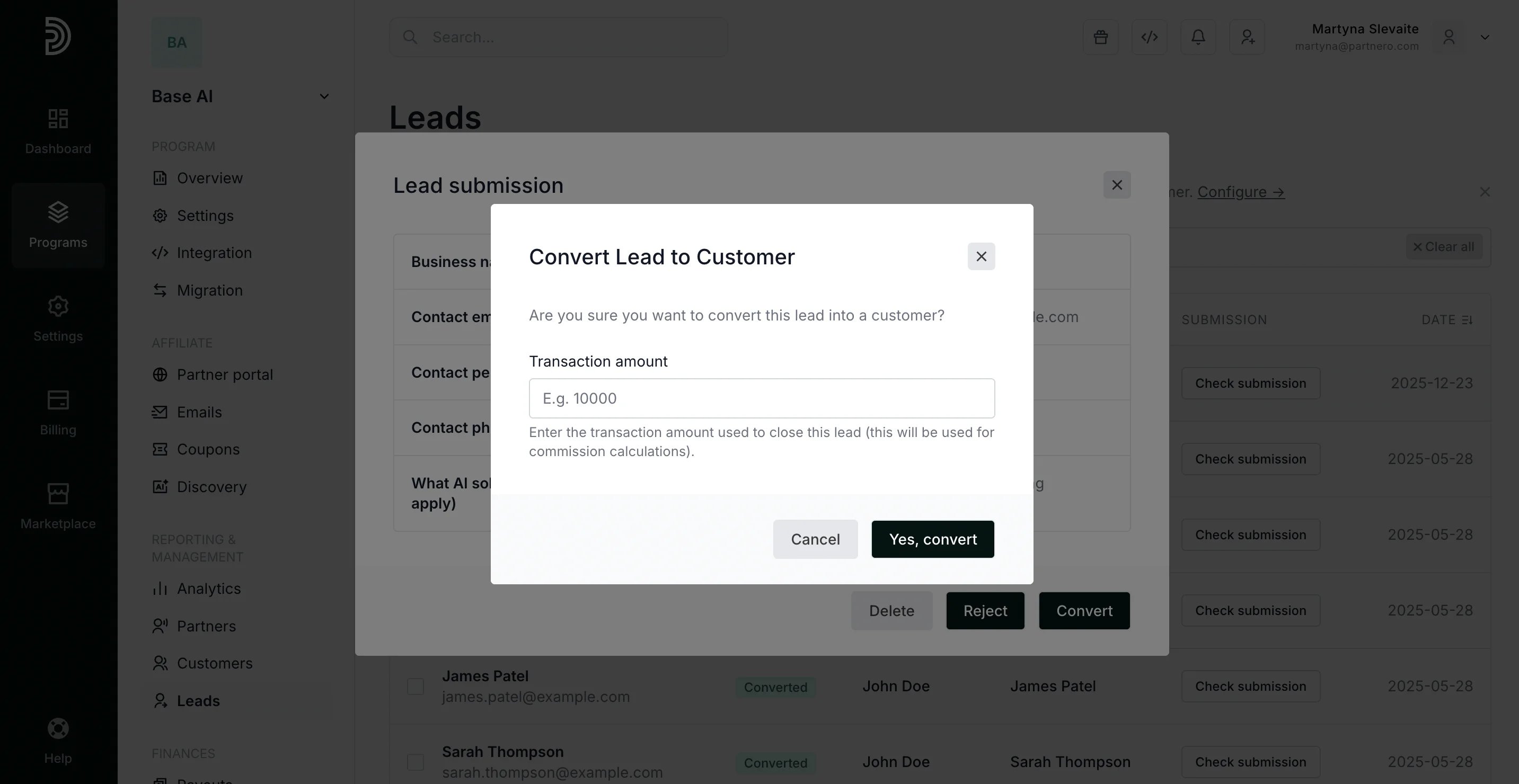
Rejecting leads
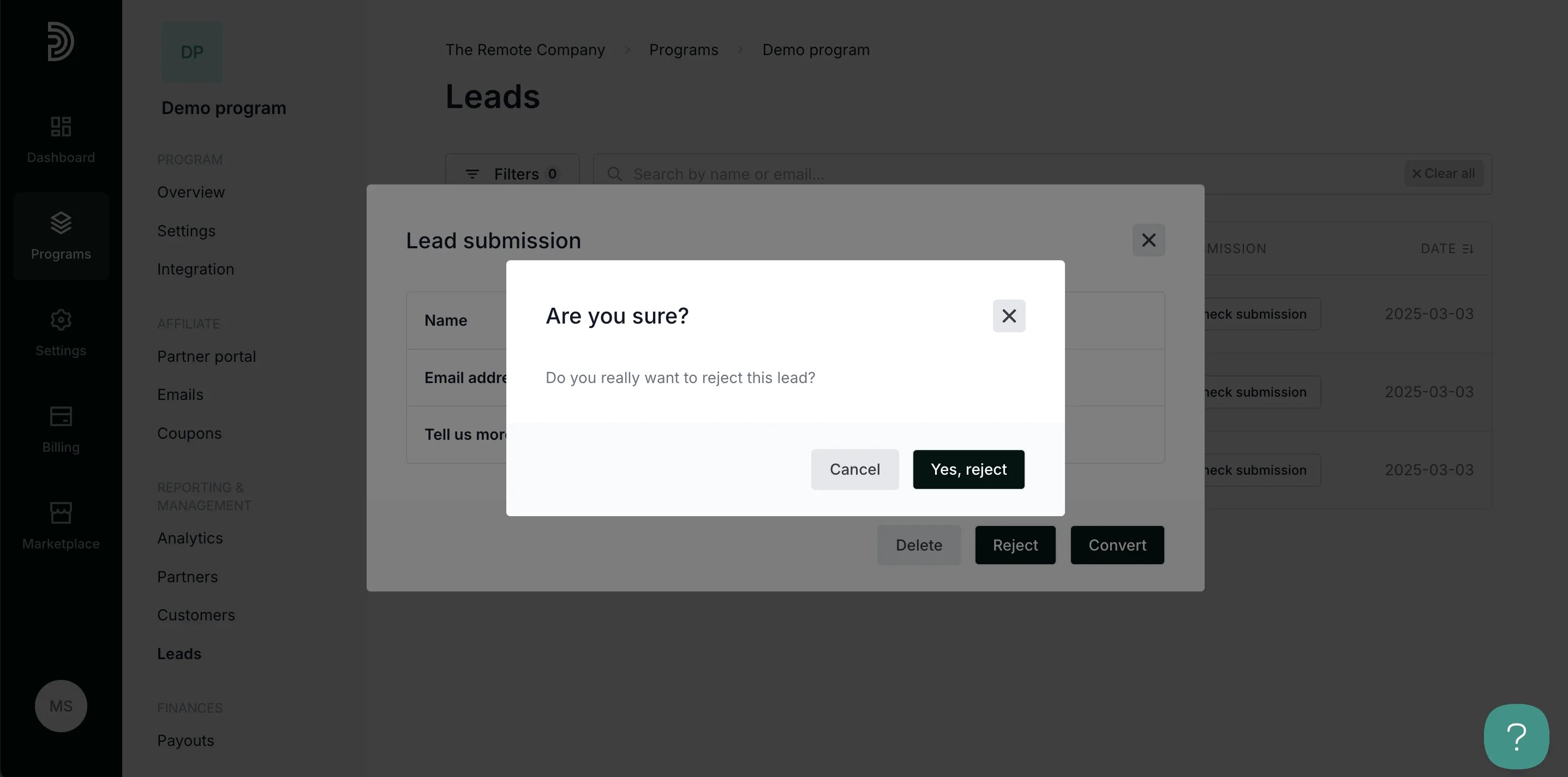
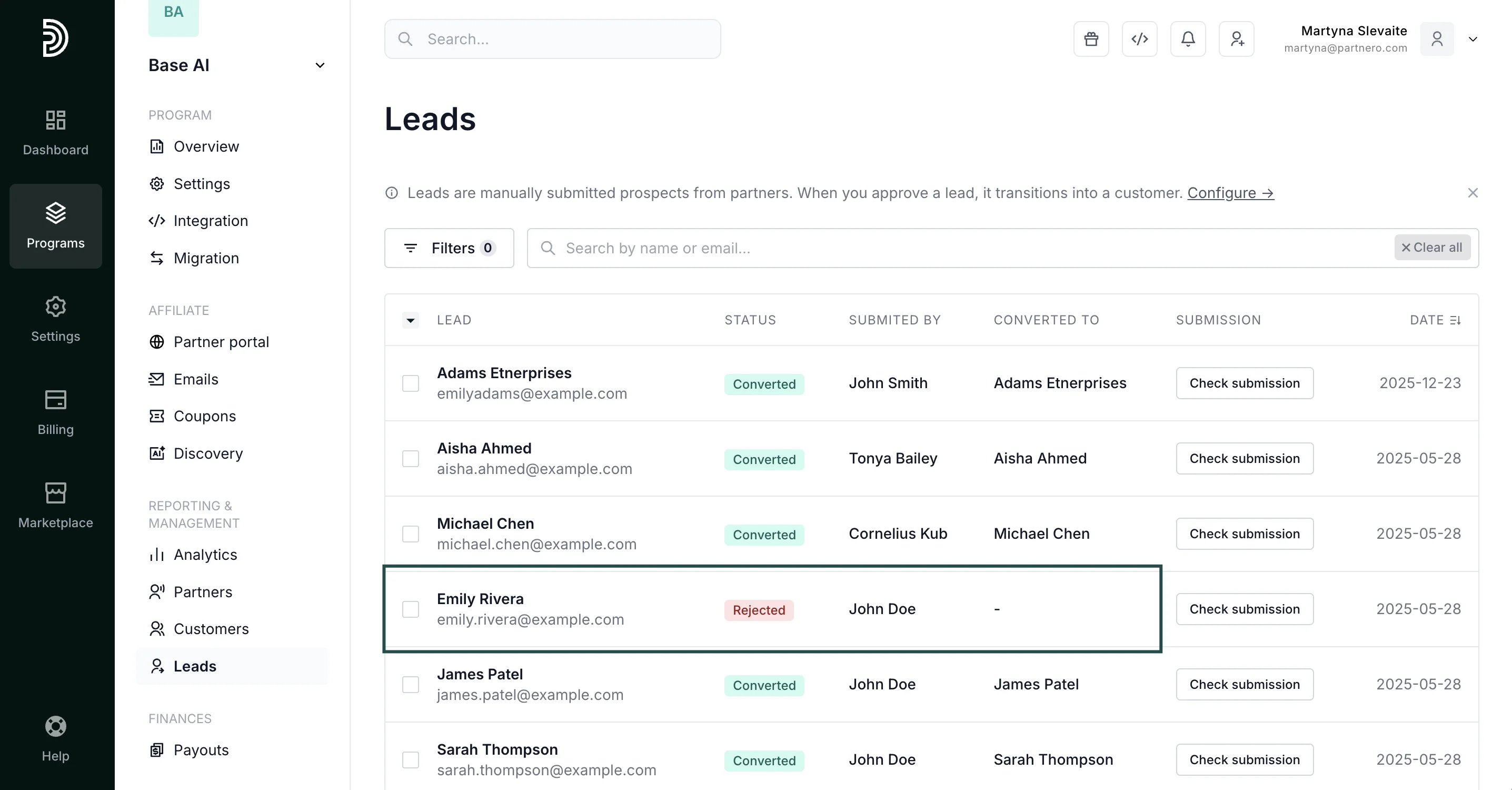
If you click to Reject the lead, you will be asked to confirm the action. Click Yes, reject: