

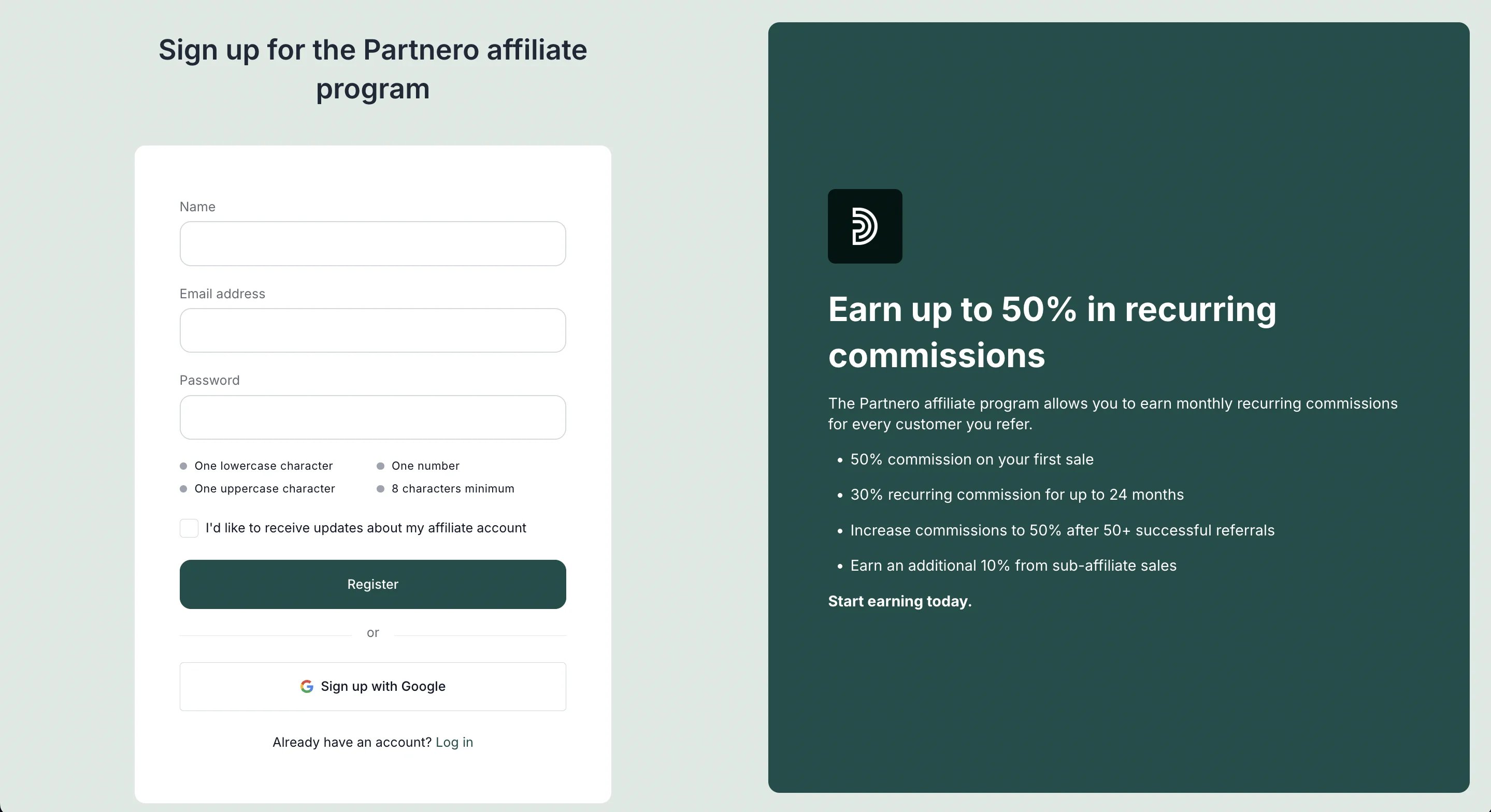
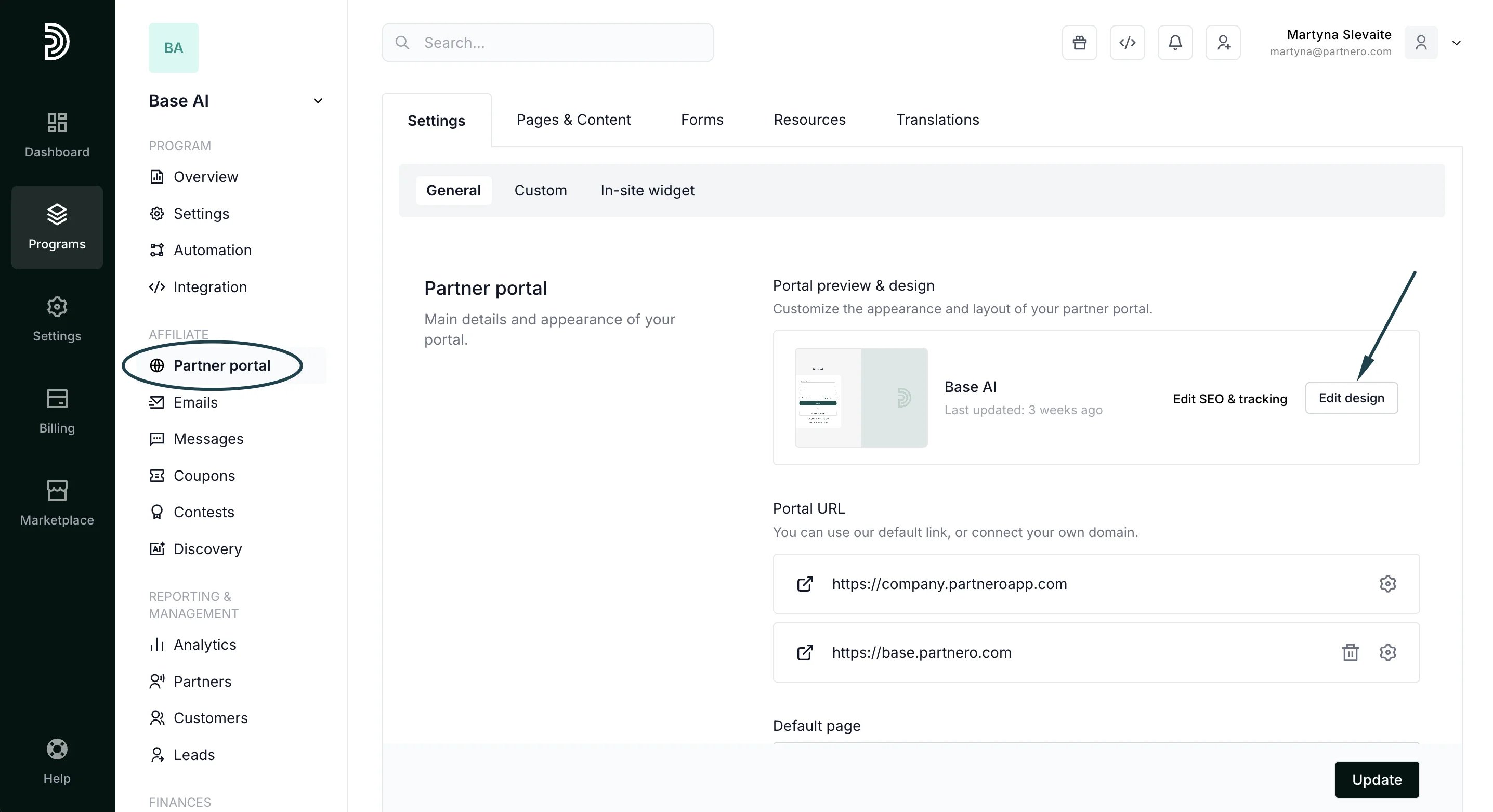
- Open your affiliate program and navigate to Partner portal. Click Edit design:
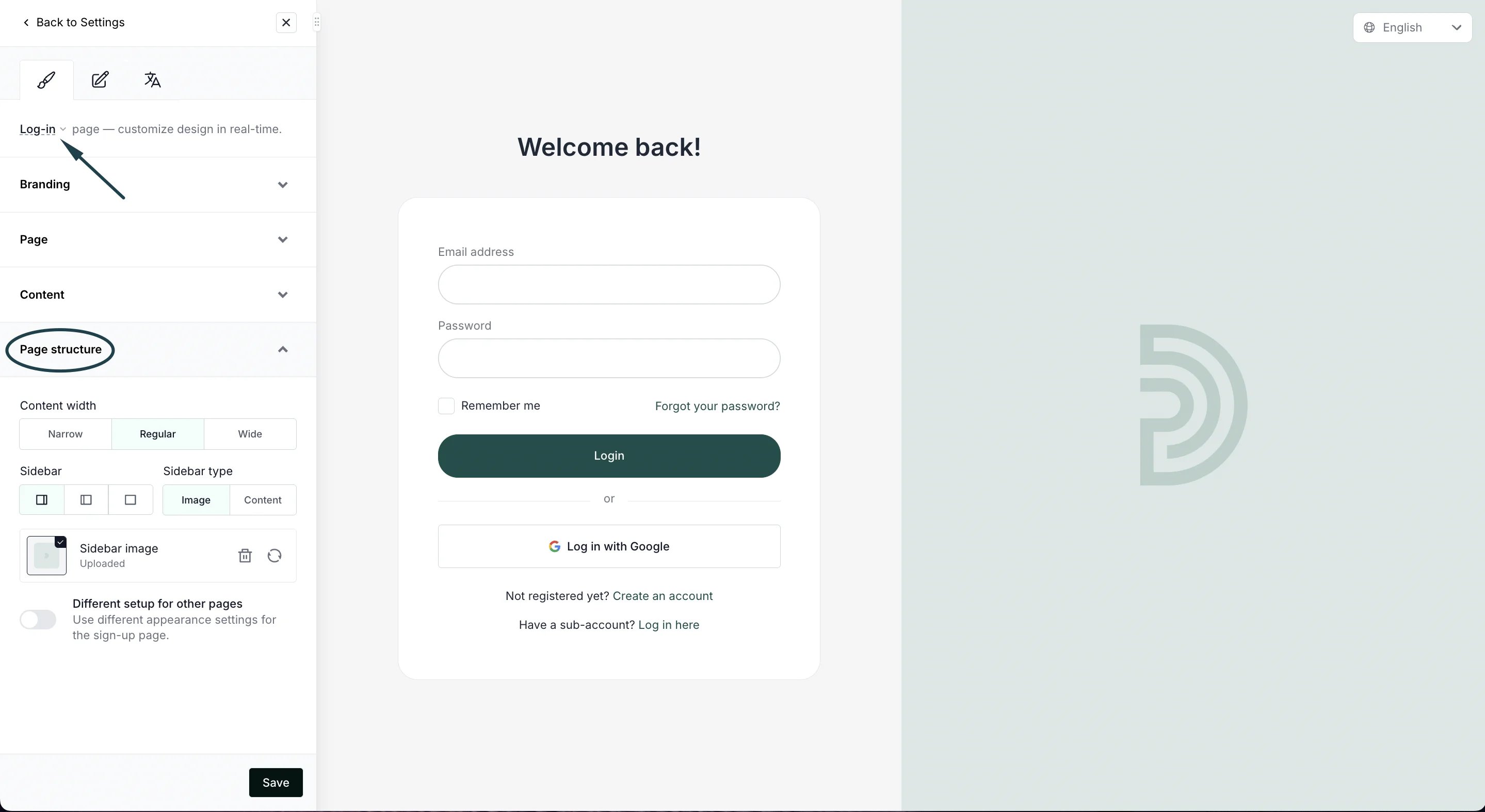
- In the Live designer, make sure you’re editing the Log-in page. Expand the Page structure settings:
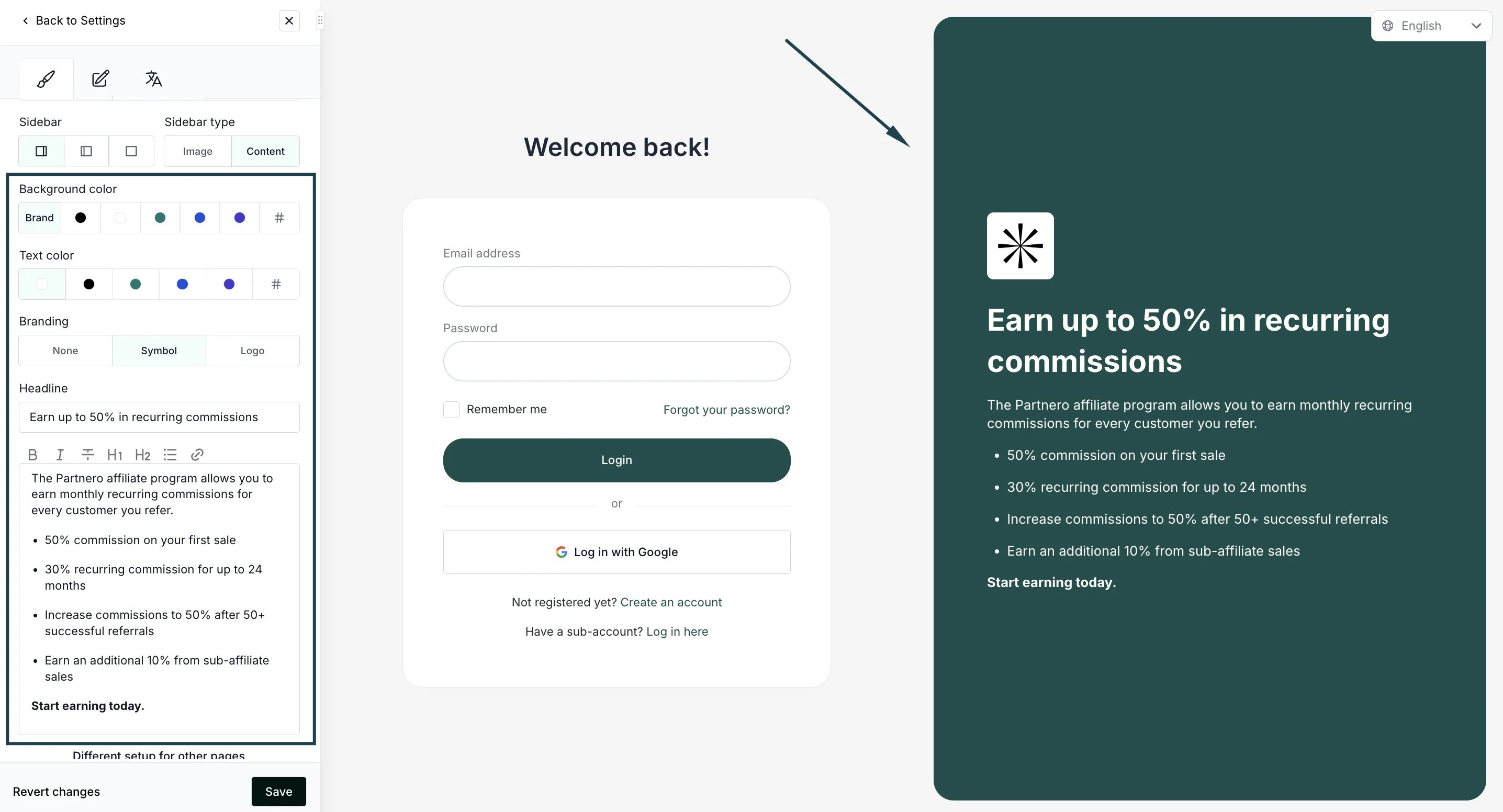
- In the Sidebar type, select Content:
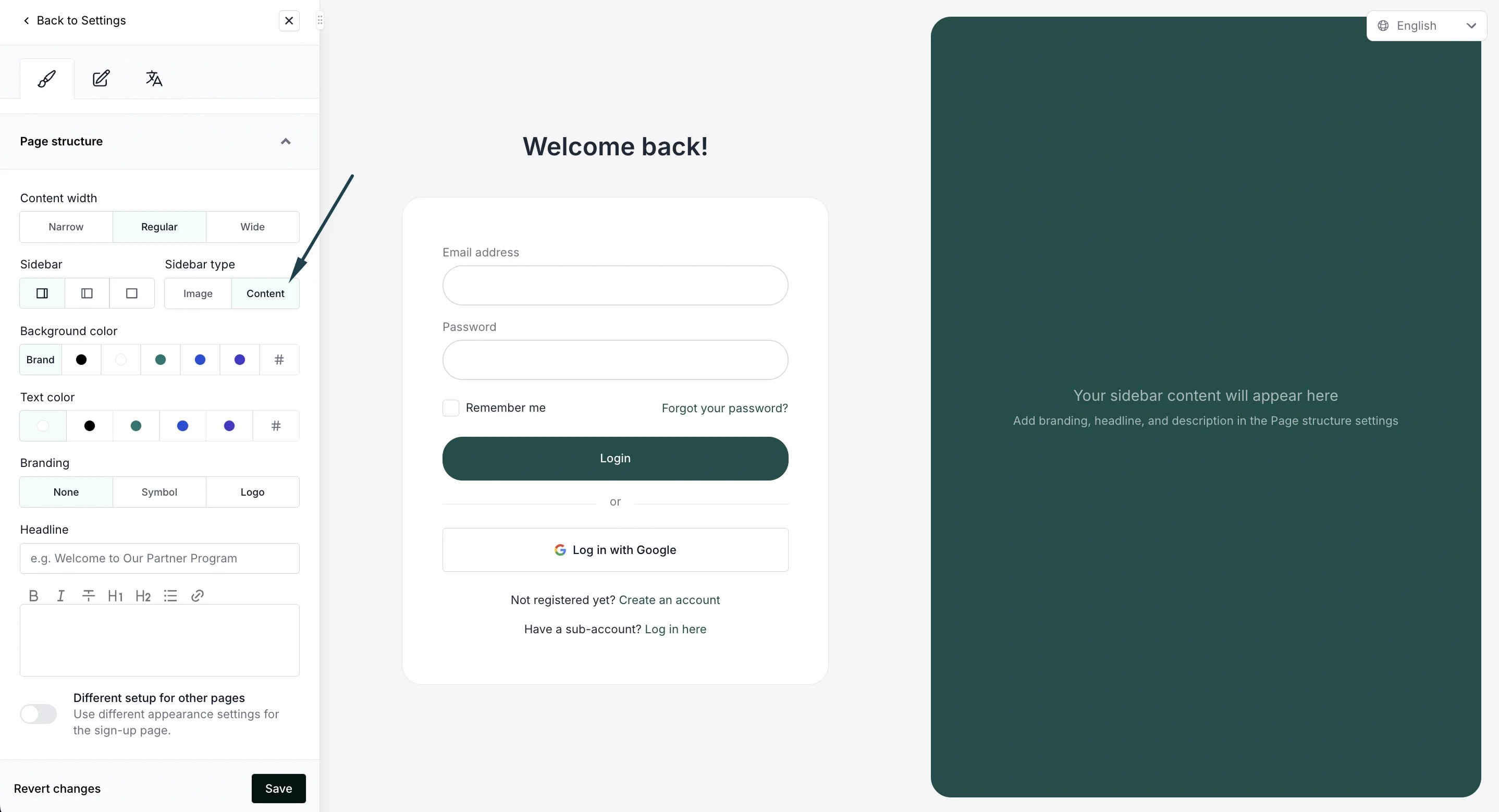
- Use the available settings to:
- Select background and text color
- Add branding (symbol or logo)
- Add copy
- Click Save to publish the changes.