- Partners
- Customers
- Transactions
Generate test data
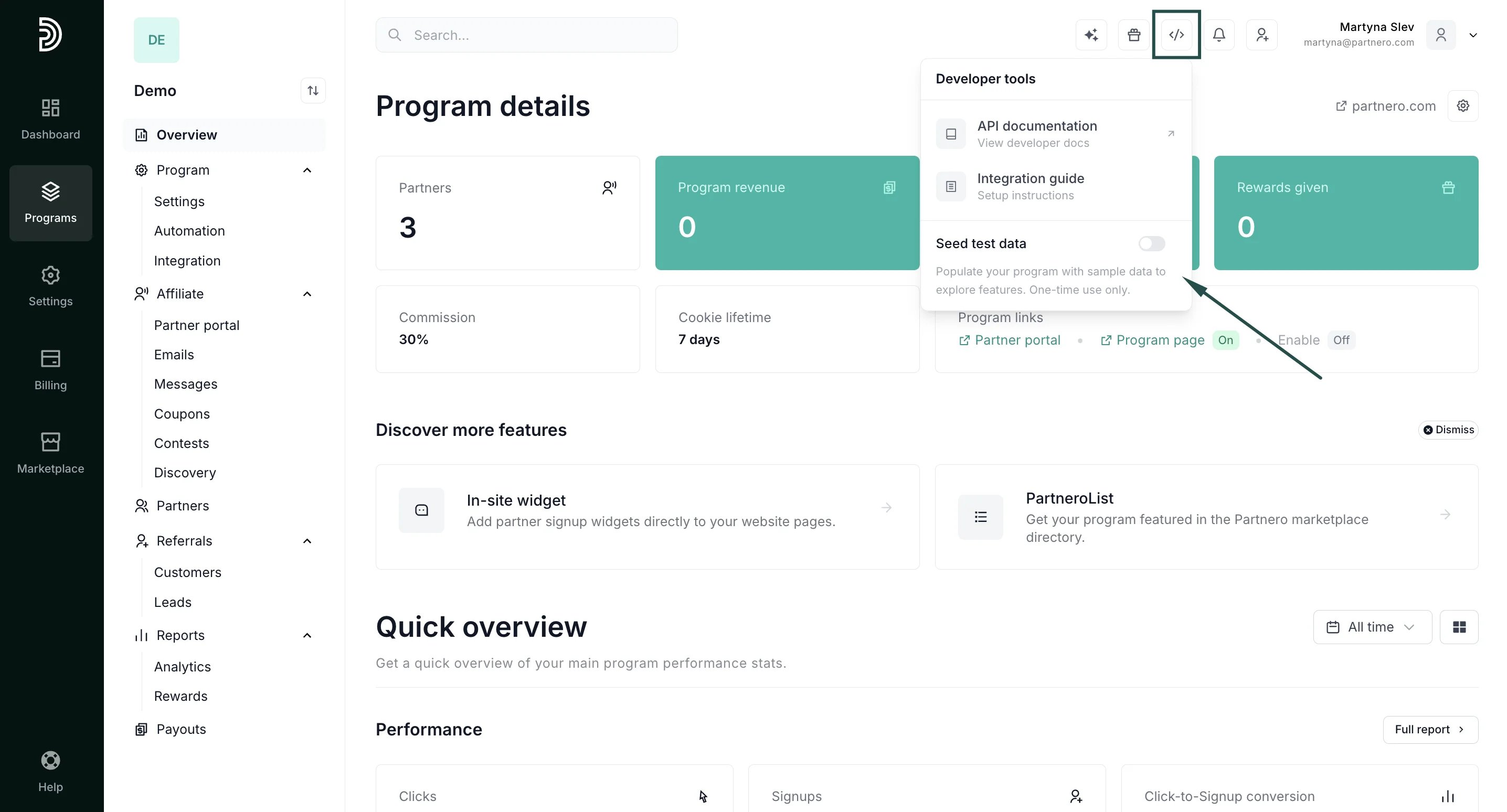
To generate test data:- Click the Developer tools icon in the top-right corner of the app and toggle Seed test data:
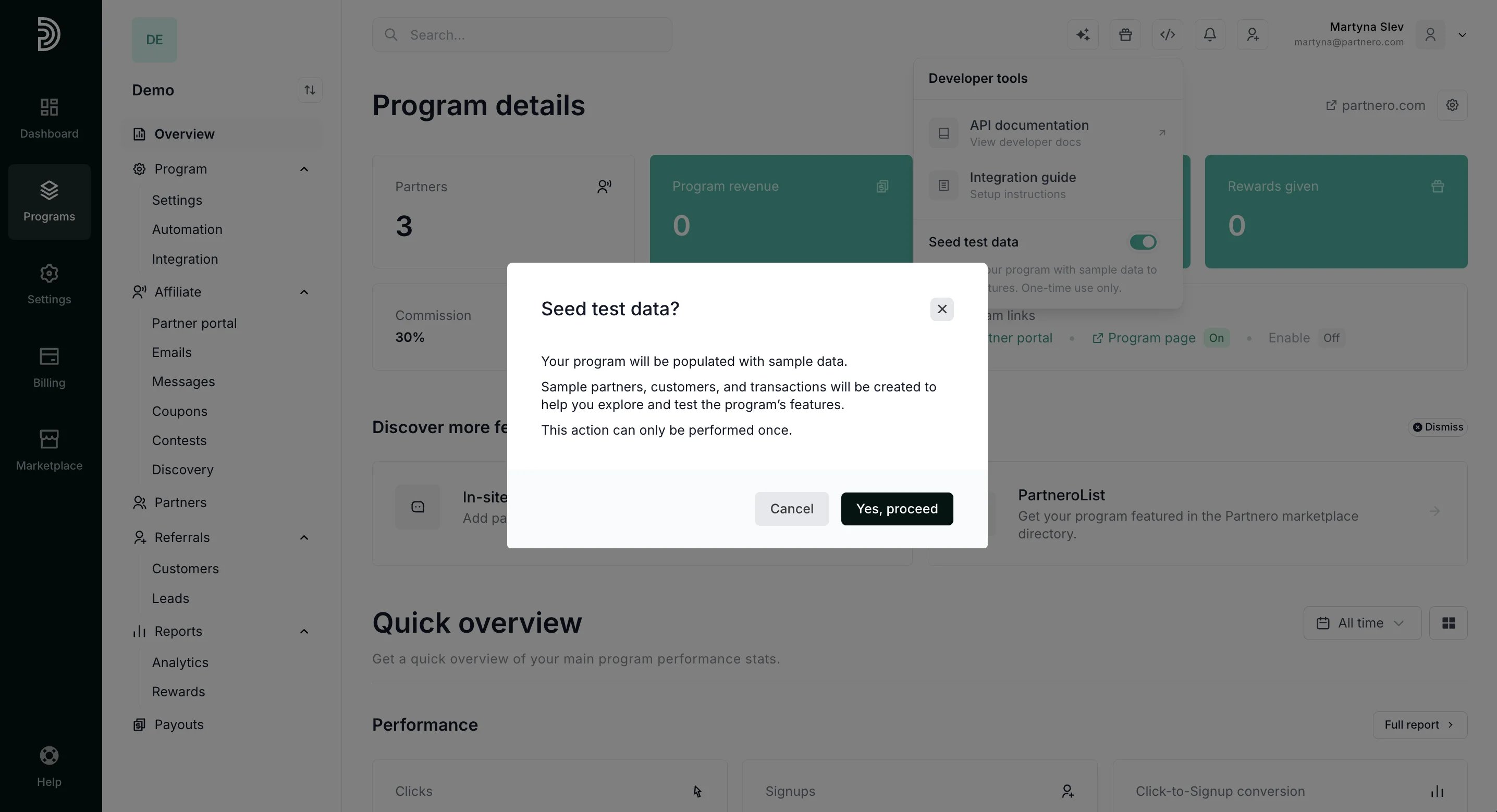
- Click Yes, proceed:
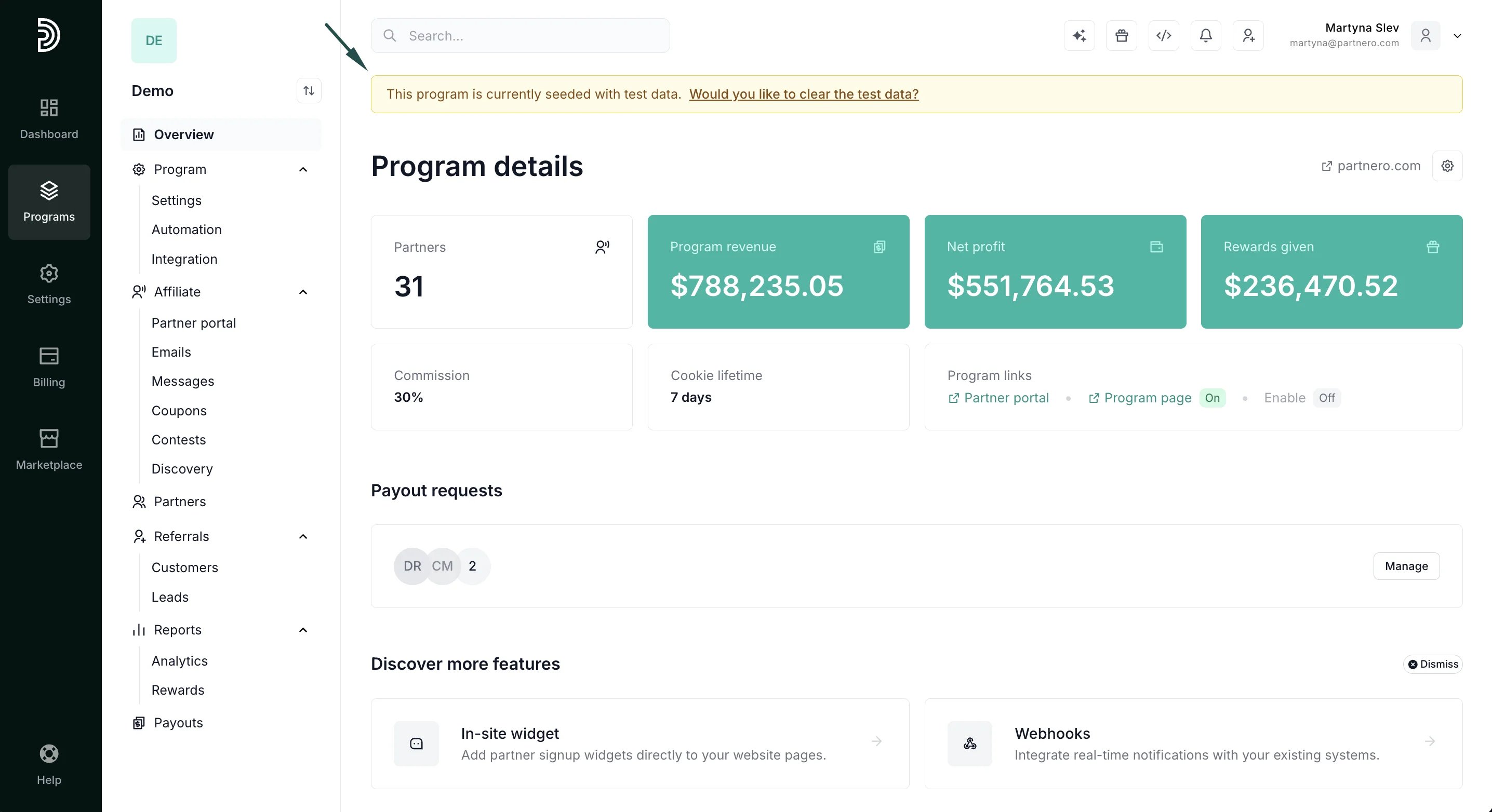
- The process might take a few minutes. Once finished, you’ll see the data and a yellow notification bar at the top of the page:
Clearing test data
⚠️ Important: the test-seeder feature can be used only once, so make sure you’ve completed all required testing before clearing the data.Once you’re ready to clear the test data:
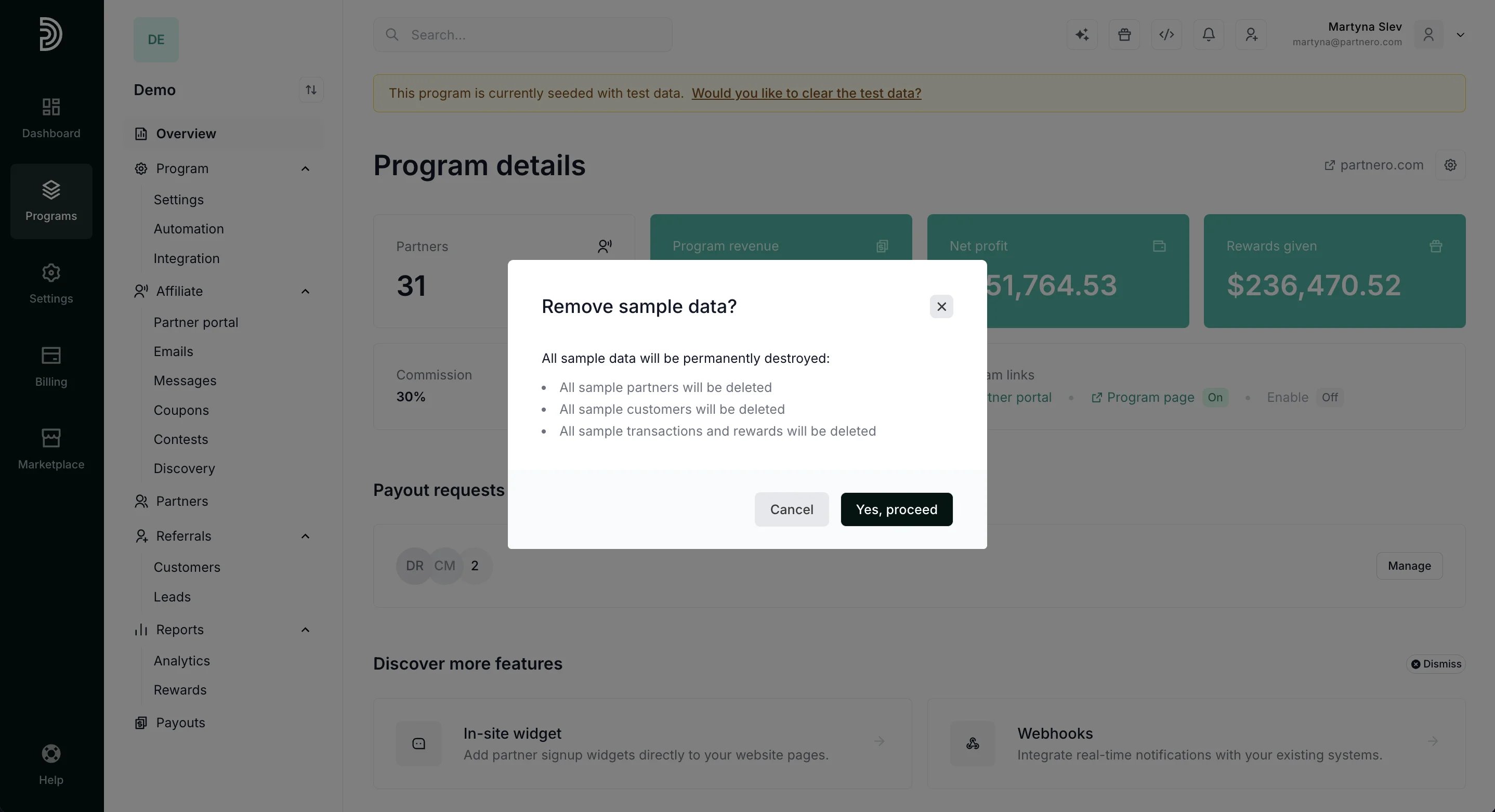
- Click Would you like to clear the test data? in the test data notification bar:
- Click Yes, proceed: