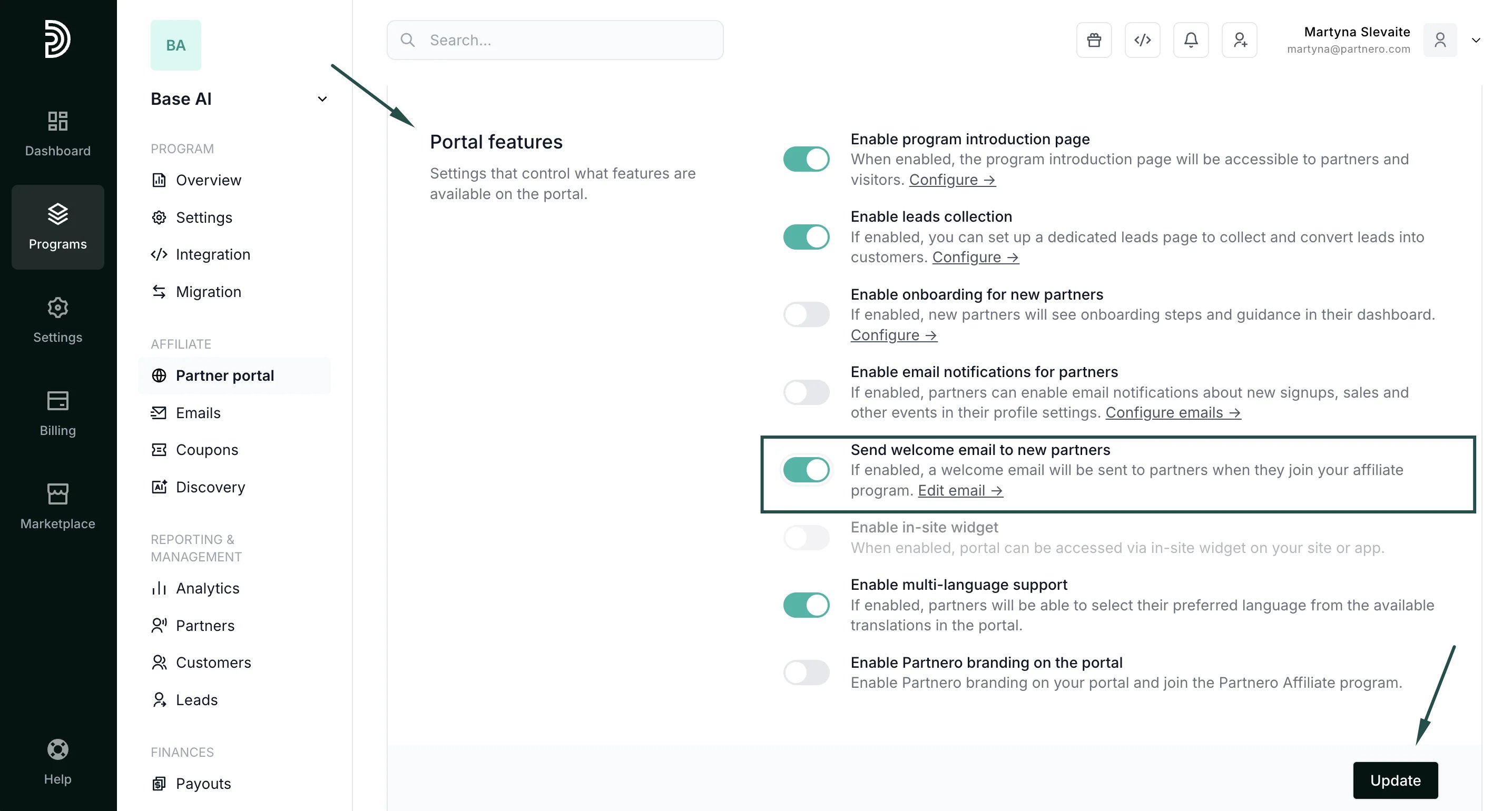
Customize the welcome email
You can customize the content and design of the welcome email from the Emails section:- Go to Emails under Affiliate and switch to the Emails tab:
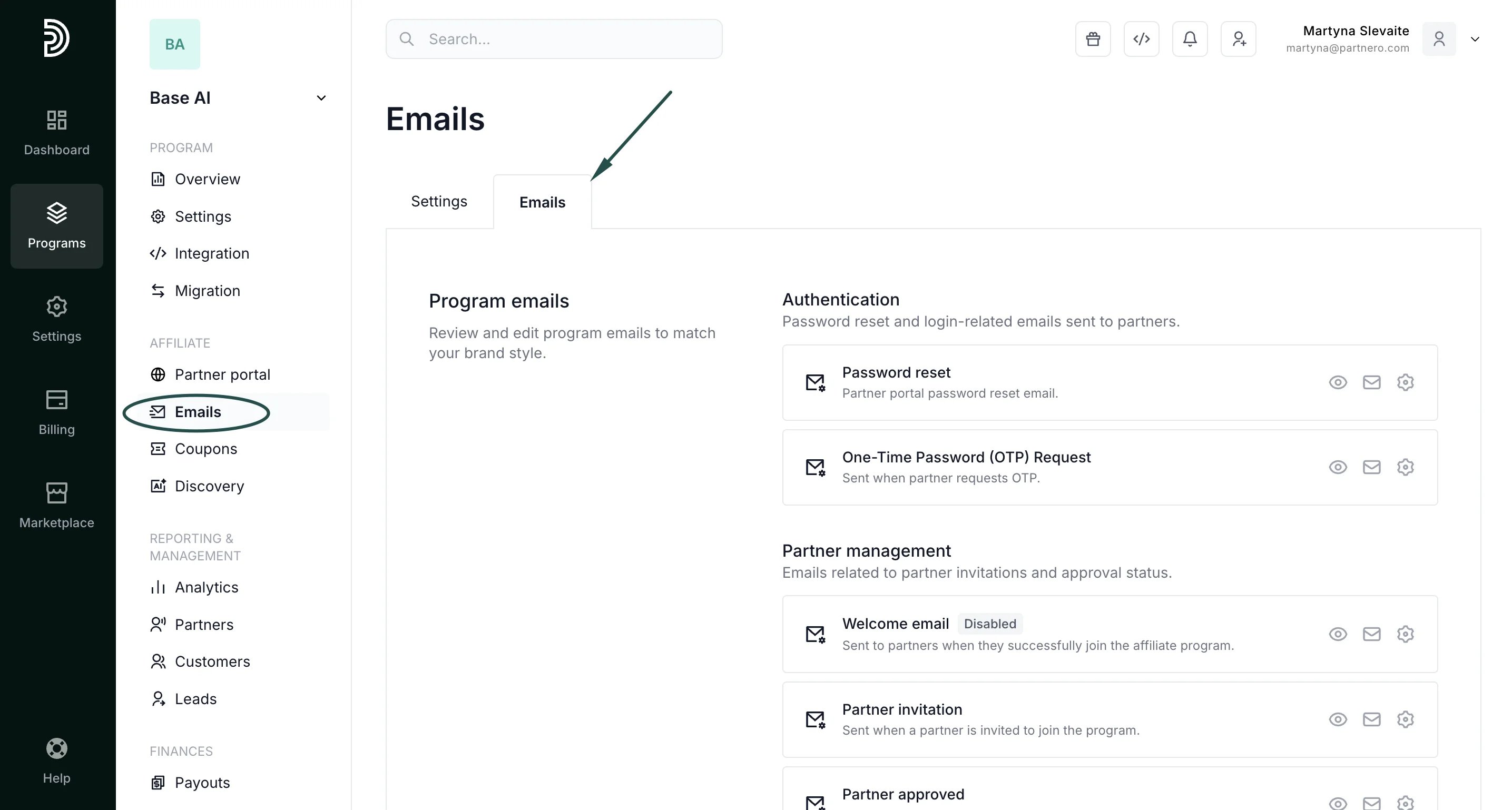
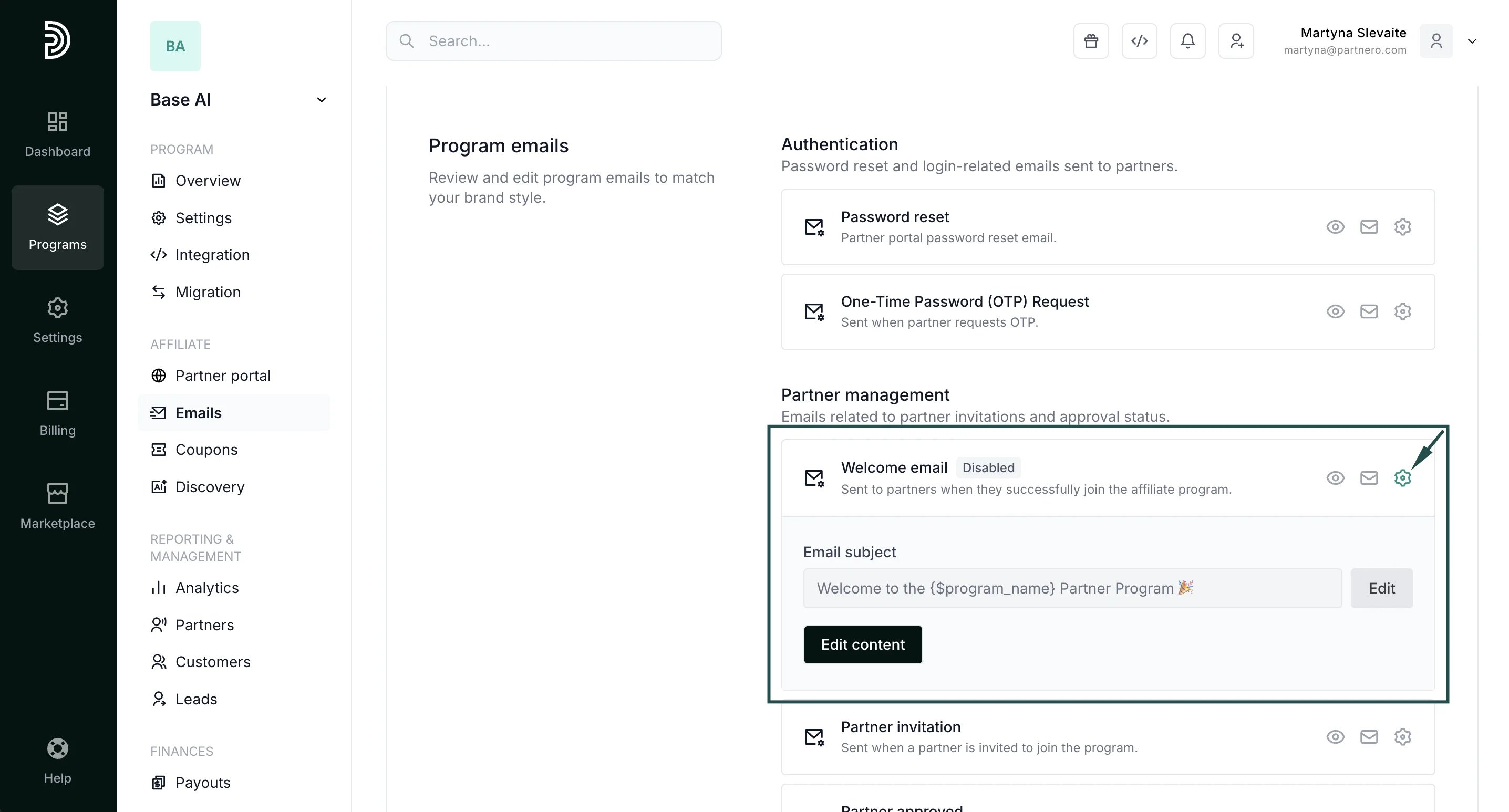
- Locate the Welcome email template.
- Click the gear icon to edit the subject line and email content as needed:
Enable the welcome email
To start sending welcome emails to new partners, you must enable it in the Partner Portal settings:- Go to Partner Portal under Affiliate:
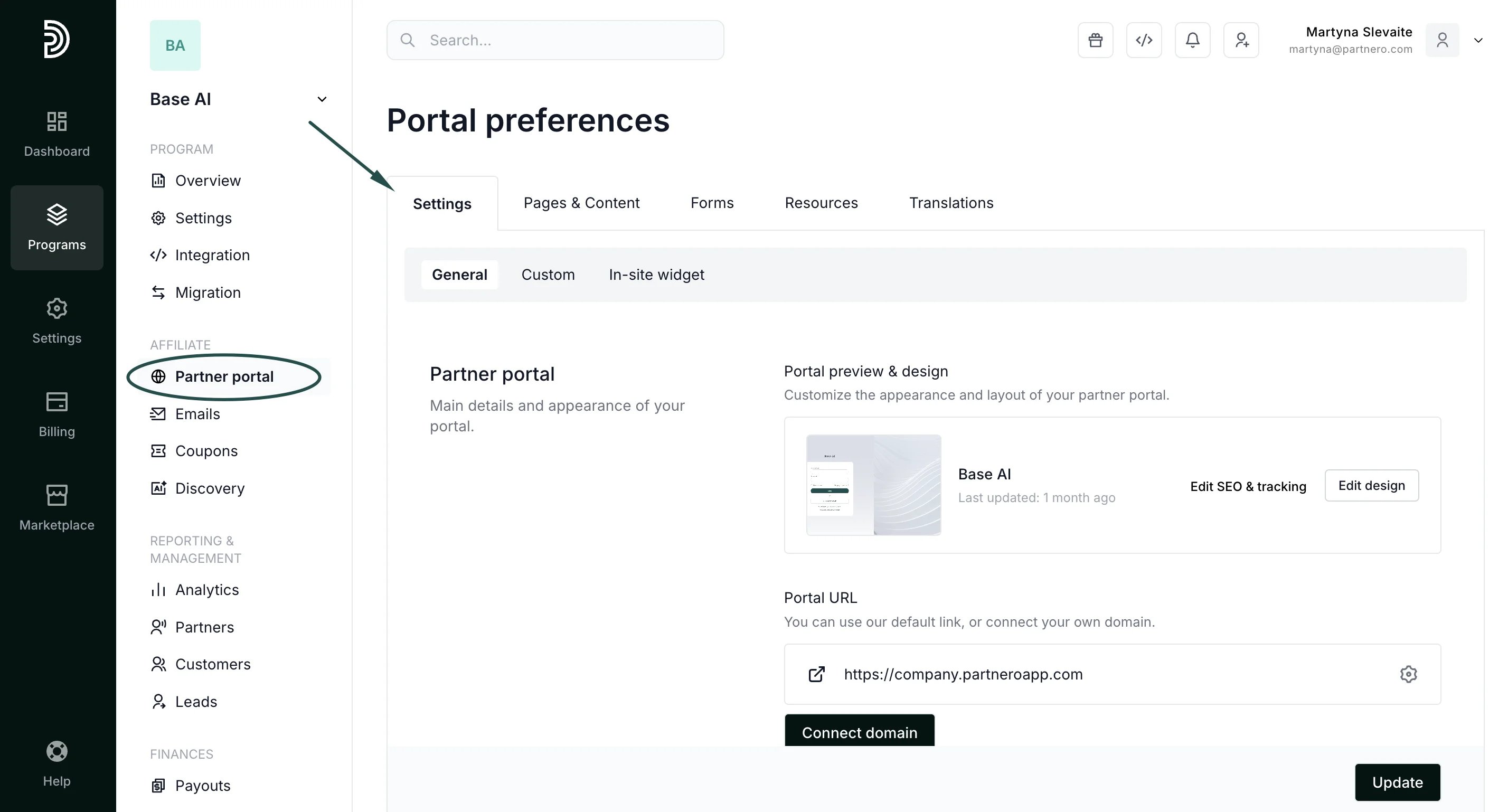
- In the Settings tab, scroll to the Portal features section.
- Enable Send welcome email to new partners and click Update to save changes: