

How auto-payouts work
If auto-payouts and automatic approval are enabled:- Payouts are automatically processed on the set schedule.
- Partners will be paid as soon as they reach the payout threshold amount.
- No manual request is needed from the partner.
- Payout requests are automatically created when partners reach the payout threshold amount.
- Program owner has to review and approve payout requests.
- Payouts are processed on the set schedule.
💡 Important: Auto payouts will only be processed when affiliates have added their payout information in the Partner Portal. This ensures payments are sent securely and to the correct destination.
Requirements for auto-payouts
To enable auto-payouts, you must have at least one of the following payout automation methods configured: Note: This option is not available if you’re using manual payouts outside of Partnero or processing payouts without a schedule.How to enable auto-payouts
- Go to Settings under Program. Scroll down to Payout Settings.
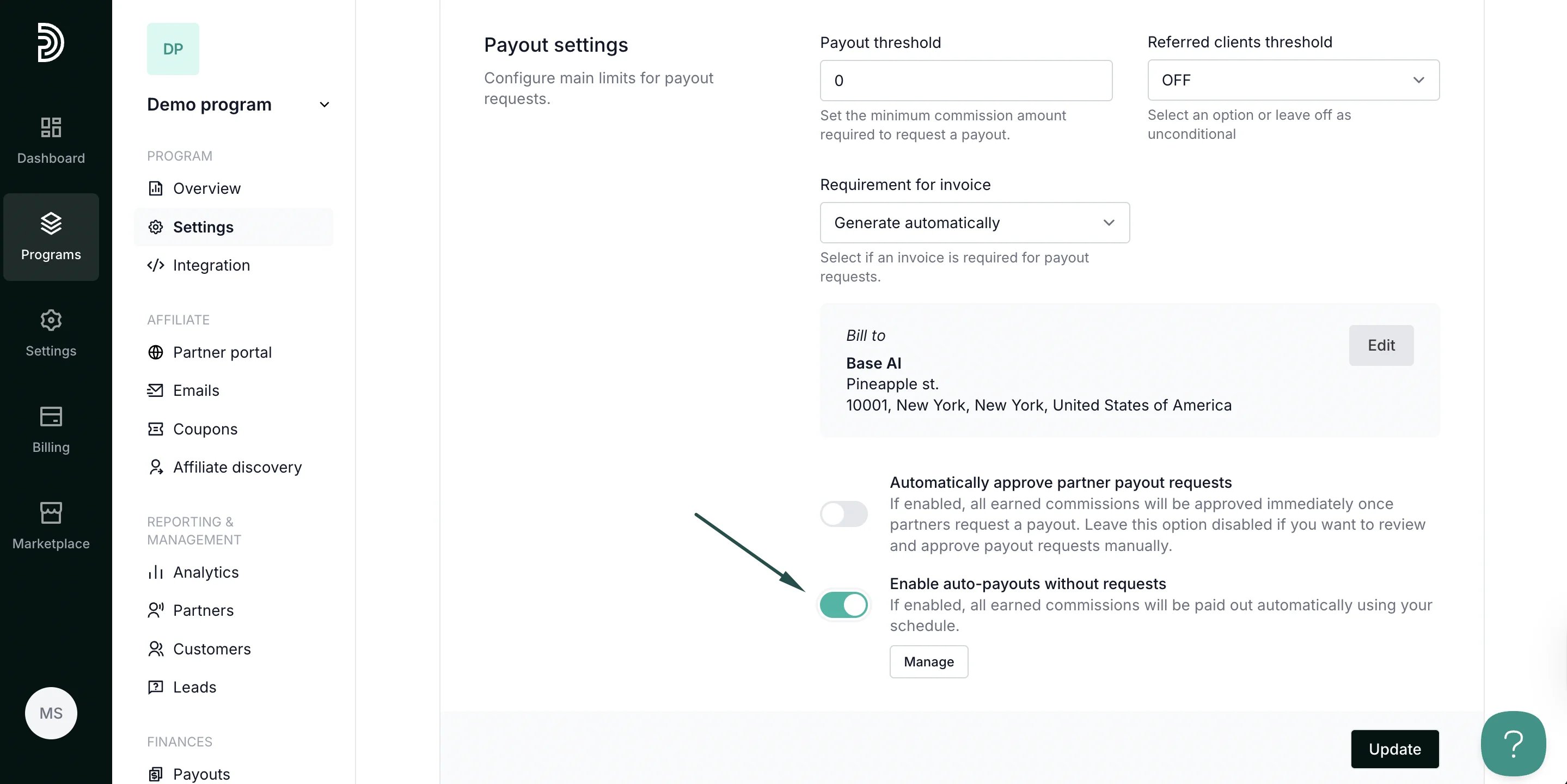
- Toggle the Enable a****uto-payouts without requests option to enable automatic processing:
- You can also enable automatic approval by toggling the setting:
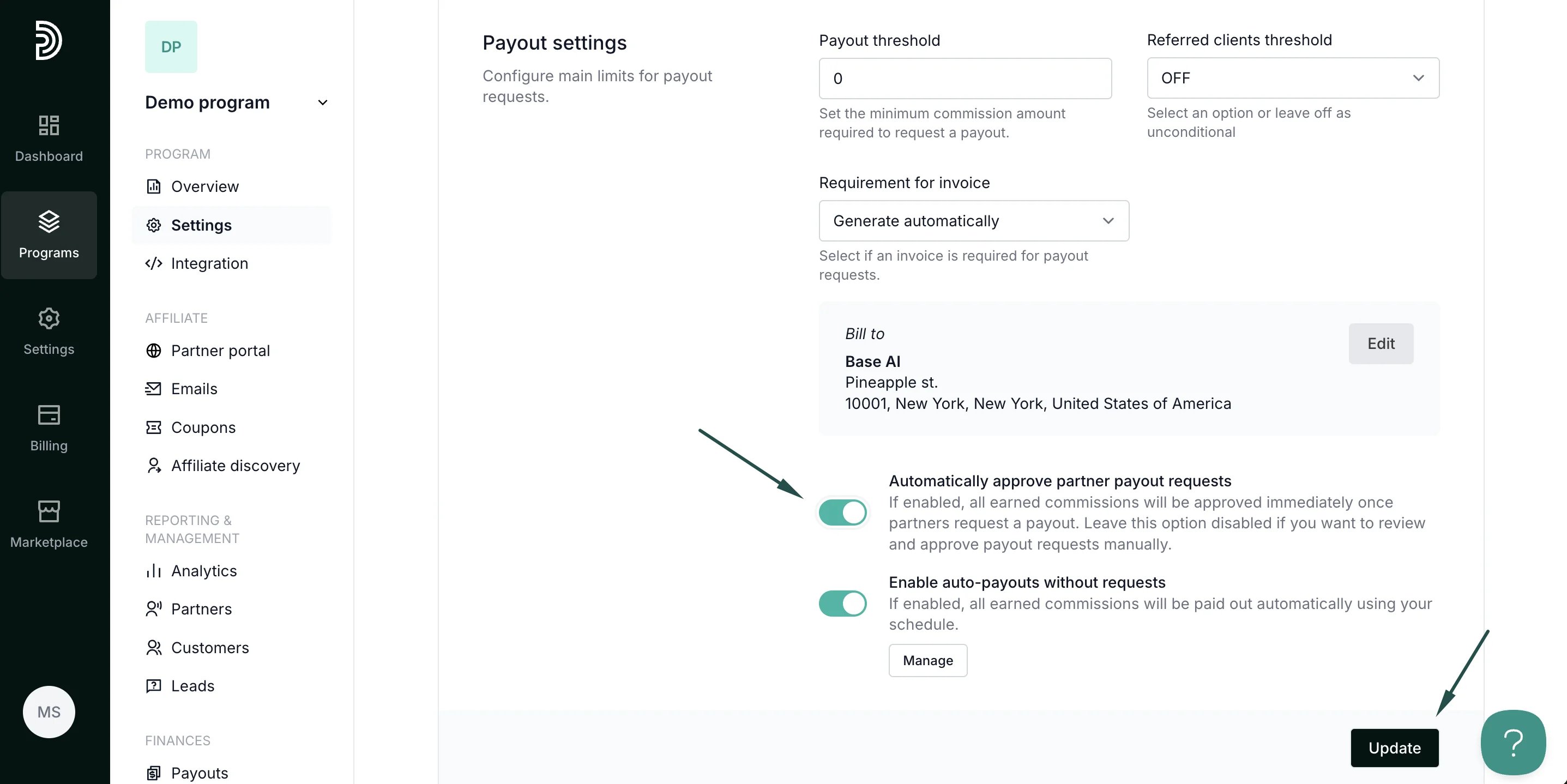
- Click Update to save changes.