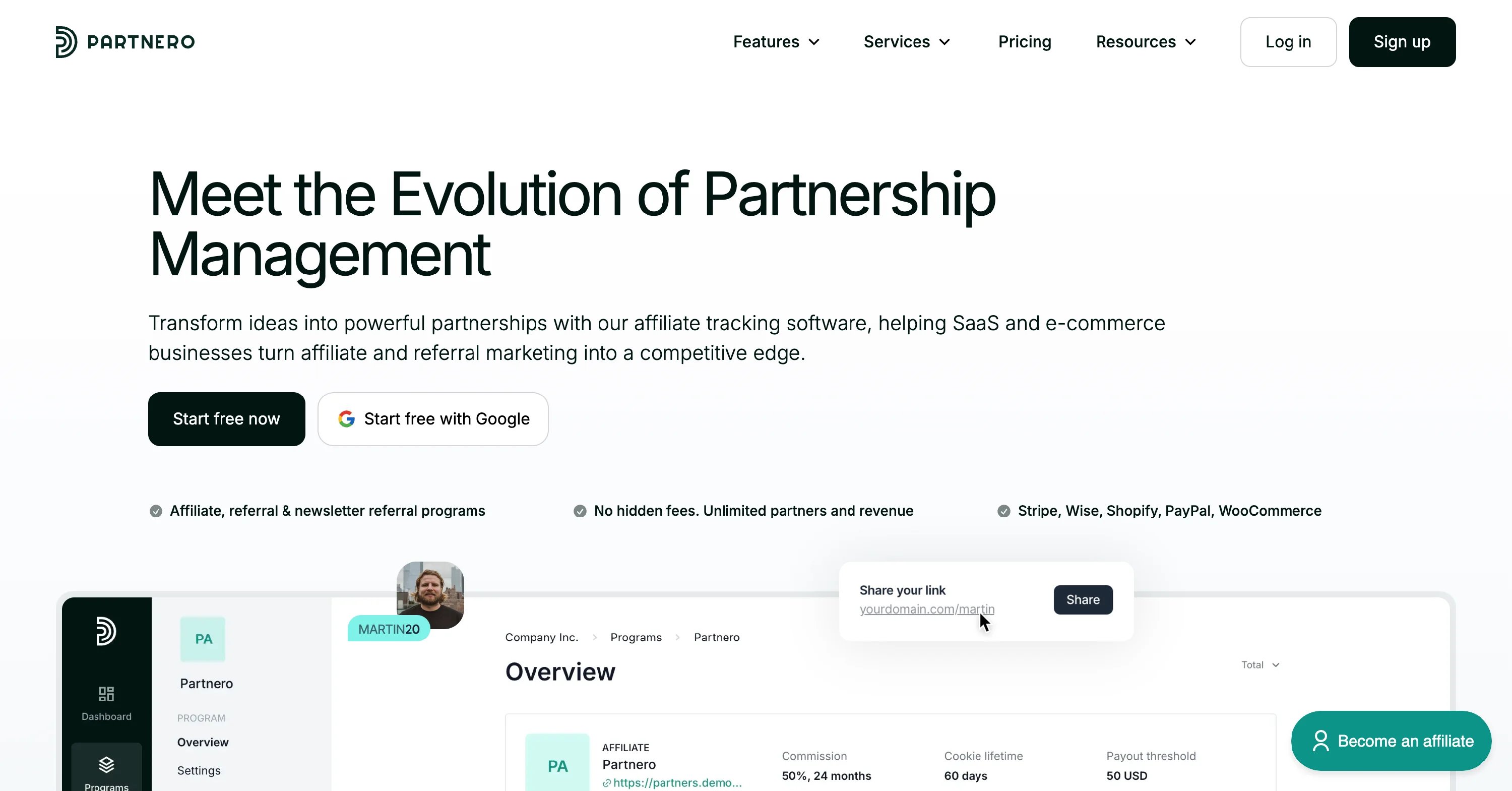
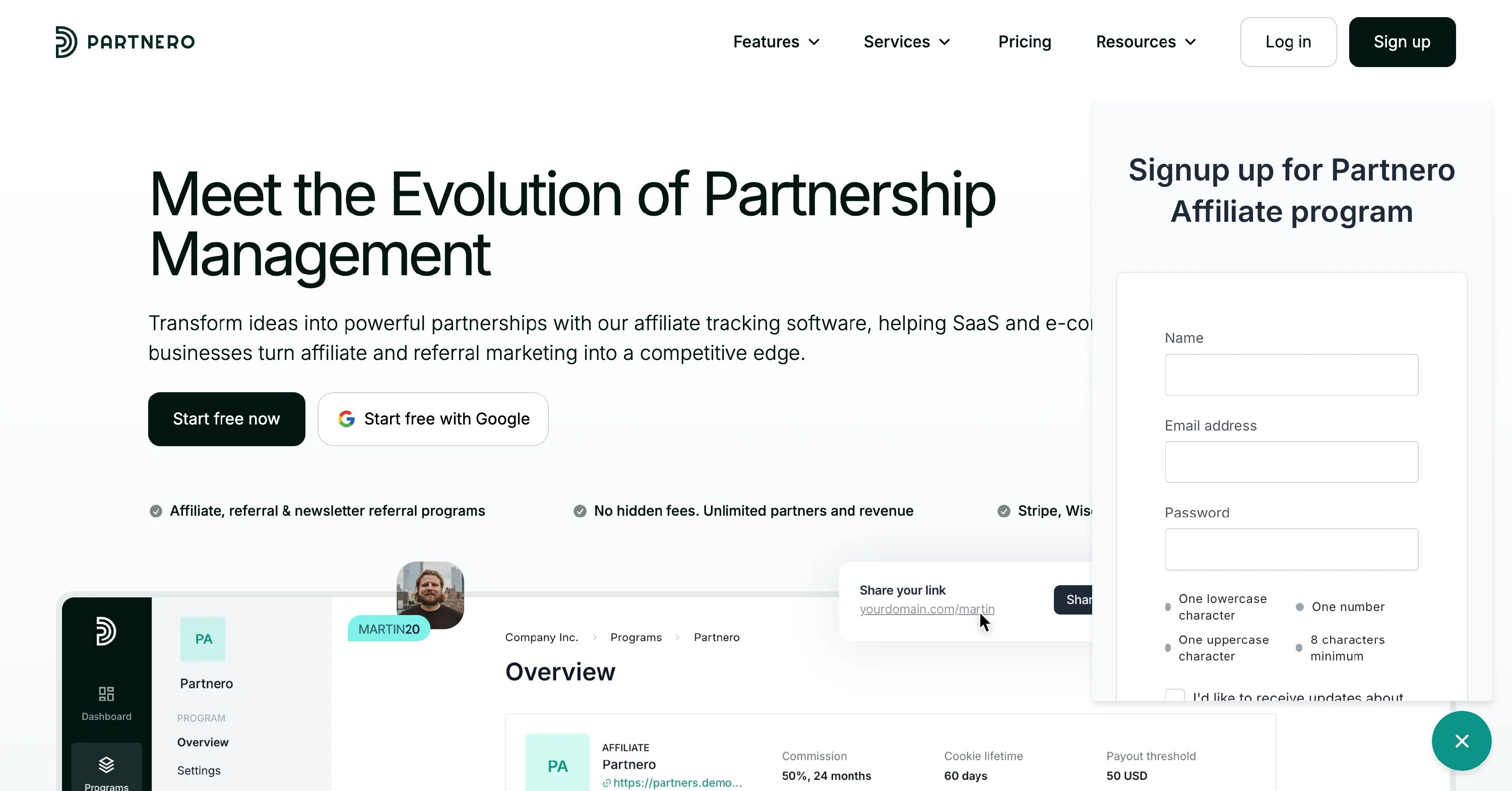
Design the in-site widget
To format and design the in-site widget:- Open your program and go to Partner portal under Affiliate.
- On the Settings tab, switch to the In-site widget section:
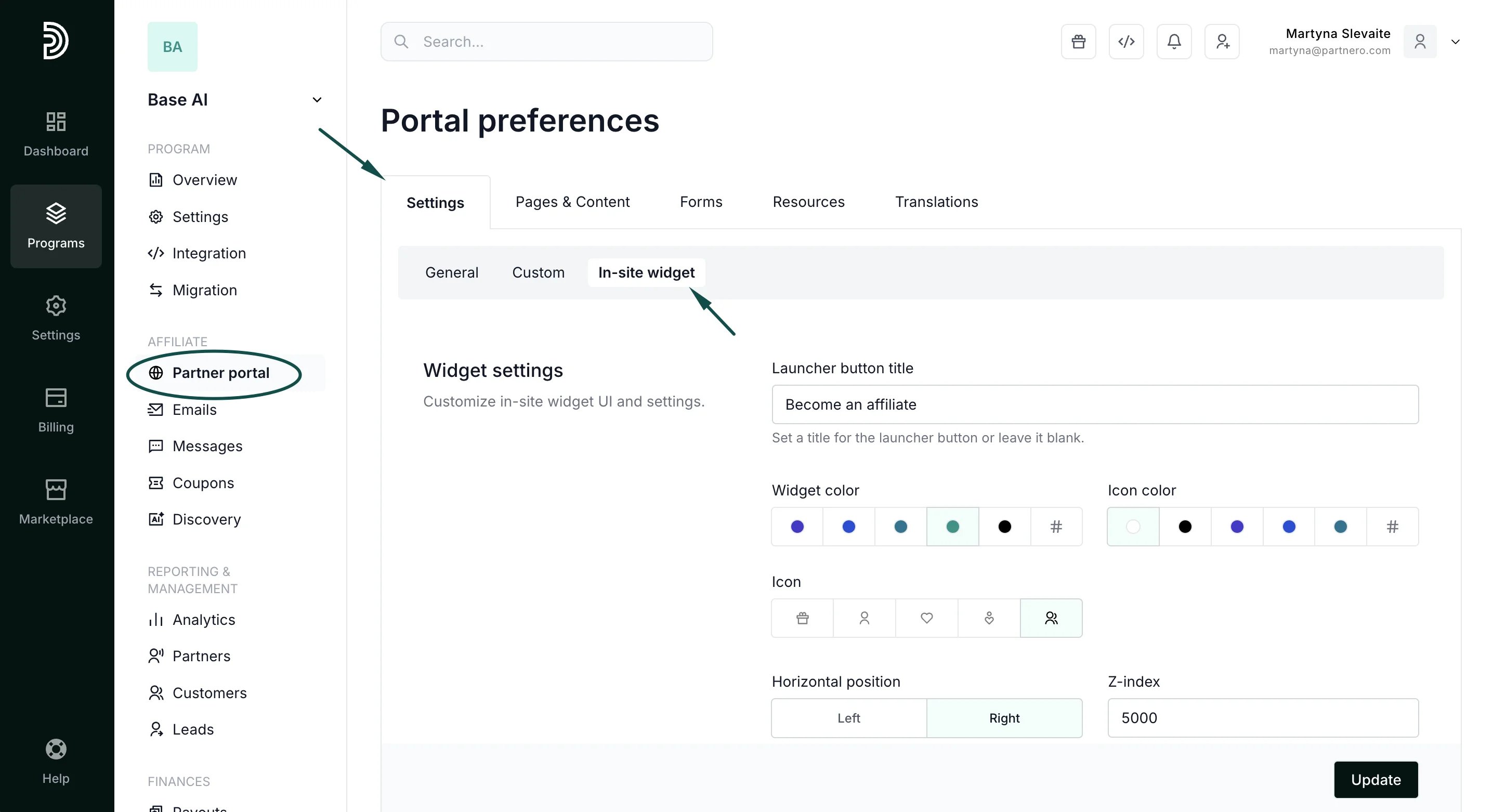
- Add the launcher button title.
- Select the widget and icon colors.
- Select the widget icon.
- Define the widget position.
Add the widget to your website
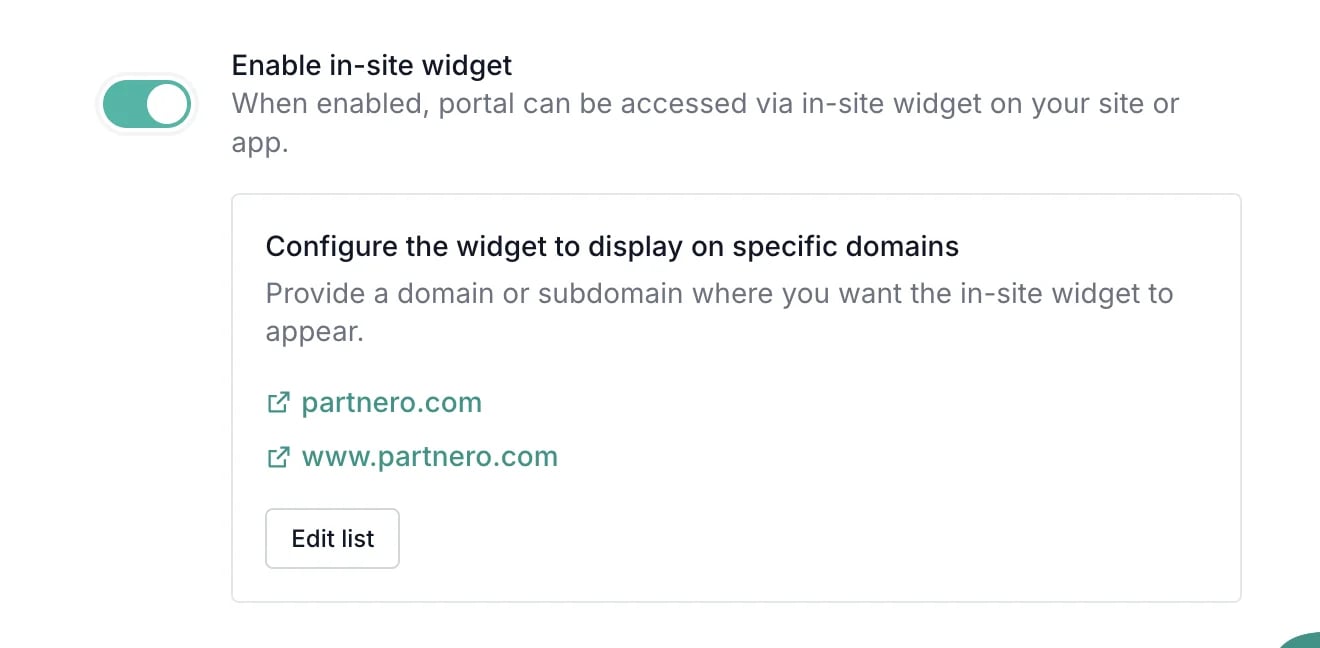
**Step 1: **Partnero integration on your website must be completed before the widget can be visible. Also, you’ll need to connect a custom partner portal domain to use the in-site widget feature. Here’s how to do that. **Step 2: **Now that you have a custom domain connected, go to Partner portal under Affiliate. You’ll land on the Settings tab, General section: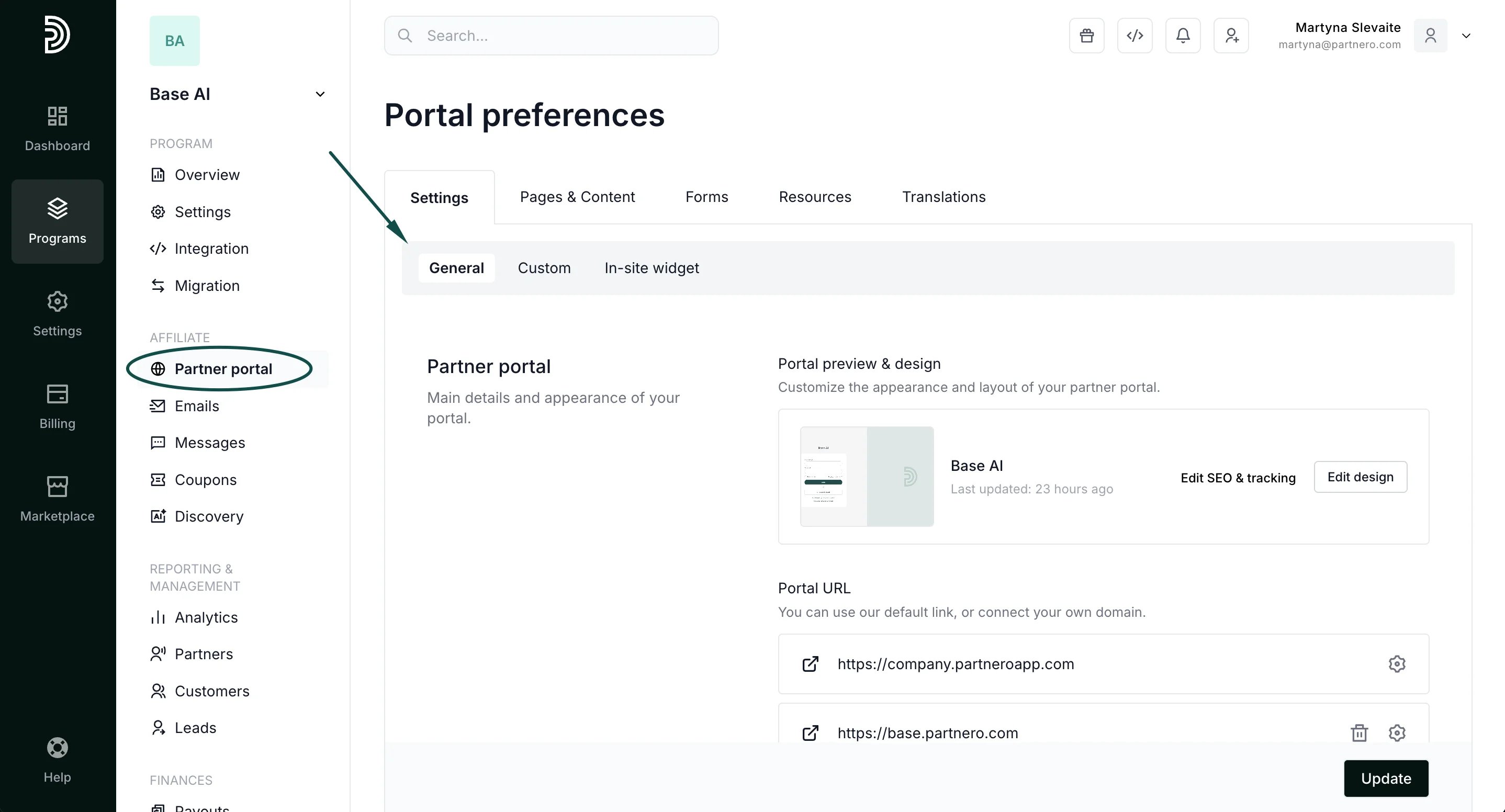
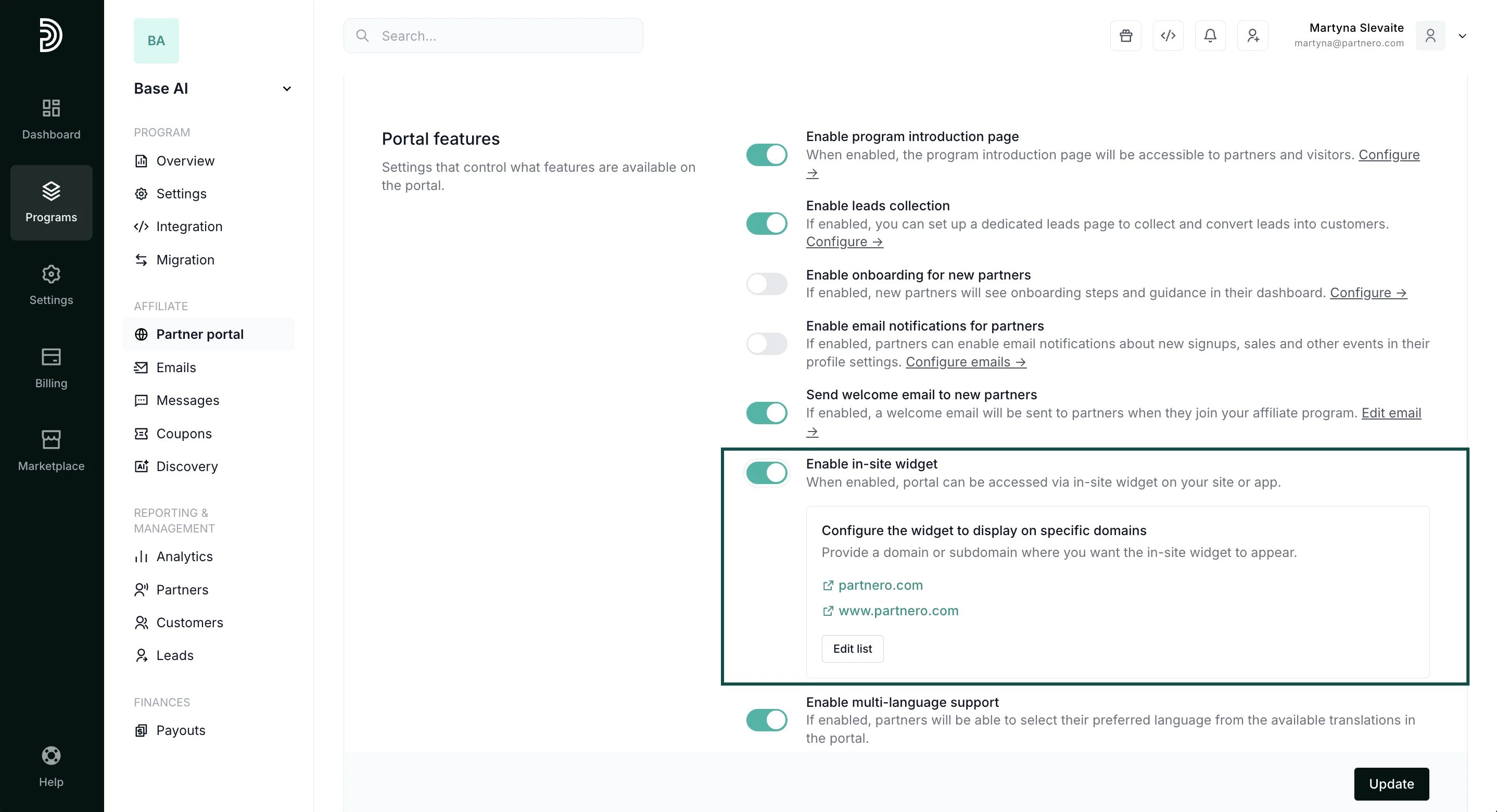
The option will be grayed out if a custom partner portal domain is not connected (Step 1).Add the domains where the widget should be visible: