Find a partner
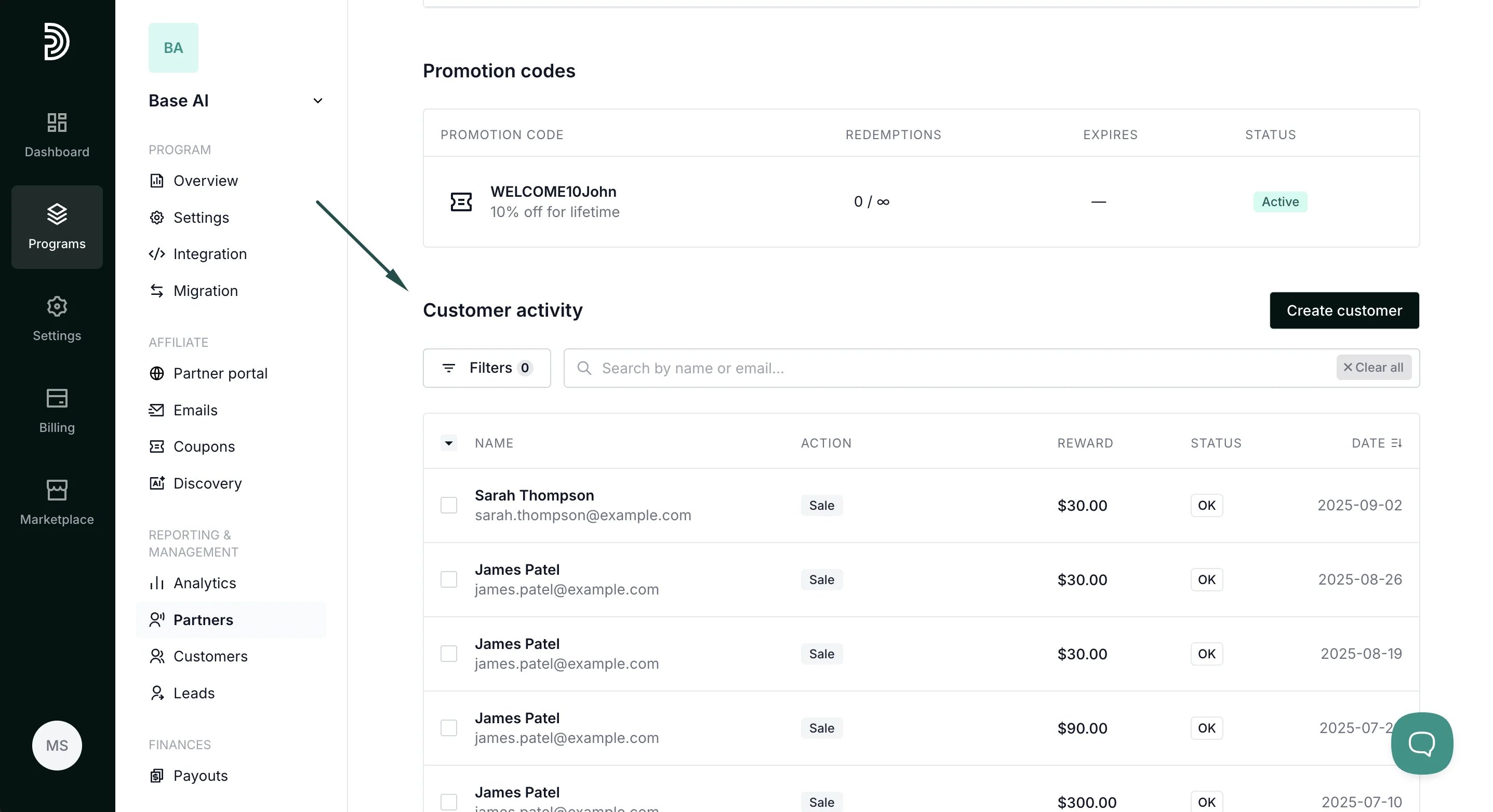
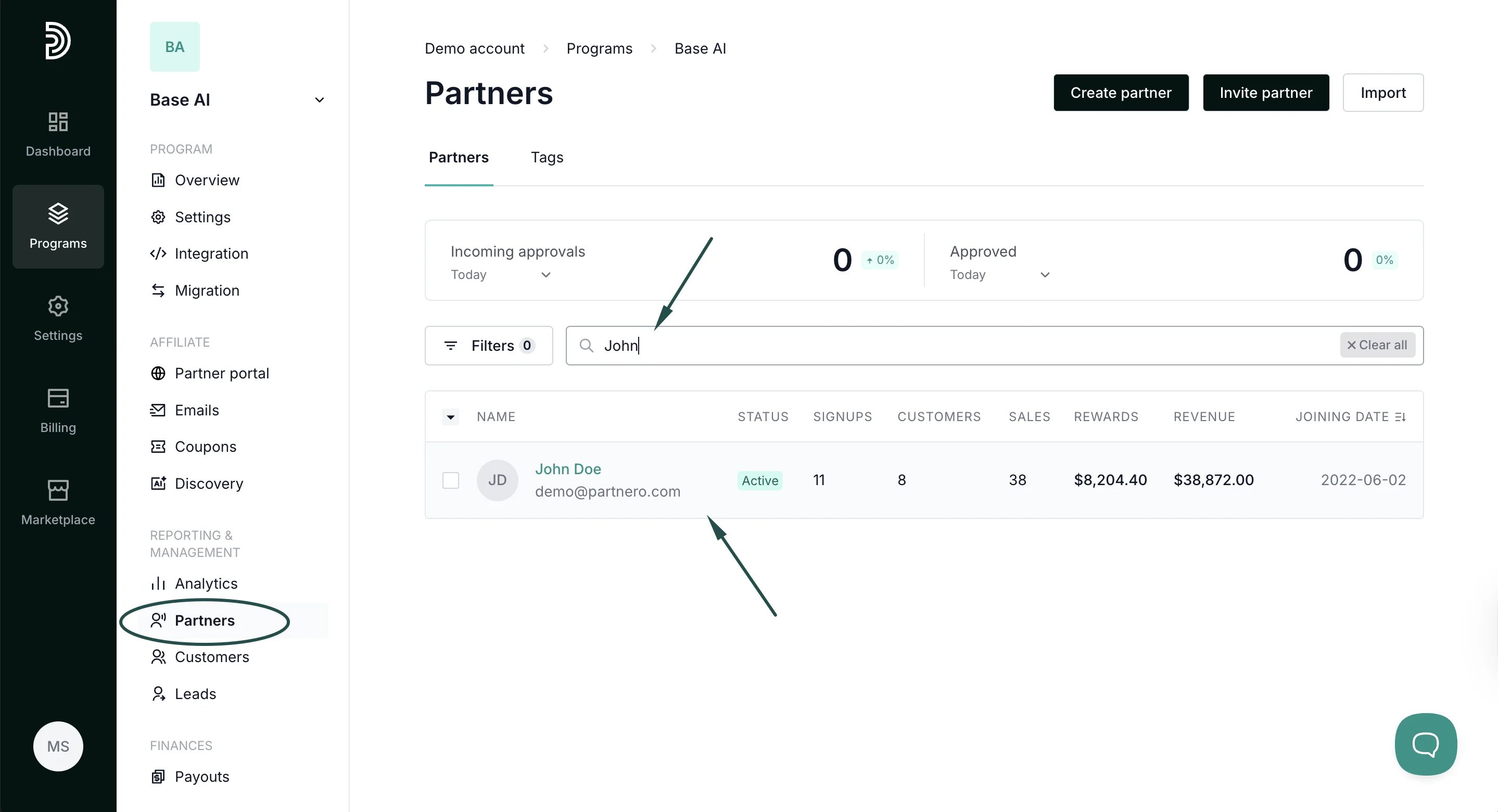
To find a partner:- In your program, go to Partners under Reporting and Management.
- Enter the partner’s name or email address in the search field.
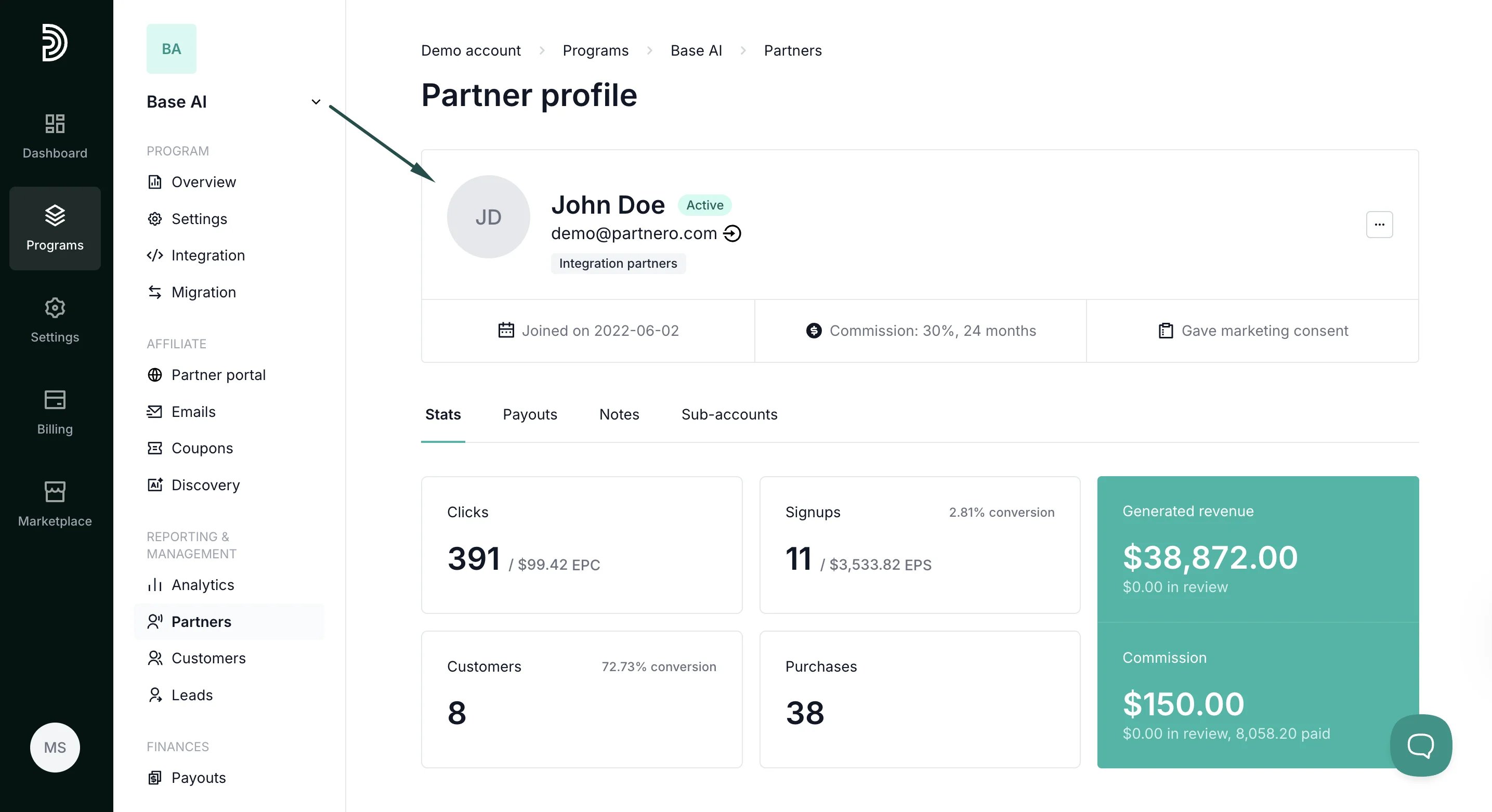
- Click on the search result to open up their profile:
- Name and email address
- Partner tags, if any
- Joined date
- Commission details
- Referring partner, if any
Manage partner details and profile
By clicking on the three dots at the top right, you’ll find the following options: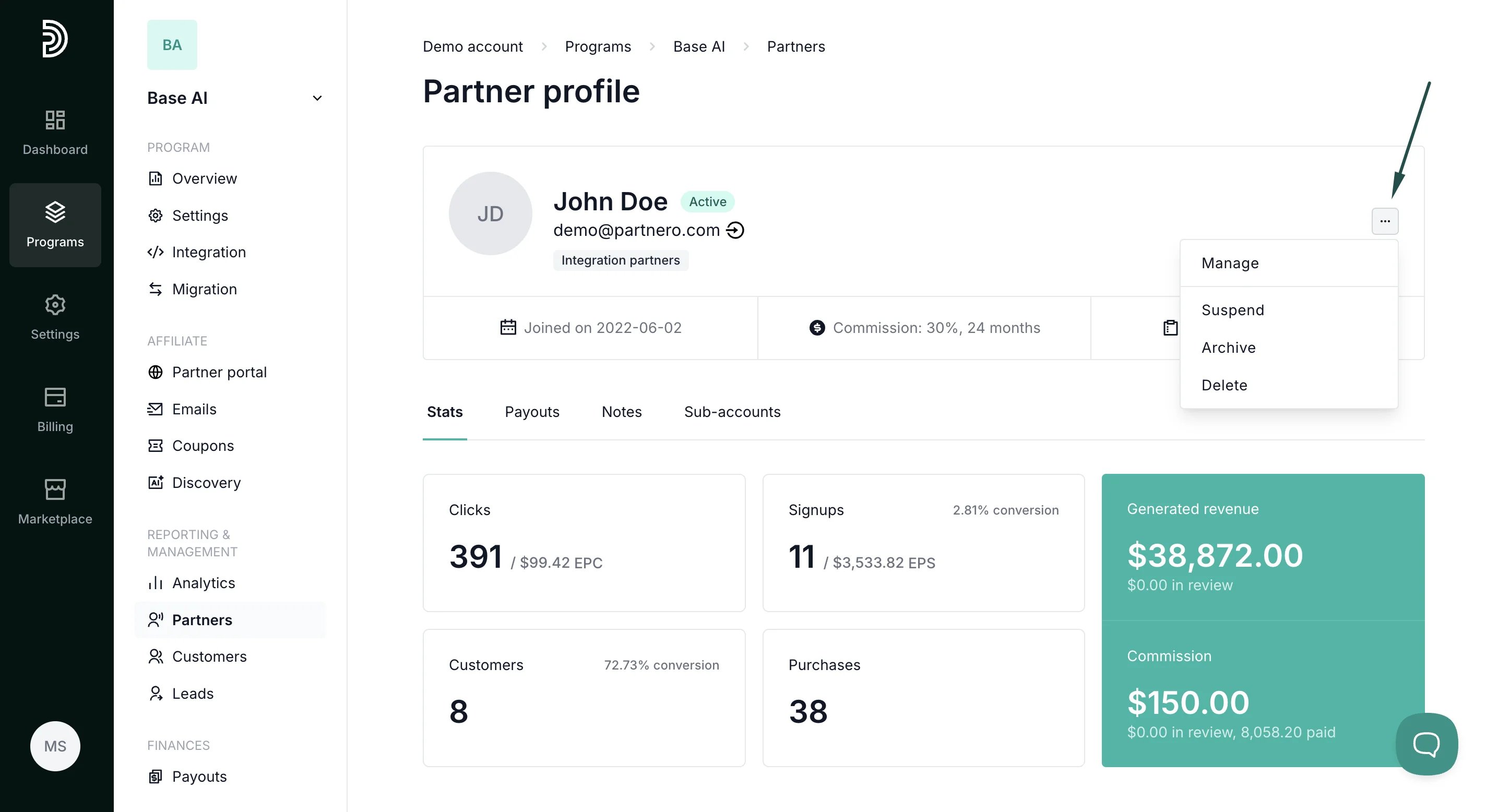
- Manage - here, you can change and manage various partner details and settings; we’ll review each below.
- Suspend - suspends the partner from the program.
- Archive - archives partner profile.
- Delete - deletes the partner account.
Manage partner modal explained
The Manage modal offers various settings and options. We’ll go through each tab below. Profile tab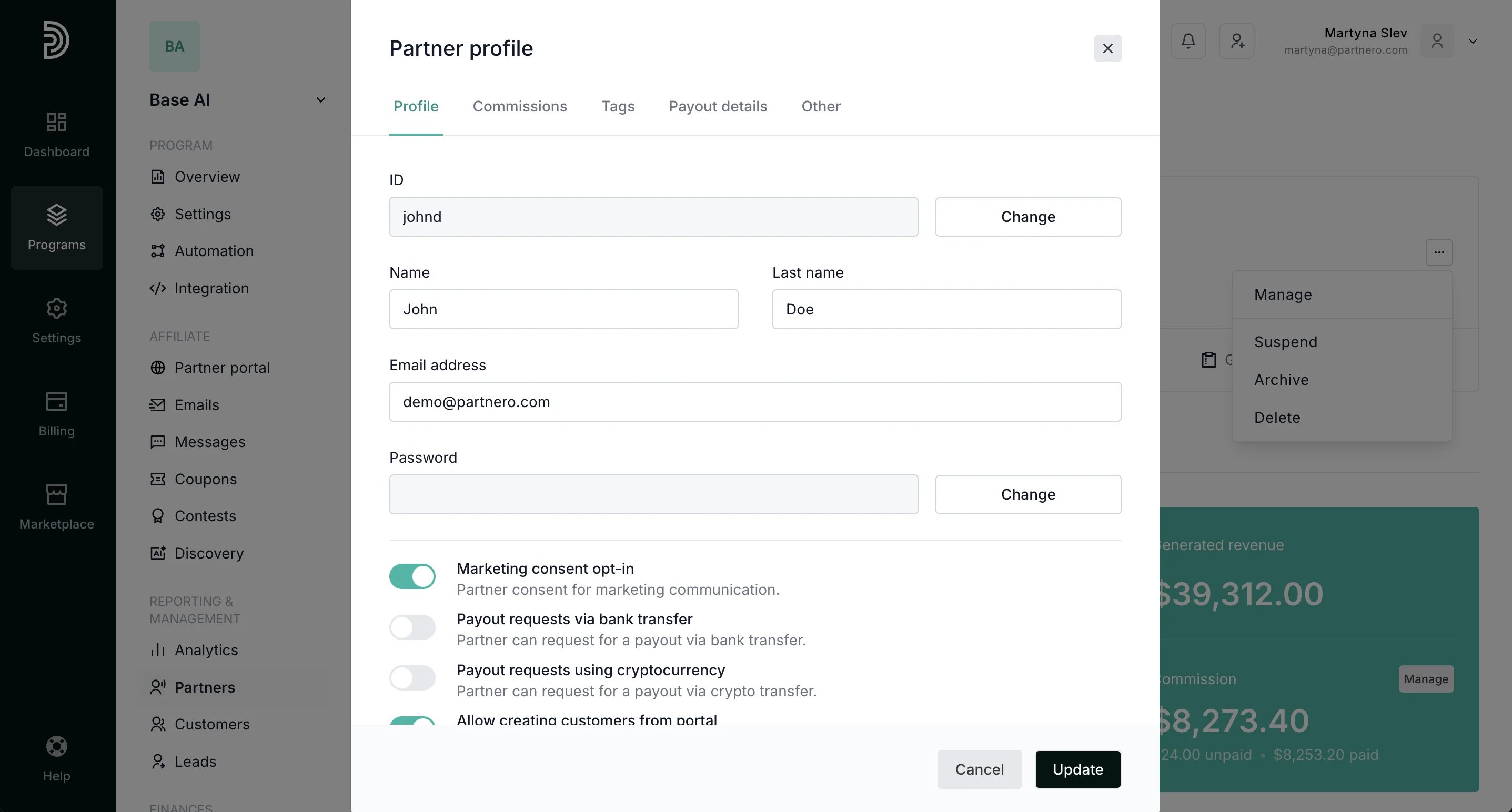
- Change partner ID
- Updated Name and Last name;
- Update email address;
- Change partner’s password;
- Updated marketing consent;
- Allow the partner to request payouts using alternative methods.
- Allow the partner to create customers from the partner portal. Read more about this setting here.
- Prevent partner portal login; the partner will not be able to log in to the partner portal. If currently logged in, they will be logged out.
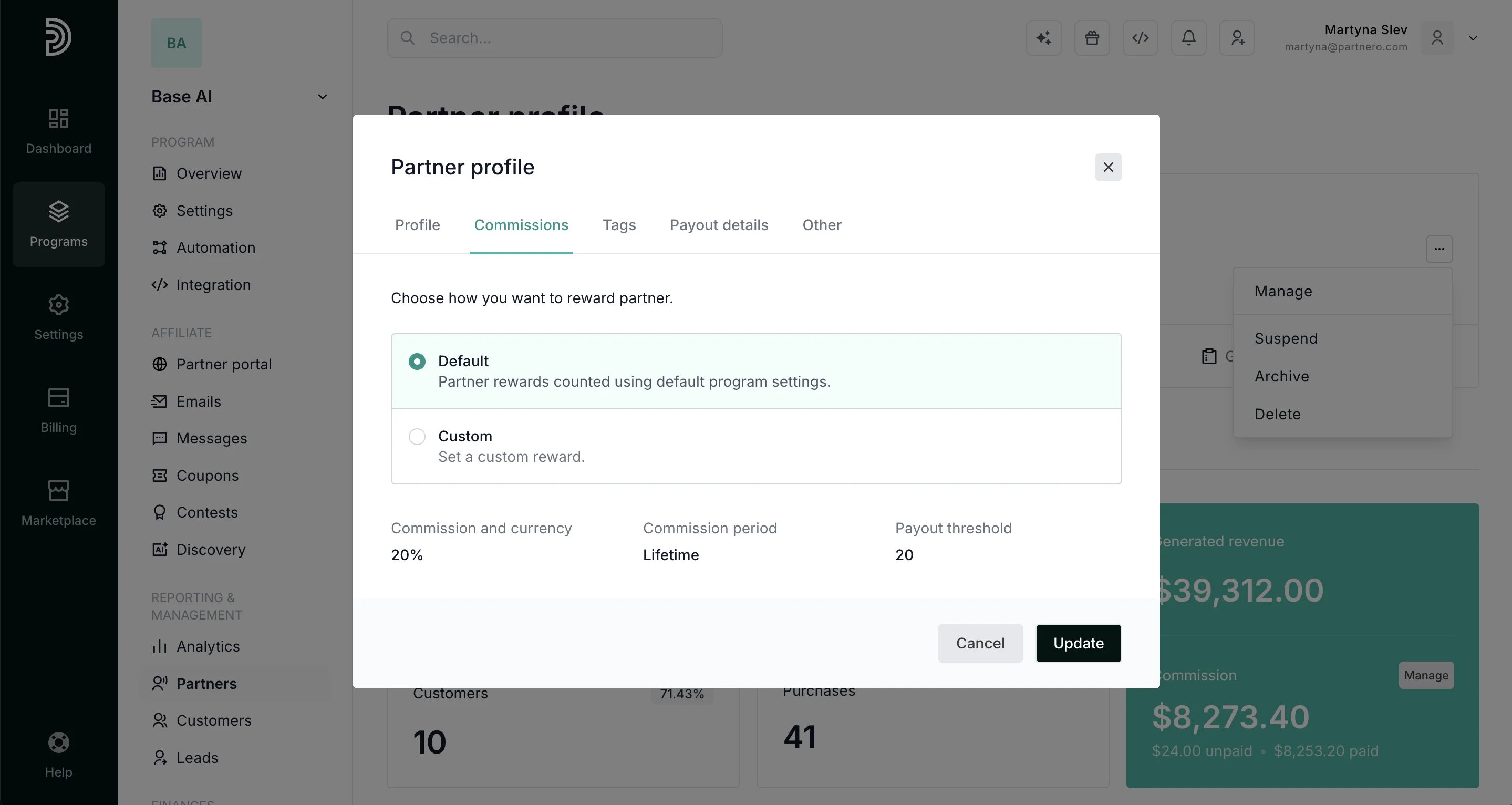
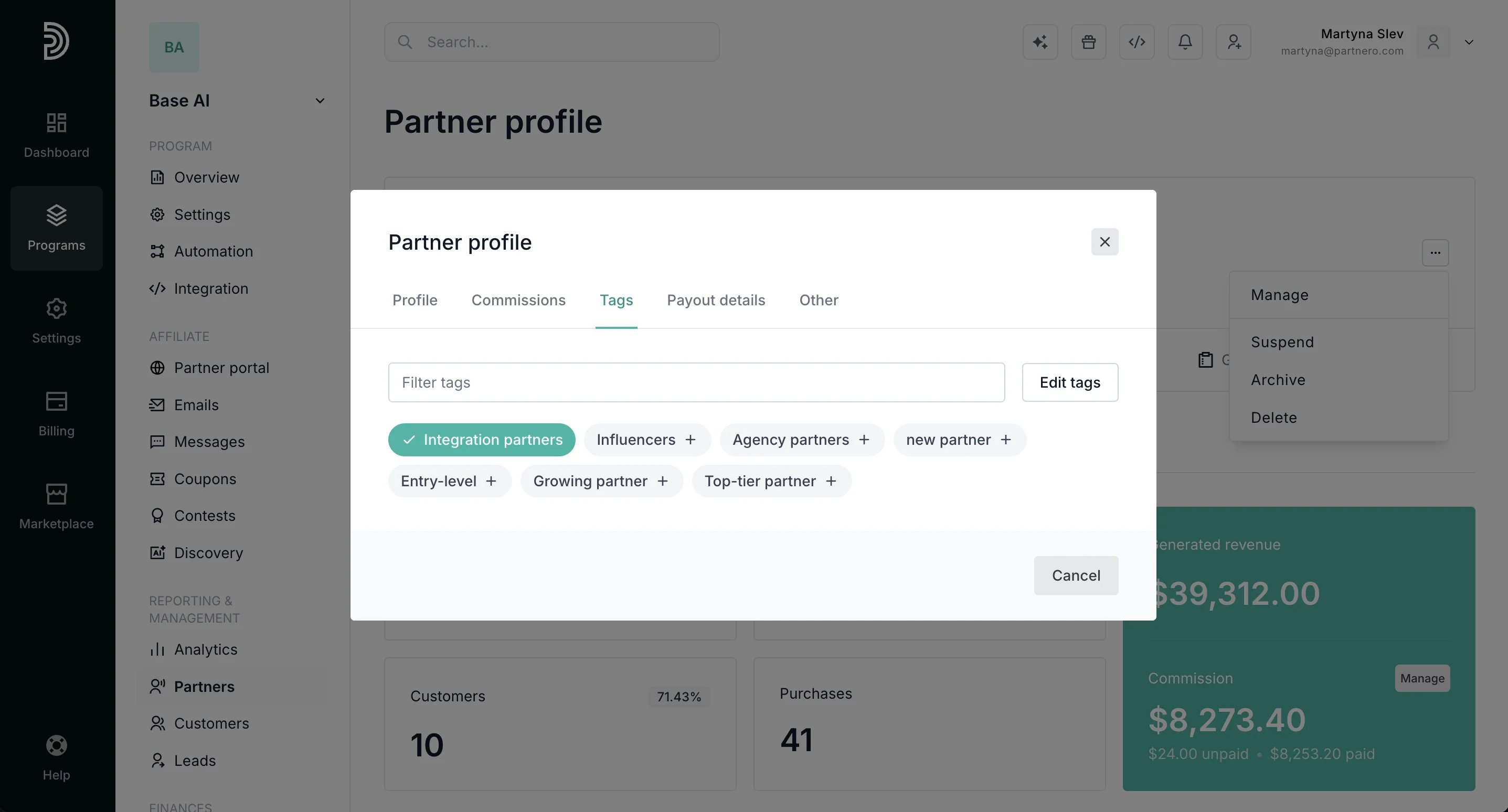
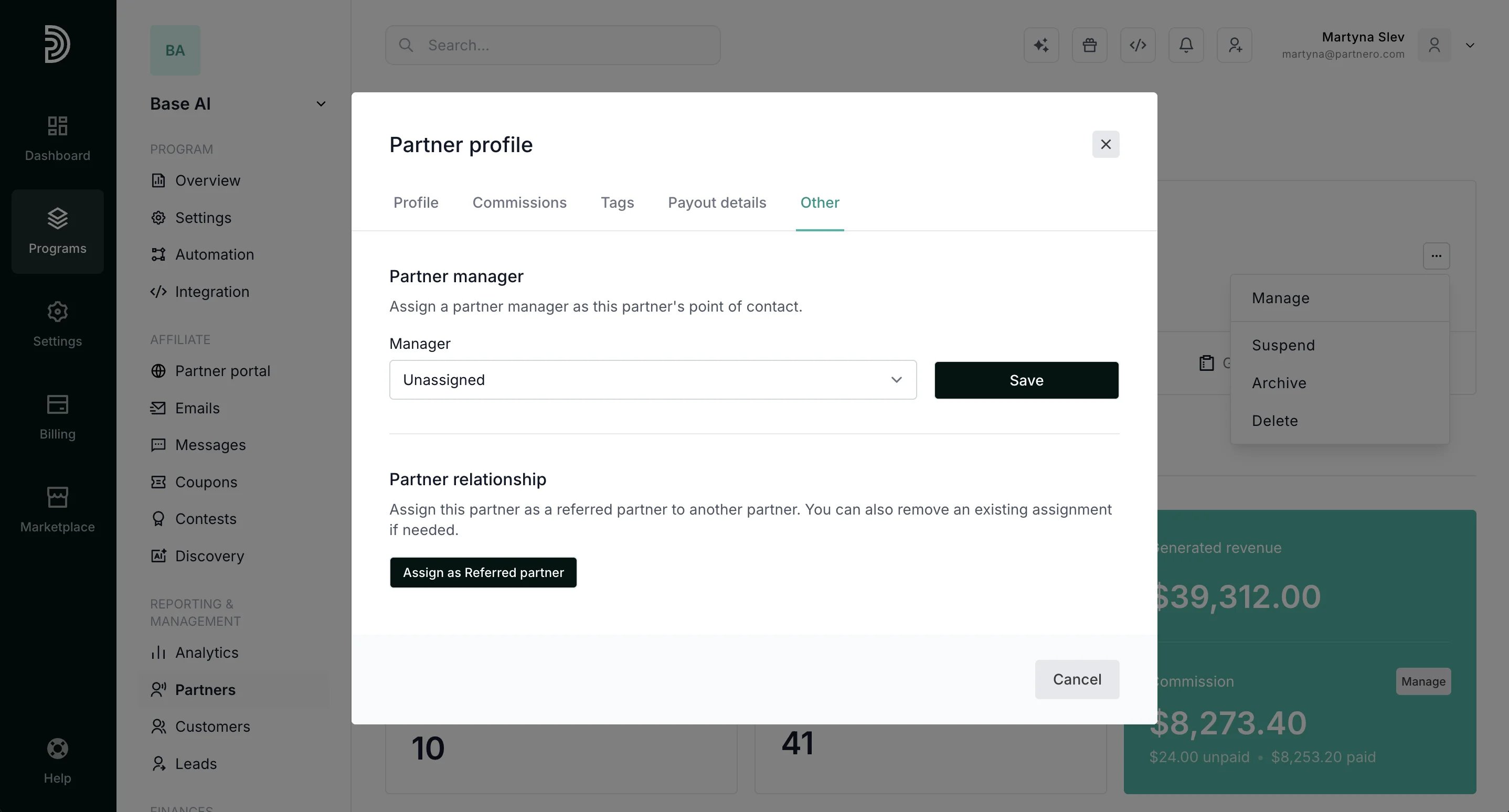
- Add or remove a partner manager. Read more.
- Add or remove referring partner information if you’re using multi-level commission. Read more.
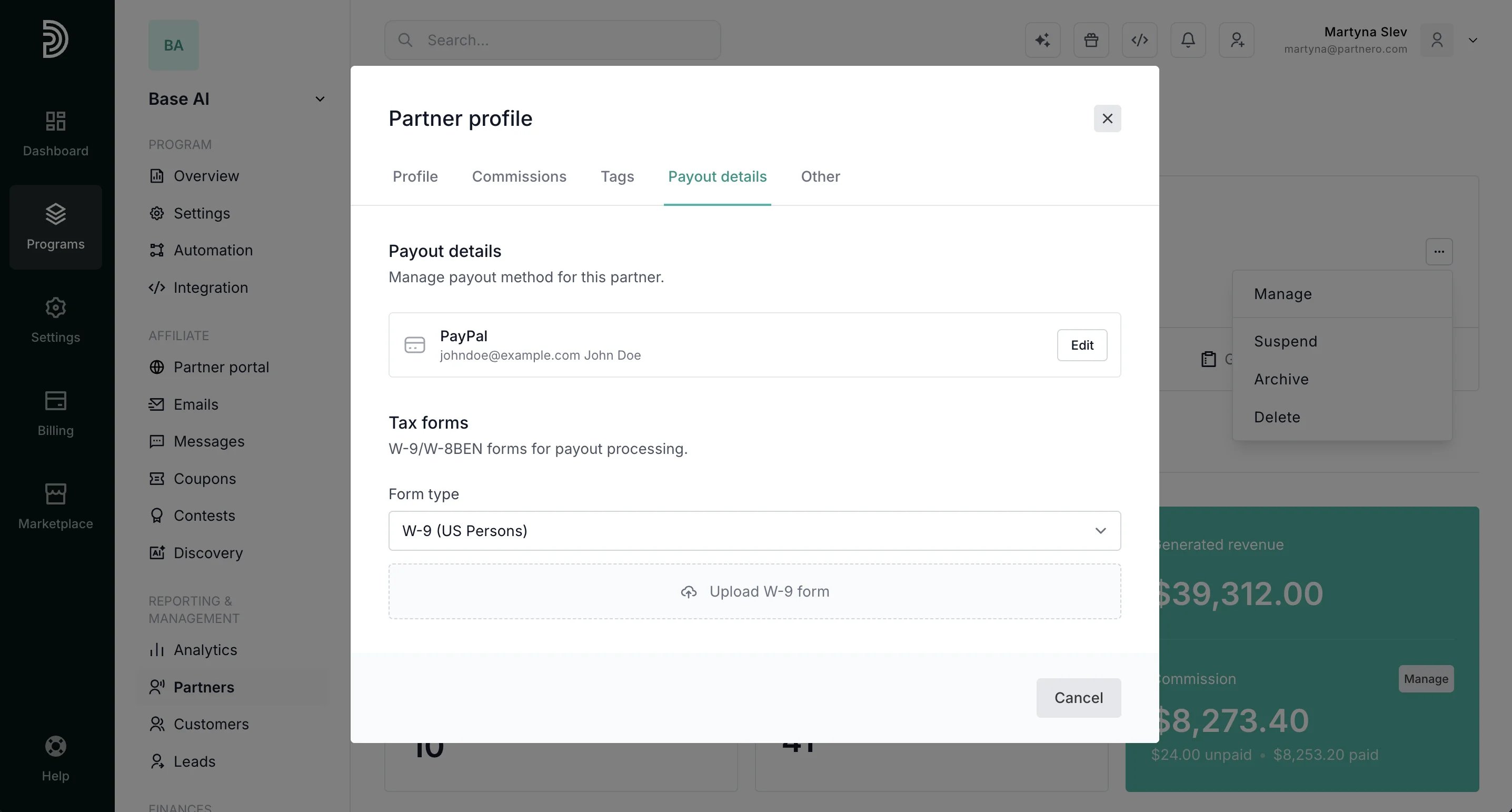
- View and edit partner payout details.
Partner stats, links, and customer activity
The rest of the partner’s profile contains the following sections:- Partner stats: here, you can see the partner’s performance:
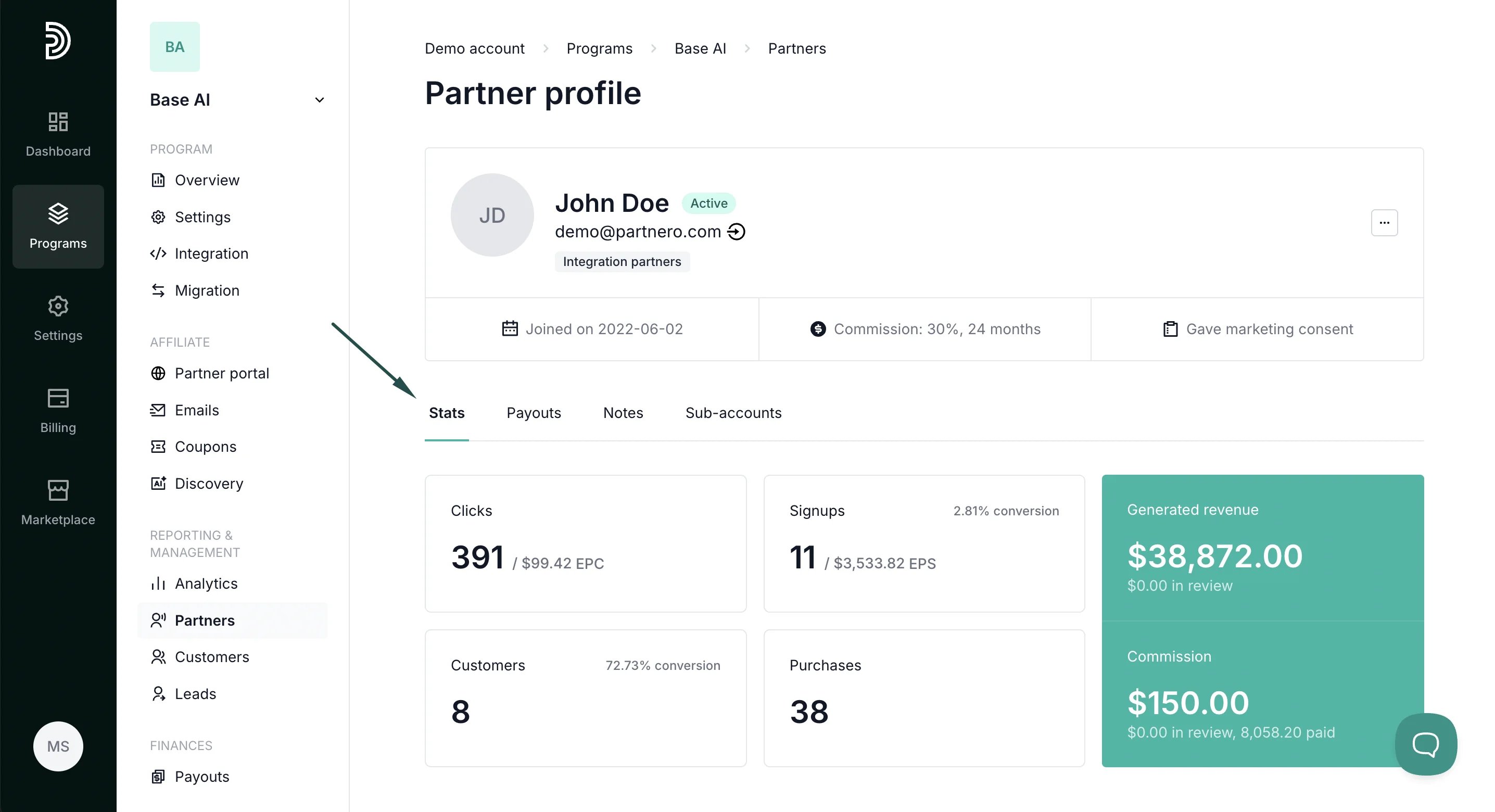
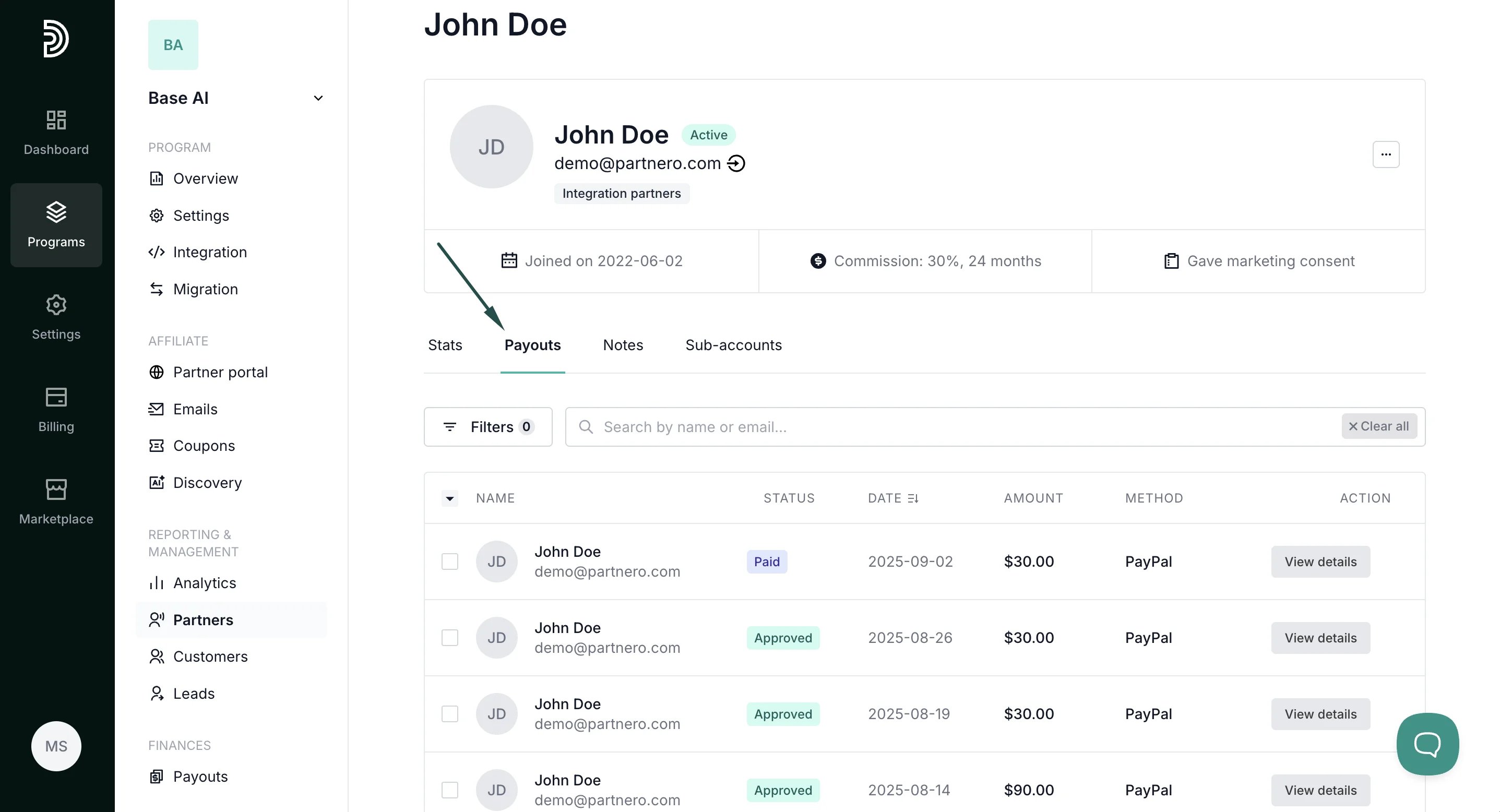
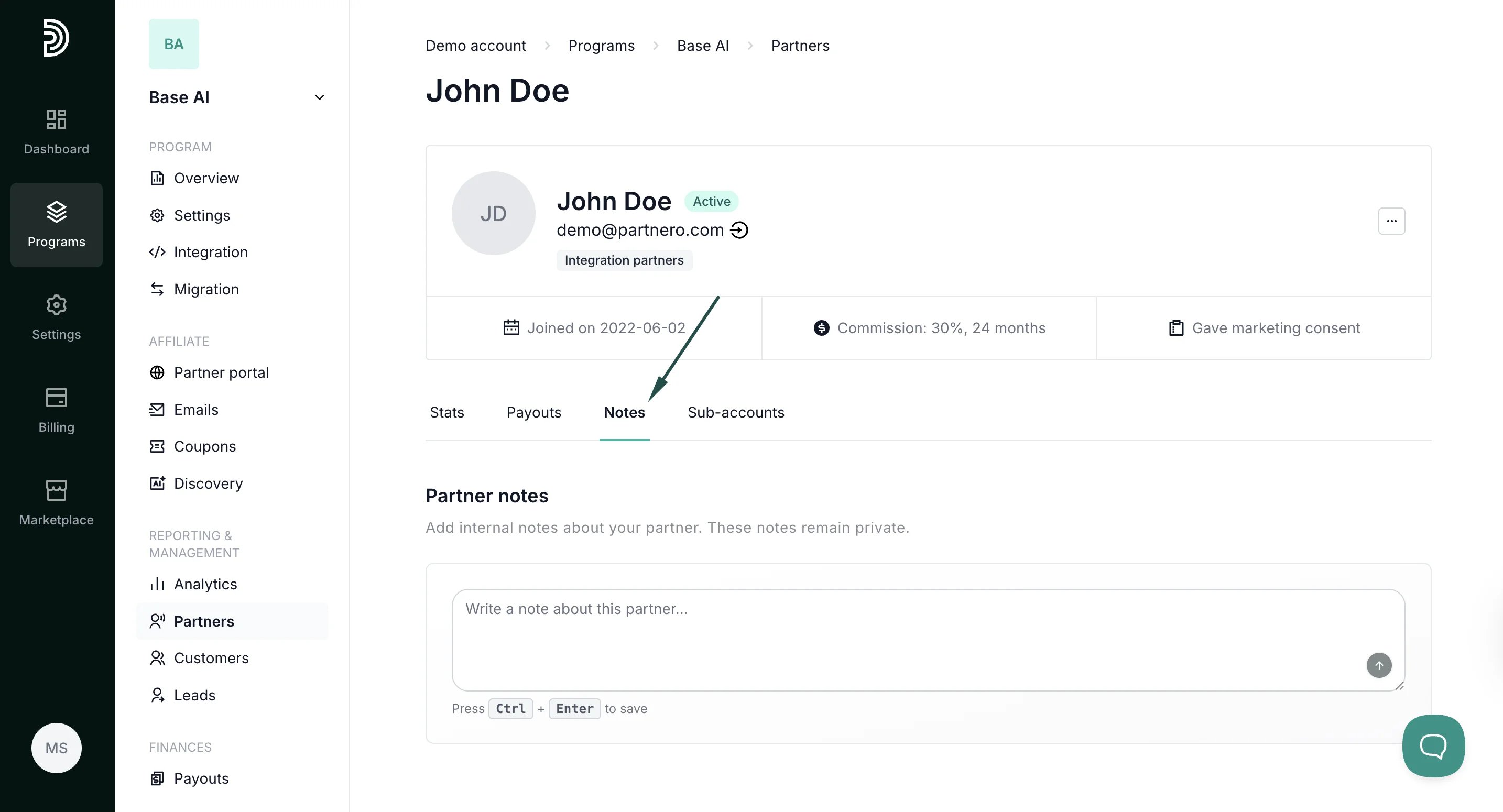
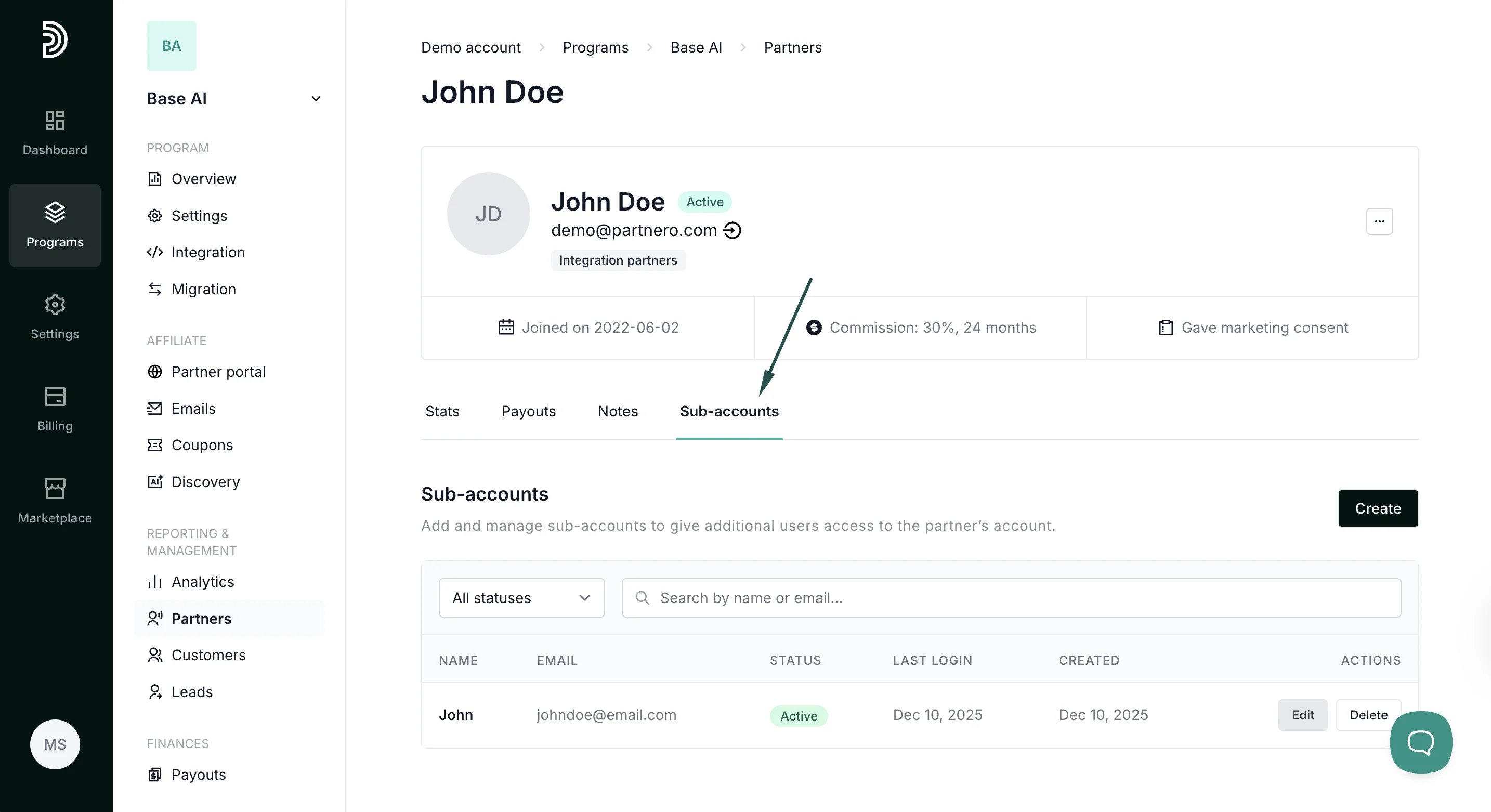
- Reward distributio****n: see which specific program rewards were triggered to generate commission for this partner:
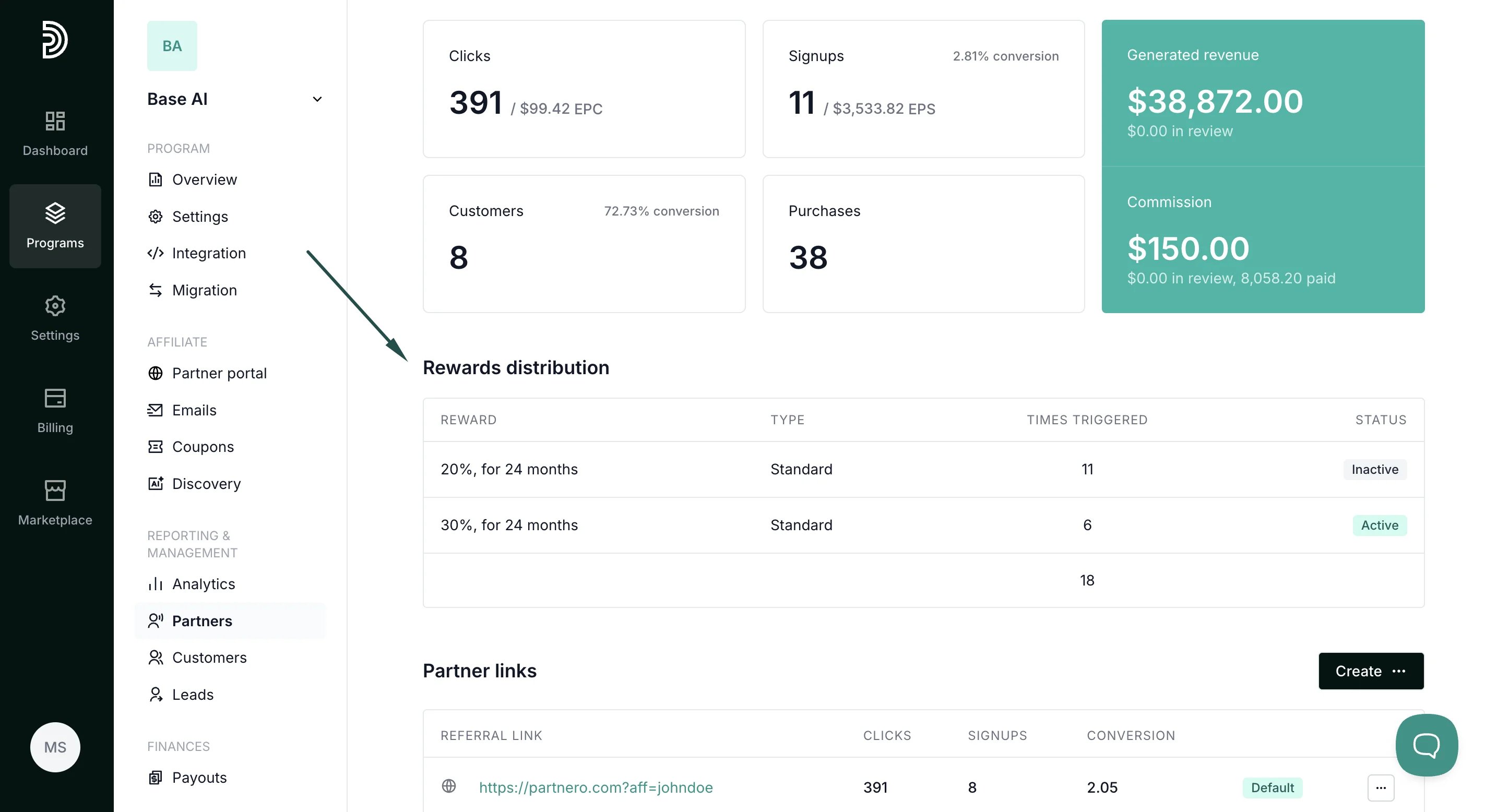
- Partner links: here, you can see, create, and delete all partner links. Read more about direct links here.
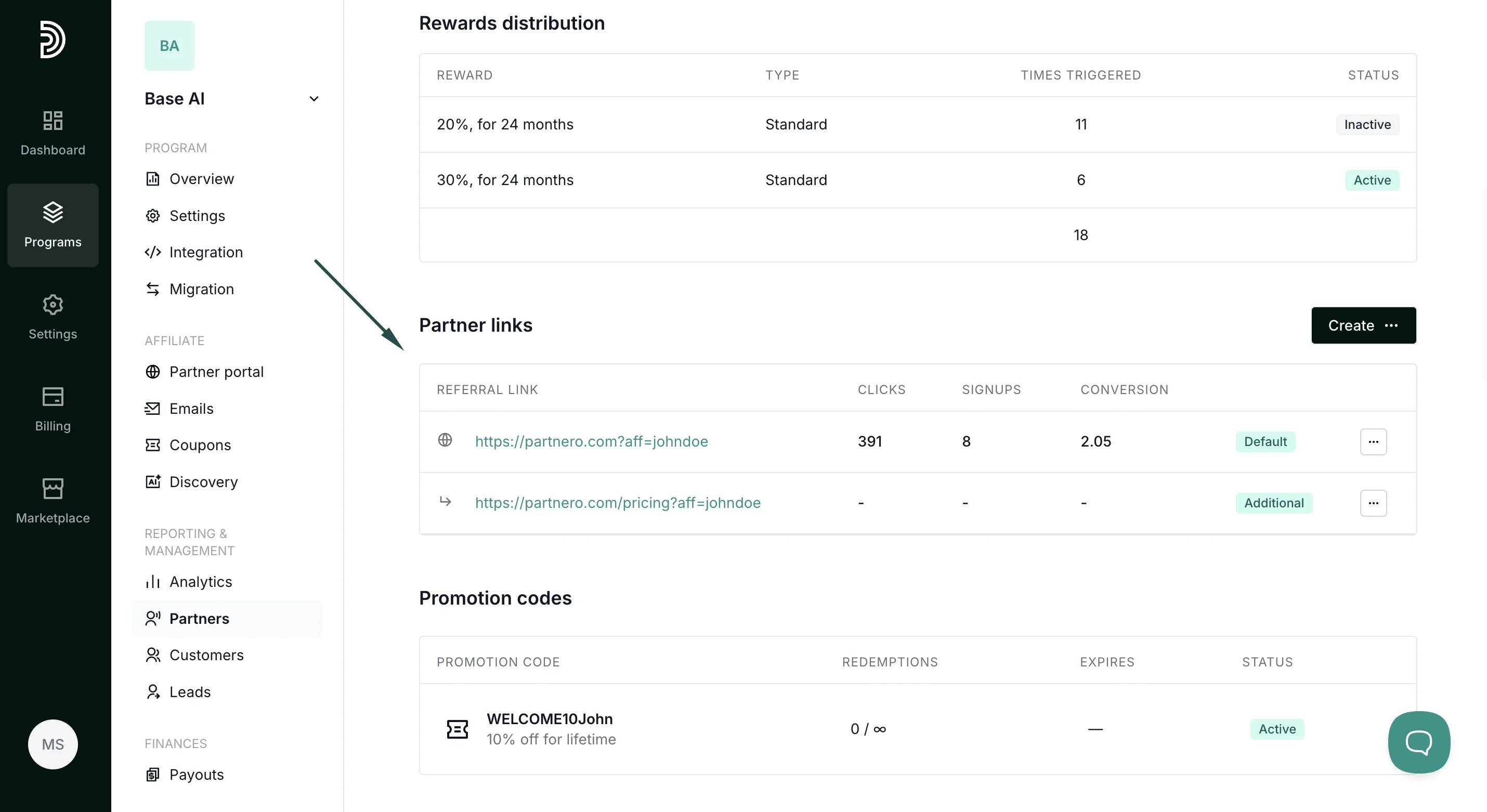
- Promotion codes: if the partner has any promotion codes assigned, you will see them listed here. Read more about promotion codes.
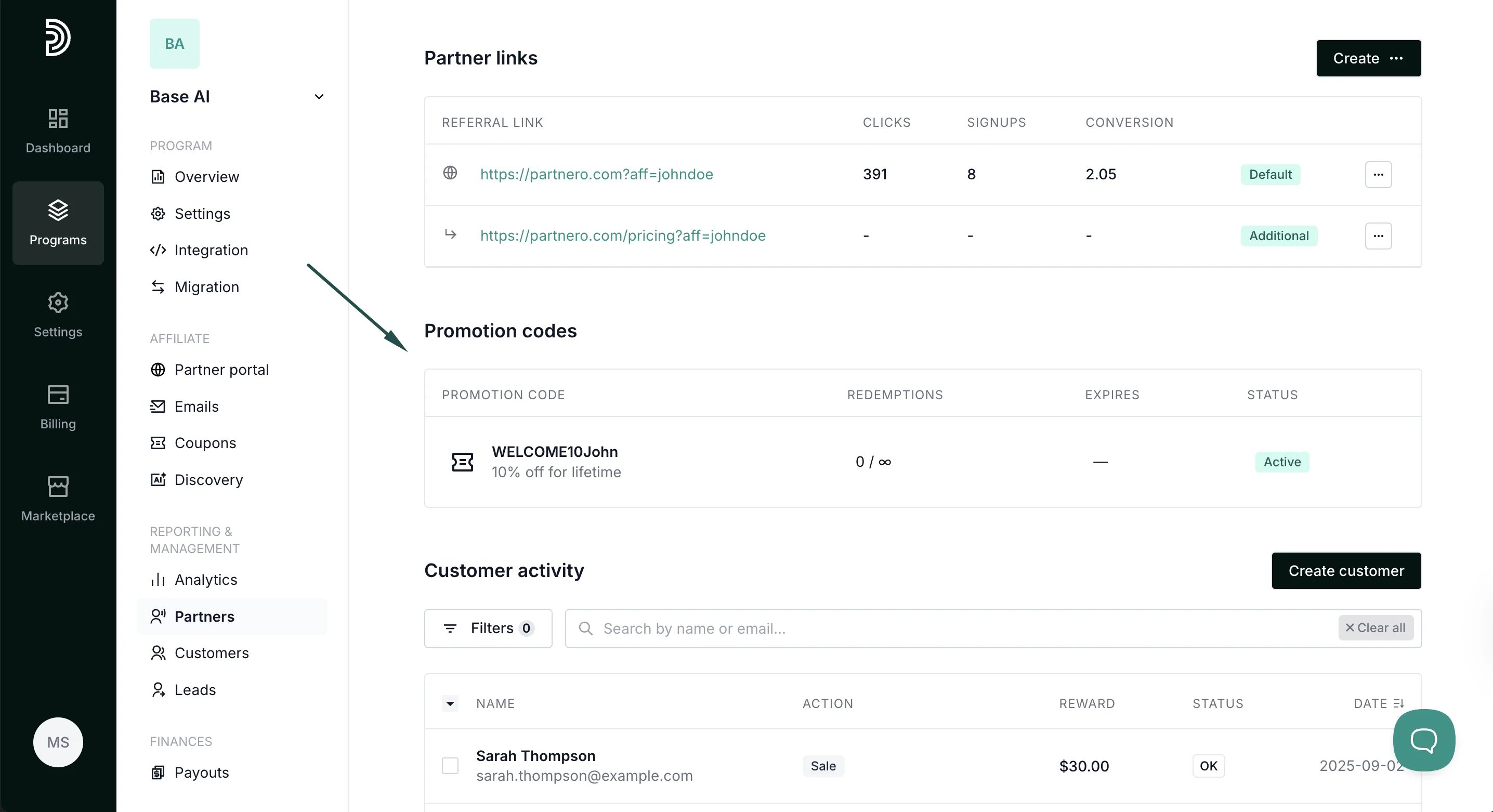
- Customer activity: here, you’ll find the full list of customers the partner has brought in and find the option to create customers manually.