

Pending payout requests
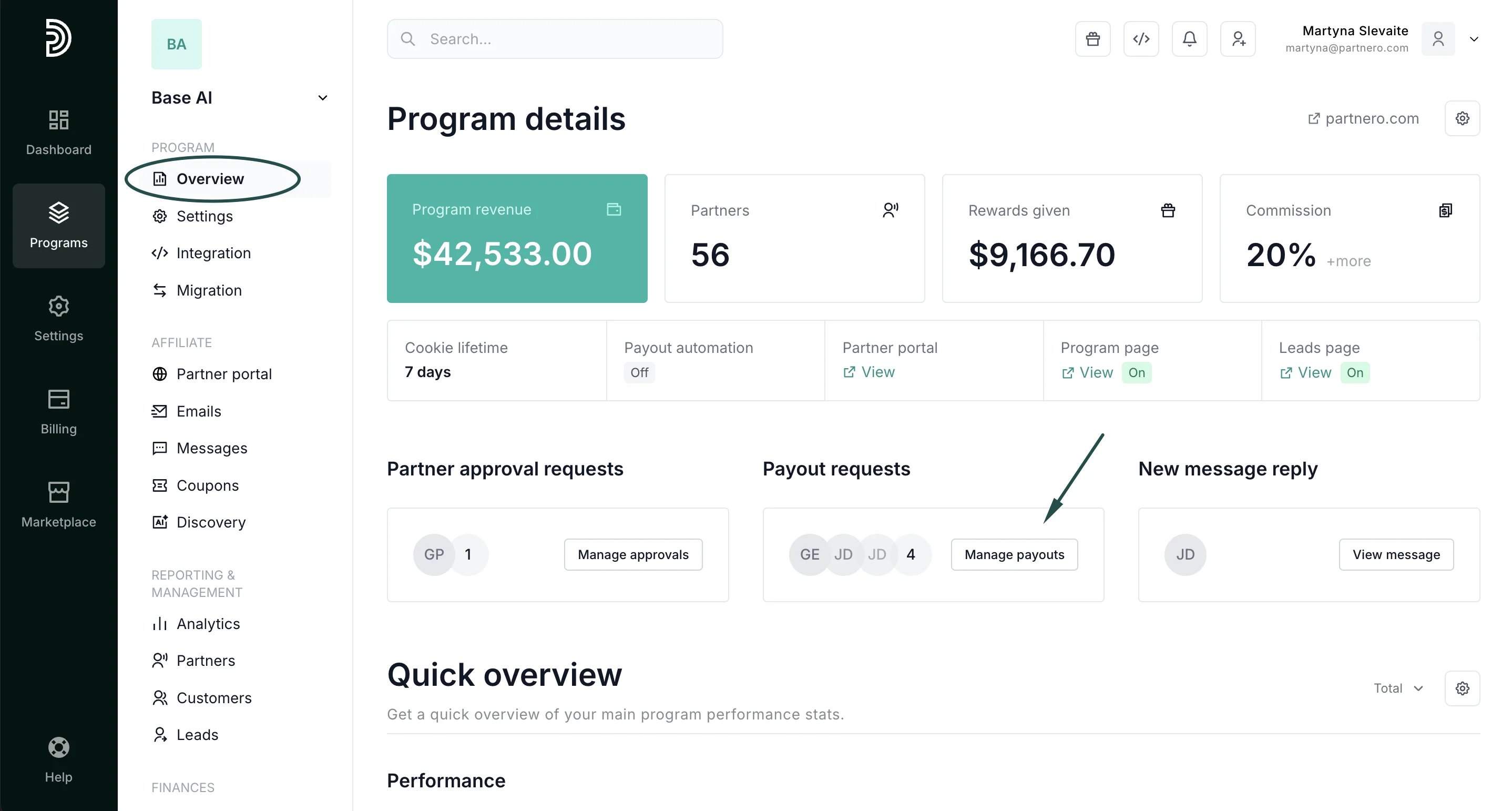
When your partners start earning commissions, they can request a payout once the payout threshold is reached. To access all pending payout requests:- Go to Program > Overview.
- Click Manage payouts under Payout requests:
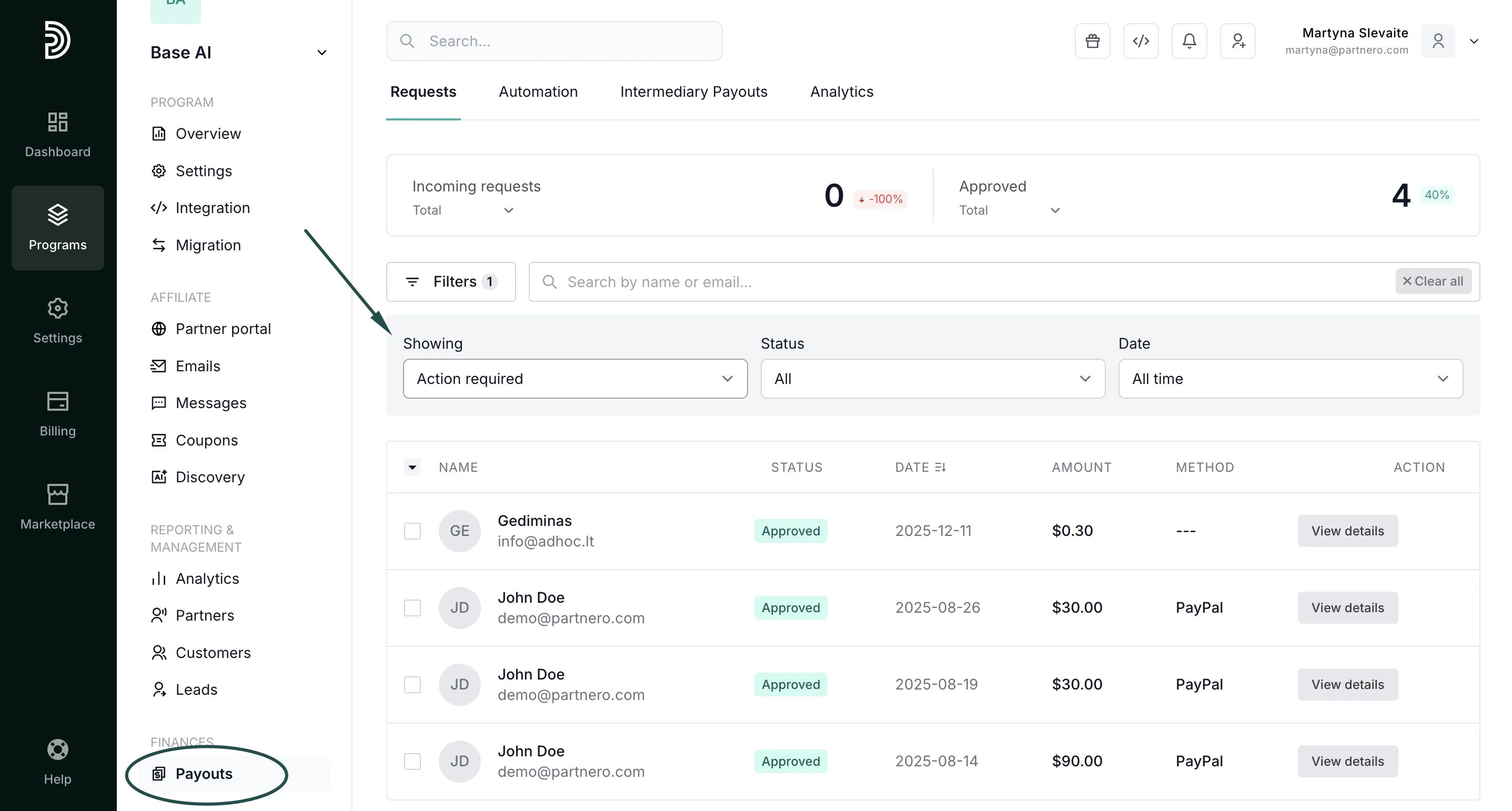
- Go to Payouts under Finances.
- Expand the filters and under Status, select Action required:
Payout request actions
Once you’ve accessed the payout requests list, you can click View details next to individual payout requests.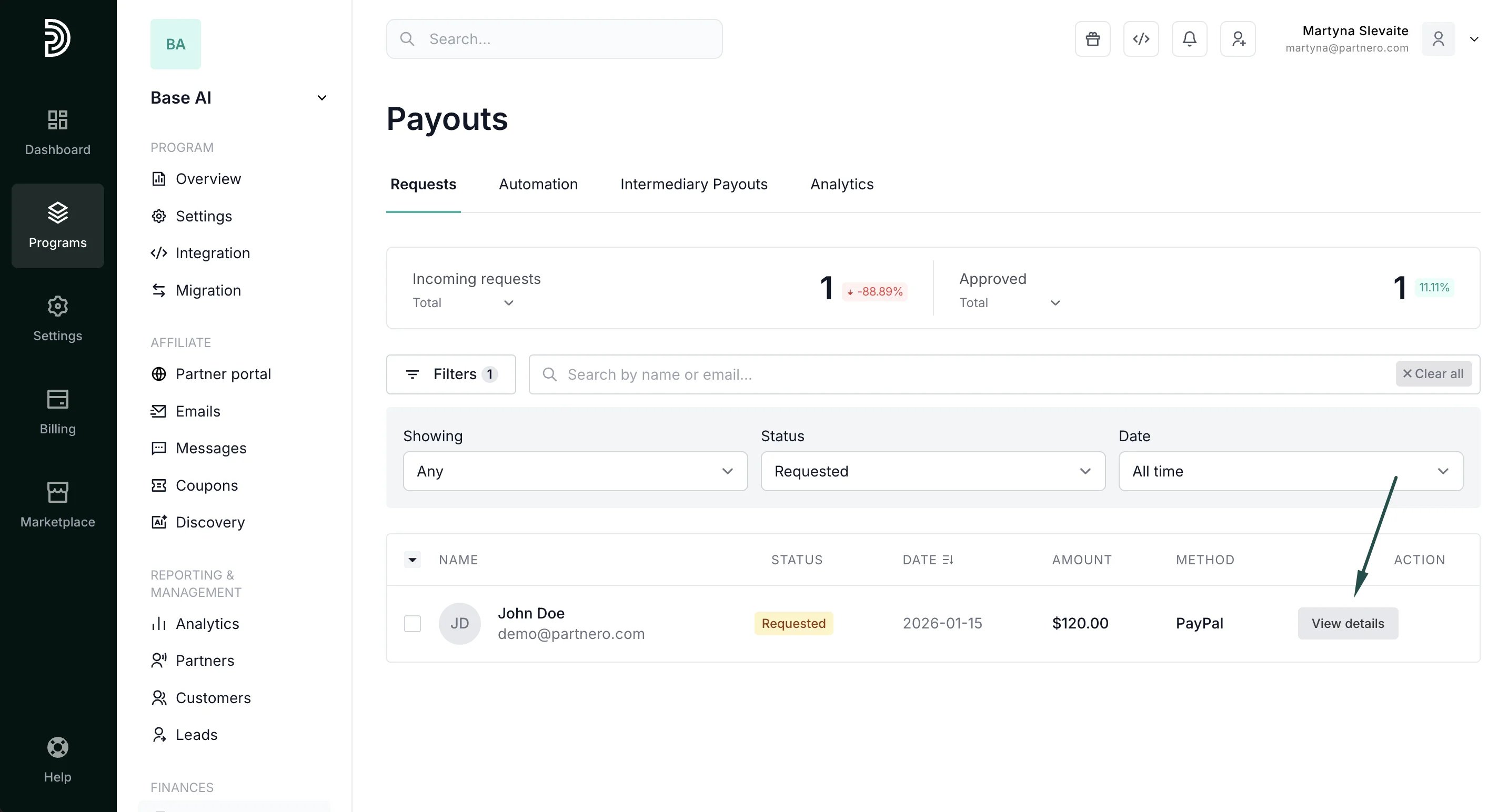
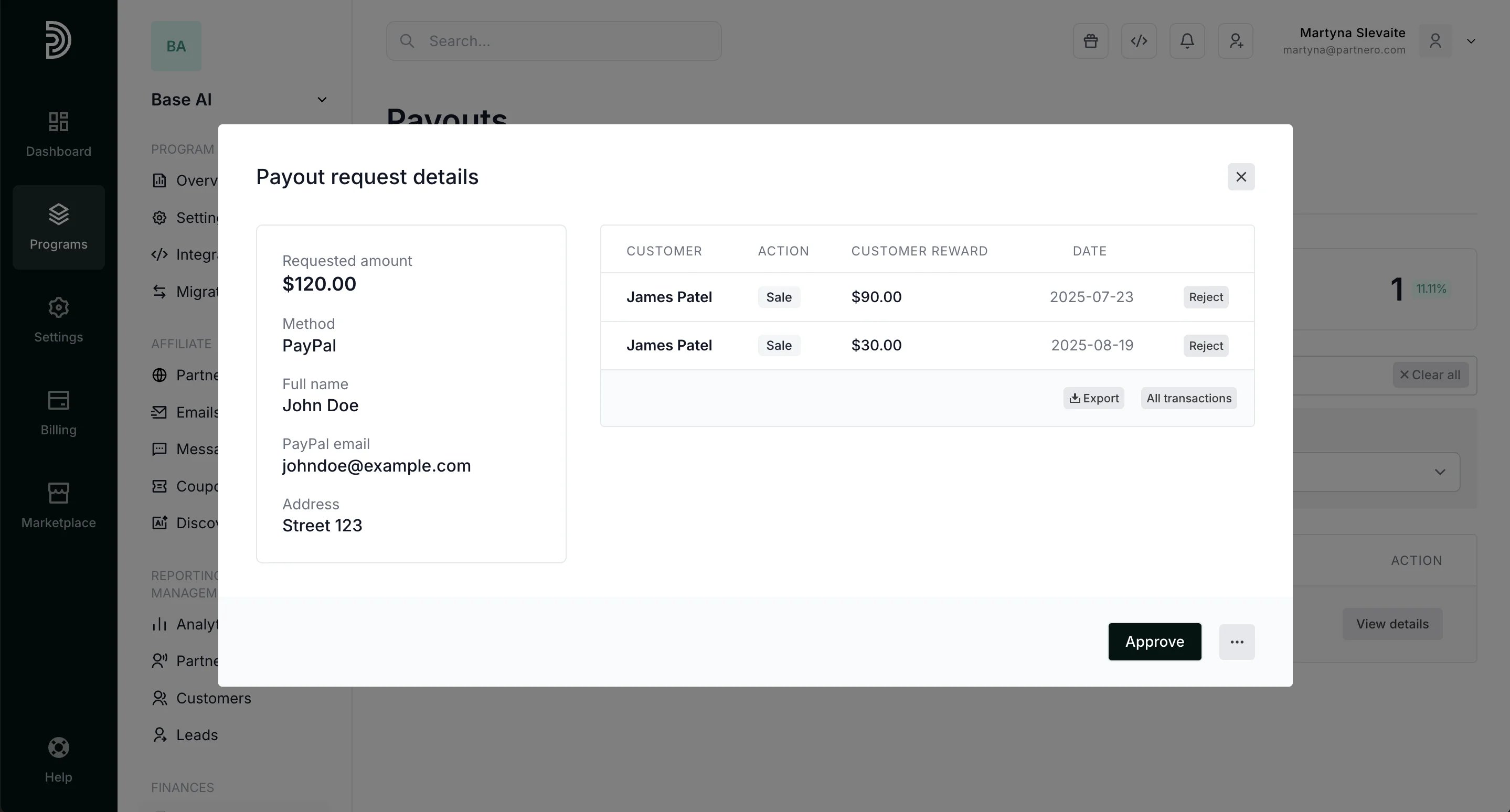
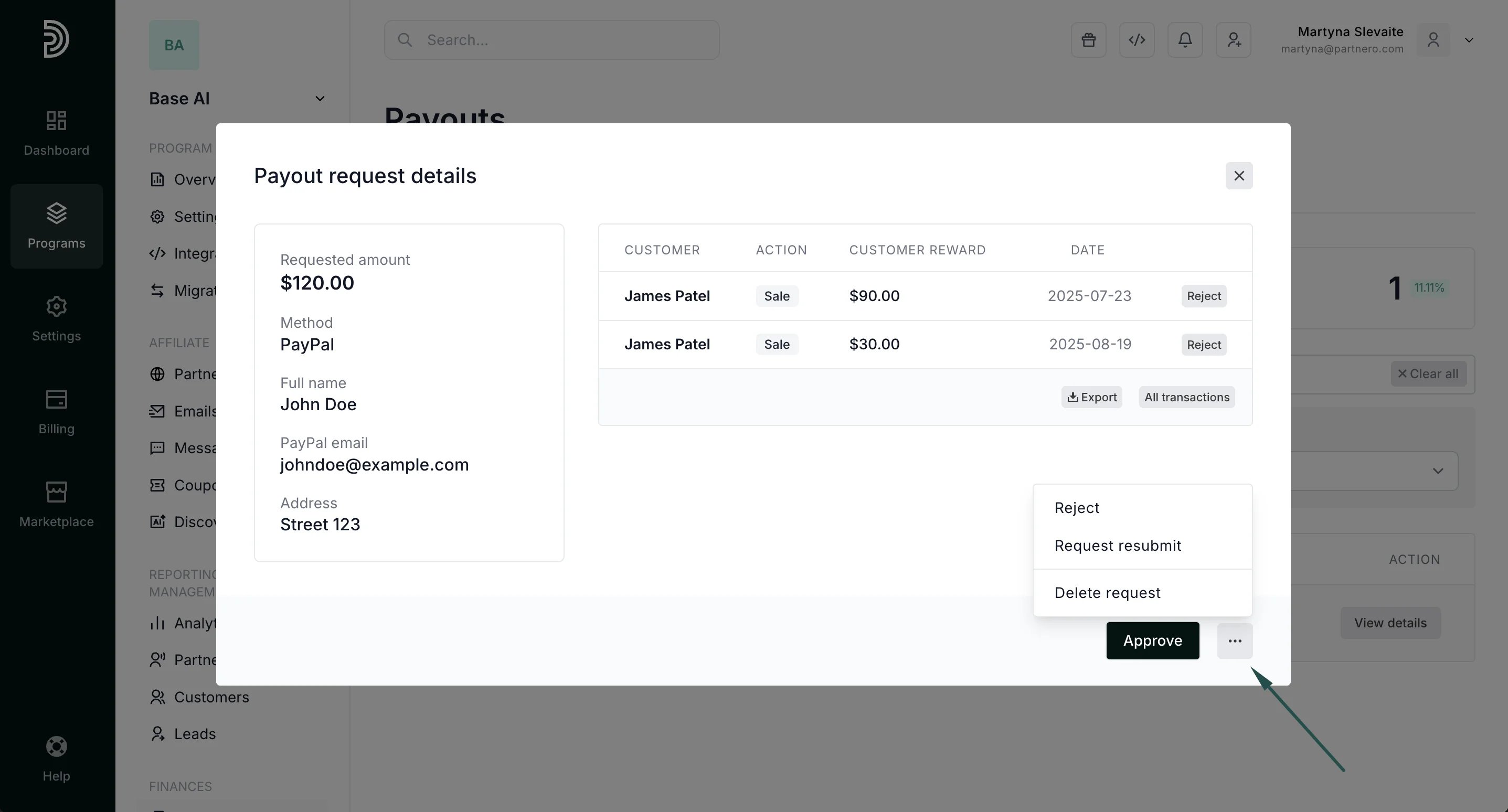
- Approve - payout request is accepted and can be paid out.
- Reject - payout request is permanently rejected, the partner will not be able to request the same commission to be paid out again.
- Request resubmit - payout request returned to the partner asking for additional information, e.g. there was an incorrect Paypal email address or IBAN provided. If you click to Resubmit request, you will be prompted to enter the resubmit reason. Partner will automatically receive an email with the resubmit reason and will be able to edit the payout request form and submit the request again.
- Delete request - the payout request is deleted, and partners can submit the request again when needed. This feature can be used when a partner asks to delete the request, for example, they submitted it by accident, want to change some details, or wait until they have more commission.
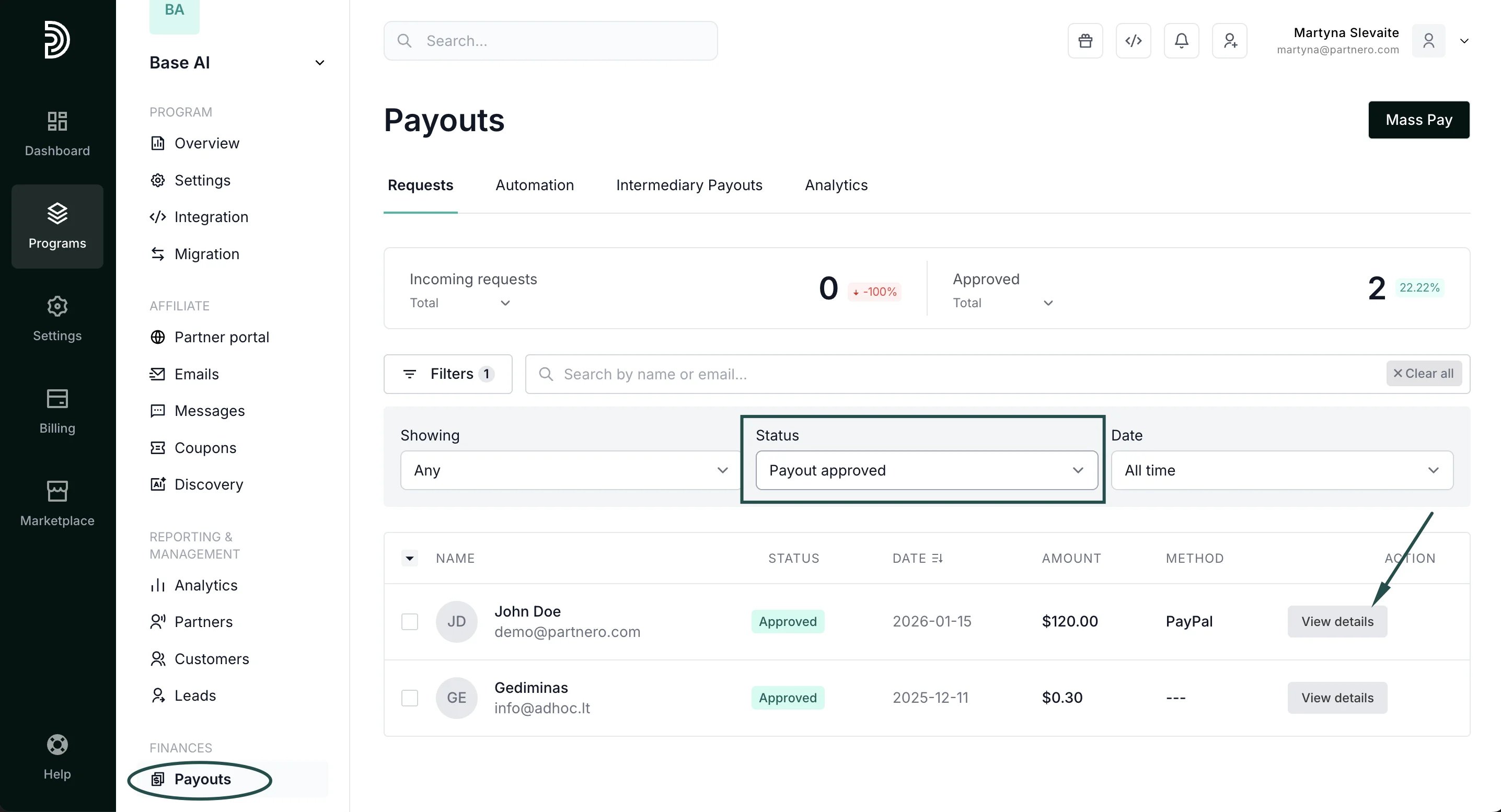
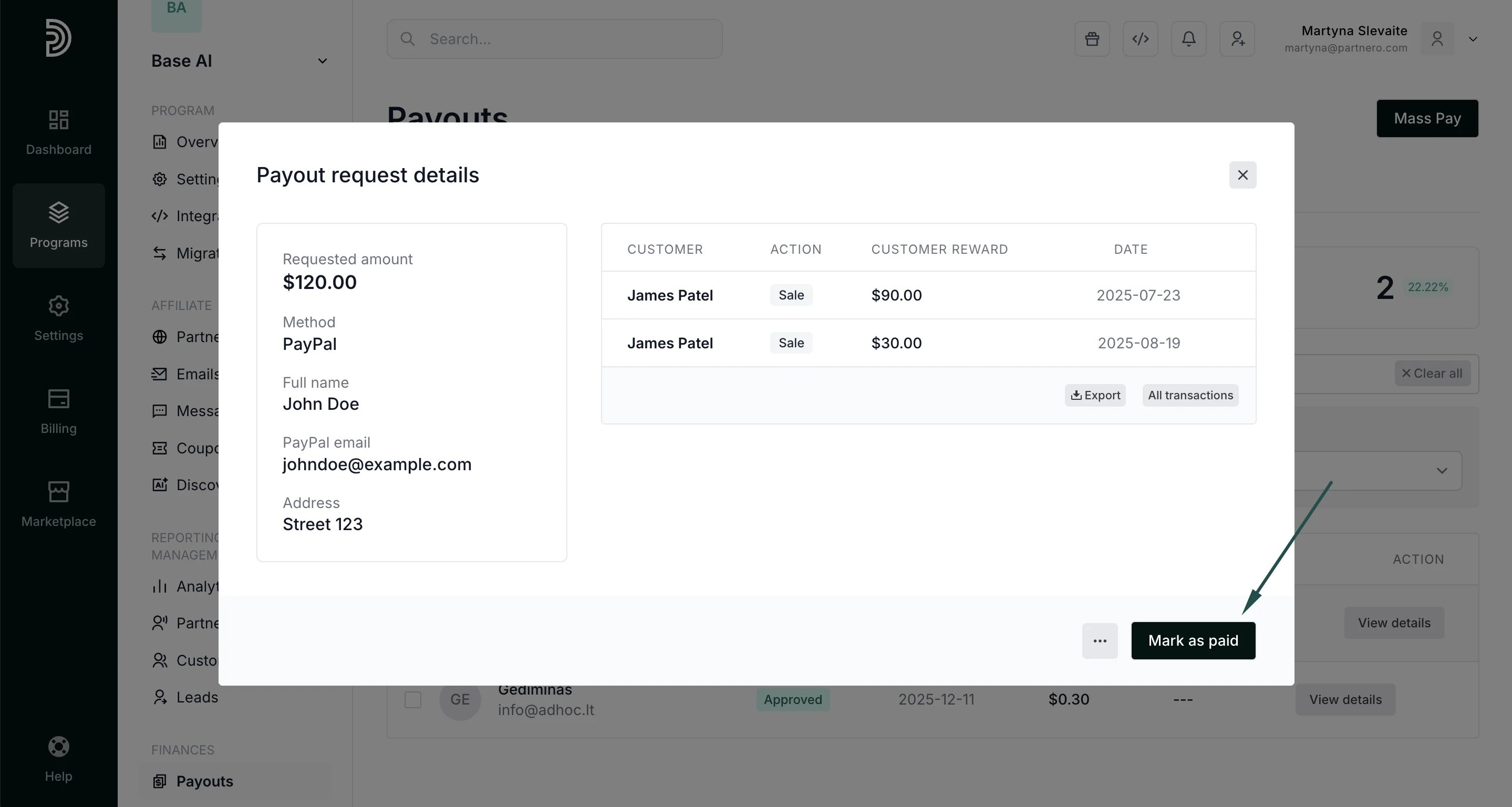
Mark payout requests as paid Once the payout request has been approved and you’ve processed the payment, you can mark the payout as paid. To find the payout request, go to Payouts under Finances. You can view all or select Status: Payout approved to filter:
Payout automation options With Partnero, you can process payouts in bulk with PayPal or Wise. Additionally, you can automate payouts based on a set schedule or use the intermediary payouts feature. Read more: