

The order Partnero applies them in
For every referred sale, Partnero works out the commission in this order:1
Pick the rate
- If the partner has a custom commission, it’s used and dynamic and product rules are skipped for that partner.
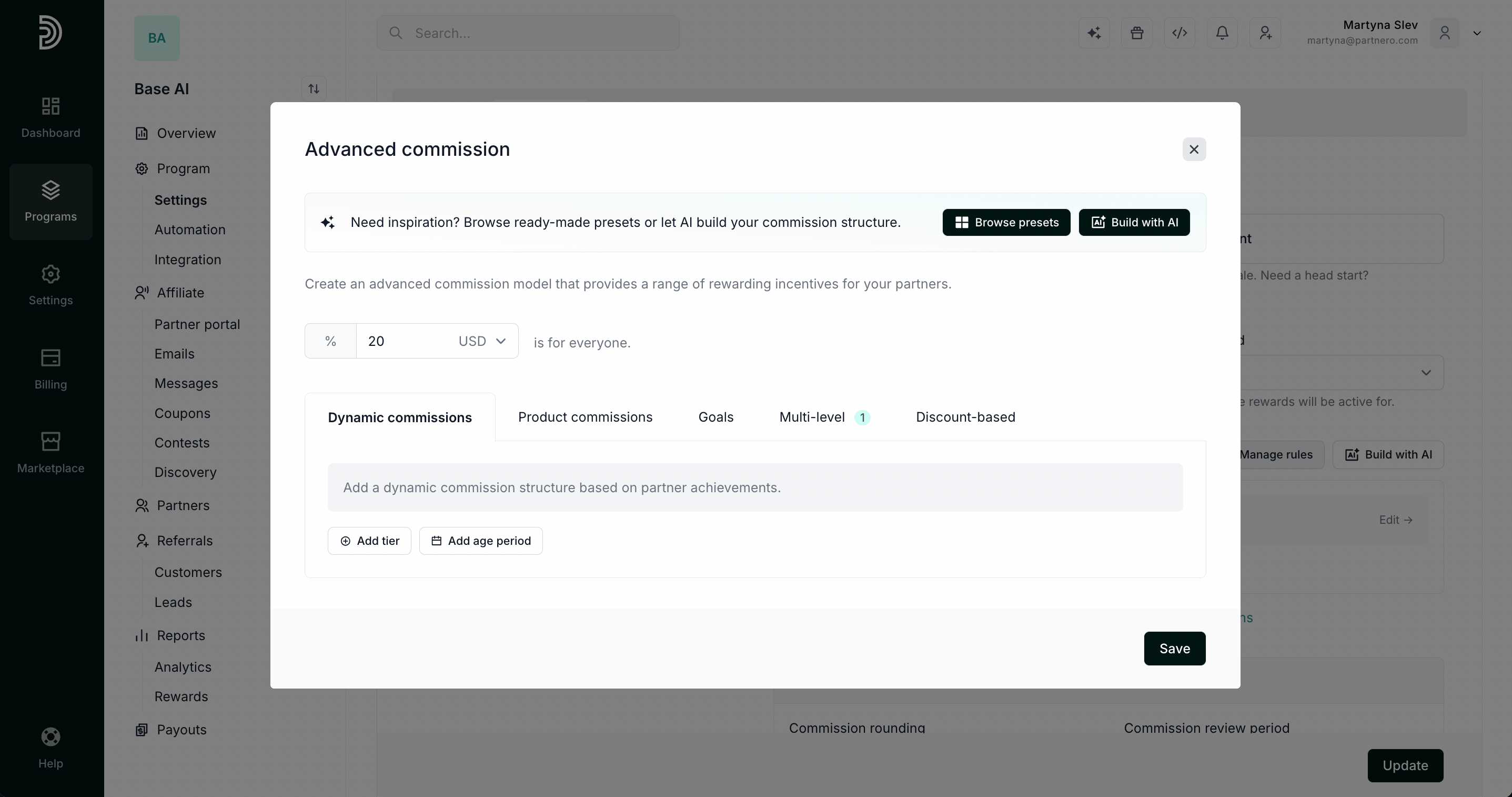
- Otherwise Partnero checks your dynamic and product rules. If one matches, its rate replaces the default commission.
- If nothing matches, the default commission applies.
2
Calculate the amount
The rate is applied to the transaction amount,
or the fixed amount is used as-is. Commission rounding is applied here.
3
Apply the discount-based adjustment
If the customer used a discount code and you have discount-based rules, the commission is reduced by your
adjustment, for example to 50%.
4
Convert the currency
If currency conversion is on, the commission is converted to the program currency.
5
Cap at the maximum commission
If you set a maximum commission, anything above it is cut to the maximum.
When several rules match
- Several dynamic tiers — the one with the highest commission is used. For example, with 25% after 20 customers and 30% after 50 customers, a partner with 60 customers gets 30%.
- Several product rules — the one with the highest commission is used.
- A dynamic and a product rule — the dynamic rule is used by default. To use the product rule instead, turn on Prioritize product commission on the Product commissions tab.
- Rules limited to tagged partners — a rule with a partner tag filter is ignored for partners who don’t match it, so only the remaining rules compete.
- Age periods — once you add an age period, tiers are set inside each period. A matching tier replaces its period’s base commission, and if several periods match, the highest rate is used. If none of the periods apply, the default commission is used.