

- Set up a newsletter referral program and select MailerLite or MailerLite Classic as the ESP upon creation:
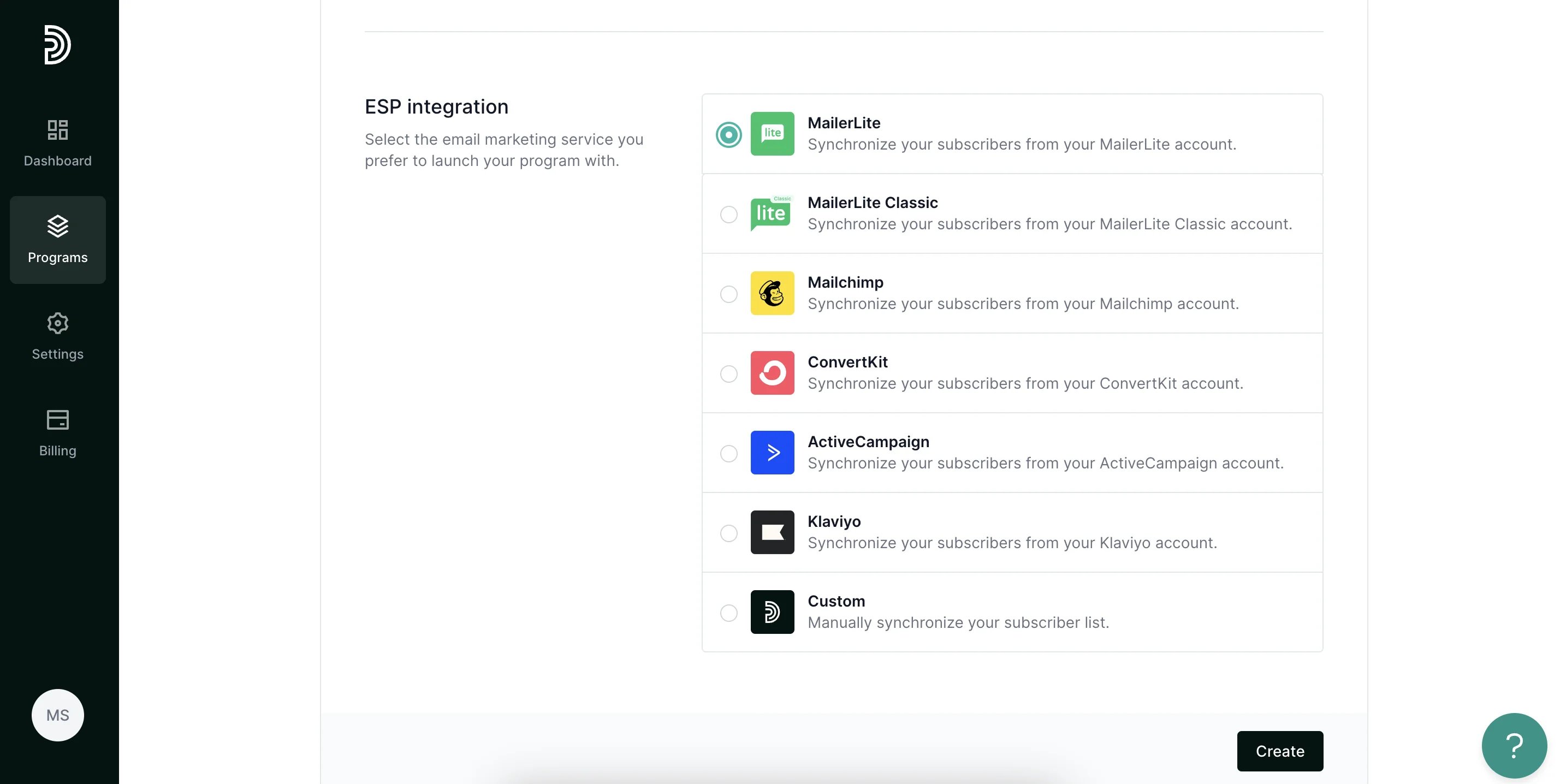
- Click Create.
- Under Program Settings, click Authorize next to MailerLite integration:
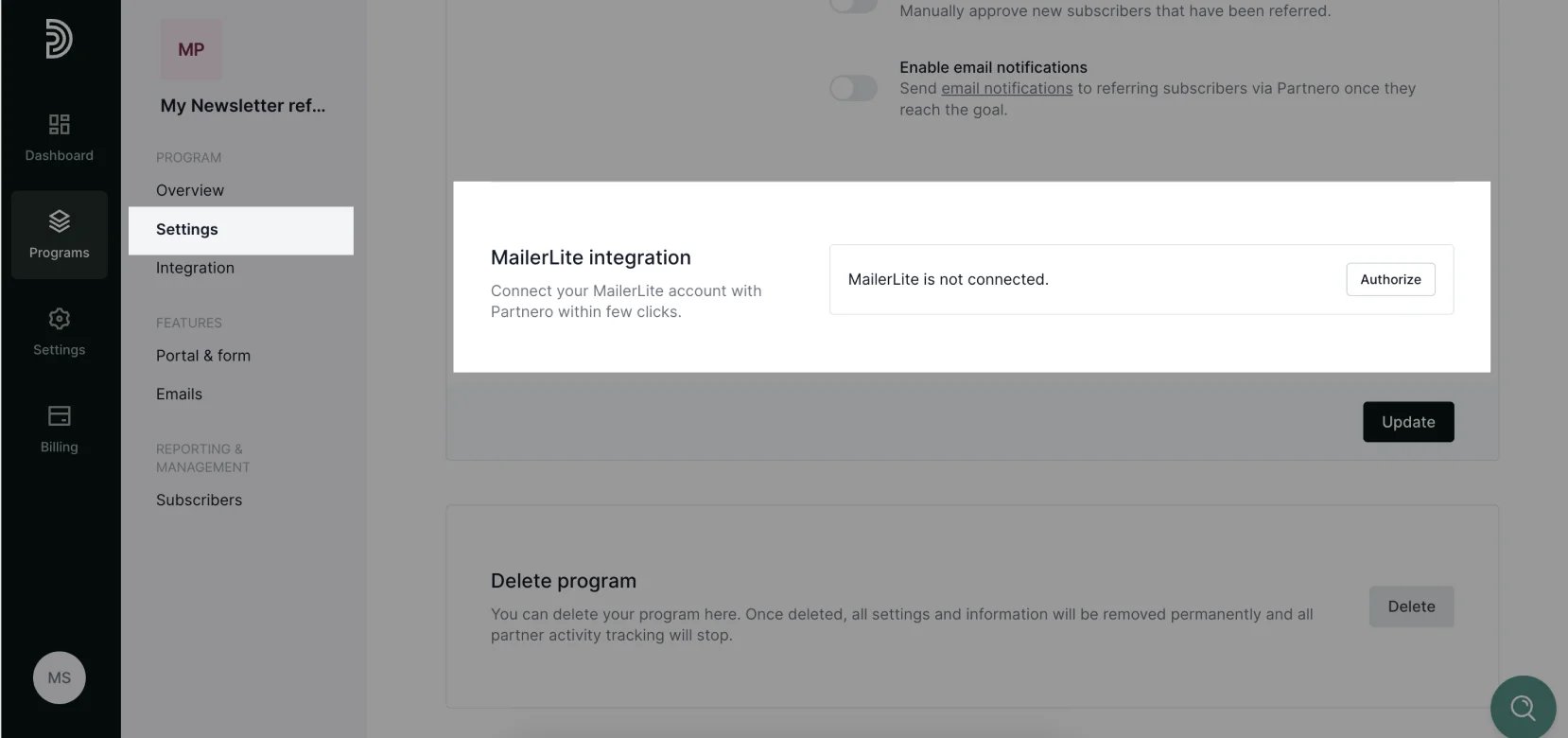
- Enter your MailerLite API key. Here’s how to find it.
- Click Connect.
- Once connected, select the subscriber group that will participate in the referral program, as well as the destination group, where new subscribers will be added.
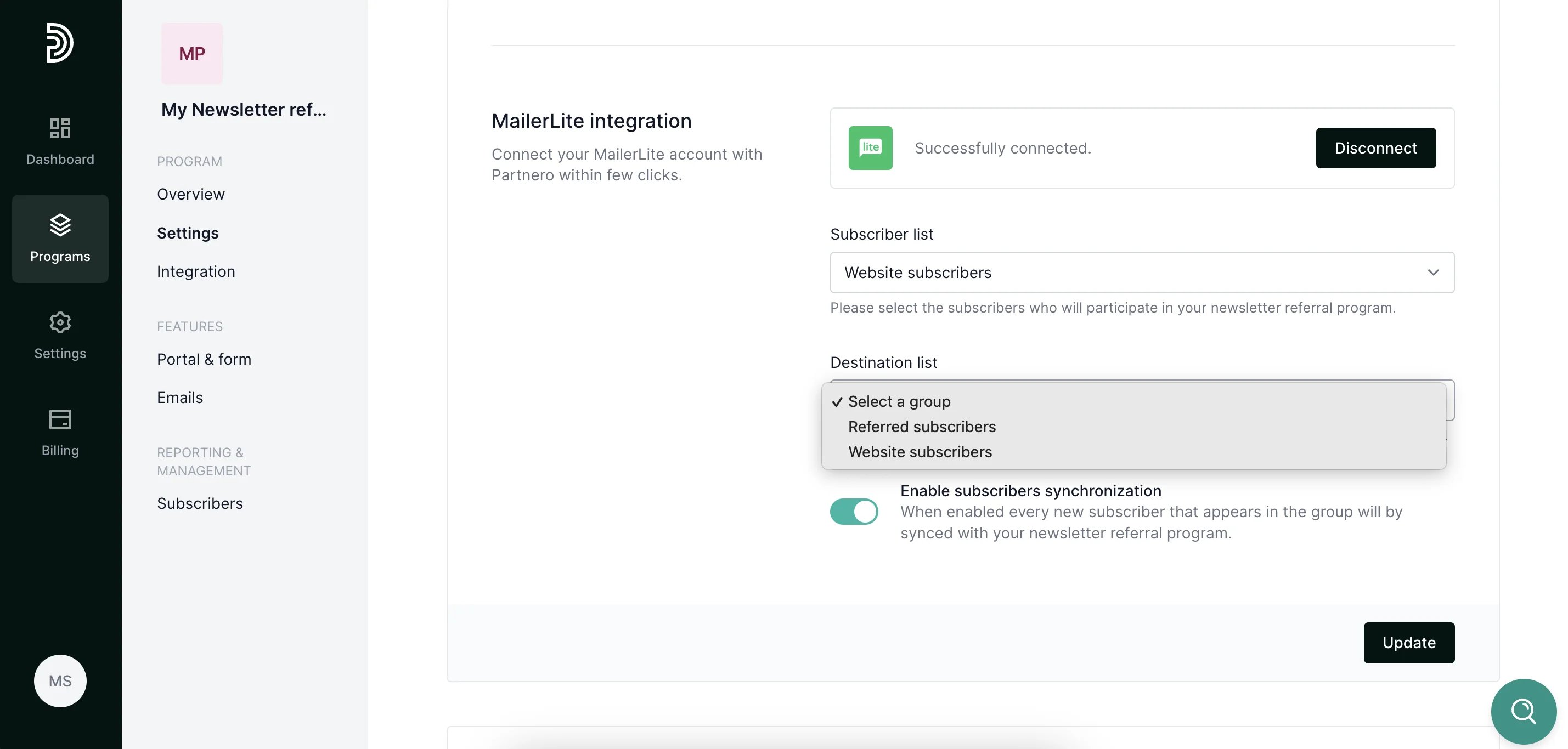
- Click Update. Your subscriber list will be synchronized, and every subscriber will receive a unique referral link.