

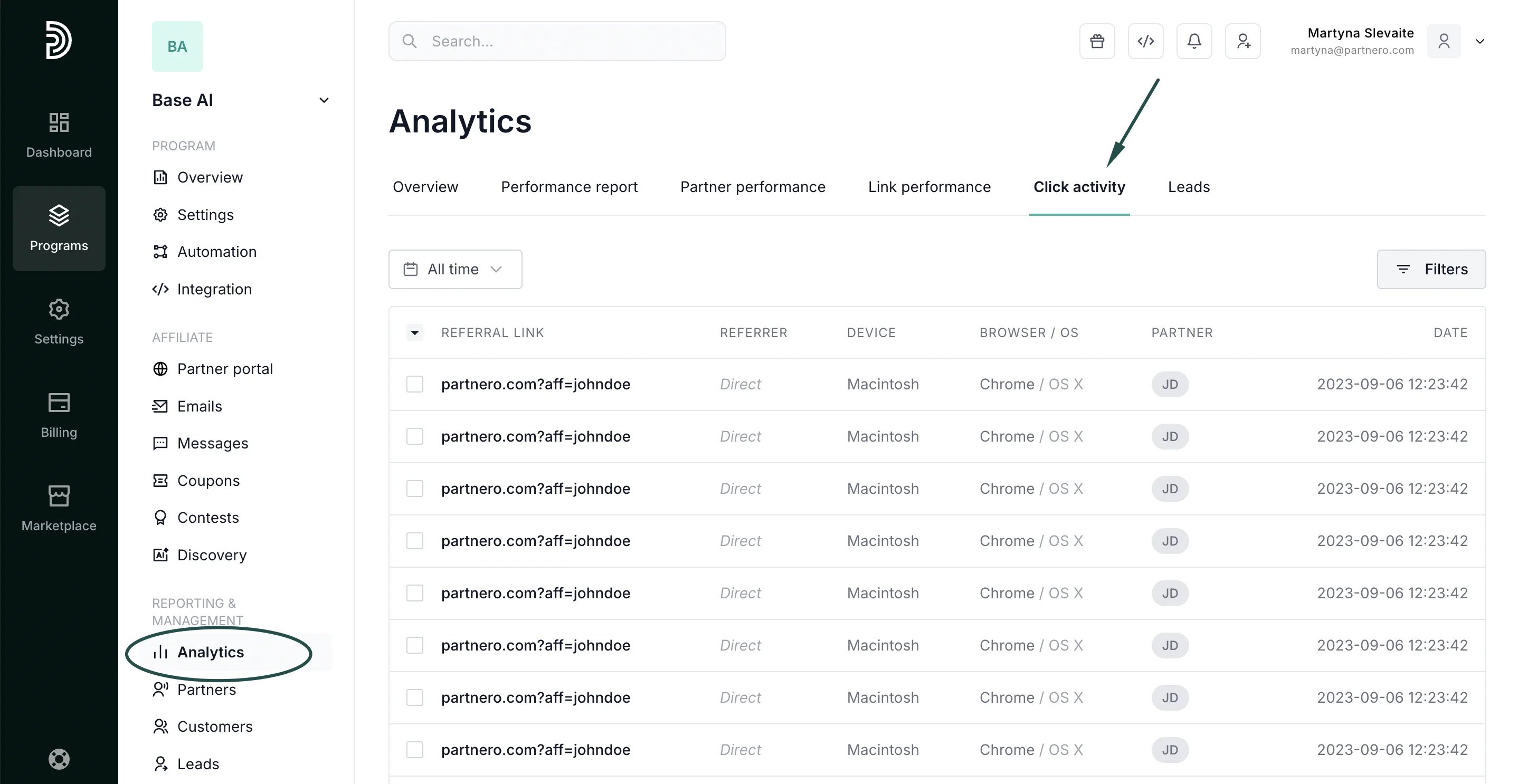
- Referral link: The exact affiliate URL clicked, including any UTM parameters or custom query strings.
- Referrer: The source page where the click originated — the partner’s blog, social media post, email newsletter, or “Direct” for untracked sources. Reveals which promotional channels your affiliates actually use.
- Device: Desktop, mobile, or tablet. Understand how your affiliates’ audiences browse.
- Browser and OS: Technical details for diagnosing platform-specific conversion issues.
- Partner: Which affiliate drove the click, with a direct link to their profile.
- Timestamp: Exact date and time of each click.
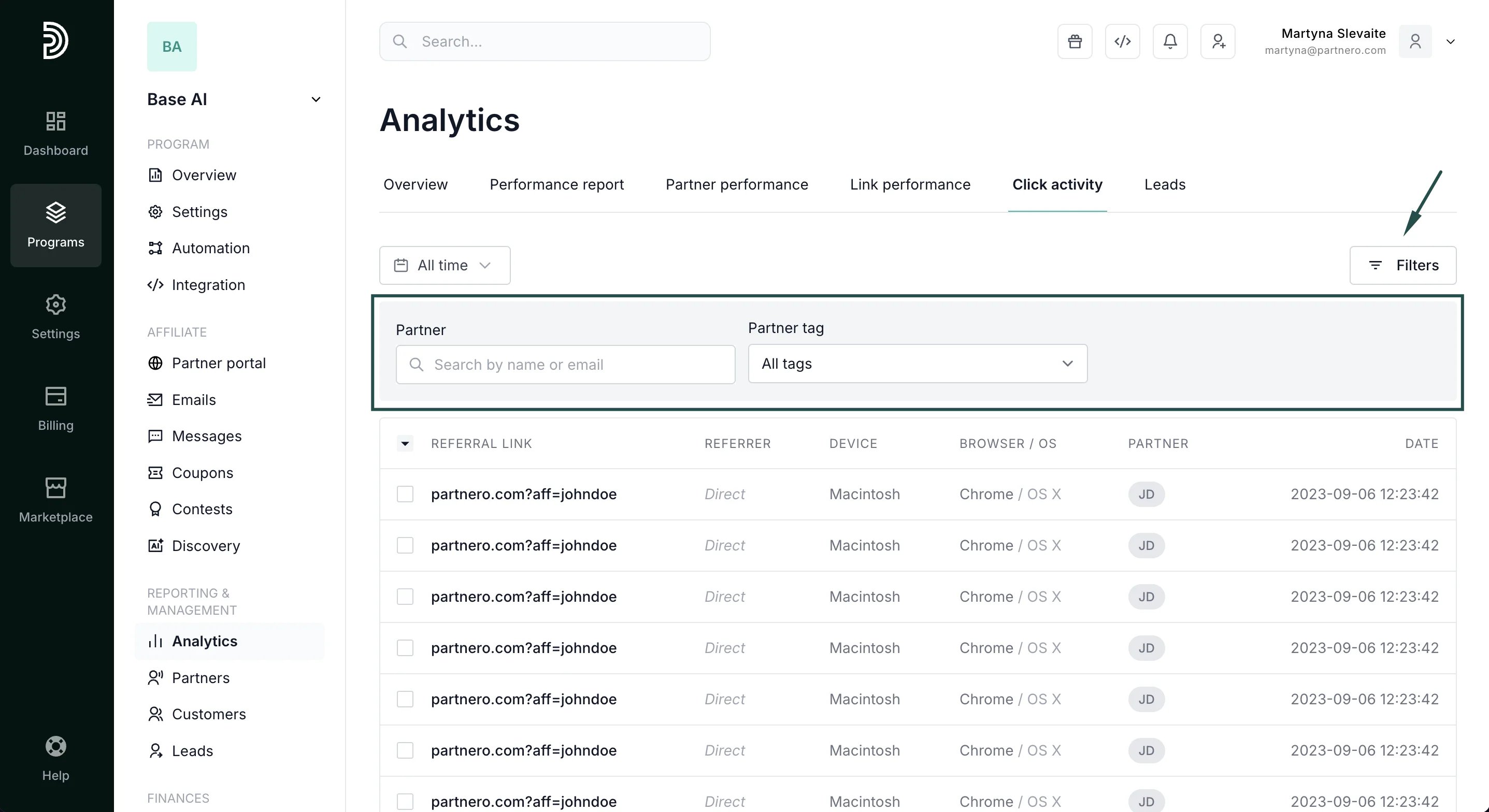
- Filter by partner or partner tag: Isolate one affiliate’s traffic to audit their activity or investigate anomalies.
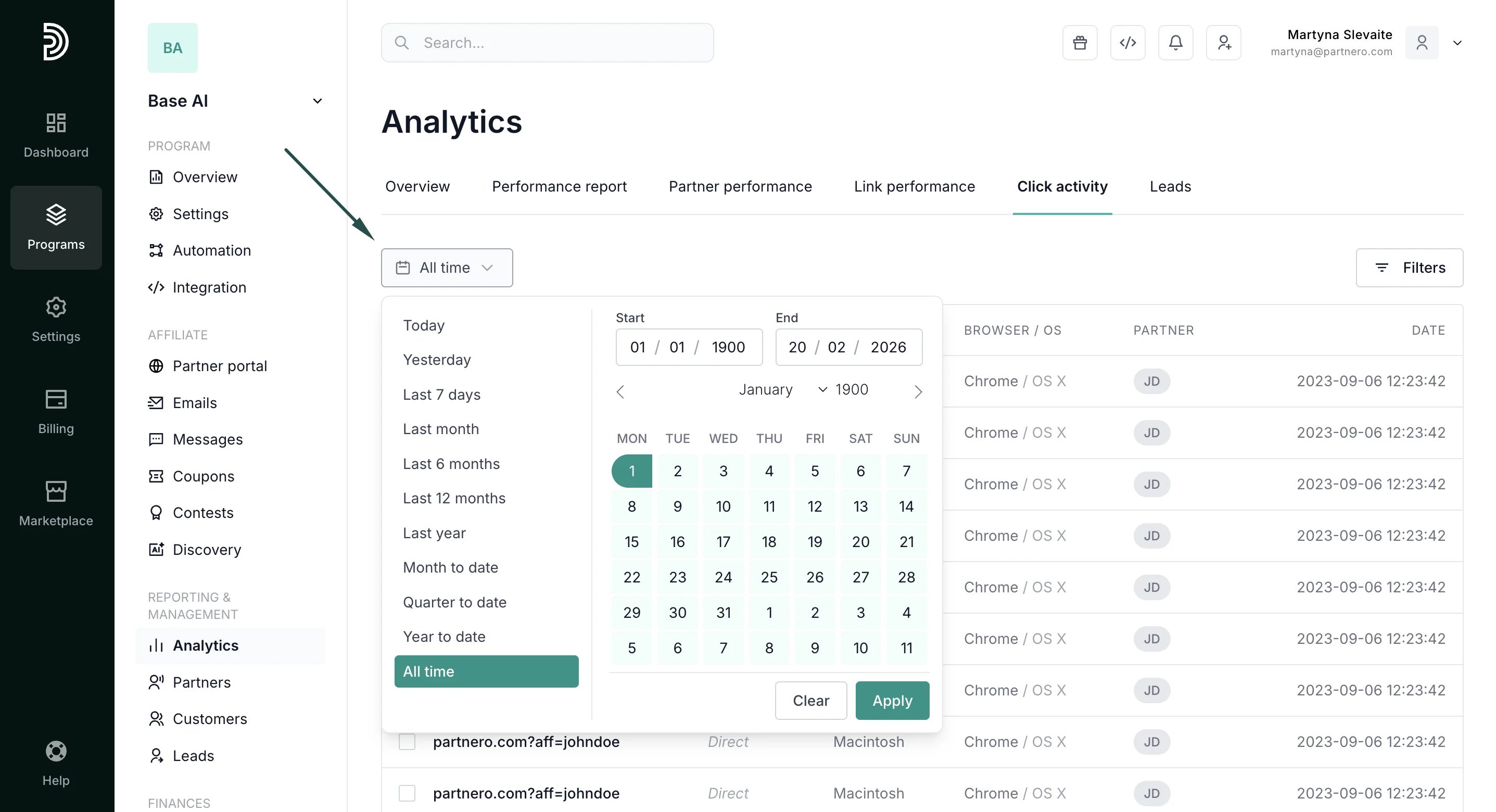
- Filter by date range: Narrow down to specific periods for incident investigation or campaign analysis.
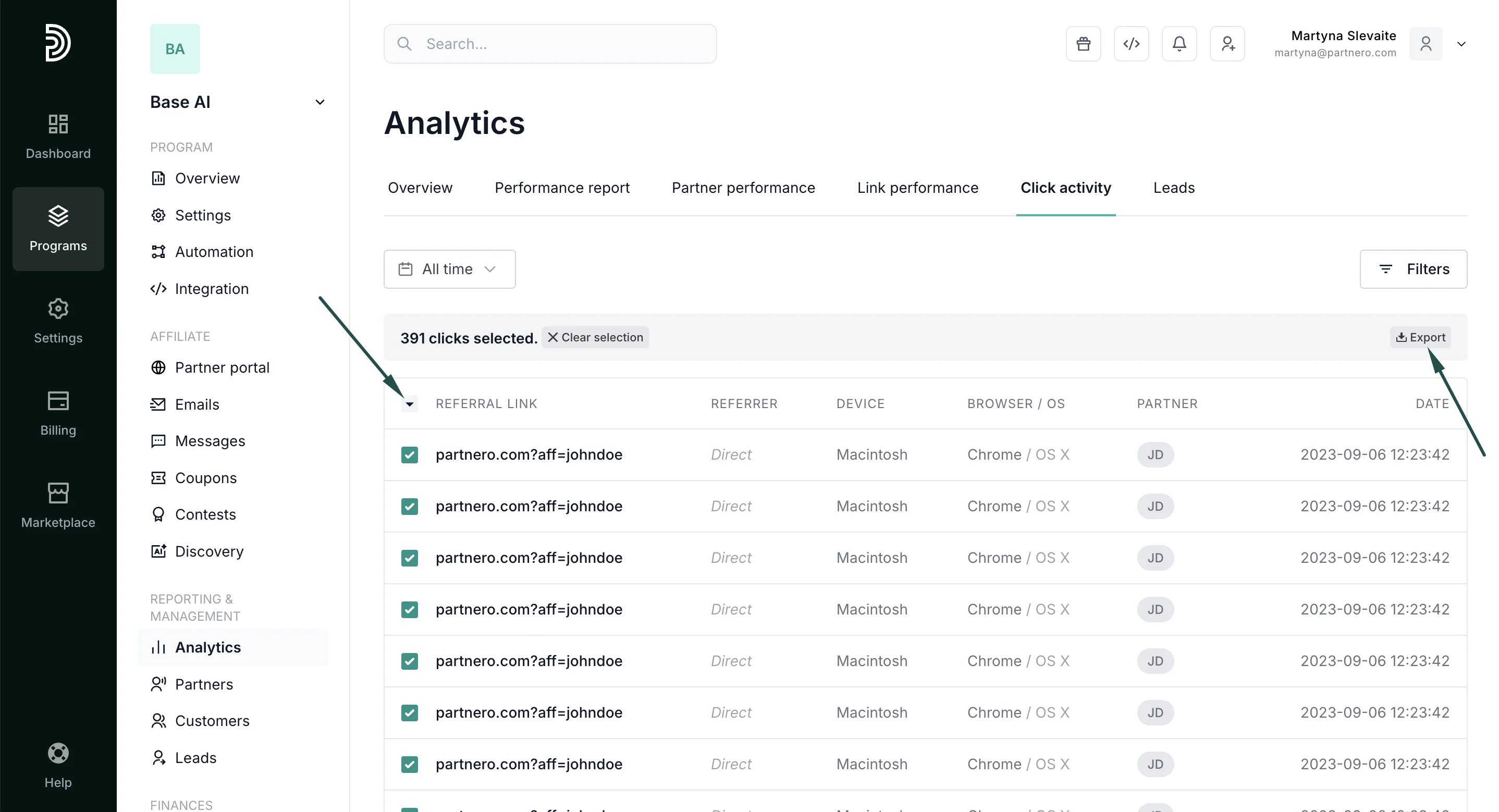
- Export: Select and download click-level data for compliance reviews, fraud detection, or detailed traffic analysis.
Continue reading about analytics
Explore other analytics reports to better understand your performance and optimize your partner program:- Analytics Overview – High-level dashboard summary of your program’s performance
- Performance Report – Detailed breakdown of conversions, revenue, and partner results
- Partner Performance – Compare and evaluate individual partner results
- Link Performance – Analyze how individual tracking links are performing
- Lead Analytics – Monitor lead acquisition trends and quality