- Your website needs to be hosted under your domain.
- You need to have access to edit the website’s or app’s HTML form.
- All forms (including your signup form) must be hosted on your website (not inserted as an iframe using another domain or service).
- Identifying referred customers
- Tracking signups
- Tracking sales
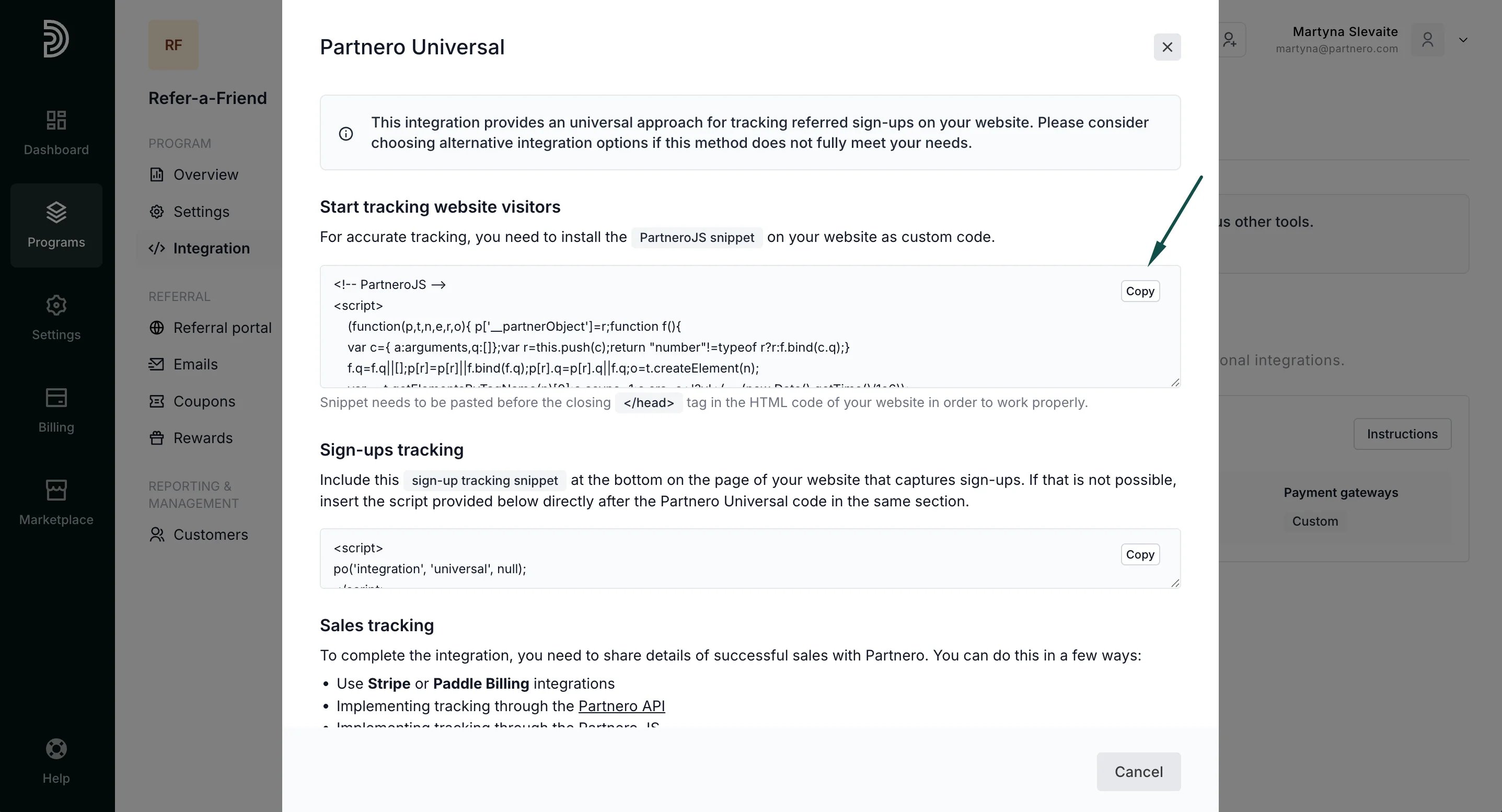
1. Identify referred customers
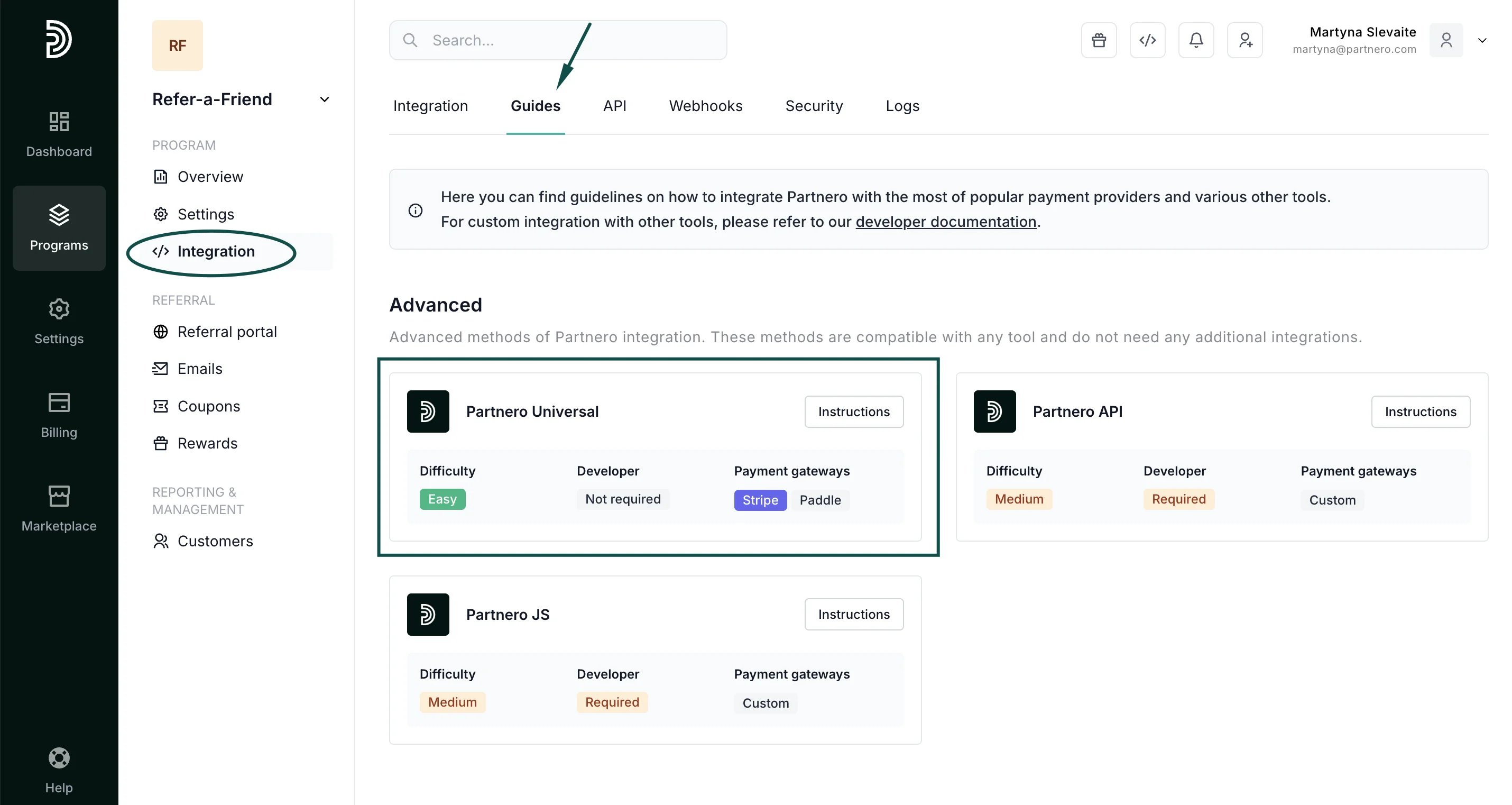
Go to Integration > Guides tab and click Instructions next to Partnero Universal: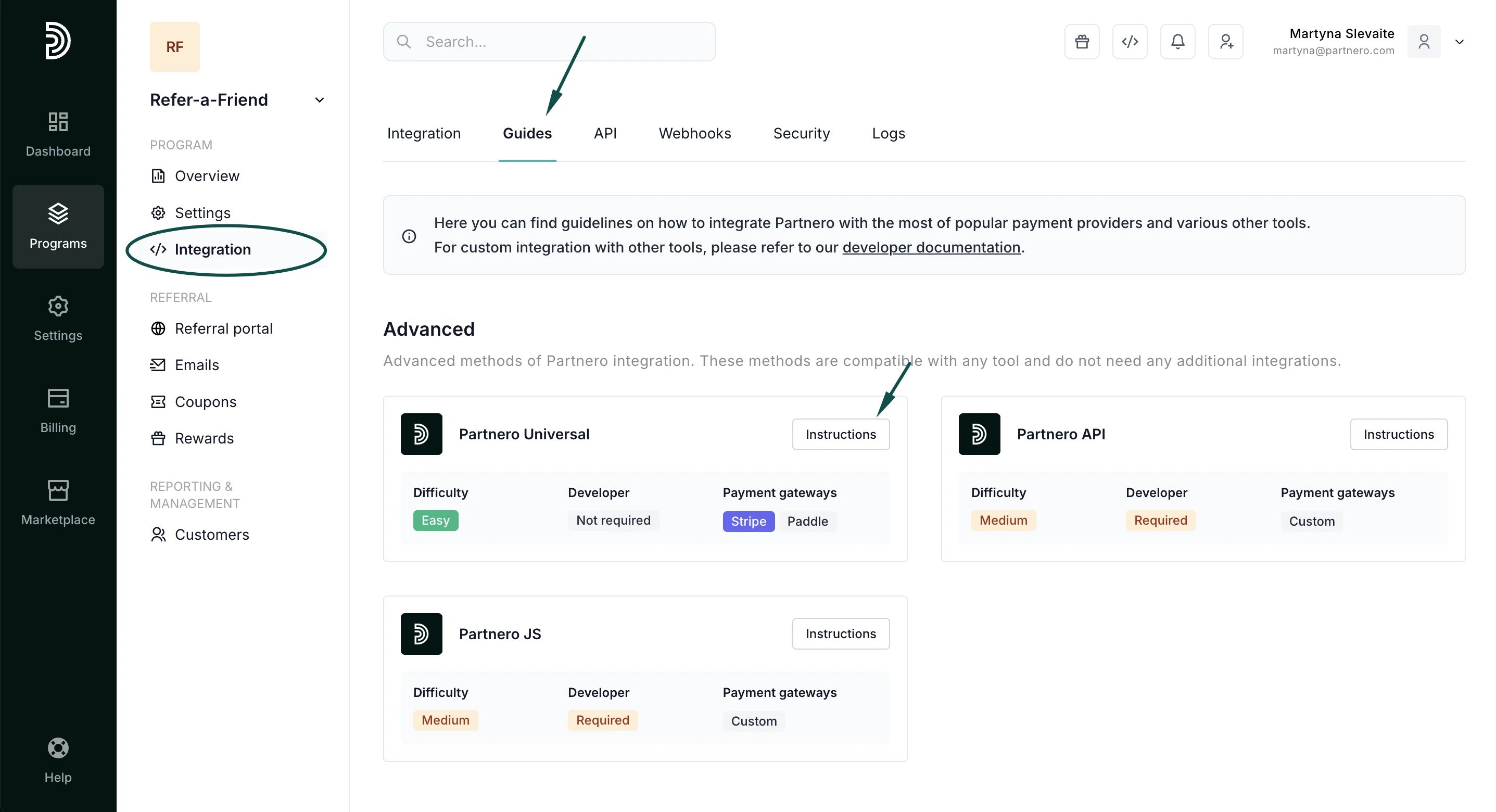
2. Track sign-ups
The second step is to track signups and create customers on your website and Partnero account. Insert the signup tracking snippet at the bottom of your signup form page. This snippet, when combined with the Universal snippet, identifies referred visitors and creates new customer entries in Partnero.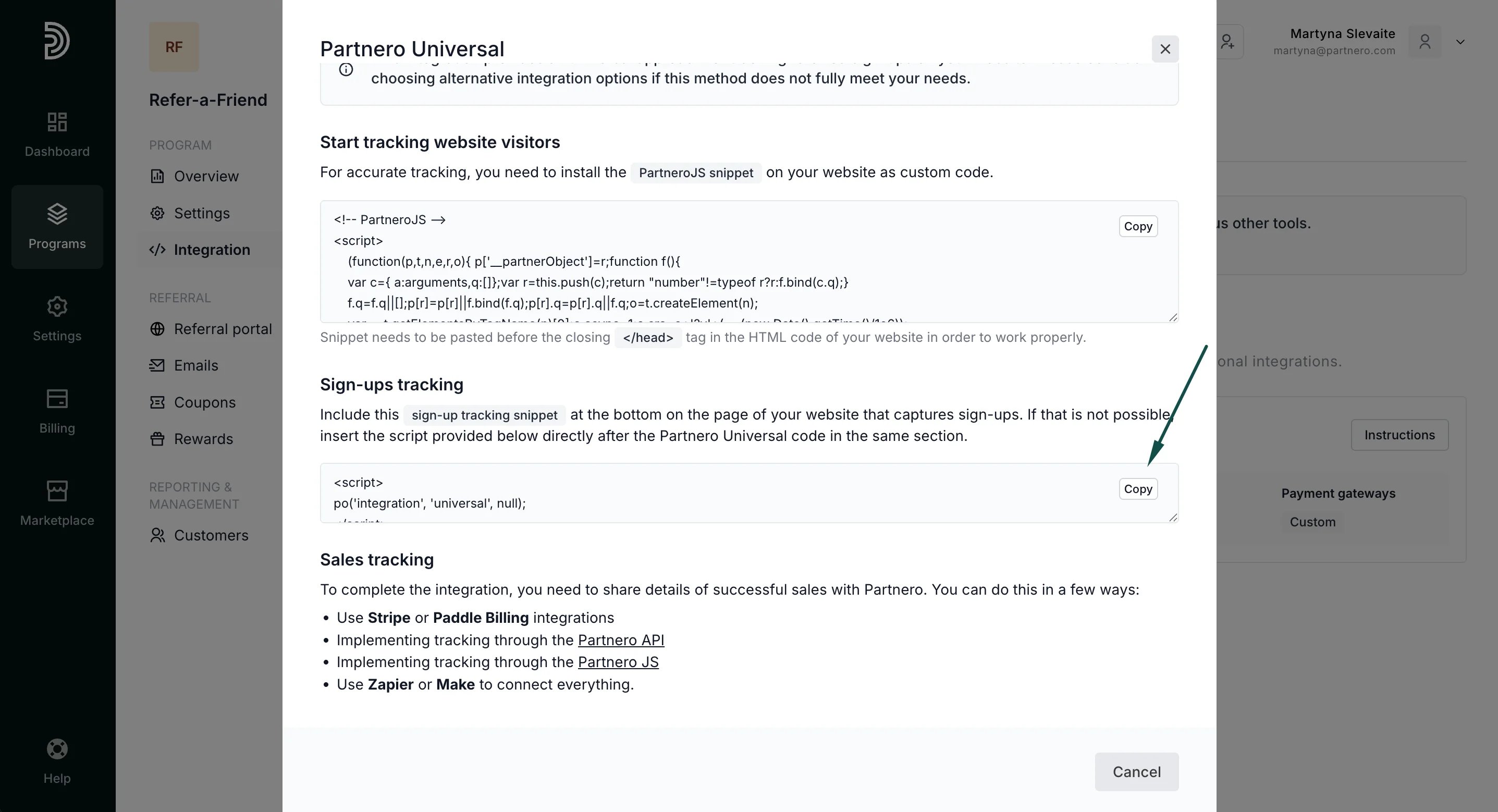
3. Track sales
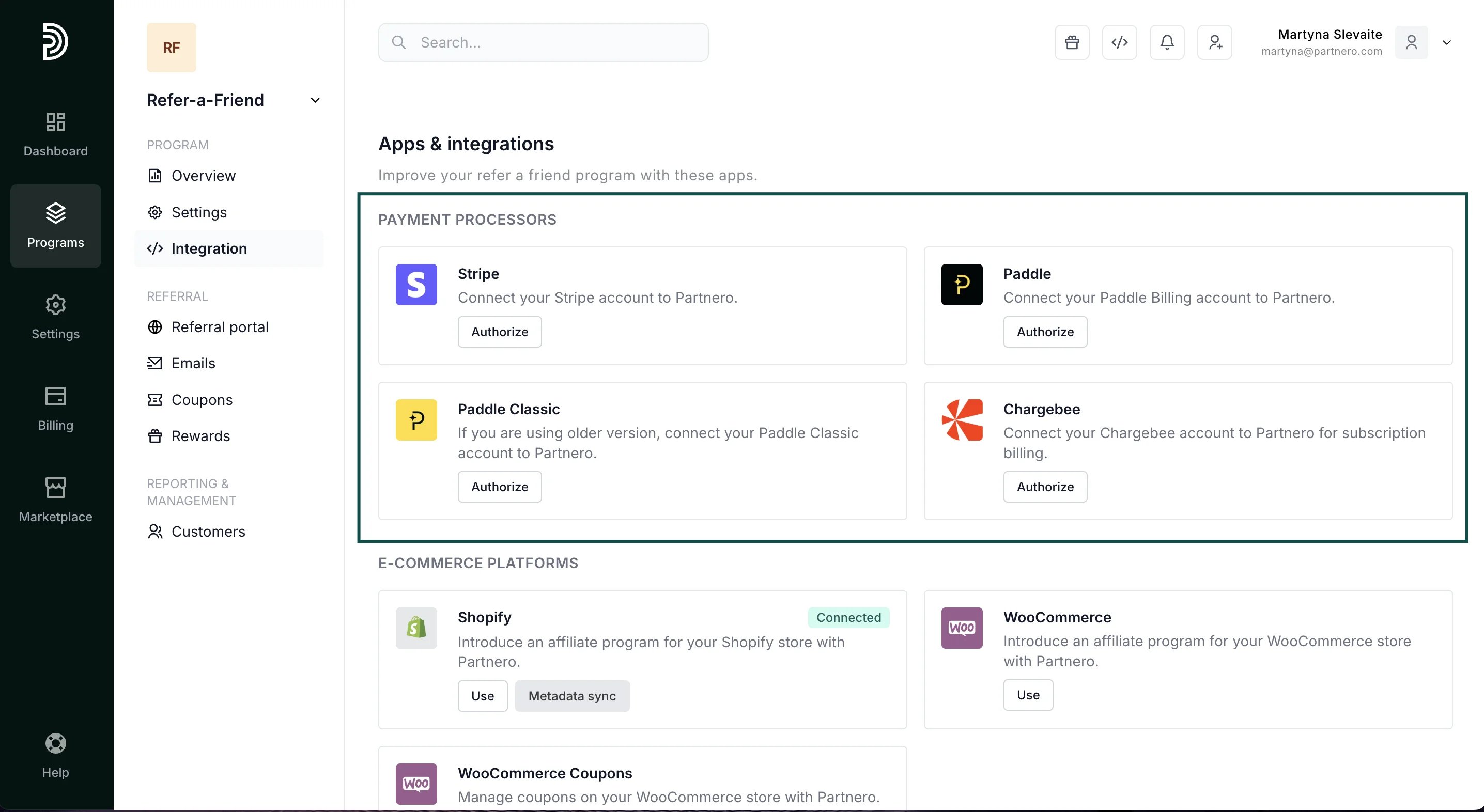
If you plan to give rewards based on customer sales, it’s essential to inform Partnero about every sale. You can do this in a few ways:- Use Stripe, Paddle or Charbee integrations
- Implementing tracking through the Partnero API
- Implementing tracking through the Partnero JS
- Use Zapier or Make to connect everything.
API and JavaScript integrations
You can choose Partnero API or Partnero JS integrations to track transactions. Stripe or other payment gateways are not mandatory. The following section allows you to create API keys to send data between your application and Partnero.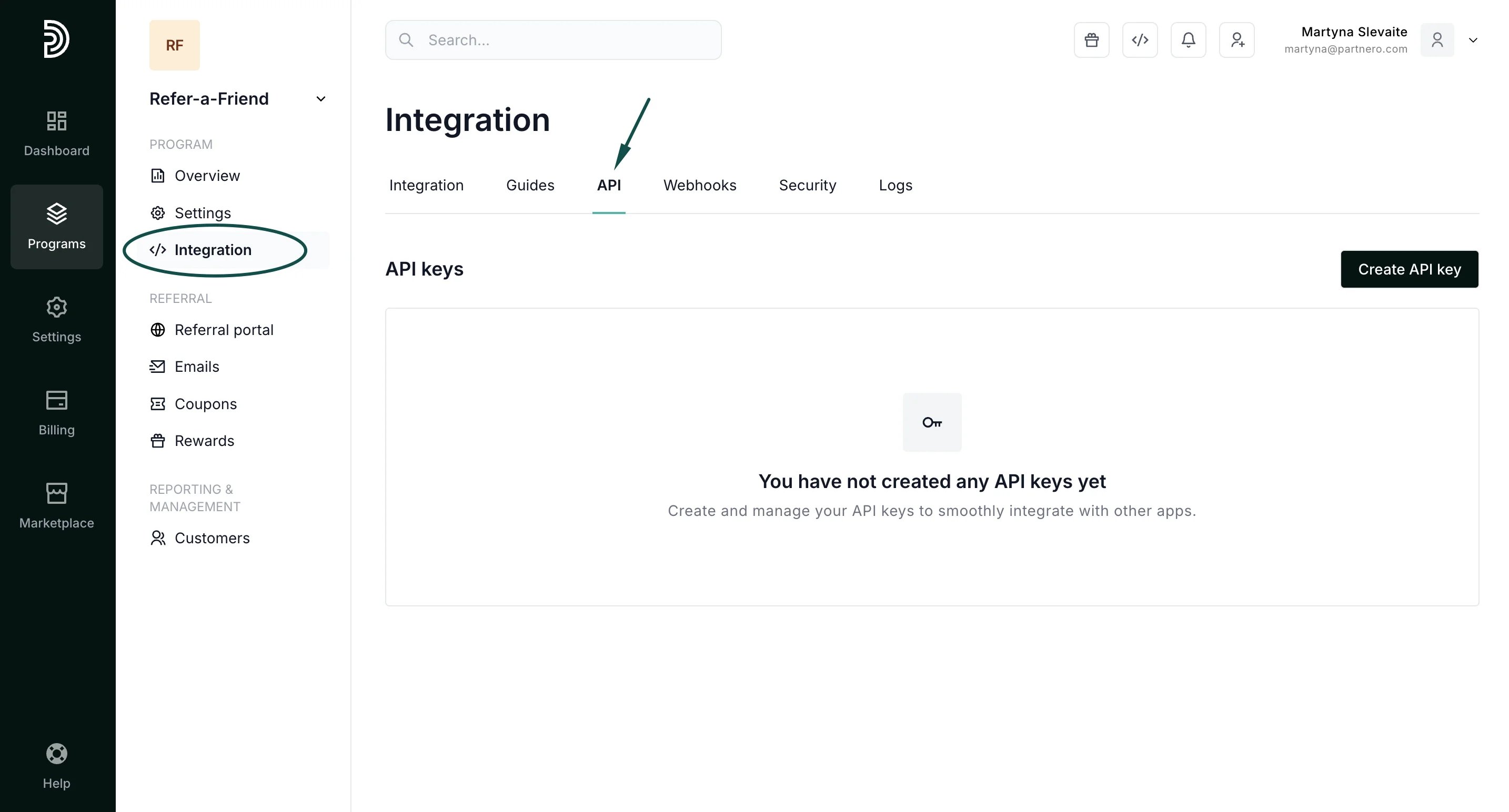
- Create a referring customer;
- Create a referred customer;
- Display customer data on your application;
- Create transactions.
Please see our detailed REST API guide with examples here.
Webhooks
The Webhooks section allows you to create webhooks for various actions within your program. To create a webhook:- Go to Integration under Program. Switch to the Webhooks tab.
- Click Create webhook:
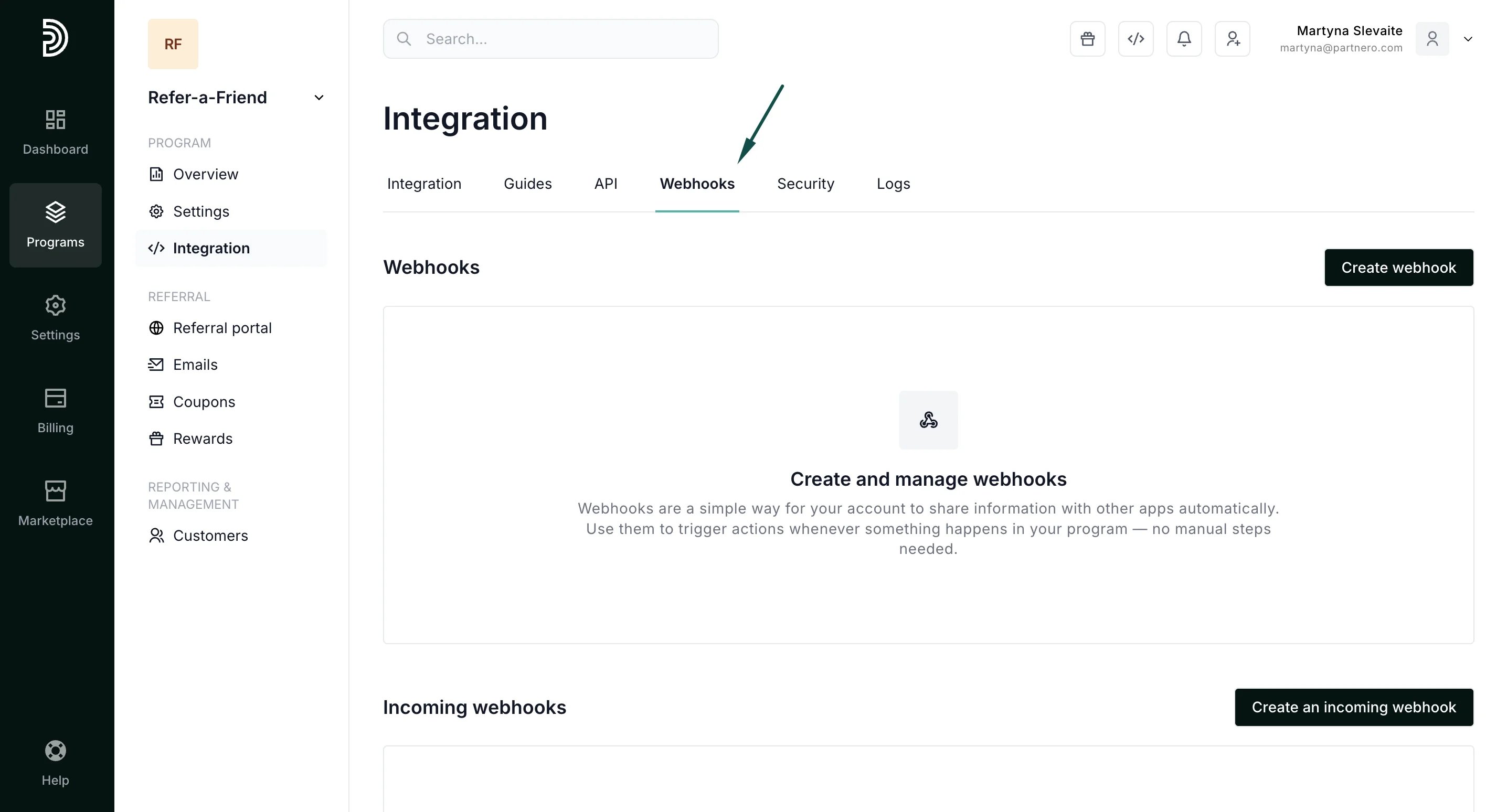
- Enter the webhook name and the End-point URL:
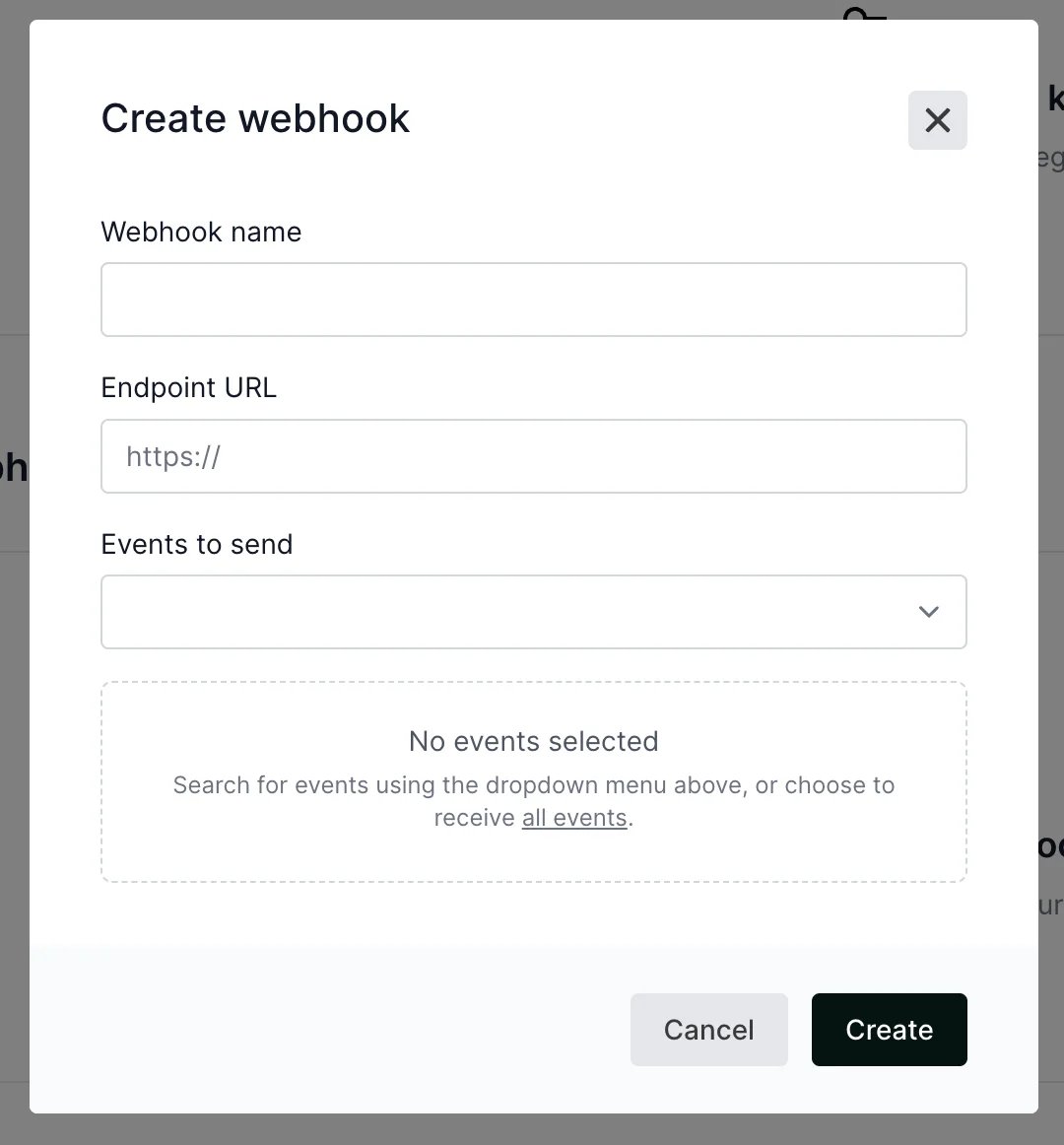
- Select what events you’d like to send. You can choose from the following events: customer.created customer.updated customer.deleted customer.credited transaction.created transaction deleted
- Click Create.
Third-party integrations
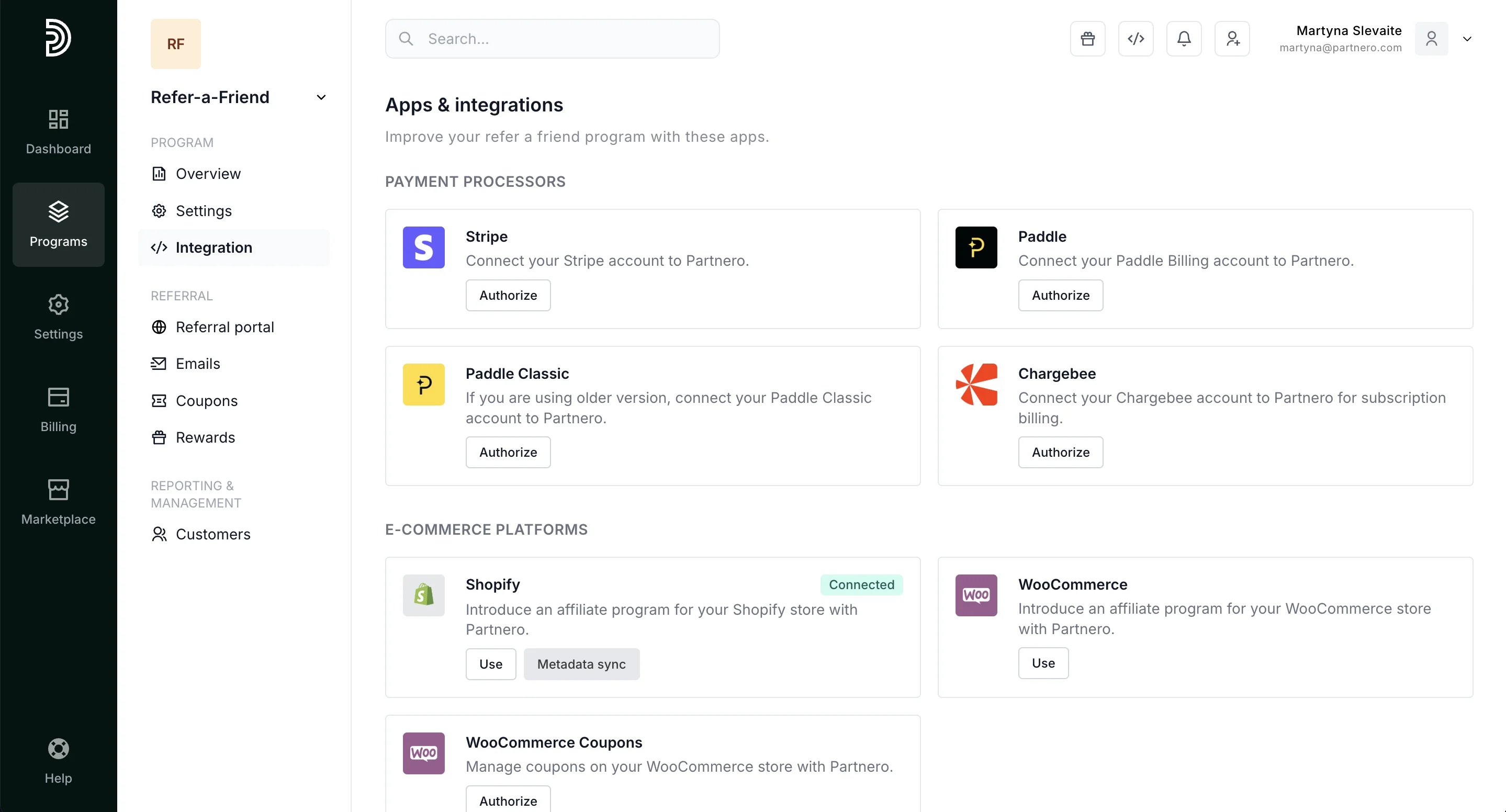
The final section on the Integration tab allows you to use our pre-made integrations with 3rd party apps, such as:- Payment processors Stripe, Paddle, Paddle Classic, Chargebee
- E-commerce platforms: Shopify, WooCommerce
- Automation: Zapier, Make
- Rewards: Amazon Incentives