- Host the program ToS on your website and share a link to the page.
- Save your program ToS on Partnero.
How to save your program terms on Partnero
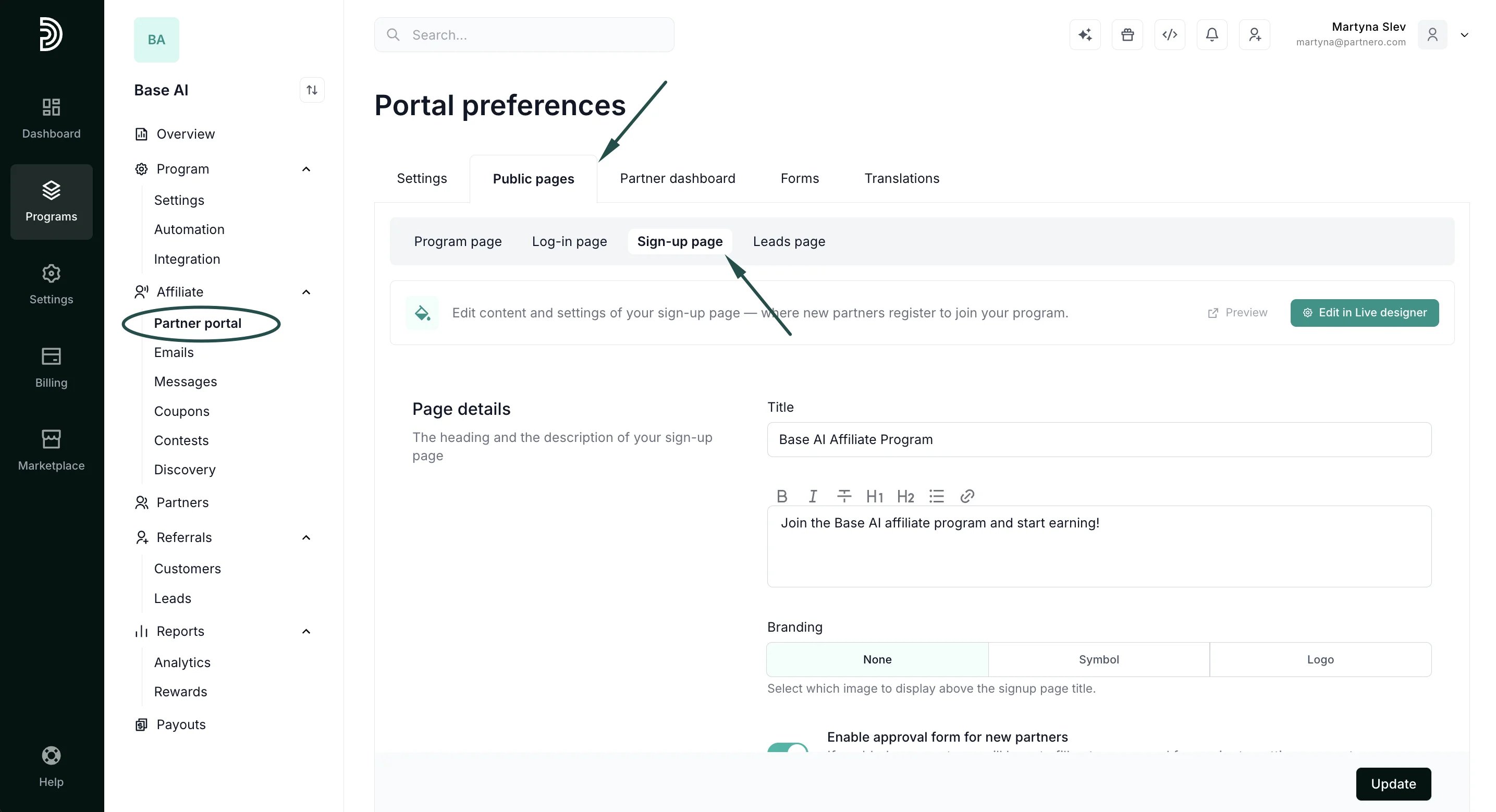
If you’d like to save your program terms on Partnero:- Open the program you’d like to work with.
- Under the Partner portal, switch to the Public pages tab → Sign-up page:
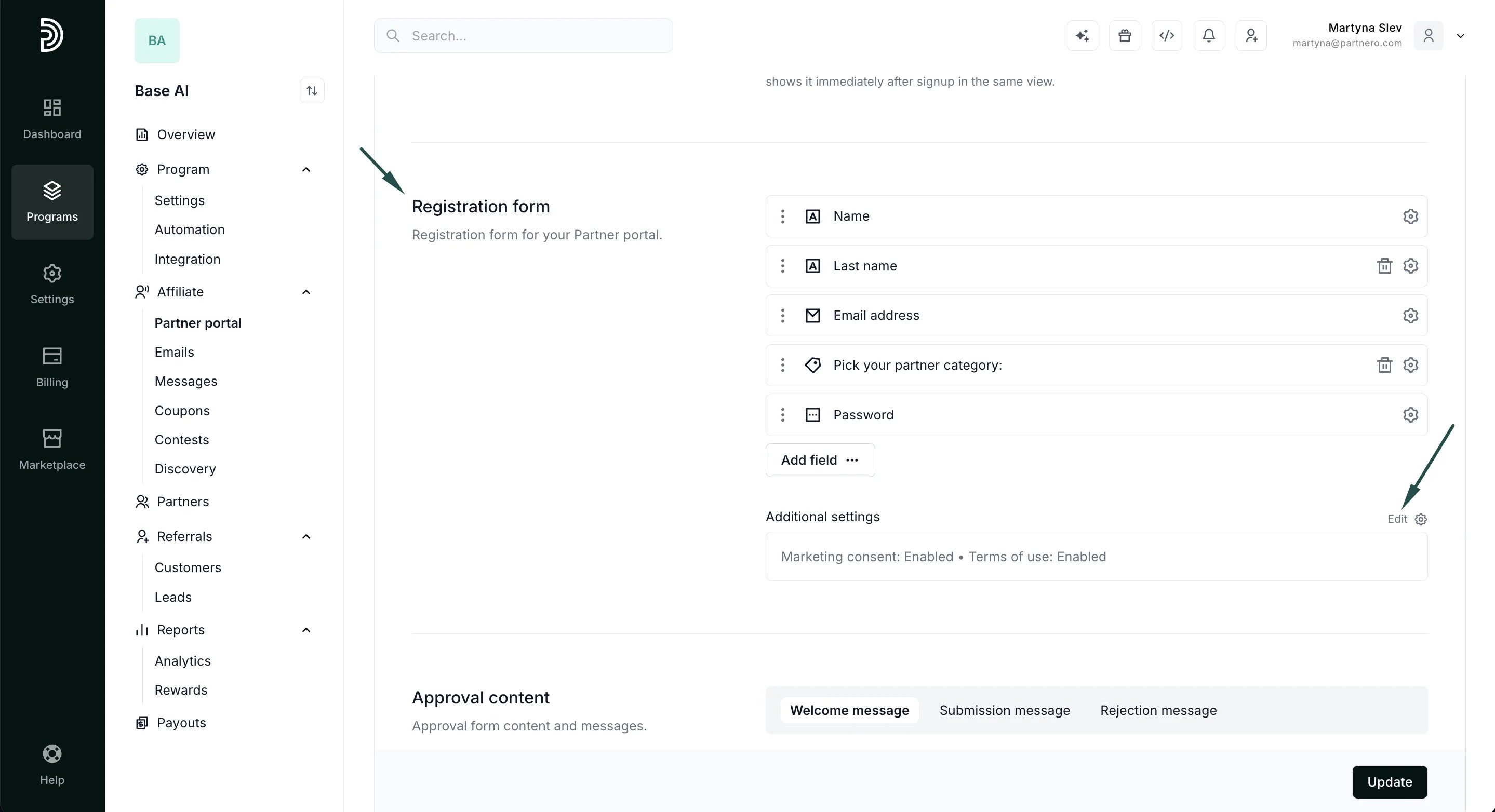
- Scroll down to the Registration form section and click Edit next to Additional settings:
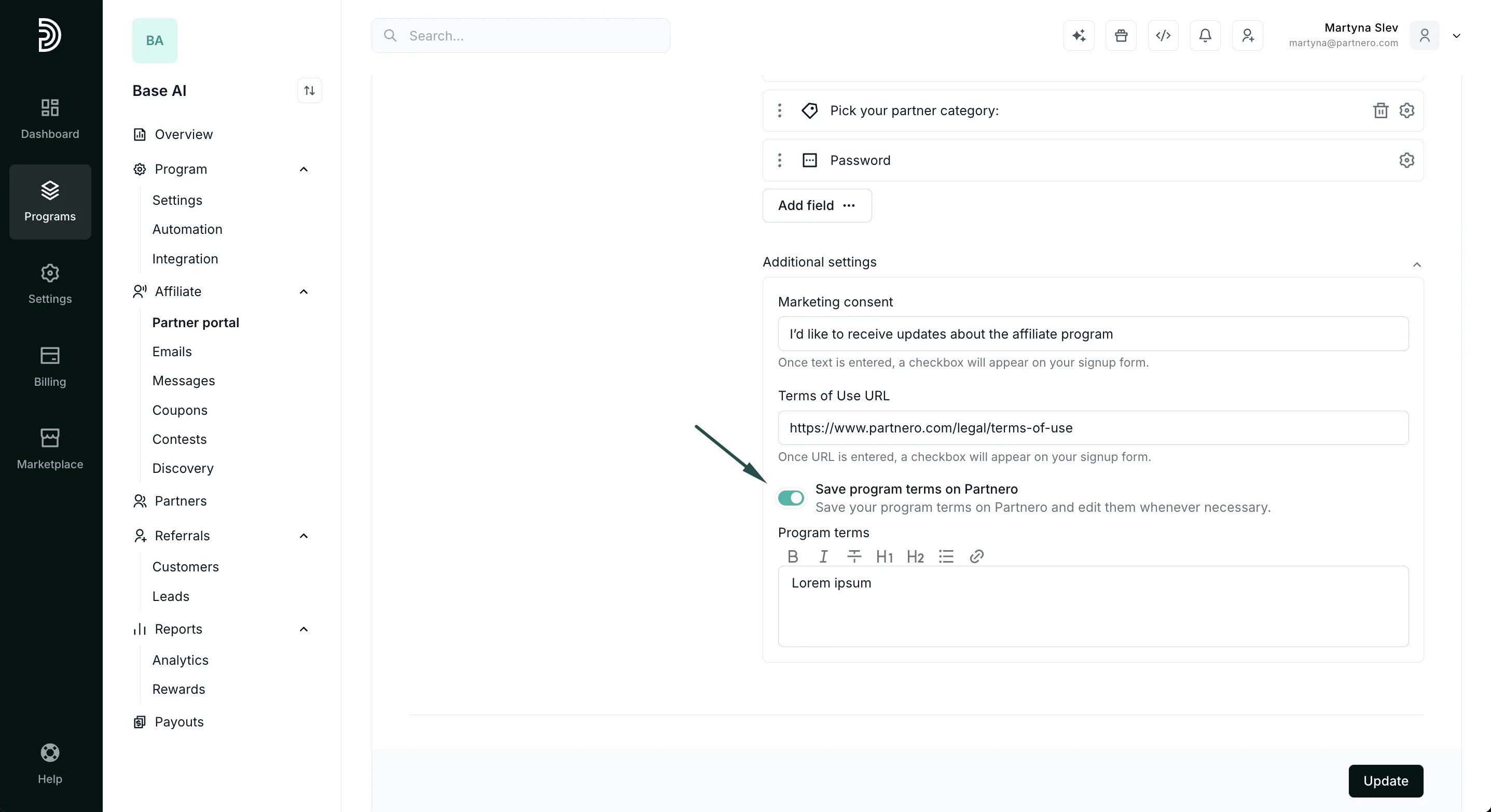
- Toggle to Save program terms on Partnero and paste your program terms into the field:
- Click Update to save your changes.
What a partner sees
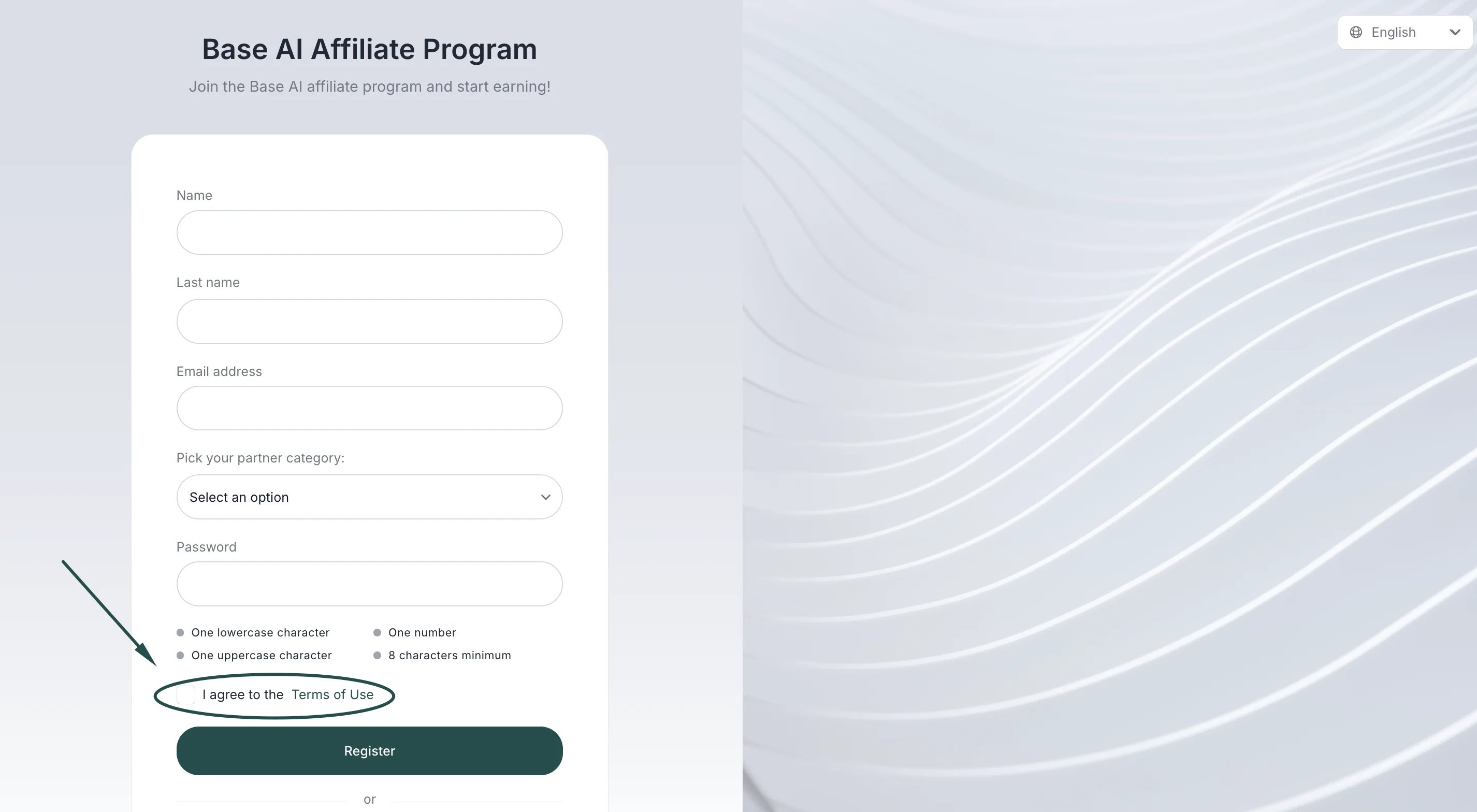
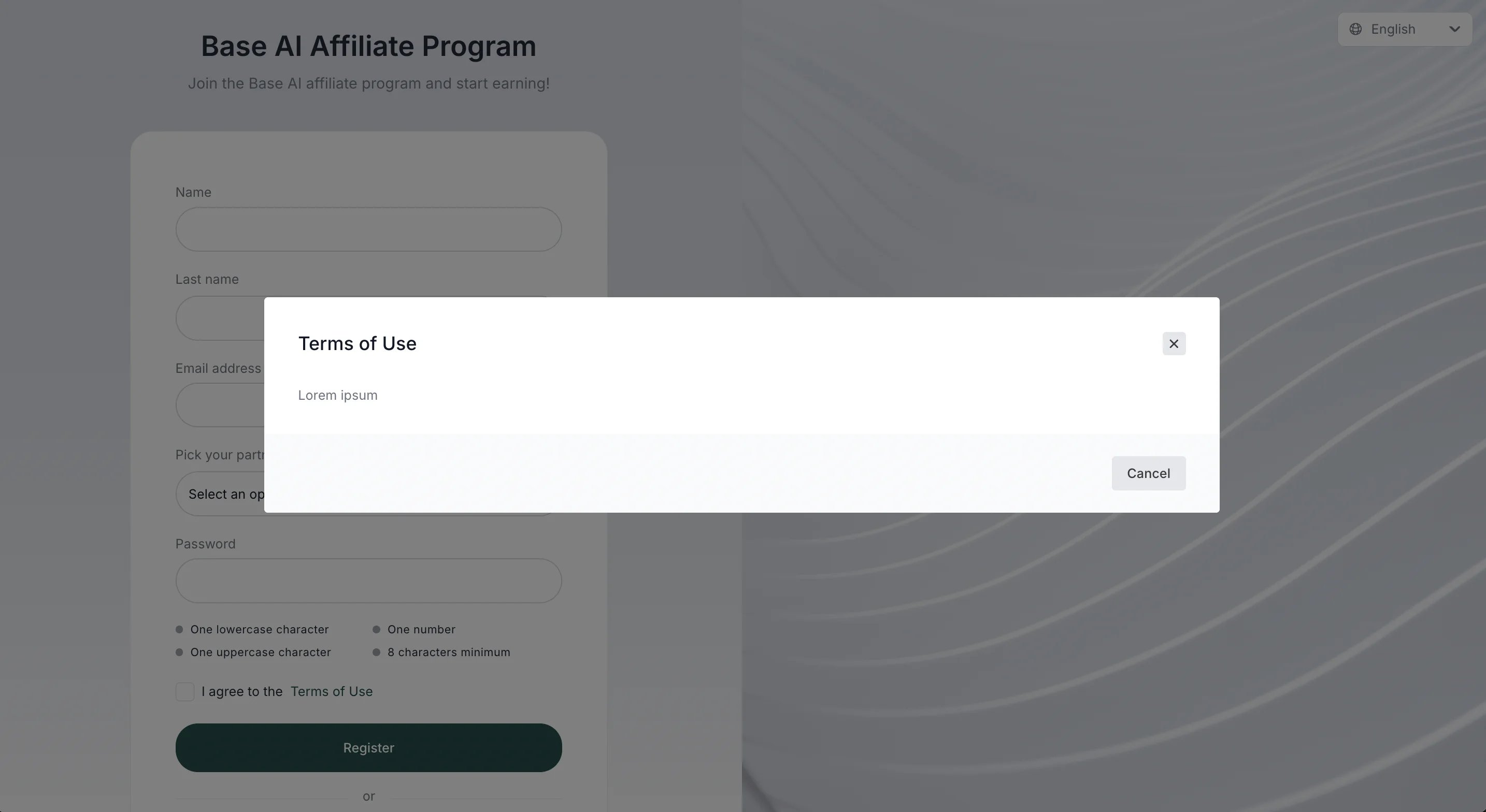
When your program terms are saved on Partnero, a partner will see the usual checkbox on the signup page: