

How it works
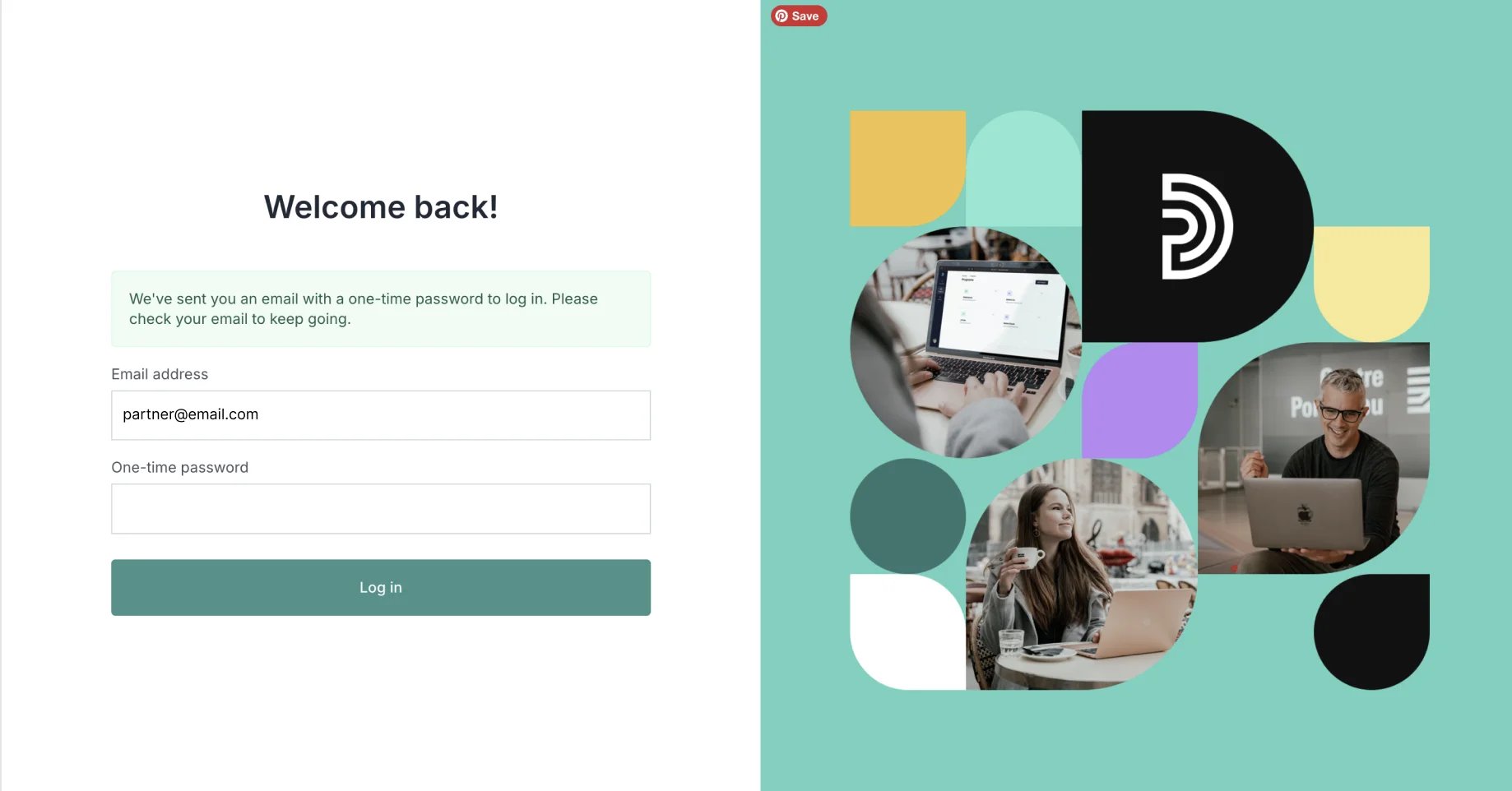
When the passwordless login is enabled, affiliate partners will be asked to enter their email address only when logging in: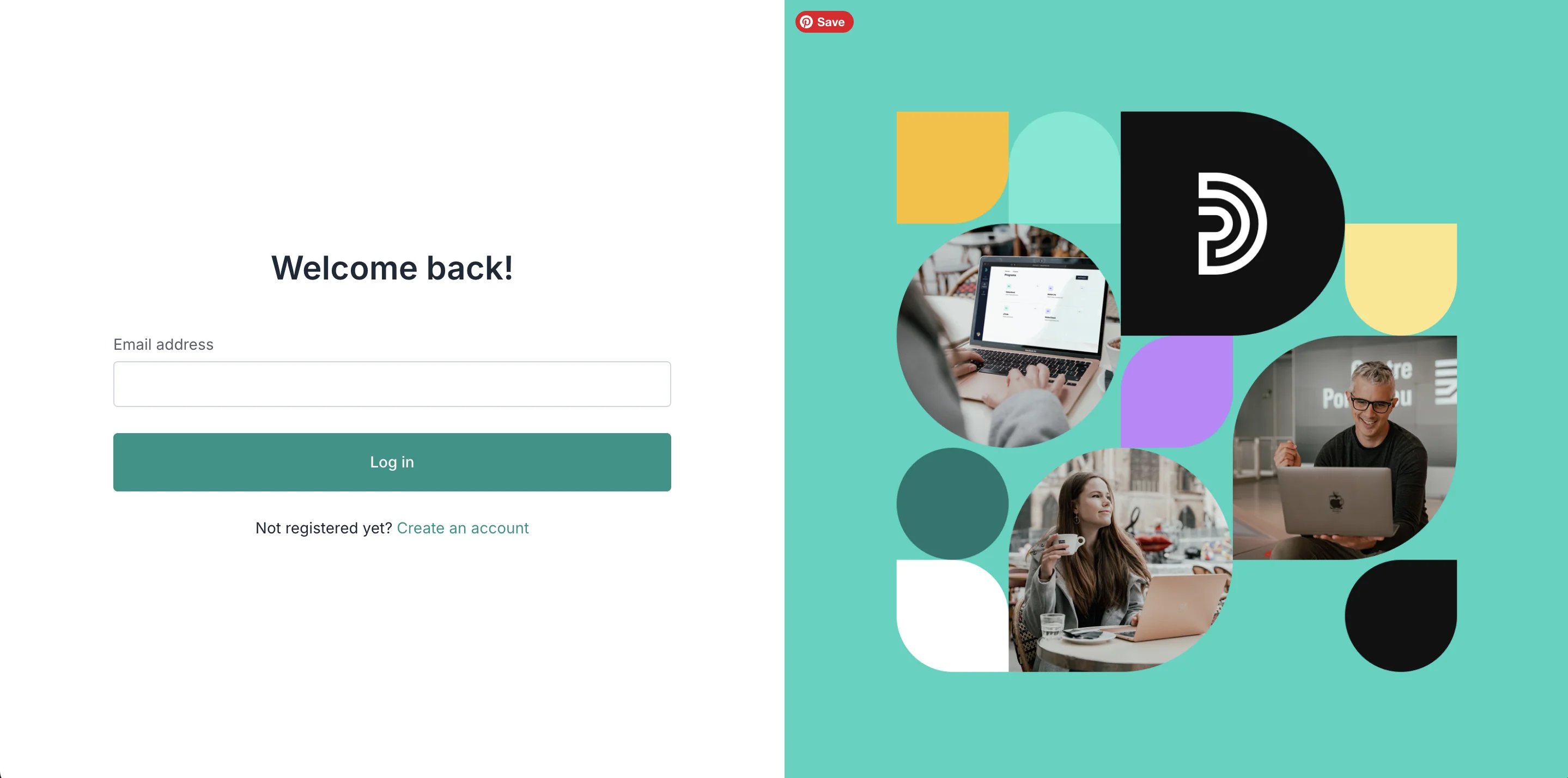
How to enable passwordless login
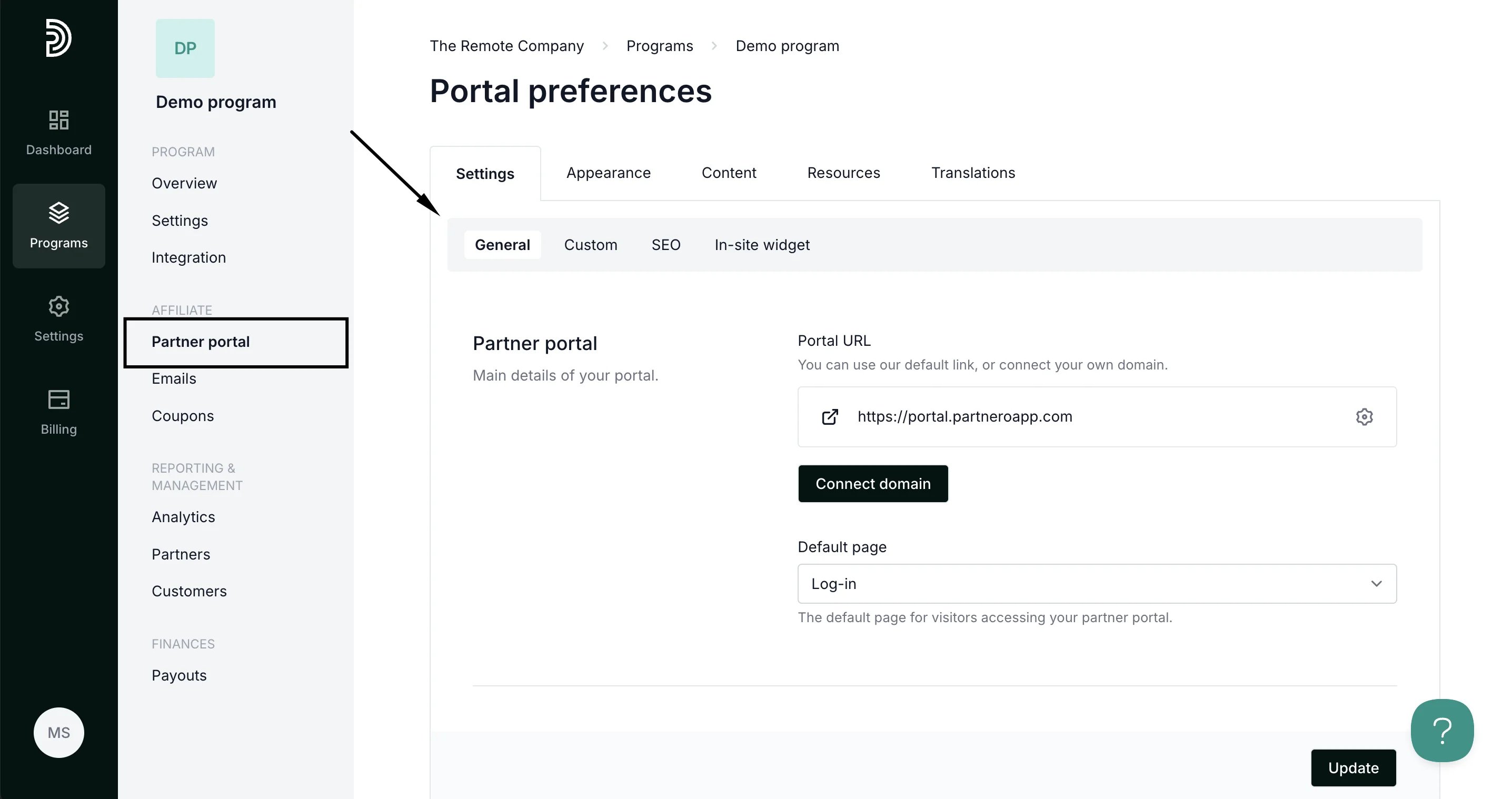
- Open your program and go to Partner portal under Affiliate:
- In the Settings tab, General section, scroll down to Behaviour settings.
- Toggle to Enable passwordless login for partners:
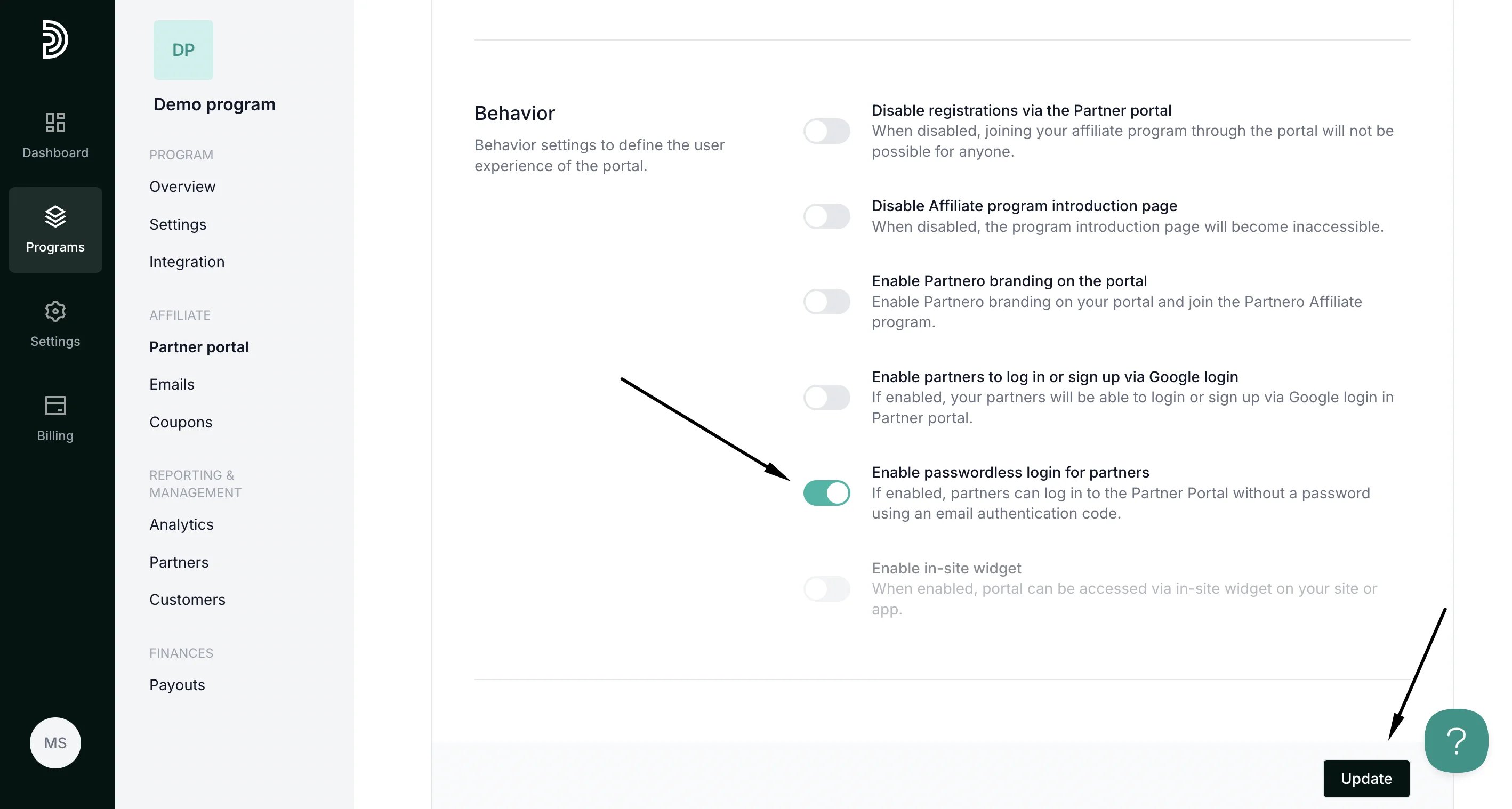
- Click Update to save your changes.
How to edit the email
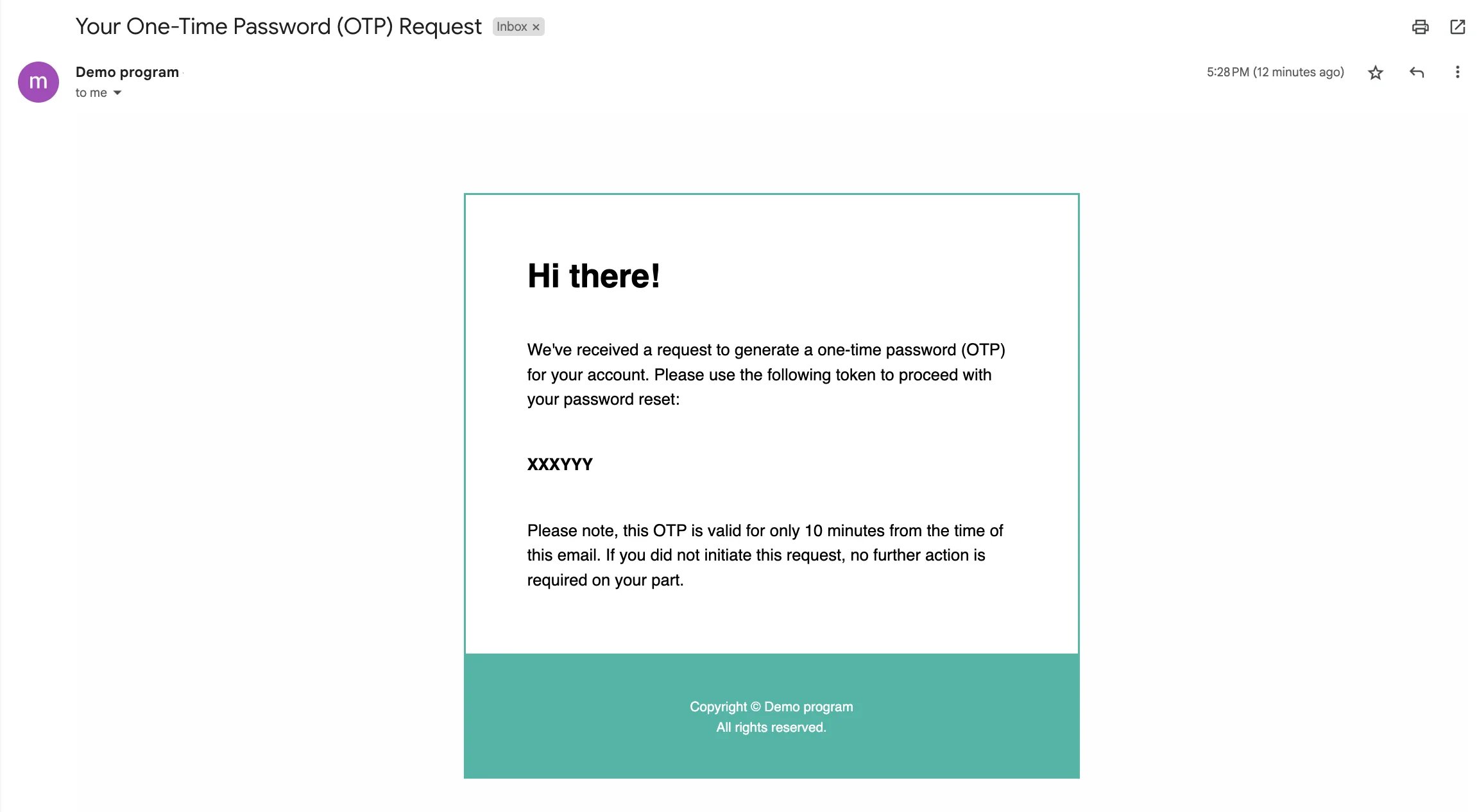
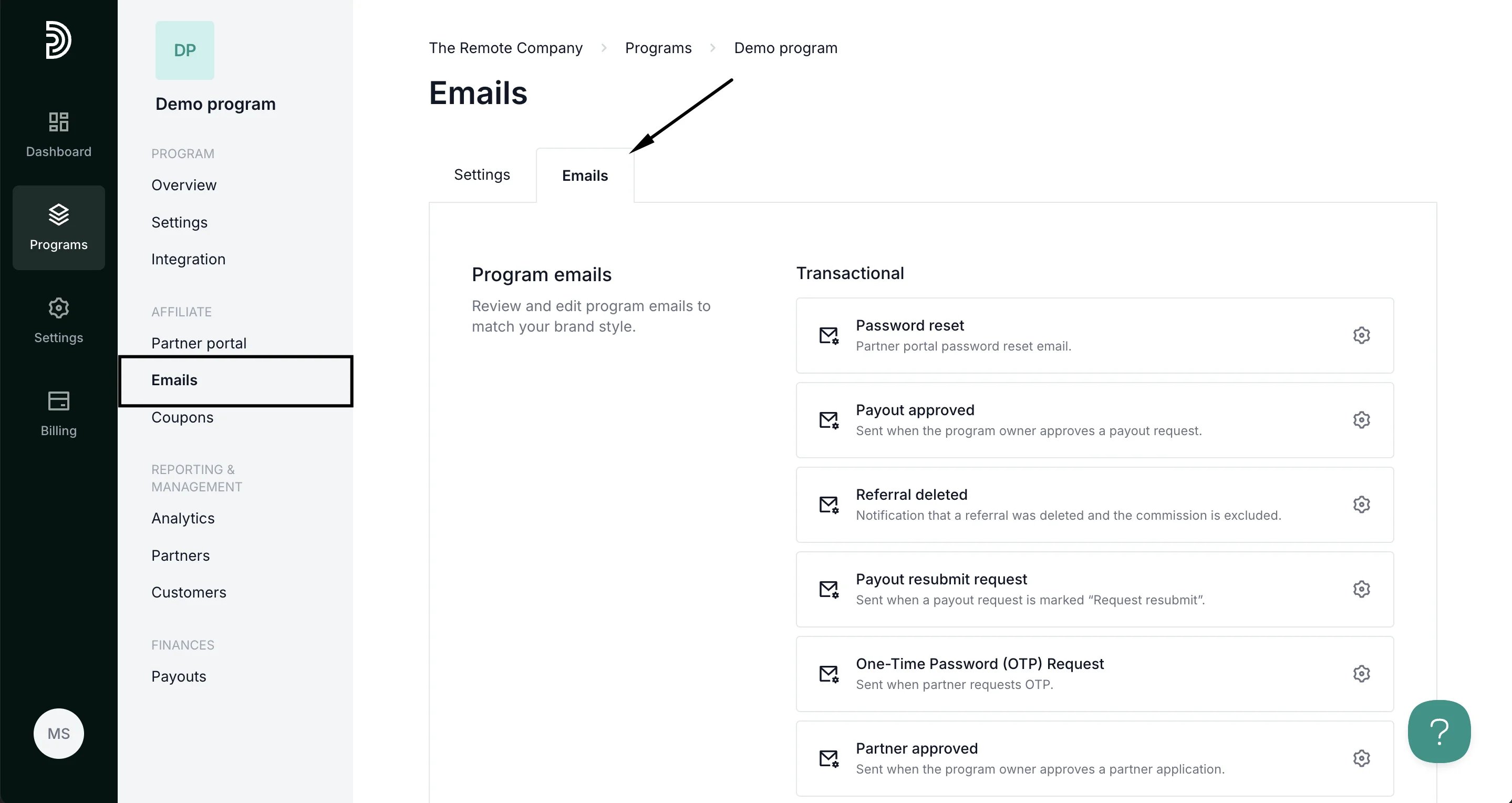
All program emails on Partnero can be edited to fit your brand. The design and edit the OTP email:- Go to Emails under Affiliate and switch to the Emails tab:
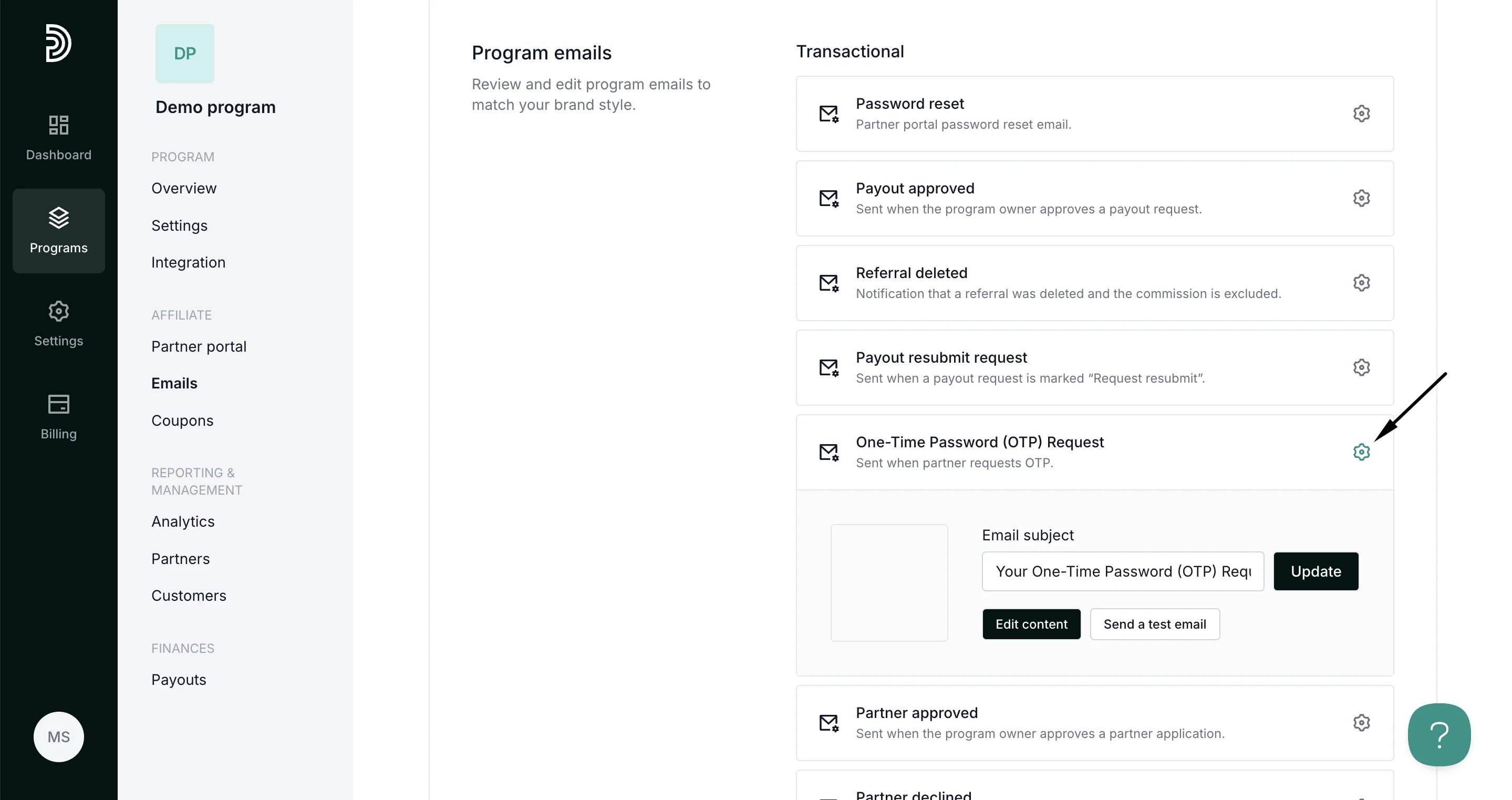
- Click the gear icon next to the One-Time Password (OTP) Request email:
- Here, you can edit the email subject line. Also, you can click Edit content to change the copy or design of the email:
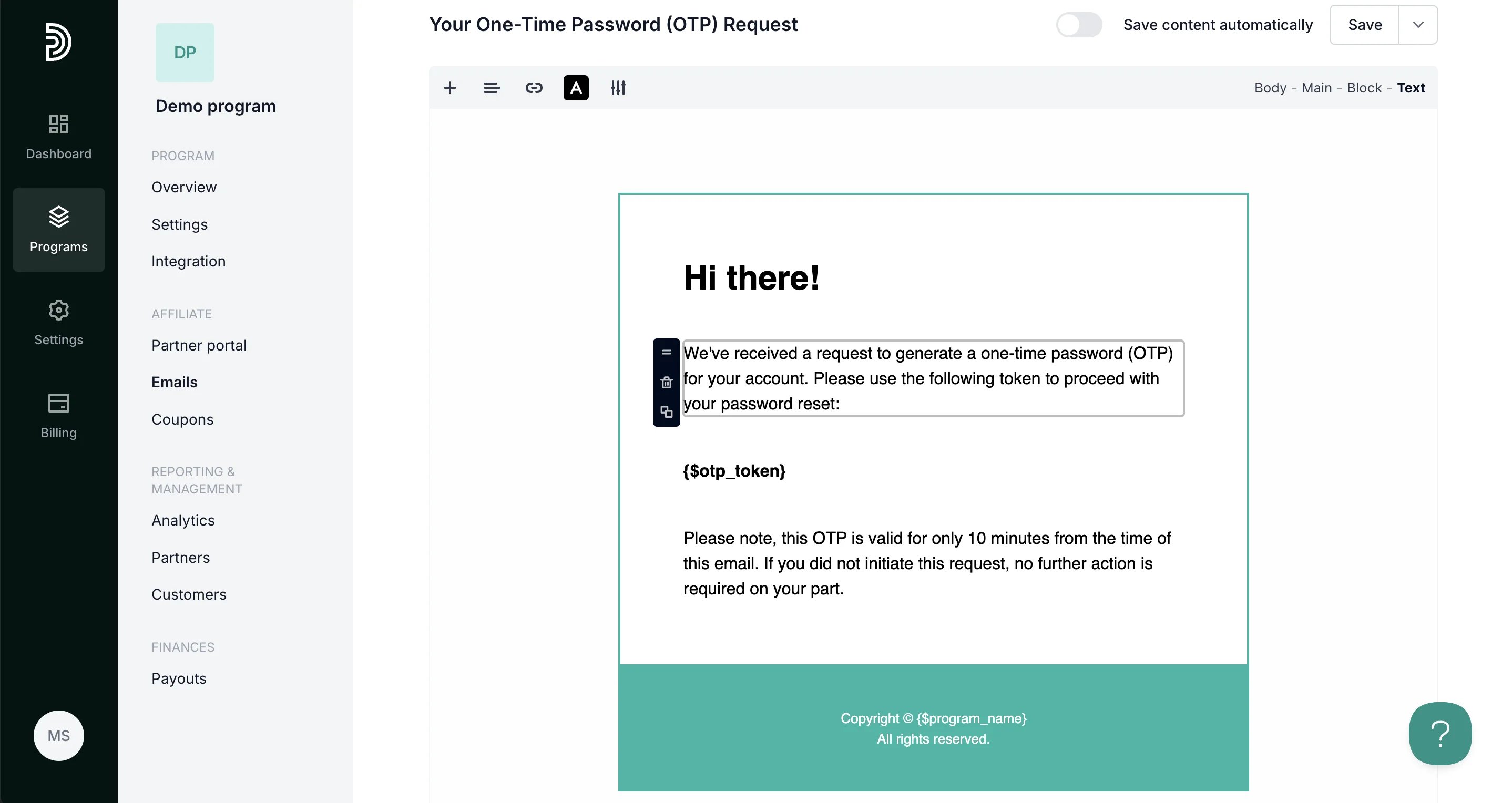
- Don’t forget to click Save and Update to save your changes.