

- To correct or update referral assignments when they weren’t tracked automatically.
- To reassign a partner under the correct referrer.
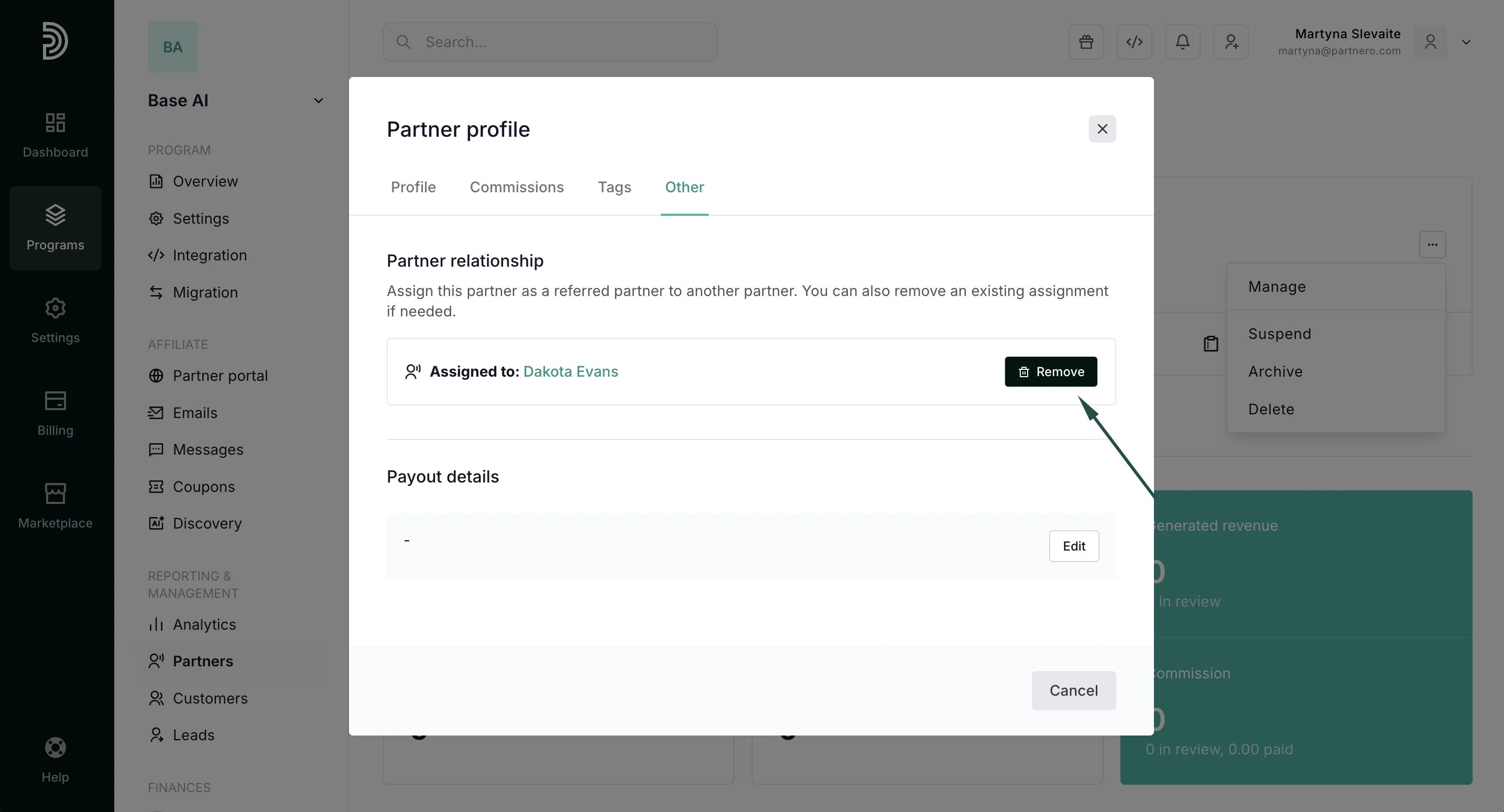
- To remove referral relationships that no longer apply.
How to manually assign or remove a referred partner
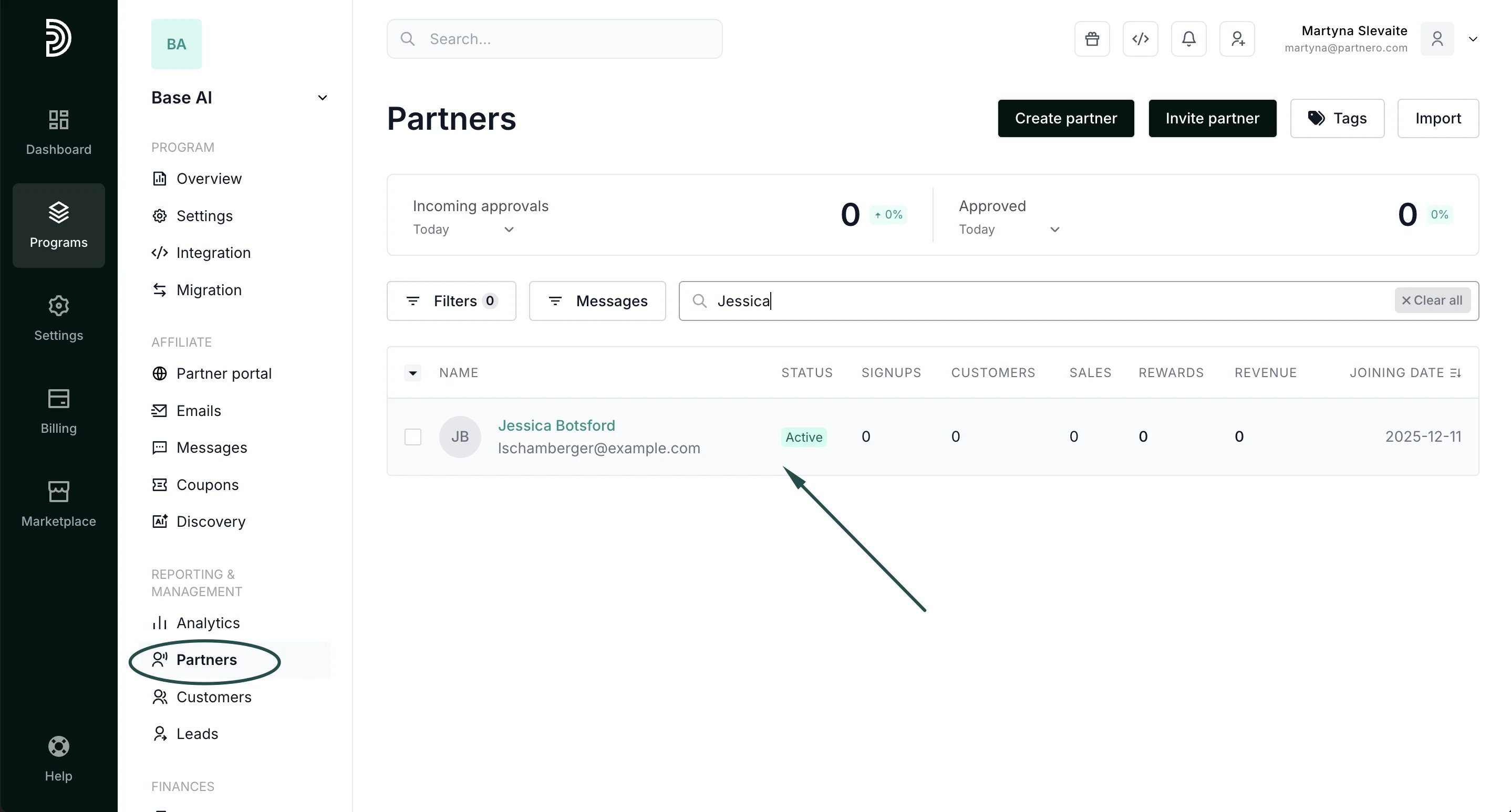
- Go to your Partners list under Reporting & Management.
-
Find the partner whose profile you want to manage:
-
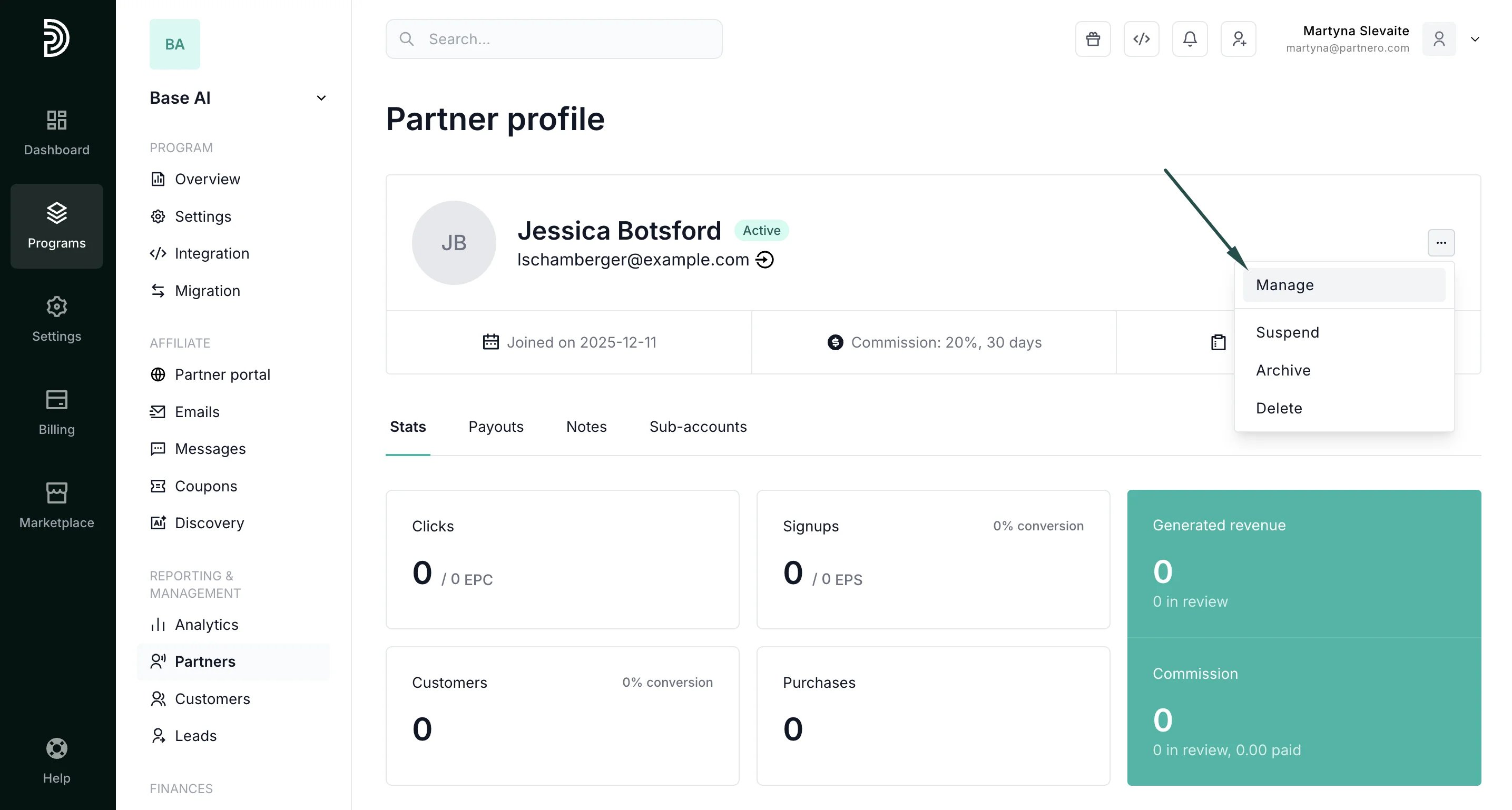
Click on the three dots at the top right and click Manage:
-
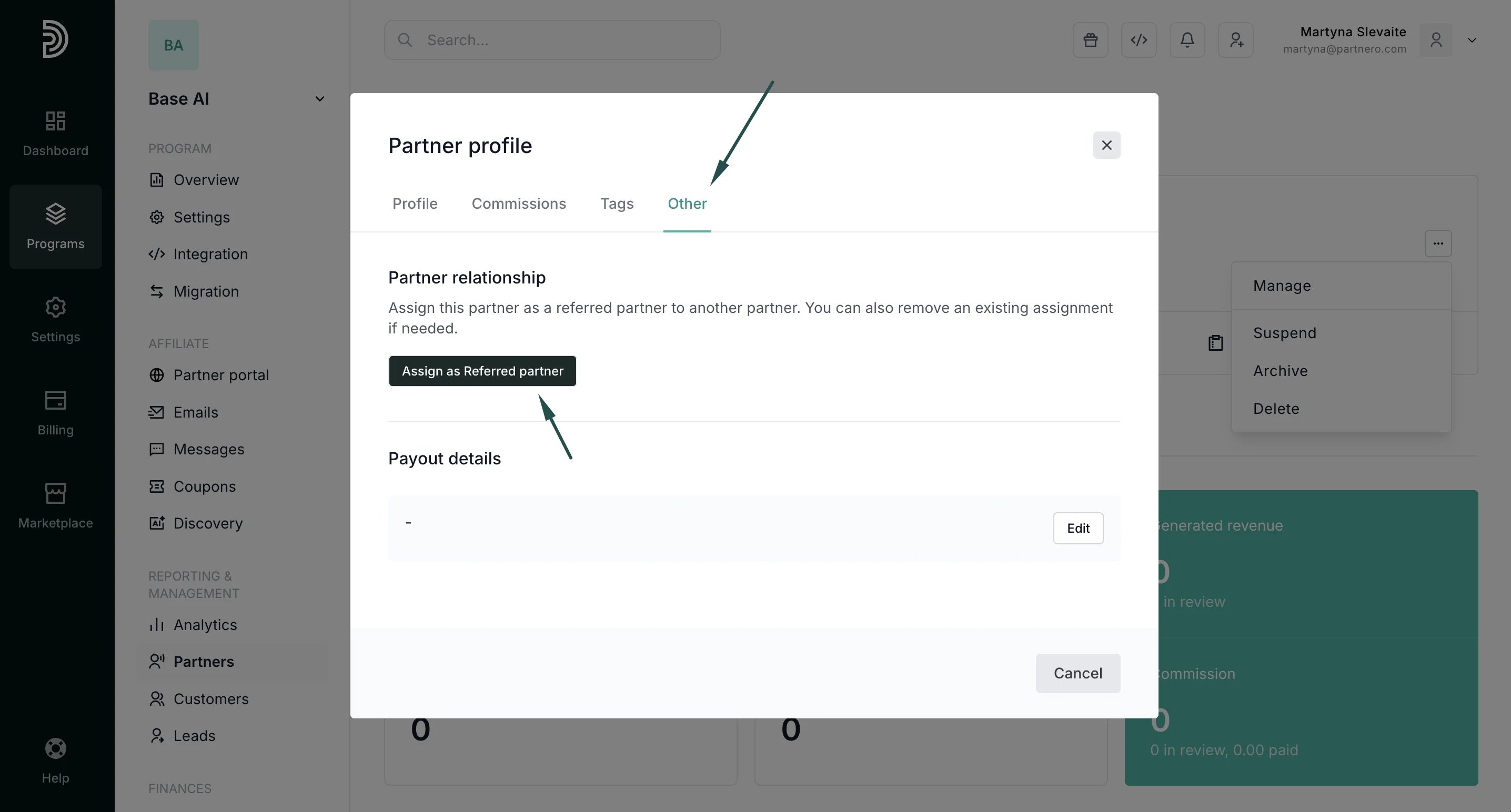
Switch to the Other tab. Under Partner relationship, click Assign as Referred partner:
-
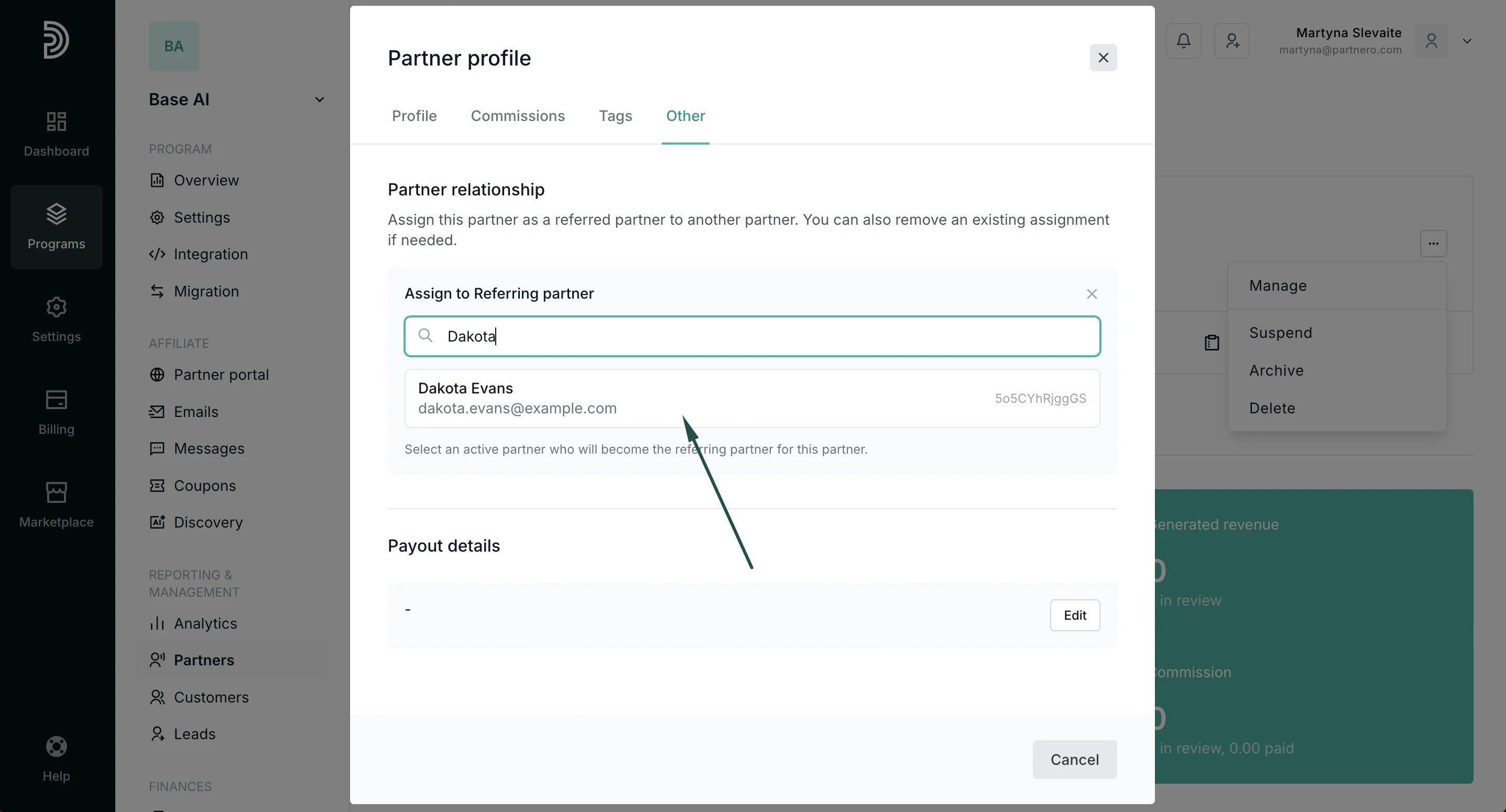
To assign: find and select the referring affiliate:
Things to keep in mind
- This feature only affects referral relationships in multi-level commission programs.
- Adjusting assignments may impact downstream commission calculations.
- A partner can only be assigned one referrer at a time.